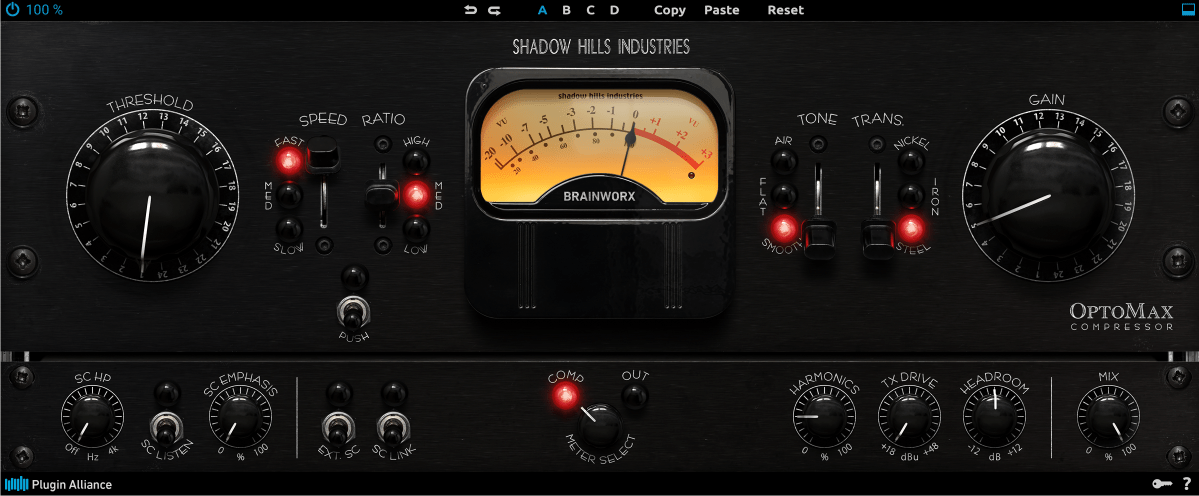
Hi there! This is Jooyoung Kim, a mixing engineer and music producer. Today, I’ll introduce an optical compressor plugin, Shadow Hills Optomax.
I received the NFR code for this product from Plugin Boutique for this review, and if you purchase the plugin using the links included in this article, I’ll earn a small commission that helps me keep going… 🙂 (It’s really hard to live with this job..TT)
Let’s start!
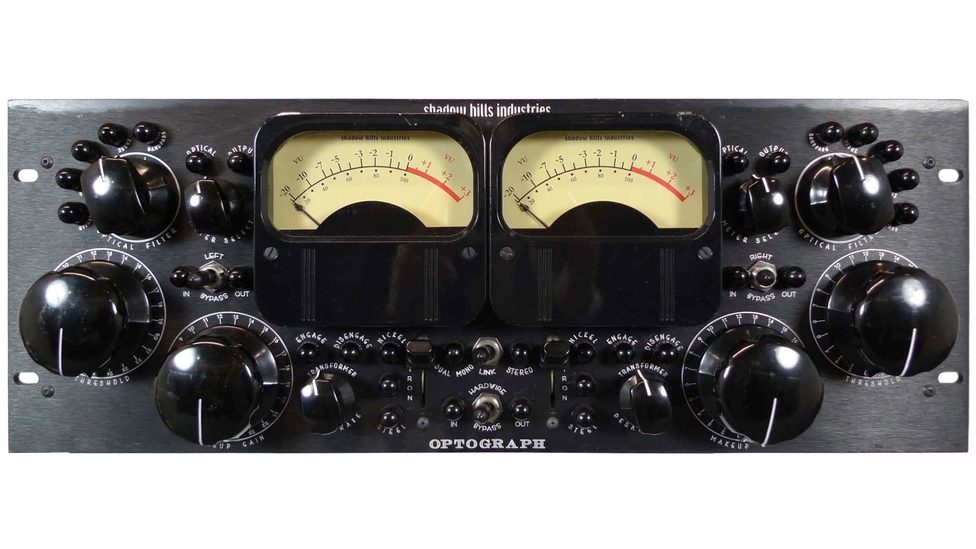
This plugin is a digital clone of the optical part of the Shadow Hills Mastering Compressor produced by Shadow Hills Industries. The hardware, OptoGraph also inspired by the optical section of the Shadow Hills Mastering Compressor. But those two products are not exactly the same.
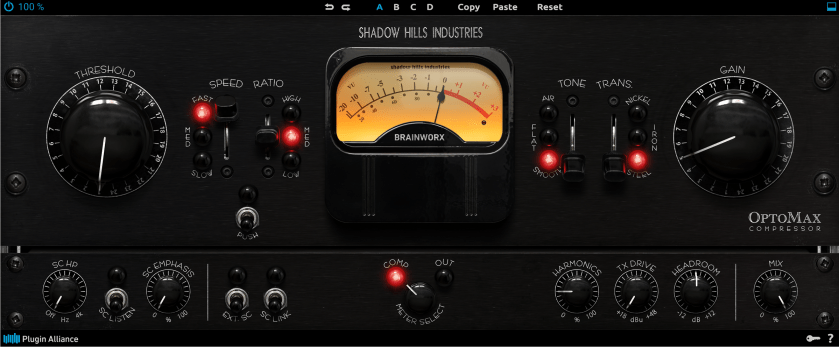
You can see that the UI of the Optomax looks very similar to that of the LA-2A. And it works like LA-2A. However, there are many adjustable parameters, unlike in the LA-2A.
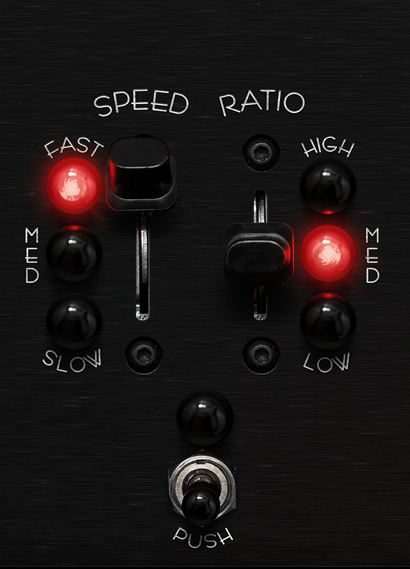
First, you can change the speed of the attack/release, and ratio.
There is no official measurement data in the manual, so I measured it using Plugin Doctor. It seems that the high ratio ranges from 8:1 to 6:1, the medium ratio from 4:1 to 3:1, and the low ratio is 2:1.
And if you turn on the push button, the input gain will be pushed.
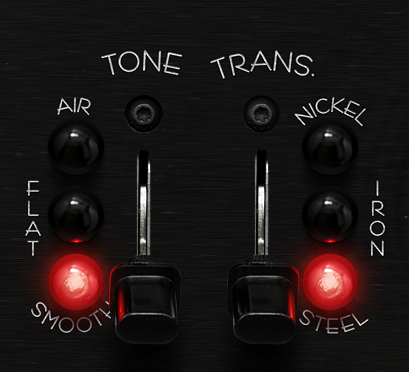
Tone and Trans parameters also exist.
Smooth tone is selected in default state, and this statement cut the high frequencies of the source. So it sounds old and lo-fi.
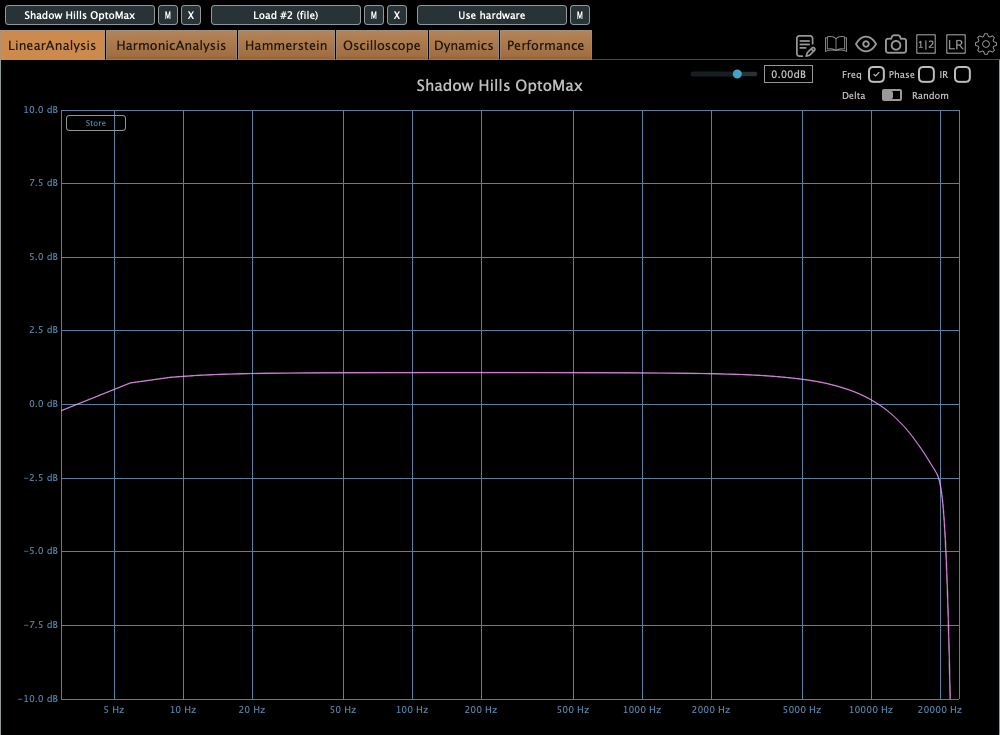
If you select flat, the frequency response will be very flat in whole frequency domain except super low frequencies. I recommend this statement. It’s sound is very similar to that of the Waves CLA-2A.

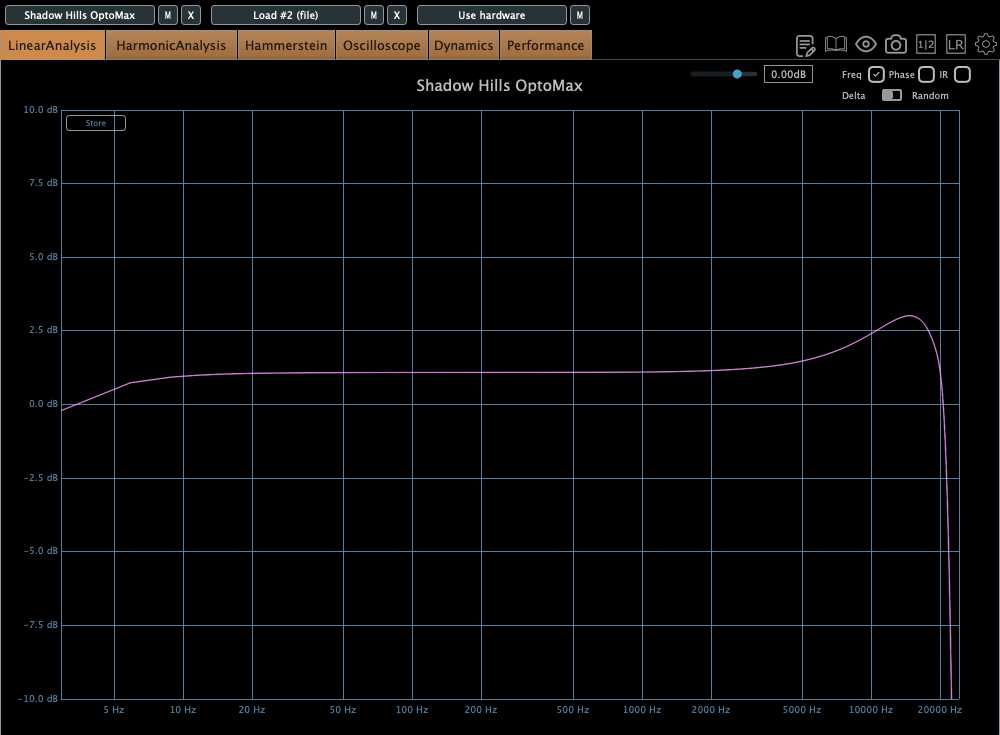
In Air state, super high frequencies are emphasized. You can see the frequency response in the graph.
Let’s move on to the trans parameter. It operated within the frequency response, especially in the super low frequency range. Nickel cuts the frequencies very slightly, Iron cuts them more than Nickel, and Steel cuts them more than Iron.
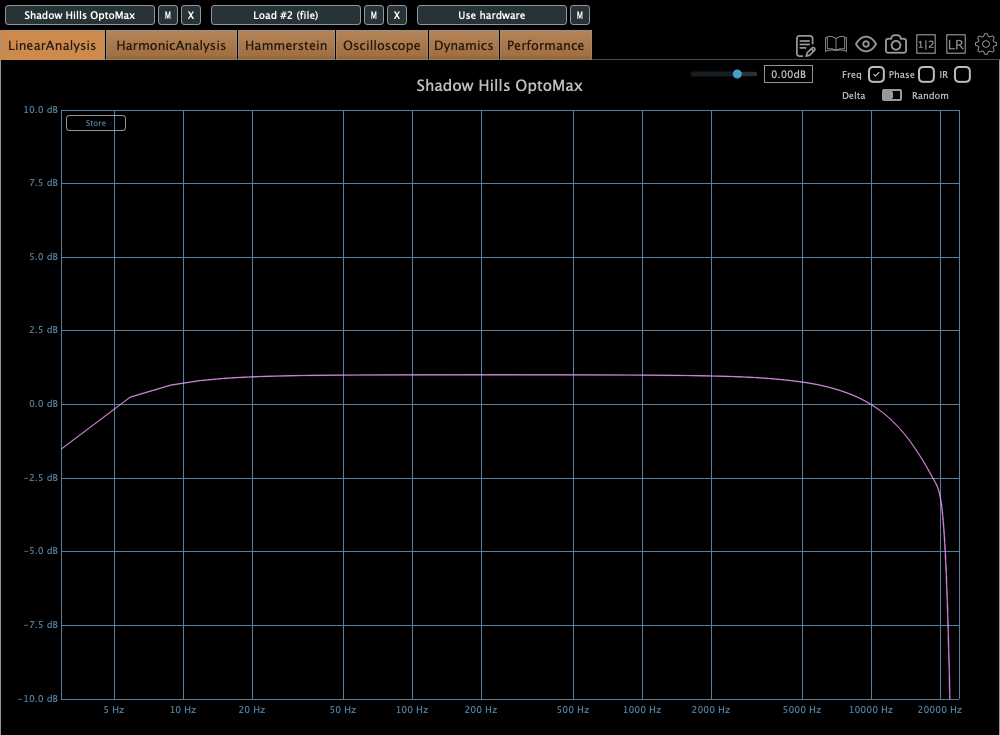

I recommend using Steel for vocals. It lightens the vocals, creating a difference between the CLA-2A and this plugin.

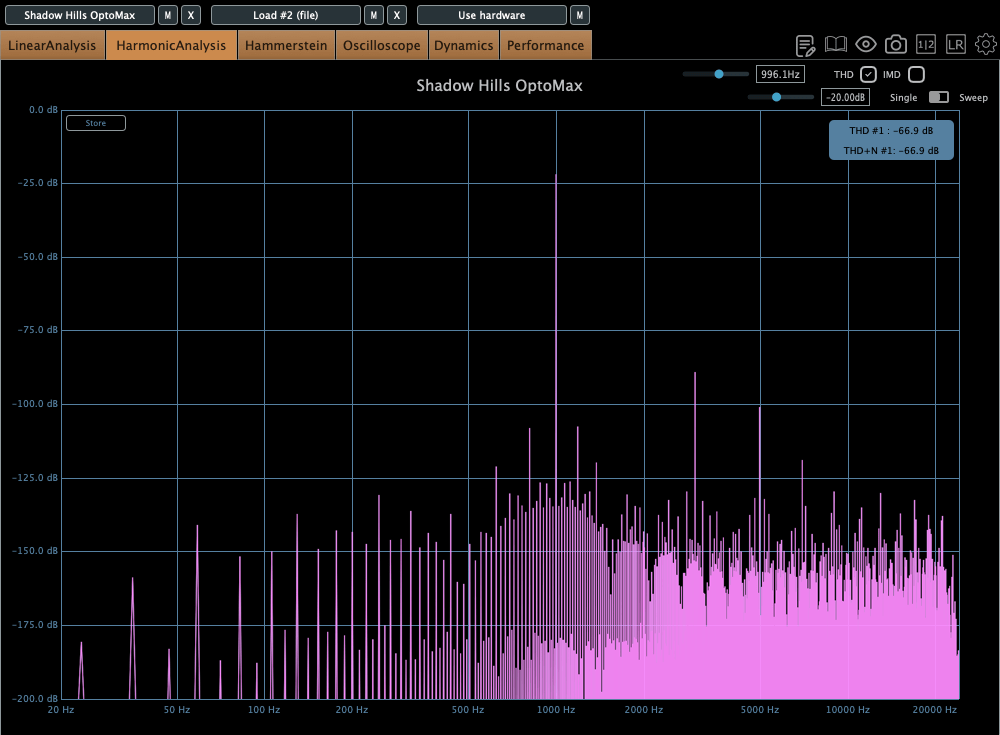
Let’s see the bottom of the plugin. Every parameter is familiar. But what is TX Drive? The term “TX” means Transformer. Therefore, TX drive refers to the harmonic distortion of the transformers. If you gain a large amount of these values, you can get a significant amount of harmonic distortion at low frequencies.
Other parameters, such as internal/external sidechains, Harmonics, Headroom,and Mix are common. So, I’ll skip them..:)
This plugin is really awesome! I think I’ll use it quite often, like the CLA-2A.
If you are interested, please find out OPTOMAX at Plugin Boutique.

 Jooyoung's Music Blog