The Basics of Mixing – 10.1 Modulation Effects (Part 2)

Hello, this is Jooyoung Kim, a mixing engineer and music producer!

Continuing from my previous post, today we’re diving deeper into modulation effects.

This content is based on my book, The Basics of Mixing, which I wrote in Korea.

Let’s get started!


1) Tremolo
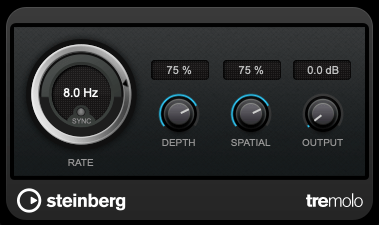
As previously mentioned, modulation effects involve altering a parameter over time. Tremolo specifically modulates volume over time.

When applied heavily, it can create a pulsing effect, and it’s also useful for adding an artificial groove to your track.


2) Vibrato
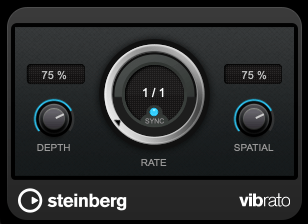
Vibrato, unlike tremolo, modulates pitch instead of volume.

Pretty simple, right?


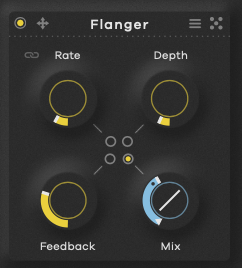
3) Flanger
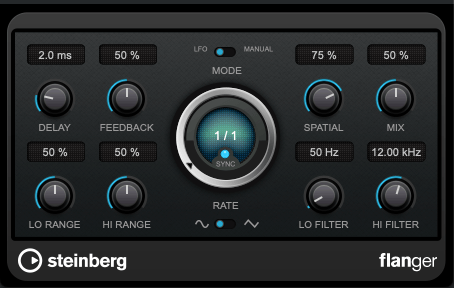
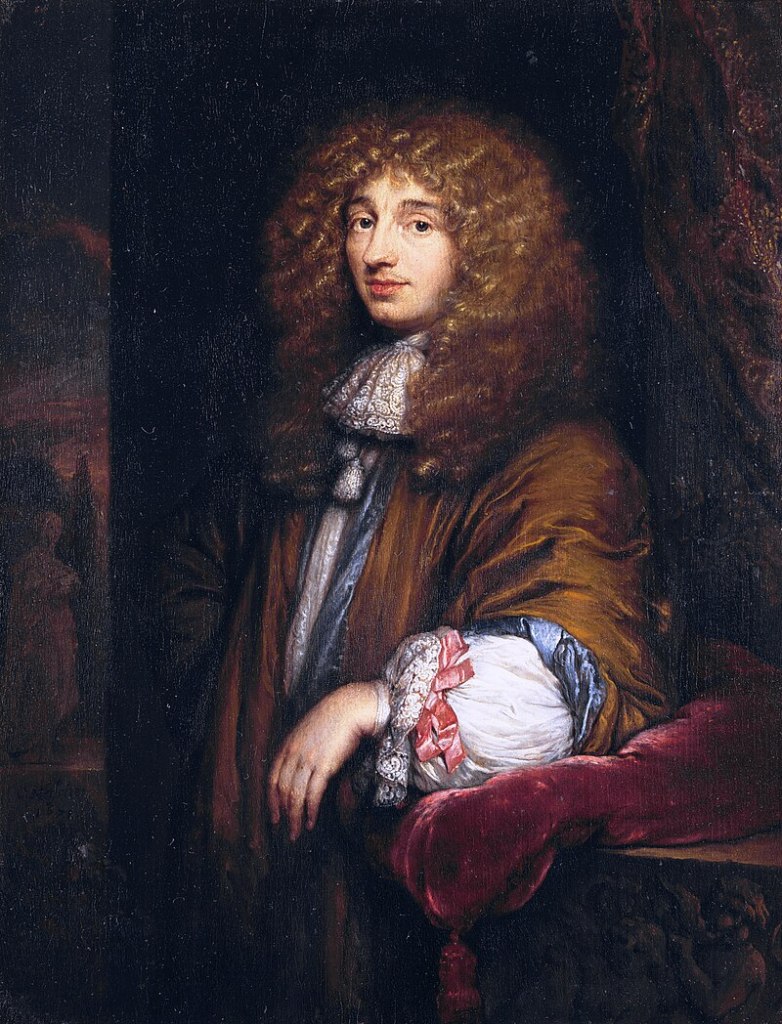
The flanger effect has roots tracing back to Christiaan Huygens, the Dutch mathematician, physicist, and astronomer. (For those familiar with physics, you might recall Huygens’ Principle from studying waves!)

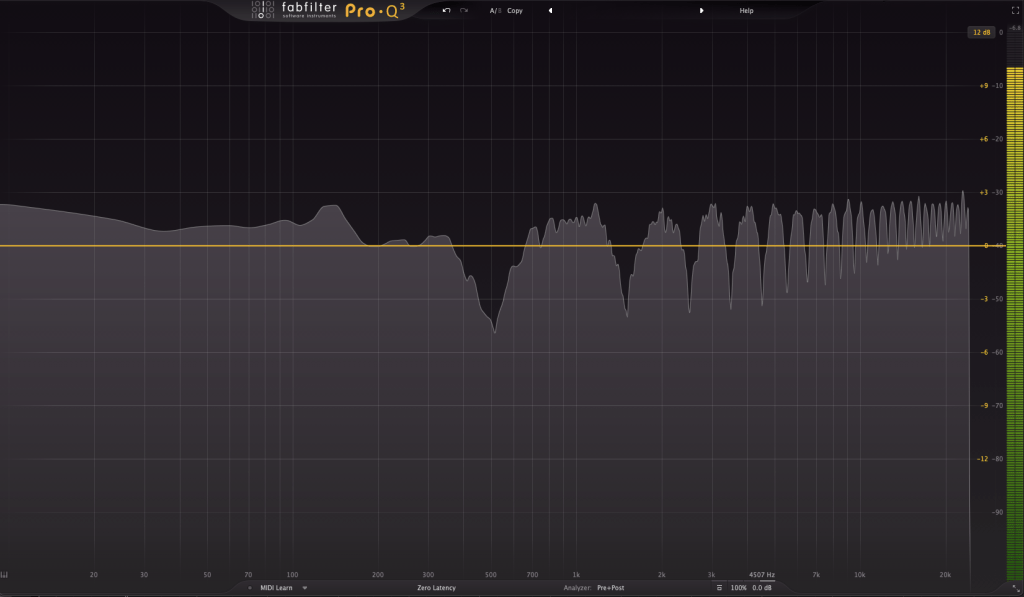
Flanger works by duplicating the original sound and playing the copy after a very short delay, creating what’s known as a comb filter effect.

By adjusting the delay time, the peaks and troughs in the frequency response created by the comb filter shift back and forth.

This may sound complex, but experimenting with it will make the concept much clearer. It’s this shifting comb filter effect that produces the signature whooshing or “rocket-like” sound of flanging.


4) Chorus

Chorus is similar to flanger but has a few key differences.

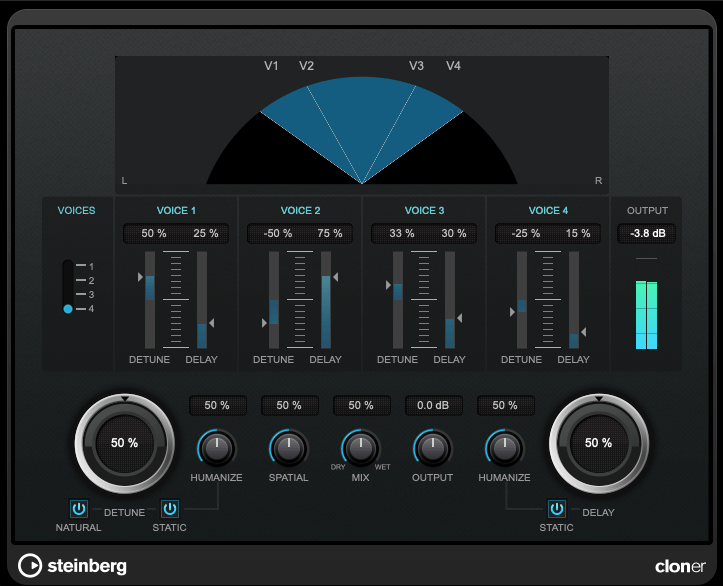
In chorus, the original sound is copied and delayed (often with multiple copies), but the delay time is longer than in flanging. Additionally, chorus effects often include adjustments to panning and pitch, creating a richer and fuller sound.


5) Phaser

Phaser is another modulation effect that shares similarities with flanger but operates differently. Instead of applying a short delay like flanger, a phaser uses an all-pass filter to manipulate the phase of the sound.

This phase-shifted sound is then blended with the original, resulting in a comb filter effect, just like flanger. However, the method of achieving this effect gives phasers their unique, swirling sound.

If you look at the waveforms, you’ll notice the phase shifts caused by the phaser. While the subtle changes in pitch can also be observed in the waveform, it’s tricky to capture it perfectly in a screenshot.


Final Thoughts

Understanding the principles behind these effects can help, but hands-on practice is essential to mastering their use. Spend time experimenting with these effects to familiarize yourself with their unique sounds and applications.

Both theoretical knowledge and practical experience are crucial, so try to balance learning with experimentation!

See you in the next post! 😊
Basics of Mixing – 10.1 Modulation Effects (Part 1)

Hi everyone! This is Jooyoung Kim, a mixing engineer and music producer.

Today, I want to talk about modulation effects, which are often overlooked during mixing.

(These concepts are based on my book Basics of Mixing, published in Korea.)


What are Modulation Effects?

In simple terms, modulation effects involve changing certain parameters over time.

Do you frequently use modulation effects when composing or mixing?

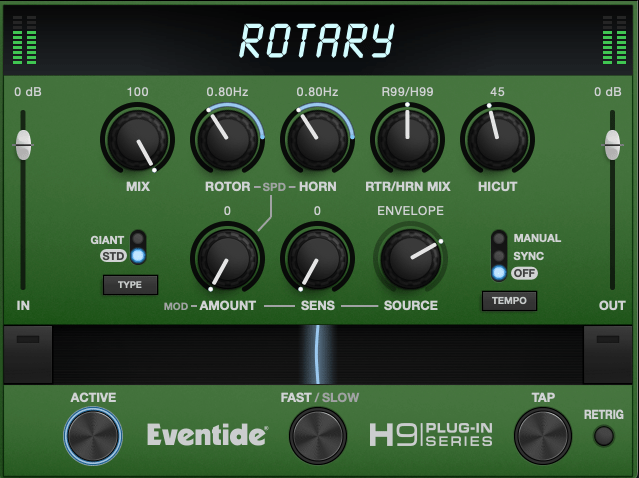
Do you ever have tools like these but rarely touch them?

I believe modulation effects, along with reverb and delay, are crucial in determining the quality of a track. However, even if you understand the theory behind these effects, you might hesitate to use them if you’re unfamiliar with how they sound in practice.

That’s why I encourage you to experiment with modulation effects regularly, even if it feels forced at first.


Types of Modulation Effects

Let’s break down some common modulation effects:

  1. Tremolo
  2. Vibrato
  3. Flanger
  4. Phaser
  5. Chorus

Before diving into these, we need to discuss two foundational concepts: the All-Pass Filter and the Comb Filtering Effect.


All-Pass Filter

An all-pass filter allows all frequencies to pass through unchanged. But why would we use such a filter?

The answer lies in phase.

When a signal passes through an all-pass filter, the phase shifts depending on the frequency. Combining this filtered signal with the original creates unique sounds due to constructive and destructive interference at different frequencies.

For more details on phase and interference, check out “Basics of Mixing – 2.2 Phase and Interference.”


Comb Filtering Effect

The comb filtering effect occurs when an original signal is combined with a delayed version of itself. This results in a frequency response that looks like the teeth of a comb.

It’s easy to understand this concept through simple experiments.

When every frequency in a signal is delayed by the same amount, some frequencies cancel out (destructive interference), while others amplify (constructive interference). This creates the characteristic comb-like frequency response.

Effects like flanger, phaser, and chorus are built on these principles of phase manipulation.


That’s all for now! In the next post, I’ll delve deeper into each modulation effect.

See you next time! 😊

Baby Audio Transit 2 Sale (~12/31)

Hello! I’m Jooyoung Kim, an audio engineer and music producer.

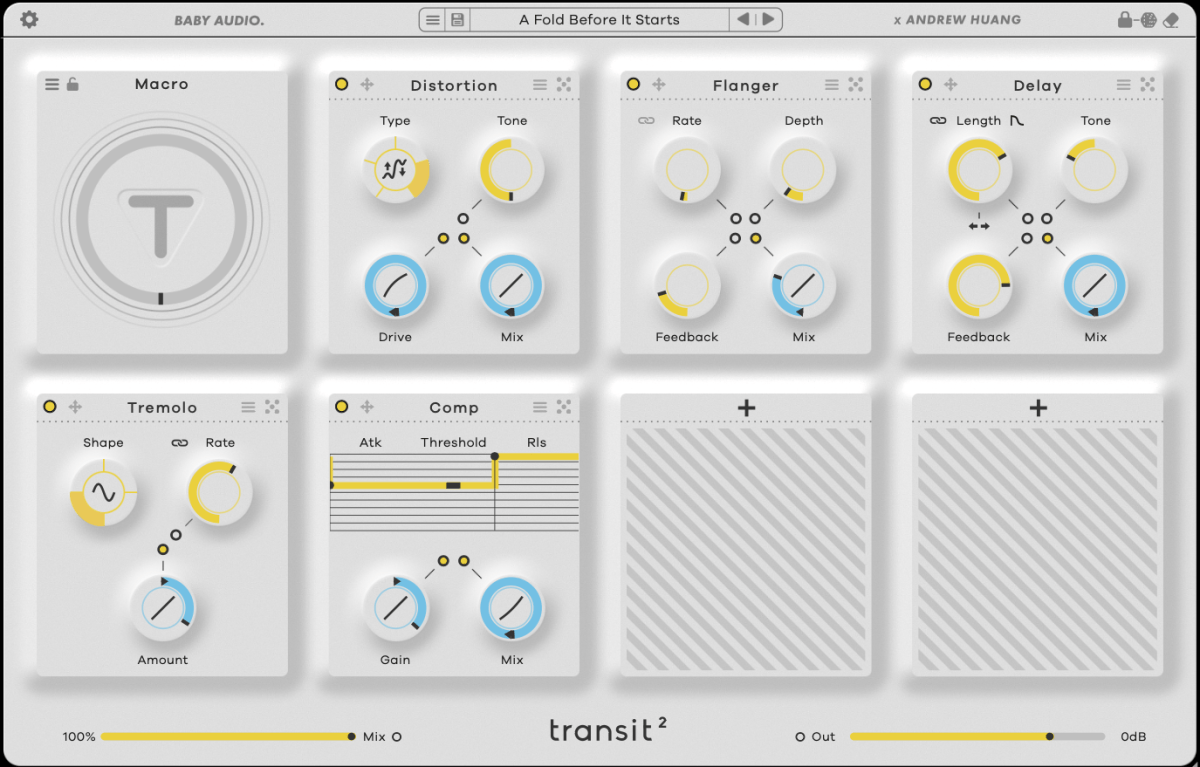
Today, I’ll introduce “Transit 2,” a plugin developed in collaboration between Canadian musician Andrew Huang, known widely on YouTube, and Baby Audio.

This is Andrew Huang!

As always, I received this plugin from Plugin Boutique in an NFR (Not For Resale) format. The views in this post are entirely my own.

Let’s dive in!

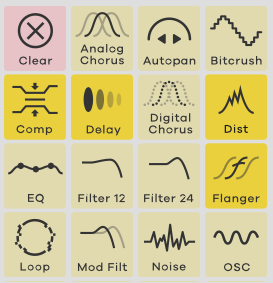
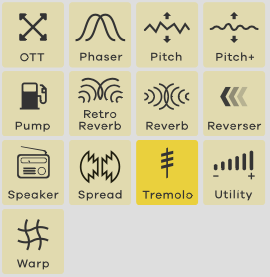
Transit 2 is an all-in-one plugin offering 28 effects.

Typically, plugins like this are less about mixing and more useful for adding dynamics during composition with tools like LFO and macros. Think of it as a way to add energy to your track.

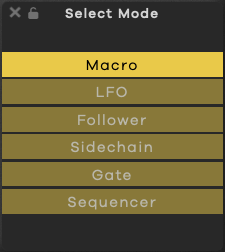
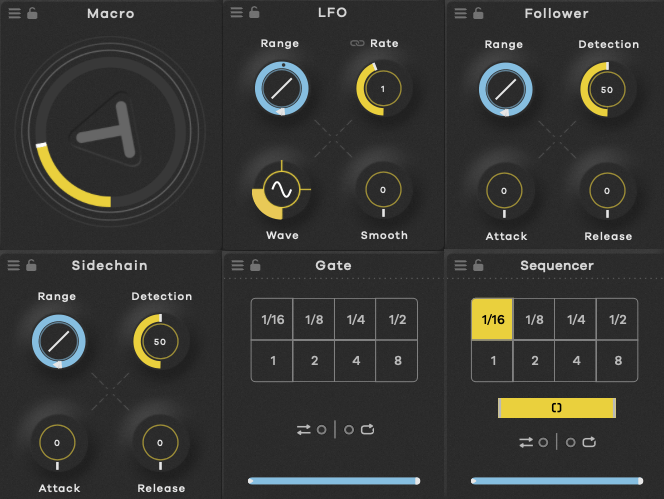
Transit 2 features six modulation options: Macro, LFO, Audio Follower, Sidechain, Gate, and Sequencer, allowing you to alter effect parameters based on your chosen setting.

Rather than going through each of the 28 effects, let’s explore how you might best use Transit 2 in your workflow.

Clicking the dice icon in the top right corner…

…changes only the parameters for the top three effects, while the bottom four effects are fully randomized, including the effect type itself.

The dot in the center acts as a switch to toggle modulation on and off for parameters like Macro. Blue indicates a positive direction, red a negative direction, and yellow is a fixed, non-modulated value.

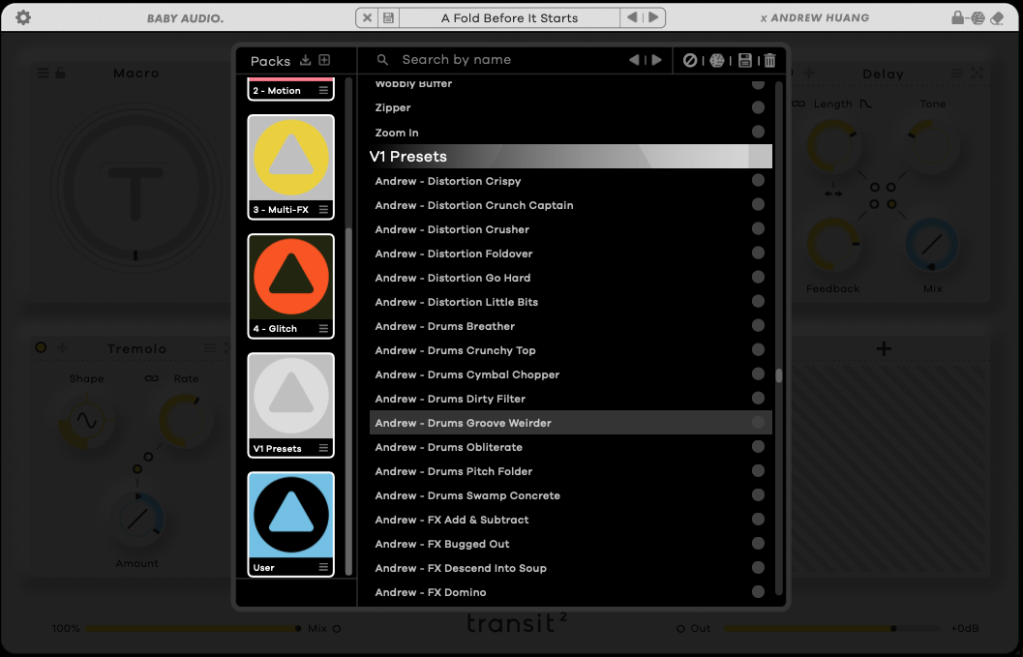
There are also numerous presets.

So, how should you use it? There are two main approaches:

  1. If you’re familiar with each effect and know the exact sound you want, you can create a setup from scratch. It’s a bit time-consuming but allows for precise customization.
  2. If you’re looking for something fresh, start by exploring presets. Once you find a tone you like, place the core effects in the top row and let the randomization feature introduce a bit of unpredictability, like a modular synth. This approach takes some time too.

Personally, I find that applying modulation effects and using the Follow or Sidechain functions creates a groove that blends well with other sounds.

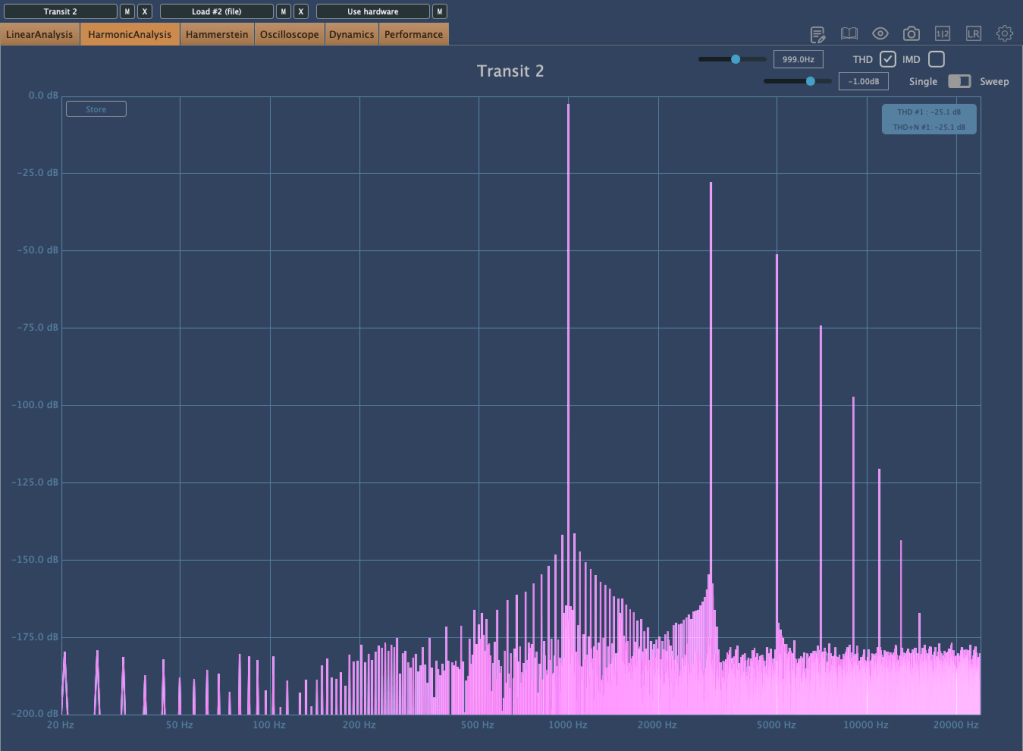
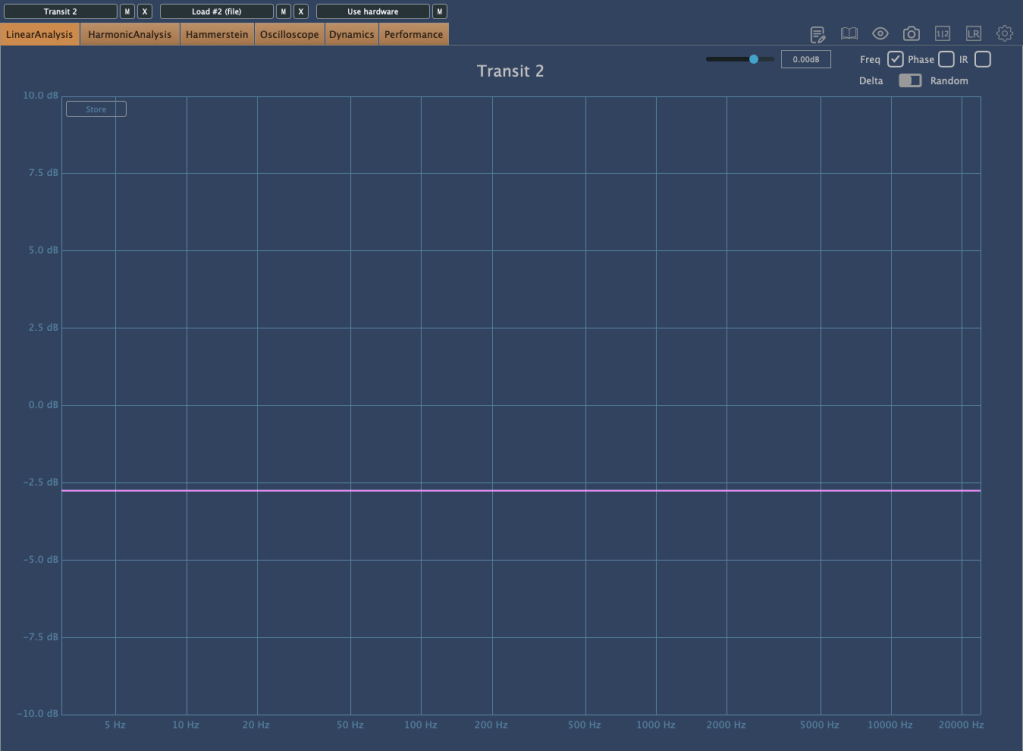
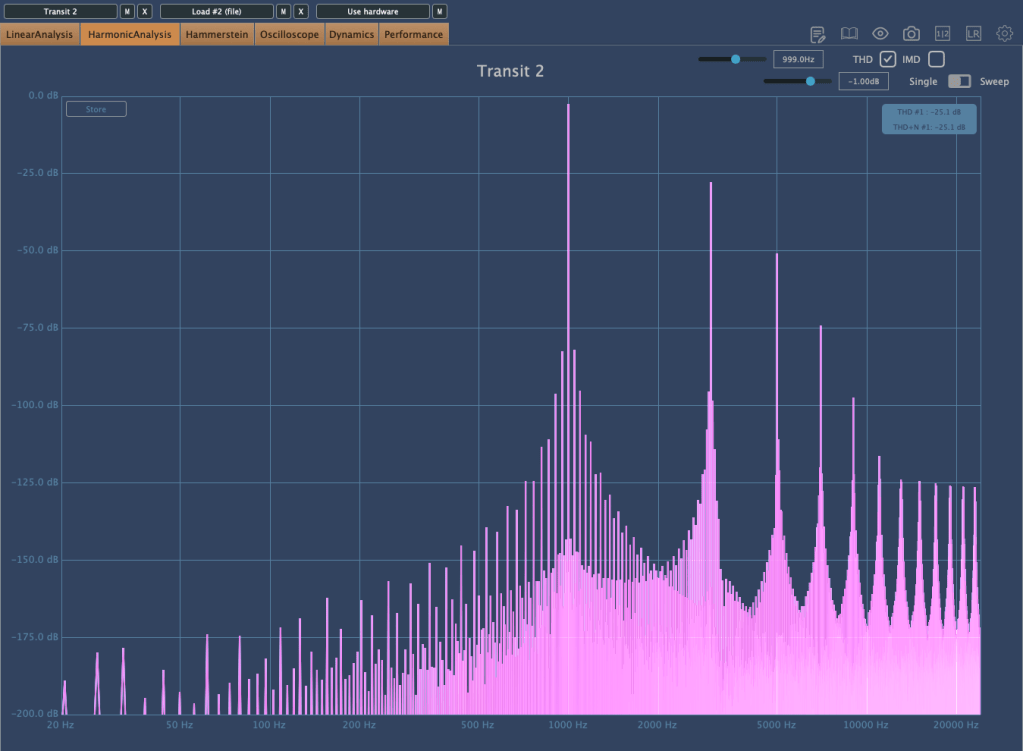
Without any effects applied, there’s some basic saturation, and the volume decreases.

Interestingly, bypassing the plugin creates a unique harmonic distortion.

The plugin is well-optimized, with low latency considering the effects it offers. Testing a few presets, I noticed almost no channel latency, with the highest around 1.4 ms.

With a plugin like this, you can achieve various effects, making it a versatile addition.

I tried it with different instruments like piano, bass, guitar, and vocals. Personally, it worked exceptionally well with recorded electric bass.

Additionally, you can create interesting sounds by experimenting with samples from places like Splice.

This month, if you purchase a plugin from Plugin Boutique, you can get AIR Music Technology’s Solina virtual instrument or Zynaptiq’s ORANGE VOCODER NANO for free.

With Black Friday approaching and Transit 2 on sale until the end of the year, it might be worth keeping an eye on it and grabbing it during the sale.

See you in the next post!