Hello everyone, I’m mixing engineer and music producer Jooyoung Kim.
Today, following my previous post on the Portal plugin and its discount, I’m excited to introduce Output’s Thermal plugin.
(Purchasing through this link will give me a small commission, which greatly helps in running this blog.)
As mentioned in the previous post, Plugin Boutique has provided the plugin under Not for Resale conditions, allowing me to write this review.
Let’s get started!
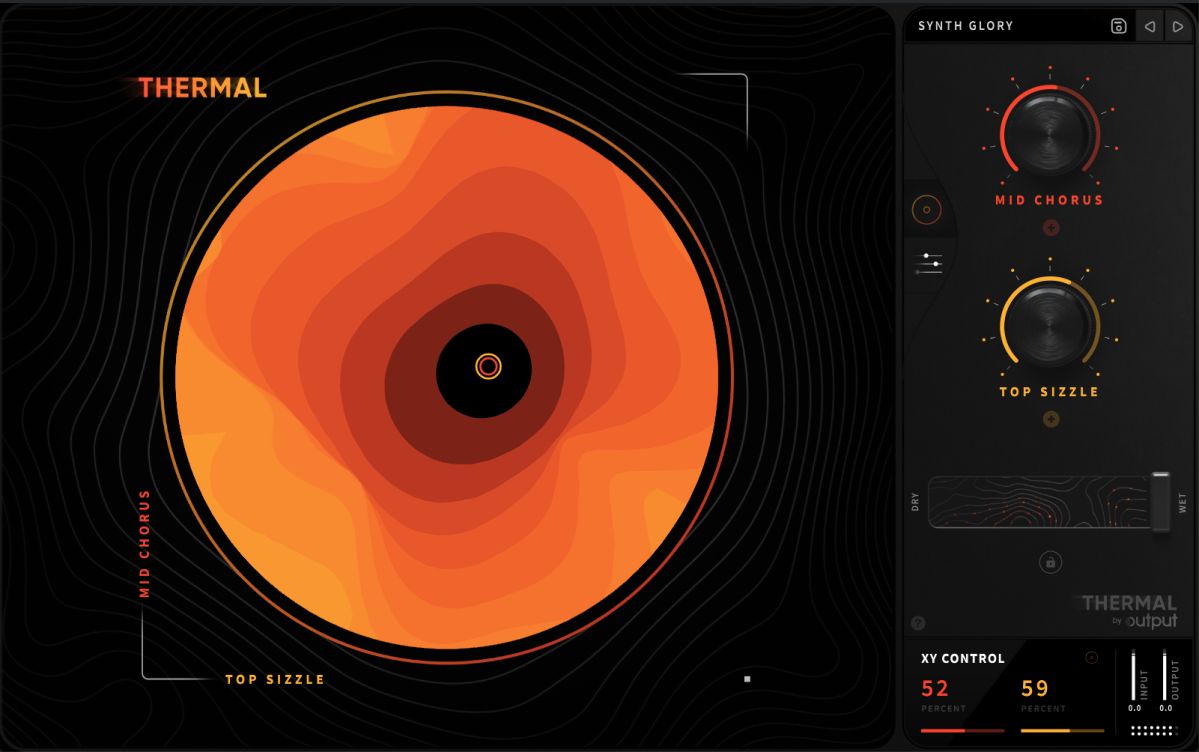
Thermal is one of Output’s flagship effect plugins, specializing in various types of distortion. Its basic UI is similar to that of Portal.
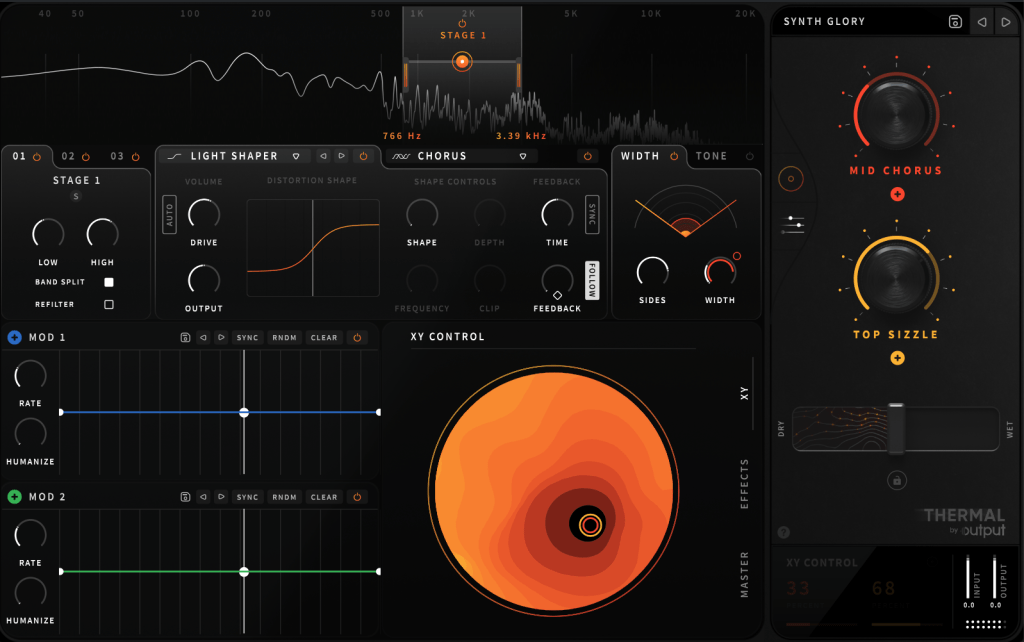
Opening the settings panel, you’ll find two Macros on the right and two LFOs labeled as MOD, allowing modulation of parameters with four values.
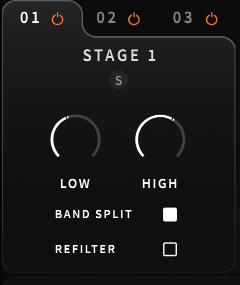
On the left, you can select the area to adjust through Stages, enabling you to control three different frequency ranges separately.

Does this remind you of anything? If you’ve used many plugins, Fabfilter’s Saturn might come to mind.
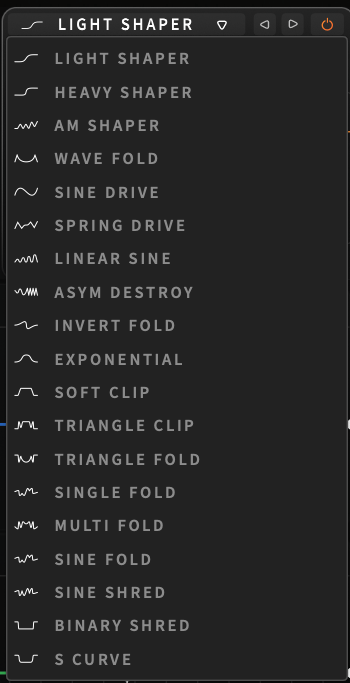
Unlike Saturn, which is for coloring with Tube or Tape settings, Thermal lets you choose from 19 ways to distort the waveform.

You can adjust how it transforms through parameters like Drive, Shape Depth, and Frequency. The Clip function provides a clipping effect, and you can control Feedback Time and amount.
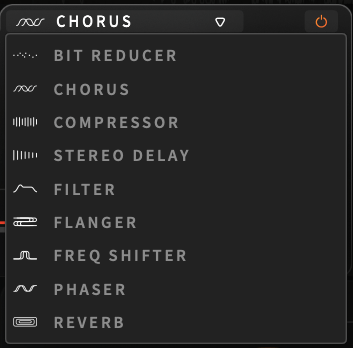
There are nine effects, similar to Portal, applied only to the selected Stage.
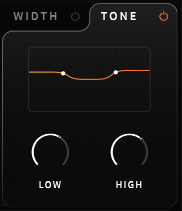
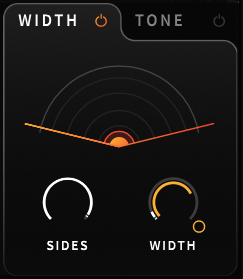
Width and Tone are also applied per Stage.
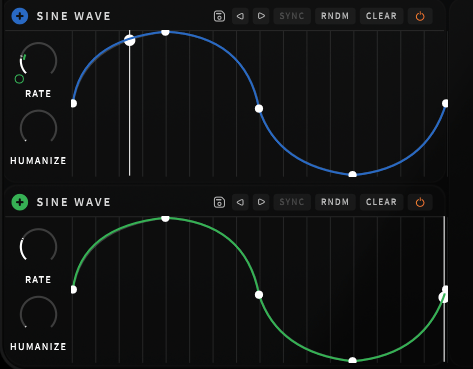
The Modulation section works like a synthesizer’s LFO. Clicking the + button and assigning it to a parameter creates a small circle that you can adjust up and down to control the amount of modulation.
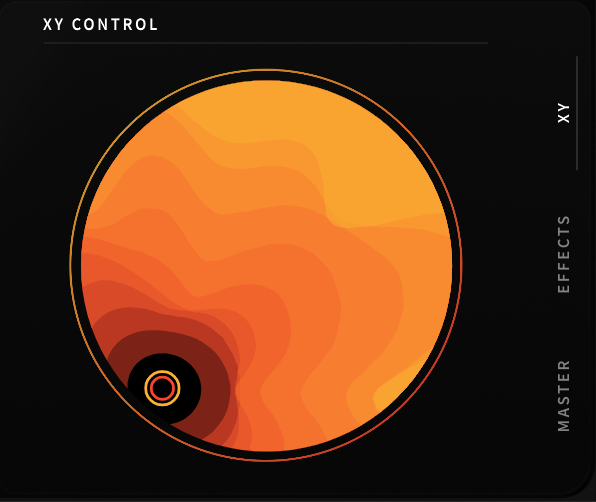
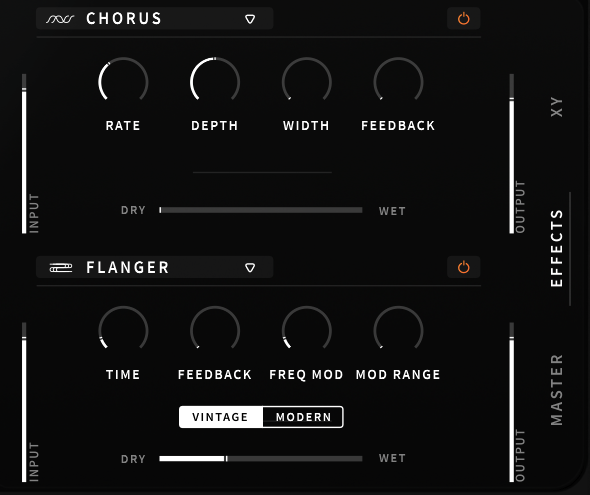
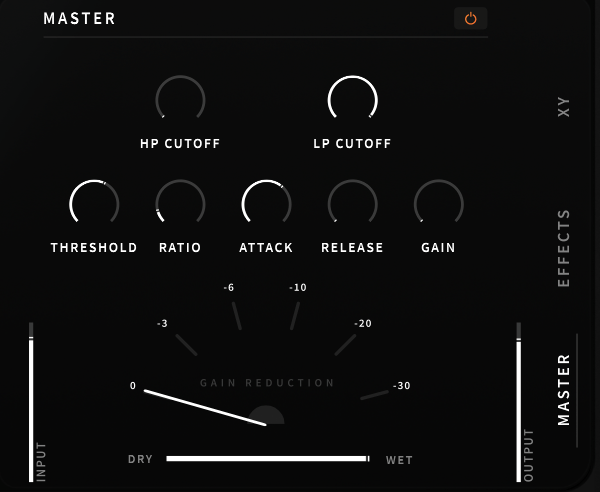
In the lower right section, you can adjust Macros with the mouse, apply the overall effect, or tweak EQ/Compression in the master section.
These parameters can also be modulated using Macros or LFOs.
This kind of plugin is great when you want intense saturation or when basic distortion isn’t enough, and you want to experiment with sound transformation.
Using automation, you can alter the XY Macros with your mouse to break away from monotonous sounds.
It’s challenging to describe these transformations in words, so check out the official Plugin Boutique video above to hear it in action.
I started with just an acoustic guitar, but as I continued making music, I began exploring plugins like this.
Though it might be too bold for mixing external projects, it can be a valuable tool to add edge to your compositions and arrangements.
I believe this is one of the best discounts ever offered. Output plugins are 50% off until August 16th, so it’s worth considering.
(Purchasing through this link will give me a small commission, which greatly helps in running this blog.)
Additionally, when you purchase a plugin from Plugin Boutique, you get a free plugin.
This month, you can choose between:

The VCA Compressor, a recreation of the dbx160 by Softube, or
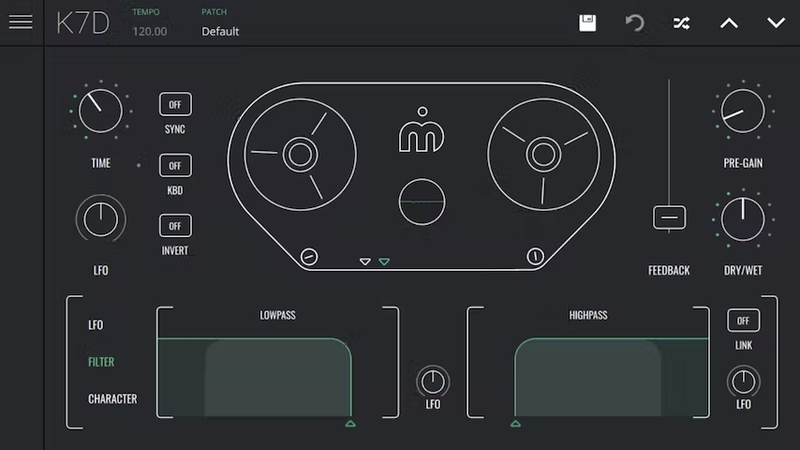
The K7D Delay by Imagine Audio.
If you don’t have a dbx160-style plugin, I recommend the VCA Compressor. For those who need a versatile delay for instruments and mixing, the K7D Delay is a great choice.
See you in the next post~:)
 Jooyoung's Music Blog