Hello! I’m Jooyoung Kim, a mixing engineer and music producer.
In the previous post, we looked at the functions of DAWs along with analog consoles.
Today, I will revisit the types of tracks within a DAW and share some tips on how to organize them.
There are about seven types of tracks that can be classified in a DAW:
- Audio Track
- MIDI Track
- Instrument Track
- FX Track
- Group Track
- Aux Track
- Folder Track
Other tracks such as tempo, video, markers, etc., exist, but I’ll skip those as they are more intuitive. Let’s take a look at each type.
- Audio Track
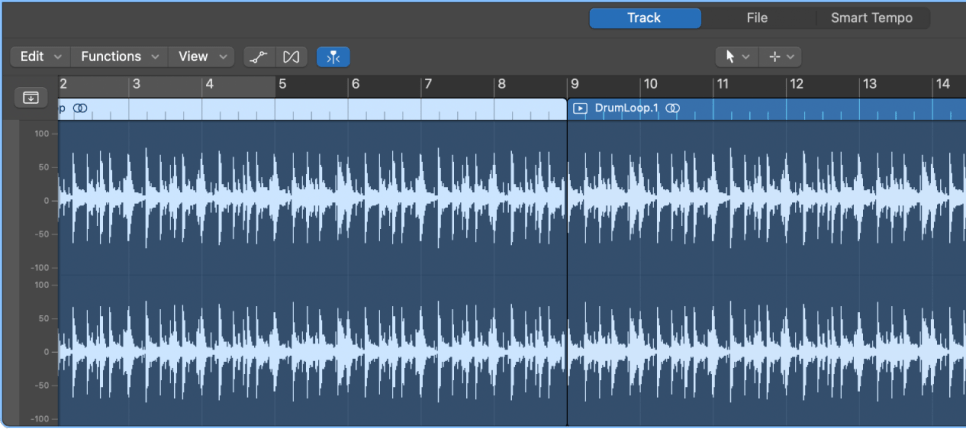
Audio tracks are used for audio. You can set them to mono, stereo, or even multichannel as shown in the photo below.
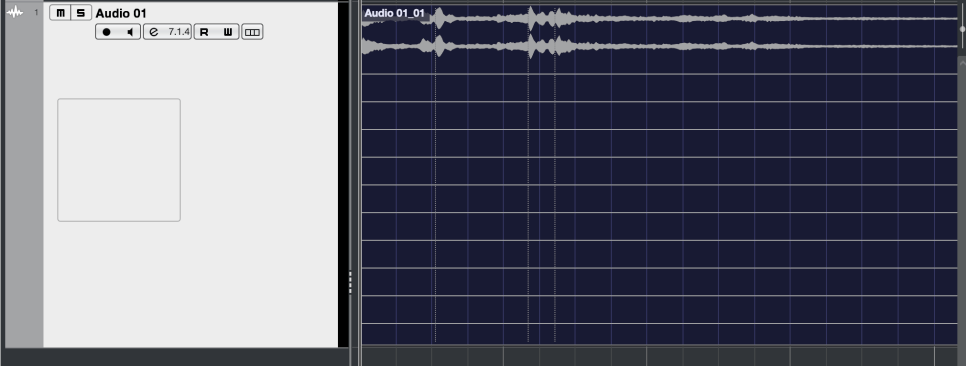
You can record at the sample rate and bit depth you’ve set and import external audio samples into these tracks.
- MIDI Track
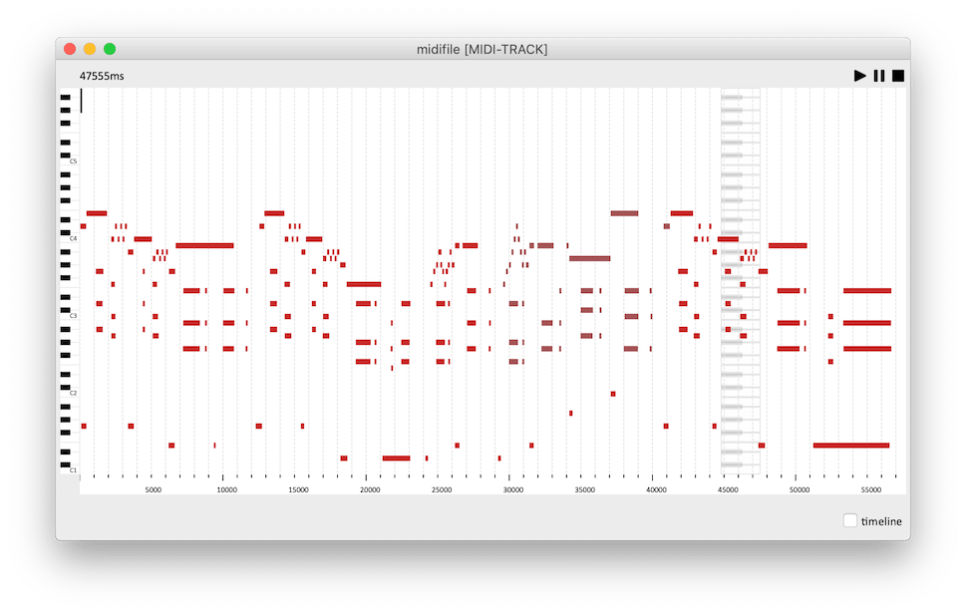
MIDI tracks are a bit different from instrument tracks. They can record MIDI signals and send these signals externally.
For those new to DAWs, this might seem unnecessary.
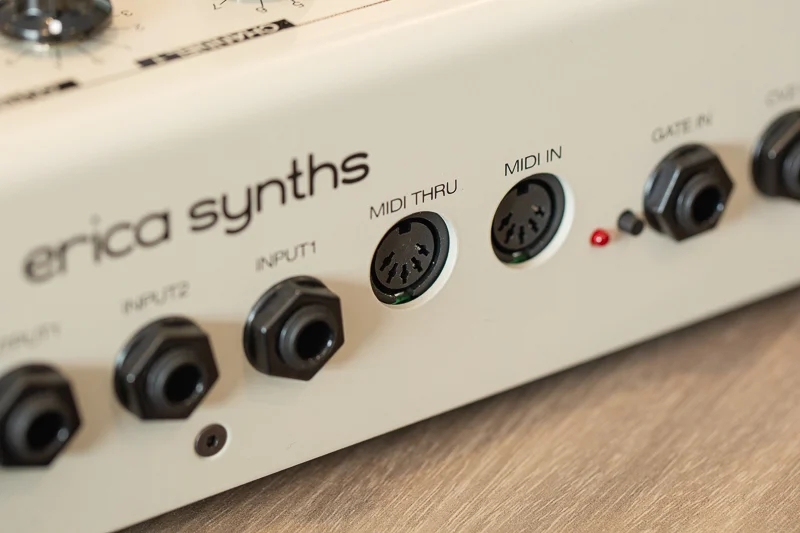
These MIDI signals are primarily used with external synthesizers. The MIDI signals are received through the MIDI IN port on the synthesizer, which then plays according to the recorded signals.
Synthesizers with keyboards can be played and recorded directly,
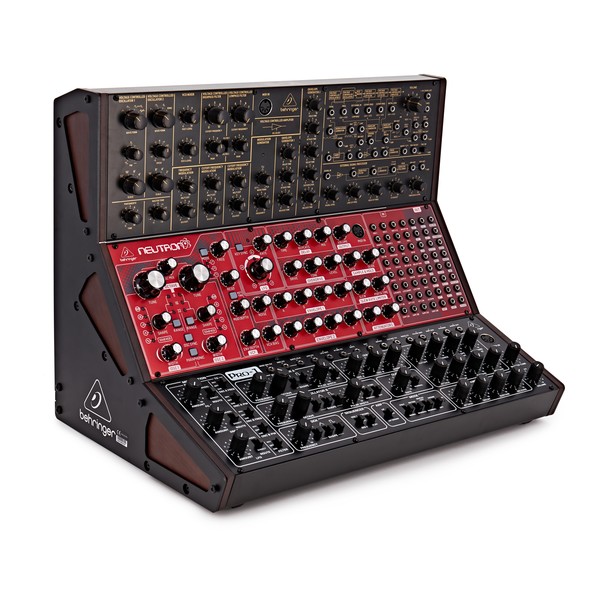
but those without keyboards must be played via MIDI signals. Nowadays, MIDI signals can also be transmitted via USB instead of MIDI ports.
- Instrument Track

Instrument tracks are used to load virtual instruments and send MIDI signals to them. Like MIDI tracks, you can see the MIDI signals on the track, but they are played back directly.
Each instrument has its own MIDI CC (Control Change) settings, so it’s important to familiarize yourself with the manual of the instrument you’re using.
*MIDI CC

MIDI CC is a transmission standard that allows you to control parameters on MIDI-supported instruments/devices.
Each CC can be adjusted from 0 to 127. Commonly used CCs include:
– 1: Modulation
– 11: Expression
– 64: Sustain Pedal
– 66: Sostenuto Pedal
- FX Track

FX tracks receive signals sent from audio and instrument tracks. In DAWs like Pro Tools and Logic, these tracks don’t exist separately and are found only in Cubase among the DAWs I use.
These tracks are used for parallel processing or adding reverb, delay, and other effects.
- Group Track
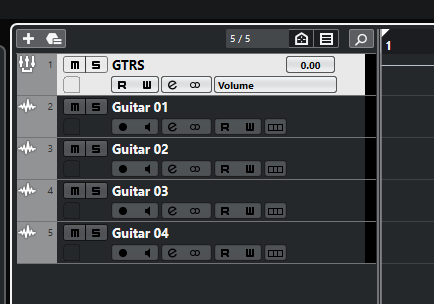
Group tracks bundle multiple tracks together, allowing you to process them collectively.
- Aux Track

Aux tracks are found in Logic and Pro Tools, used to create FX and group tracks.
To use Aux tracks, you need to understand the concept of buses.
* What is Bus?
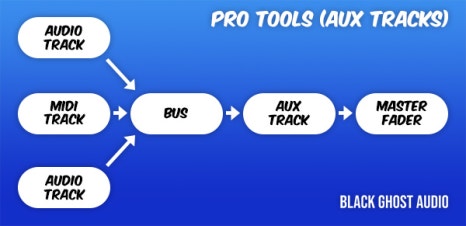
As shown in a previous post, a bus is a ‘path’ that other tracks go through before reaching the Aux track via the ‘Send’ or Output designation.
In Aux tracks, you need to specify the channel input to a specific bus for the signal to flow.
Therefore, Aux tracks used via Send can function as FX tracks, and those used via Output can serve as group/stack tracks.
This process is sometimes referred to as OOBus when grouping tracks.
- Folder Track
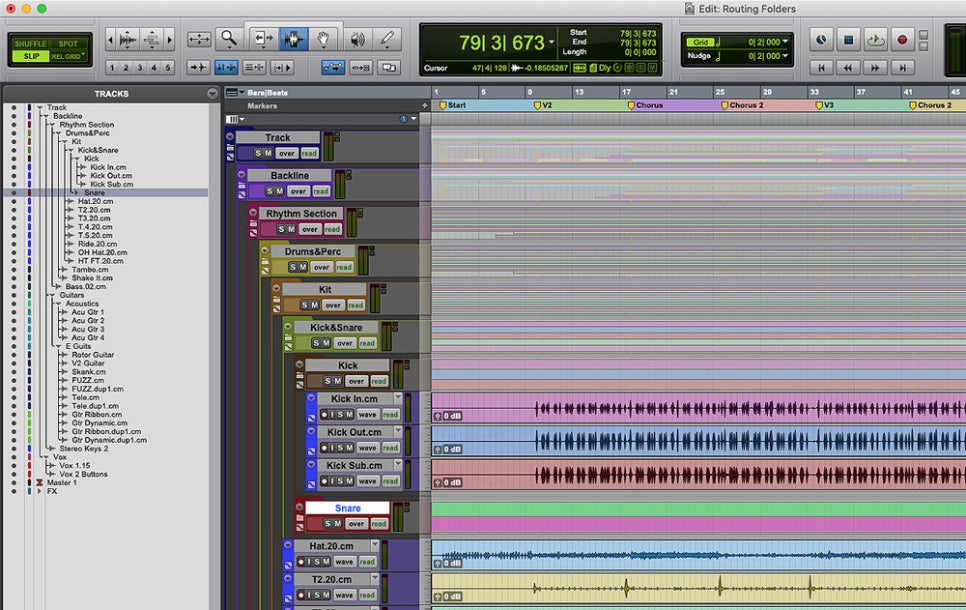
Folder tracks are used solely for organizational purposes and do not affect routing. They can mute/solo entire sections or consolidate unnecessary tracks.
- Organizing Tracks
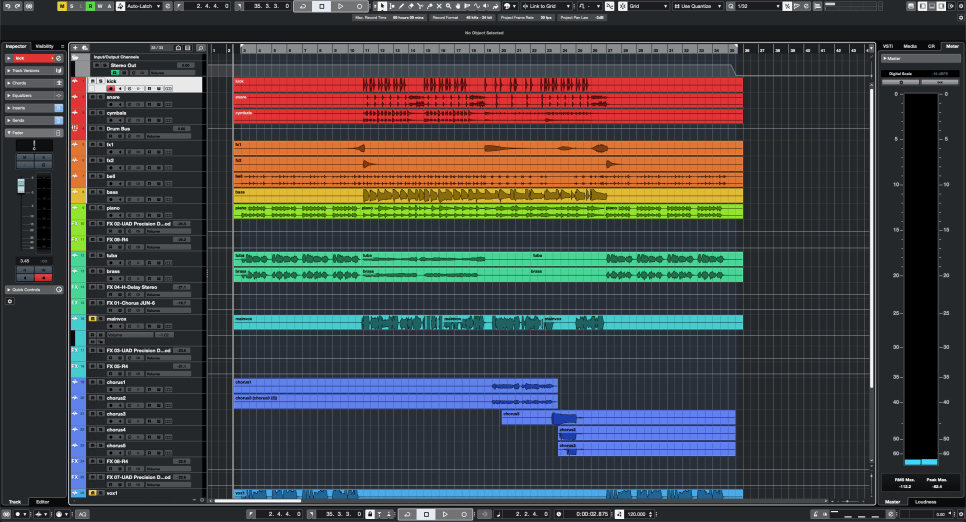
Here’s a simple project I mixed.
Organizing tracks can be done in any way, but I usually categorize them as follows:
- Drums and Percussion
- FX sources like risers and bells
- Bass
- Piano/Pad
- Other synthesizer instruments
- Acoustic/Electric Guitar
- Orchestral Instruments
- Vocals
I tend to place lower frequencies at the top and higher frequencies at the bottom. Orchestral instruments are arranged in score order.
FX tracks sent via Send are placed directly below the corresponding instrument/group track. I prefer designing and fine-tuning FX for each instrument individually, so this method works best for me.
As you work on multiple projects, you’ll develop your own track organization method, tailored to your convenience.
However, organizing tracks can significantly speed up your workflow, so having a consistent routine is beneficial.
That’s all for today. See you in the next post!
 Jooyoung's Music Blog