Hello, this is Jooyoung Kim, mixing engineer and music producer.
Today, I’m excited to share that Output is having a summer sale with 50% off on their plugins!
(Using the link above to make a purchase provides me with a small commission, which greatly supports the maintenance of this blog!)
Output is a well-known company that creates fantastic plugins. If you’ve been into music production, you’ve likely heard of them.
Since this sale is a rare opportunity, I requested NFR (Not for Resale) codes for three of Output’s flagship plugins—Portal, Thermal, and Movement—from Plugin Boutique to review them.
Instead of covering them all at once, which might be overwhelming for both you and me, I’ll review them one by one. Let’s start with Portal!

Portal is a plugin that transforms incoming audio into a granular synthesizer-like sound. But first, let’s explore what a granular synthesizer is.
A granular synthesizer chops up a sample into tiny grains ranging from 1 to 100ms to synthesize new sounds. As shown in the image, you can slice and rearrange waveforms to create unique sounds.
This technique is particularly effective for creating atmospheric pads, making it a popular choice in movie soundtracks and instrumental genres.
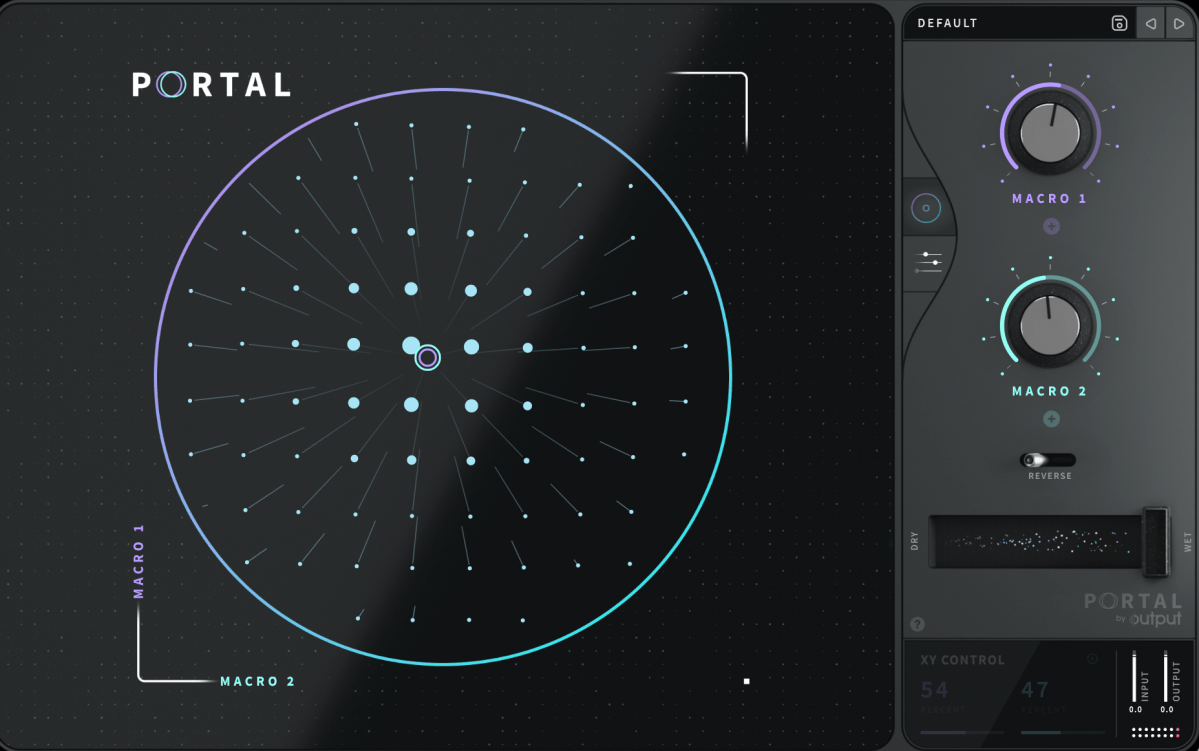
Portal’s user interface is designed to resemble that of a vector synthesizer.
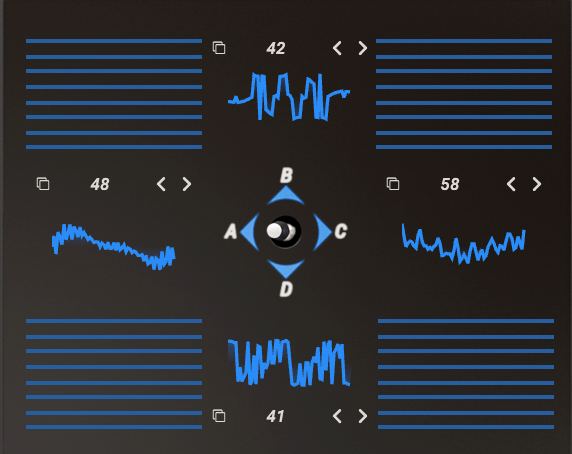
A vector synthesizer can be considered an early form of a wavetable synthesizer. It uses a joystick to blend different waveforms assigned to each direction.
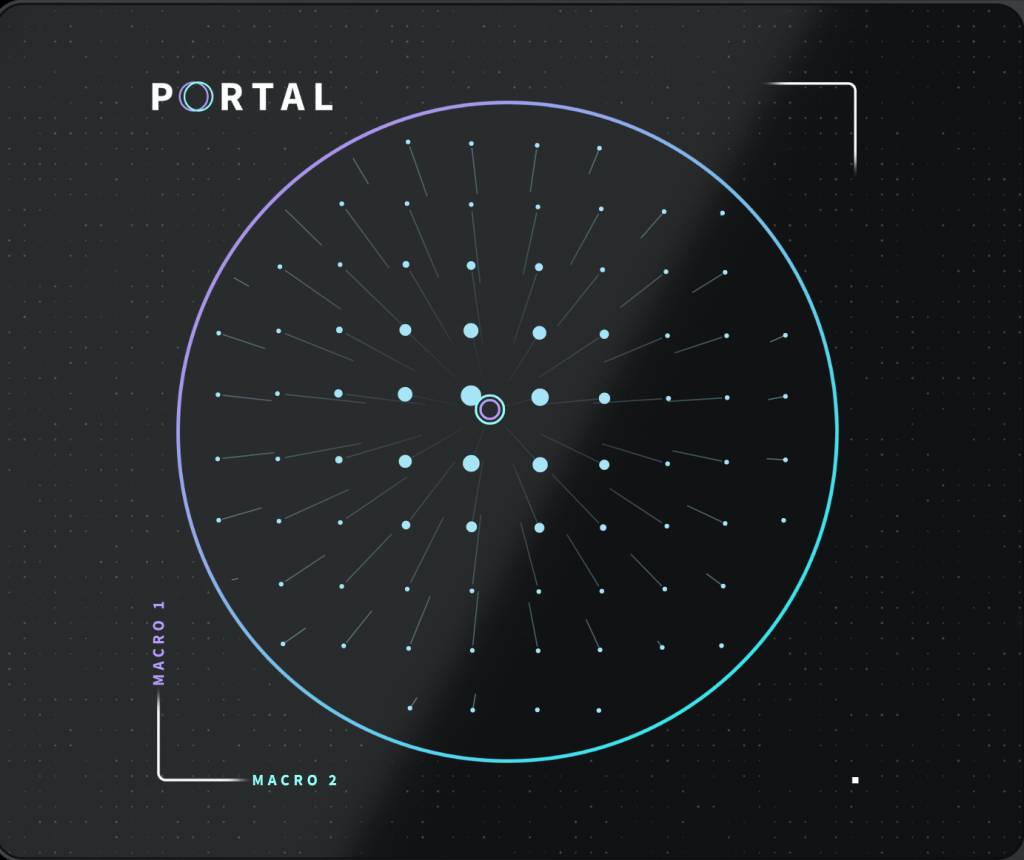
In Output’s Portal, Macro 1 is placed on the vertical axis, while Macro 2 is on the horizontal axis. The values of these macros control various parameters.
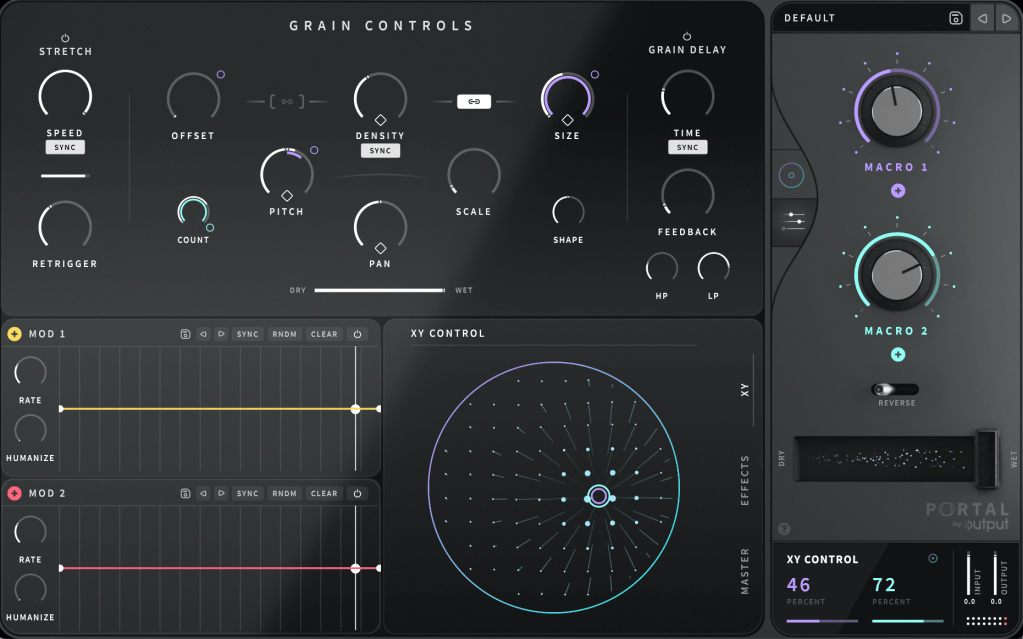
You can connect Macro 1 and Macro 2 to different parameters in the Grain Control section. By double-clicking the macro names, you can even rename them.
To assign a macro, click the ‘+’ sign below the name of each knob (like Macro 1 and Macro 2), then drag it to a parameter. A small circle will appear next to the parameter, indicating the range of control the macro has.
Similarly, you can use the LFO in the bottom left to modulate parameters. Think of it as a traditional synthesizer, which should make it easier to approach.
At the bottom center, you can choose between the XY, Effects, and Master sections to adjust various parameters.
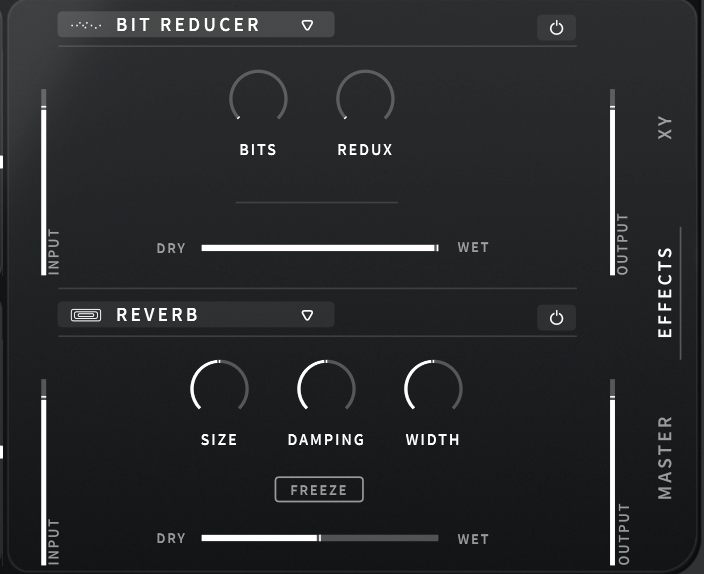
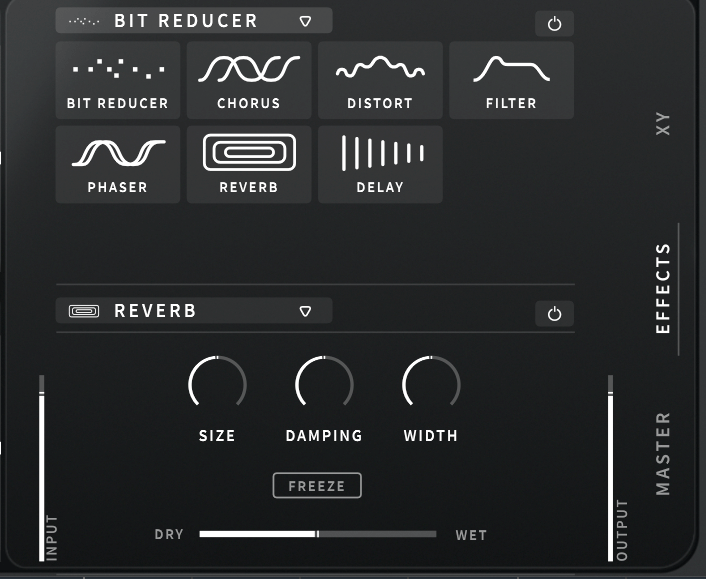
The built-in effects include Bit Reducer, Chorus, Distortion, Filter, Phaser, Reverb, and Delay, making for a total of seven options. All these parameters can be linked to the LFO modulation or macro functions for dynamic control.
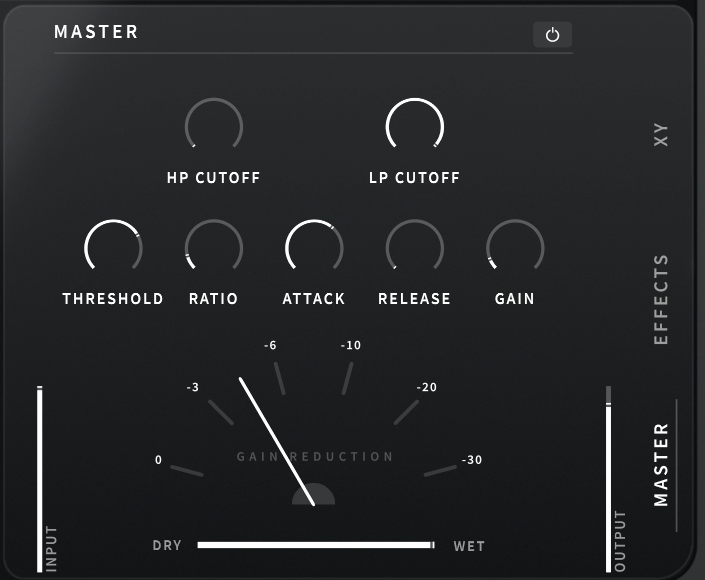
The Master section includes a built-in filter and compressor, which can also be modulated with LFOs and macros.
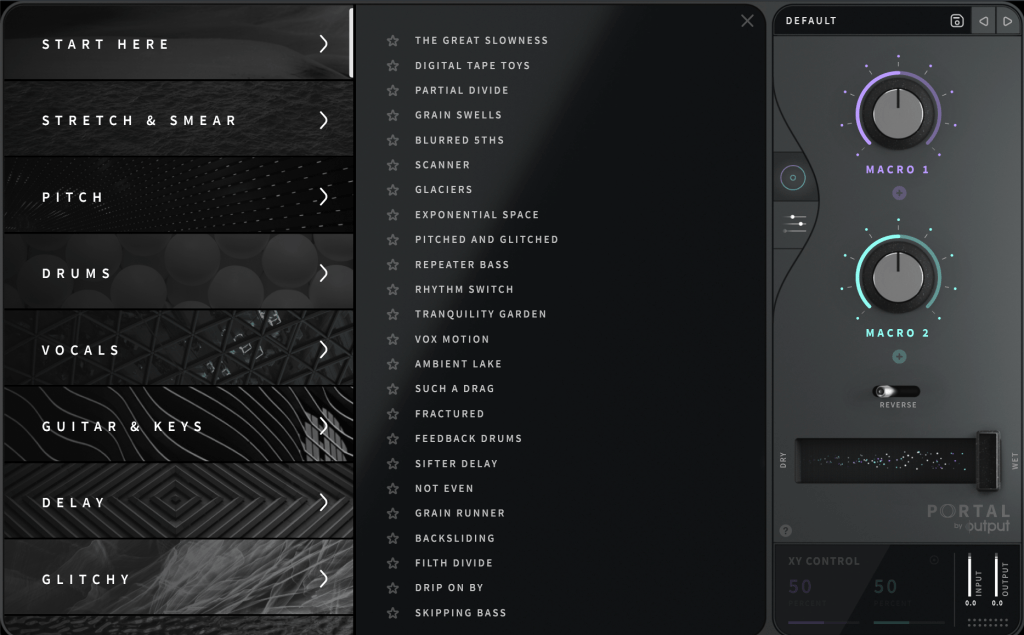
Clicking ‘DEFAULT’ at the top right allows you to access various presets. Beginners might find it helpful to start here.
Portal is particularly appealing due to its ability to produce random, evolving sounds based on XY values. It’s an excellent choice for those who don’t already have a granular FX plugin.
Check out the demo video to hear what it can do.
The 50% off sale runs until August 16th! Here’s the purchase link:
(Again, using this link helps support my blog with a small commission!)
Additionally, if you purchase from Plugin Boutique, you can get a free plugin. This month, you can choose between Softube’s VCA Comp or K7D’s Delay.
Softube previously offered the VCA Comp for free in March. It’s a great dbx160-style compressor, perfect if you don’t already have one.
The K7D Delay is a tape delay that sounds great on electric guitars and works well in mixes.
That wraps up the overview of Portal. In the next post, I’ll review another Output plugin, Thermal. Stay tuned!

 Jooyoung's Music Blog