
Hello, this is Jooyoung Kim, a music producer and audio engineer.
Following the previous review on Lifeline Console, today I’ll introduce you to the plugins included in Lifeline Expanse.
(If you purchase through the links above and below, I receive a small commission, which helps support the blog. Thank you! ^^)
As I mentioned in my previous post, these plugins are not resource-heavy on your computer. They’re affordable, high-quality, and come with a clean, intuitive UI, making them a solid option if you’re considering basic third-party plugins.
Lifeline Expanse is also being reviewed with NFR (Not for Resale) codes provided by Plugin Boutique.
Let’s dive into Lifeline Expanse!
Lifeline Expanse includes five modules: Format, Dirt, Reamp, Width, and Space.

The Lo and Hi options in Expanse are simple cut-off filters, so I’ll skip explaining them.

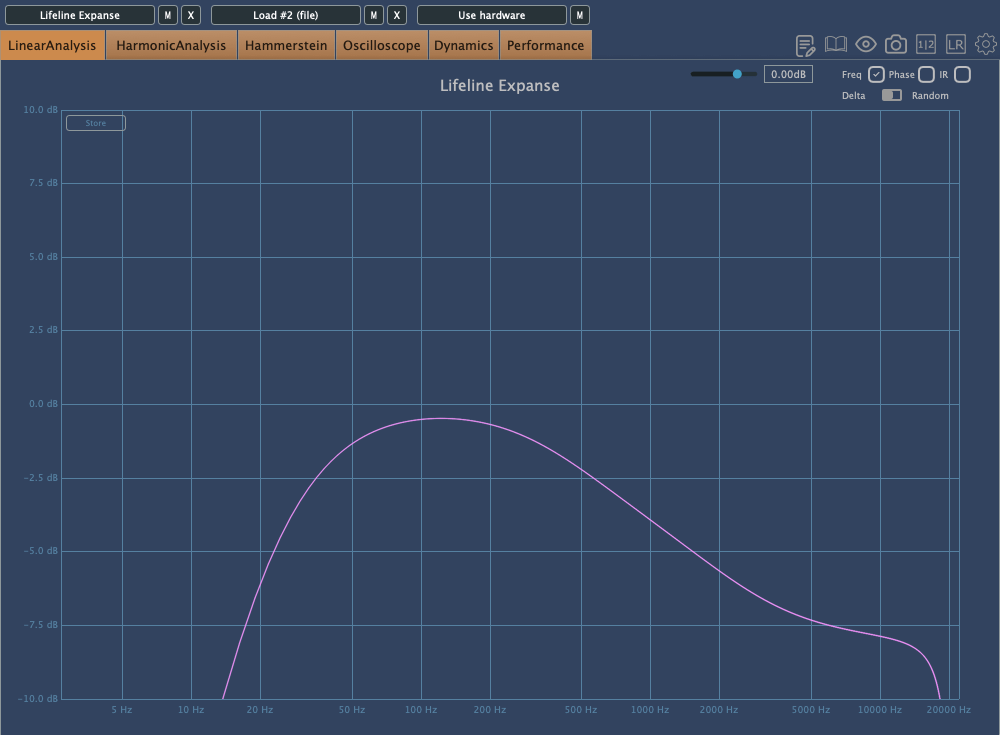
The waveform on the left shows a de-esser-like effect where high frequencies are attenuated based on the incoming signal, while the shield in the middle acts as a limiter.
Unlike Console, Expanse doesn’t add various types of saturation, but even with the filter range maxed out, it still introduces tonal changes. Now, let’s take a closer look at the individual modules.
Format

click image to buy Lifeline Format
The concept of Format is “digital distortion.”
This plugin adds a characteristic digital distortion to your source.
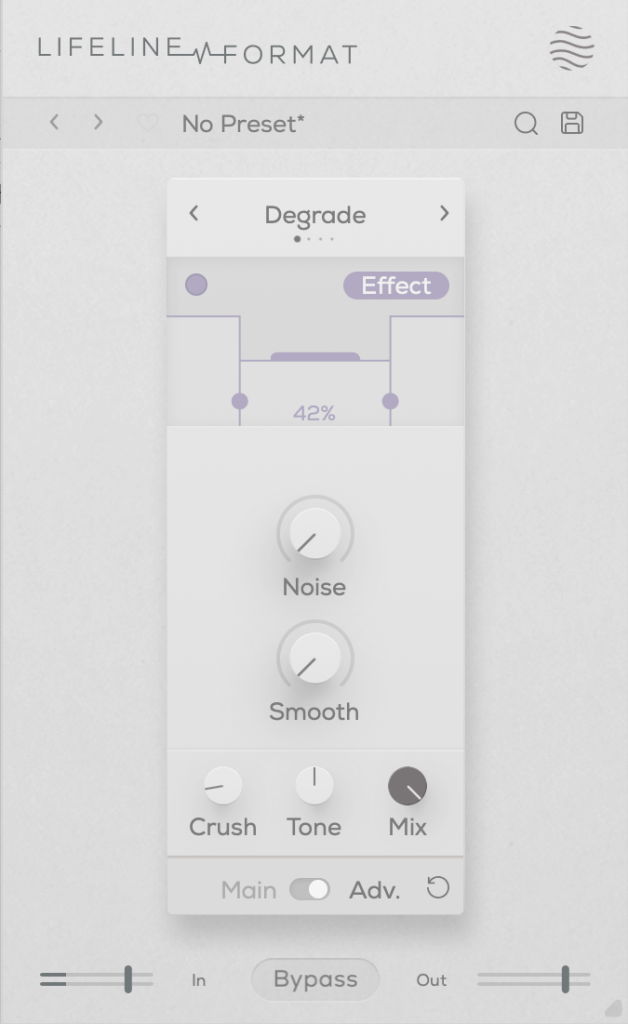
In the Advanced window, you can split the frequency range into three bands, adjust their volume, and even add noise. The Smooth option can make the changes less harsh.
Other key controls include Crush, which adds the distortion, and Tone, a tilt EQ centered around 650Hz.
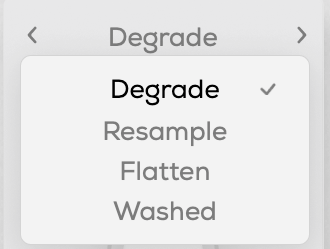
There are four modes:
- Degrade: Reduces the bit depth of the incoming audio, creating digital distortion.
- Resample: Lowers the sample rate of the audio, adding digital artifacts.
- Washed: Simulates the sound of a degraded, low-quality MP3, creating an underwater-like effect.
- Flatten: Combines gating and bitcrushing, reducing the resolution of the audio.
Let’s take a closer look.
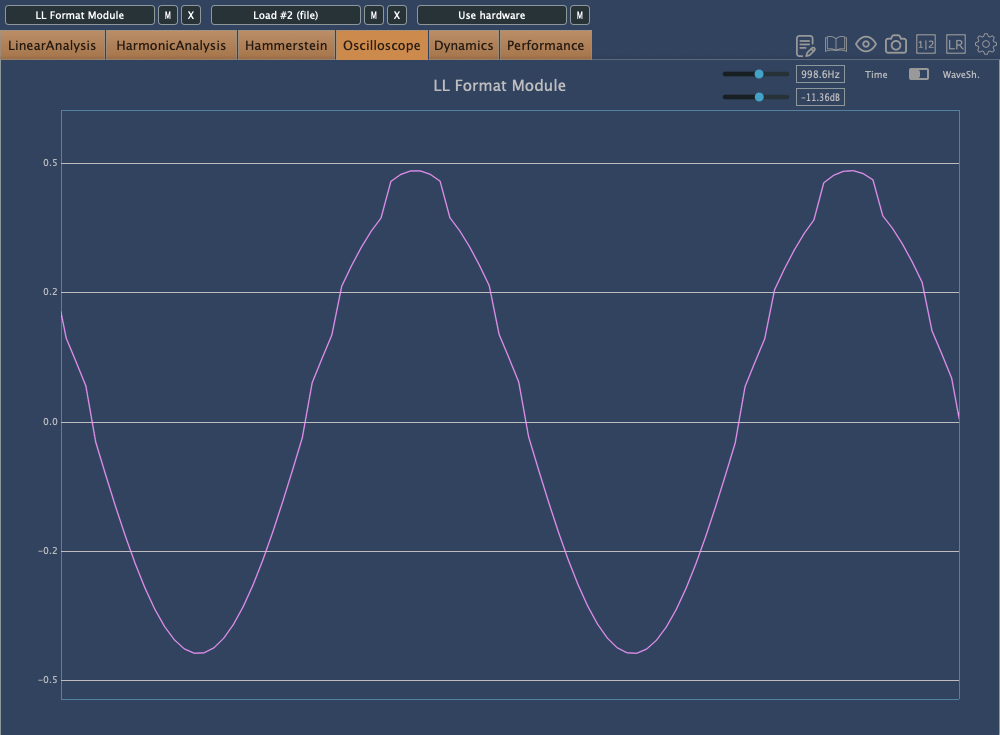
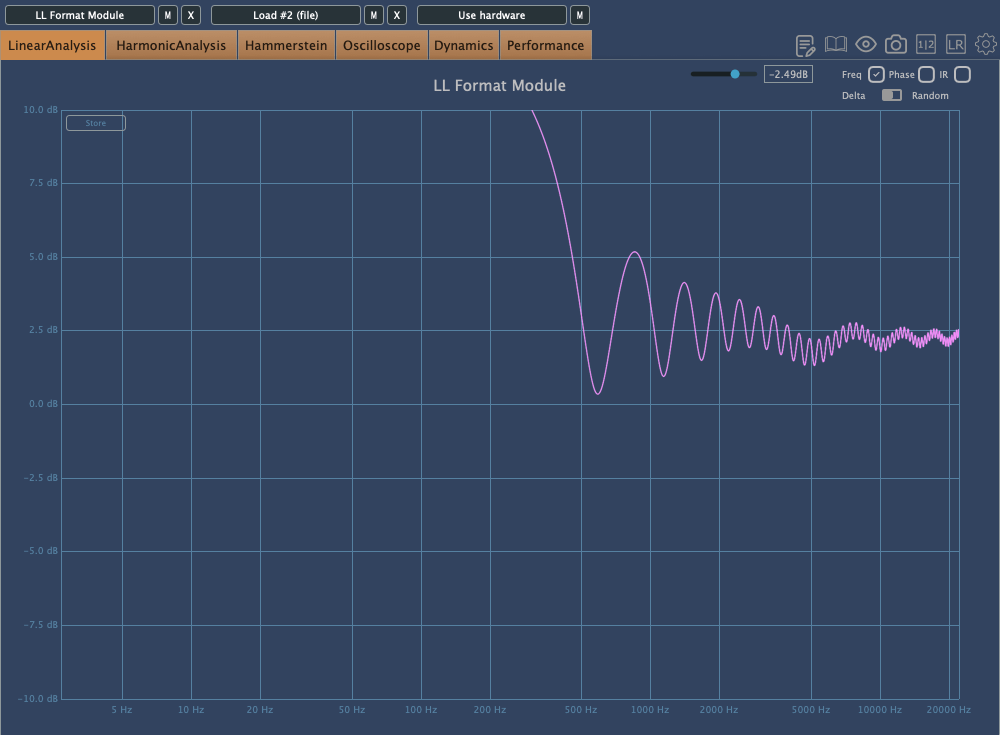
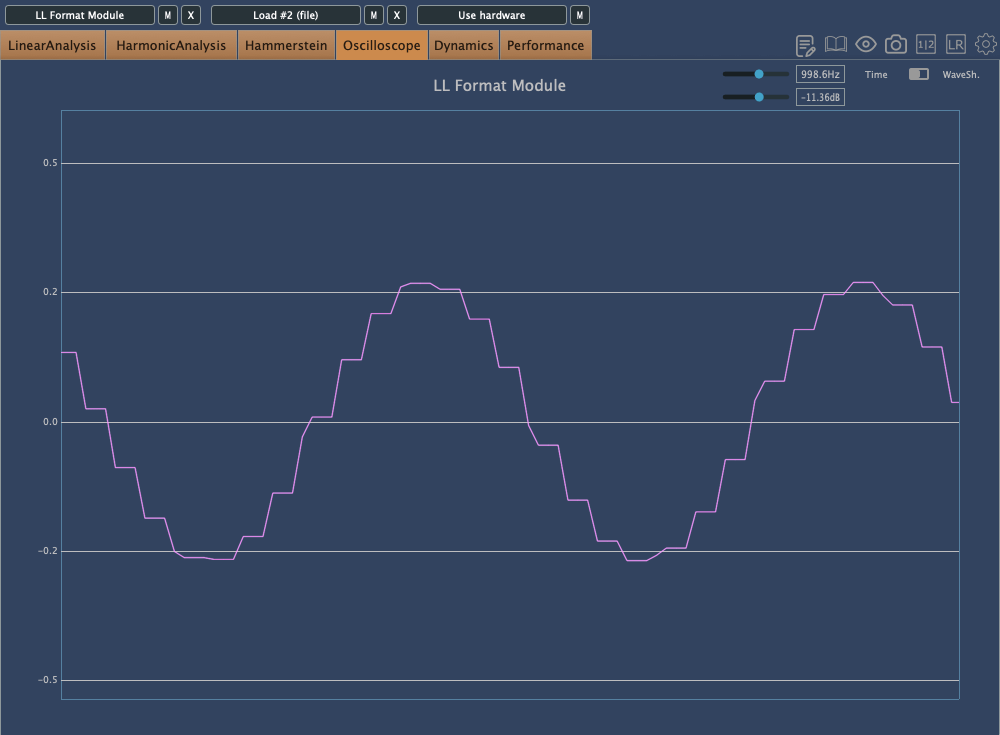
This is Degrade mode, where reducing the bit depth makes the waveform appear choppy in the oscilloscope.

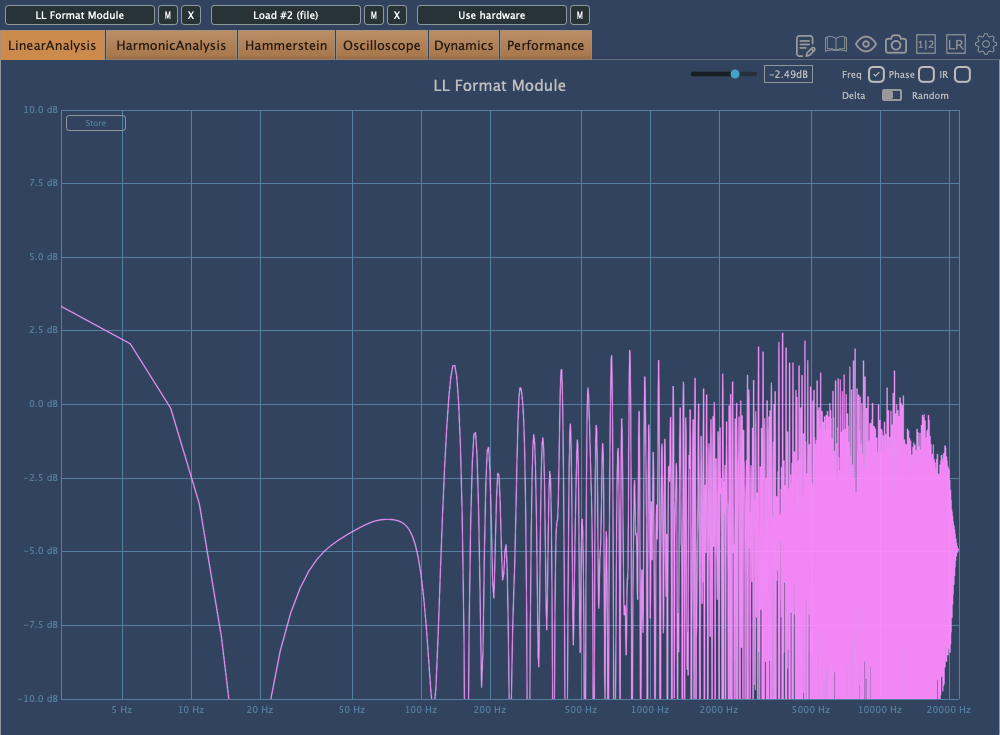
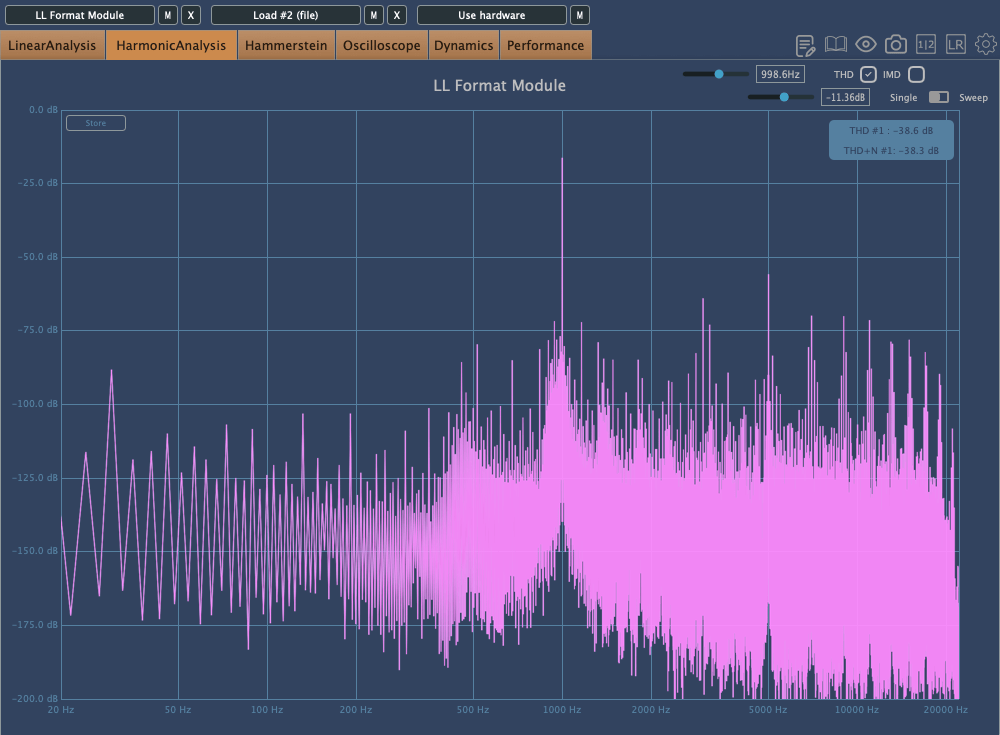
In Resample, harmonics reflect back at the Nyquist frequency, and those oscillations can be seen on the scope. It’s constantly in motion due to added frequencies.
Washed mode just smears everything.
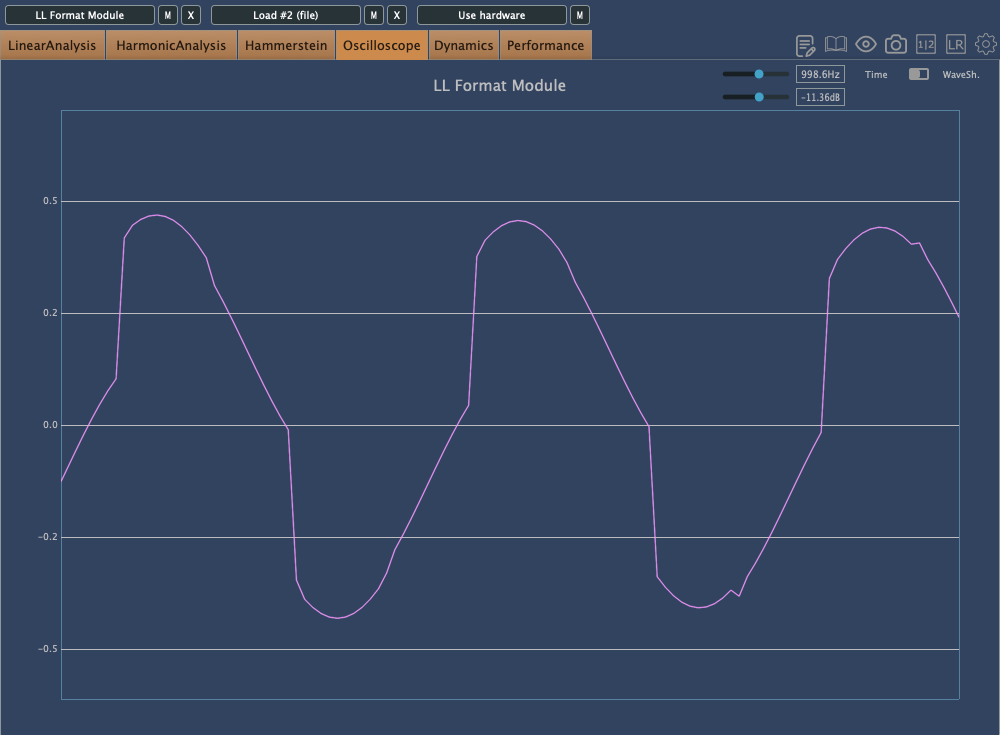
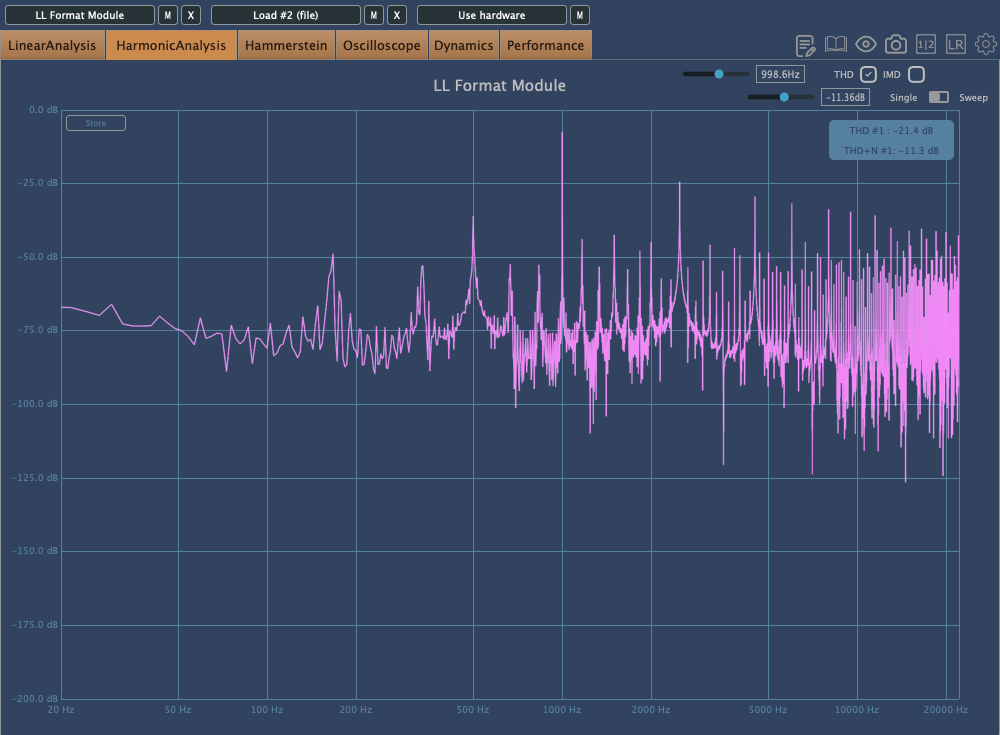
Flatten shows harmonic reflections, indicating a resampling effect, combined with reduced bit depth, resulting in multiple distortions.
Dirt
click image to buy Lifeline Dirt
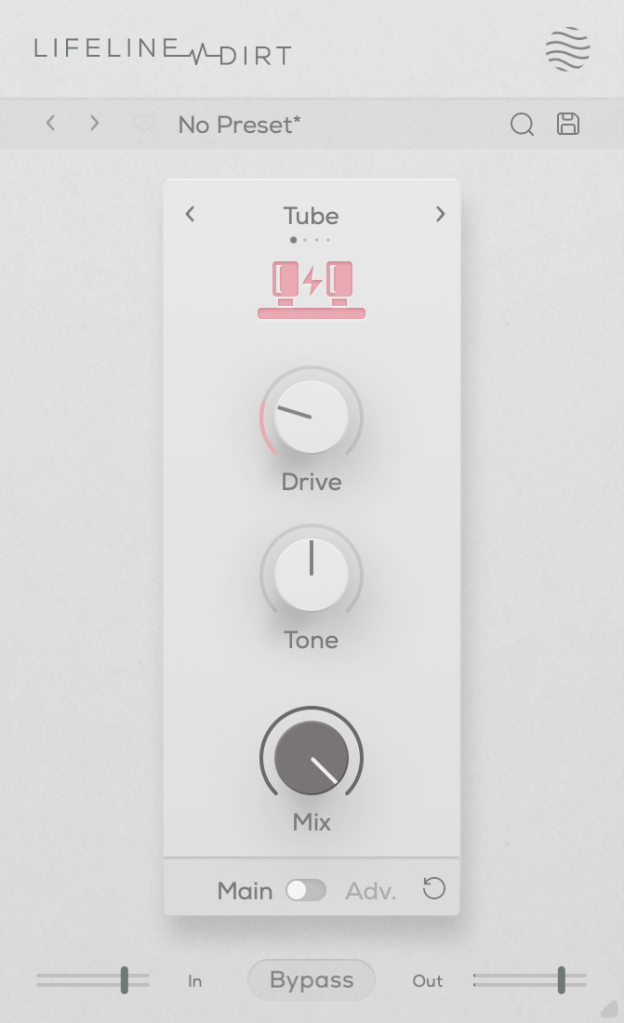
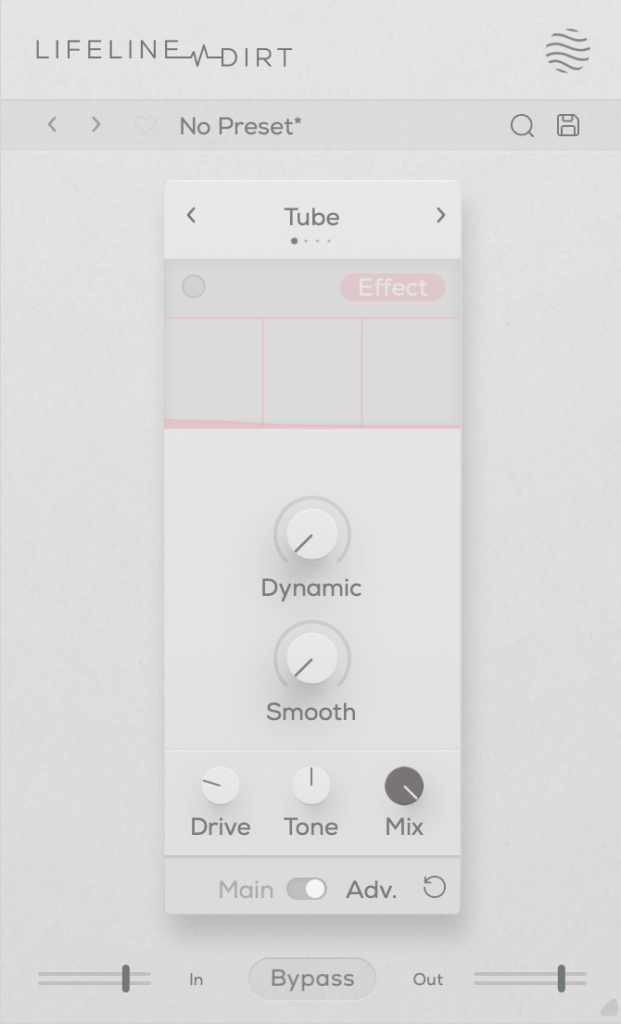
The Dirt module focuses on “analog distortion.”
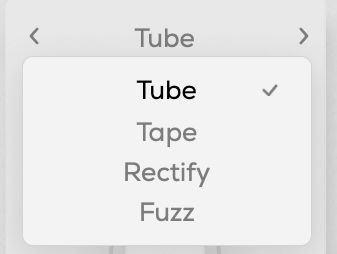
You can choose from four types: Tube, Tape, Rectify, and Fuzz. The controls are the same as in Format, so I won’t repeat the explanation.
All four modes emphasize low and mid frequencies while cutting highs. As the name “Dirt” suggests, pushing the Drive knob can make it act almost like a compressor or limiter at higher levels.
Re-Amp


click image to buy Lifeline Re-Amp
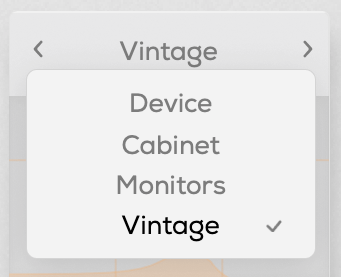
As the name suggests, Re-Amp is designed to simulate re-amping.
You can re-amp through small electronics, guitar cabinets, monitor speakers, or cassette recorders, with two speaker options in each category to choose from.
True to the re-amping concept, it allows you to adjust the distance of room and close microphones, and blend their sounds together.
Increasing the Age value causes the highs and lows to gradually roll off, eventually introducing wow and flutter effects.
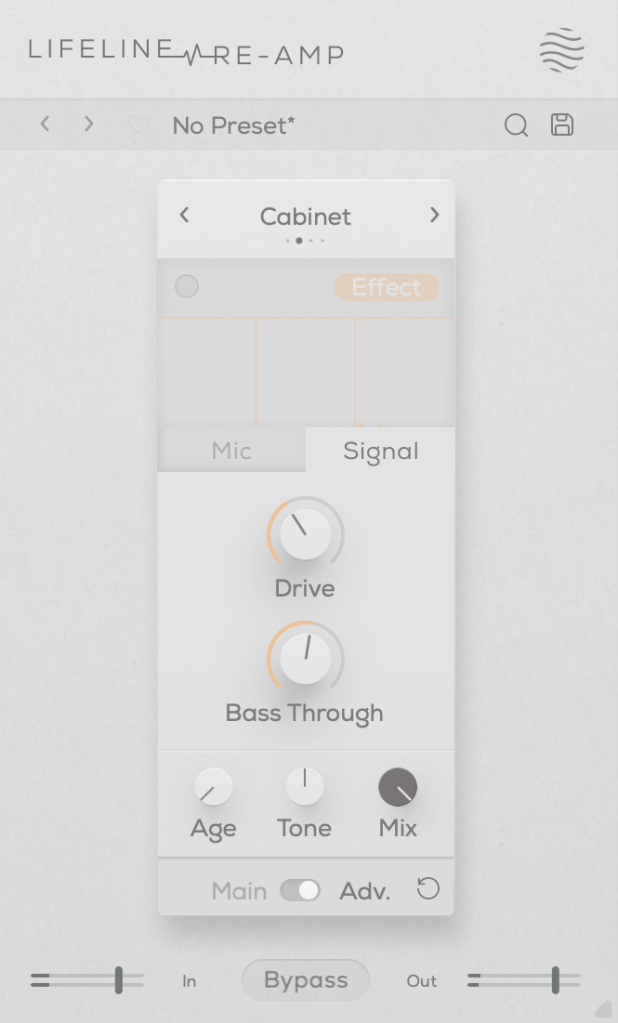
The Drive knob adds harmonic distortion, while Bass Through prevents distortion from affecting the selected low-frequency range.
Width


click image to buy Lifeline Width
The Width module adjusts stereo imaging.
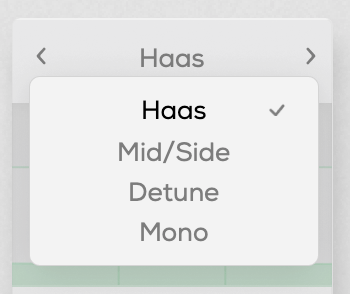
You can select from Haas, Mid/Side, Detune, and Mono modes.
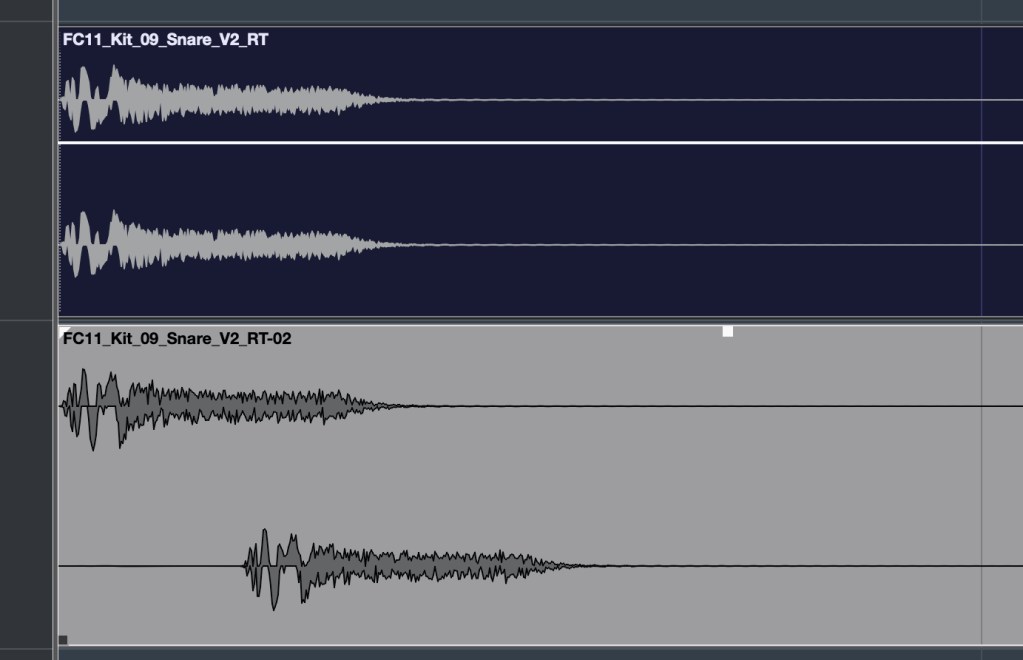
The Haas effect, as shown in the image, uses time delays to create a stereo image. Mid/Side enhances the side channels, Detune creates a wider image through pitch modulation, and Mono narrows the stereo field, gradually converting the sound into mono.
The Stereo knob enhances these effects, and Bass Mono ensures that frequencies below a set threshold are converted to mono.
I’ll skip further explanation, as the rest of the parameters are the same as in Format.
Space
click image to buy Lifeline Space
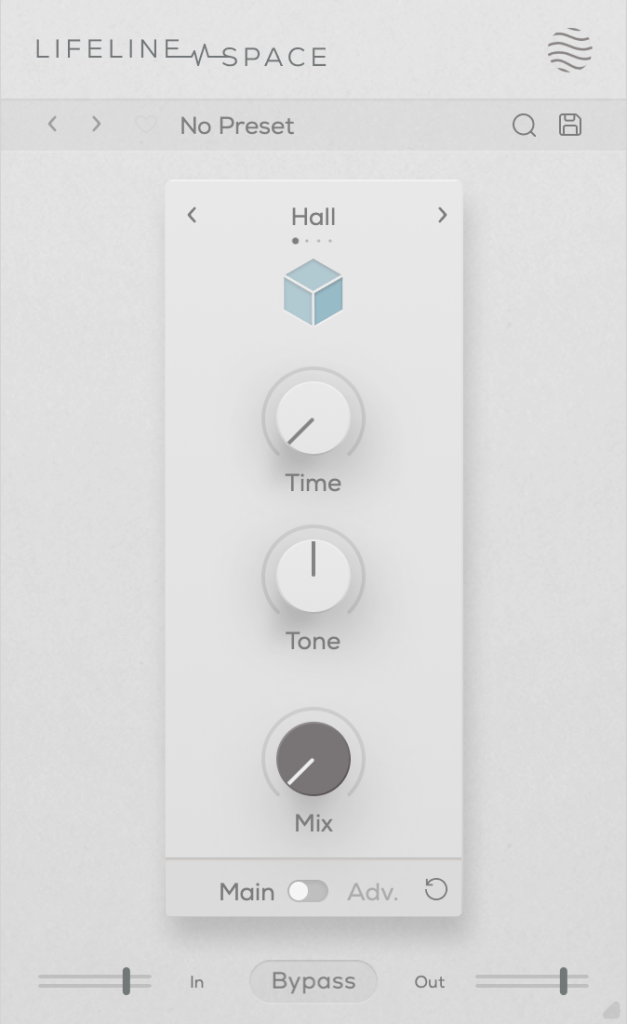
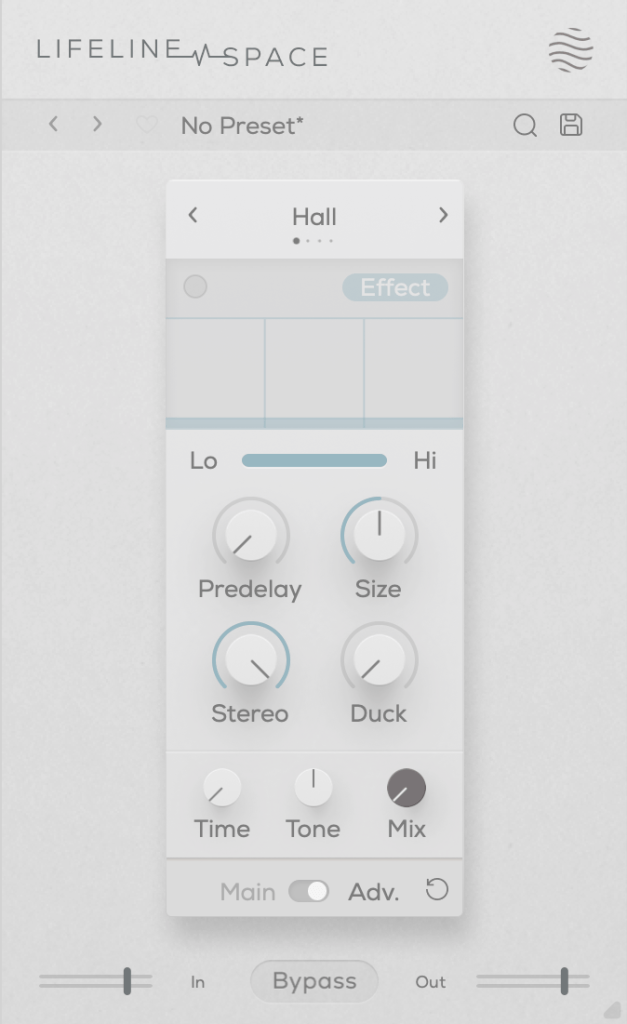
Space is a reverb module.
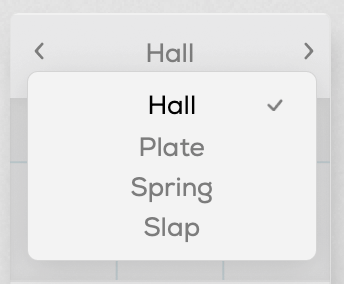
You can choose from Hall, Plate, Spring, and Slap reverb types, all offering solid digital reverb sounds.
Slap, in particular, has a delay with a significant amount of feedback, making it quite versatile.
A unique parameter here is Duck, which reduces the reverb based on the incoming input signal. Other parameters are typical for reverb plugins.
Each of these modules is priced at just $11, making them very affordable. Plus, if you purchase any plugin from Plugin Boutique, you’ll receive either the Pyros distortion plugin or the Bloom Vocal Aether Lite plugin for free.
Thanks for reading, and see you in the next post! 🙂

 Jooyoung's Music Blog