Hello, This is Jooyoung Kim, a mixing engineer and music producer.
In the field of audio engineering, where a certain degree of autonomous judgment is essential, I believe it’s important to continuously ask yourself questions.
So, let me start with a question for you.
What do you think mixing is?
Take some time to ask yourself this question and ponder over it. What is your definition of mixing?…
The answers might vary: balancing sounds, making them commercially appealing, combining multiple tracks into one format, and so on.
Personally, putting aside balance and everything else, I believe mixing is “the process of sonically realizing the composer’s intent.”
For instance, if the lyrics need to be clearly heard, that’s how they should be mixed. If a cello line needs to have a rich sound with a long reverb, then that’s what needs to be done. Furthermore, it’s crucial to understand the composer’s intent and sometimes provide sonic ideas that they might not have considered.
To achieve this, you need to use plugins or hardware that suit the characteristics of each track, and naturally, the settings must be tailored accordingly. This is why learning about audio technology and knowledge is important.
Since sound is a wave, the initial content will be closer to physics. If you’re not from a science background like me, it might feel tedious, and you might question why you need to learn this.
When that happens, remind yourself that “this knowledge is necessary to effectively realize the intent of my song or my client’s song sonically.” This will help you stay focused and on track.
Through my experience with mixing, I got my own definition. I hope you, too, will take the time to think about what mixing is and why you are doing it as you study and practice mixing.
In the next post, I will explain the scientific background knowledge that is essential for mixing.
This article was written on February 19, 2024. I will speed up as much as possible to match the speed of the blog I am currently running in Korea.
Hi, this is mixing engineer, music producer Jooyoung Kim.
I’ve spent a lot of time studying and delving into audio engineering on my own, but I’ve realized I haven’t written much about it on my blog.
Last December, I completed a manuscript on mixing and sent it to several publishers. While waiting for a response, I planned to write blog posts based on the manuscript once the book was published. However, the responses are taking longer than expected, and if it doesn’t work out, I don’t want to keep delaying. So, I’ve decided to start writing now.
The content might be a bit challenging. The primary goal of my writing is to address the lack of advanced mixing topics in Korea. While there are plenty of books covering the basics, there’s a shortage of resources for more in-depth knowledge.
If I simply transfer the manuscript directly to the blog, some parts might be difficult to read. Therefore, I’ll be adapting the content to fit the blog format, making it more accessible.
Some might wonder why I’m writing about mixing. I admit that my career isn’t particularly long or illustrious, and my academic background(major in Physics) isn’t in this field, which makes me feel somewhat apprehensive. Nevertheless, I’m convinced that many people are eager to learn more about advanced mixing techniques. Despite feeling a bit of pressure, I’m determined to share my knowledge.
Given the extensive nature of the topic, it will take quite some time to cover everything. I aim to write a post on this subject roughly once a week. However, I won’t focus solely on mixing; I’ll continue to write about a variety of topics, just as I have been.
Looking forward to diving into the main content with you in the next post. See you then!
Hello, this is Jooyoung Kim, a mixing engineer and music producer.
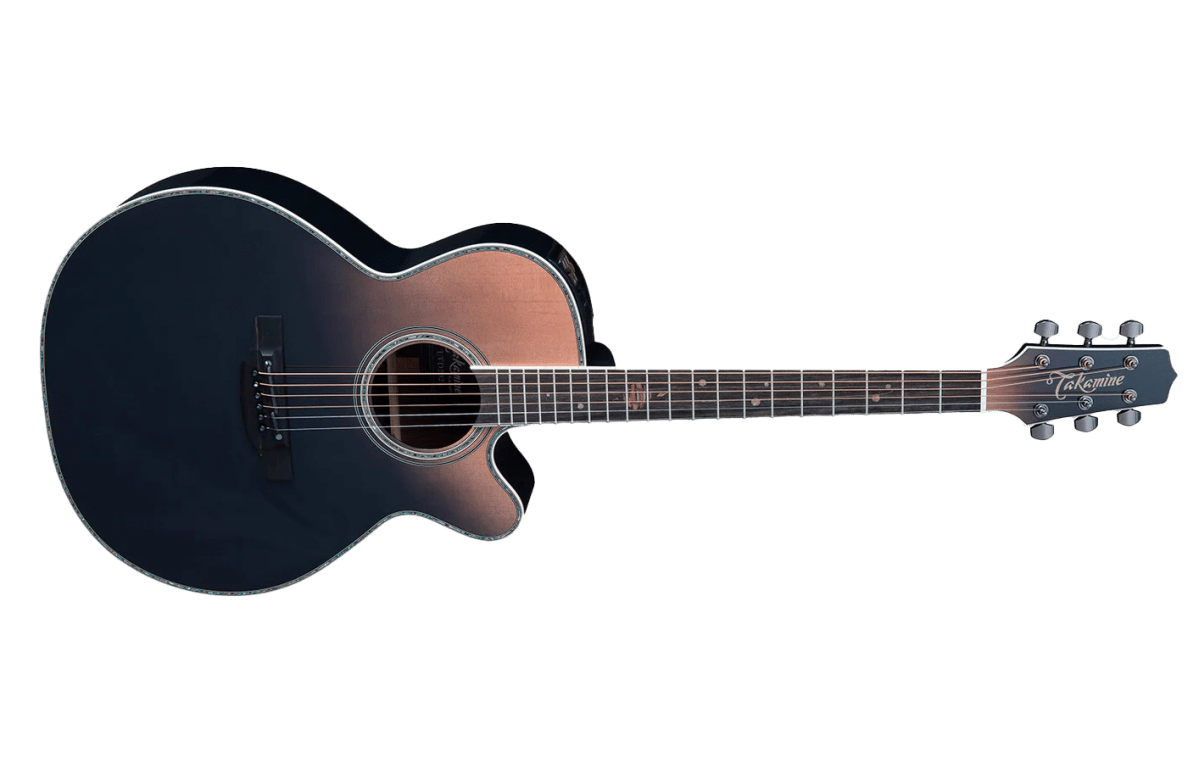
Some time ago, I briefly saw a bow for an acoustic guitar. I wanted to buy it, but it was too expensive to justify purchasing it as a novelty.
Time passed, and when I was ordering a toroidal transformer for device repair from AliExpress, I wondered if they might also sell guitar bows. To my surprise, they were selling them very cheaply. I decided to purchase from a seller with a decent number of reviews and buyers.
The packaging was quite neat, which was surprising. Including shipping, I think I paid around 15$, and they even included rosin. The package contents seemed quite substantial.
Below is a video I recorded with my phone camera, so the quality isn’t great.
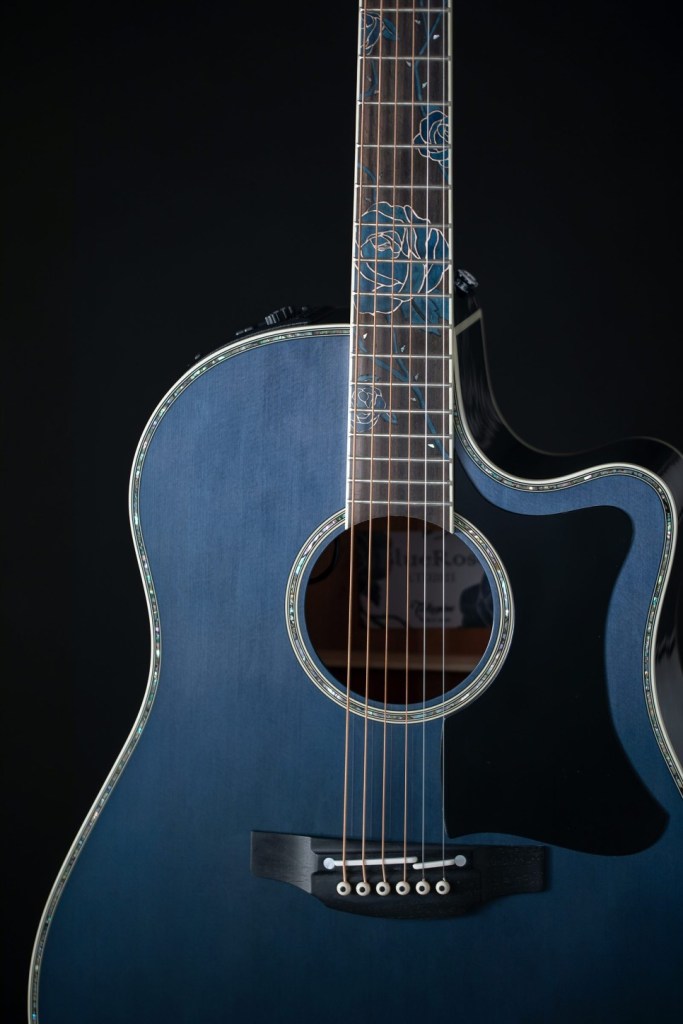
Due to the structure of the guitar and the bow, you can play double stops.
I also tried bowing sideways to see if I could play all six strings simultaneously, but the bow was too short, and I couldn’t apply enough pressure to produce a sound. A better guitar might produce a smoother and richer sound, but I didn’t want to use too much rosin and risk it absorbing moisture and becoming sticky.
When playing, I noticed that if the bow touched the guitar’s harmonic points, the sound would break. It was quite challenging to play, and I realized I might have underestimated it.
Originally, I planned to use this bow to dub MIDI recordings of violin parts, since recording strings can be expensive. However, it might be too difficult. The bow is too short for fast pieces, and the speed required would make it even more challenging.
On the other hand, it seems quite effective for fiddle techniques often used in country music, such as tremolo effects and repeated staccato chords. I think I’ll try writing some pieces incorporating these elements.
I have some songs I’ve been working on, but I haven’t released anything recently. This year, I plan to release at least three songs.
Hello, this is Jooyoung Kim, a mixing engineer and music producer.
Today, I’ll continue from my previous post on the basics of orchestration, focusing on percussion instruments.
Shall we begin?
Triangle
The triangle is a metallic, triangular instrument that is suspended by a loop made of gut or nylon string, which is worn on the finger and struck with a metal beater of the same material.
Because it involves metal striking metal, it produces a sharp, clear sound. Despite its small size, it can cut through an entire orchestra due to its metallic timbre.
Playing techniques include single strokes, drags, and triangle rolls, where the beater trills along the edges. A unique feature is that you can mute the triangle by touching the body with your fingers. Like most percussion instruments, the intensity of the stroke determines the volume.
Crotales
Also known as antique cymbals, crotales are small cymbals about 4 inches (10 cm) in diameter, each with a specific pitch.
They can produce about two octaves of sound, extending the range by adding additional sets. These instruments are transposing, sounding two octaves higher than written, and are typically tuned to A=442Hz.
Crotales are fixed to stands with nuts, similar to cymbals. The nuts must be adjusted correctly to avoid dampening the sound or losing control of the vibration. Their metallic sound can pierce through an orchestra. Unlike glockenspiels, which are made of steel, crotales are usually made of brass, resulting in a different timbre. They produce a long sustain and are often struck with mallets that have hard heads.
Crotales can also be muted by hand or played with rolls. A unique technique involves using a string bow to scrape the edge, producing a distinctive sound.
Castanets
Castanets, also known as clackers or palillos, are instruments that produce sound by clapping two pieces together. Their exact origin is unknown, but they are widely used, especially in Latin music and flamenco dance, where female dancers rhythmically play them in both hands.
Traditionally made of wood, modern versions can be made from fiberglass. Castanets do not have a definite pitch, but the size difference between the pairs (macho for the larger, deeper-sounding one and hembra for the smaller, higher-sounding one) gives a perceived pitch variance.
Castanets are connected by a string loop, worn on the thumb, and struck with the other fingers. While single notes can be played, rolls are often more effective, especially in fast and complex pieces.
Mark Tree
Also known as bar chimes, nail tree, or chime tree, this instrument consists of aluminum or brass tubes, either hollow or solid. Instead of striking each bar individually, players typically use their hands or fingers to create a glissando by sweeping across the bars.
Mark Trees are used across various musical genres, including orchestral and popular music, to create a shimmering sound. The instrument’s range isn’t usually notated.
Emil Richards
Invented by Mark Stevens in 1967, the instrument was named by the legendary percussionist Emil Richards, who referred to it as the Mark Tree. The instrument is also known by other names like bar chimes or chime tree due to its chime-like quality.
Jingle Bells
The jingle bell, famously known from the Christmas song “Jingle Bells,” is also called sleigh bell because it’s attached to sleighs. It’s a quintessential instrument for holiday music, producing a recognizable jingling sound.
Jingle bells are typically mounted on a stick, played by shaking or striking with another hand. This method ensures precise timing and clean sound release.
Bell Tree
The bell tree, also known as tree bells or Chinese bell tree, consists of 14 to 28 bells arranged vertically. Unlike the Mark Tree, it is played by sweeping a beater, usually a triangle beater or a glockenspiel/xylophone mallet, from top to bottom for a glissando, or striking individual bells for single notes.
The bell tree has a long sustain and can pierce through an orchestra, often used for sound effects in film and commercial music. Its relatively short history dates back to its first studio use in the 1990s.
Conclusion
This concludes the basics of orchestration for percussion instruments. I hope this information has been helpful!