Basics of Mixing – 7.2 The History of Delay

Hello, I’m mixing engineer and music producer Jooyoung Kim. Last week, I had so much to write about for the blog that I had to skip a week..;;

Today, I’d like to talk about the history of delay. Shall we get started?

Analog Delay
Like most effects, delay began in the analog realm, using tape to repeatedly play back the original sound.

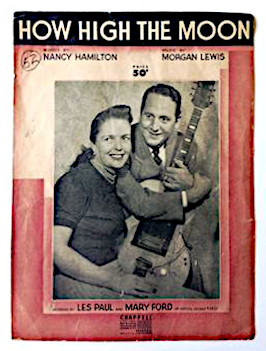
The first person to use delay in music was Les Paul. If you listen to “How High the Moon,” you can hear the early sounds of tape delay.
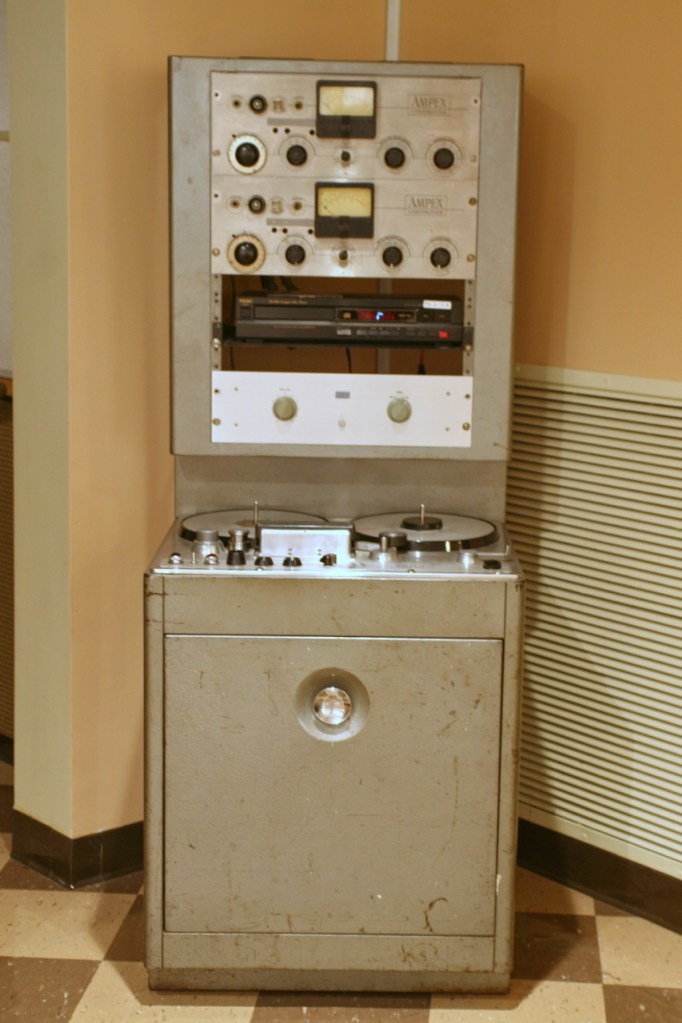
Ampex 300 Model

Another notable figure who used delay was Sam Phillips, the founder of Sun Records. He produced Elvis Presley’s tracks using two Ampex 350 tape recorders to create the delay effect.

(Though it doesn’t actually include tape, Warm Audio recently released a replica of this with the WA-MPX!)

The first commercial product featuring delay was the EchoSonic, a guitar amp with built-in tape delay.

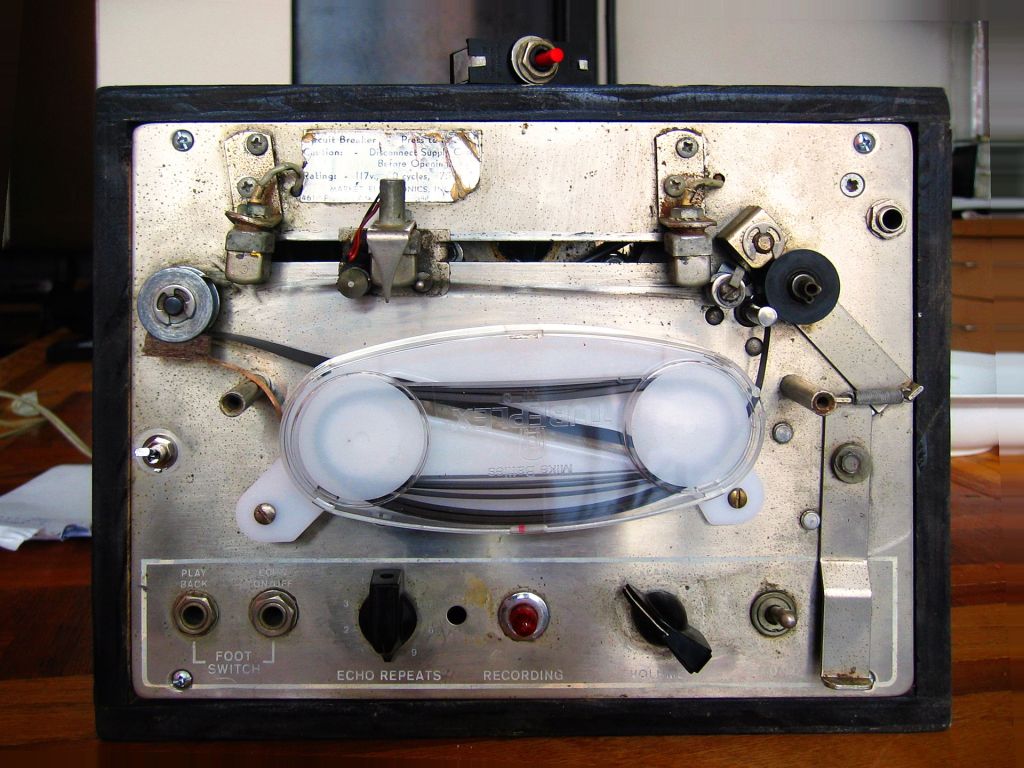
Among commercially famous delays that focused solely on the effect was the Echoplex.

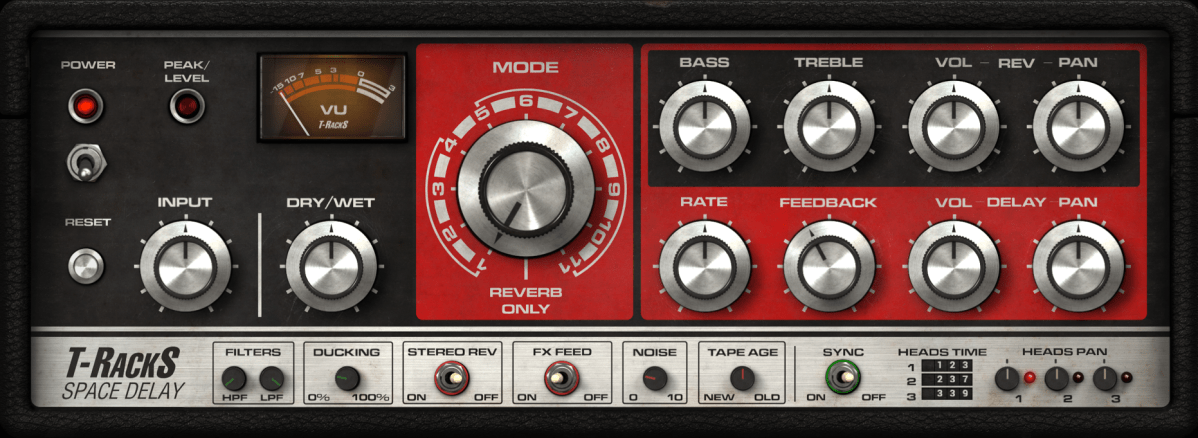
For guitarists, the Roland Space Echo RE-201 is likely the most well-known tape delay. It used multiple playback heads to create a more sophisticated delay effect.

Next came the Oil Can Delay.
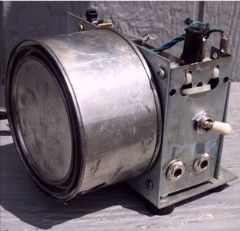
Oil Can Delay worked by storing and replaying signals as magnetic patterns on the side of a can through electromagnetic induction. The can was filled with a high-dielectric oil to keep the signal intact for longer periods, hence the name Oil Can Delay.

Following that, the Echorec was introduced, which utilized a Magnetic Drum for delay.

Urei, the precursor to Universal Audio, created the Cooper Time Delay, which used a long tube to produce the delay.

With the advent of Solid State technology, Philips developed the Bucket Brigade Device (BBD), a discrete analog delay device that led to the creation of various delay units.

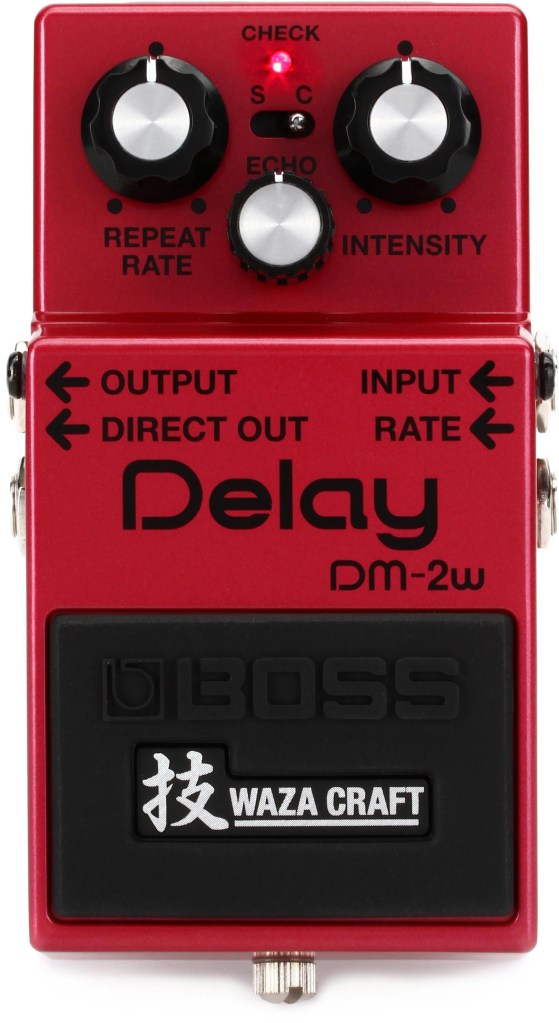
Examples of BBD delays include the Electro-Harmonix Memory Man and the Boss DM-2 Delay.

Digital Delay
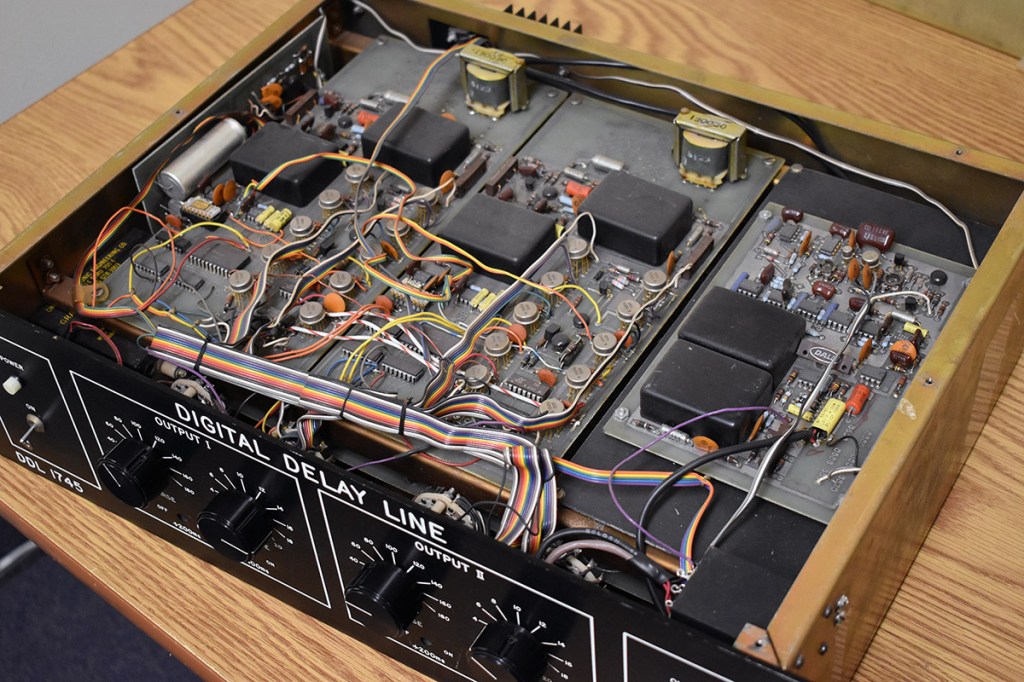
The earliest digital delays were introduced for studio and film effects. The first digital delay was the Eventide DDL 1745, which was released in 1972 for an astounding $3800.. quite pricey!

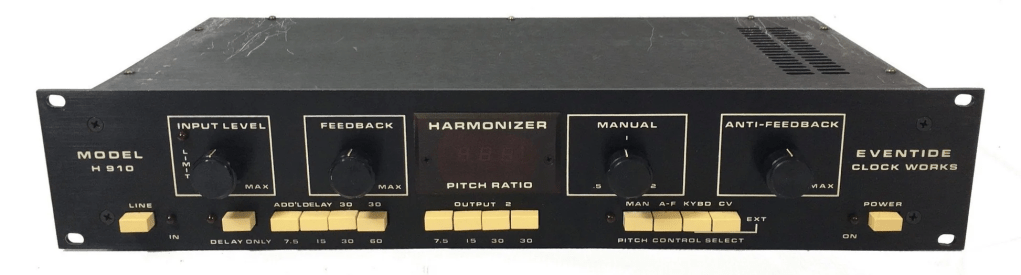
Subsequent models included the Lexicon PCM 41 and Eventide’s Model H910, which came packed with multiple effects.
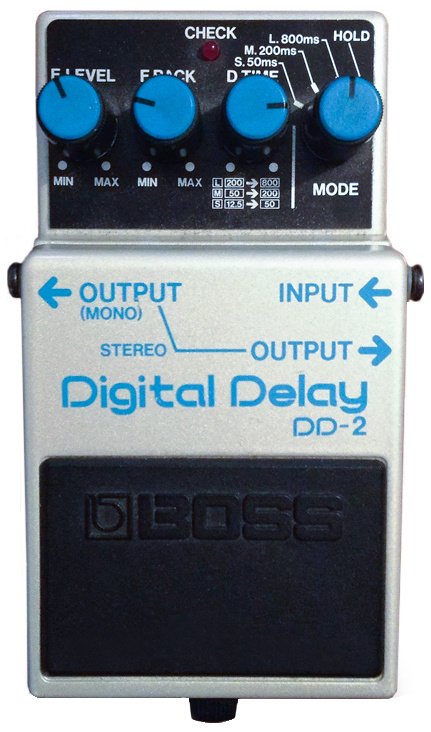
The first digital delay pedal was the Boss DD-2, marking the transition to computer-based delays.

Well, that wasn’t much, was it? History is simple when you look at it this way. The key takeaways are:

  1. Vintage analog delays were saturated based on the medium they used. (Tape, Oil Can, BBD, etc.)
  2. Early digital delays had low sample rates due to computational limitations, resulting in rolled-off high frequencies.

Remembering these two points should suffice. Ultimately, this explains why modern basic plugins don’t capture the vintage delay feel.

I’ll see you in the next post~:)
Basics of Mixing – 7.1 What is Delay?

Hello! This is Jooyoung Kim, an mixing engineer and music producer. Today, I want to delve into the time effect known as delay.

Shall we get started?

So, what exactly is delay?

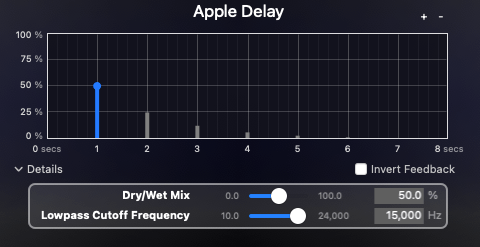
It’s simple, really. Delay is an effect that repeats the same sound with a time difference.

Why would we use this effect, though? There are several reasons, which can be summarized as follows:

  1. Using only reverb can sometimes create unnatural reverb tails.
  2. The feedback feature allows for the creation of very long reverb tails.
  3. It can add an artificial groove to a source.
  4. Special delay effects can be applied to instruments (especially common with electric guitars, and can also be used with short delays).

Effectively using delay can create a rich and natural reverb. If you’ve only been using reverb to add space to your mix, try incorporating delay as well.

I personally favor UAD’s Precision Delay because it lets you set the delay time in seconds rather than adjusting it via feedback. By setting the delay time similarly to RT60, which I’ll discuss in the reverb section, the sound can fade naturally.

Using a delay plugin to set the pre-delay instead of the reverb plugin’s pre-delay can also be effective. Especially if the reverb plugin doesn’t allow synchronization of the pre-delay time with the BPM, you can achieve a precise pre-delay using a delay plugin that does.

Setting a very short delay with minimal feedback and then filtering out high and low frequencies, while adjusting the volume, can create a subtle groove that wasn’t originally show in the source. This can add a sticky, rhythmic feel to percussion, which is particularly useful in genres like R&B and hip-hop.

Using historical replica delays can also help recreate the vintage sound of old-school or retro music.

There are countless crucial aspects of mixing, but I believe that handling reverb effectively is one of the key factors that define the quality of a sound. However, this is an area that’s hard to explain solely with words. You really have to experiment with various delay and reverb plugins to grasp it fully. It’s a challenging aspect, even for me.

Today, we’ll wrap up with this brief overview of delay. See you in the next post!

Basics of Mixing – 6.7 Limiters and Clipping

Hello, I’m Jooyoung Kim, an engineer and music producer.

We’ve discussed various processors that control dynamics. Today, let’s talk about limiters and clipping.

Let’s dive right in!

Limiters

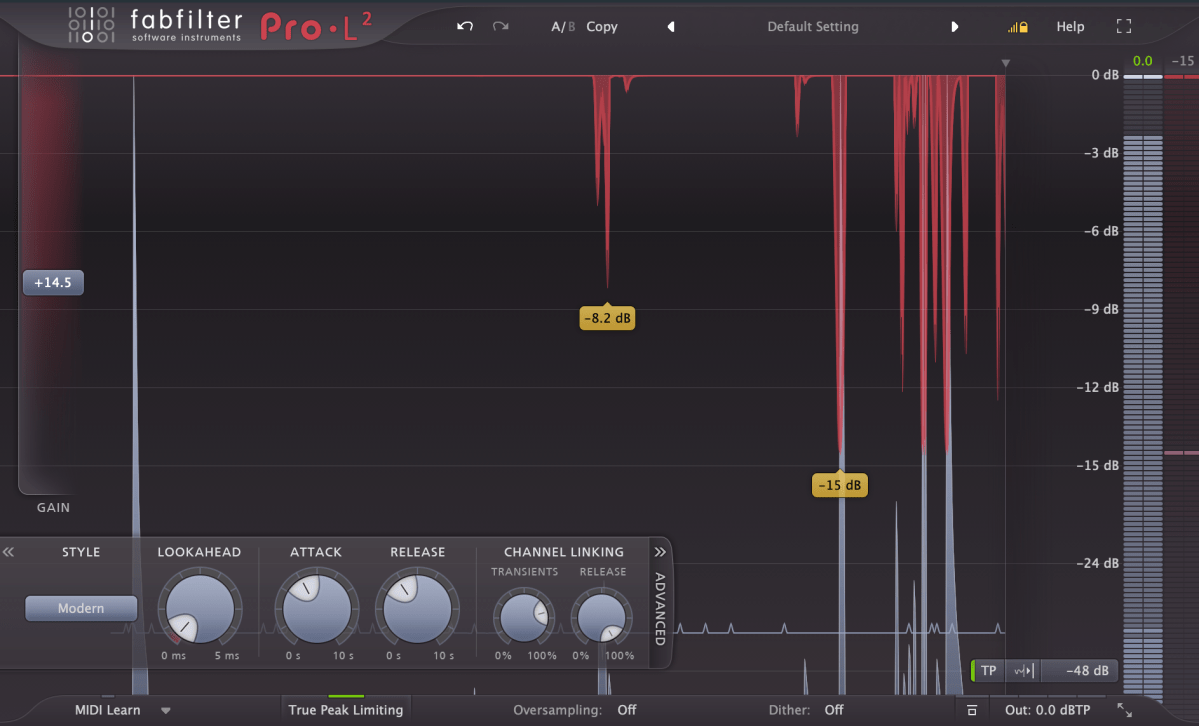
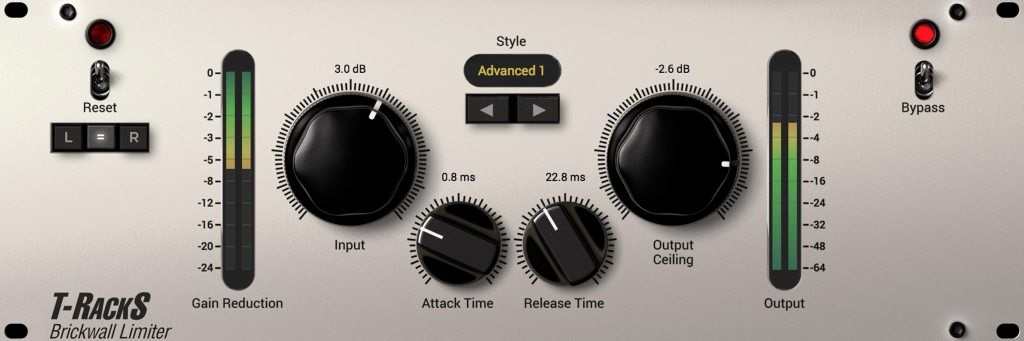
A limiter is a type of compressor. Generally, when the ratio exceeds 10:1, we call it a limiter. When it reaches ∞:1, it’s often referred to as a brickwall limiter.

Limiters are processors that aggressively compress sound to prevent it from exceeding a certain volume level. A simple example of this would be guitar effects like distortion or overdrive, which are types of limiters. In mastering, limiters are used at the final stage to ensure the volume doesn’t exceed a certain level.

Any limiter, when viewed on a waveform, shows the top and bottom parts being cut off. This truncation introduces strong harmonic distortion, known as clipping, which we can perceive as a distorted sound.

Distortion-type limiters result in noticeable clipping, producing a heavily distorted sound. To minimize such distortion, some compressors/limiters include a feature called soft clipping.

Clipping / Soft Clipping

Elysia Alpha Compressor with Soft Clipping Function

Soft clipping gently smooths out the sharp edges of clipping. When a sine wave undergoes limiting with soft clipping, the result is a waveform that doesn’t have the abrupt cuts seen in regular clipping.

While soft clipping still introduces distortion, the sound is smoother compared to hard clipping. Using limiters or soft clipping helps to increase the overall loudness of a track. The reason for boosting volume is that people tend to perceive louder music as higher quality. However, equal LUFS (Loudness Units relative to Full Scale) values do not always mean the perceived volume is the same. For example, in vocal music, if the vocals are prominent, the music may seem louder even with similar LUFS values.

Even if you’re not mastering your own tracks, considering these aspects during mixing can help you create better productions.

Next time, I’ll explore reverb effects like delay. See you then!

Basics of Mixing – 6.6 De-Essers and Multiband Compressors

Hello, I’m Jooyoung Kim, an engineer and music producer.

Today, we’ll delve into two subtypes of compressors: De-Essers and Multiband Compressors.

Let’s get started!

De-Essers

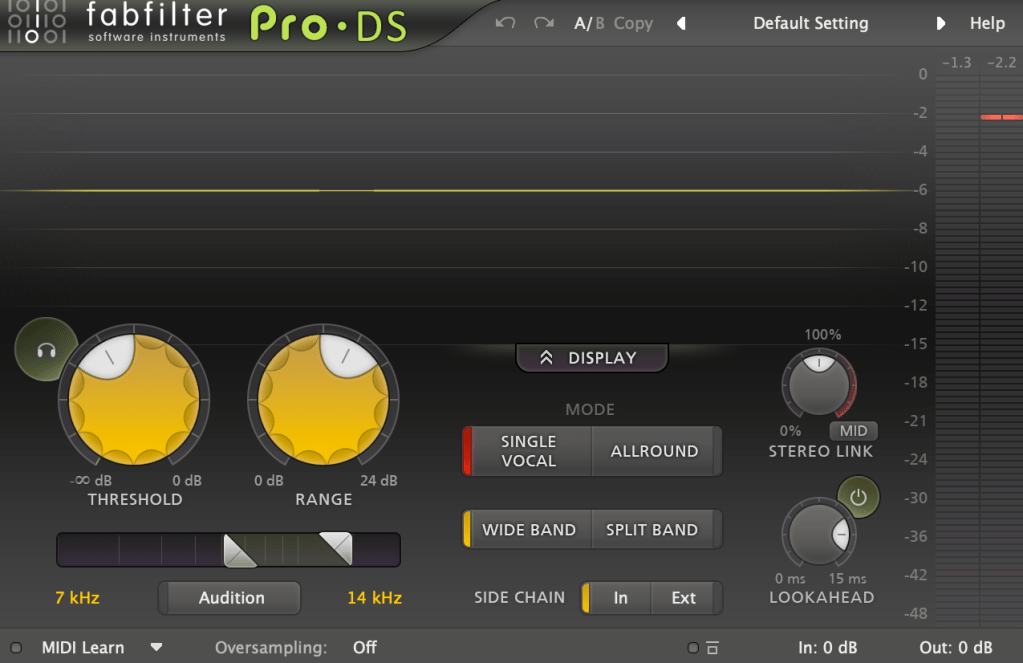
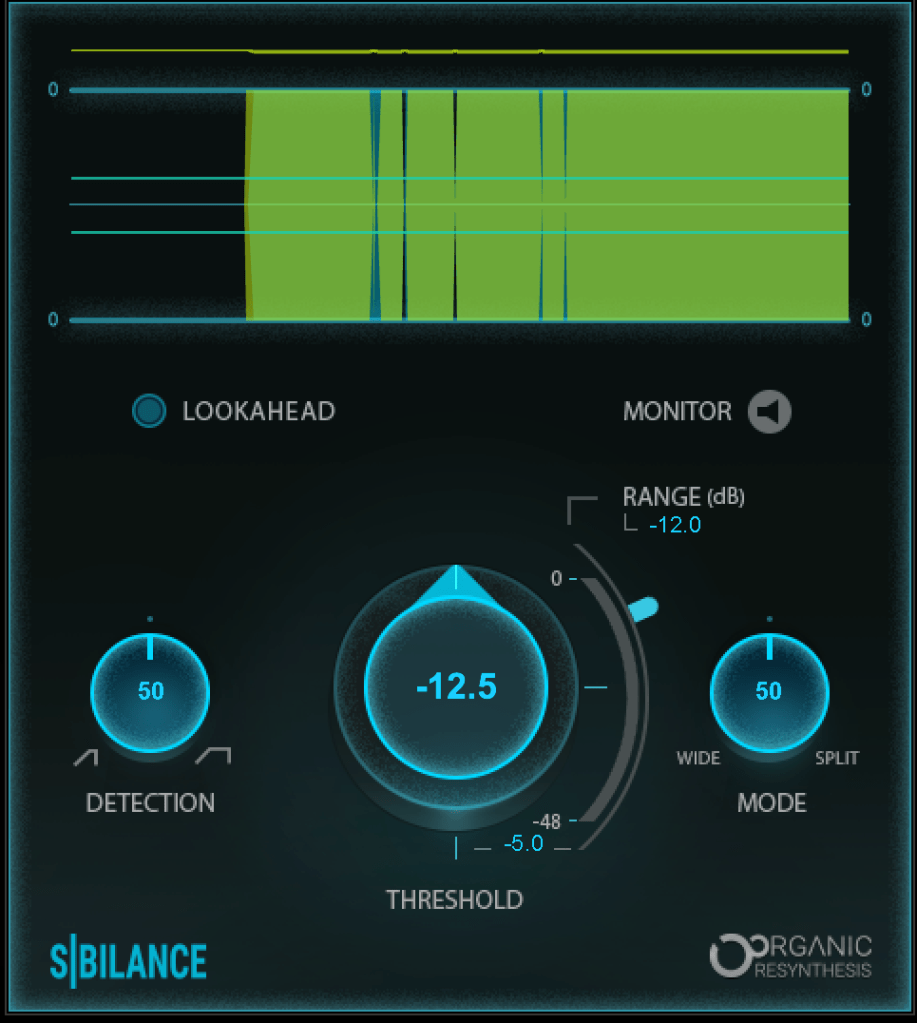
A De-Esser is a type of compressor that reduces “ess” sounds, also known as sibilance. Waves even has a De-Esser named “Sibilance” specifically for this purpose.

Sibilance typically falls between 3kHz and 10kHz. A De-Esser works by activating the compressor when the sound in this specific range exceeds a certain threshold. Unlike using an EQ, which reduces the selected frequency range across the entire source, a De-Esser targets only the problem area. You can think of it as a single-band compressor.

De-Essers are not only useful for reducing vocal sibilance but also for taming harsh high frequencies in acoustic guitar strums and other similar sounds.

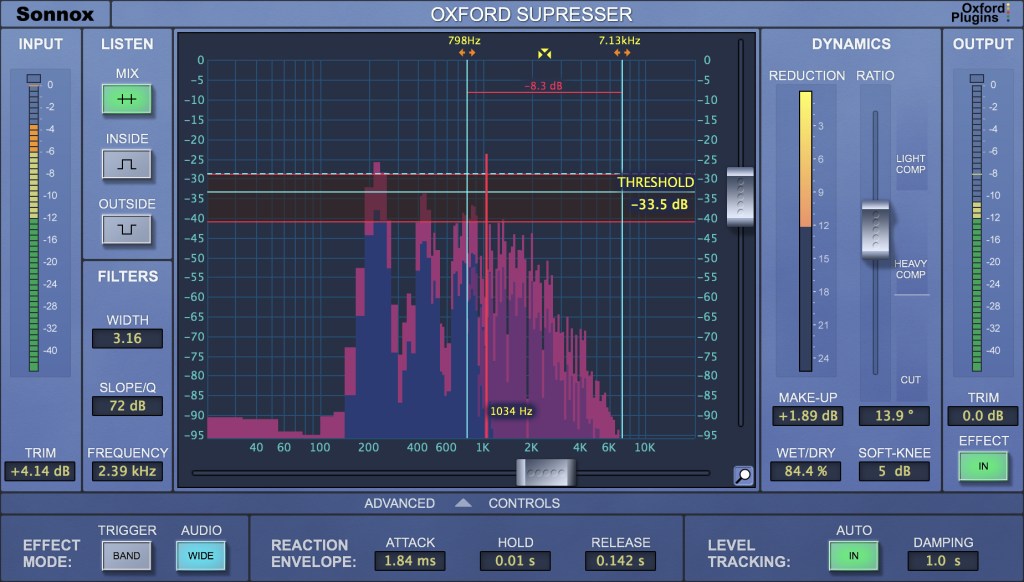
For instance, the Oxford SuprEsser by Sonnox offers a wide range of frequencies to adjust, making it versatile for various applications beyond its primary function of reducing high frequencies.

Multiband Compressors

A Multiband Compressor allows you to set different compression parameters for different frequency ranges. This is particularly useful when dealing with audio sources containing multiple instruments, which can be challenging to manage with a simple compressor.

For example, you might use a Multiband Compressor on a drum bus or to handle looped sources from platforms like Splice. It’s also commonly used in mastering.

Sidechain functionality in these compressors can add an interesting and effective dynamic to your tracks. For example, you can sidechain the low frequencies of other instruments to duck when the kick drum hits, or use it to carve out space for the vocal’s frequency range.

I’ll cover sidechain techniques more thoroughly in a future post, but mastering sidechain within dynamic plugins can significantly enhance the fun and effectiveness of your mixing. I’m not an expert yet, but I’m learning alongside you.

That’s all for today. See you in the next post!