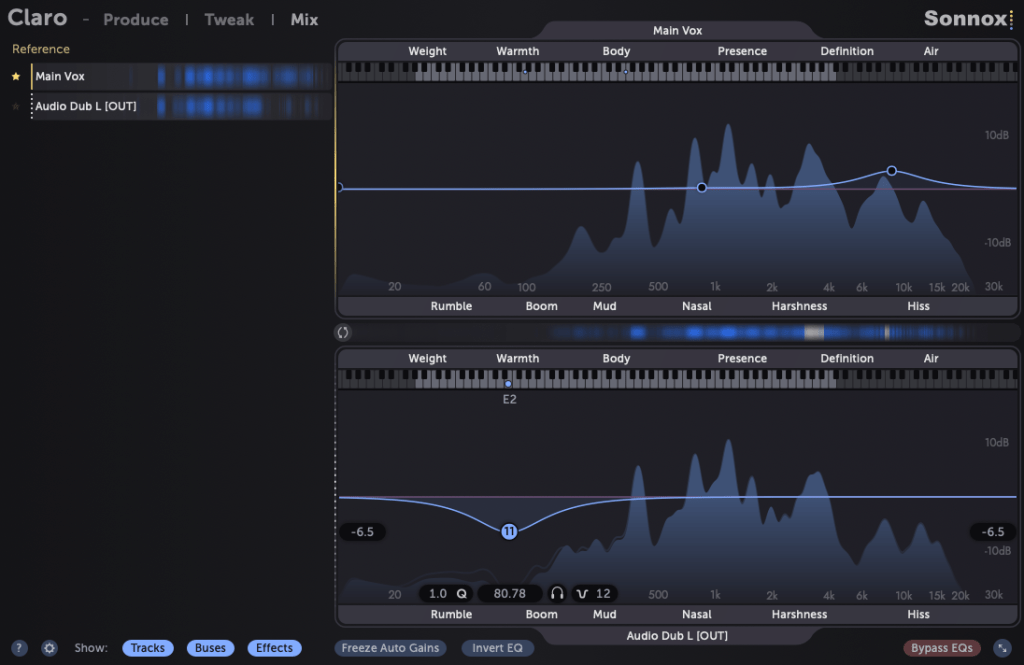
Reference is a plugin that helps you match the frequency response and loudness of your mix to a reference track, while Reso allows you to control the resonances in your audio source.
As someone who frequently works on mixing, I highly recommend Reso. Let’s take a closer look at what it can do!
(Note: I received the Reso plugin from Plugin Boutique, and if you purchase through the provided link, I’ll earn a small commission that helps support the blog.)
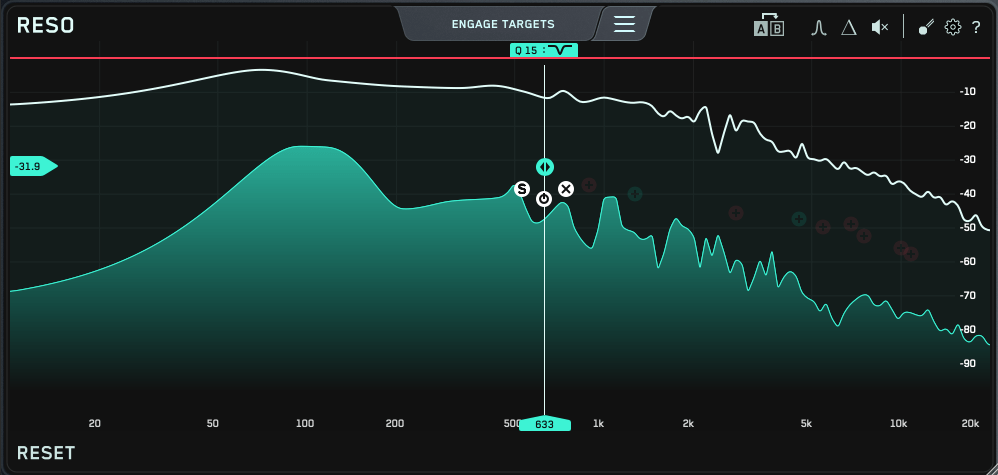
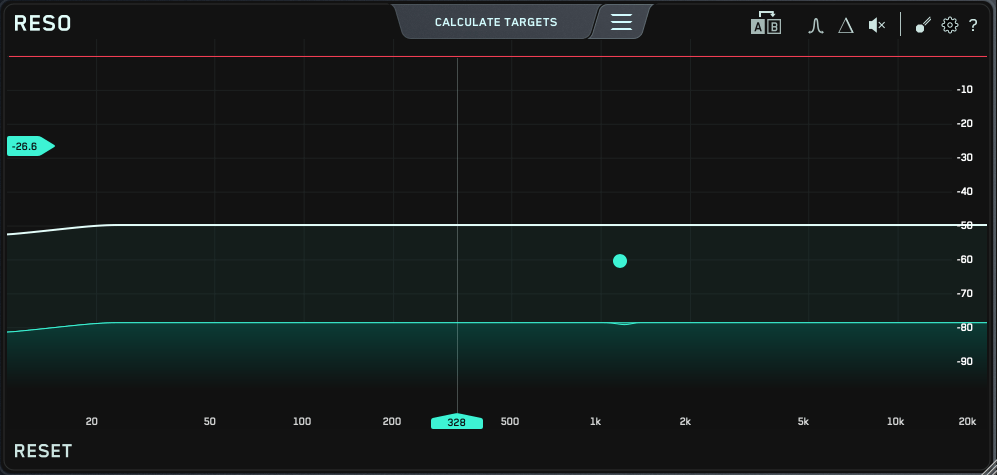
The Reso plugin’s user interface is straightforward—a frequency graph where you can plot points.
When you plot a point like this…
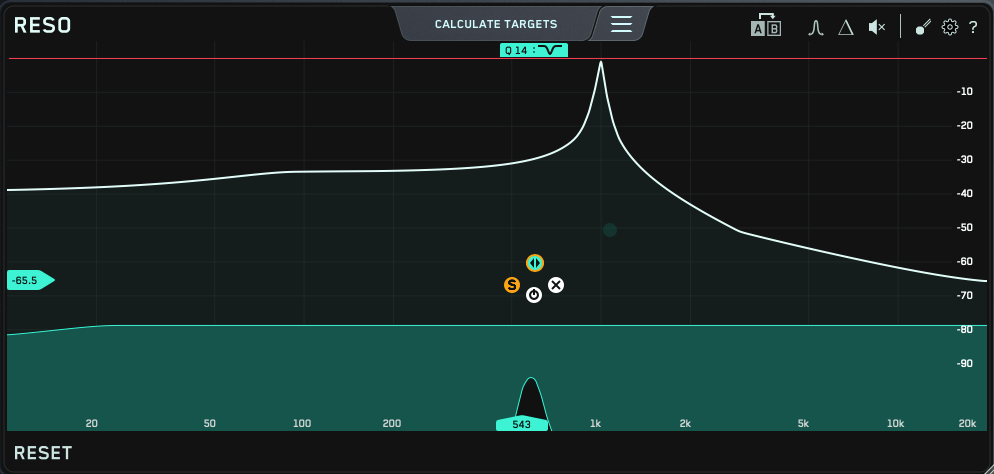
…it narrows down the selected frequency and reduces it. The Q factor is automatically set to an optimal value, but you can easily adjust it by scrolling your mouse over the point.
At the top, there’s a “Calculate Targets” button, which analyzes the frequencies where resonances occur and automatically sets points for you.
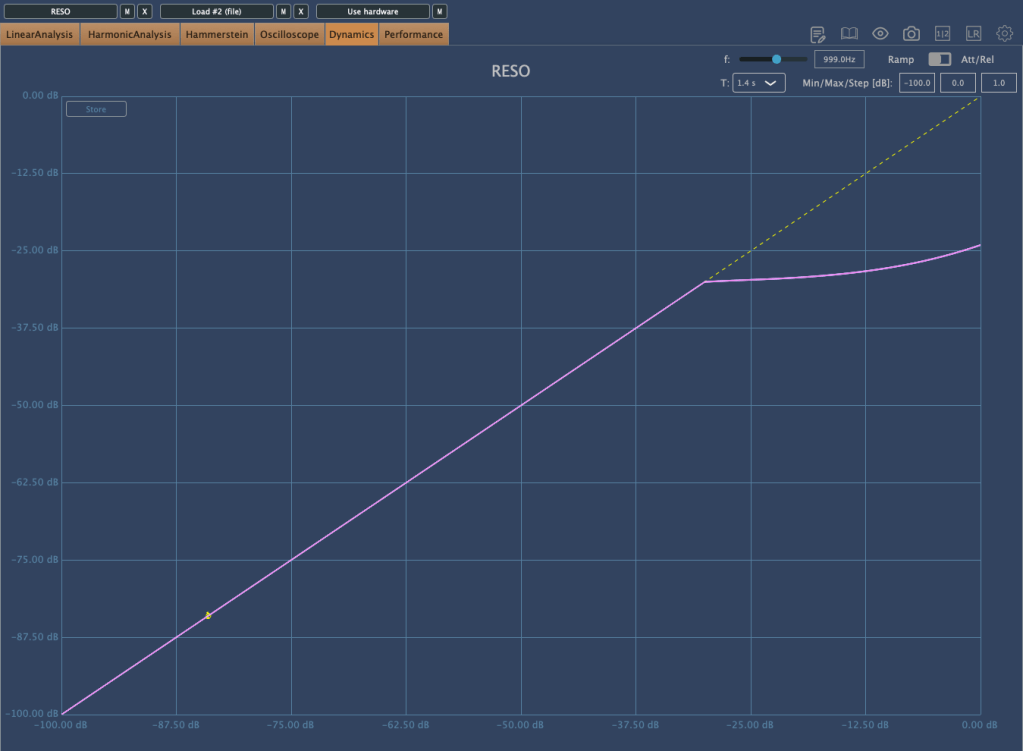
If the resonance is too strong to control with just EQ…
…the plugin starts applying compression/limiting! It’s an innovative concept, as it helps reduce problematic frequencies without completely destroying the audio like a notch filter might.
You can also use the Solo button to isolate and listen to specific frequencies. I believe this EQ is unparalleled when it comes to handling resonance.
This bundle is currently on sale at a very attractive price—$53.9 for both Reference and Reso, whereas each plugin normally costs $62.7 individually. Think of it as buying Reso and getting Reference as a bonus!
If you’re dealing with sources that have a lot of resonance, I highly recommend trying out the demo version. I recently had a vocal track with significant resonance, and this plugin helped me resolve the issue, leaving me very satisfied.
Additionally, if you purchase any plugin from Plugin Boutique this month, you’ll receive either the Pyros distortion plugin or the Bloom Vocal Aether Lite sampler instrument for free. Be sure to select your freebie at checkout!
(By purchasing through the links in this post, I receive a small commission that helps support the blog. Thanks to everyone who makes a purchase!)
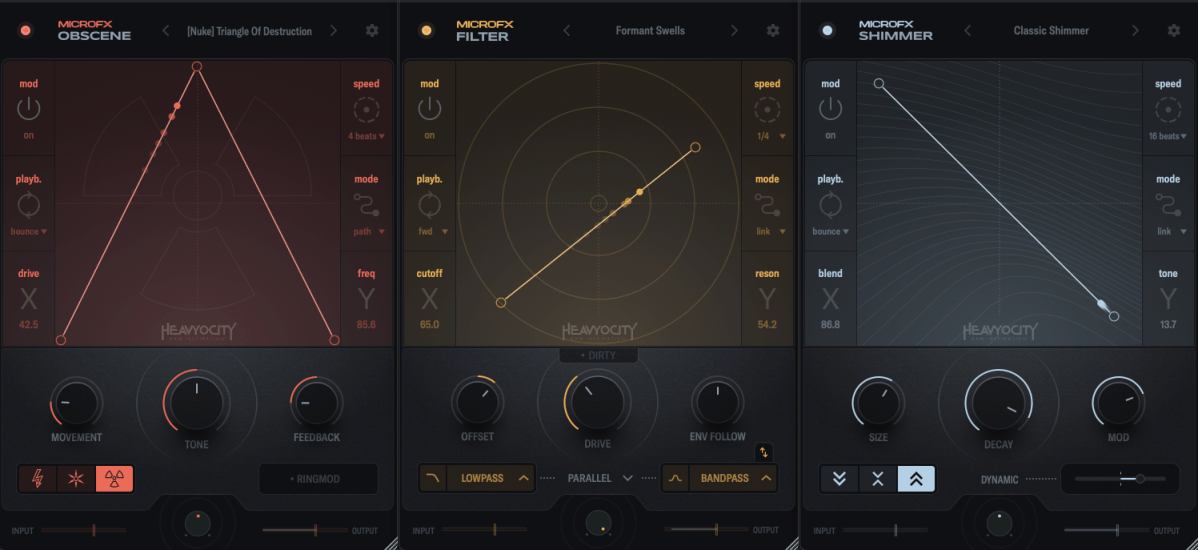
Heavyocity is known for selling virtual instruments and effects plugins, especially well-suited for film and video music production. However, the new MicroFX plugins can be used for a variety of purposes beyond those genres.
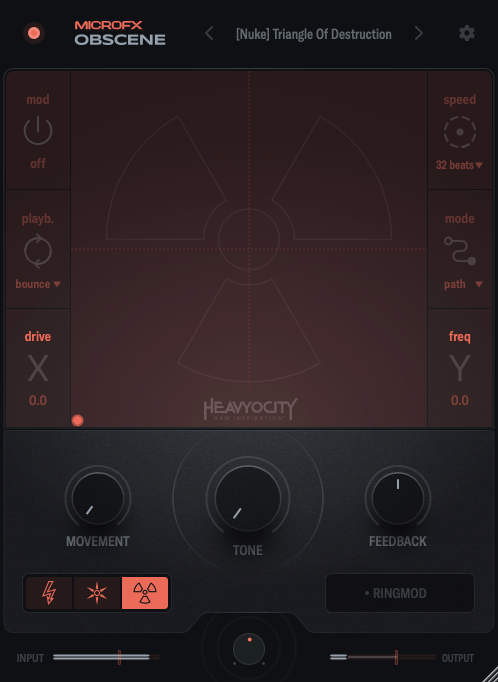
Obscene true to its name, this plugin delivers a powerful, in-your-face distortion effect.
There are three types of distortion to choose from: BLASTER, CRUSHER, and NUKE.
BLASTER offers a guitar pedal-style distortion.
CRUSHER adds bitcrushing to the distortion.
NUKE provides a fuzz-like distortion.
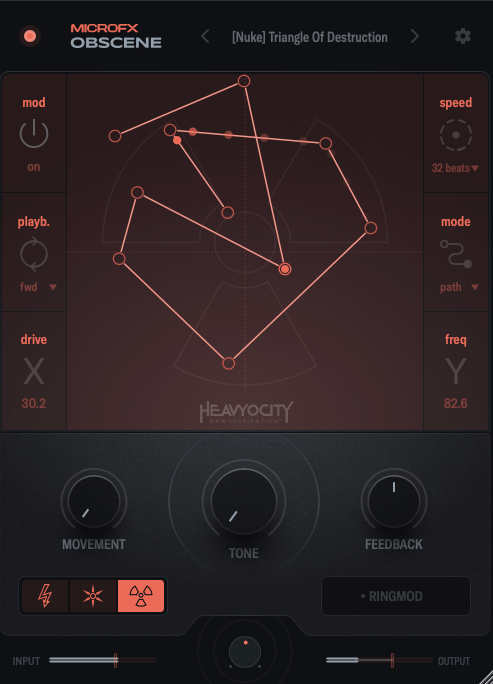
On the graph, the X-axis controls the amount of distortion, while the Y-axis adjusts ring modulation and internal filtering.
You can activate the Mod function, and by double-clicking on the screen, you can place points, which are influenced by the speed settings on the right. You can place up to 15 points.
When you adjust Movement, the frequency response and harmonics change over time. The Tone control acts like a tilt EQ, while Feedback may seem subtle at first but becomes more noticeable as the distortion increases. The large knob at the bottom center is the Mix control.
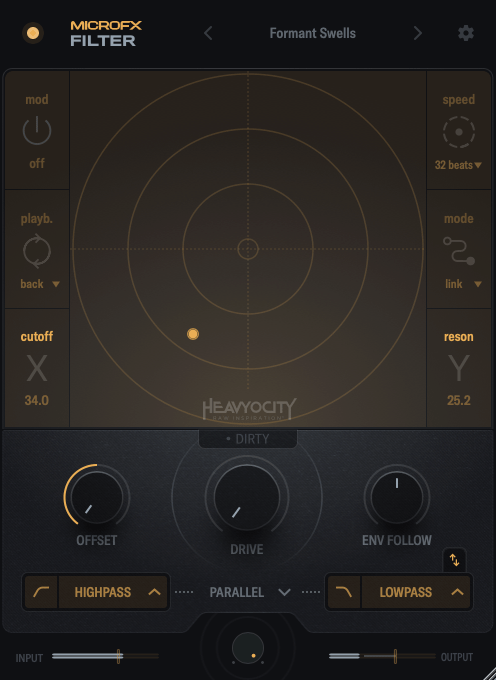
In this case, the X-axis controls the cutoff frequency, and the Y-axis adjusts the resonance.
Through the buttons below the central knob, you can choose which filters to apply to the high and low frequencies.
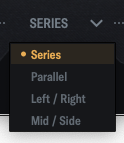
By clicking the center of the interface, you can choose whether to link the filters in series, parallel, LR (left/right), or MS (mid/side) modes.
When you adjust Movement, the frequency response and harmonics change over time. The Tone control acts like a tilt EQ, while Feedback may seem subtle at first but becomes more noticeable as the distortion increases. The large knob at the bottom center is the Mix control.
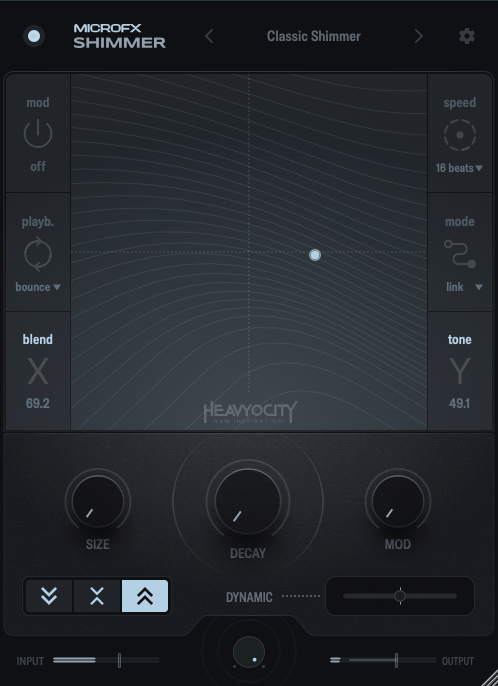
Shimmer reverb will be covered in more detail in my upcoming blog post on the basics of mixing. It’s a reverb plugin that incorporates pitch modulation, producing a bright, extended effect.
This shimmering, elongated reverb is particularly popular in instrumental and cinematic music, especially on guitars.
Shimmer captures that classic sound well.
The X-axis controls the blend of the pitch-shifted delay, while the Y-axis adjusts various internal reverb parameters to shape the overall tone.
The buttons on the lower left let you shift the pitch an octave down, an octave up, or both.
The Size, Decay, and Mod knobs function like typical reverb controls, so I won’t explain those further.
Dynamic is a fader that adjusts the internal dynamics. Pulling it to the left applies an expander to the reverb’s input and output, while pushing it to the right activates a ducking compressor.
Summary
All three plugins are well-crafted and highly useful for sound design. If you’re interested, I recommend checking them out!
These plugins are priced at $42.9 each, or $108.9 for the bundle. Additionally, if you purchase from Plugin Boutique this month, you’ll receive either the Pyros distortion plugin or Bloom Vocal Aether Lite for free.
(If you purchase through the links above and below, I receive a small commission, which helps support the blog. Thank you! ^^)
As I mentioned in my previous post, these plugins are not resource-heavy on your computer. They’re affordable, high-quality, and come with a clean, intuitive UI, making them a solid option if you’re considering basic third-party plugins.
Lifeline Expanse is also being reviewed with NFR (Not for Resale) codes provided by Plugin Boutique.
Let’s dive into Lifeline Expanse!
Lifeline Expanse includes five modules: Format, Dirt, Reamp, Width, and Space.
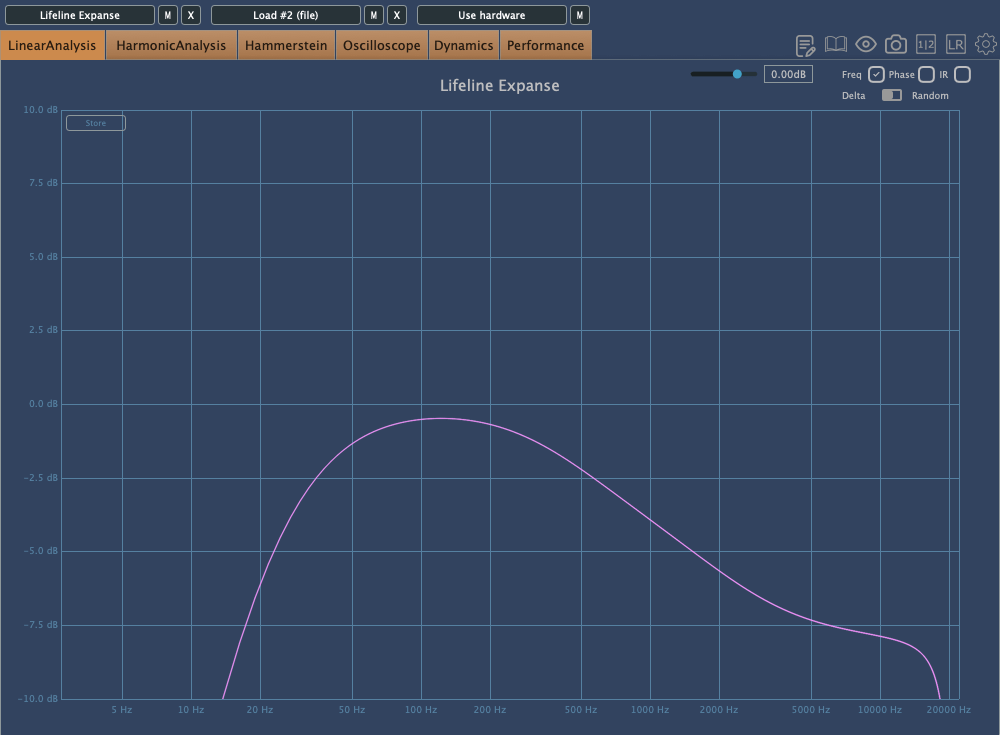
The Lo and Hi options in Expanse are simple cut-off filters, so I’ll skip explaining them.
The waveform on the left shows a de-esser-like effect where high frequencies are attenuated based on the incoming signal, while the shield in the middle acts as a limiter.
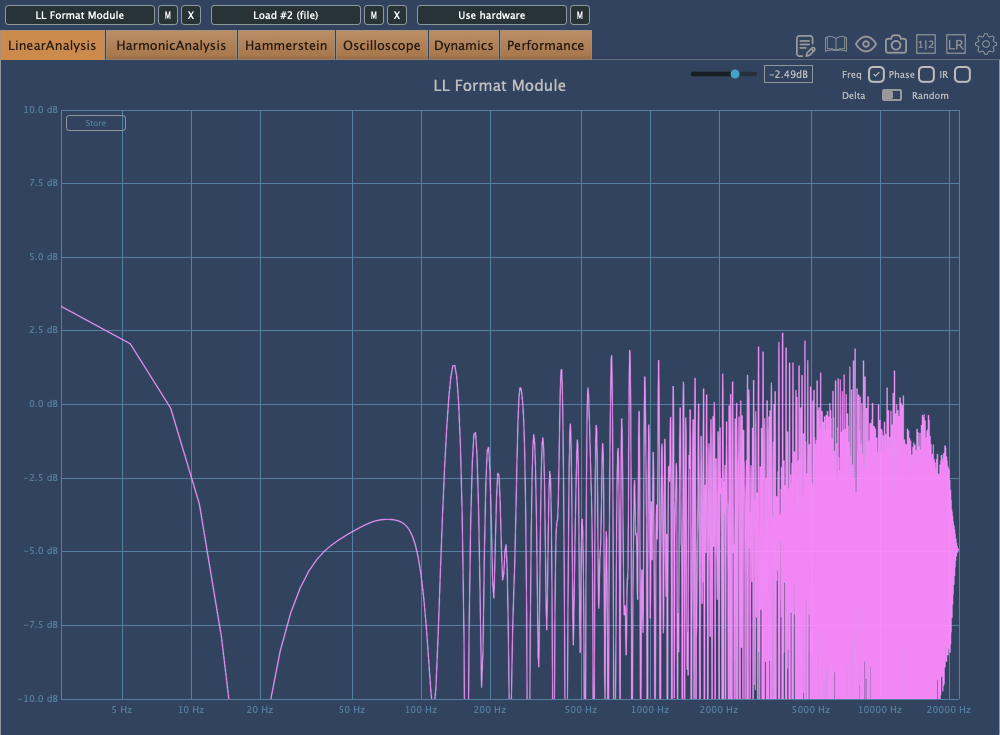
Unlike Console, Expanse doesn’t add various types of saturation, but even with the filter range maxed out, it still introduces tonal changes. Now, let’s take a closer look at the individual modules.
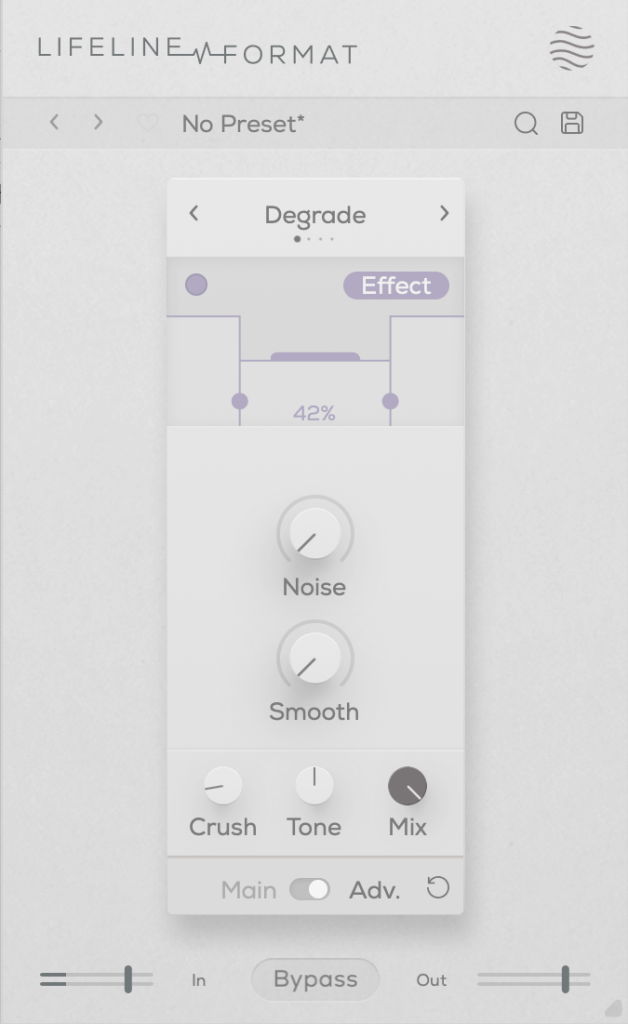
This plugin adds a characteristic digital distortion to your source.
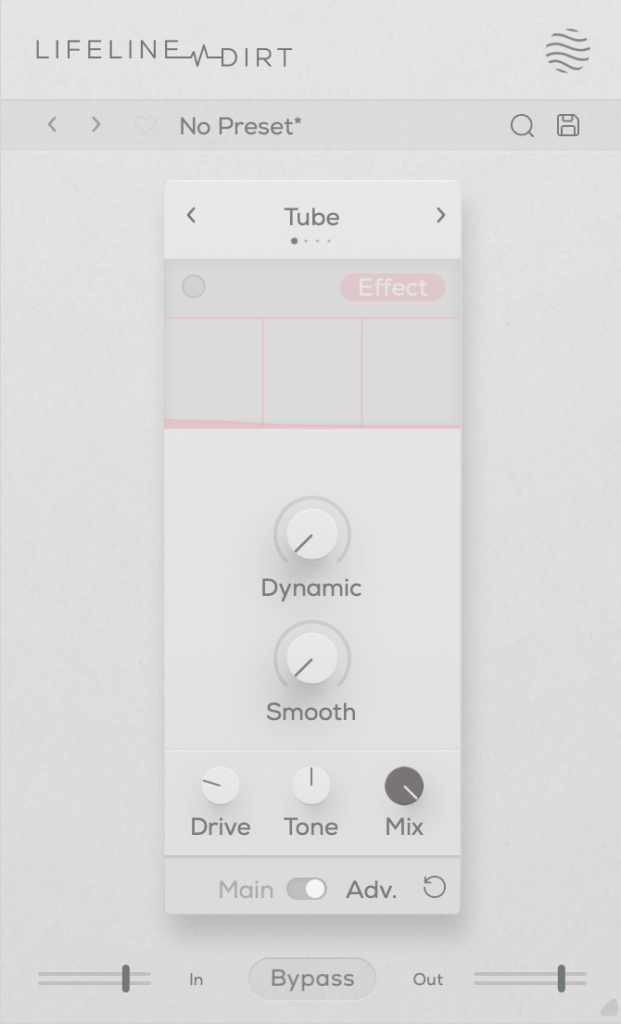
In the Advanced window, you can split the frequency range into three bands, adjust their volume, and even add noise. The Smooth option can make the changes less harsh.
Other key controls include Crush, which adds the distortion, and Tone, a tilt EQ centered around 650Hz.
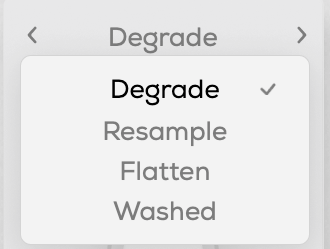
There are four modes:
Degrade: Reduces the bit depth of the incoming audio, creating digital distortion.
Resample: Lowers the sample rate of the audio, adding digital artifacts.
Washed: Simulates the sound of a degraded, low-quality MP3, creating an underwater-like effect.
Flatten: Combines gating and bitcrushing, reducing the resolution of the audio.
Let’s take a closer look.
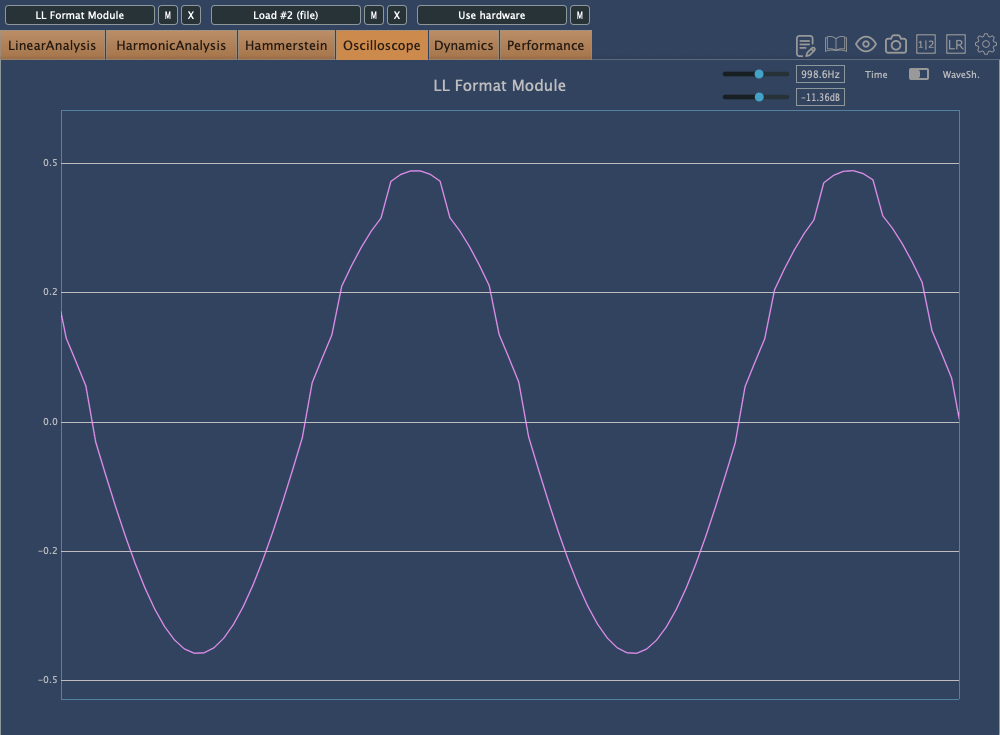
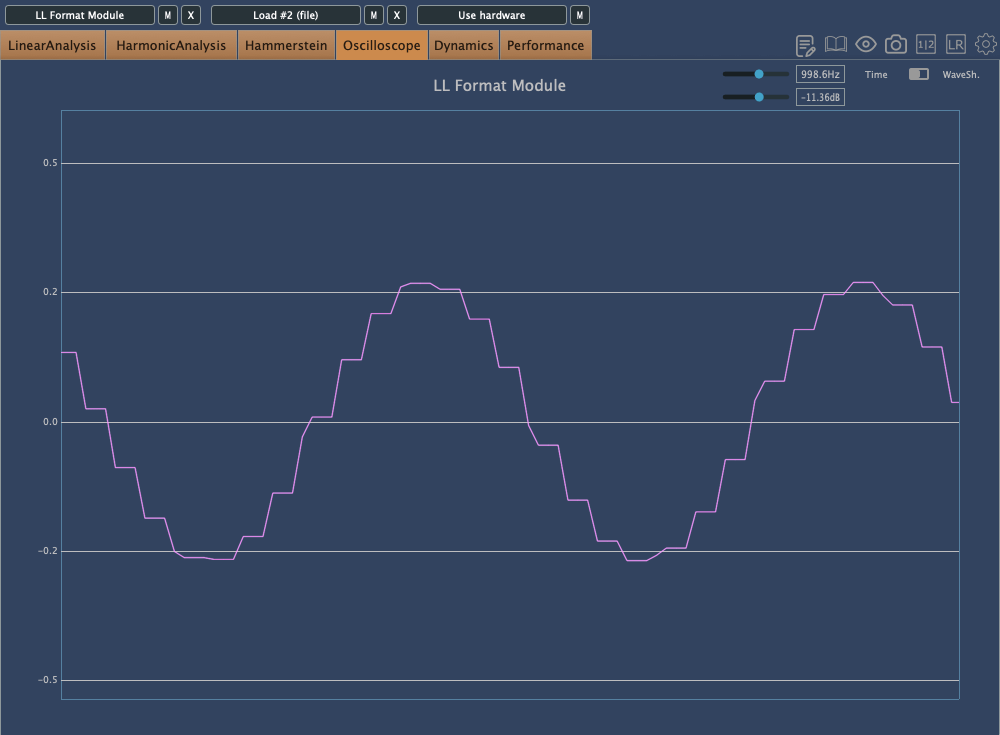
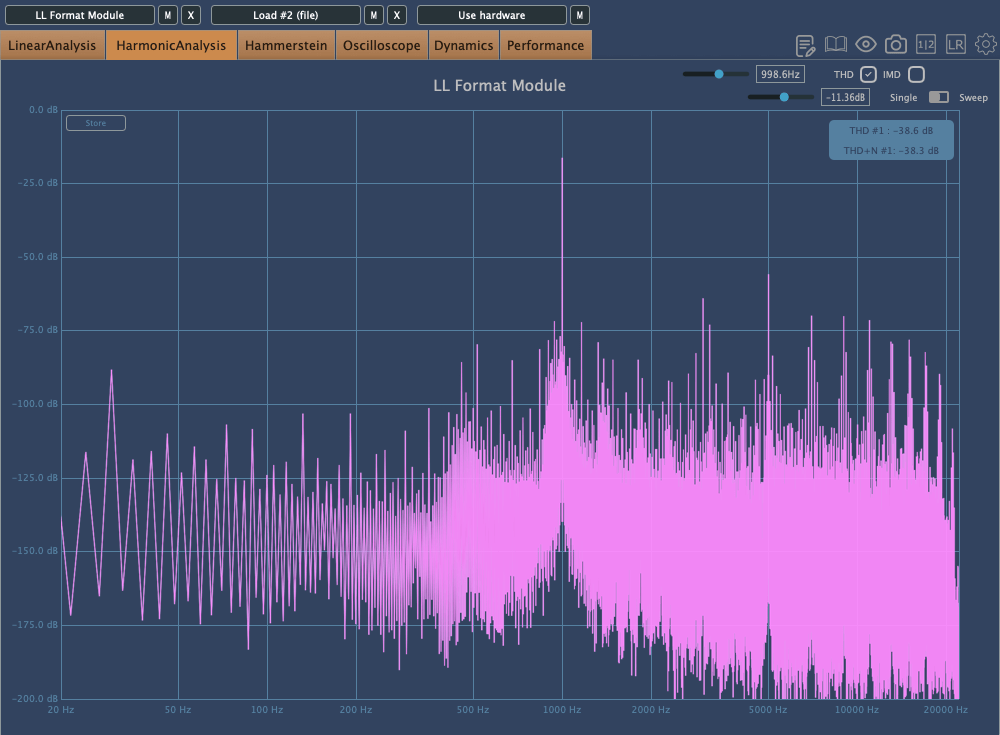
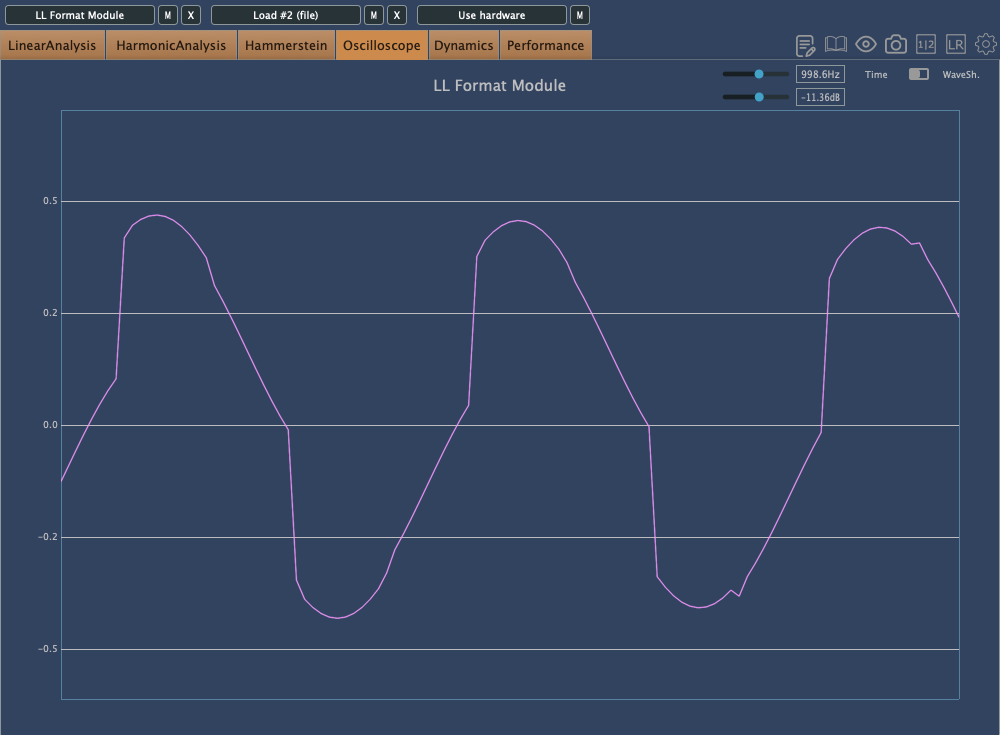
This is Degrade mode, where reducing the bit depth makes the waveform appear choppy in the oscilloscope.
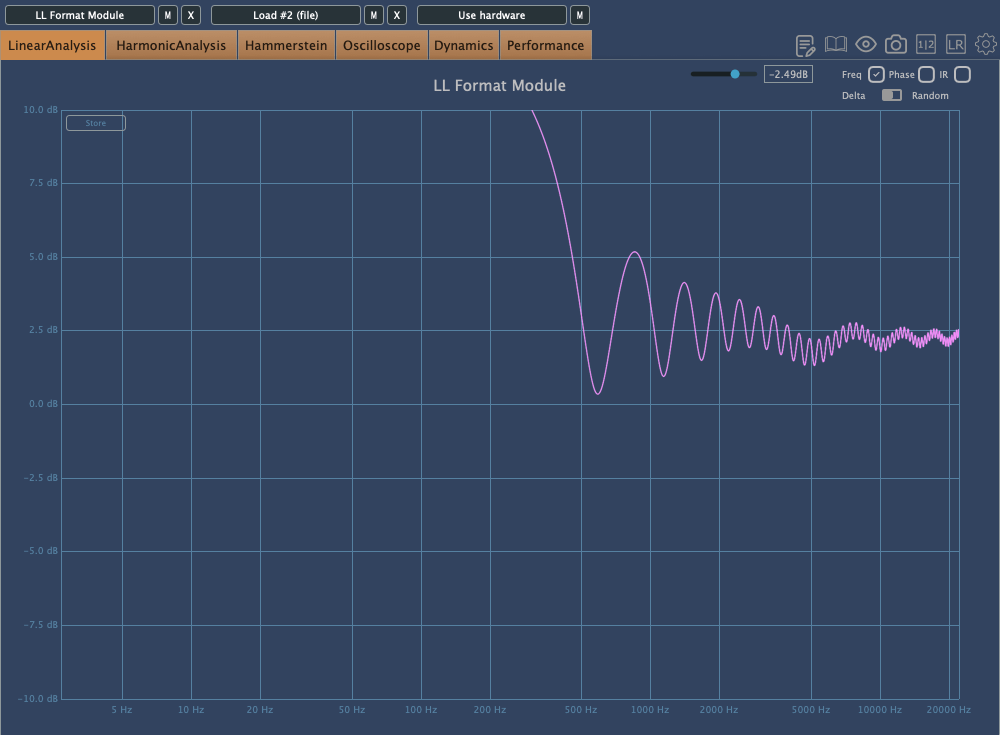
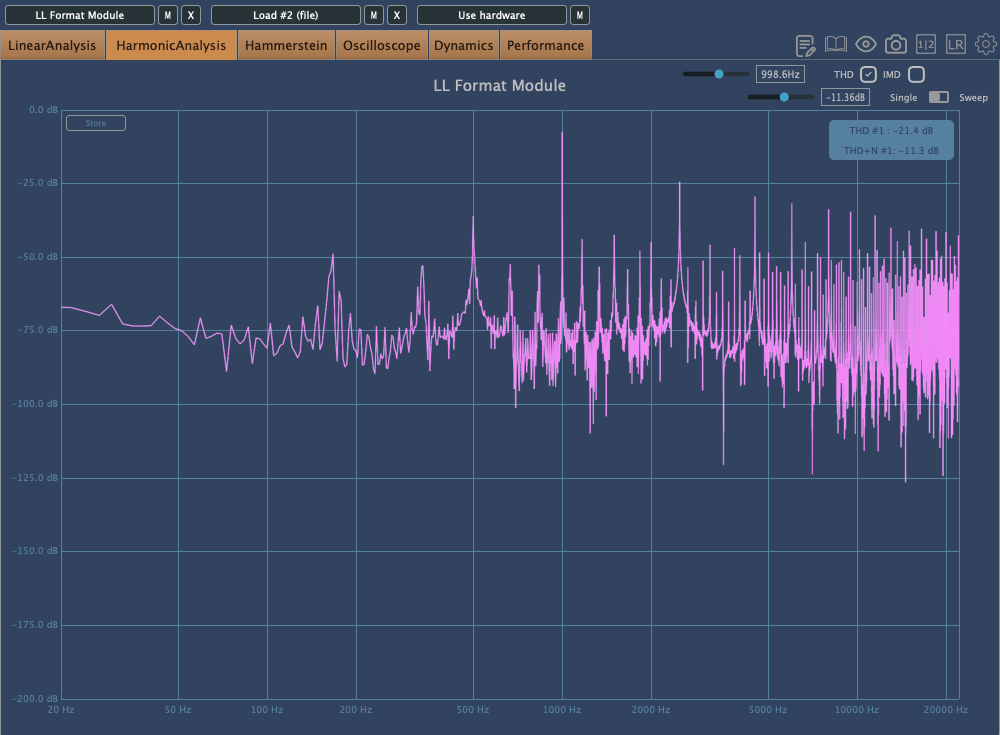
In Resample, harmonics reflect back at the Nyquist frequency, and those oscillations can be seen on the scope. It’s constantly in motion due to added frequencies.
Washed mode just smears everything.
Flatten shows harmonic reflections, indicating a resampling effect, combined with reduced bit depth, resulting in multiple distortions.
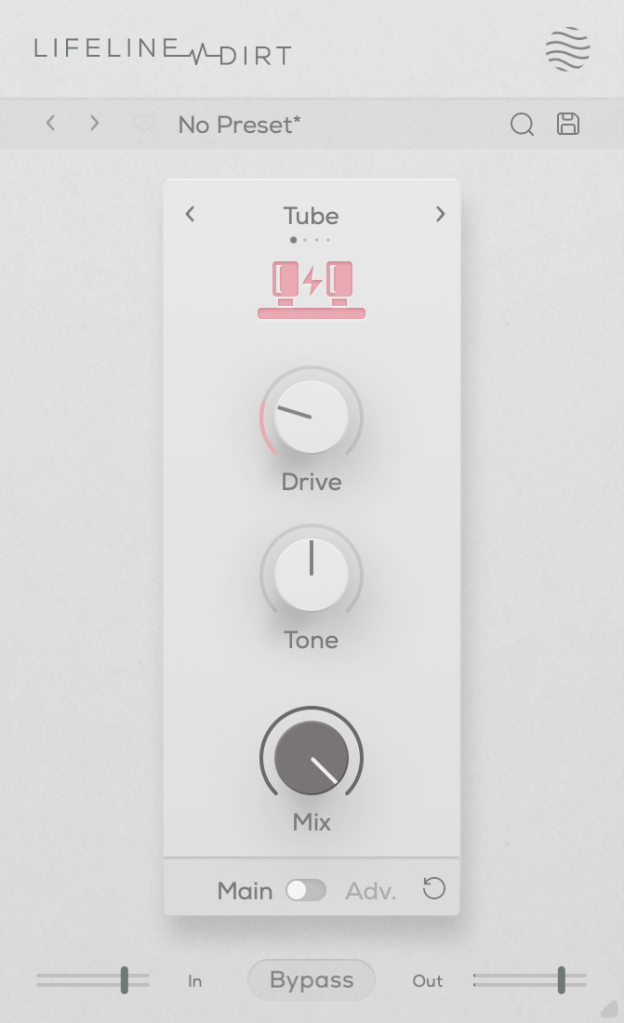
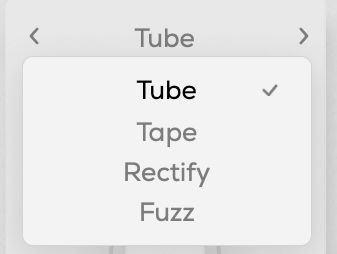
You can choose from four types: Tube, Tape, Rectify, and Fuzz. The controls are the same as in Format, so I won’t repeat the explanation.
All four modes emphasize low and mid frequencies while cutting highs. As the name “Dirt” suggests, pushing the Drive knob can make it act almost like a compressor or limiter at higher levels.
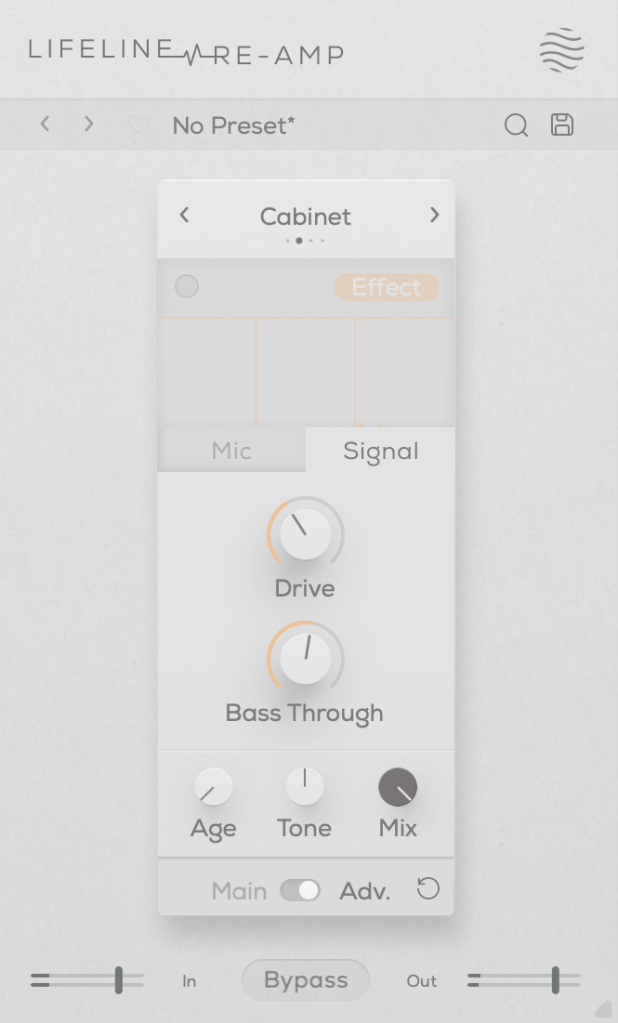
As the name suggests, Re-Amp is designed to simulate re-amping.
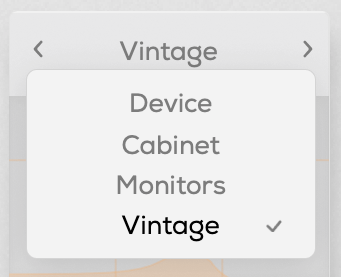
You can re-amp through small electronics, guitar cabinets, monitor speakers, or cassette recorders, with two speaker options in each category to choose from.
True to the re-amping concept, it allows you to adjust the distance of room and close microphones, and blend their sounds together.
Increasing the Age value causes the highs and lows to gradually roll off, eventually introducing wow and flutter effects.
The Drive knob adds harmonic distortion, while Bass Through prevents distortion from affecting the selected low-frequency range.
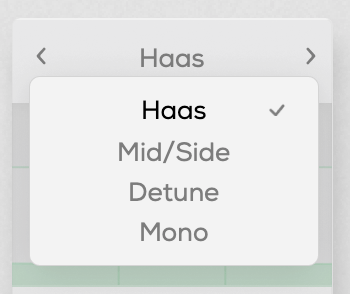
You can select from Haas, Mid/Side, Detune, and Mono modes.
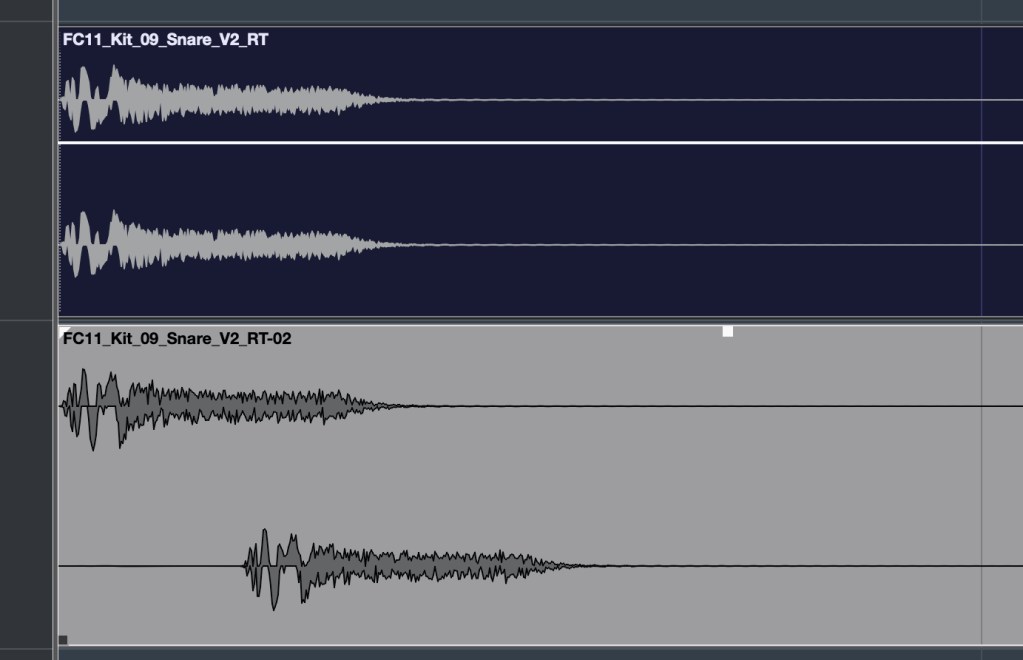
The Haas effect, as shown in the image, uses time delays to create a stereo image. Mid/Side enhances the side channels, Detune creates a wider image through pitch modulation, and Mono narrows the stereo field, gradually converting the sound into mono.
The Stereo knob enhances these effects, and Bass Mono ensures that frequencies below a set threshold are converted to mono.
I’ll skip further explanation, as the rest of the parameters are the same as in Format.
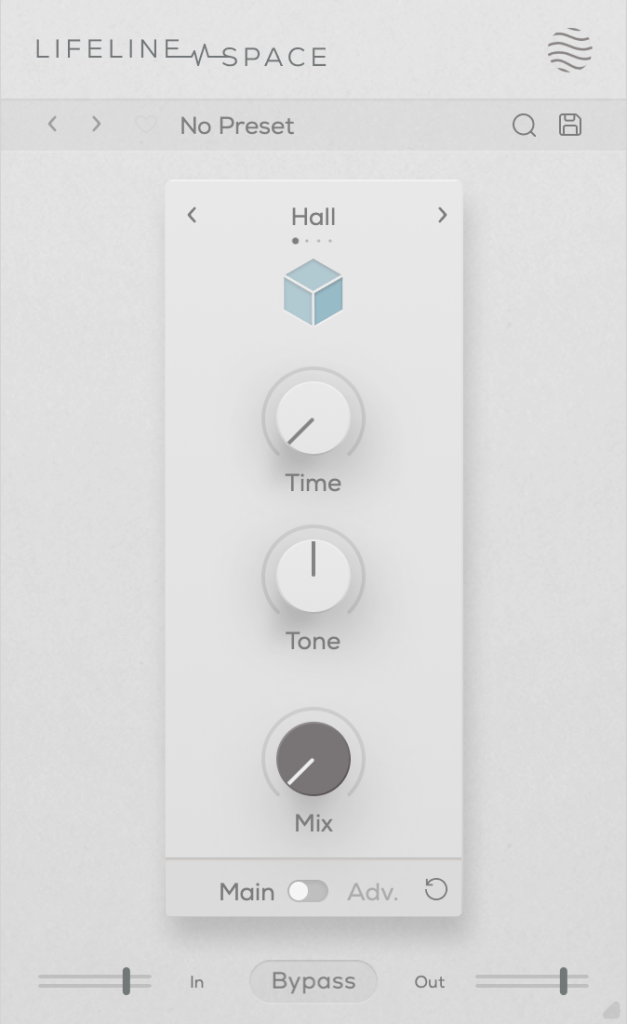
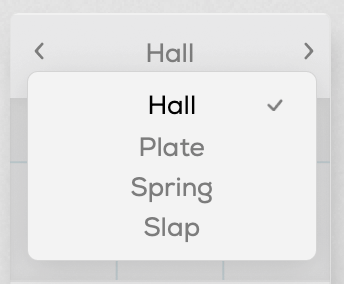
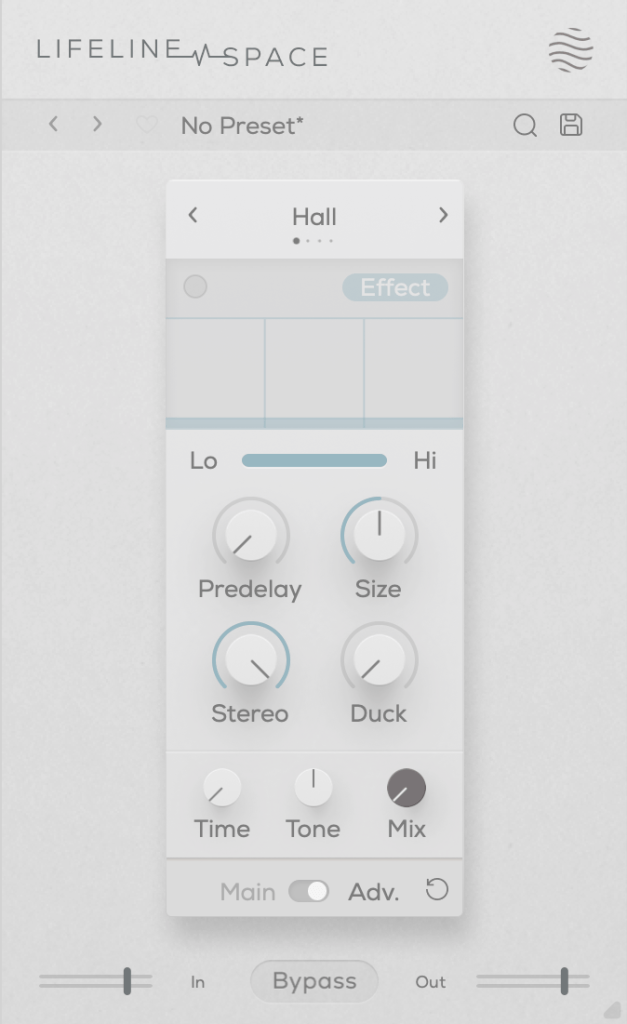
You can choose from Hall, Plate, Spring, and Slap reverb types, all offering solid digital reverb sounds.
Slap, in particular, has a delay with a significant amount of feedback, making it quite versatile.
A unique parameter here is Duck, which reduces the reverb based on the incoming input signal. Other parameters are typical for reverb plugins.
Each of these modules is priced at just $11, making them very affordable. Plus, if you purchase any plugin from Plugin Boutique, you’ll receive either the Pyros distortion plugin or the Bloom Vocal Aether Lite plugin for free.
Thanks for reading, and see you in the next post! 🙂
Hello! I’m Jooyoung Kim, a mixing engineer and music producer.
It seems like my posts about plugins are getting a lot of attention, so I’ve decided to compile a list of websites where you can find free plugins and purchase plugins at great prices.
Audio Plugin Deals is a great site where you can find free plugins every month or so under their Free section. They also have time-limited deals in the Deals section, and discounted products are always available in The Shop.
When you make a purchase, you earn Rewards points, which can be used for discounts on future purchases in The Shop. Just keep in mind that some items in The Shop have a minimum purchase requirement, even if you’re using points.
At Plugin Boutique, you can almost always get a free plugin when you make a purchase. They also offer Virtual Cash, similar to Audio Plugin Deals’ Reward system, which can be used without restrictions on future purchases.
If you spend over £50, you receive a token that can be exchanged for a sample pack from Plugin Boutique. They occasionally run exclusive free plugin offers, so signing up for their newsletter could bring some pleasant surprises.
You can also find permanently free plugins in their Free section, though quality varies, so it’s worth testing them out.
What sets Audio Deluxe apart from other sites is the regular availability of discount coupons, making prices even lower than they appear. You also earn points that can be used on future purchases.
However, most of the free plugins offered here can be found on other sites, so there isn’t much of an advantage in that regard.
As I’ve mentioned before, Every Plugin is one of the best places to buy Waves plugins at a lower price. They often have the best prices on Eastwest plugins too. If you’re planning to buy, it’s a good idea to compare prices here with other sites.
The downside is that you need to sign up and log in to see the prices. Also, they don’t offer any free plugins.
JRR Shop offers discounts on plugins and also sells hardware equipment. You can find free plugins under their Free Stuff section. They frequently have good deals, so it’s worth checking out if you’re looking for a specific plugin.
At Blue Cat Audio, if you go to the Download section and scroll down, you’ll find a Free Pack with all their free versions. The interface might not be the most attractive, but the plugins are solid. Although they primarily make their own plugins, I included them here as part of this list of free plugin sources.
Don’t Crack is a well-named site with occasional good discounts. I remember getting a Flux Session pack at a very reasonable price last year. The site’s layout might feel a bit sparse, like JRR Shop, but you can find some great deals if you dig around.
This is a large blog that regularly features free plugins and various discounts. They often curate good deals and organize them by time, and sometimes they offer exclusive discounts or free plugins. It’s a great site to check in on from time to time.
Production Expert isn’t a plugin store, but it’s a great resource for news, discounts, and free plugin information. Signing up for their newsletter is a good way to stay updated on the latest deals and news.
In addition to these, companies like Universal Audio frequently release free plugins these days, so it’s worth exploring and finding the ones that suit your needs.