Basics of Synthesizers (1) – Types of Synthesizers

Hello! I’m Jooyoung Kim, a mixing engineer and music producer.

Today, I’ll continue from last time and briefly classify synthesizers. Let’s dive in!

The Money Pit: Modular Synthesizers…

Synthesizers can be categorized based on their synthesis methods. Here’s a breakdown:

No.Synthesis MethodDescription
1Subtractive SynthesisApplies filters to a signal to shape the sound.
2Additive SynthesisCombines waveforms to create sound.
3Modulation SynthesisModulates one signal using the values of another.
4SamplingModulates pre-recorded sounds (not strictly a synthesizer but often integrated).
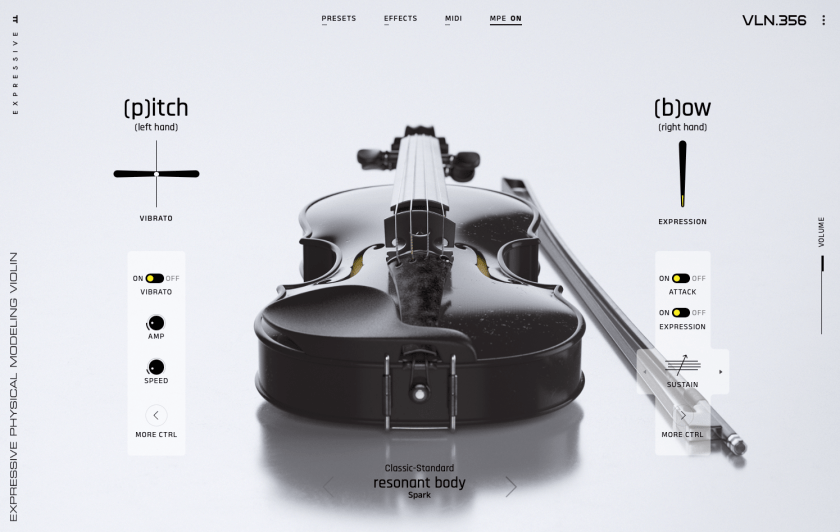
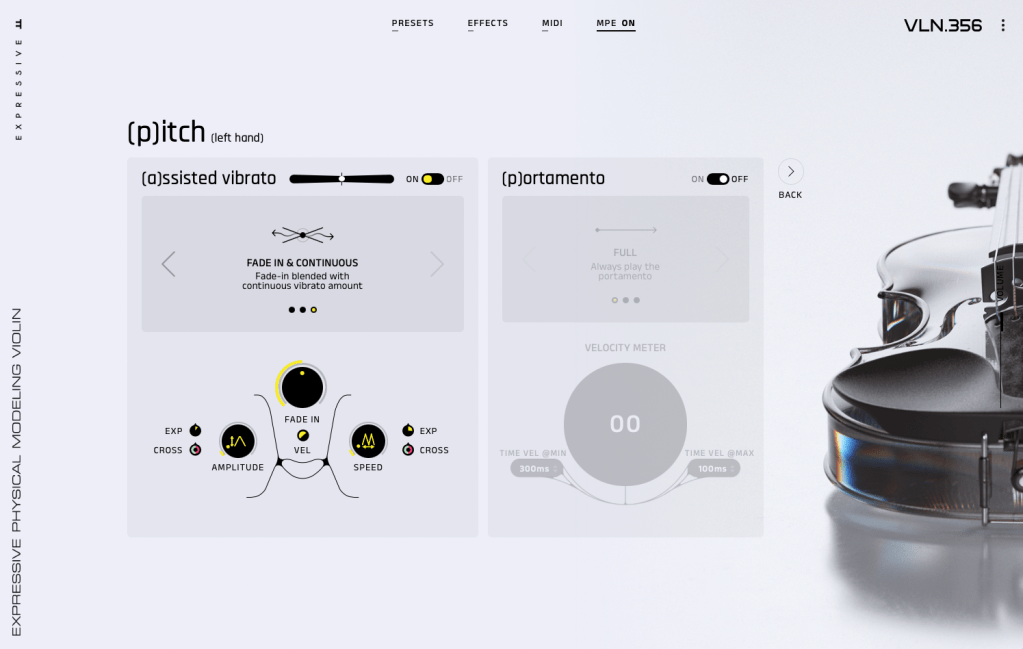
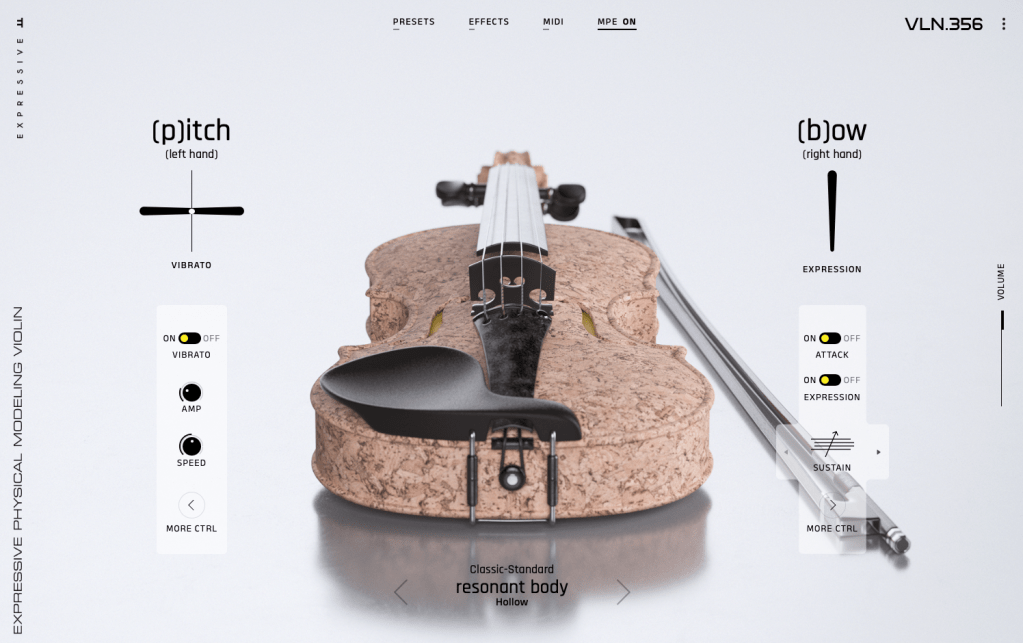
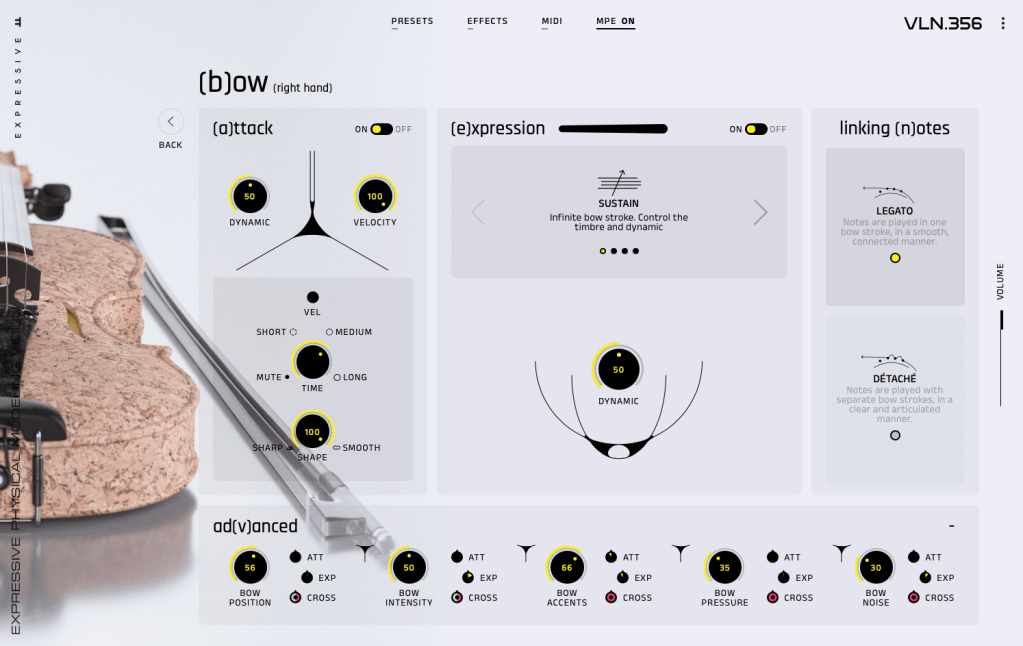
5Physical ModelingMathematically models the principles of how real sounds are produced.
6Phase DistortionDistorts the speed of phase changes to synthesize sound.
7Vector SynthesisUses a basic wavetable approach, often with a joystick to shape sounds.
8Spectral ModelingA type of modeling that uses white noise and variable filters to create sound.
9Linear ArithmeticCombines subtractive synthesis with PCM (Pulse Code Modulation) sampling.
10FormantA modeling technique based on the frequency spectrum peaks that occur in human speech, called formants.
11GranularA sampling method that synthesizes sound by manipulating small units called grains.
12WavetableSynthesizes sound using waveform tables.
13AI (Neural / Deep Learning)Trains models to synthesize sounds based on specific parameters.

Quite a list, right?

The Father of Moog, Robert Moog

After the first commercially successful analog synthesizer from Moog appeared, many companies saw the potential for a profitable synthesizer industry. At the same time, academia recognized its research value, leading to numerous collaborations. This fueled rapid advancements in synthesizer development.

As a result, most synthesizer instruments we know today were fully developed before the 2000s.

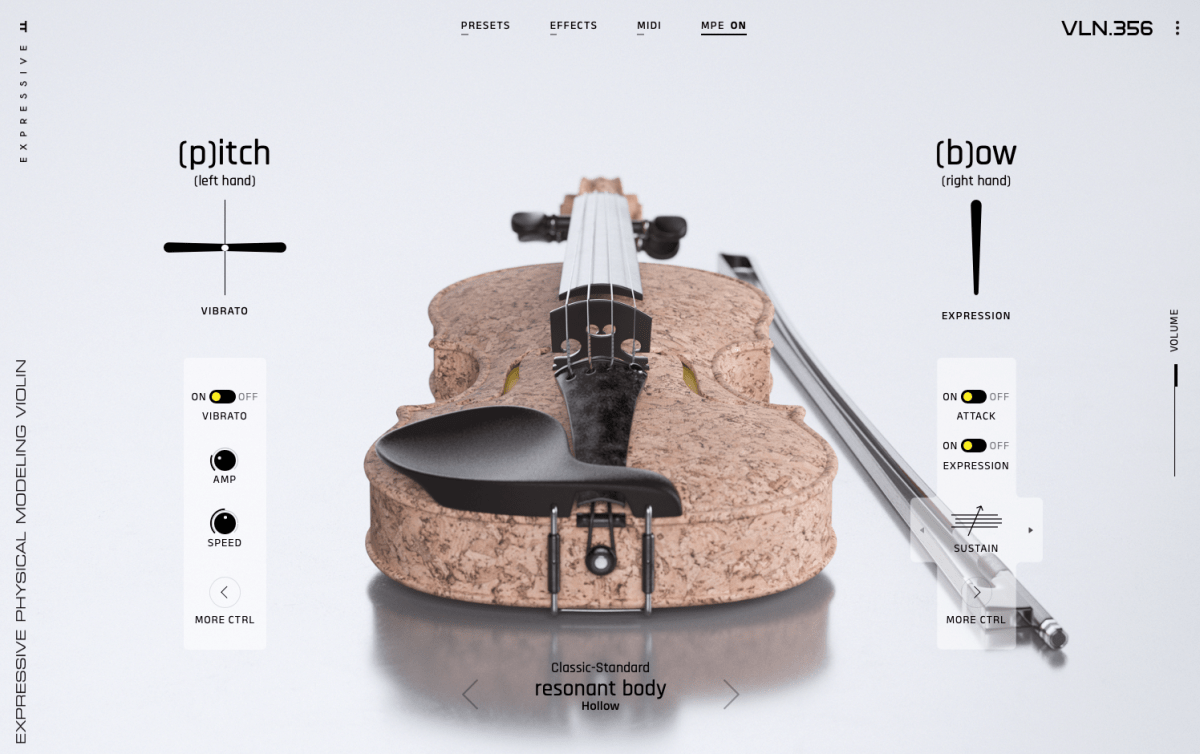
Today, technologies like Physical Modeling and AI synthesis have advanced synthesizer creation, but we don’t always think of these as “synthesizers.” For example, a modeled piano is perceived as a piano, and a modeled woodwind as a woodwind.

Pianoteq is a synthesizer, but it doesn’t feel like one, does it?

I previously introduced a tool that uses AI and sheet music to synthesize strings that sound incredibly realistic. I believe this is the direction future synthesizers will take.

The recently released Serum 2 synthesizer. I think this is about as far as what we consider “synthesizer” instruments will evolve.

Once you master a few synthesizers, you’ll find that the parameters are largely similar across others. In upcoming posts, I’ll explore representative synthesizers for each synthesis method and how to use them. Reading through these will help you navigate complex synthesizer workflows.

Until next time!

UVI Falcon Sale (50% Off, Until May 9)

Hi there! I’m Jooyoung Kim, a mixing engineer and music producer.

UVI is a company renowned for its piano virtual instruments, much like Spectrasonics. These days, they’ve expanded beyond pianos to develop synthesizers and a variety of audio effects.

Recently, UVI joined Plugin Boutique, kicking off an exciting Intro Sale. Currently, Plugin Boutique offers two UVI products:

The Sonic Bundle, which includes all of UVI’s products, and FALCON, UVI’s flagship synthesizer/virtual instrument engine. Today, I’ll be diving into Falcon.

Full disclosure: I received an NFR (Not for Resale) code for this product from UVI via Plugin Boutique. If you purchase through the links in this blog, I earn a small commission, which helps me keep creating content and, frankly, survive! Thank you for your support.

Let’s get started!

What is Falcon?

Falcon is a versatile engine, similar to Native Instruments’ Kontakt, capable of loading virtual instruments or functioning as a synthesizer/sampler with 20 oscillators and various synthesis methods.

Like Kontakt, Falcon can feel overwhelming if you dive into all its detailed settings or try to build a sampler from scratch. It’s especially tricky for beginners, particularly when combining FX and modulation with synthesizer configurations.

Instead of trying to master everything at once, let’s start with the basics.

When you first open Falcon, you can choose from 21 default preset synthesizers, including Analog, FM, Additive, Organ, Wavetable, Noise, Pluck, Texture, Sample, Drum, MPE, Granular, Vosim, Harmonic Resonator, Bowed String, and more.

Once loaded, the Info tab displays the most basic parameters for tweaking.

In the Edit tab, you can fine-tune more detailed parameters, such as FX, Layer, Key Group, Oscillator, Mapping, and Modulation for the loaded synthesizer or virtual instrument.

The Effects tab lets you dive deeper into FX adjustments. With over 100 effects included in Falcon, it’s tough to cover them all! They lean more toward sound design than traditional mixing, offering incredible creative possibilities.

In the Event tab, you can add MIDI FX processors and other MIDI-based effects.

The Mods tab is where you control modulation effects like LFOs and ADSR envelopes.

In the Mappers tab, you can draw shapes to scale, quantize, curve, or pattern modulation source values, allowing you to customize how modulation effects evolve.

On the left, you can add modules to incorporate more virtual instruments or synthesizers.

The Tree view shows which sounds or effects are applied to each part, while the List view displays the data settings for the virtual instrument or synthesizer.

On the right, you can browse sounds by folder or soundbank and preview them with a quick click.

The search bar helps you find presets, while the waveform icon loads sounds into the mapping editor. The “fx” category covers effects, and “mfx” refers to music FX for sound effects. The note icon represents MIDI effects for the Event tab, and the frequency spectrum-like icon is for modulation effects in the Mods tab.

Falcon’s extensive features can take time to master, but its versatility lets you create an incredible range of sounds.

Until May 9, Plugin Boutique is offering a 50% discount on Falcon as part of the Intro Sale. If you’re looking for a single, all-in-one synthesizer virtual instrument, Falcon is a fantastic choice.

Thanks for reading, and I’ll see you in the next post! 😊
Diving into the Basics of Synthesizers…

Hello! I’m Jooyoung Kim, a mixing engineer and music producer.

It’s been a while since my last post, hasn’t it?

After getting rejected by AES for the second time, I was like, “Alright, let’s fix this research!” So, I scrapped my experiments, started over, re-collected all the data, and reformatted everything for submission elsewhere. Time just flew by in the process… haha.

I’m really hoping this one gets accepted before I graduate. Fingers crossed this time…

Lately, I’ve been working on recreating hardware compressors using deep learning. I trained the model with test signals, but when I fed it guitar sounds, all I got was white noise and sine sweeps… That took about two weeks of work.

So, I’ve spent the past few days coding from scratch, preparing new training data, and running the training process again. Here’s hoping the results turn out well, but man, it’s exhausting…

I’d love to own a Yamaha DX7 in real life

On another note, I recently wrapped up a year-long series on the basics of mixing, and I was wondering what to write about next. Then it hit me: why not talk about using synthesizers?

Even though my music style doesn’t heavily rely on synths, understanding how different synthesizers work can definitely broaden the creative spectrum for writing music. From an engineer’s perspective, learning about filter techniques and the unique sound characteristics of various synths can spark a ton of new ideas.

That said, I’m still organizing my research on this topic, and with some recent worries about making ends meet, it’s been tough to write as quickly as I’d like… Still, I’ll do my best to keep the posts consistent.

The content will likely follow a simple structure:
“Sound synthesis methods and their history -> Iconic synthesizers”

That’s the plan. Looking forward to catching you in the next post!
Baby Audio Smooth Operator Pro Sale (Until 6/1)

Hey everyone! I’m Jooyoung Kim, a mixing engineer and music producer.

So, two days ago, a paper I submitted to AES got rejected… 😢 I’d already been turned down by ASA, poured my heart into revising it, and still came up short. Haha… oh well.

One reviewer seemed pretty positive, but another tore it apart. Some of the criticism left me scratching my head—like, “Hmm… really?”—but there were common points both raised, so I’m running extra experiments now. It’s tough, both mentally and physically, but I’ve got to push through… right? Haha.

Next up, I’m eyeing IEEE Transactions or Elsevier journals, but man, the road just keeps getting steeper…

Anyway, enough of that! Today, I’m here to talk about Smooth Operator Pro from Baby Audio, which is currently on sale.

I received this plugin as an NFR (Not for Resale) copy from Plugin Boutique. If you buy through the links in this post, I’ll earn a small commission that seriously helps me keep going—thanks so much for the support!

Let’s get into it!


What’s Smooth Operator Pro?

After poking around with it, I can say this plugin is fascinating. At first glance, it looks like an EQ—but it’s not. It kinda resembles a multiband compressor—but it’s not your typical one either.

Think of it as “a multiband compressor where you can tweak reaction and behavior per frequency.” That’s the vibe. It’s got six key features:

  1. Correction: Sets how frequencies are detected and the range of compression.
    • Lo Presv / High Presv: Exclude low or high frequencies from processing.
    • Even: Applies the effect evenly across all frequencies.
    • Skew: Adjusts the effect based on human hearing perception.
  2. Detection: Controls how peaks are spotted.
    • Peak/RMS: Choose between peak or RMS loudness detection.
    • Detail: Low for broad, smooth detection; high for tight, aggressive targeting.
    • Isolation: Sets how wide the effect spreads around detected frequencies.
  3. Comp Knee: Toggle between Soft or Hard Knee compression.
    • All the sub-parameters here are classic compressor controls.
  4. Mode: Stereo processing options—choose between L/R or Mid/Side.
  5. Sidechain: Pick a sidechain signal to trigger compression.
  6. Monitor: Compare pre- and post-processing audio, tweak Mix and Output Gain.

Activate the bottom-right toggle, and you can tweak Focus, Comp, and Imaging settings for each node individually.

The big central knob adjusts the overall threshold—up or down across all frequencies.

It might look tricky at first, but once you play with it, it’s pretty straightforward. Toss in some sidechaining, and you could whip up some wild sounds for electronic tracks. I’m already picturing the possibilities!

Baby Audio has a knack for blending tons of parameters into creative plugins like this.


Why It’s Worth Checking Out

Smooth Operator Pro is on sale right now, so if you’re curious, it’s a great time to take a look. It’s not just a tool—it’s a playground for shaping sound in ways that feel fresh and intuitive.

That’s all for now—catch you in the next post! 😊