
Hello, I’m Jooyoung Kim, an engineer and music producer.
Arturia is currently running their Black Friday sale, and I’ve been provided with licenses for the V Collection X, FX Collection 5, and Synthi V NFR for review purposes by Plugin Boutique and Arturia.
Over the next few posts, I’ll be reviewing these plugins in detail. As always, these reviews are based solely on my own opinions, and I haven’t received any scripts or directives. If you make purchases through the links provided, I’ll receive a small commission.
Let’s dive in!
The V Collection is Arturia’s flagship virtual instrument bundle, featuring a total of 39 instruments. Here’s a breakdown of some key instruments included:
Analog Synthesizers
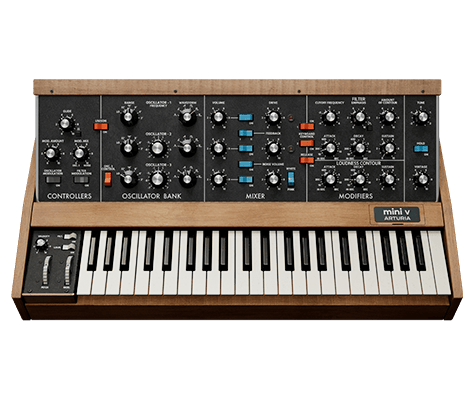
| Virtual Instrument | Real Instrument Replicated | Description |
|---|---|---|
| Acid V | Roland TB-303 | A bass synthesizer known as a pioneer in rave music. |
| Mini V 4 | Moog Minimoog Model D | Classic monophonic synth famous for its warm bass and lead sounds. |
| KORG MS-20 V | Korg MS-20 | Synth offering intense and aggressive analog sounds. |
| Jun-6 V | Roland Juno-6 / Juno-60 | Popular DCO-based polyphonic synth. |
| OP-Xa V | Oberheim OB-Xa | Iconic ‘Jump’ synth, a powerful 1980s classic. |
| Prophet-5 V | Sequential Prophet-5 | A legendary polyphonic synth known for its warm, creamy sound. |
| CS-80 V | Yamaha CS-80 | A renowned Japanese synth, ideal for cinematic sounds in film scores. |
| Synthi V | EMS Synthi AKS | British modular synth with a unique pin-patch matrix. |
| Jup-8 V | Roland Jupiter-8 | Popular 1980s polyphonic synth for pop and synth-pop. |
| Buchla Easel V | Buchla Music Easel | Modular synth ideal for experimental sound design. |
| Modular V | Moog Modular System | A massive modular synth that revolutionized electronic music. |
| Vocoder V | Roland VP-330 Vocoder Plus | 16-band vocoder famously used by Daft Punk. |
| Matrix-12 V | Oberheim Matrix-12 | Polyphonic synth known for its matrix modulation and filters. |
| SEM V | Oberheim SEM | A polyphonic module loved by sound designers. |
| ARP 2600 V | ARP 2600 | Semi-modular synth providing versatile effects and sound textures. |
Digital Synthesizers & Samplers
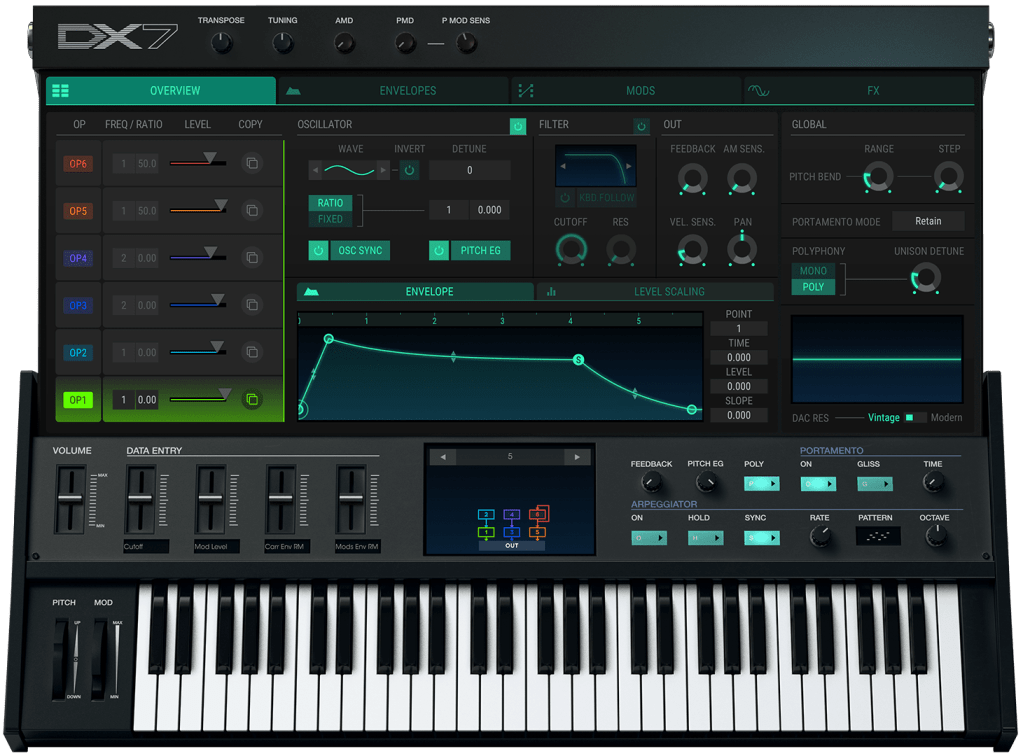
| Virtual Instrument | Real Instrument Replicated | Description |
|---|---|---|
| MiniFreak V | Arturia MiniFreak (Hardware-Based) | Combines digital synthesis with analog filters. |
| SQ80 V | Ensoniq SQ-80 | Hybrid ‘Crosswave’ synth offering complex textures. |
| Emulator II V | E-mu Emulator II | Multitimbral sampler popular in the 1980s. |
| CZ V | Casio CZ-101 / CZ-1000 | Synth with sharp phase distortion sounds. |
| DX7 V | Yamaha DX7 | Revolutionary FM synth of the 1980s. |
| Synclavier V | New England Digital Synclavier | Digital synth used in 1980s hits and film soundtracks. |
| Prophet-VS V | Sequential Prophet VS | A pioneering vector synth. |
| CMI V | Fairlight CMI | A trailblazer in sampling and additive synthesis. |
Keyboards & Organs
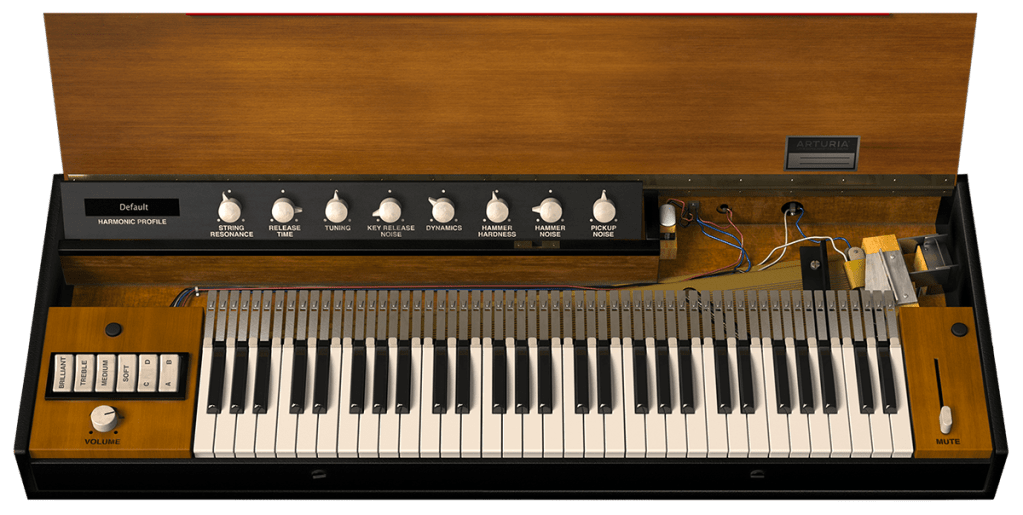
| Virtual Instrument | Real Instrument Replicated | Description |
|---|---|---|
| Mellotron V | Mellotron | Early orchestral keyboard using tape samples. |
| B-3 V | Hammond B-3 | Electronic organ used in jazz, rock, and more. |
| Farfisa V | Farfisa Compact | Transistor organ featured in 1960s hits. |
| Solina V | ARP Solina String Ensemble | A blend of string synth and organ sounds. |
| VOX Continental V | VOX Continental | Transistor organ loved during the ‘British Invasion.’ |
| Clavinet V | Hohner Clavinet | Electric keyboard instrument with a funky tone. |
Acoustic & Electric Pianos
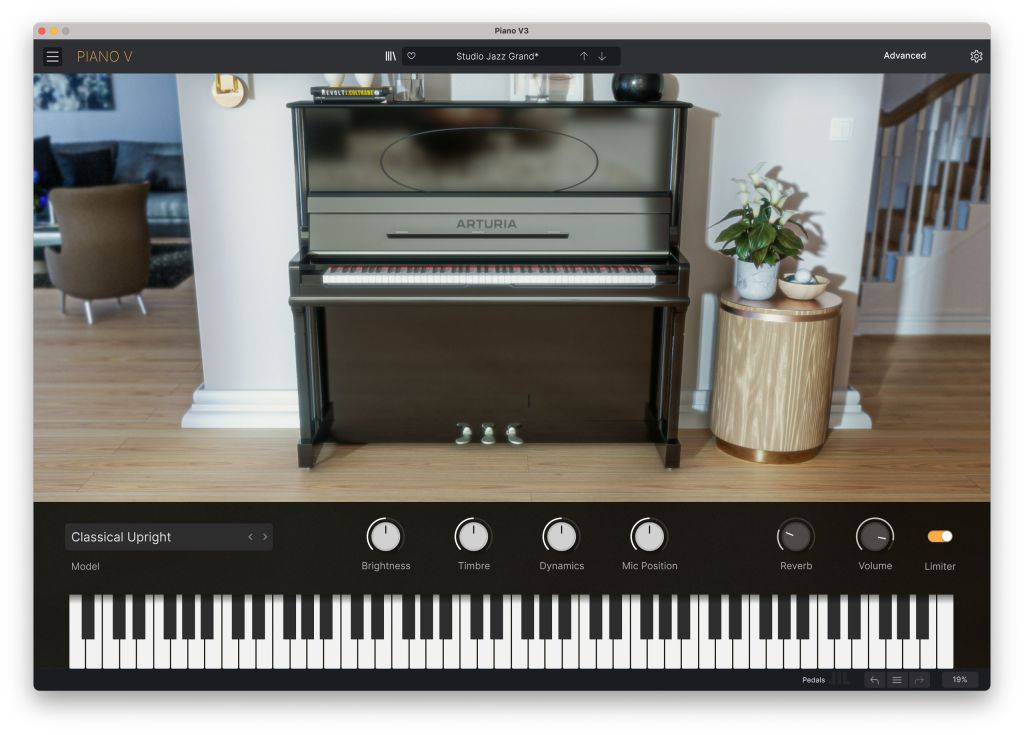
| Virtual Instrument | Real Instrument Replicated | Description |
|---|---|---|
| CP-70 V | Yamaha CP-70 | Electro-acoustic piano popular in the 1970s-80s. |
| Wurli V 3 | Wurlitzer 200A | Electric piano favored in funk and rock. |
| Piano V | Various Piano Models | Includes everything from German grand pianos to modern designs. |
| Stage-73 V | Fender Rhodes | Legendary electric piano beloved on stage and in studios. |
MiniFreak V
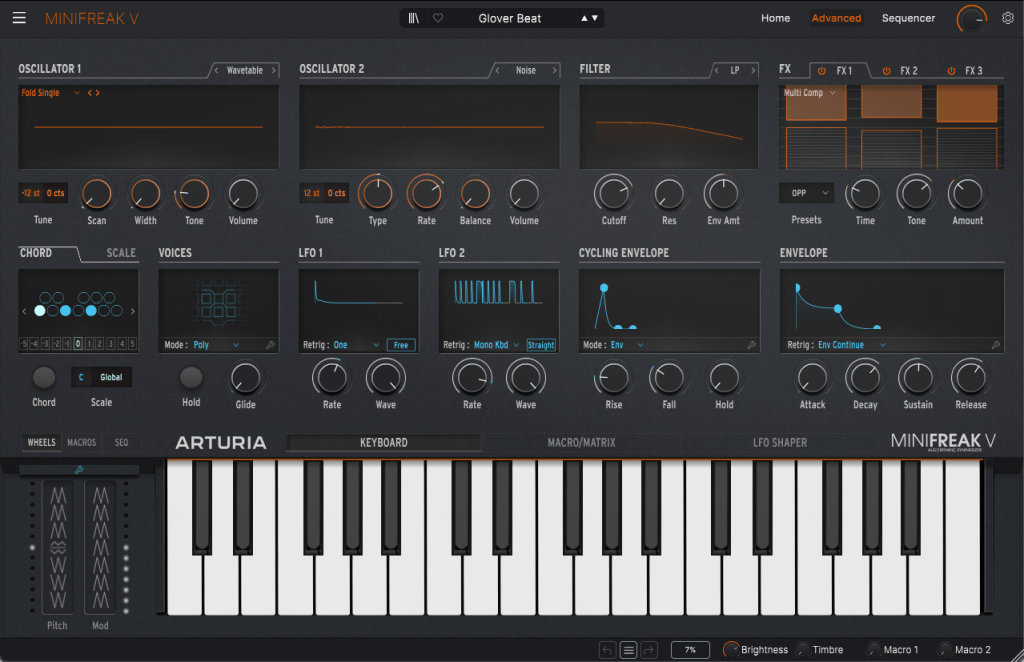
MiniFreak V is a virtual instrument based on Arturia’s hardware synthesizer, MiniFreak.
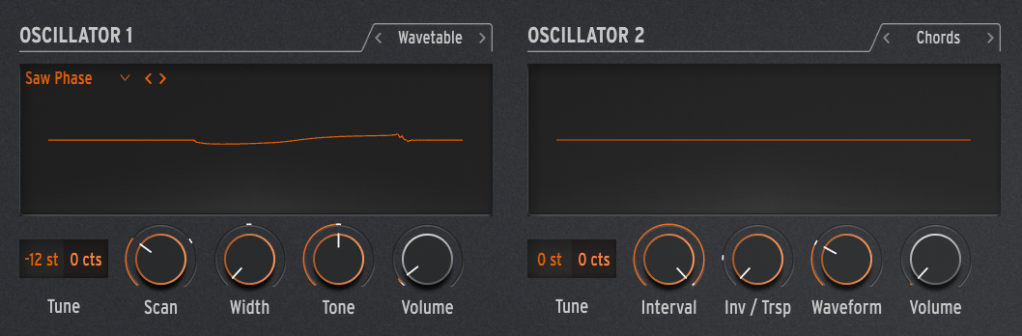
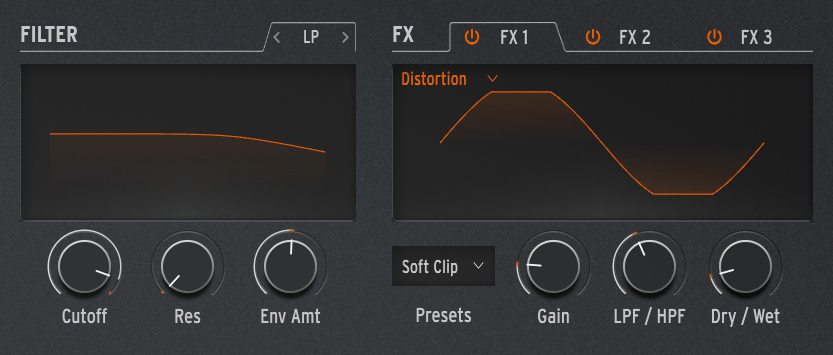
This synthesizer features a straightforward setup with two oscillators, a filter, and built-in effects.
Of course, it comes equipped with essential synthesizer functions like LFOs, macros, and envelopes.
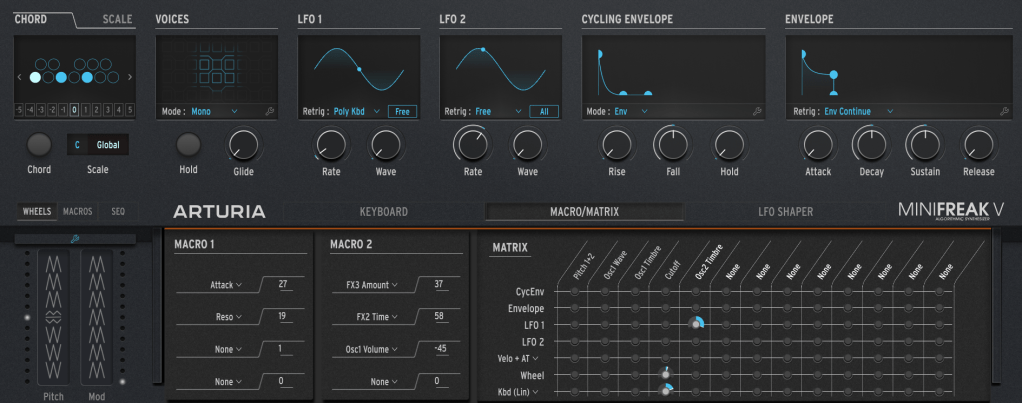
Though it may not be a common tool for songwriting, MiniFreak V also includes a built-in sequencer, allowing for versatile performances using just this one instrument.
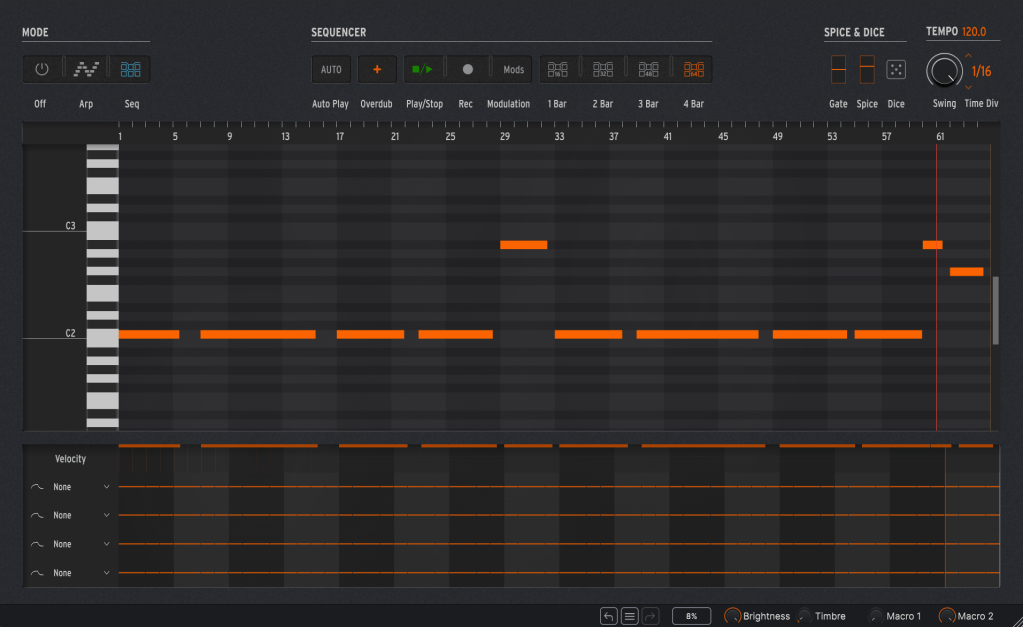
Since the original MiniFreak hardware is already a digital emulation, the sound difference between this virtual instrument and its hardware counterpart isn’t particularly dramatic.
(There are differences, but they’re minor enough to be compensated for with other effects.)
Personally, I find MiniFreak V excels in producing bass and lead sounds. While it’s versatile enough for various uses, it offers a more modern and refined sound compared to the vintage warmth of something like the Mini Moog.
Acid V
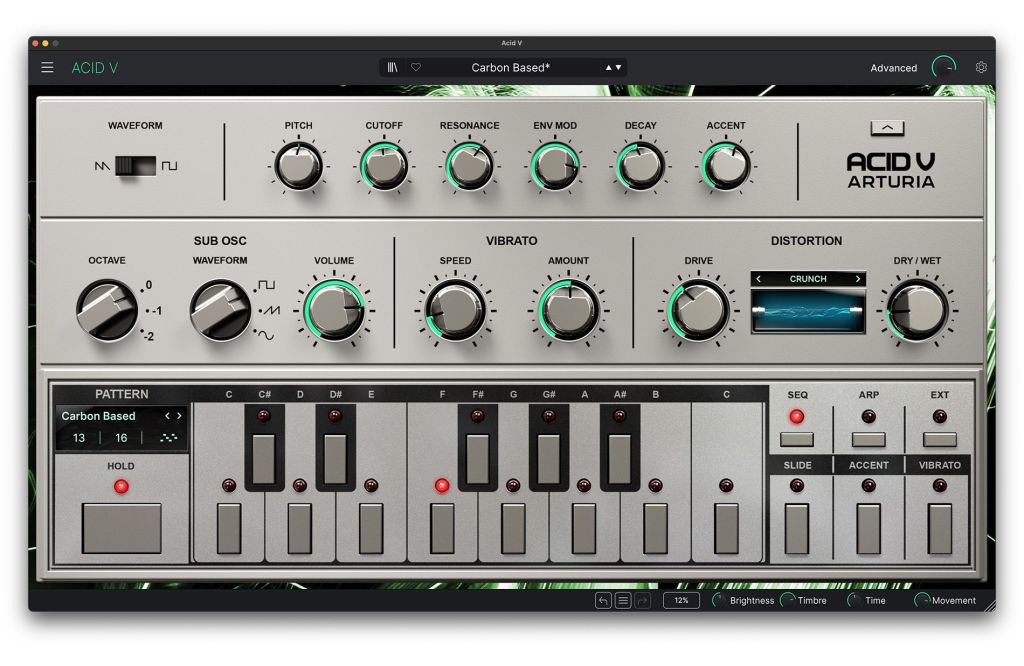
Acid V is a virtual recreation of the iconic Roland TB-303.
The Roland TB-303, released in 1981, was initially designed as a bass synthesizer to replace bass guitars. However, its artificial sound failed to satisfy early users, leading to its discontinuation.
The discontinued model found new life in the hands of the Chicago-based electronic music group Phuture, who repurposed it for a groundbreaking musical direction. Their track “Acid Tracks,” released in 1987, became the cornerstone of the acid genre, eventually sparking the global acid house movement.
In recent years, Behringer has released its own clone, and Roland followed up with the TB-03, a modern take on the original.
Using Acid V is incredibly straightforward:
- Select the waveform (saw or square).
- Adjust the filter.
- Tweak the envelope.
- Set the sub-oscillator.
- Modify the vibrato.
- Control the distortion.
- Configure the sequence and pattern.
That’s all there is to it.
This instrument is perfect for creating bass lines with a pattern-focused approach, staying true to the TB-303’s legacy.
With 14 types of distortion available, Acid V is also well-suited for sound design, offering plenty of flexibility for crafting unique tones.
CP-70 V

CP-70 V is a virtual instrument that faithfully recreates Yamaha’s electric piano, the CP-70.
Unlike digital pianos, electric pianos amplify the sound of real acoustic strings through an electrical circuit.
The CP-70 works by striking strings, much like a traditional piano, but it uses piezo pickups (similar to those on acoustic guitars) to amplify the sound.
Because of this, it needs regular tuning like an acoustic piano, and it offers a unique tonal character.
In its original form, electric pianos like the CP-70 were typically connected to amplifiers, and effects pedals were often used alongside them.
As a result, the sound output was mono.
However, by applying effects like chorus, phaser, flanger, or auto-pan, you can achieve a stereo sound that adds more depth and character to your tracks.
Personally, when I use electric pianos, I frequently apply modulation effects or auto-pan to enhance the sound.
Compared to electric pianos like the Fender Rhodes or Wurlitzer, the CP-70 delivers a slightly brighter, more percussive tone.
It’s a versatile instrument suitable for various musical styles.
Augmented Series
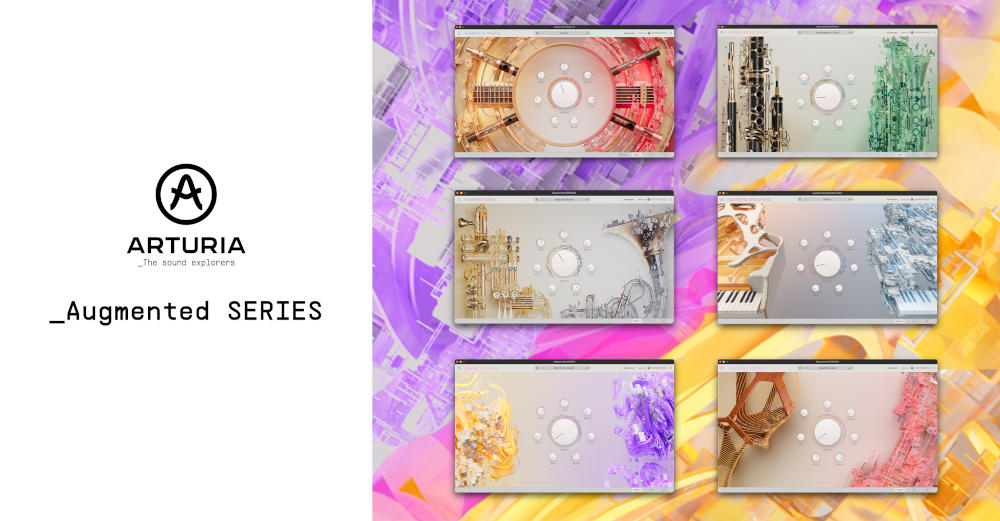
The word Augment means “to increase.”
As the name and UI suggest, the Augmented series by Arturia is a collection of original virtual instruments that layer multiple sound sources.
If I recall correctly, they previously offered the String instrument for free, and now there are six instruments in the series!
The latest additions include Brass, Woodwinds, and Grand Piano.
The UI across these instruments is similar, so I’ll cover them all in one go.

Each instrument features two samplers and two synthesizers, which can be freely assigned to Layers A and B.
The synthesizer section offers five synthesis types: Analog, Granular, Harmonic, Simplified, and Wavetable.
The sampler section also provides a wide variety of sounds, allowing for rich sound design through layering and synthesis.
These instruments are especially useful when you want the sound of a particular instrument but find that a fully recorded virtual instrument doesn’t quite fit your track.
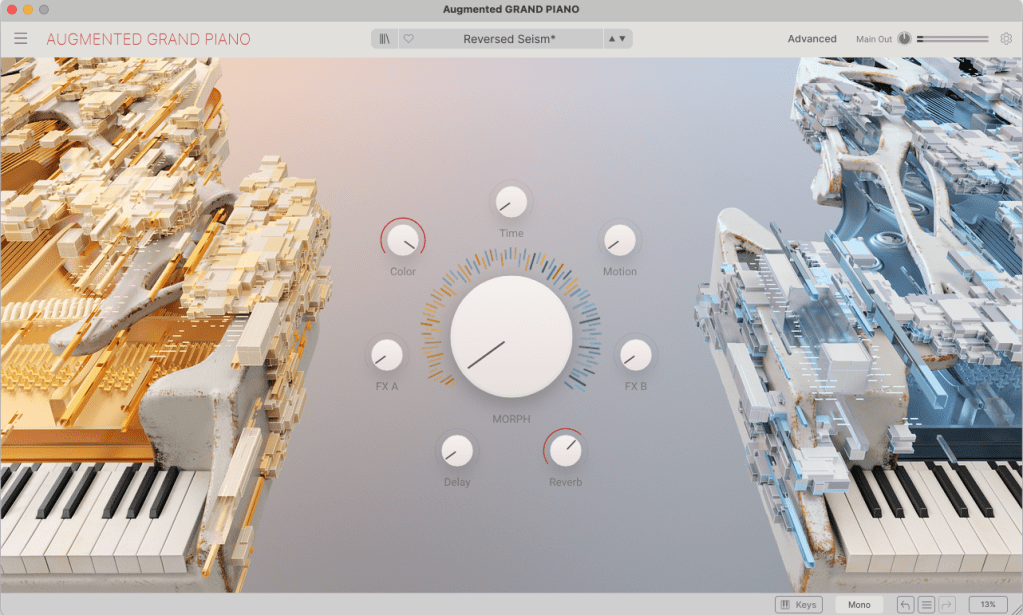
Even if you’re not deeply versed in synthesis techniques, the straightforward UI lets you craft diverse tones with just a few knob adjustments.
It’s a well-designed virtual instrument that caters to both beginners and advanced users.
Arturia is one of the most prominent companies in the field of synthesizer recreations.
If you’re considering studying synthesis or purchasing a bundle of synths this Black Friday, Arturia’s offerings are an easy recommendation.
This month, if you purchase from Plugin Boutique, you’ll also get:
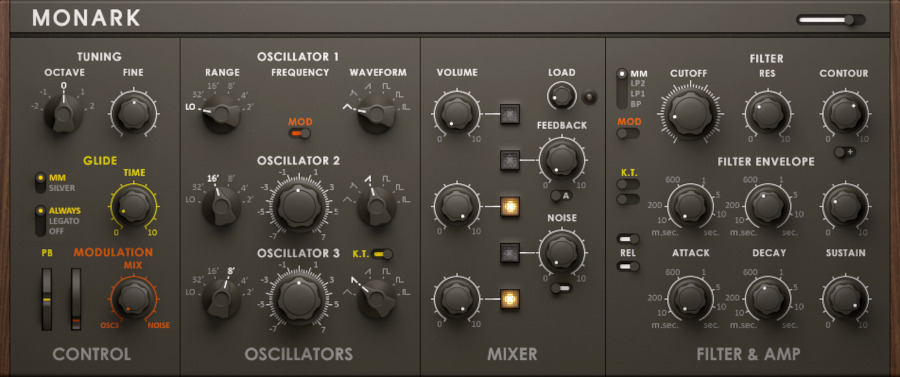
- Iconic Analog Mono Synth, a recreation of Monark’s Mini Moog.
- Access to a professional mastering course.
Make sure to claim these perks if you’re buying from Plugin Boutique!
Stay tuned for the next post, where I’ll dive into Arturia’s FX Bundle~ 😊









 Jooyoung's Music Blog