Basics of Mixing – 5.4 Phase Issues in EQ

Hello, this is Jooyoung Kim, an engineer and music producer.

Today, I’d like to discuss a crucial aspect to consider when adjusting EQ: phase issues.
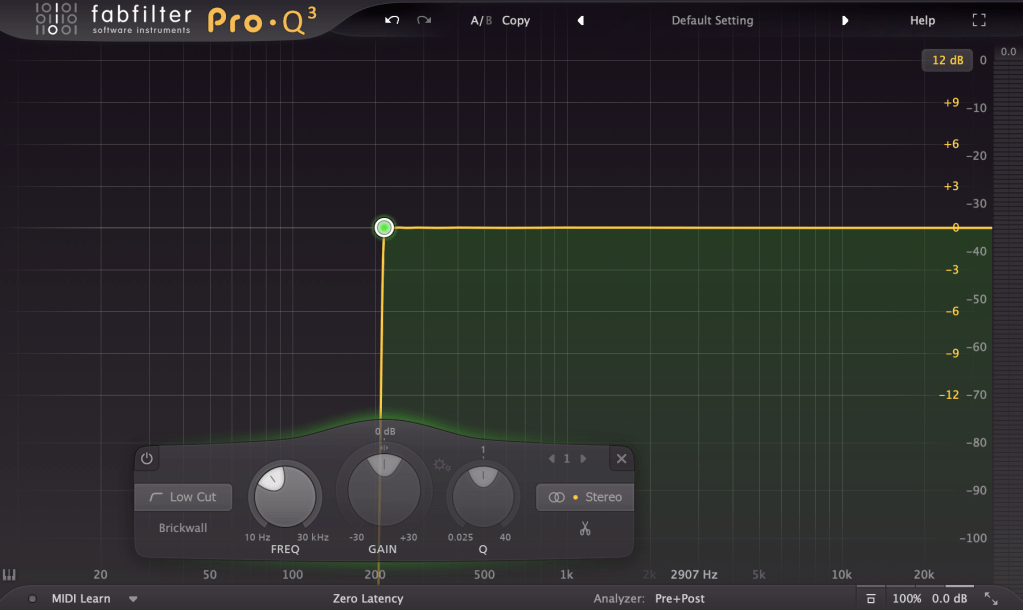
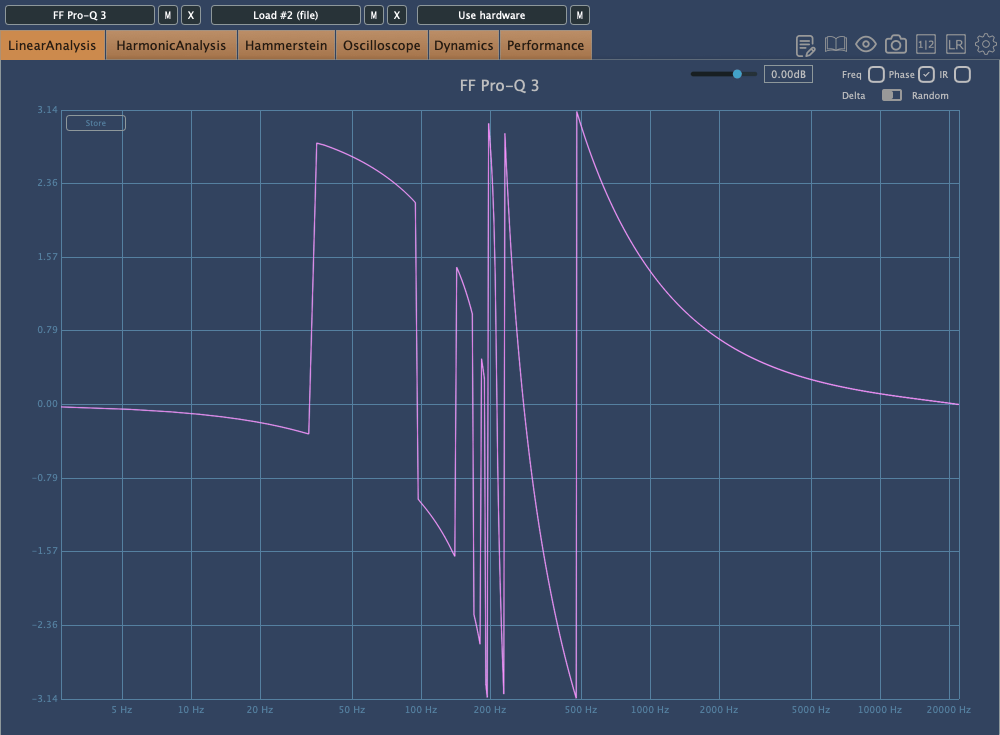
The image above shows the phase change graph when using the Brickwall feature in Fabfilter Pro Q3.

Phase change is generally represented as a continuous line. However, when drawing the graph continuously, the size becomes too large, so the vertical range is usually set to 2π, and the line continues from the top or bottom when it breaks. It’s quite difficult to explain in words.

Anyway, considering such factors, the jagged phase changes can still significantly affect the sound. Extreme phase changes can make the sound seem as if an unintended modulation effect is applied, so it’s important to use it carefully.

Because of these issues, Linear Phase EQ was developed. Linear Phase EQ does not cause phase issues. However, it introduces a phenomenon known as Pre-Ringing.

  • Pre-Ringing Phenomenon

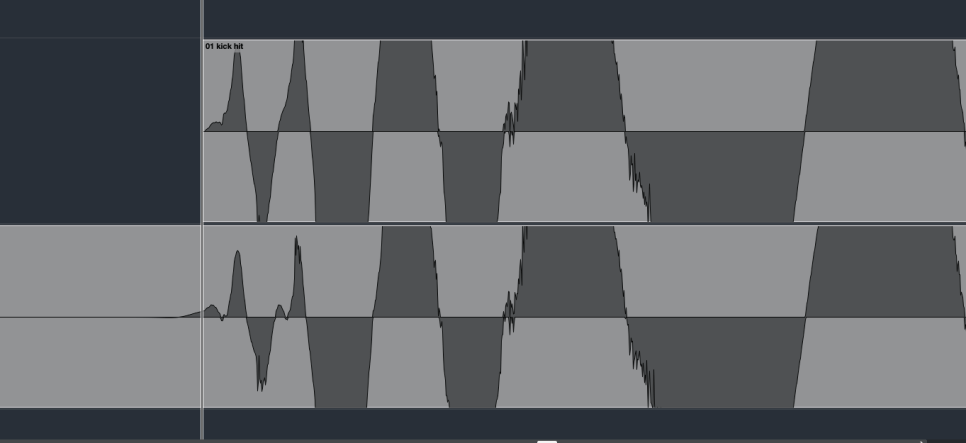
Pre-Ringing occurs when using Linear Phase EQ, causing the sound to ring before the waveform. Try bouncing your track using Linear Phase EQ. As shown in the image above, you’ll notice a waveform appearing at the front that wasn’t there originally.

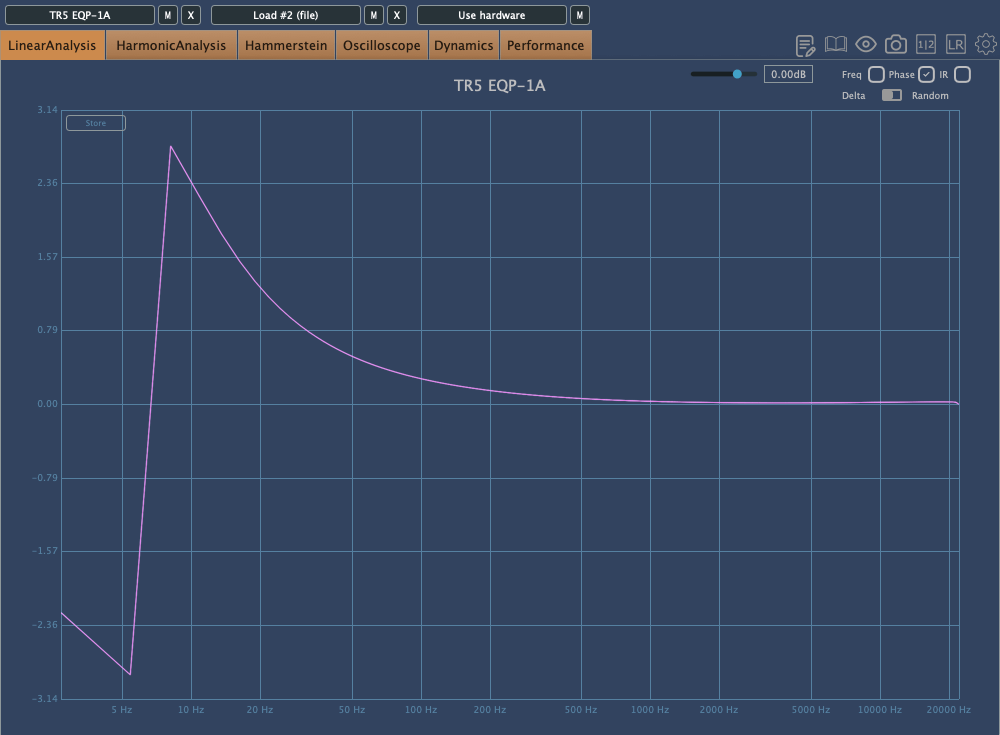
Other than digital EQs, many plugin emulations of analog EQs alter the phase and frequency response graphs just by being applied.

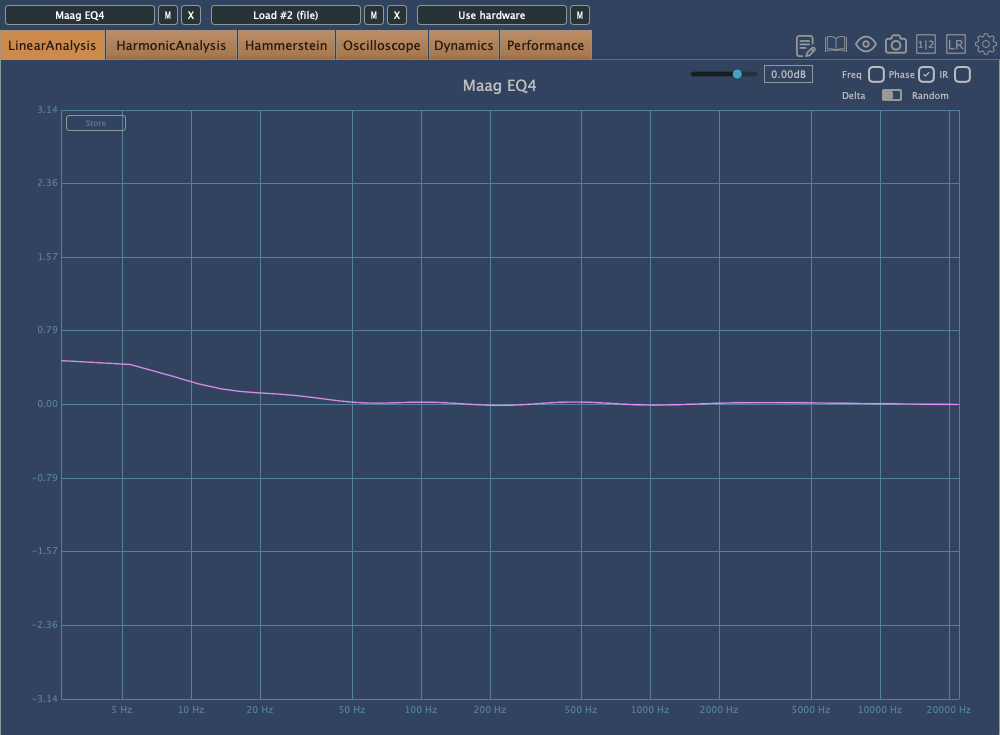
For instance, consider the commonly used Maag EQ4 for boosting high frequencies.
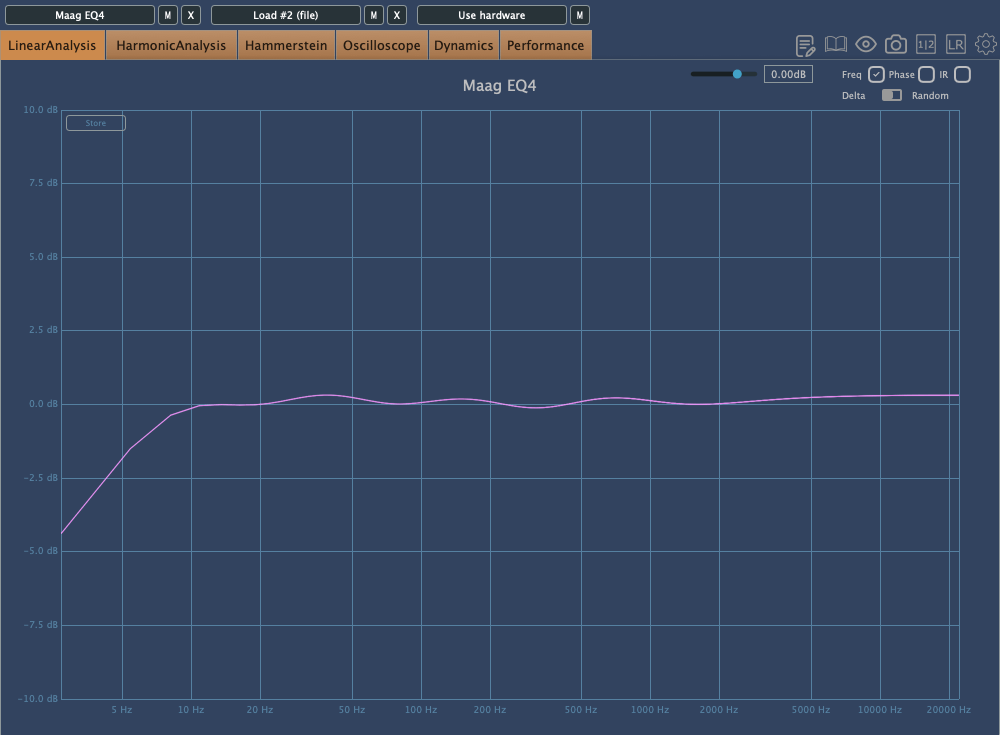
On the left is the frequency response graph when only the Maag EQ4 plugin is applied without any adjustments, and on the right is the phase change graph under the same conditions.

Here’s what we can deduce about using EQ:

  1. Applying an EQ can change the basic frequency response from the start.
  2. Non-Linear Phase EQs will inevitably cause phase changes.
  3. Linear Phase EQs can introduce Pre-Ringing, creating new sounds that were not there originally.
  4. EQ plugins or hardware with Harmonic Distortion can add extra saturation to the sound.

Understanding these points is crucial when adjusting EQ.

Of course, there are many excellent engineers who achieve great results without knowing all these details. Ultimately, the most important thing is that the sound comes out well, regardless of understanding the underlying principles.

However, I personally feel more comfortable when I have a solid understanding of the fundamentals. So, knowing this information can never hurt.

That’s all for today. I’ll see you in the next post!
Basics of Mixing – 2.3 Digitalization of Sound

Hello, I’m Jooyoung Kim, a mixing engineer and music producer.

Today, I want to talk about how analog sound signals are digitized in a computer.

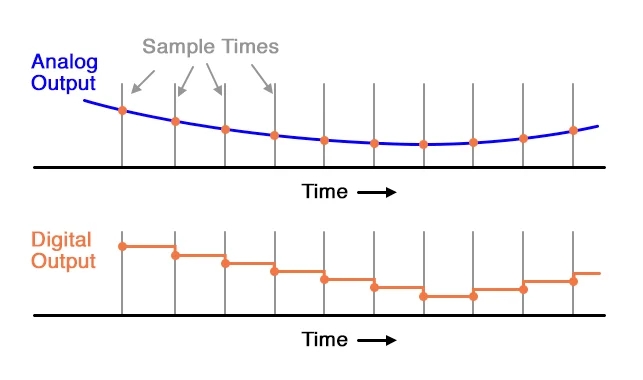
The electrical signals outputted through a microphone preamp or DI box are continuous analog signals. Since computers cannot record these continuous signals, they need to be converted into discrete signals. This is where the ADC (Analog to Digital Converter) comes into play.

Here, the concepts of Sample Rate and Bit Depth come into the picture.

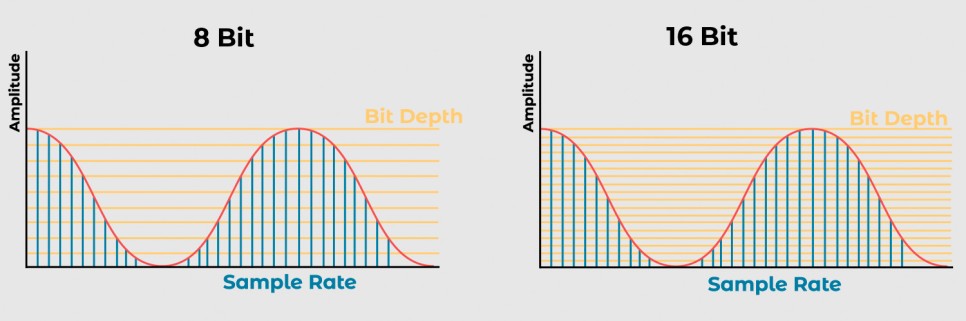
The sample rate refers to how many times per second the signal is sampled.

The bit depth refers to how finely the amplitude of the electrical signal is divided.

For example, consider a WAV file with a sample rate of 44.1kHz and a bit depth of 16 bits. This file records sound by sampling it 44,100 times per second and divides the amplitude into 65,536 levels (2^16).

A file with a sample rate of 48kHz and a bit depth of 24 bits samples the sound 48,000 times per second and divides the amplitude into 16,777,216 levels (2^24).

In a DAW (Digital Audio Workstation), these digital signals are manipulated. To listen to these digital signals, they need to be converted back into analog electrical signals.

This conversion is done by the DAC (Digital to Analog Converter), often referred to as a “DAC”.

The image above shows a simple DAC circuit that converts a 4-bit digital signal into an analog signal.

These analog signals can pass through analog processors like compressors or EQs and then go back into the ADC, or they can be sent to the power amp of speakers to produce sound.

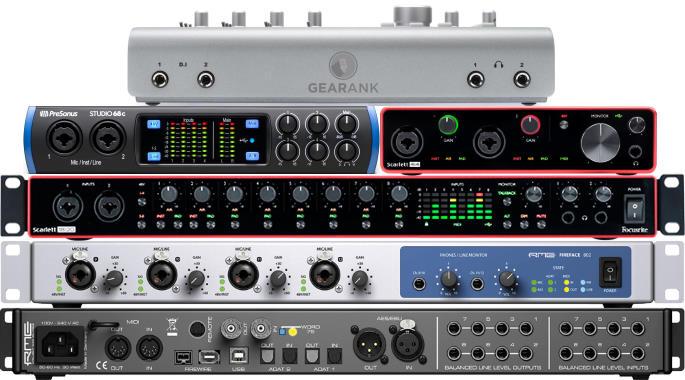
Various audio interfaces

Audio interfaces contain these converters, along with other features like microphone preamps, monitor controllers, and signal transmission to and from the computer, making them essential for music production.

Topping’s DAC

However, those who do not need input functionality might use products with only DAC functionality.

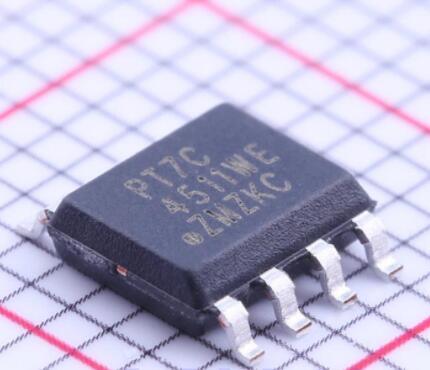
Inside these digital devices, there are usually IC chips that use a signal called a Word Clock to synchronize different parts of the circuit.

To synchronize this, devices called Clock Generators or Frequency Synthesizers are used.

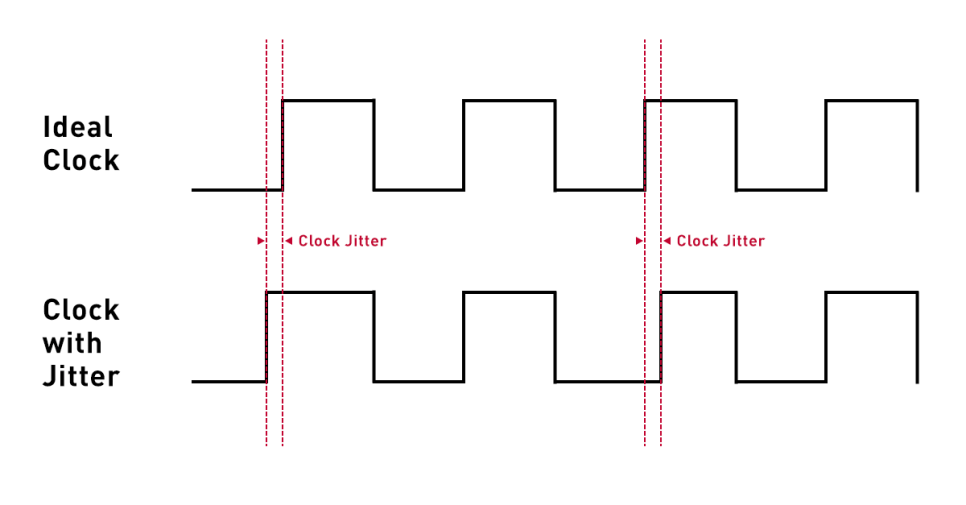
In a studio, there can be multiple digital devices, and if their clocks are not synchronized, it can cause a mismatch called jitter. Jitter can result in unwanted noises like clicks or cause the sound to gradually shift during recording (I experienced this while recording a long jazz session in a school studio where the master clocks of two devices were set differently).

To prevent this, digital devices are synchronized using an external clock generator. If you are not using multiple digital devices, the internal clock generator of the device should suffice, and there is no need for an external clock generator.

An article in the journal SOS (Sound On Sound) even mentioned that using an external clock generator does not necessarily improve sound quality.

Today, we covered Sample Rate, Bit Depth, ADC (Analog to Digital Converter), DAC (Digital to Analog Converter), Word Clock, and Jitter.

While these fundamental concepts can be a bit challenging, knowing that they exist is essential if you’re dealing with audio and mixing. If you find it difficult, just think, “Oh, so that’s how it works!” and move on.

See you in the next post!