Output Portal Granular FX 50% Off Sale (Until August 16th)

Hello, this is Jooyoung Kim, mixing engineer and music producer.

Today, I’m excited to share that Output is having a summer sale with 50% off on their plugins!

Output is a well-known company that creates fantastic plugins. If you’ve been into music production, you’ve likely heard of them.

Since this sale is a rare opportunity, I requested NFR (Not for Resale) codes for three of Output’s flagship plugins—Portal, Thermal, and Movement—from Plugin Boutique to review them.

Instead of covering them all at once, which might be overwhelming for both you and me, I’ll review them one by one. Let’s start with Portal!

Portal is a plugin that transforms incoming audio into a granular synthesizer-like sound. But first, let’s explore what a granular synthesizer is.

A granular synthesizer chops up a sample into tiny grains ranging from 1 to 100ms to synthesize new sounds. As shown in the image, you can slice and rearrange waveforms to create unique sounds.

This technique is particularly effective for creating atmospheric pads, making it a popular choice in movie soundtracks and instrumental genres.

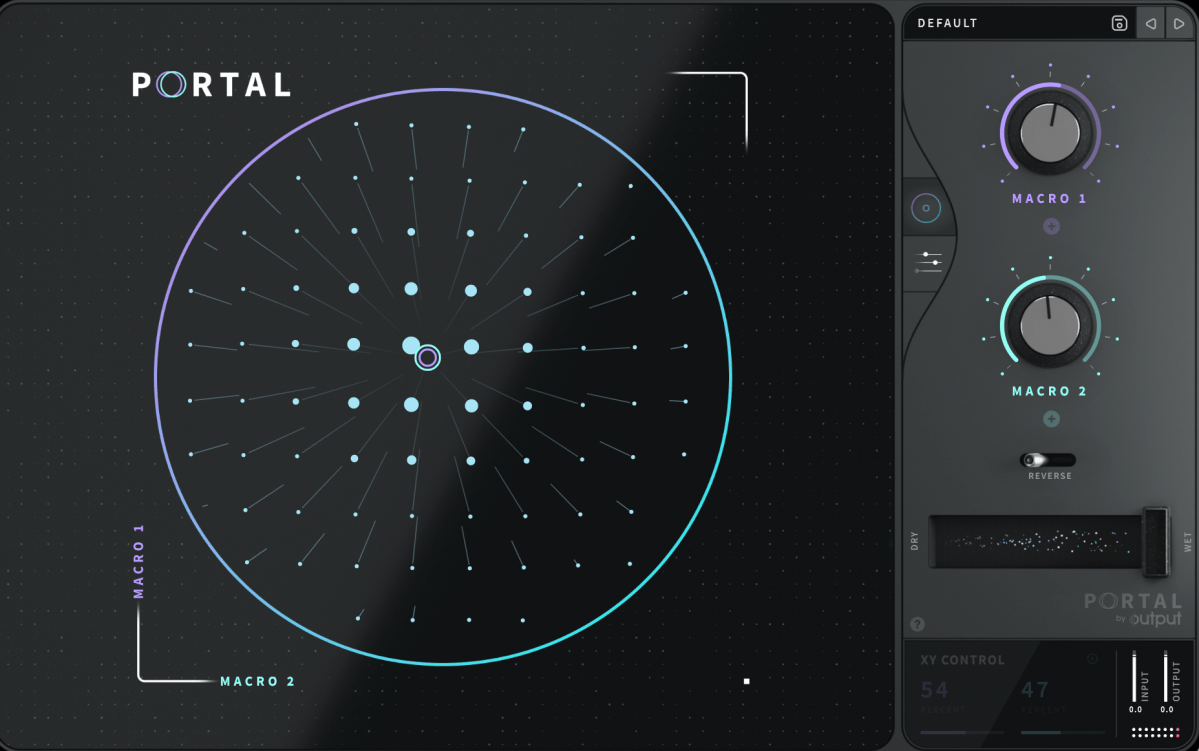
Portal’s user interface is designed to resemble that of a vector synthesizer.
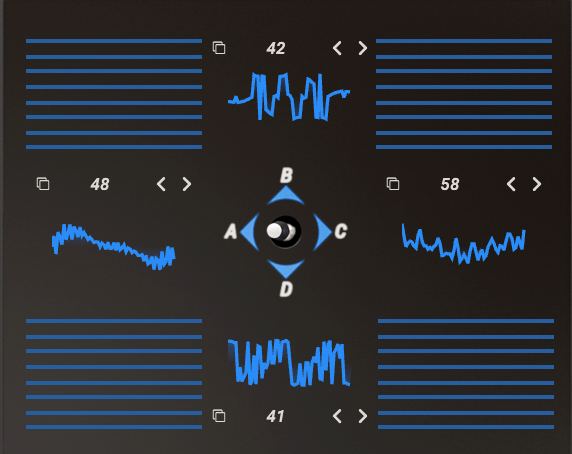
Joystick from a Prophet-VS vector synthesizer plugin

A vector synthesizer can be considered an early form of a wavetable synthesizer. It uses a joystick to blend different waveforms assigned to each direction.
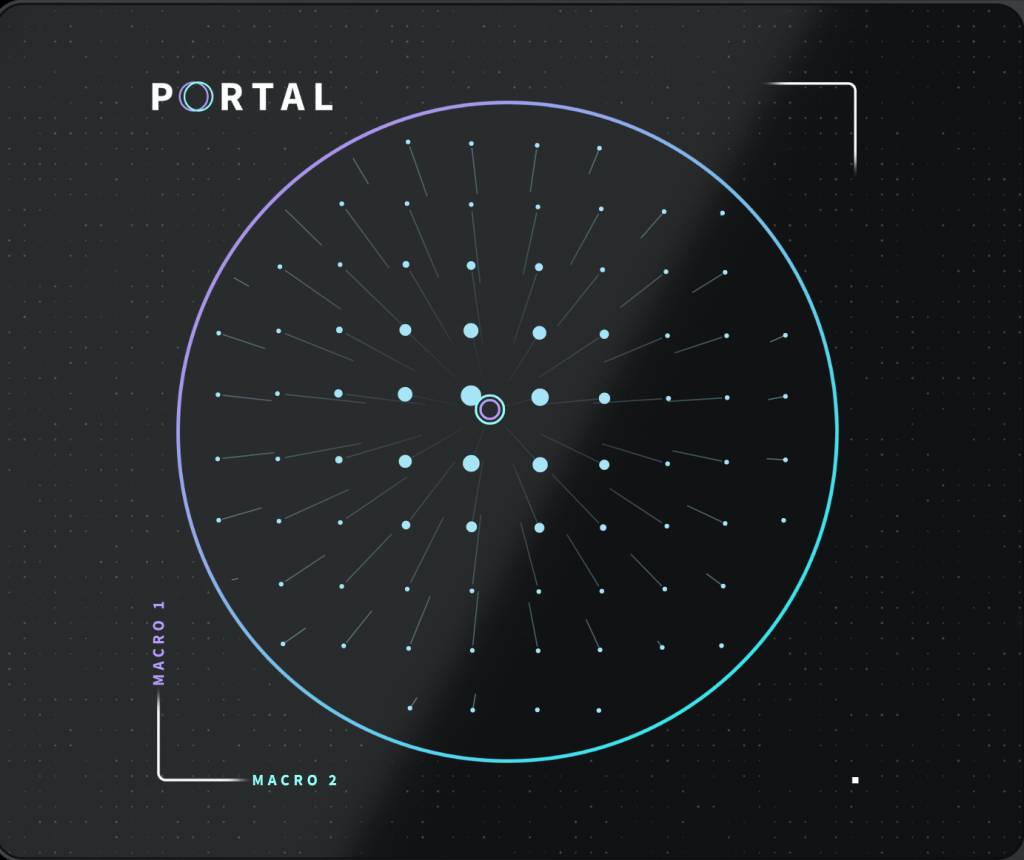
In Output’s Portal, Macro 1 is placed on the vertical axis, while Macro 2 is on the horizontal axis. The values of these macros control various parameters.
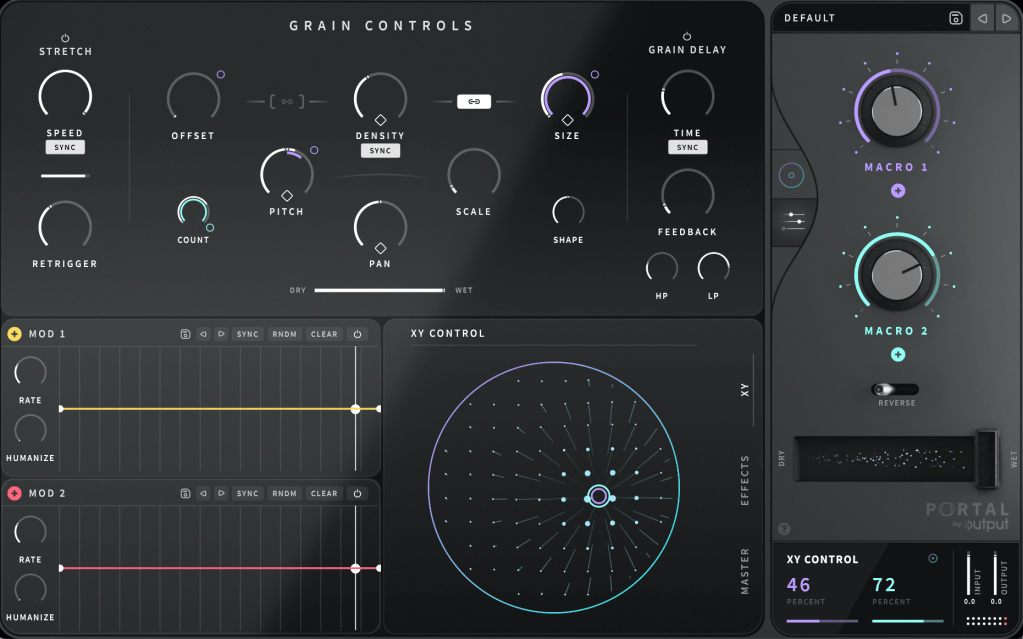
You can connect Macro 1 and Macro 2 to different parameters in the Grain Control section. By double-clicking the macro names, you can even rename them.

To assign a macro, click the ‘+’ sign below the name of each knob (like Macro 1 and Macro 2), then drag it to a parameter. A small circle will appear next to the parameter, indicating the range of control the macro has.

Similarly, you can use the LFO in the bottom left to modulate parameters. Think of it as a traditional synthesizer, which should make it easier to approach.

At the bottom center, you can choose between the XY, Effects, and Master sections to adjust various parameters.
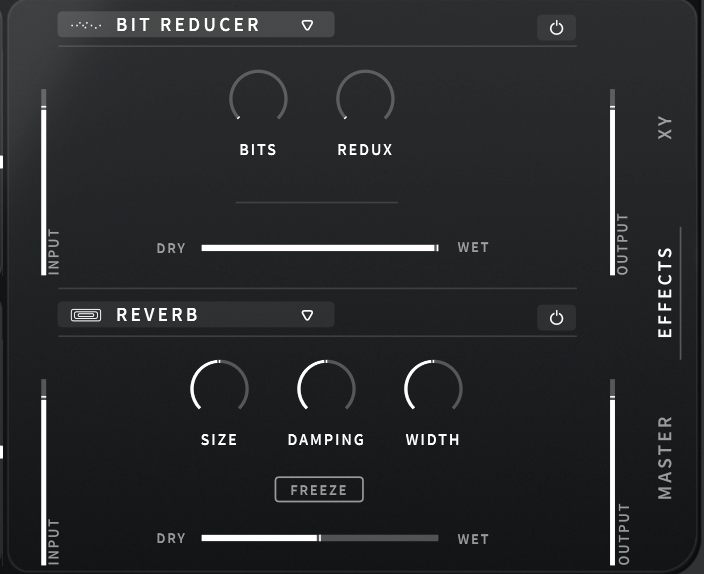
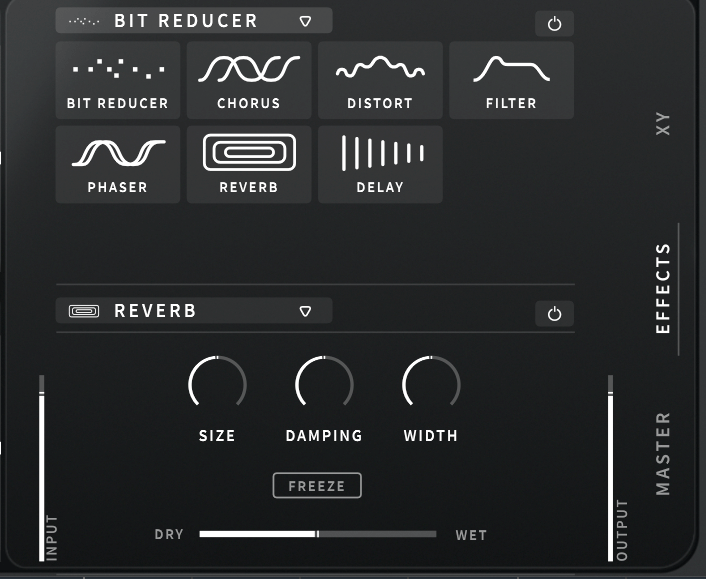
The built-in effects include Bit Reducer, Chorus, Distortion, Filter, Phaser, Reverb, and Delay, making for a total of seven options. All these parameters can be linked to the LFO modulation or macro functions for dynamic control.
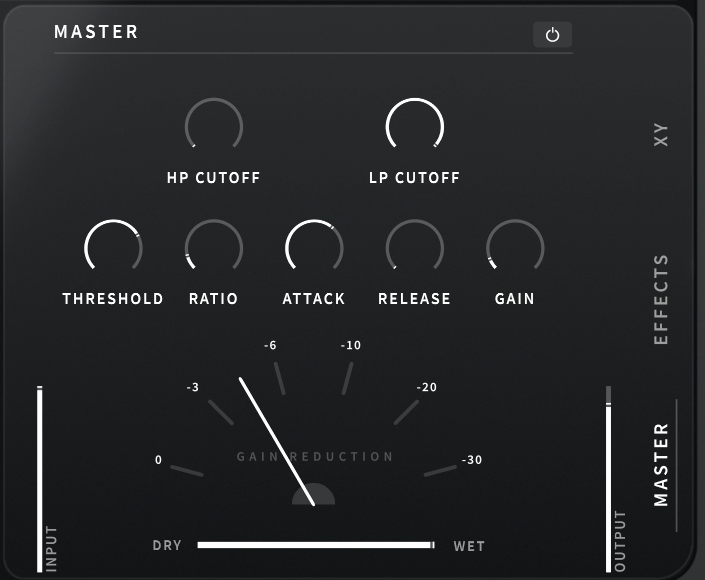
The Master section includes a built-in filter and compressor, which can also be modulated with LFOs and macros.
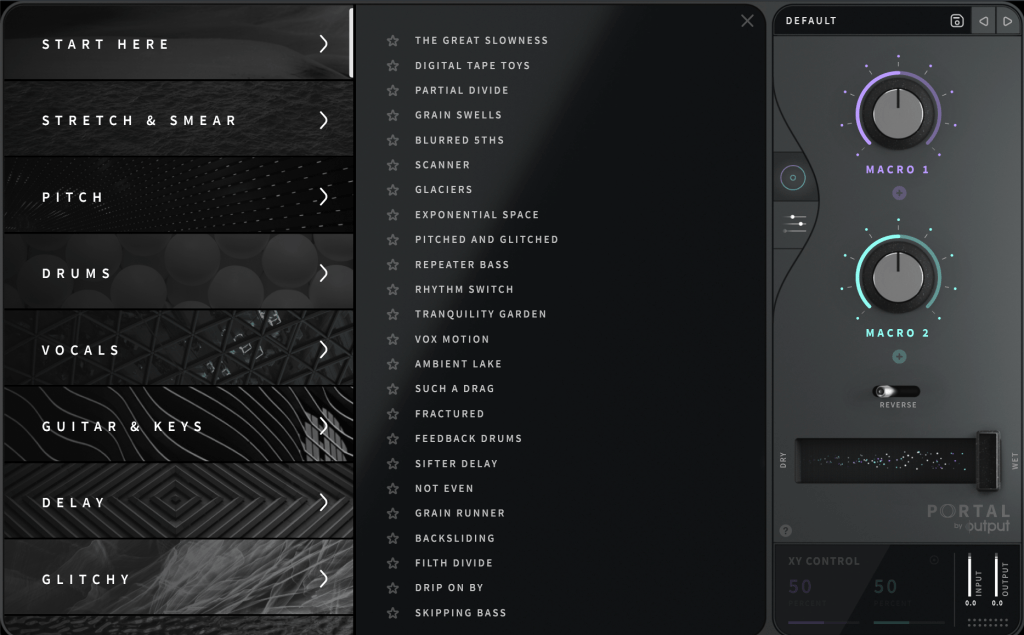
Clicking ‘DEFAULT’ at the top right allows you to access various presets. Beginners might find it helpful to start here.

Portal is particularly appealing due to its ability to produce random, evolving sounds based on XY values. It’s an excellent choice for those who don’t already have a granular FX plugin.

Check out the demo video to hear what it can do.

The 50% off sale runs until August 16th! Here’s the purchase link:

Additionally, if you purchase from Plugin Boutique, you can get a free plugin. This month, you can choose between Softube’s VCA Comp or K7D’s Delay.

Softube previously offered the VCA Comp for free in March. It’s a great dbx160-style compressor, perfect if you don’t already have one.

The K7D Delay is a tape delay that sounds great on electric guitars and works well in mixes.

That wraps up the overview of Portal. In the next post, I’ll review another Output plugin, Thermal. Stay tuned!
Orchestration Basics – Brass (3, Jazz Brass)

Hello, everyone! This is Jooyoung Kim, an engineer and music producer.

In this post, I’ll delve into the saxophone and jazz brass, instruments often associated with brass but not classified as such.

Strictly speaking, it’s not exactly orchestration, but since these instruments are used in various contexts, I’ll cover them briefly.

Shall we begin?

  • Saxophone

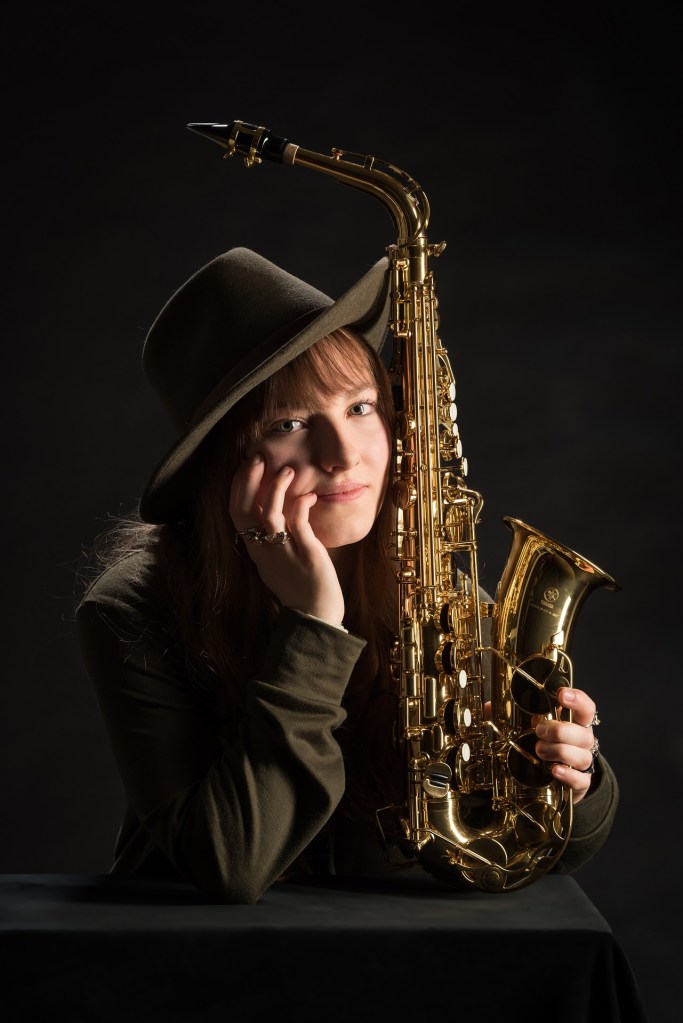
The saxophone is a woodwind instrument with a reed similar to a clarinet.

Though classified as a woodwind, its metal construction gives it a metallic timbre, allowing it to blend well with brass instruments.

The Alto and Tenor saxophones are the most commonly used, but there are also Sopranino, Soprano, Baritone, Bass, Contrabass, and Sub Contrabass saxophones.

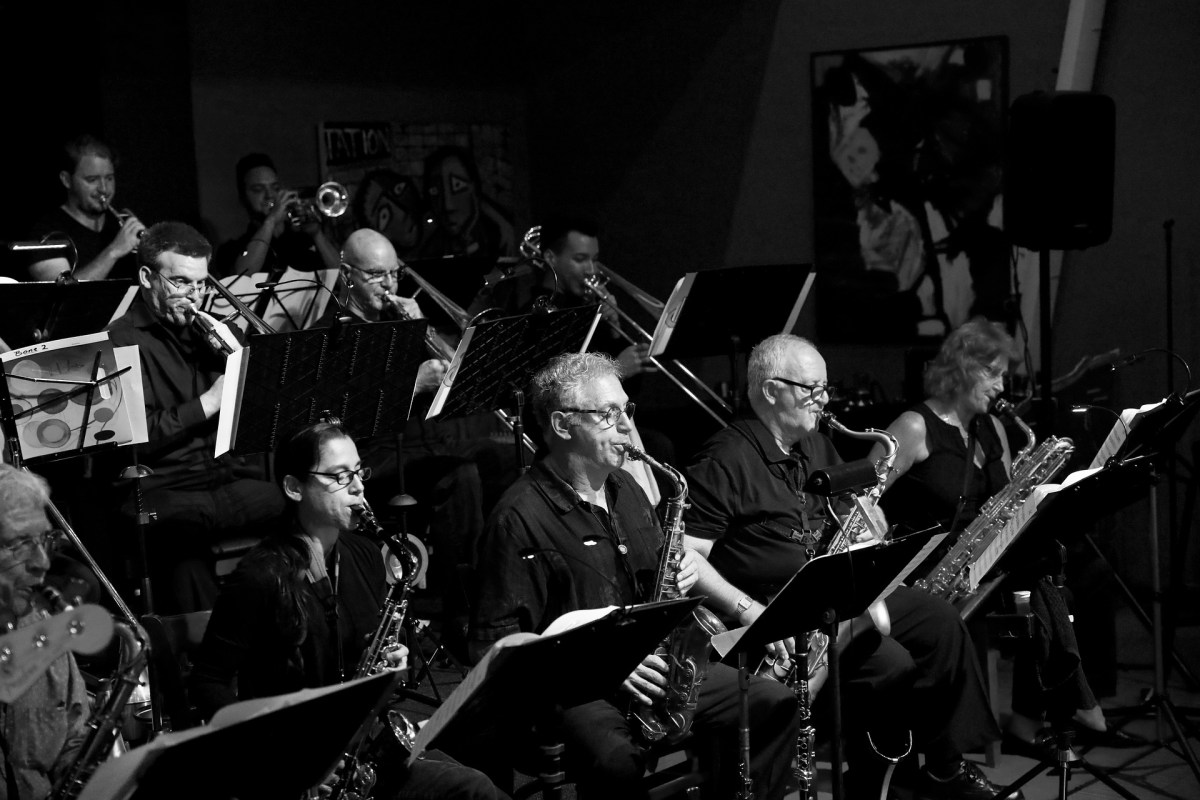
In jazz brass, typically three out of five instruments are saxophones, which serve well both as solo lead instruments and as harmonic instruments that layer harmonies with brass.

However, due to its piercing sound, like other brass instruments, using it as a harmonic instrument might not always be ideal unless it’s within a brass harmony or a full band tutti.

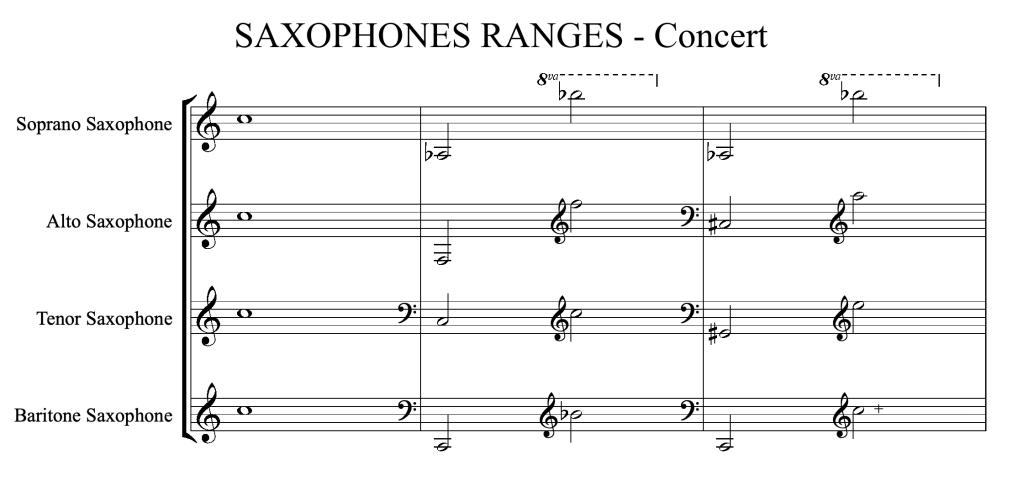
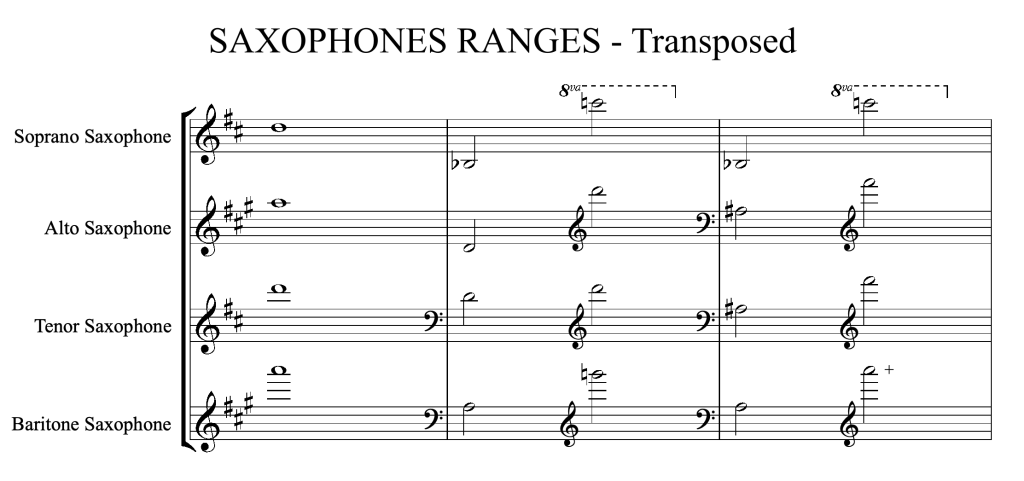
The saxophone family consists entirely of transposing instruments, typically in Eb and Bb. You can easily understand their notation and range from the above staff notation.

  • Jazz Brass Ensemble

A typical jazz brass ensemble consists of three to five instruments.

Instruments such as Trumpet (Cornet, Flugelhorn), Horn, Trombone, Tuba (Euphonium), and Saxophone are selected based on their range. Common combinations when using five instruments include:

  • Trumpet, Alto Sax, 2 Tenor Saxes, Trombone
  • Trumpet, 2 Alto Saxes, Tenor Sax, Trombone
  • Trumpet, Alto Sax, Tenor Sax, Trombone, Bass Trombone
  • Trumpet, Alto Sax, Tenor Sax, Trombone, Tuba

Depending on their roles, instruments can be substituted, such as replacing the Trumpet with a Soprano Sax, using Baritone or Bass Sax instead of Trombone, or substituting Euphonium for Trombone.

  • Characteristic Voicing in Jazz Brass

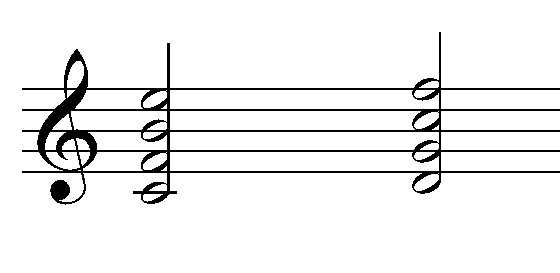
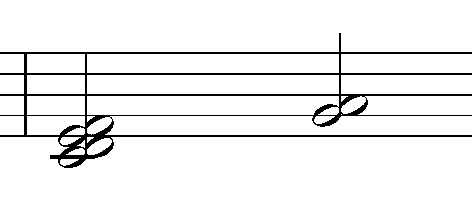
Jazz brass frequently employs three voicing techniques: Quartal, Cluster, and Upper Structure.

Quartal Voicing
Cluster
Upper Structure (Poly Chord)

Quartal voicing builds chords in fourths. Cluster voicing, technically involving three notes in a half-step relationship (e.g., C, C#, D), can broadly include whole-step relationships.

Upper Structure involves splitting the range and playing different chords in each range. It often sounds unpleasant within a single instrument family but creates an intriguingly acceptable sound when divided among different families.

  • Virtual Instruments for Jazz Brass

Discussing virtual instruments, jazz brass requires meticulous editing even after programming, due to the varying lengths and attacks of the notes. Recommended virtual instruments include Kick Ass Brass, Broadway Big Band (quite expensive), Chris Hein Horns, and SWAM Solo Brass (a modeled instrument).

That’s it for the explanation on jazz brass. I haven’t organized the percussion section yet, but I should do it soon.

See you in the next post!

Orchestration Basics – Before we dive in

This article was written at July 29, 2022

Starting today, we are going to cover the basics of orchestration, namely instrument theory. I think I should write it down and organize it like this so I don’t forget what I learned less, and it will also be helpful to those who read it… haha.

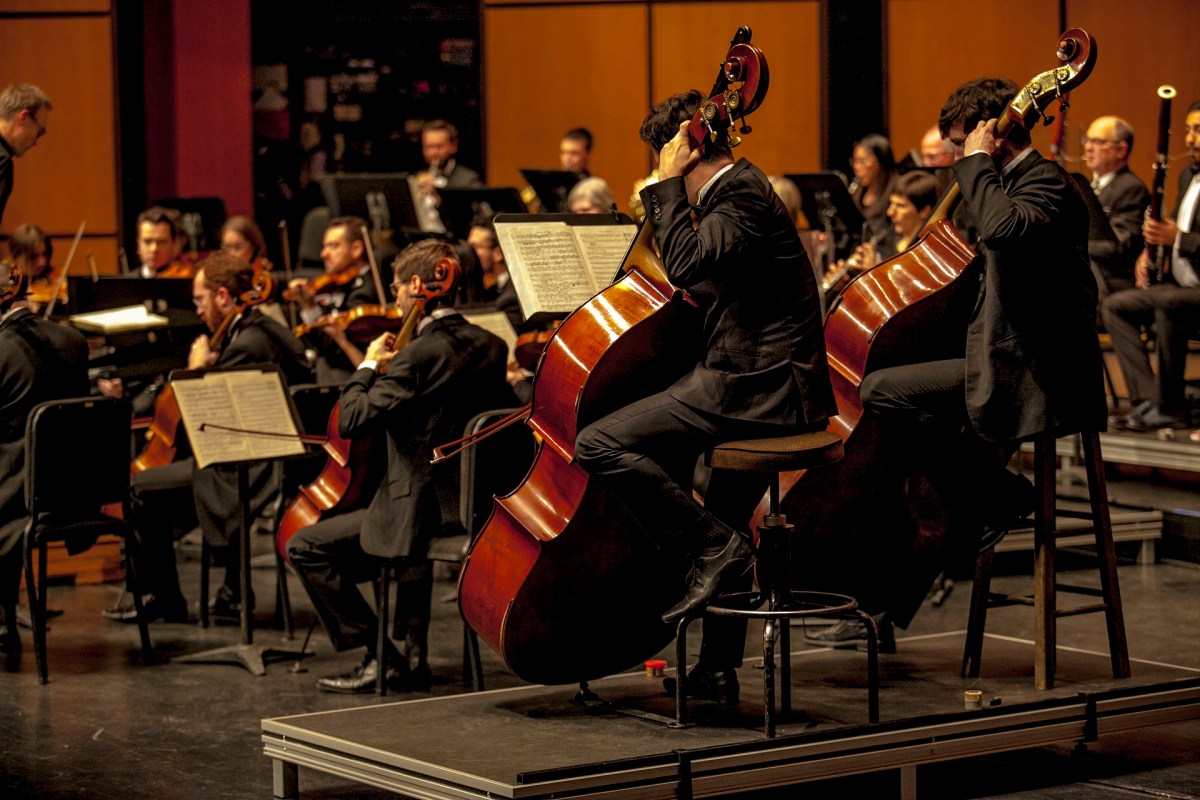
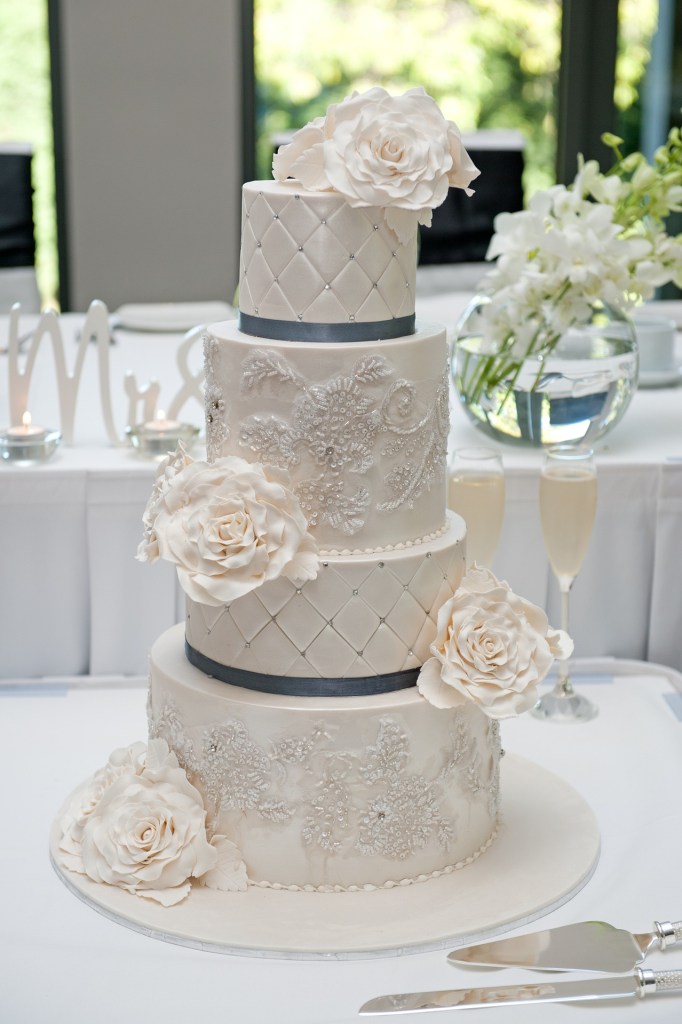
The instruments that make up an orchestra can be likened to a four-tiered cake. Each instrument group has four voices: soprano, alto, tenor, and bass, and instruments are classified into four groups: strings, woodwinds, brass, and percussion.

It would be convenient to think of the string instruments that are the most foundational and almost indispensable as the 1st tier, the woodwind instruments that come next as the 2nd tier, the brass instruments as the 3rd tier, and the remaining percussion instruments as the 4th tier.

The historical order in which musical instrument groups were added is similar to this. Initially, string instruments were adopted, followed later by woodwind, brass, and percussion instruments.

Therefore, this article will also be written in the following order: string instruments -> woodwind instruments -> brass instruments -> percussion instruments.

Well then, shall we begin?