
Hello! I’m Juyoung Kim, a mixing engineer and music producer.
It’s been a while since I shared plugin sale news, hasn’t it?
Over the holiday season and into early January, my manager was on vacation, and most major sales wrapped up at the start of the year. So, I didn’t have much to share.
One notable ongoing deal is IK Multimedia’s Total Studio 4 MAX sale.
That said, I recently came across SSL’s sale on X-EQ 2 and DeEss, and I couldn’t wait to share it with you!
Disclosure
This product was provided as an NFR (Not for Resale) through Plugin Boutique. If you make a purchase using the links in this post, I’ll earn a small commission, which helps me keep doing what I do.
Let’s dive in!
SSL X-EQ 2
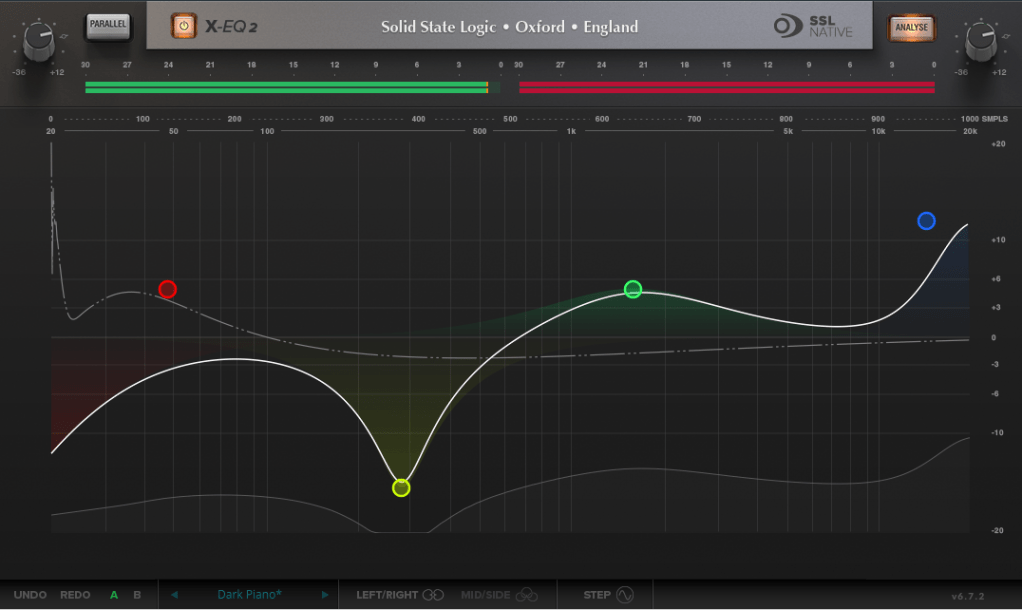
The SSL X-EQ 2 is a feature-packed EQ plugin. These days, DAW-native EQs are so powerful that standalone EQ plugins need to have a competitive edge to stand out—and X-EQ 2 delivers.
Key features include:
- Mid/Side processing
- Presets to remove 50Hz and 60Hz hum (ideal for handling electrical noise)
You can double-click to create points and adjust EQ type, frequency (Hz), bandwidth (Q), and gain (dB) with ease.
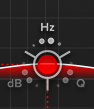
A particularly fun feature is the knob-like interface—select a parameter (Hz, dB, Q) and adjust it by dragging your mouse, mimicking the feel of turning a physical knob.
It also includes an analyzer (activated via the top-right button) and lets you choose between parallel or serial processing from the top-left menu.
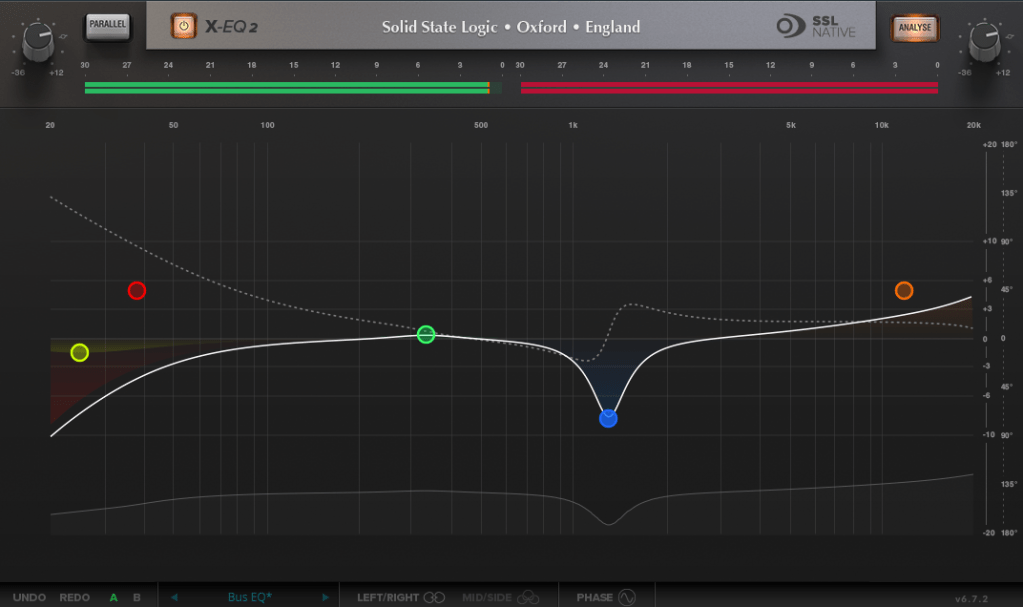

Additionally, you can activate Phase Analysis to see phase shifts (dotted lines) or enable Step Response Mode to view how signals evolve over time after passing through the EQ.

For those unfamiliar with Step Response:
The Step Response of a system refers to how the system reacts over time to a sudden change in input, specifically when the input shifts instantaneously from 0 to 1 (a Heaviside Step function). It demonstrates:
- The system’s transient behavior, showing how it initially reacts to the input change.
- The steady-state behavior, revealing how the system settles after the transient phase.
- The time it takes to stabilize, which indicates the system’s responsiveness.
In the context of EQs, a longer Step Response often correlates with ringing artifacts, where the EQ introduces unintended resonances that make the sound linger beyond its natural decay. This visualization helps engineers fine-tune the EQ to minimize these artifacts.
I love all the features, but the only downside is that the window size can’t be adjusted. But if you see the price, it could be convinced!
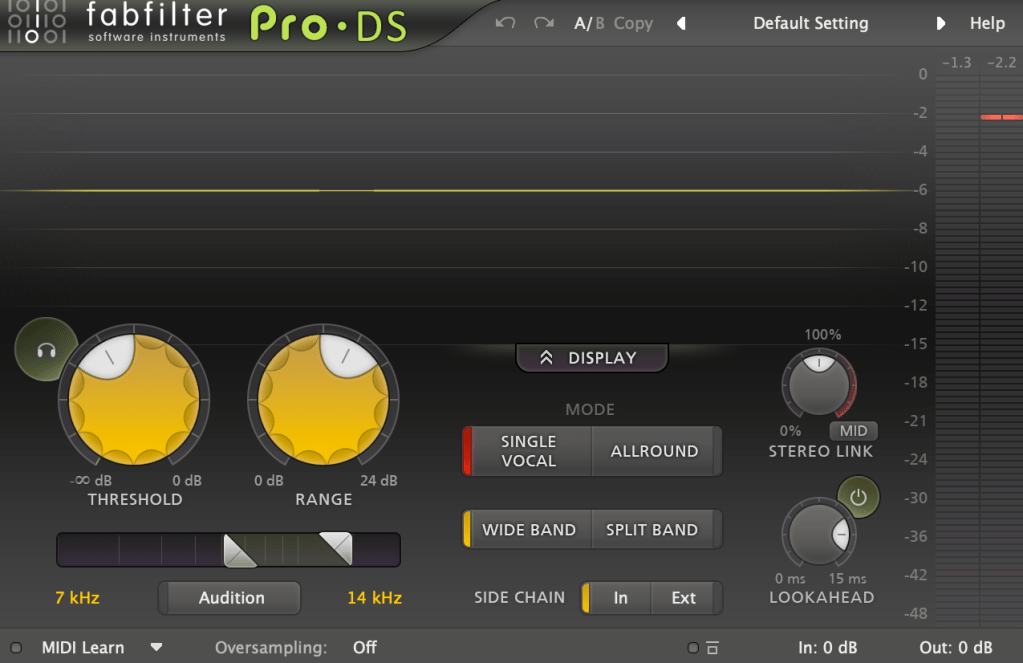
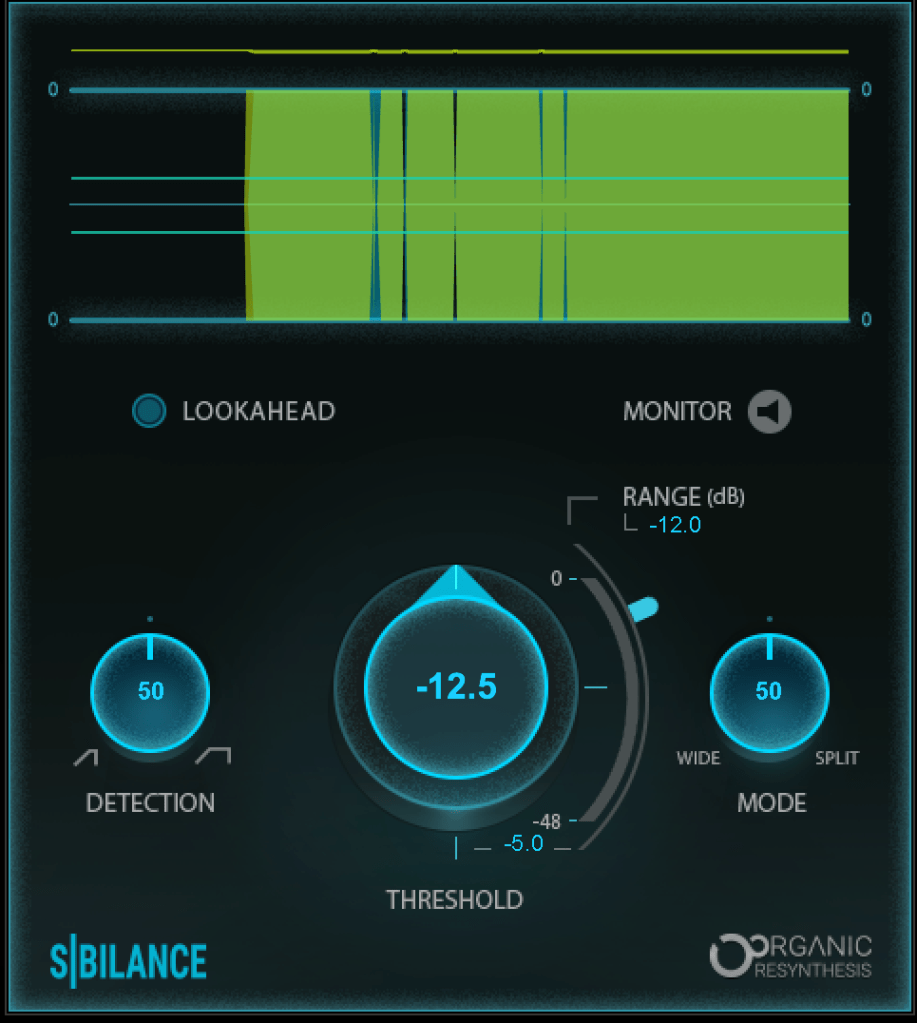
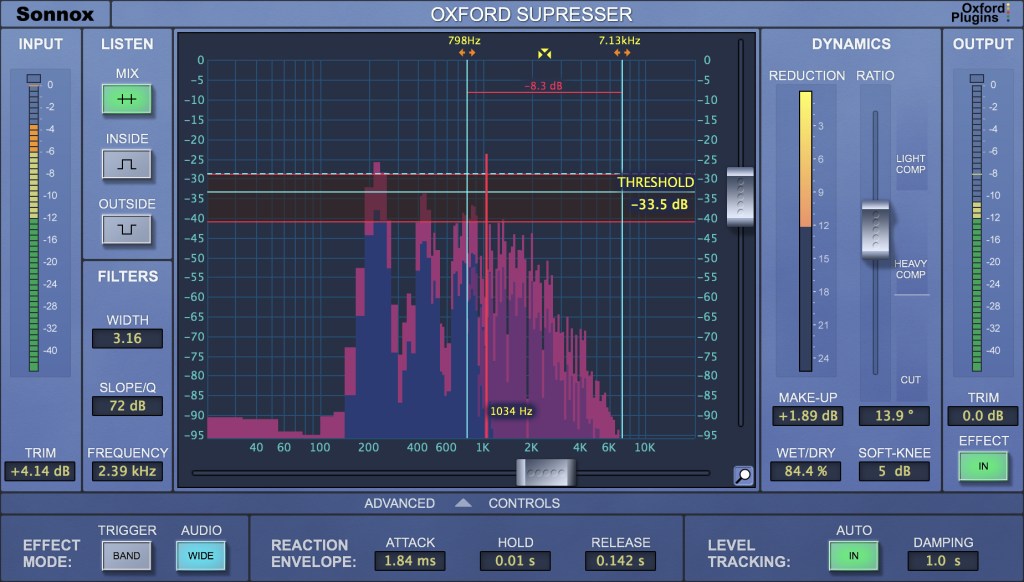
DeEss Plugin
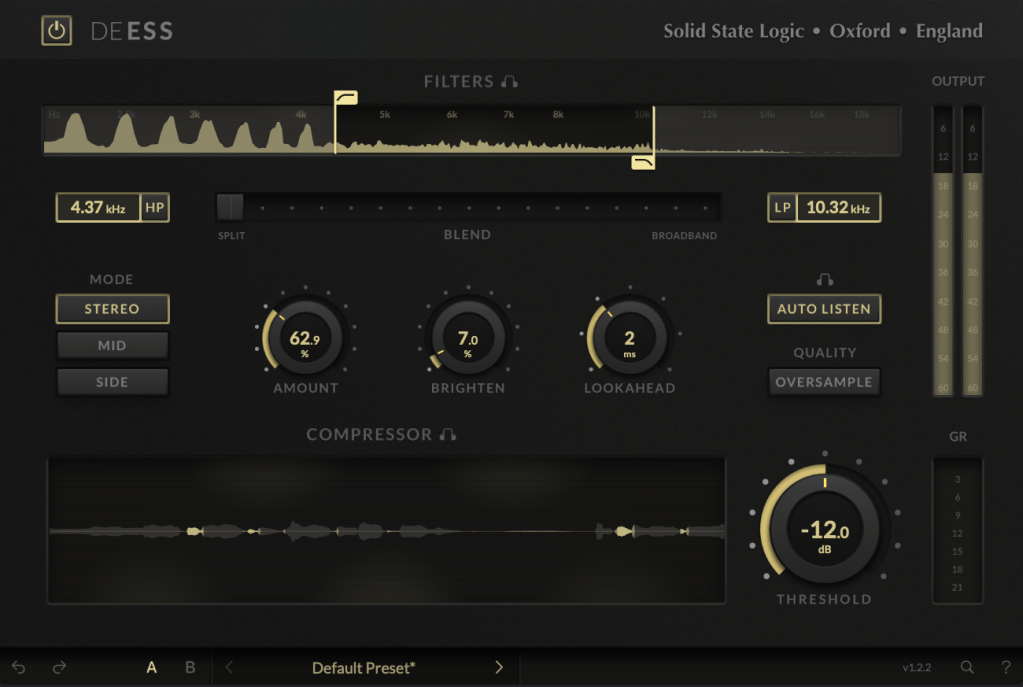
The DeEss plugin offers highly detailed sibilance control.
Key features:
- Adjustable target range: 1kHz to 20kHz
- Mid/Side processing
- Compression intensity and Brighten (high-shelving EQ) controls
- Lookahead capability for precise processing
A standout feature is the Auto Listen mode, which allows you to hear both the filtered signal and the original detection, making adjustments much easier.
This DeEss plugin is one of the most versatile I’ve come across, and it’s surprisingly lightweight unless oversampling is applied. If you don’t already have a dedicated de-esser, this is an excellent choice.
Bonus: Free Plugin Offer
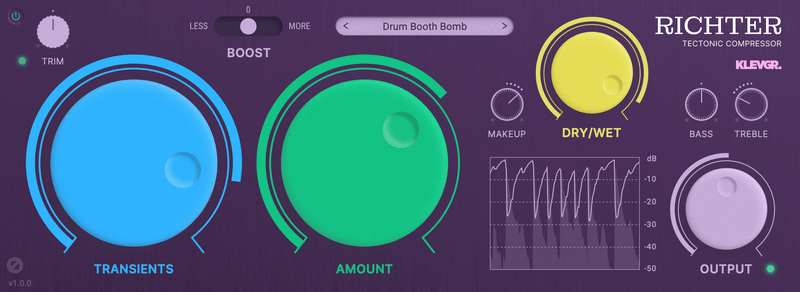
If you purchase any plugin from Plugin Boutique this month, you’ll receive Klevgrand’s Richter Compressor Plugin for free. Don’t forget to claim it when checking out!
Final Thoughts
Both the SSL X-EQ 2 and DeEss plugins are incredibly versatile and user-friendly tools for mixing and production. The 90% discount makes this deal even sweeter—don’t miss out before the sale ends on January 29!
Feel free to reach out if you have any questions. Until next time!


 Jooyoung's Music Blog