Hi there! I’m Jooyoung Kim, a mixing engineer and music producer.
UVI is a company renowned for its piano virtual instruments, much like Spectrasonics. These days, they’ve expanded beyond pianos to develop synthesizers and a variety of audio effects.
Recently, UVI joined Plugin Boutique, kicking off an exciting Intro Sale. Currently, Plugin Boutique offers two UVI products:

The Sonic Bundle, which includes all of UVI’s products, and FALCON, UVI’s flagship synthesizer/virtual instrument engine. Today, I’ll be diving into Falcon.

Full disclosure: I received an NFR (Not for Resale) code for this product from UVI via Plugin Boutique. If you purchase through the links in this blog, I earn a small commission, which helps me keep creating content and, frankly, survive! Thank you for your support.
Let’s get started!
What is Falcon?
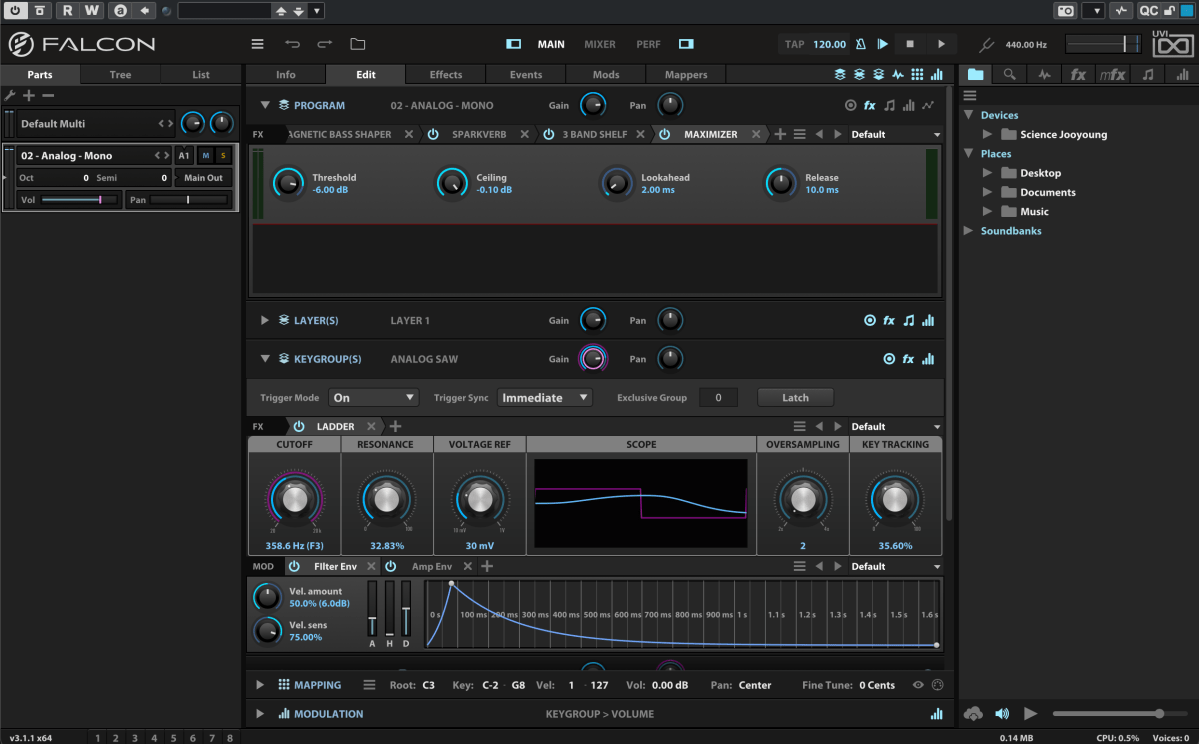
Falcon is a versatile engine, similar to Native Instruments’ Kontakt, capable of loading virtual instruments or functioning as a synthesizer/sampler with 20 oscillators and various synthesis methods.
Like Kontakt, Falcon can feel overwhelming if you dive into all its detailed settings or try to build a sampler from scratch. It’s especially tricky for beginners, particularly when combining FX and modulation with synthesizer configurations.
Instead of trying to master everything at once, let’s start with the basics.

When you first open Falcon, you can choose from 21 default preset synthesizers, including Analog, FM, Additive, Organ, Wavetable, Noise, Pluck, Texture, Sample, Drum, MPE, Granular, Vosim, Harmonic Resonator, Bowed String, and more.
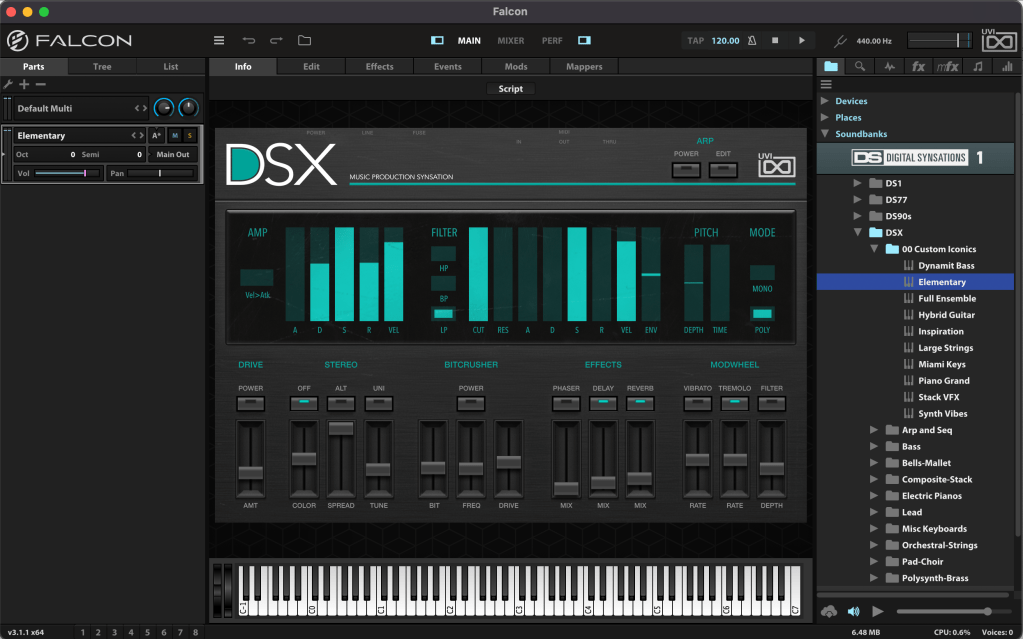
Once loaded, the Info tab displays the most basic parameters for tweaking.
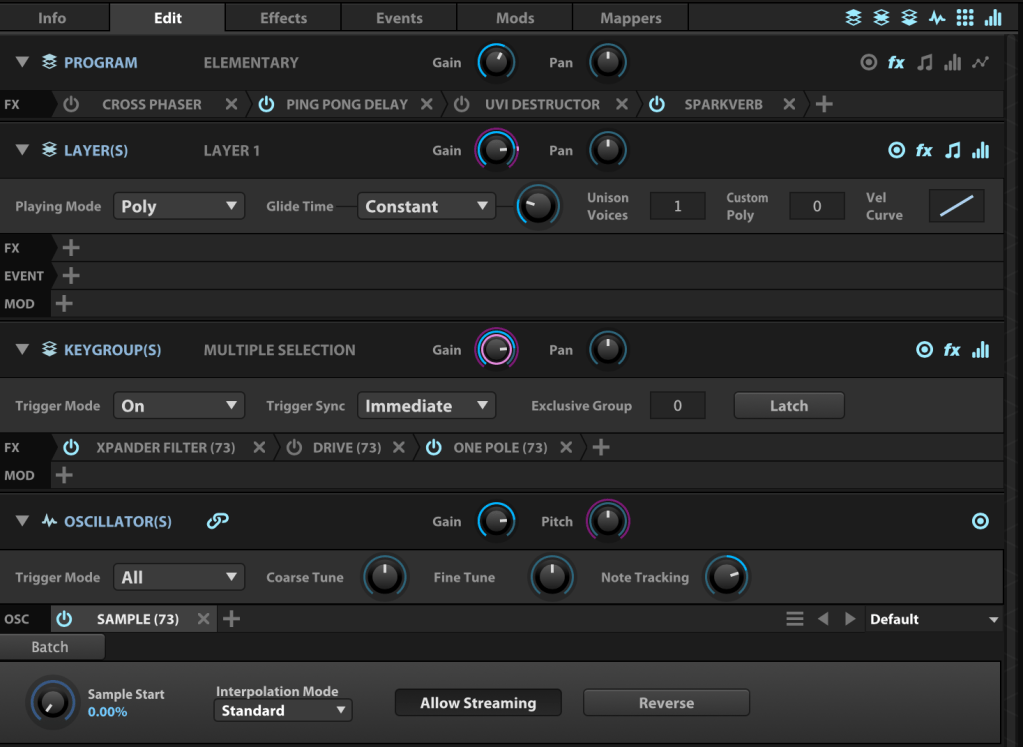
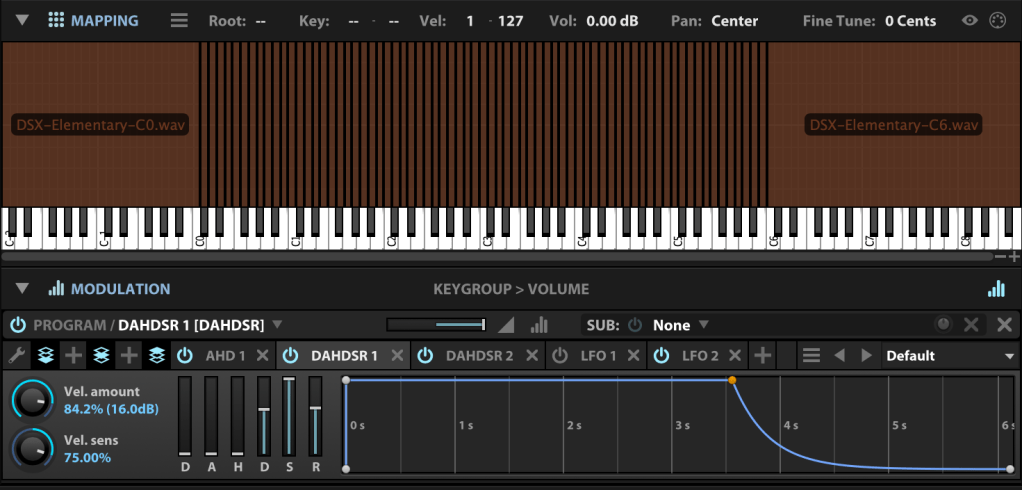
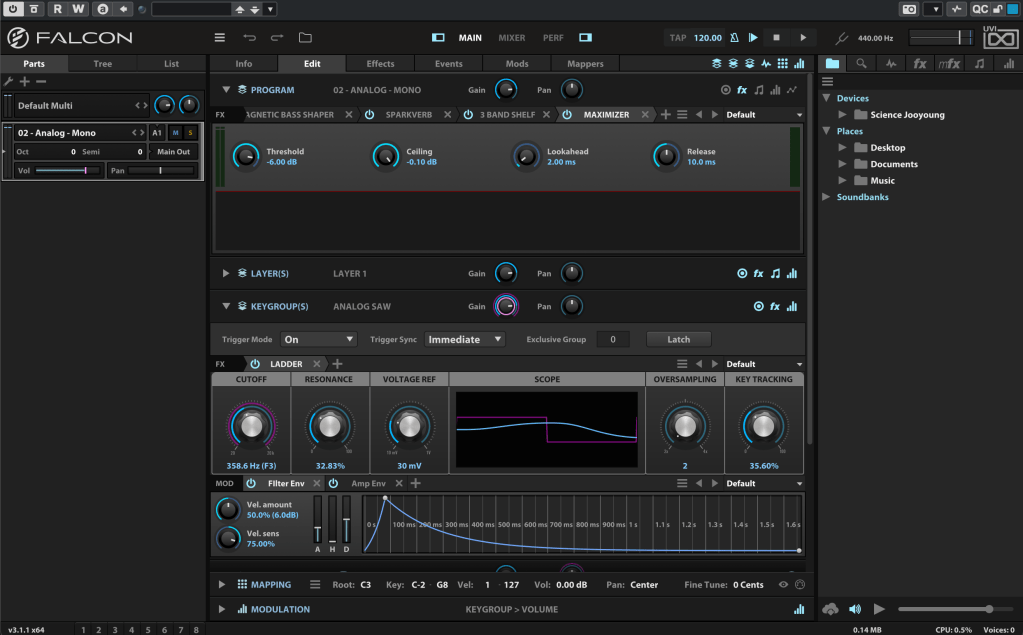
In the Edit tab, you can fine-tune more detailed parameters, such as FX, Layer, Key Group, Oscillator, Mapping, and Modulation for the loaded synthesizer or virtual instrument.
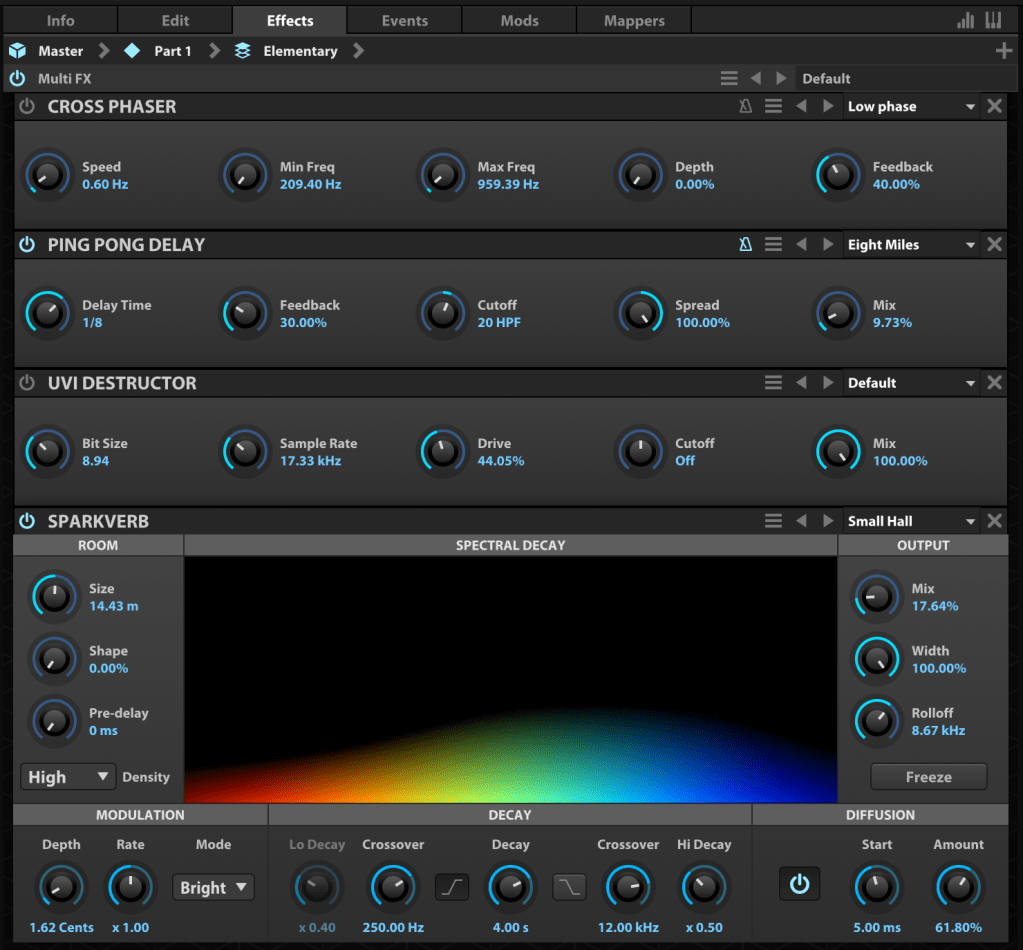
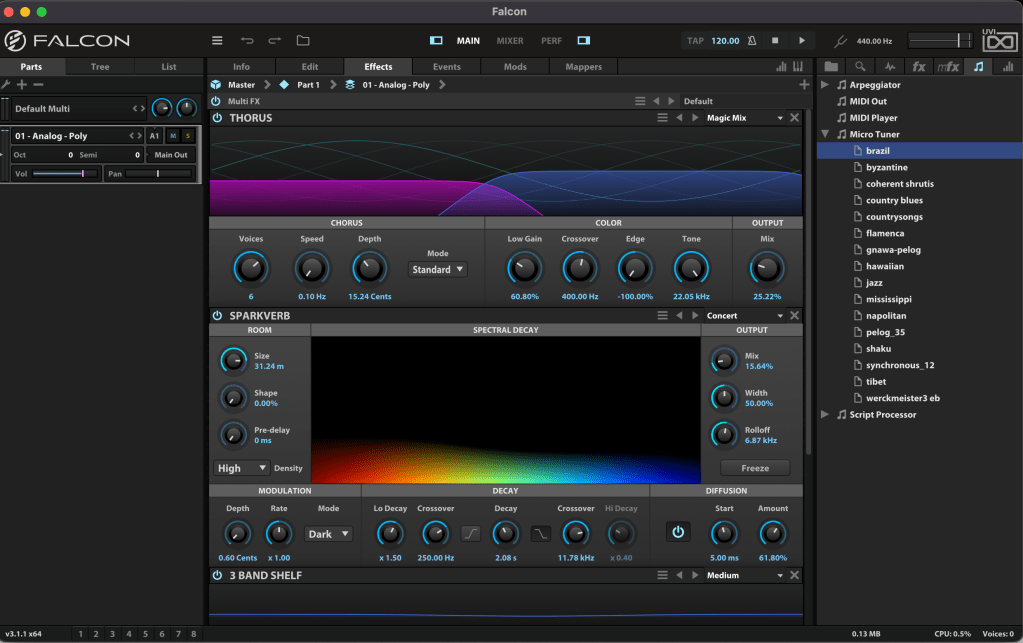
The Effects tab lets you dive deeper into FX adjustments. With over 100 effects included in Falcon, it’s tough to cover them all! They lean more toward sound design than traditional mixing, offering incredible creative possibilities.
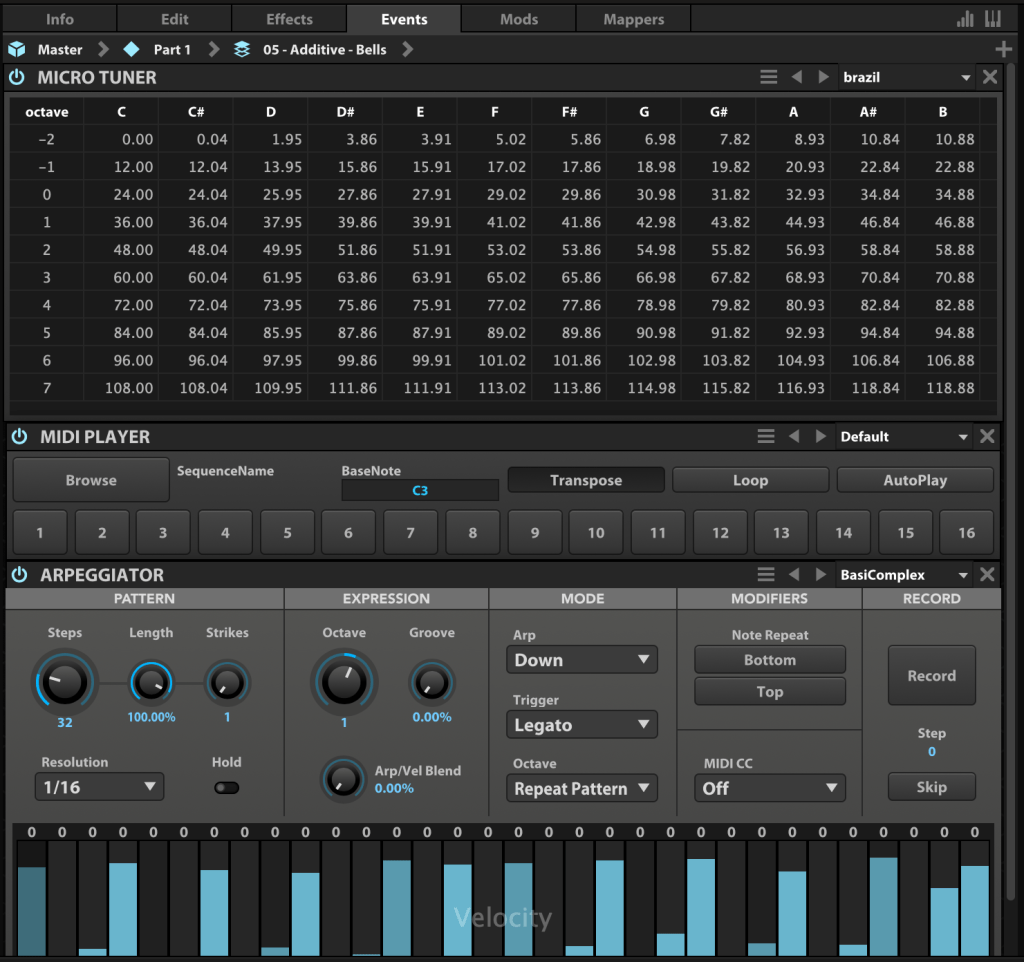
In the Event tab, you can add MIDI FX processors and other MIDI-based effects.
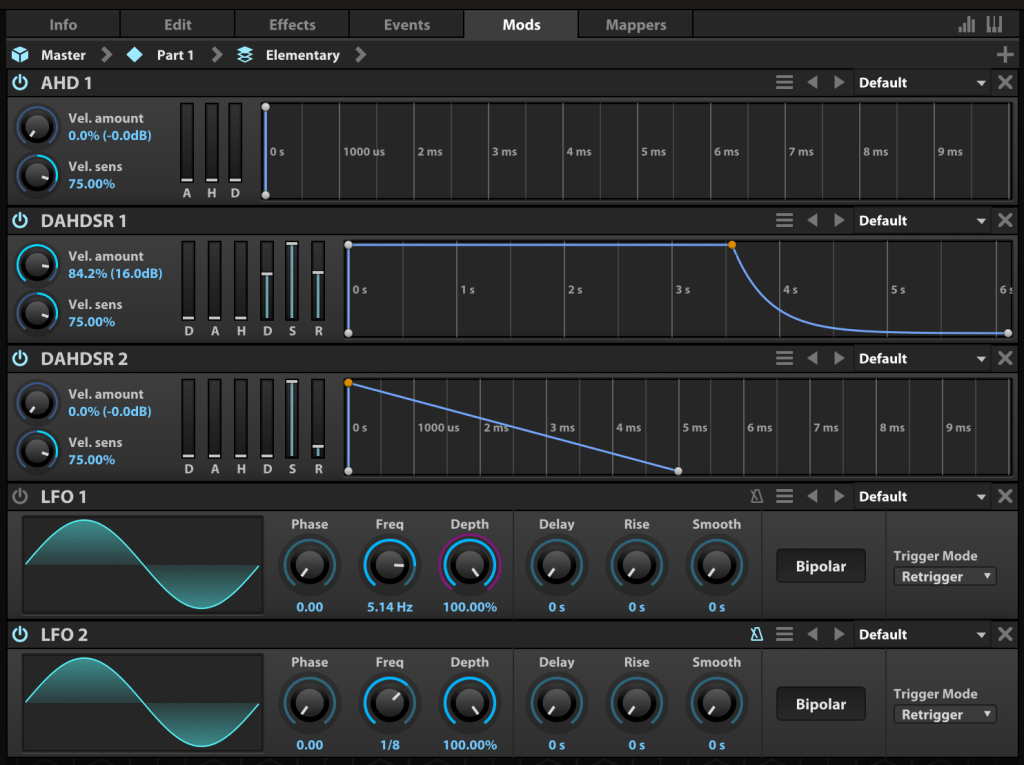
The Mods tab is where you control modulation effects like LFOs and ADSR envelopes.

In the Mappers tab, you can draw shapes to scale, quantize, curve, or pattern modulation source values, allowing you to customize how modulation effects evolve.
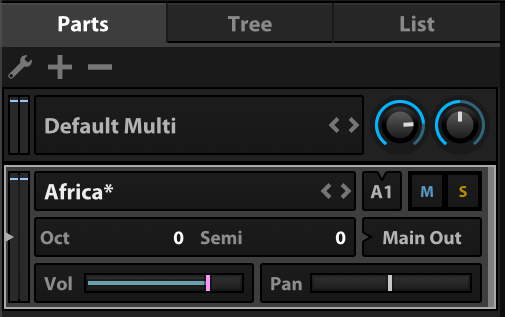
On the left, you can add modules to incorporate more virtual instruments or synthesizers.

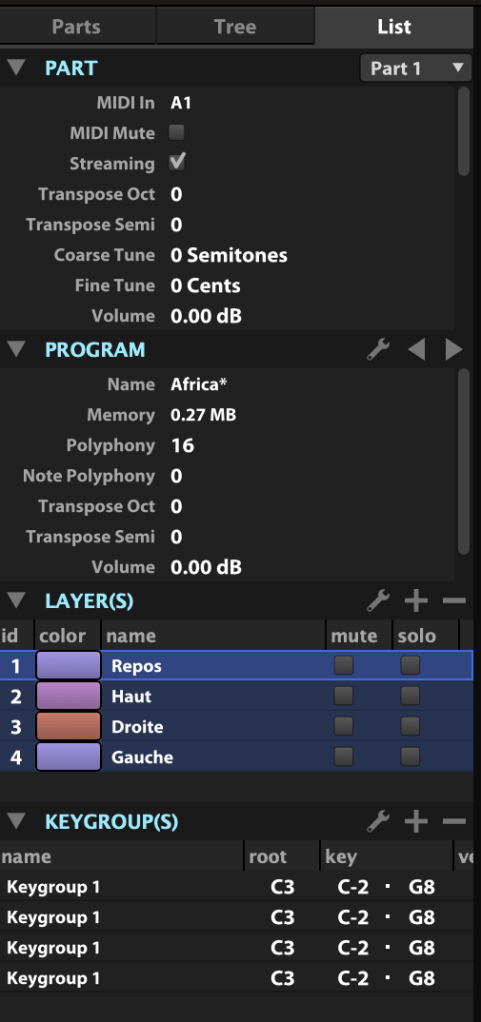
The Tree view shows which sounds or effects are applied to each part, while the List view displays the data settings for the virtual instrument or synthesizer.
On the right, you can browse sounds by folder or soundbank and preview them with a quick click.
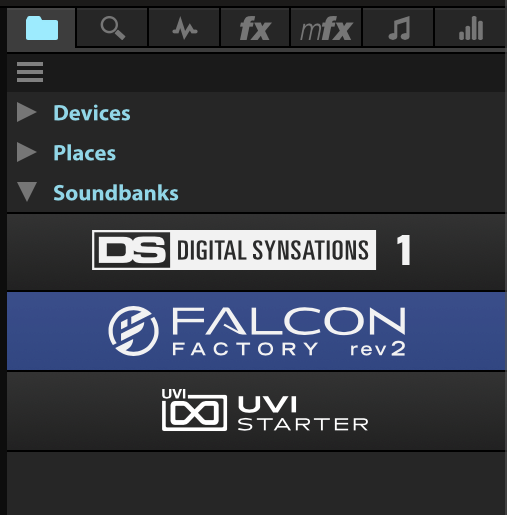
The search bar helps you find presets, while the waveform icon loads sounds into the mapping editor. The “fx” category covers effects, and “mfx” refers to music FX for sound effects. The note icon represents MIDI effects for the Event tab, and the frequency spectrum-like icon is for modulation effects in the Mods tab.
Falcon’s extensive features can take time to master, but its versatility lets you create an incredible range of sounds.
Until May 9, Plugin Boutique is offering a 50% discount on Falcon as part of the Intro Sale. If you’re looking for a single, all-in-one synthesizer virtual instrument, Falcon is a fantastic choice.
Thanks for reading, and I’ll see you in the next post! 😊
 Jooyoung's Music Blog