Basics of Mixing – 10.1 Modulation Effects (Part 1)

Hi everyone! This is Jooyoung Kim, a mixing engineer and music producer.

Today, I want to talk about modulation effects, which are often overlooked during mixing.

(These concepts are based on my book Basics of Mixing, published in Korea.)


What are Modulation Effects?

In simple terms, modulation effects involve changing certain parameters over time.

Do you frequently use modulation effects when composing or mixing?
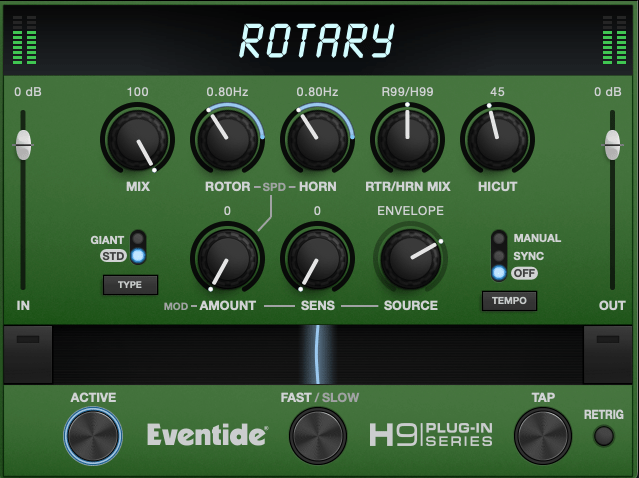
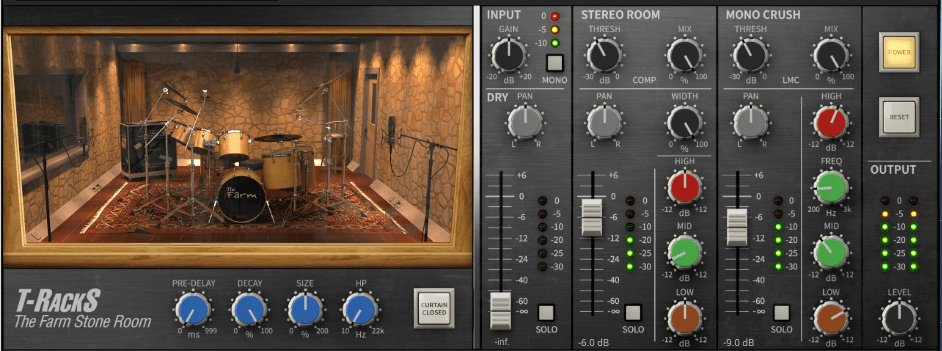
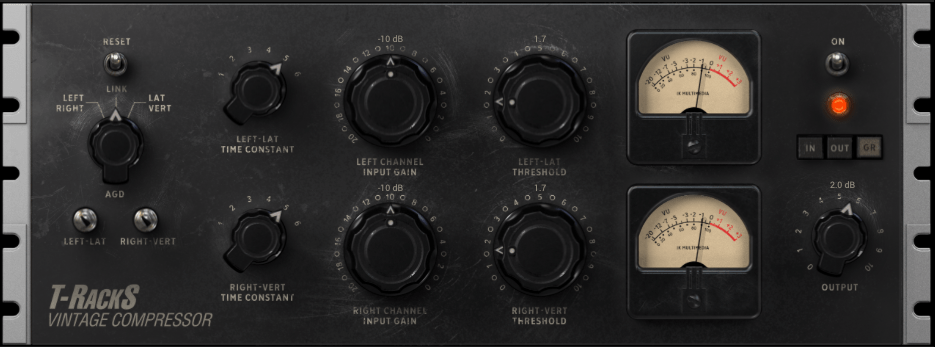
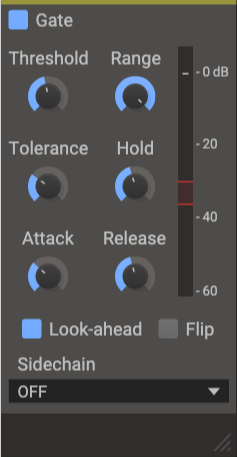
Do you ever have tools like these but rarely touch them?

I believe modulation effects, along with reverb and delay, are crucial in determining the quality of a track. However, even if you understand the theory behind these effects, you might hesitate to use them if you’re unfamiliar with how they sound in practice.

That’s why I encourage you to experiment with modulation effects regularly, even if it feels forced at first.


Types of Modulation Effects

Let’s break down some common modulation effects:

  1. Tremolo
  2. Vibrato
  3. Flanger
  4. Phaser
  5. Chorus

Before diving into these, we need to discuss two foundational concepts: the All-Pass Filter and the Comb Filtering Effect.


All-Pass Filter

An all-pass filter allows all frequencies to pass through unchanged. But why would we use such a filter?

The answer lies in phase.

When a signal passes through an all-pass filter, the phase shifts depending on the frequency. Combining this filtered signal with the original creates unique sounds due to constructive and destructive interference at different frequencies.

For more details on phase and interference, check out “Basics of Mixing – 2.2 Phase and Interference.”


Comb Filtering Effect

The comb filtering effect occurs when an original signal is combined with a delayed version of itself. This results in a frequency response that looks like the teeth of a comb.
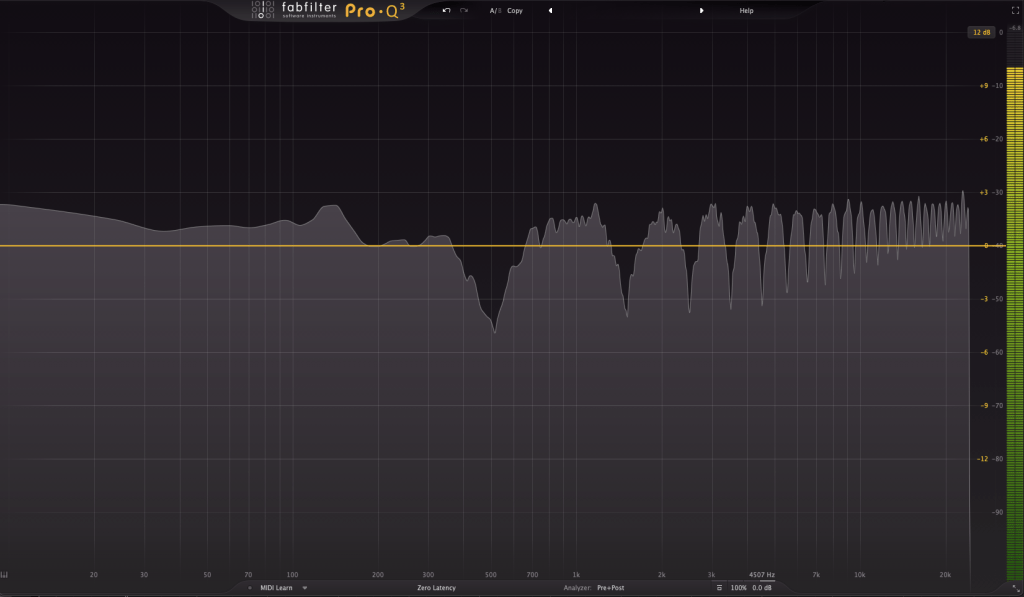
It’s easy to understand this concept through simple experiments.

When every frequency in a signal is delayed by the same amount, some frequencies cancel out (destructive interference), while others amplify (constructive interference). This creates the characteristic comb-like frequency response.

Effects like flanger, phaser, and chorus are built on these principles of phase manipulation.


That’s all for now! In the next post, I’ll delve deeper into each modulation effect.

See you next time! 😊
Basics of Mixing – 9.1 Harmonics and Saturation

Hello, I’m Jooyoung Kim, an audio engineer and music producer.

Today, I’d like to talk about two crucial aspects of sound: harmonics and coloration. As audio engineers, we know from experience—and from measurements—that the audio signal changes when it passes through hardware or plugins.

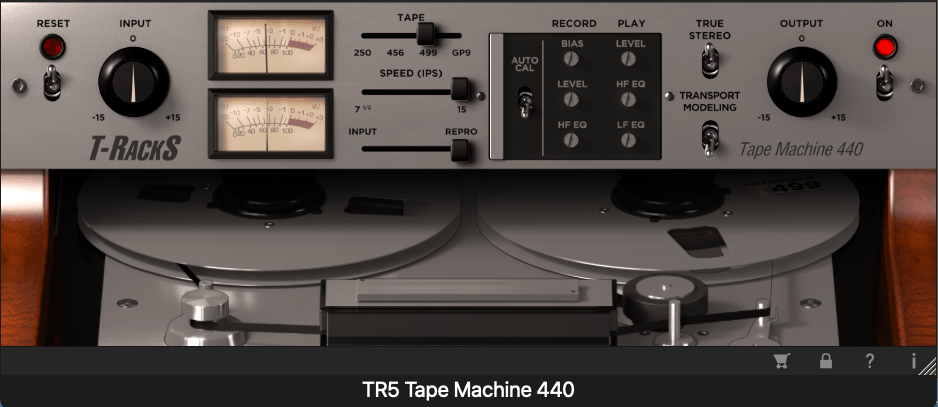
For example, why do sounds processed through vacuum tubes and tape machines end up so different from each other?

It’s a topic worth considering for anyone involved in sound production: how exactly does the signal change, and why?

Of course, if it sounds good, that’s all that matters. But if we take that approach, we could say the same for EQs and compressors—if it sounds good, it’s good enough, right?

That said, this chapter will focus on explaining the devices that introduce coloration to sound.

When an analog audio signal passes through analog devices, harmonics are generated due to the non-linear behavior of these devices.

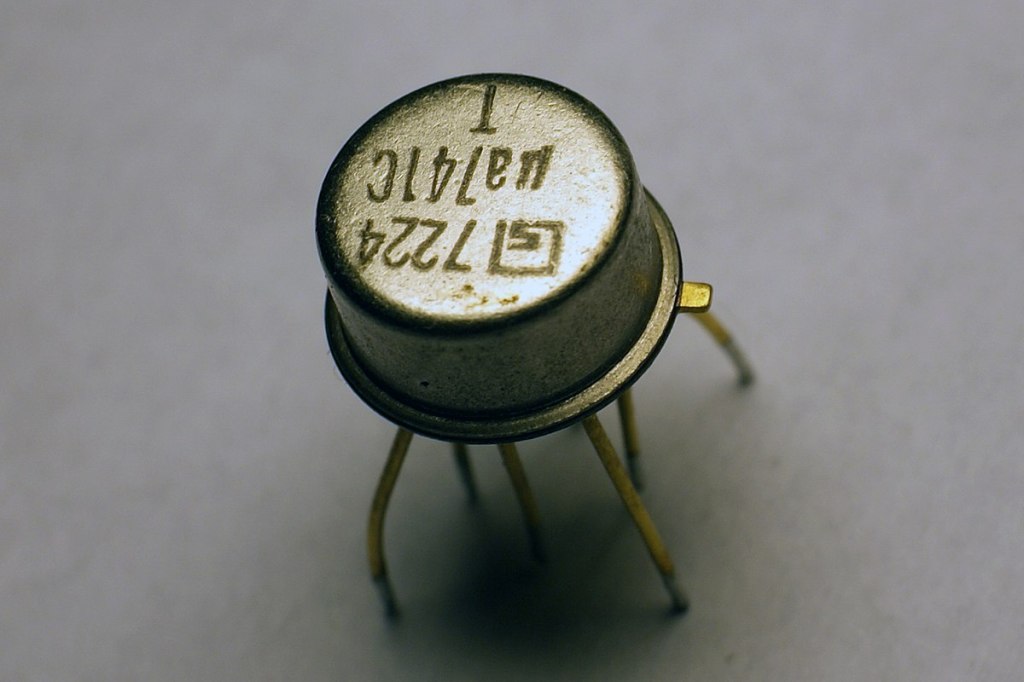
OP Amp
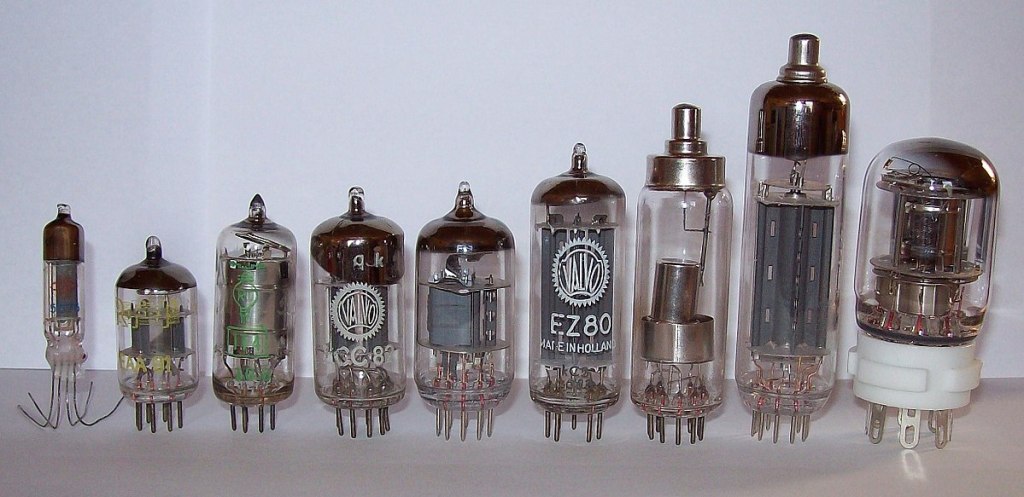
Vacuum Tubes

For example, when components like transistors (such as OP Amps) or vacuum tubes are part of the circuit, they create non-linear responses in the output, which results in harmonic distortion.

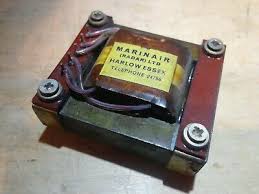
Legendary Marinair Transformer used in Neve Hardware (Photo from AMS Neve)

If you’re a fan of hardware, you’ve probably heard the term “transformer.” When you insert a transformer like the one shown above at the input or output stage of hardware, it creates non-linearities that result in harmonics.

This is why different components alter the character of a device, and why those who modify gear often swap out transformers, tubes, or transistors!

Why do non-linear behaviors generate harmonics? We could explain this through Fourier analysis, but I’ll spare you the math to keep things interesting.

(If you’re curious, look up non-linear systems and functions.)

Harmonics

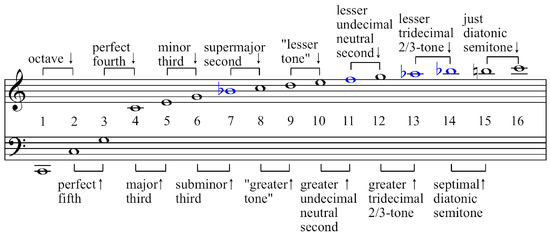
If you’ve studied music, you might recall learning about harmonics and harmonic series in class. Generally speaking, even-order harmonics sound more harmonious and pleasant, while odd-order harmonics tend to create dissonance and can sound harsher.

So, if a device emphasizes odd-order harmonics, it will sound sharper. On the other hand, if it emphasizes even-order harmonics, it will blend more smoothly into the mix.

Now, are there analog devices that exclusively boost even or odd harmonics? Not really.

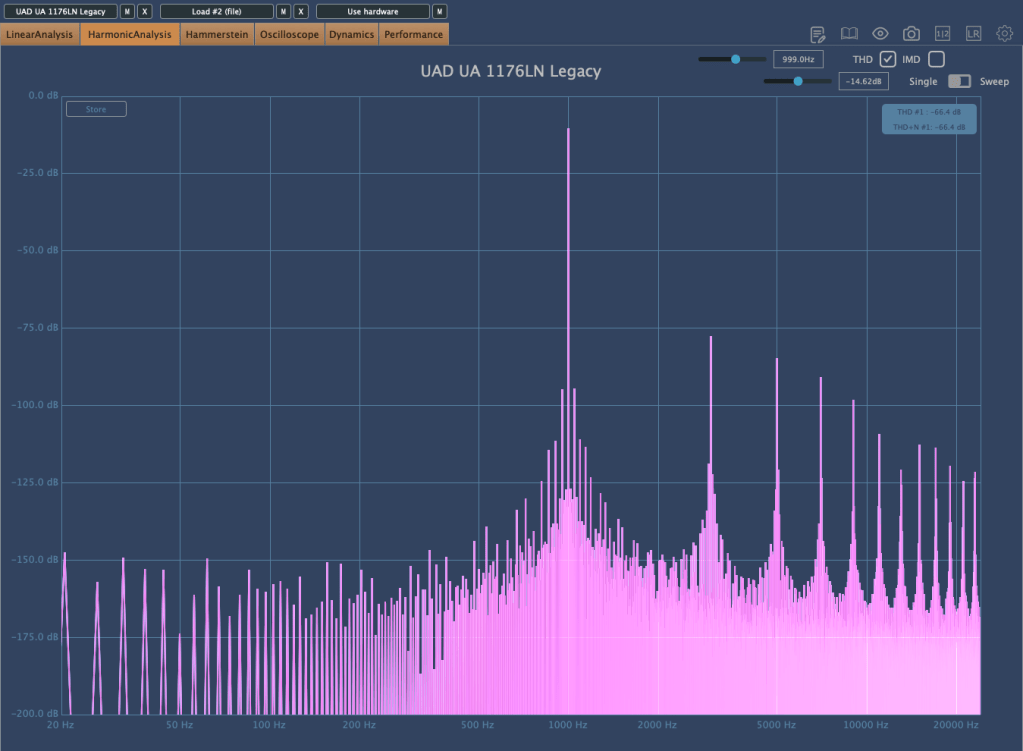
UA 1176LN Legacy Plugin that boosts only odd harmonics

As shown above, you’ll find this kind of control in plugins, but not in analog hardware.

Additionally, because of non-linear responses, the levels of second, third, fourth, and other harmonics also vary in non-linear ways.

So how should we understand these devices? Do vacuum tubes and transistors have unique characteristics?

We’ll continue exploring these questions in the next post.

Basics of Mixing – 8.3 How to Use Reverb?

Hello, this is Jooyoung Kim, music producer and audio engineer.

Last time, we explored the history and types of reverb. Today, we’ll dive into the practical ways to use reverb in your mix. Let’s get started!

When you first open a reverb plugin, the numerous settings can be overwhelming. But in reality, you only need to focus on three key parameters:

  1. Pre-Delay
  2. RT60 (Reverb Time)
  3. Type of Reverb

Pre-Delay refers to how much time passes between the original sound and the reverb effect. If the listener is close to the sound source, a larger Pre-Delay feels natural, while a smaller Pre-Delay is ideal if the source is far away.

RT60 measures the time it takes for the sound to decay by 60dB. While the decay time can vary depending on the frequency, you can generally think of it as the time for the reverb to fade out.

Reverb types are crucial because they give your mix different atmospheres depending on the choice. Knowing these basics should be enough to get you started!

Understanding Reverb Parameters
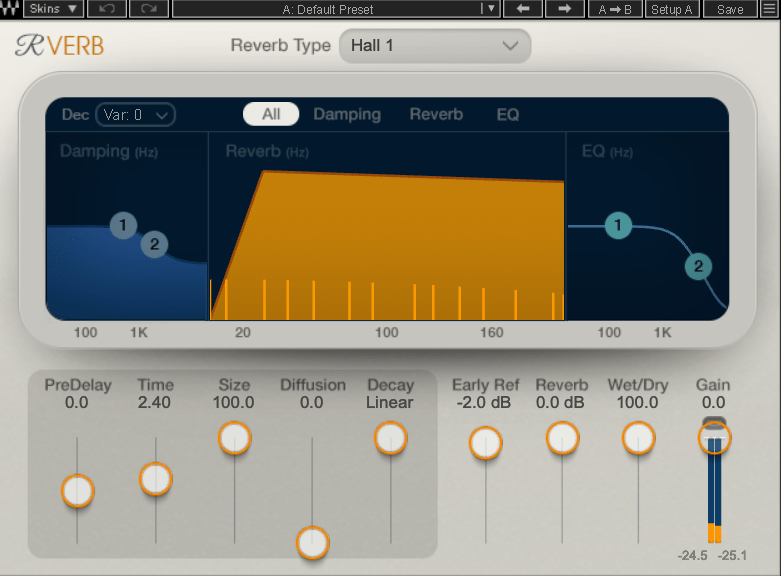
Here’s RVerb, a basic digital reverb plugin from Waves.

Time represents RT60, but what about Size? Size controls the virtual space’s dimensions, affecting the initial reflections and how the reverb tail forms.

Diffusion varies across plugins. It manages whether the reverb tail is formed by the direct sound or by the reflections. Lower values make the tail clearer and less cluttered, while higher values create a fuller sound.

Decay isn’t always present, so we’ll skip that for now. Early Reflections control how strong the initial echoes are. Smaller rooms produce stronger early reflections, while larger rooms have weaker ones. Wall materials can also affect this.

Reverbs like Shimmer add pitch modulation, Plate and Spring reverbs adjust materials, and Chamber reverbs may let you adjust mic and speaker positions.

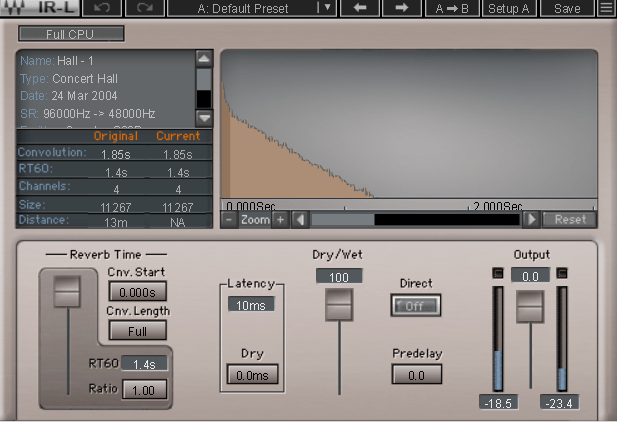
With IR (Impulse Response) reverbs, drastic changes to settings like Pre-Delay can feel unnatural, so if you’re not satisfied with the sound, it’s better to switch to a different reverb entirely.

Reverb EQ

There’s a reason why many reverb plugins include built-in EQs.

When applying reverb, EQ is key. Think of a live concert venue like a club in Hongdae. Outside, you mostly hear bass, while the vocals are hard to make out, right? This is because low frequencies travel further, while high frequencies lose energy faster in the air.

To simulate the natural acoustics of a real venue, especially for orchestral performances, applying EQ to the reverb can help create a more realistic reverb effect. Additionally, reducing some lows and mids from the reverb will help prevent the reverb from muddying up your mix, allowing for a clearer sound.

Reverb Compression & Saturation

What happens when you apply compression to reverb? Compression reduces dynamic range, which gives the illusion of a longer reverb tail, making it feel like the reverb lasts longer.

You can also add tonal color through hardware or plugin saturation to alter the feel of the reverb. For example, sidechaining the reverb to a vocal or lead instrument can reduce the reverb when those elements are prominent, and increase it when they are not.

Gated Reverb

By using a gate, you can tightly control the reverb to match the groove of the track. Using sidechain techniques with gates or envelope followers, you can craft tight, precise reverb effects. This technique works wonders in genres like funk, but it can feel out of place in ballads—so choose carefully!

Various Reverb Uses

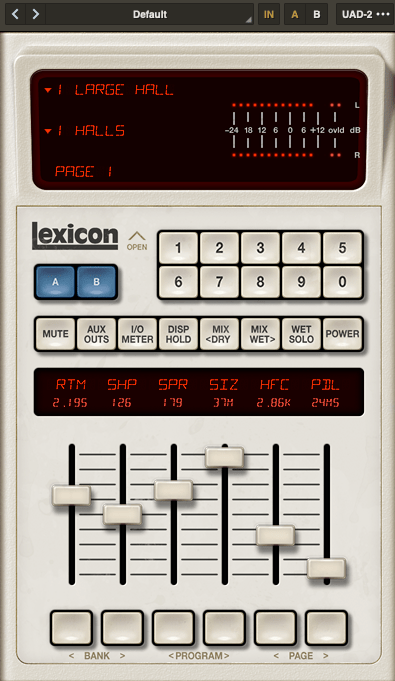
It’s common to use more than one reverb in a mix. For instance, a UAD Precision Reflection Engine can add artificial ambience to dry tracks, while you might apply a Plate Reverb specifically to the snare drum.

For consistency, you might apply a Hall Reverb across all elements in the mix. And don’t forget to adjust your Send Panning for spatial accuracy.


That’s about it for reverb usage! While theory helps, there’s no substitute for hands-on experience. Keep experimenting, and I’m sure you’ll get the hang of it.

Until next time, see you in the next post! 😊

Introducing Sale! Excite Audio Bloom Vocal Edit Virtual Instrument (Vocal Chop, 39$ ~9/1)

Hello! This is Jooyoung Kim, an audio engineer and music producer.

Today, I’m excited to introduce a new virtual instrument specifically designed for vocal chops, now available at an attractive price. Like my previous posts on sales and new releases, I’ve received an NFR (Not for Resale) code from Plugin Boutique for this review.

Let’s dive right in!

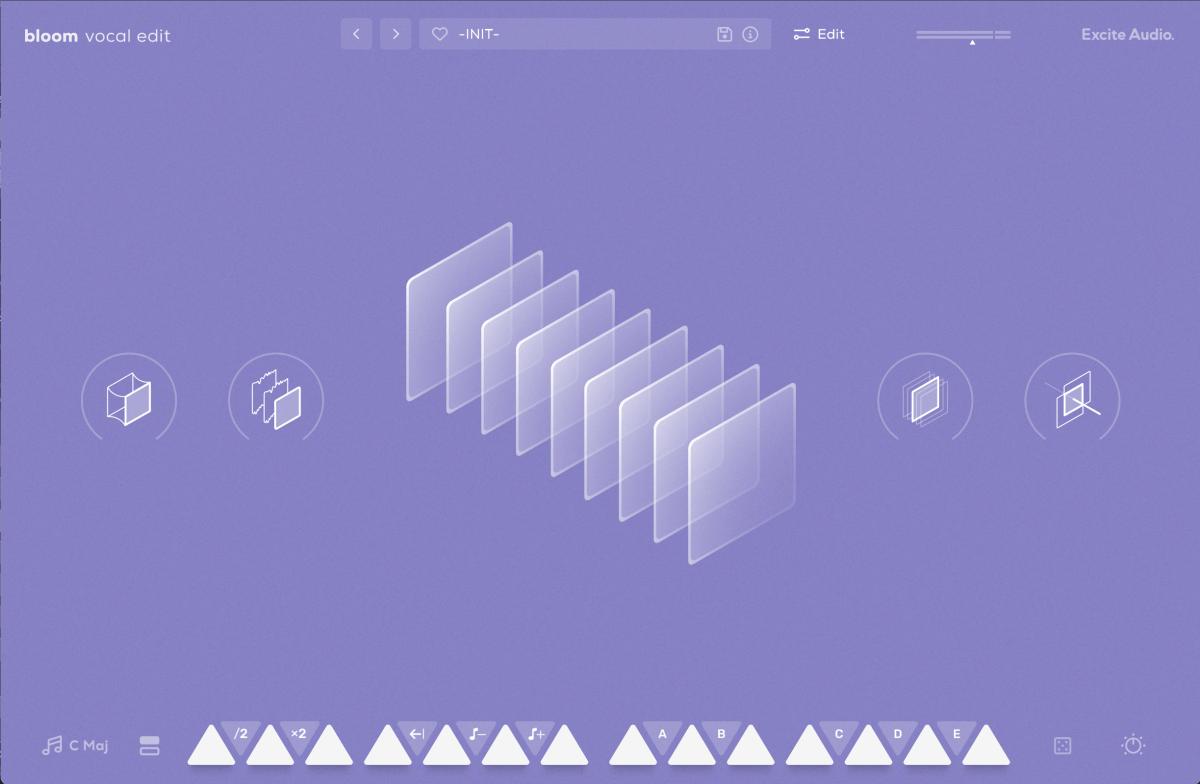
The basic interface is quite similar to the Bloom Bass Impulse.

When I first reviewed a virtual instrument from this company, I thought it was a sophisticated sampler. It’s impressive that Excite Audio has now adapted it for vocal chops, a truly innovative idea.

Upon launching the interface, you can easily add effects like Glue (for compression and saturation), Fuzz, Metallic (short delay), and Doubler.

The lower section displays a keyboard. Pressing the white keys plays the sample assigned to that key, while the black keys offer functionalities like playing the sample at half or double speed, reverse playback, octave shifts, and sequential playback.

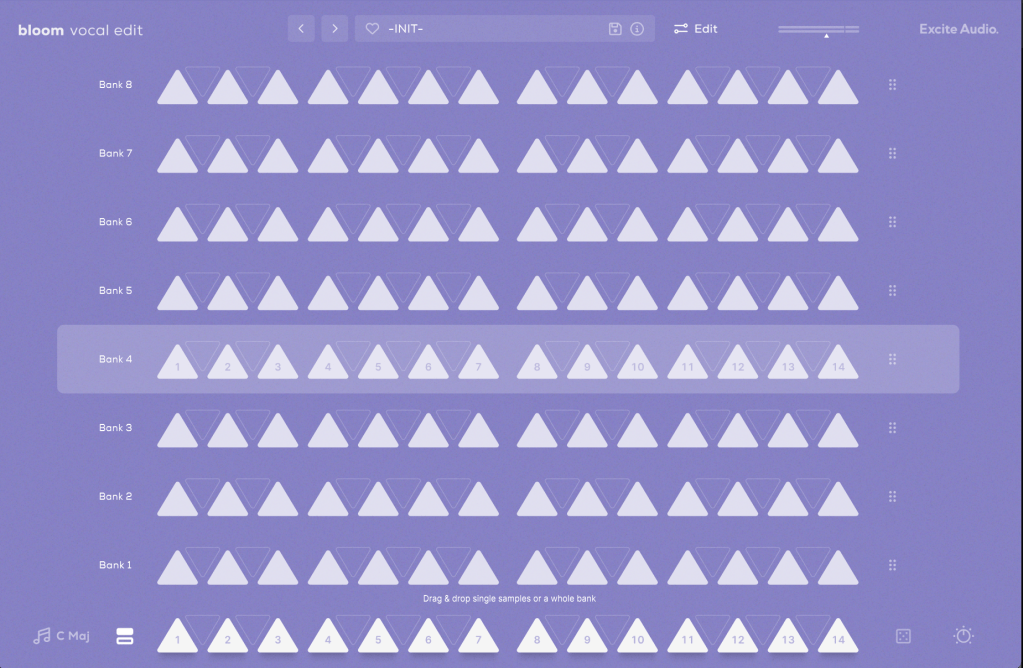
You can also assign samples randomly by pressing the dice icon.

The knobs allow you to adjust effects such as Delay, Bitcrush, Reverb, Lo-Cut, and Hi-Cut.

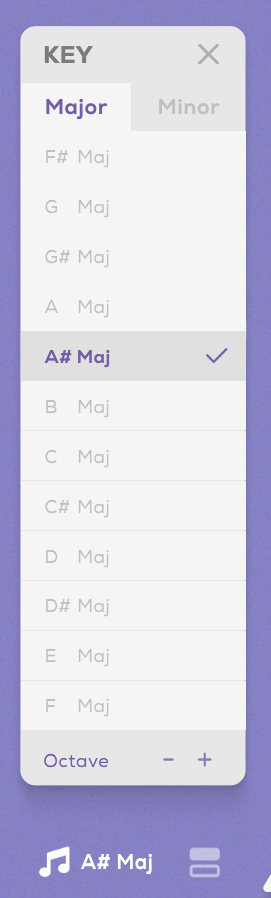
Clicking the key indicator on the lower left automatically adjusts each vocal sample to match the chosen key.

Next to the key indicator, the “Bank” button reveals a collection of 112 samples, offering a rich variety.

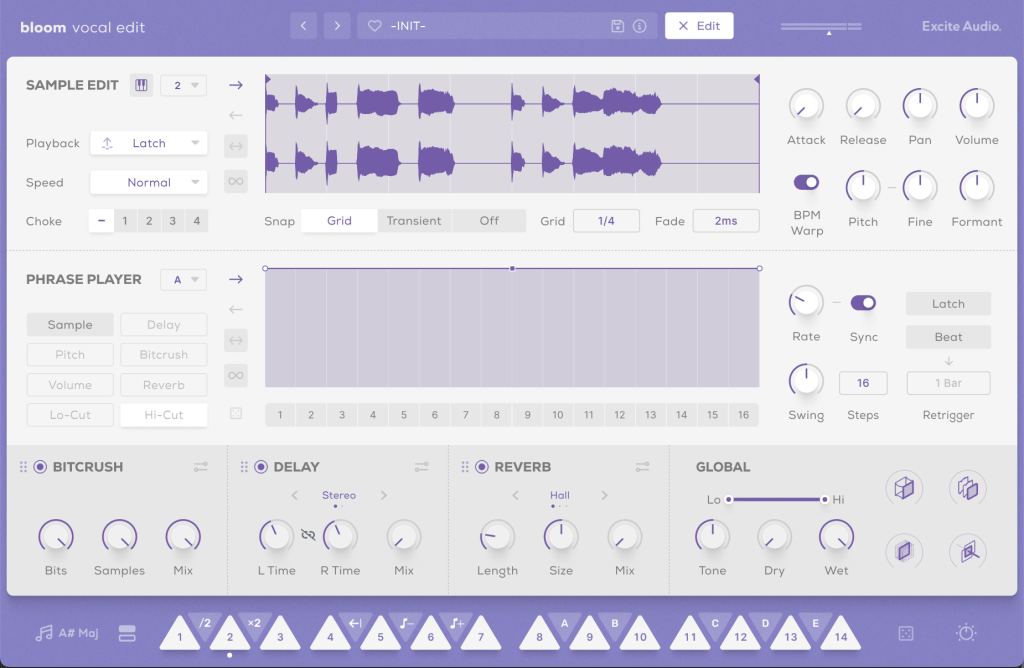
Clicking the “Edit” button in the preset window allows you to edit the samples assigned to the white keys and choose how they play back when pressing the black keys (options A, B, C, D, E, etc.).

The parameters visible in the main UI, like Bitcrush, Delay, and Global Reverb, are also adjustable.

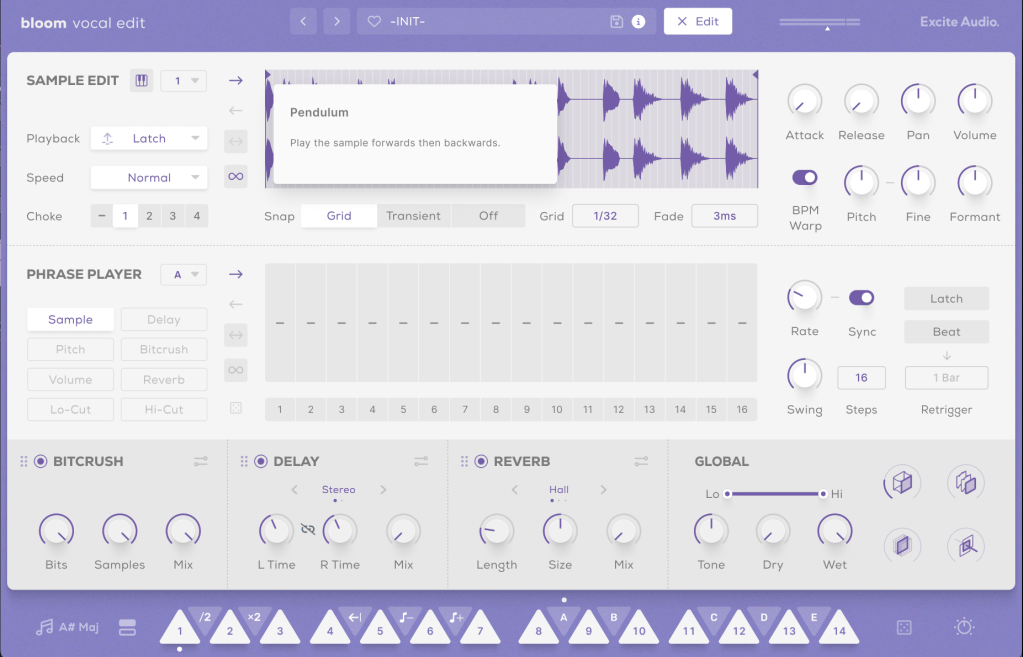
The Sample Edit function offers extensive control, including Snap, Attack and Release Time adjustments, speed and BPM Warp functionality, and more.

Most of the other features are straightforward. If you’re unsure about anything, just click the “i” (information) icon next to the preset search bar for a helpful explanation of each feature.

Until now, I’ve used Kontakt or basic DAW samplers for vocal chops, but this new instrument is really impressive.

It comes with pre-calculated pitch adjustments and offers a wide range of sample options, not just short one-shot samples.

A minor drawback is that you can’t import your own samples, but for vocal chops used as ad-libs or fills, this instrument offers plenty of potential to create great sounds.

You can check out the sound demos in the video made by Plugin Boutique.

The current price is $39, which is a 33% discount. With such a clean and intuitive UI, I highly recommend this instrument, especially if you don’t already have a dedicated vocal chop tool.

If you buy from Plugin Boutique today, you can also get Audio Thing’s Frostbite 2 or Newfangled Audio’s EQuivocate for free. Plugin Boutique often offers a free plugin with purchases, though I’m not sure what they’ll offer in August.

Once the freebie for August is announced, I’ll update this post accordingly.

See you in the next post!