Hello! I’m Jooyoung Kim, a mixing engineer and music producer.
While working on the next post in my synthesizer basics series yesterday, I realized I’ve never covered the concept of ADSR on my blog. So, today, let’s dive into what ADSR is all about.
I’ve included a plugin link below, and if you purchase through it, I earn a small commission that really helps me keep going. Thank you for your support!
Let’s get started!
Envelope Generator

A single oscillator produces a steady sound, like a sine wave, square wave, or triangle wave, at a specific frequency. But these sounds can feel flat or even harsh on the ears.
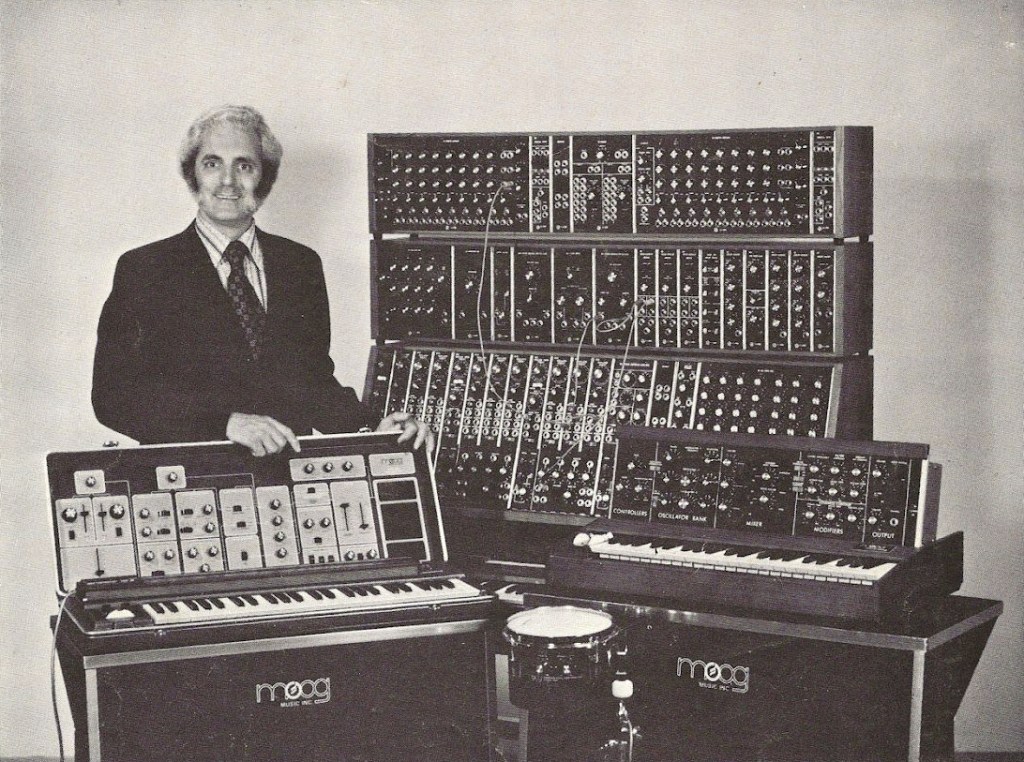
To address this, Robert Moog, the founder of Moog, developed the Envelope Generator to make simple oscillators mimic real-world sounds by varying their amplitude over time.
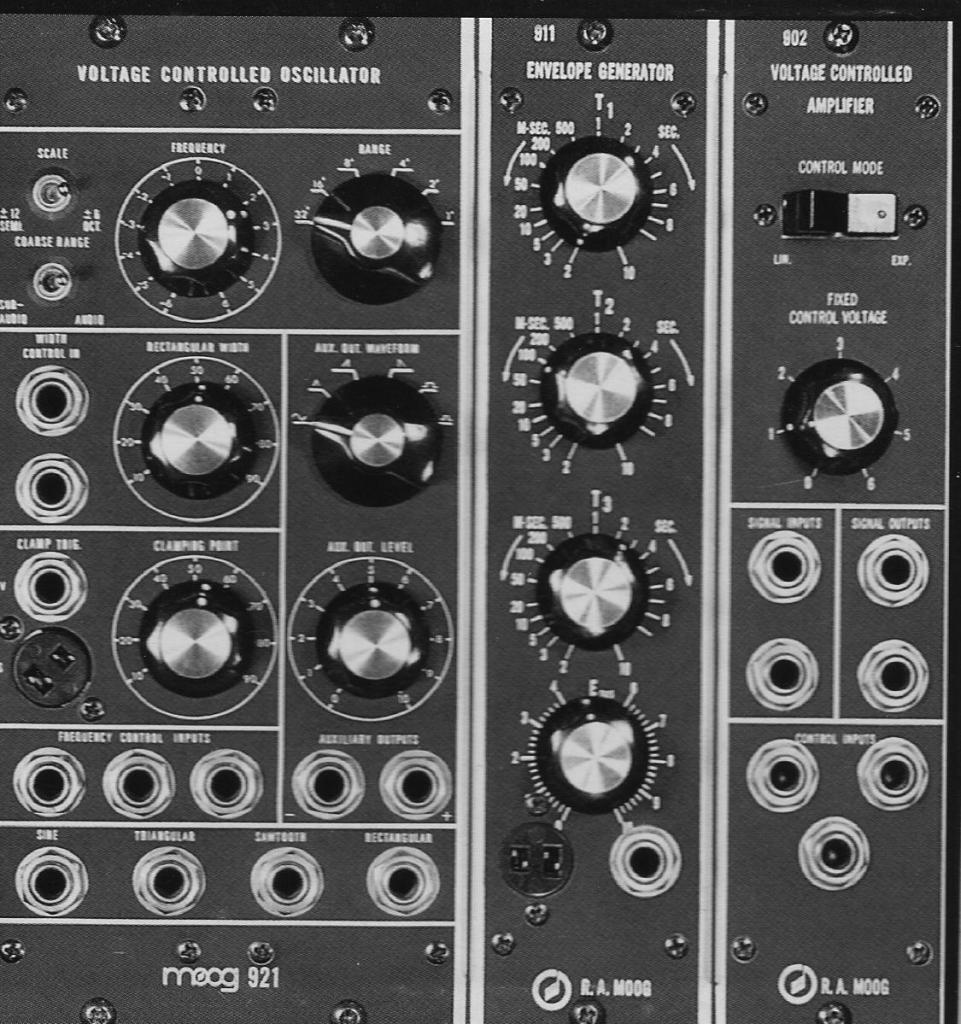
Early envelope modules were labeled with terms like T1 (Attack), T2 (Decay), T3 (Release), and ESUS (Sustain). Later, the ARP 2500 synthesizer used Attack, Initial Decay, Sustain, and Final Decay, and the ARP Odyssey replaced Final Decay with Release. This standardized the envelope as ADSR (Attack, Decay, Sustain, Release).
So, what exactly is ADSR?
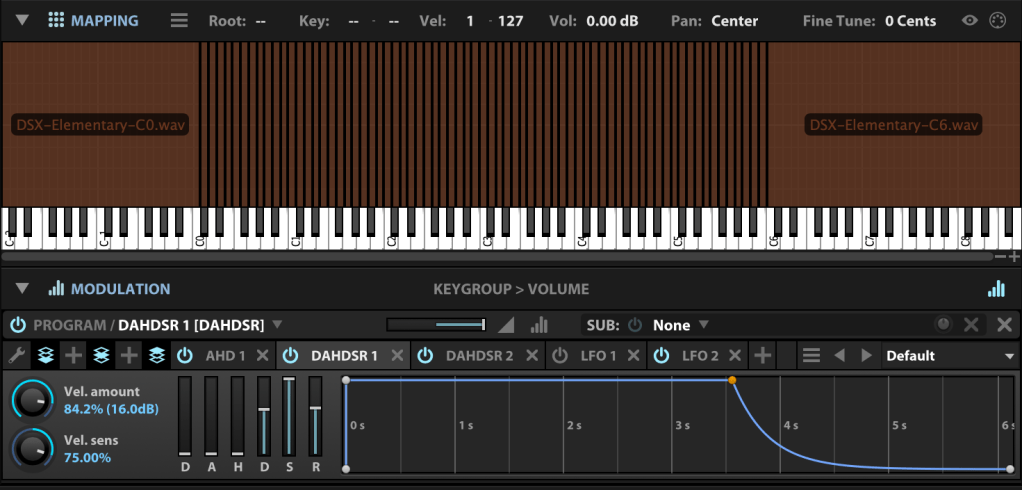
ADSR Explained
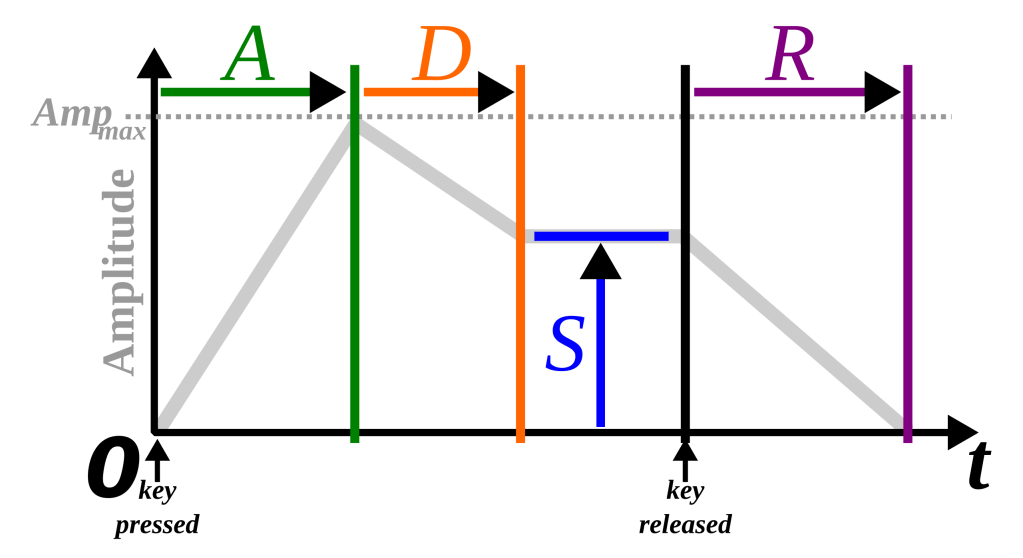
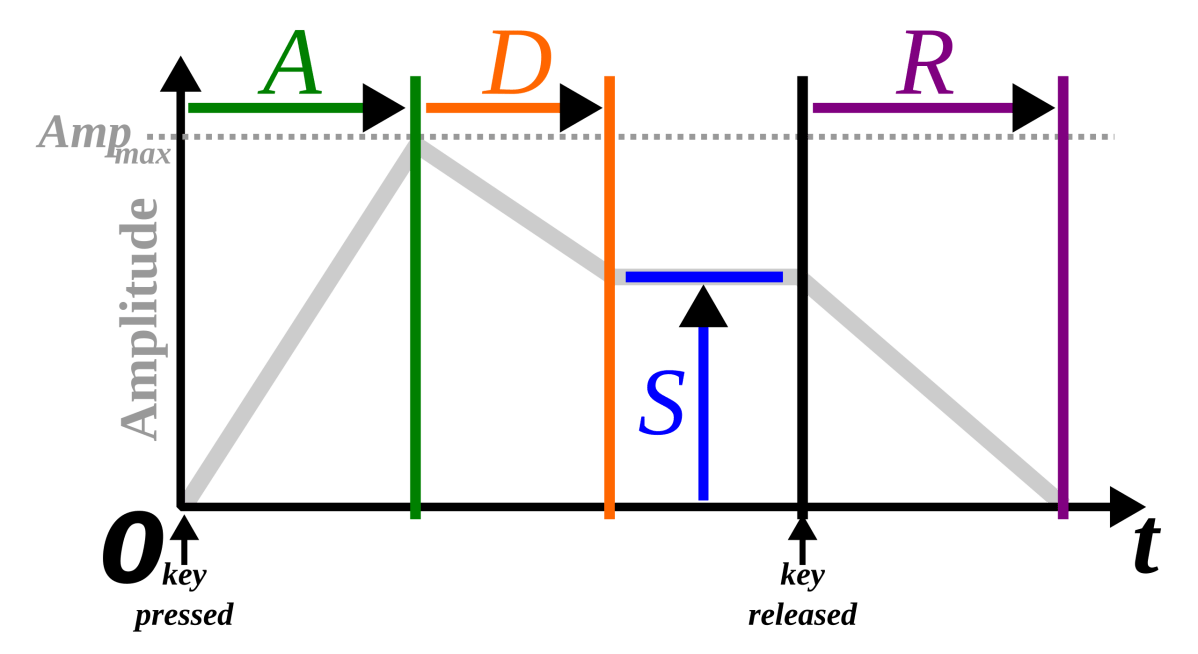
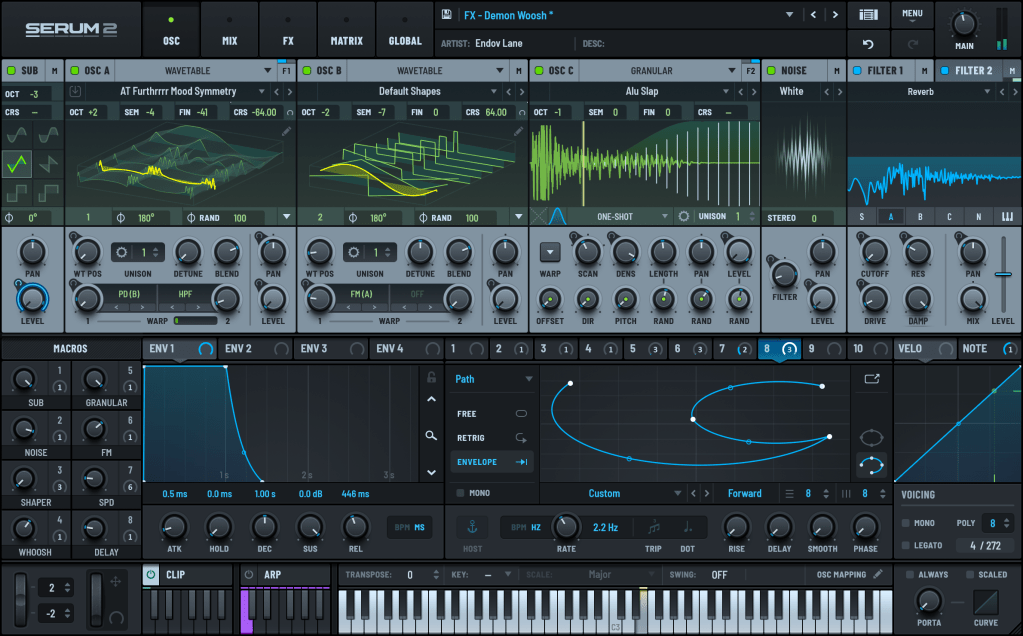
- Attack: The time it takes for the sound to reach its maximum volume after being triggered.
- Decay: The time it takes for the sound to drop from its maximum volume to the sustain level.
- Sustain: The volume level maintained while the key is held down.
- Release: The time it takes for the sound to fade to silence after the key is released.
Pretty straightforward, right?
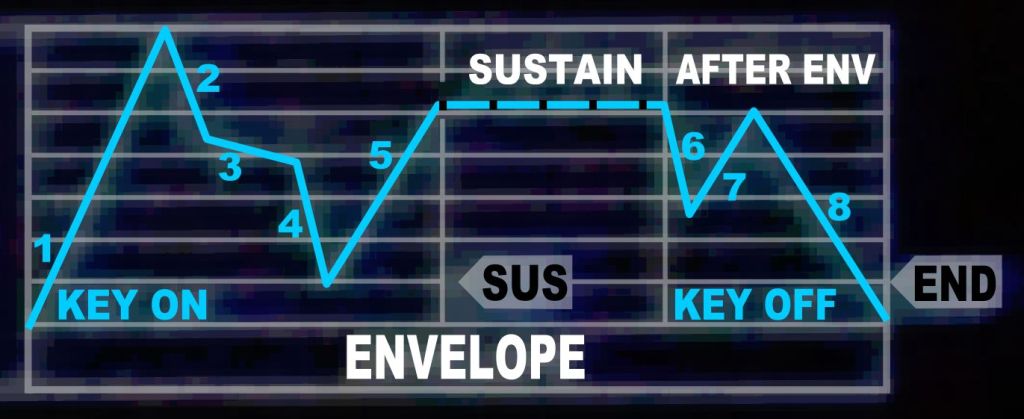
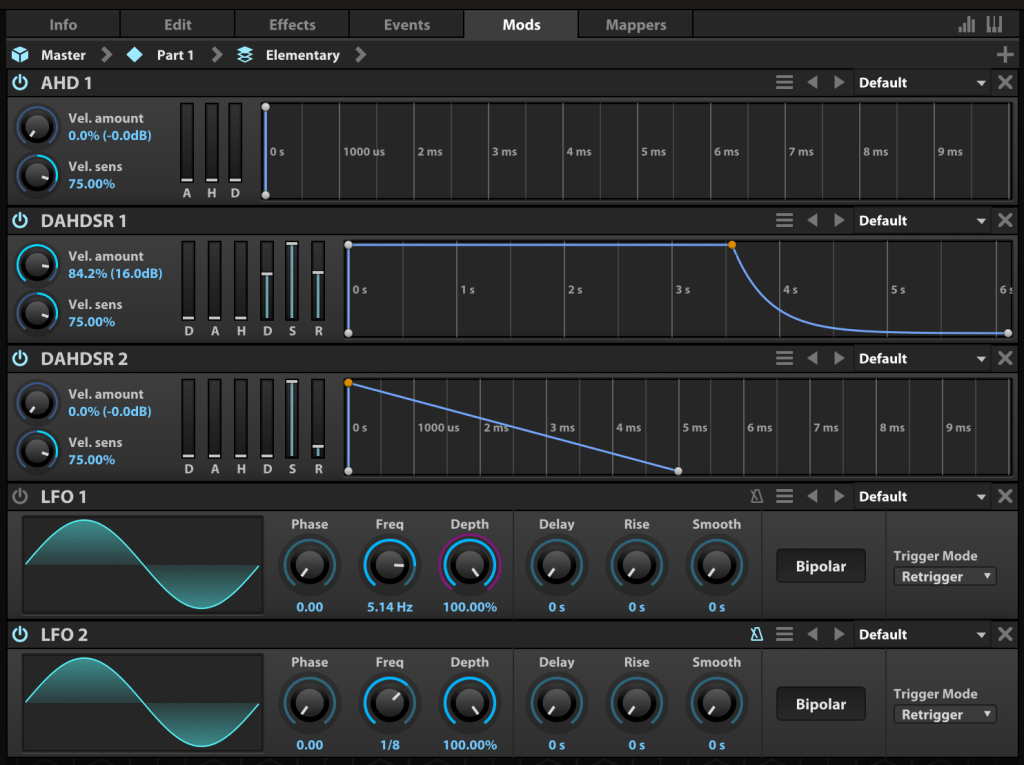
However, Envelope Generators aren’t limited to just ADSR. For example, the Korg MS-20 includes a Hold parameter, which lets you set how long the sound stays at its maximum amplitude after the attack. This could be represented as AHDSR.
The Casio CZ-1 has a particularly unique envelope design.
Transient Shaper

With the development of the Envelope Follower, which tracks changes in an audio signal, it became possible to apply ADSR-like changes to real audio signals. The pioneer of this concept is the SPL Transient Designer, part of a category called Transient Shapers.
There are tons of these plugins out there. The link above takes you to Plugin Boutique’s dedicated Transient Shaper category, where my blog is affiliated.
I own several myself, like Native Instruments’ Transient Master, SPL Transient Designer Plus, Waves Smack Attack, and Oxford TransMod. Personally, I find Oxford TransMod to be the best of the bunch.
Modern music production uses these tools to meticulously sculpt and refine sounds, almost like crafting a fine piece of art.
That wraps up my explanation of ADSR. See you in the next post! 😊








 Jooyoung's Music Blog