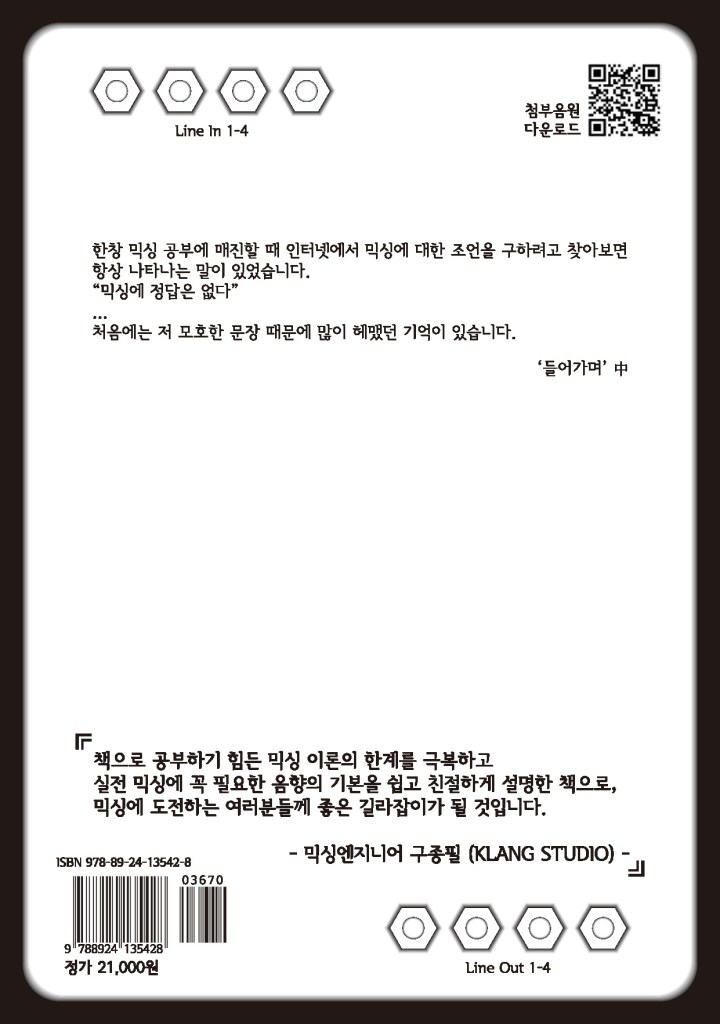
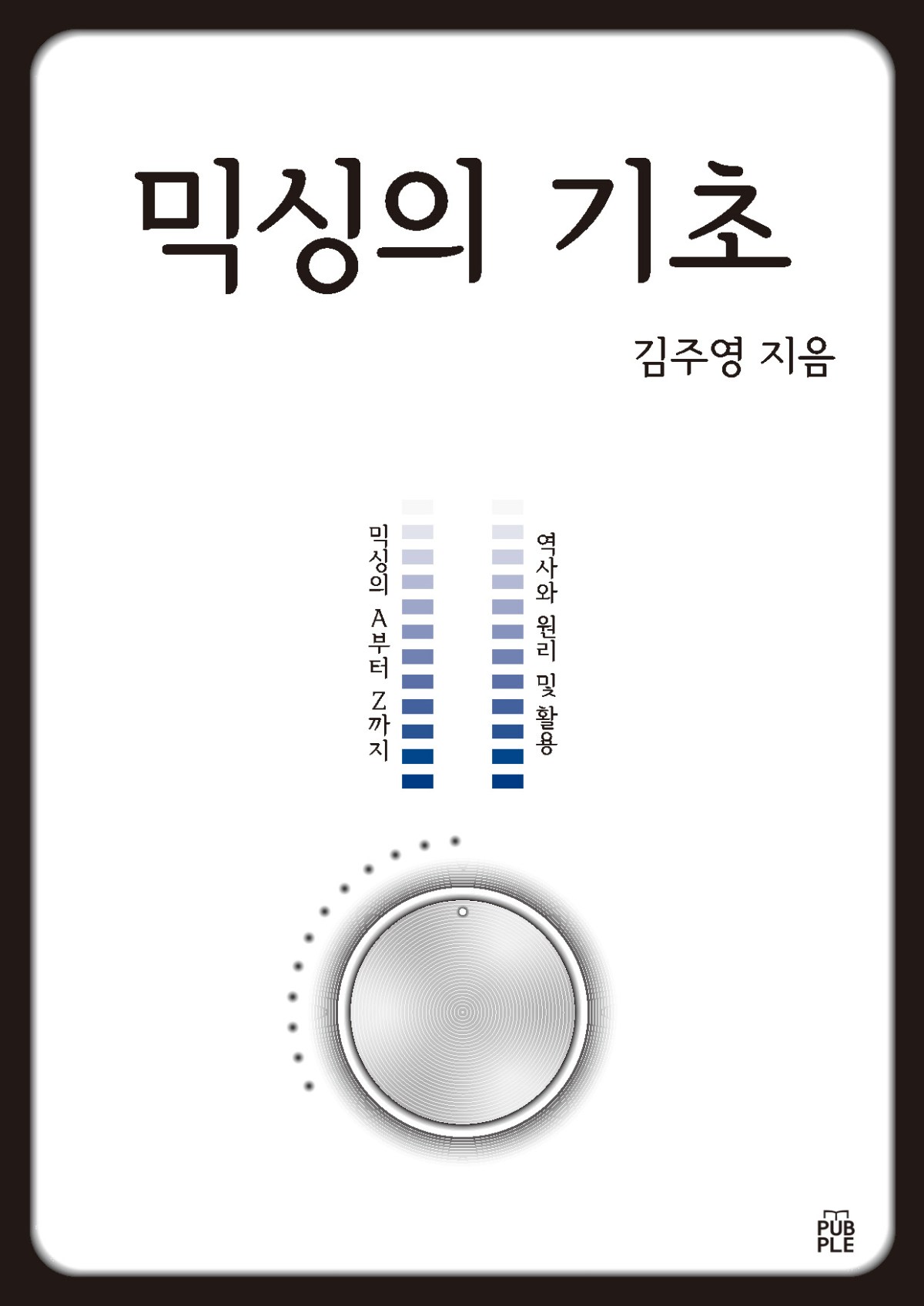
My New Book, “The Basics of Mixing,” is Now Published in Korea!

Hello! I’m Jooyoung Kim, an audio engineer and music producer.

I’m excited to announce that the book I’ve been working on for quite some time about mixing has finally been published in Korea!

Since I first started diving into audio engineering head-on, I’ve gone through countless books and resources. One of the biggest frustrations I encountered was the lack of educational materials available in Korean. As I continued my studies, I made a promise to myself that I’d one day write a book on mixing.

After finishing the manuscript, I sent it to several publishers, but many found the content to be too complex. While navigating those hurdles, I discovered the POD (Print on Demand) service offered by Kyobo Bookstore in Korea, which allowed me to publish the book online. Although it’s a bit limiting, the book can now be purchased through Kyobo’s website.

I’m deeply grateful to my mentor, Director Yongsoo Choi, and Professor Minho Jang from my university, for reviewing my manuscript. I’m also honored that the renowned engineer, Director Jongpil Koo from Klang Studio, read the book and wrote a recommendation for it. There are so many people to thank for their support and encouragement throughout this process.

To be clear, I’m not claiming to be an expert or someone with an extraordinary career. But I’ve worked hard to organize and share everything I know in the most comprehensive way possible. While the content isn’t exactly easy, I believe it’s worth the effort.

Since this blog is mostly in English, I know most of you won’t be able to read the book. However, if you have any questions about its content, feel free to reach out to me at joe1346@naver.com, and I’ll be happy to respond.

That’s all for today’s post. Thanks for reading!

My Visit to Sorigio(a Korean acoustic construction company)!

Hello! I’m Jooyoung Kim, an audio engineer and music producer.

This semester, the CEO of Sorigio (a Korean acoustic construction company) is teaching one of our graduate courses. As part of the course, we visited Sorigio this past Thursday, so I wanted to share my experience!

Let’s get started!

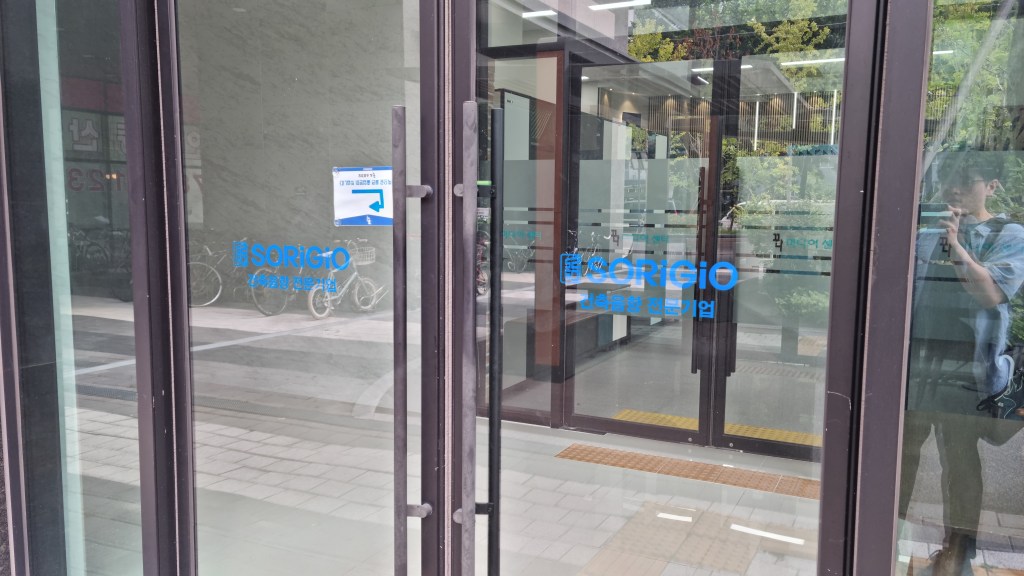
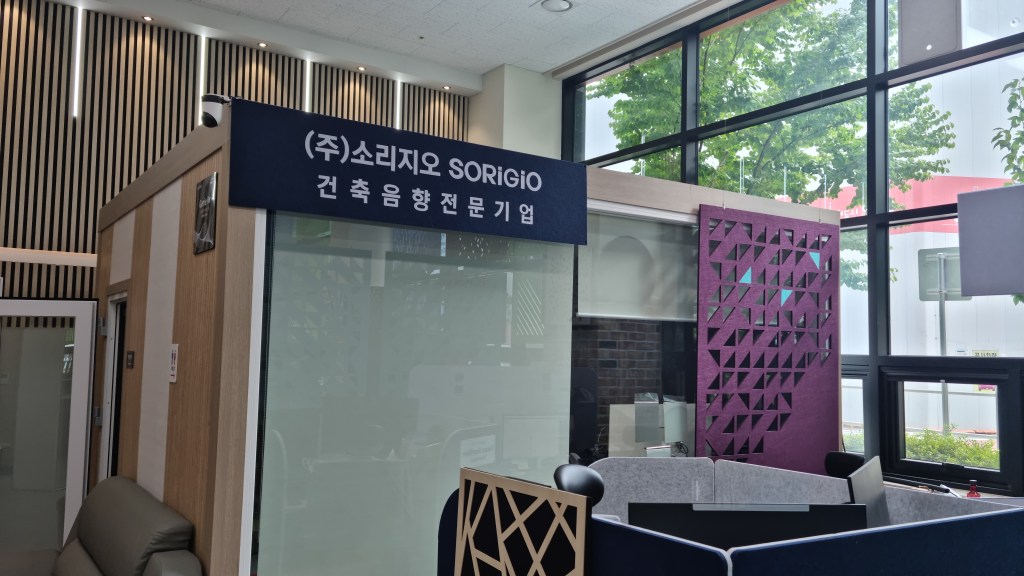
Sorigio is located on the first floor of the Jungheung S-Class residential-commercial complex in Yeongdeungpo. The door that faces the street is locked, but you can find the entrance around the side.

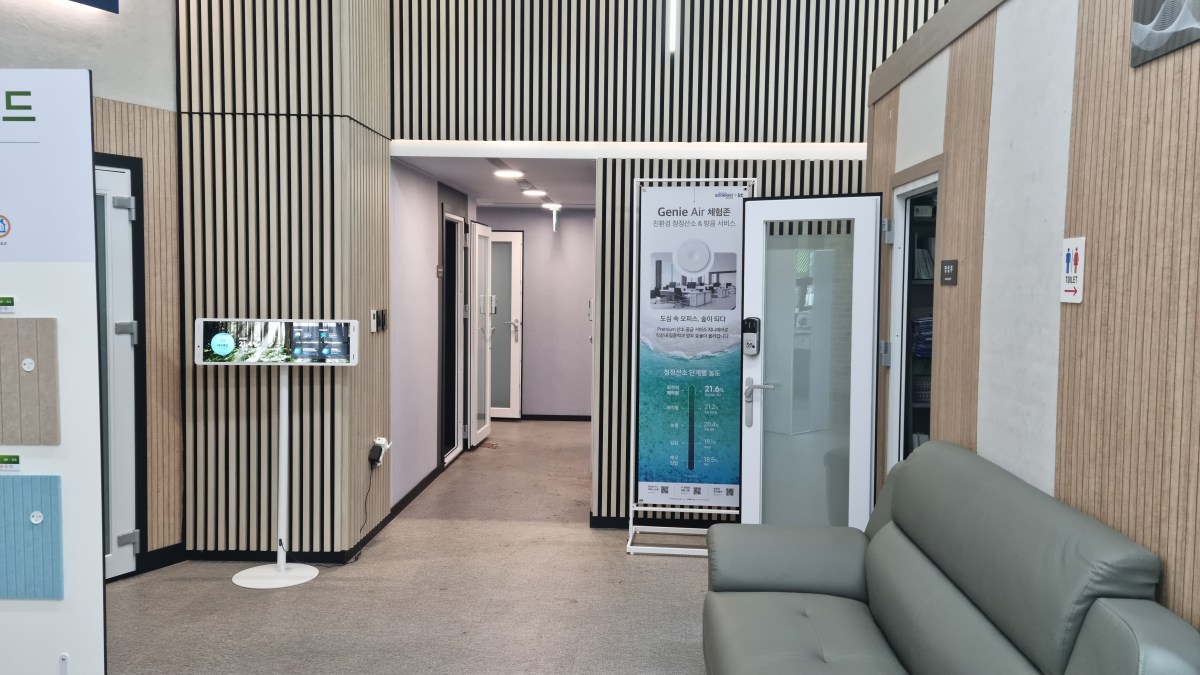
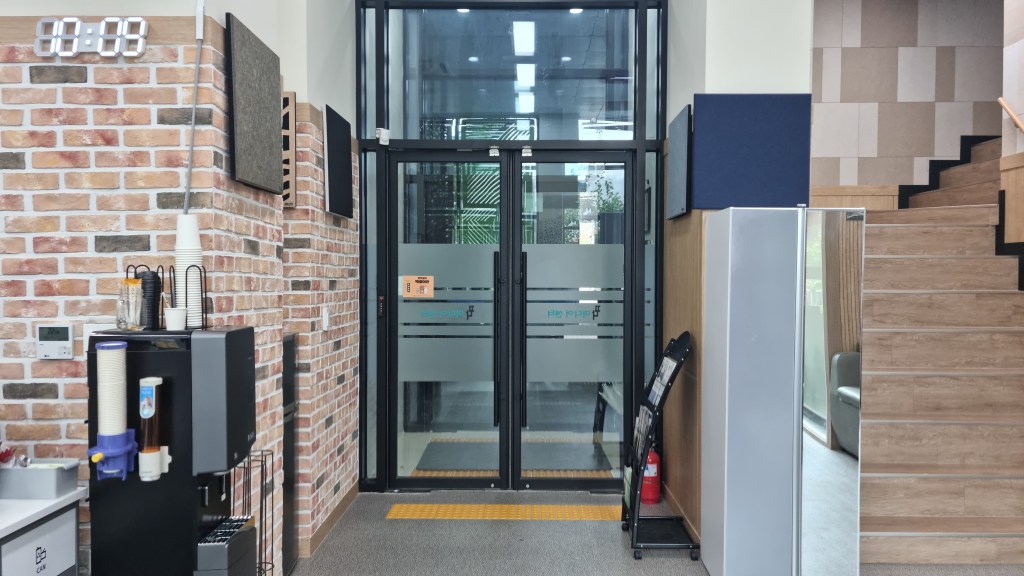
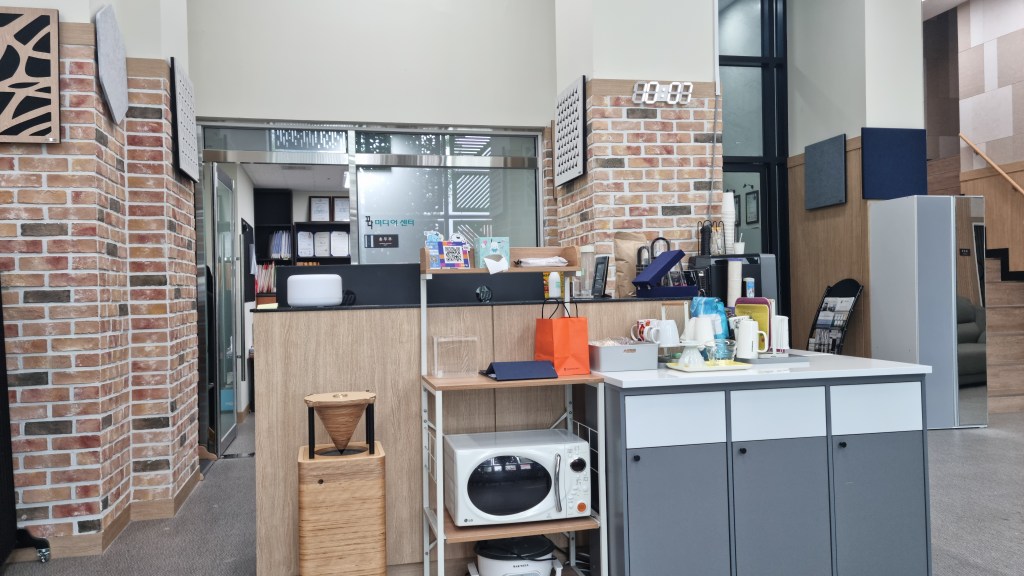
Once you step inside, this is what you’ll see.

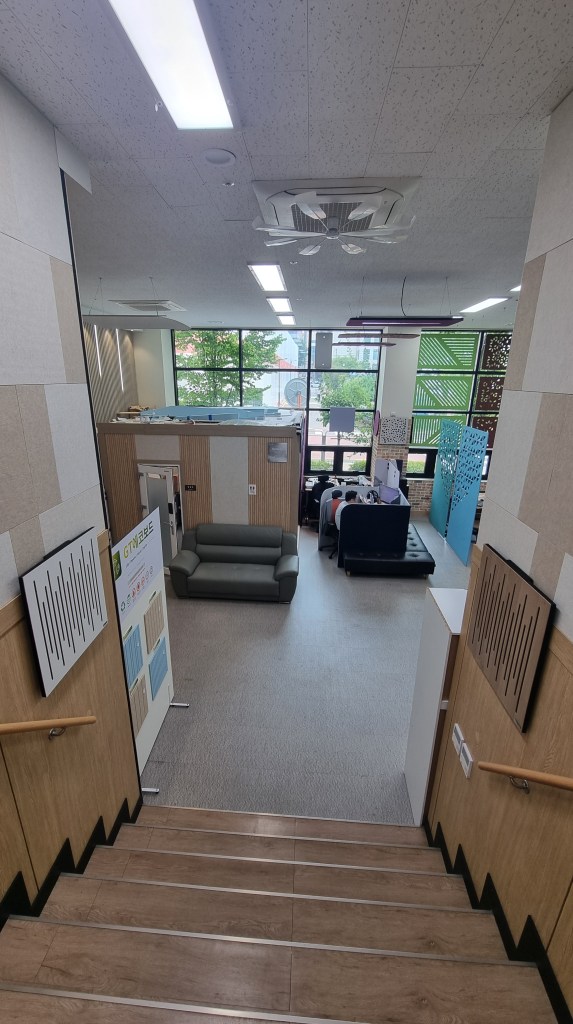
Here’s a view from the top of the stairs:

That area looks like it’s used as an office, and even the soundproof booths are repurposed as workspaces. I didn’t capture the ceiling in detail, but it’s quite high, and they’ve installed artboard clouds for sound absorption.

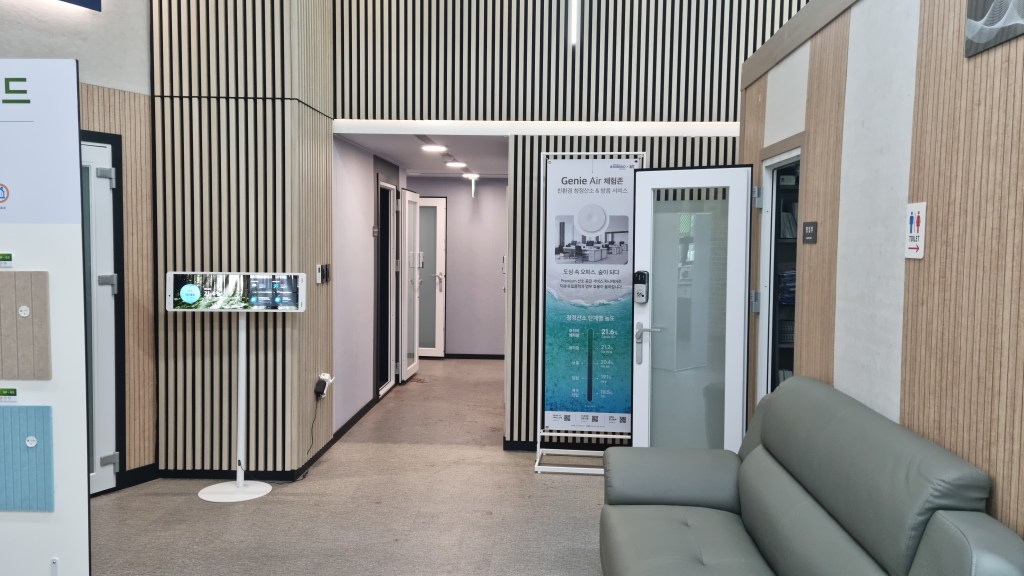
Next to the stairs, it looks like this.

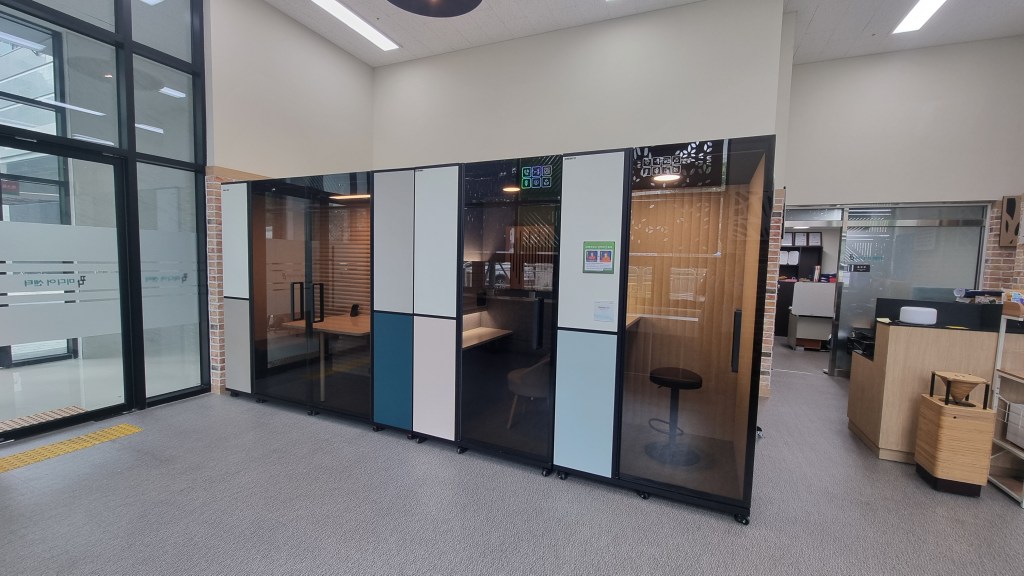
If you go further in, there are several soundproof booths. Originally, they planned to rent these out to artists, but due to the pandemic, they are now used as AI virtual interview rooms.

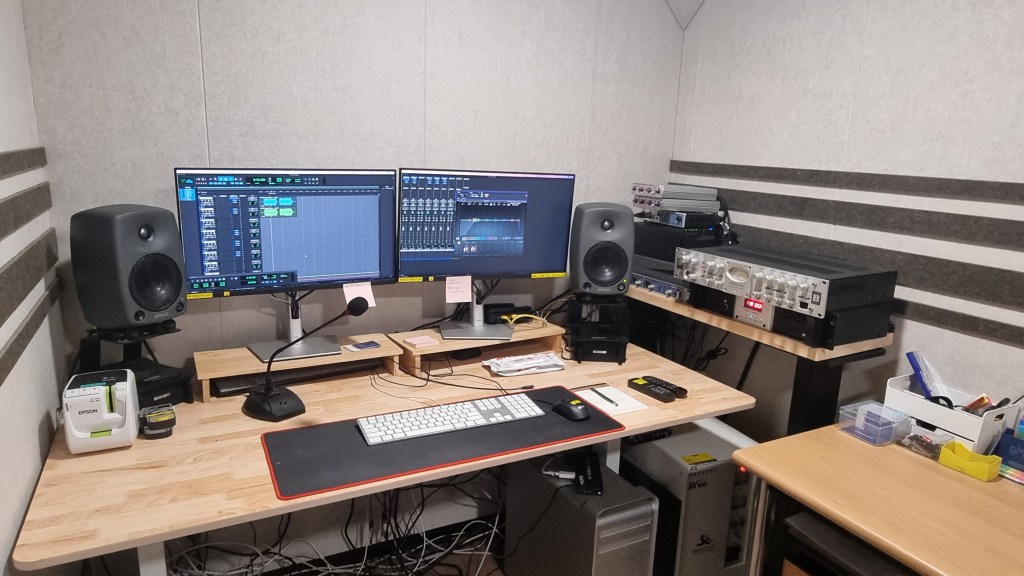
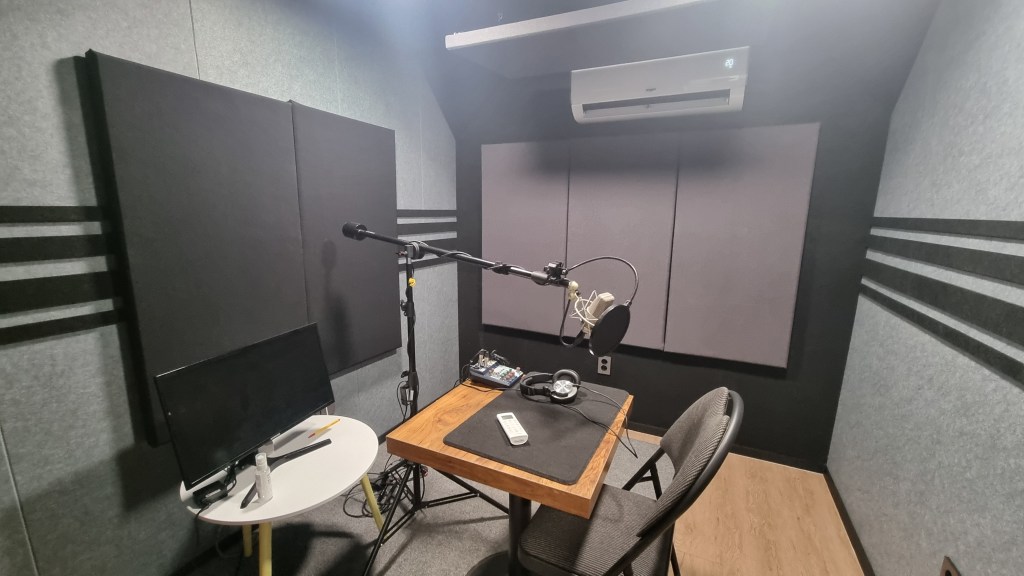
However, one of the booths is still used as the professor’s studio, and another is a recording booth. Recording is done with an Avalon VT-737 and a Neumann TLM 103.

You’ll notice that artboards are installed throughout the studio. During class, the professor showed us test results and examples of previous projects using REW (Room EQ Wizard). He mentioned that artboards have been Sorigio’s flagship product and technology since the early days.

What stood out to me was how the bass absorption rate changes significantly depending on how far the artboards are mounted from the wall, even though they’re just artboards!

Besides soundproofing and room acoustics, Sorigio also manufactures phone booths for businesses.

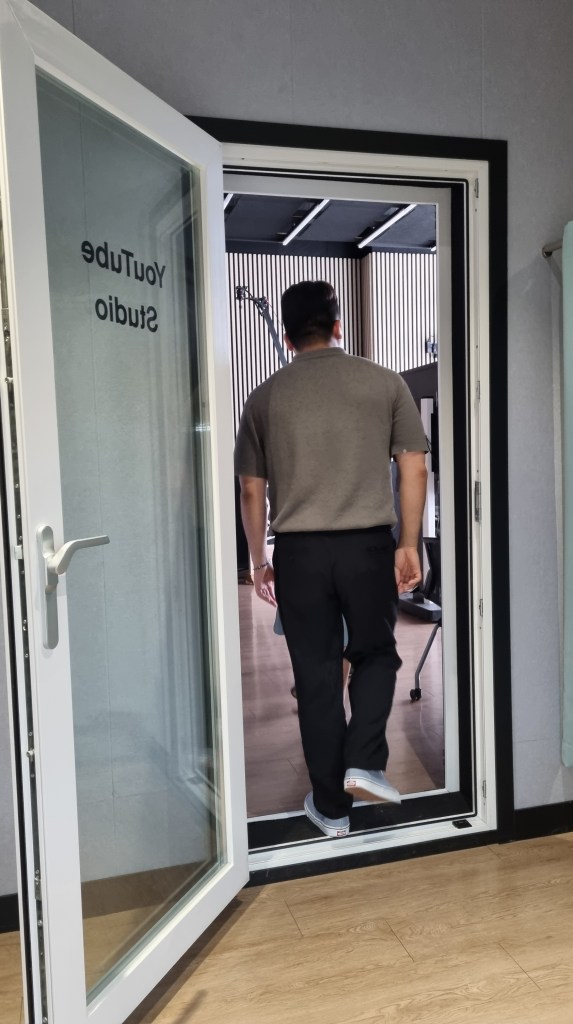
If you head back towards the stairs and go up…

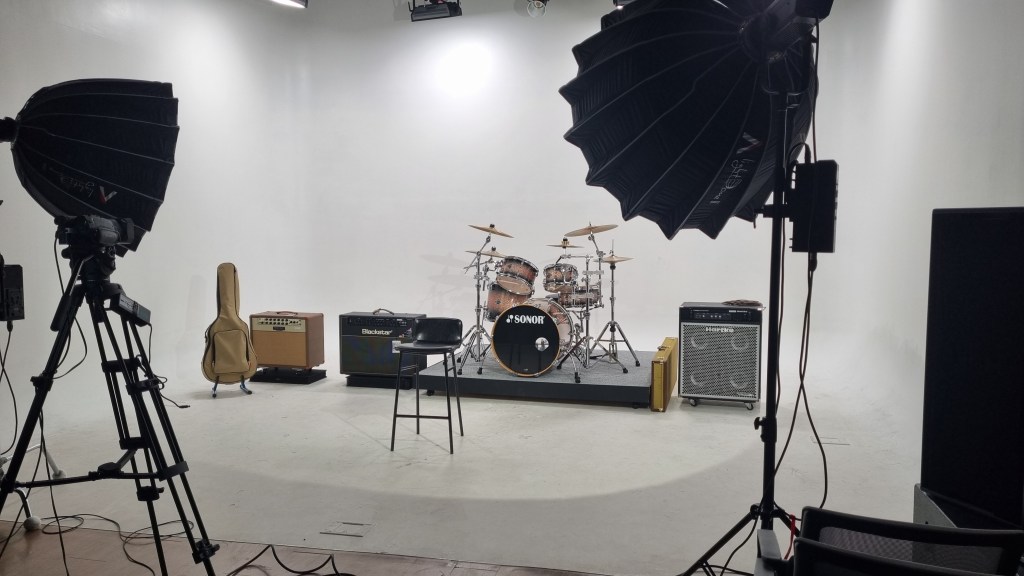
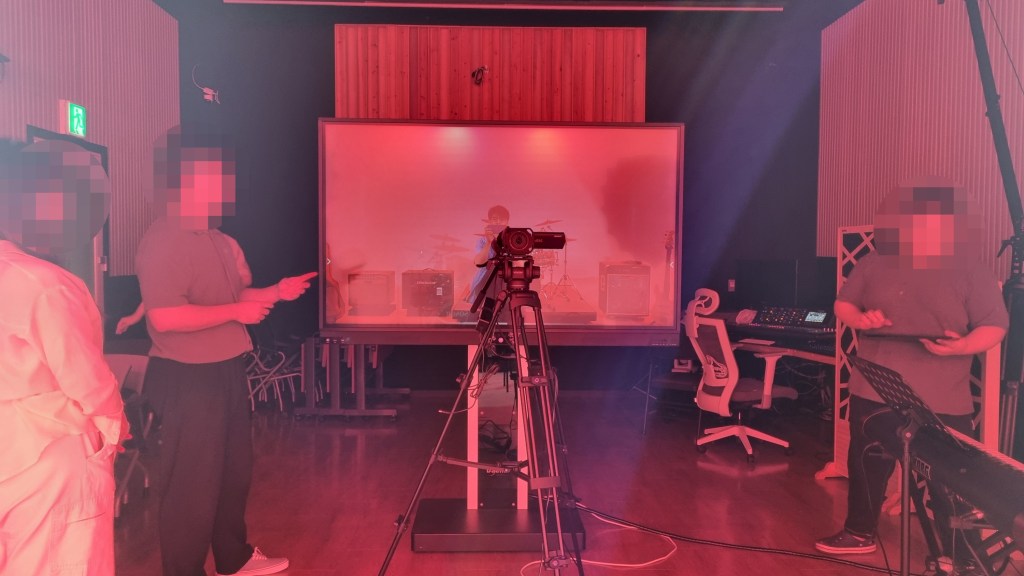
There’s a studio set up for filming.

They manage it using a Midas console.

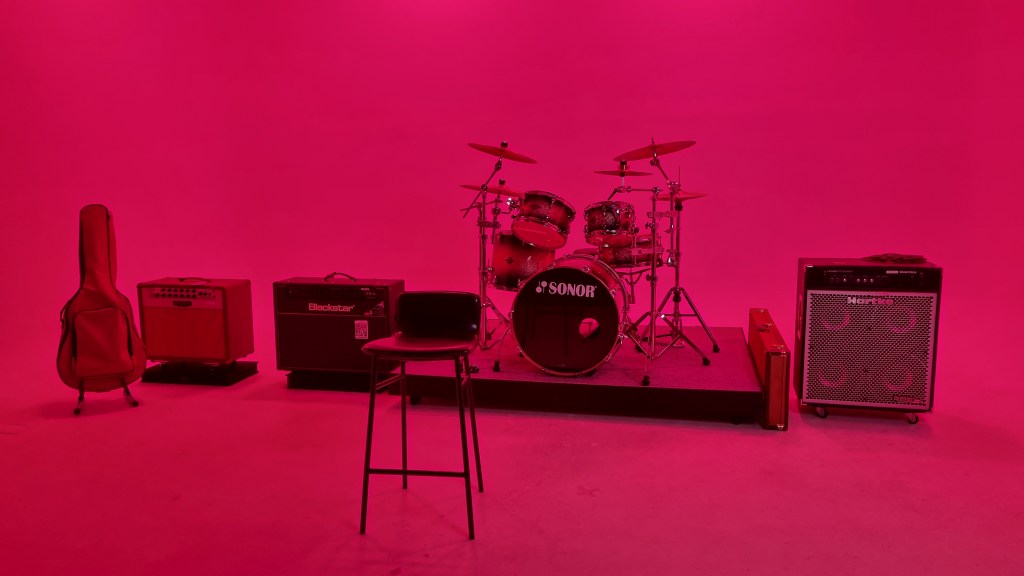
They also have various lighting options to create different moods.

Here’s what it looks like from the center of the studio.

The high ceiling gave me the impression that this would be a great space for string recordings if it were converted into a recording room. I think we might end up working on a project here this semester!

While I was there, we also conducted a room measurement in the recording booth to compare the difference between having the corner traps and panels installed versus removed.

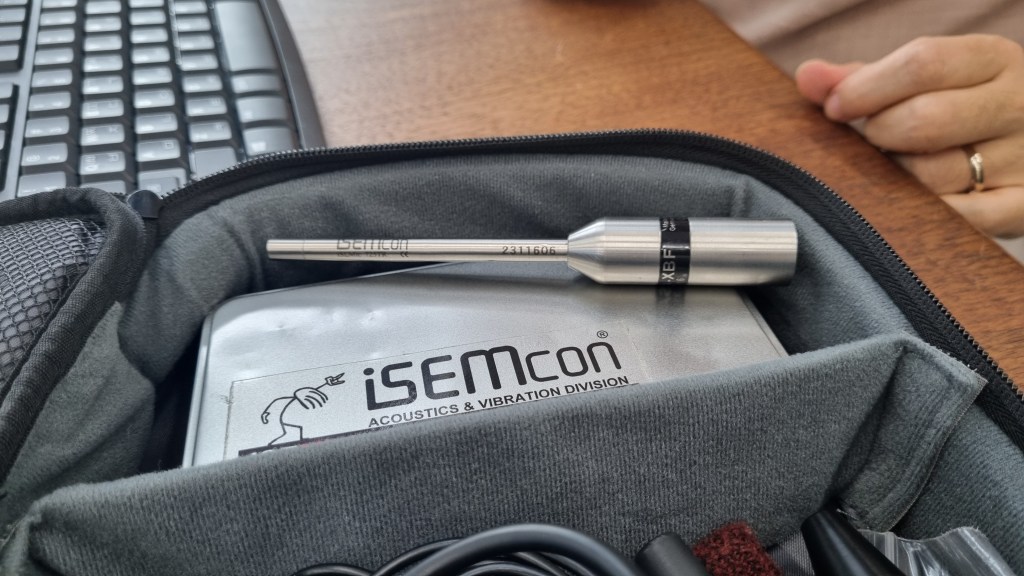
They used a microphone from a company called Isemcon for the measurement. I’m more familiar with pricier options like Earthworks, Brüel & Kjær, and NTI Audio, so it was interesting to see a brand I hadn’t come across before.

There was a lot to see, and it gave me a lot to think about—like how much money it actually takes to build a proper studio room!

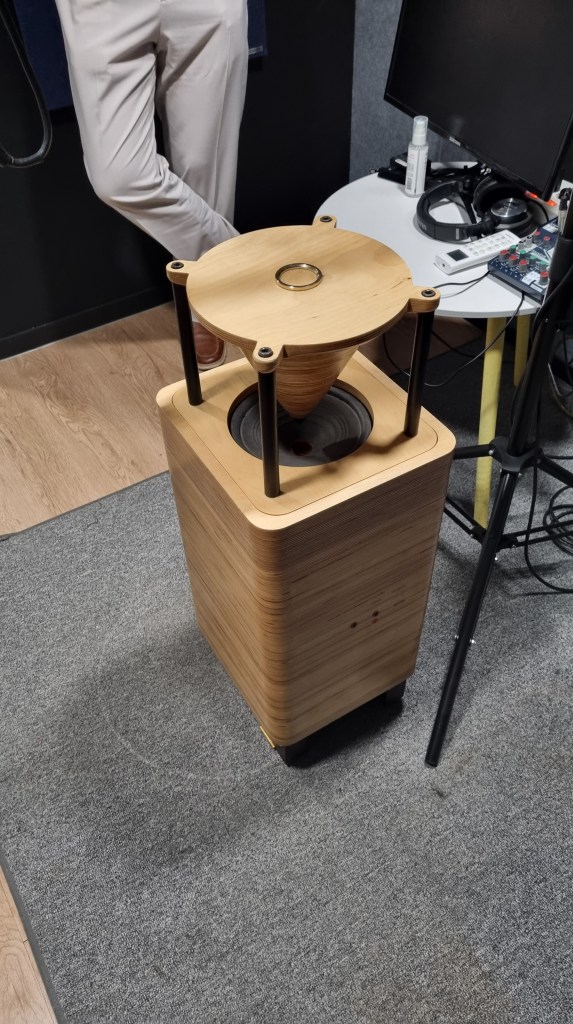
Recently, I’ve had my eye on the SPL Vitalizer mk2-T, which could be dangerous for my wallet… I already bought a passive speaker I couldn’t resist a few days ago.

I’ll be sure to write a review of the speaker in a few days!

Until next time, see you in the next post! 😊

Basics of Mixing – 8.3 How to Use Reverb?

Hello, this is Jooyoung Kim, music producer and audio engineer.

Last time, we explored the history and types of reverb. Today, we’ll dive into the practical ways to use reverb in your mix. Let’s get started!

When you first open a reverb plugin, the numerous settings can be overwhelming. But in reality, you only need to focus on three key parameters:

  1. Pre-Delay
  2. RT60 (Reverb Time)
  3. Type of Reverb

Pre-Delay refers to how much time passes between the original sound and the reverb effect. If the listener is close to the sound source, a larger Pre-Delay feels natural, while a smaller Pre-Delay is ideal if the source is far away.

RT60 measures the time it takes for the sound to decay by 60dB. While the decay time can vary depending on the frequency, you can generally think of it as the time for the reverb to fade out.

Reverb types are crucial because they give your mix different atmospheres depending on the choice. Knowing these basics should be enough to get you started!

Understanding Reverb Parameters
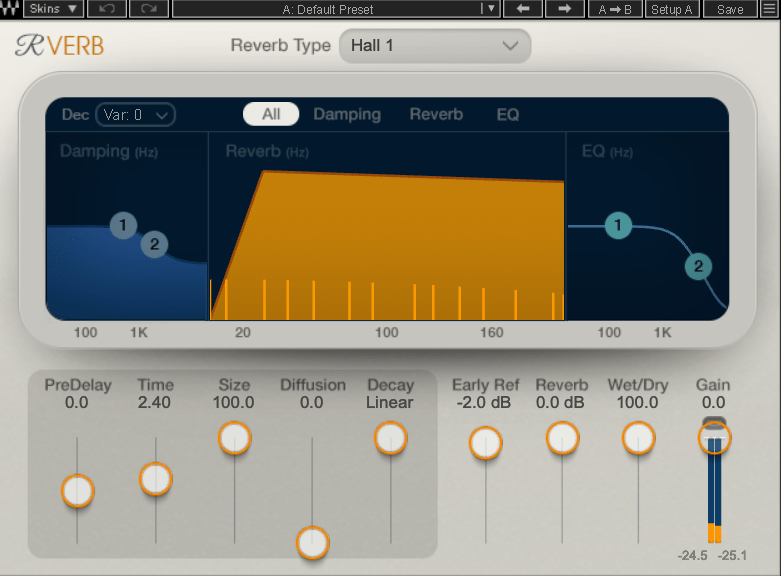
Here’s RVerb, a basic digital reverb plugin from Waves.

Time represents RT60, but what about Size? Size controls the virtual space’s dimensions, affecting the initial reflections and how the reverb tail forms.

Diffusion varies across plugins. It manages whether the reverb tail is formed by the direct sound or by the reflections. Lower values make the tail clearer and less cluttered, while higher values create a fuller sound.

Decay isn’t always present, so we’ll skip that for now. Early Reflections control how strong the initial echoes are. Smaller rooms produce stronger early reflections, while larger rooms have weaker ones. Wall materials can also affect this.

Reverbs like Shimmer add pitch modulation, Plate and Spring reverbs adjust materials, and Chamber reverbs may let you adjust mic and speaker positions.

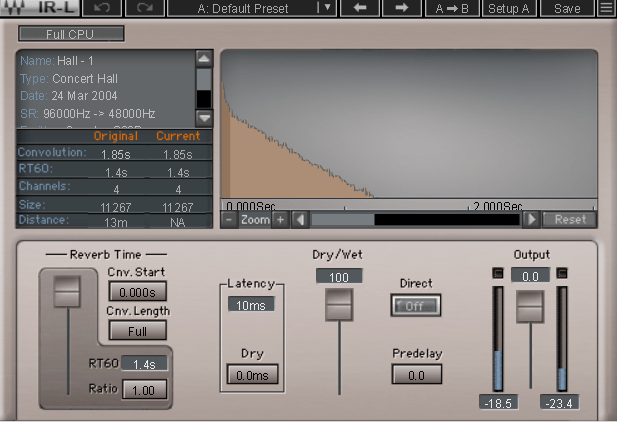
With IR (Impulse Response) reverbs, drastic changes to settings like Pre-Delay can feel unnatural, so if you’re not satisfied with the sound, it’s better to switch to a different reverb entirely.

Reverb EQ

There’s a reason why many reverb plugins include built-in EQs.

When applying reverb, EQ is key. Think of a live concert venue like a club in Hongdae. Outside, you mostly hear bass, while the vocals are hard to make out, right? This is because low frequencies travel further, while high frequencies lose energy faster in the air.

To simulate the natural acoustics of a real venue, especially for orchestral performances, applying EQ to the reverb can help create a more realistic reverb effect. Additionally, reducing some lows and mids from the reverb will help prevent the reverb from muddying up your mix, allowing for a clearer sound.

Reverb Compression & Saturation

What happens when you apply compression to reverb? Compression reduces dynamic range, which gives the illusion of a longer reverb tail, making it feel like the reverb lasts longer.

You can also add tonal color through hardware or plugin saturation to alter the feel of the reverb. For example, sidechaining the reverb to a vocal or lead instrument can reduce the reverb when those elements are prominent, and increase it when they are not.

Gated Reverb

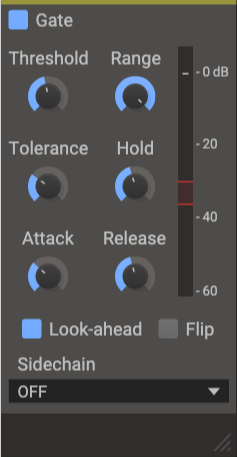
By using a gate, you can tightly control the reverb to match the groove of the track. Using sidechain techniques with gates or envelope followers, you can craft tight, precise reverb effects. This technique works wonders in genres like funk, but it can feel out of place in ballads—so choose carefully!

Various Reverb Uses

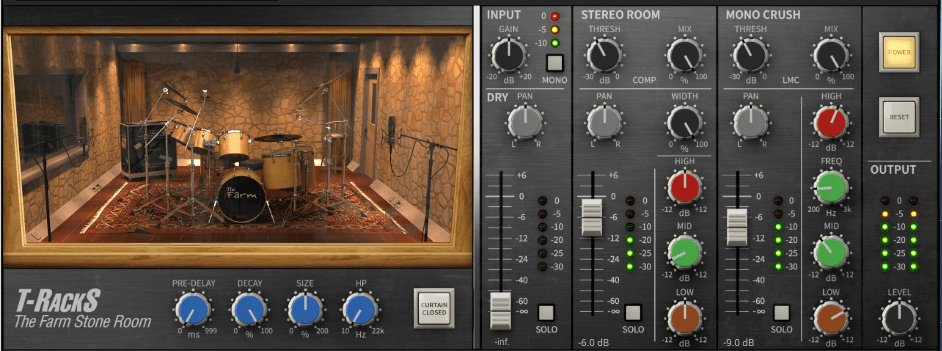
It’s common to use more than one reverb in a mix. For instance, a UAD Precision Reflection Engine can add artificial ambience to dry tracks, while you might apply a Plate Reverb specifically to the snare drum.

For consistency, you might apply a Hall Reverb across all elements in the mix. And don’t forget to adjust your Send Panning for spatial accuracy.


That’s about it for reverb usage! While theory helps, there’s no substitute for hands-on experience. Keep experimenting, and I’m sure you’ll get the hang of it.

Until next time, see you in the next post! 😊
Mastering the Mix Best-Seller Bundle Sale (Until Sept. 22)

Hello! I’m Jooyoung Kim, an audio engineer and singer-songwriter.

Today, I’d like to introduce you to a fantastic sale from Mastering the Mix, featuring their Reference and Reso plugin bundle.

Reference is a plugin that helps you match the frequency response and loudness of your mix to a reference track, while Reso allows you to control the resonances in your audio source.

As someone who frequently works on mixing, I highly recommend Reso. Let’s take a closer look at what it can do!

(Note: I received the Reso plugin from Plugin Boutique, and if you purchase through the provided link, I’ll earn a small commission that helps support the blog.)

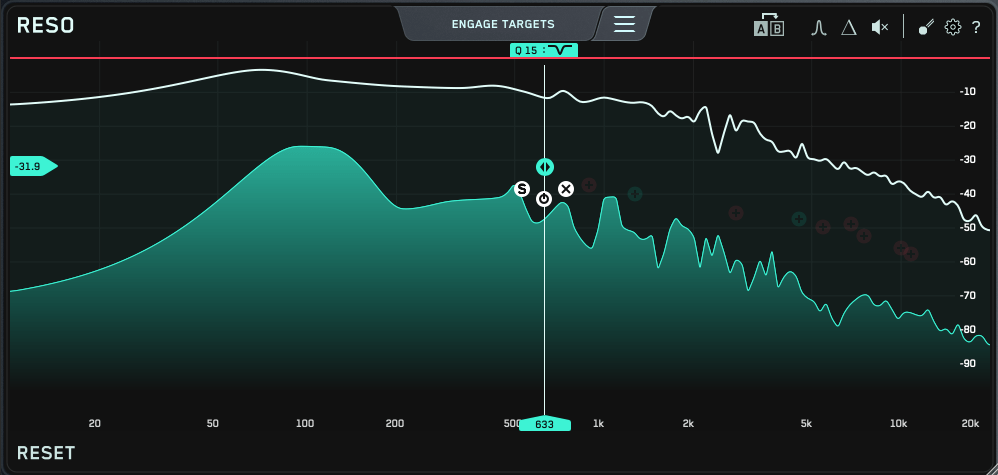
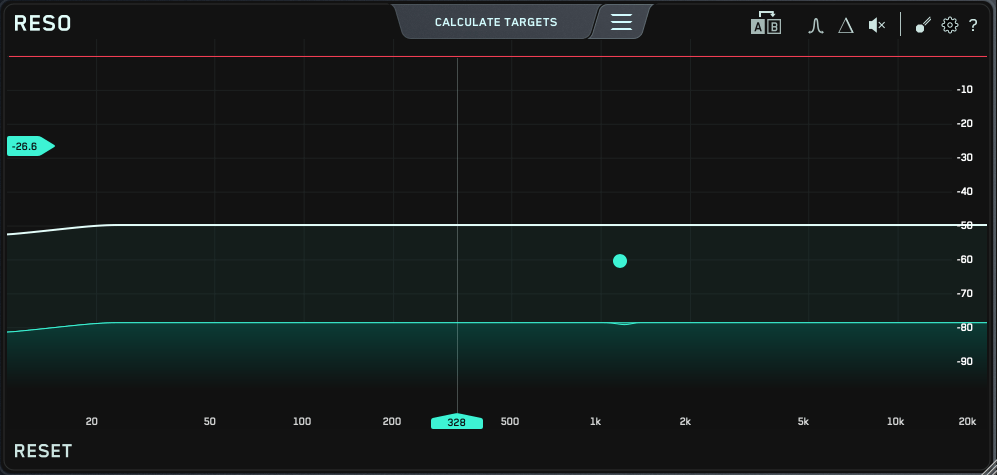
The Reso plugin’s user interface is straightforward—a frequency graph where you can plot points.

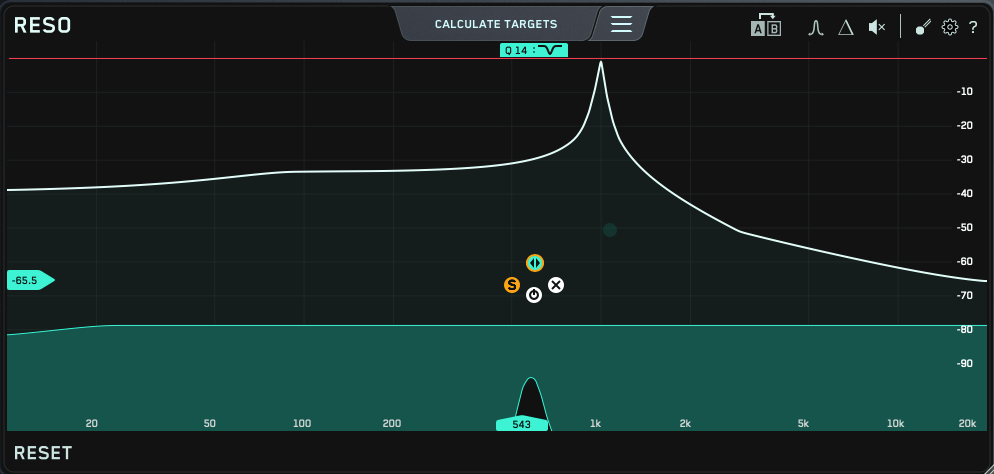
When you plot a point like this…

…it narrows down the selected frequency and reduces it. The Q factor is automatically set to an optimal value, but you can easily adjust it by scrolling your mouse over the point.

At the top, there’s a “Calculate Targets” button, which analyzes the frequencies where resonances occur and automatically sets points for you.

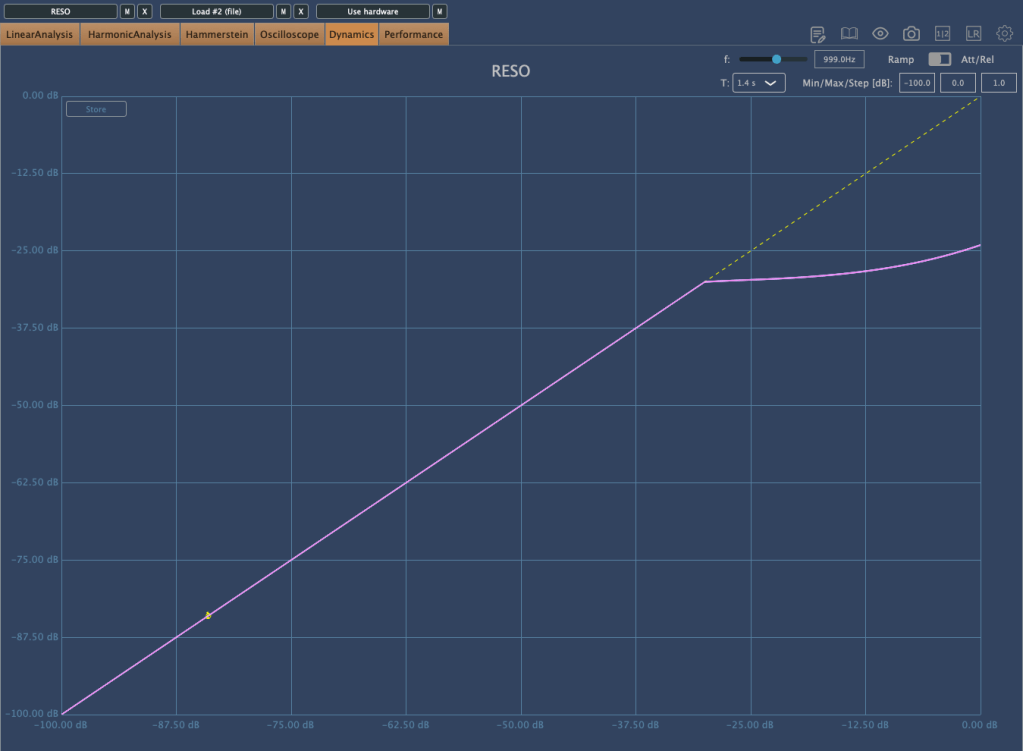
If the resonance is too strong to control with just EQ…

…the plugin starts applying compression/limiting! It’s an innovative concept, as it helps reduce problematic frequencies without completely destroying the audio like a notch filter might.

You can also use the Solo button to isolate and listen to specific frequencies. I believe this EQ is unparalleled when it comes to handling resonance.

This bundle is currently on sale at a very attractive price—$53.9 for both Reference and Reso, whereas each plugin normally costs $62.7 individually. Think of it as buying Reso and getting Reference as a bonus!

If you’re dealing with sources that have a lot of resonance, I highly recommend trying out the demo version. I recently had a vocal track with significant resonance, and this plugin helped me resolve the issue, leaving me very satisfied.

Additionally, if you purchase any plugin from Plugin Boutique this month, you’ll receive either the Pyros distortion plugin or the Bloom Vocal Aether Lite sampler instrument for free. Be sure to select your freebie at checkout!

That’s it for today. See you in the next post! 😊