Neve 33609 Compressor Story

Hello, this is engineer, music producer Jooyoung Kim.

Recently, I saw a Neve 33609 C hardware compressor listed for 7500$ on a second-hand trading site. Since I often use the plugin version, I was tempted to buy it, which led me to share some thoughts about the 33609 on my blog.

The 33609 is widely used as a master or bus compressor. There are five versions: the original 33609, and the C, J, JD, and N versions.

https://vintageking.com/blog/2016/06/neve-33609-compressor

You can find detailed differences between these versions in the link above. Here’s a brief summary:

  1. Original 33609: A rack-mounted version of the Class A/B 2264, 32264, and 33314 (broadcast version) compressor/limiter console modules.
  2. 33609/C: This version replaces the original’s Maranair/St. Ives transformers with Belclere ones, improves the power supply, and swaps the Discrete BA440 circuits with BA640 ICs.
  3. 33609/J: Introduced in response to high demand from Japan after the C version was discontinued. It uses the same BA640 ICs as the C version, though many preferred the original Discrete BA440 circuits.
  4. 33609/JD: Created to satisfy those preferring the Discrete BA440 circuits, denoted by the ‘D’ in JD.
  5. 33609/N: The current version, featuring custom-made transformers from Maranair, closely resembling the original 33609 transformers. It includes a switchable Attack Fast/Slow option not found in other versions and retains the Discrete BA440 circuits like the JD version.

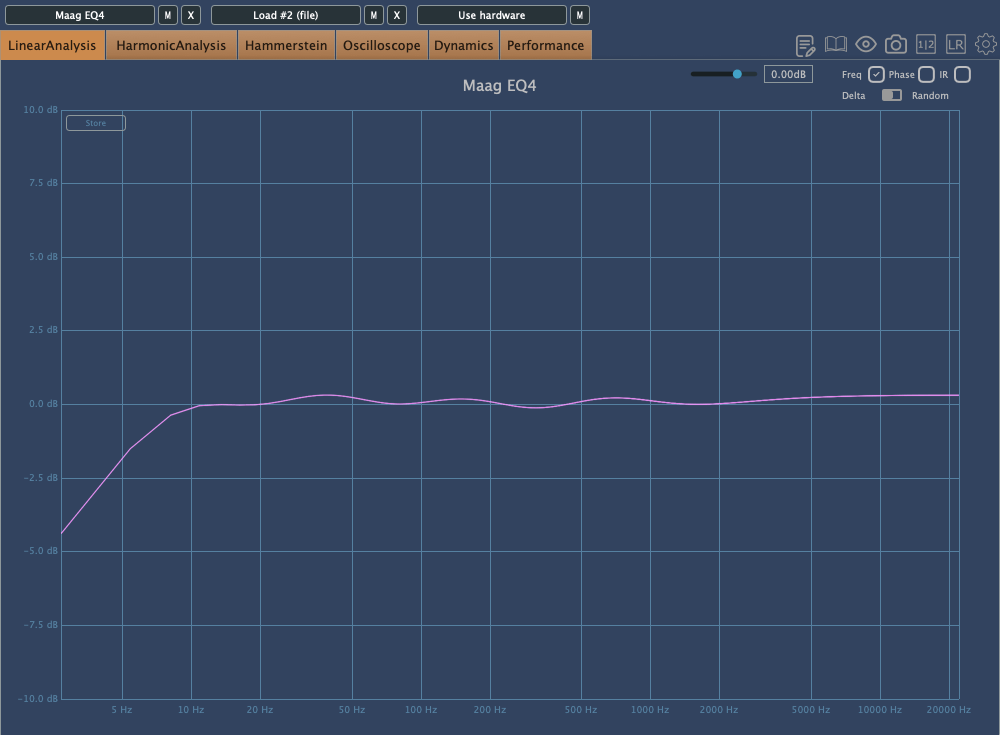
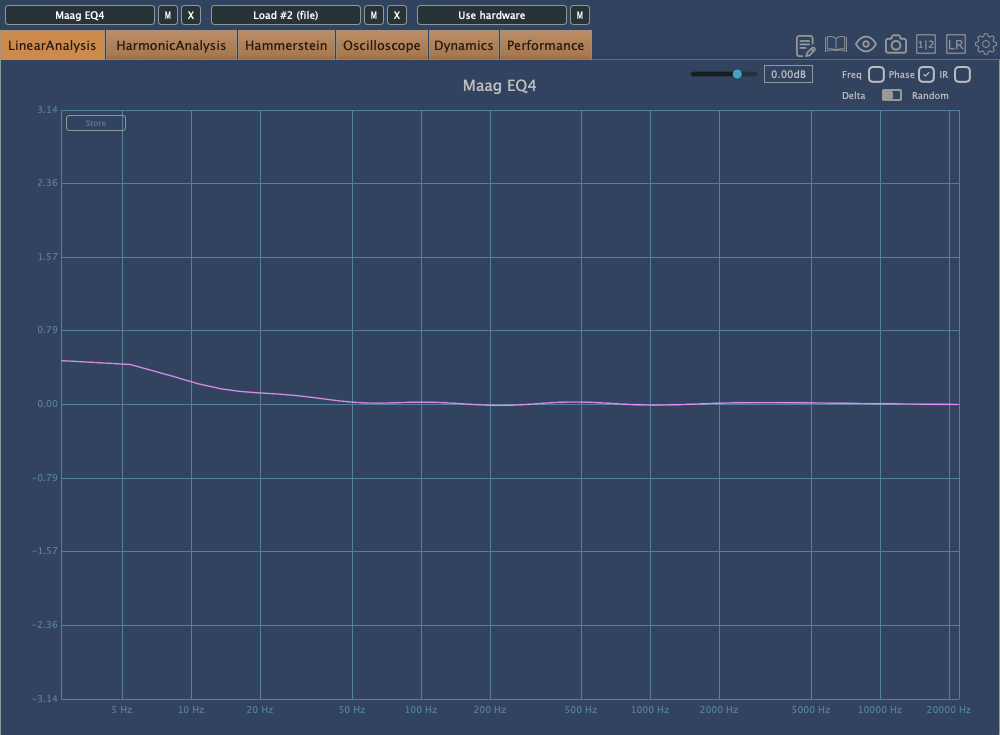
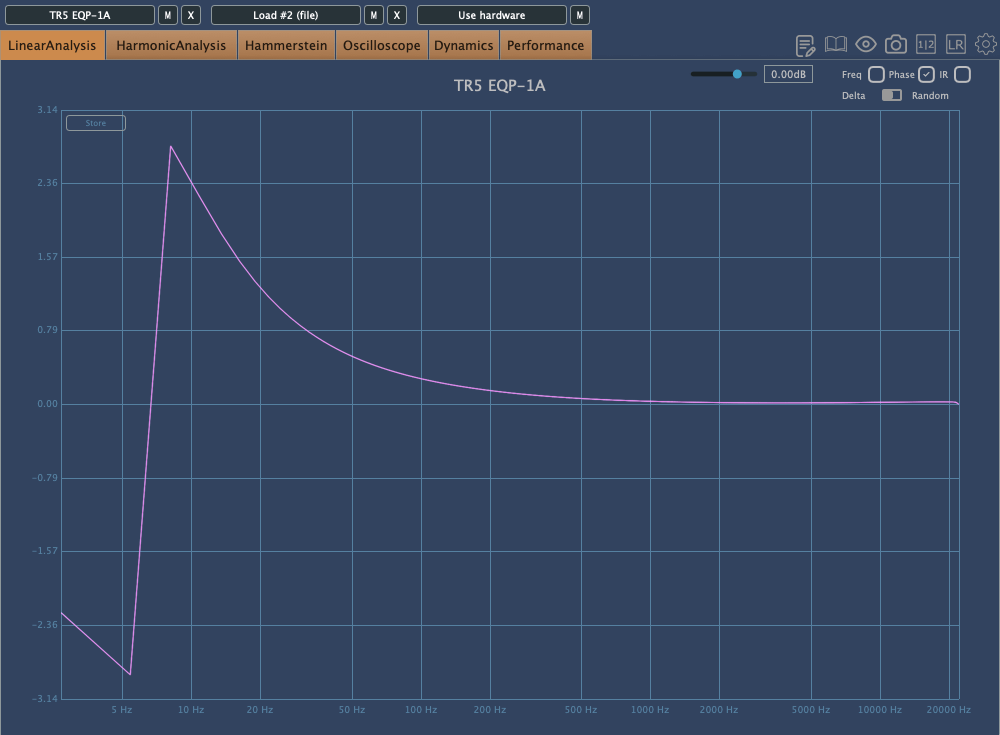
While working at a studio, I measured the 33609/C hardware with a plugin doctor program. Unfortunately, I don’t remember the exact settings used, but:

  1. The Frequency Response (FR) graph was likely tested to see how the input values affect the output.
  2. The Harmonic Distortion (HD) graph probably measured how the harmonic content changes with different threshold settings.
  3. The Attack/Release Oscillator might have been used to observe how the release values change between Auto1 and Auto2 settings.
  4. The Ratio Compression graph was likely used to check for the presence of a knee.

This is the UAD 33609/C plugin. It looks a bit different, partly due to the screen size.

Although I’d love to share more insights, I haven’t had much hands-on experience with the 33609/C hardware, so I can only show you these measurements…😢

There are so many things I want to buy. Even if I can’t afford the 33609, I’d love to get a diode bridge compressor similar to it, and an SSL 4000-style compressor. I’ve already found a potential SSL 4000-style compressor, so I might buy that soon. As for the 33609, maybe when I earn more money…

Both compressors are ones I frequently use in my mixes, and having the hardware would be incredibly useful. The SSL is clean, while the 33609 has a nice coloration.

Lately, I’ve also been eyeing a tube preamp that’s been on my mind constantly…haha. I wish I could just buy all the gear I want.

See you in the next post! 🙂
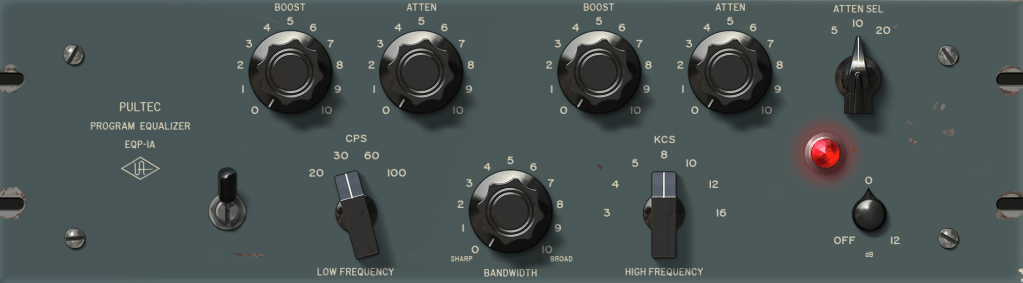
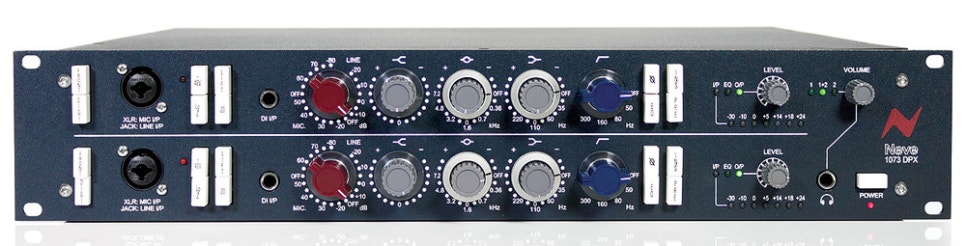
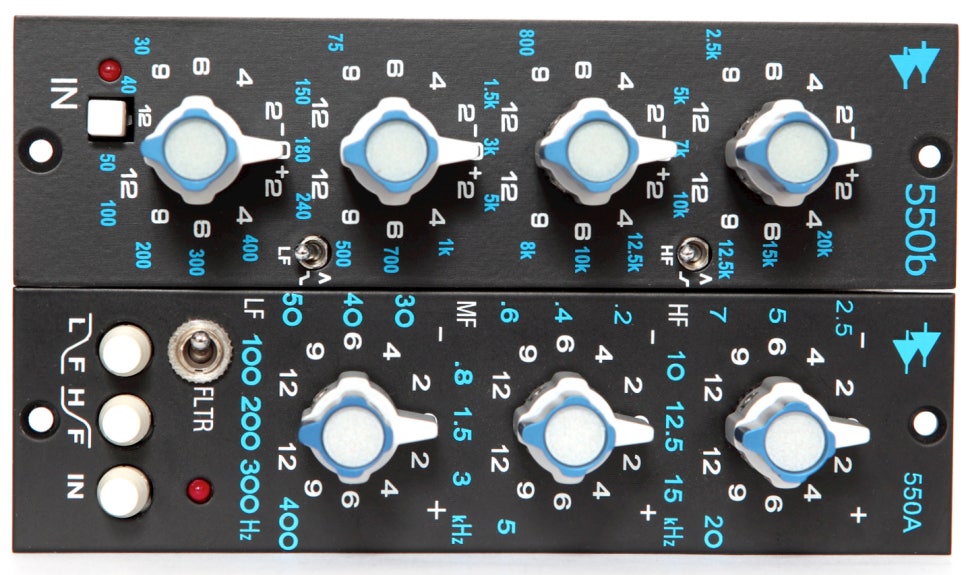
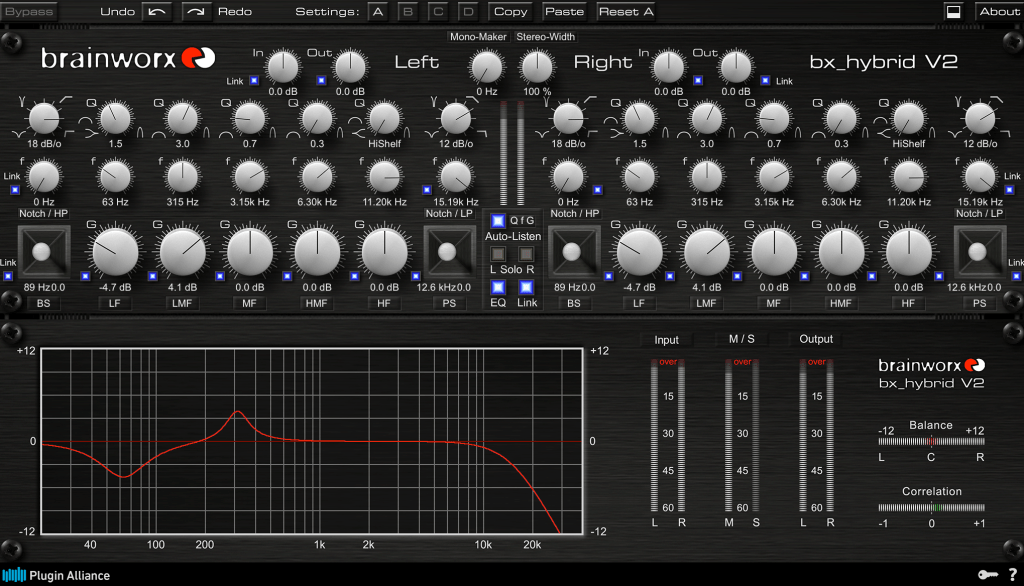
Basics of Mixing – 5.1 What is EQ (Equalizer)?

Hello, this is Jooyoung Kim, engineer and music producer.

Today, I want to talk about the basics of EQ. There’s so much to cover, I’m not sure where to begin… But let’s dive in!

EQ is a tool that allows you to adjust the volume based on frequency. Why would we need something like this?

The main reasons are:

1) To alter the tone of an instrument
2) To change the position of an instrument in the stereo image
3) To prevent sounds from different instruments from overlapping
4) To fix issues with recorded sources

    We’ll go into more detail on the types of EQ in a later post, but for now, let’s discuss these reasons in more depth.

    • To Alter the Tone of an Instrument

    A drum kick typically handles low frequencies. But is it only low frequencies? Of course not.

    High frequencies contribute to the attack, giving it a punchy feel, while the midrange can be quite prominent and can mask other instruments.

    Thus, by using EQ, you can adjust these frequencies to create a balance that fits the song. This applies not just to kicks but to other instruments as well.

    • To Change the Position of an Instrument in the Stereo Image

    Using EQ to adjust an instrument can change its position in the stereo image. In typical speakers with a tweeter on top and a woofer on the bottom, cutting high frequencies can make a sound seem to move lower, while cutting low frequencies can make it seem to move higher.

    You can also adjust just the left or right side with EQ to move the sound diagonally.

    • To Prevent Sounds from Different Instruments from Overlapping

    Instruments like acoustic piano, acoustic guitar, and synth pads produce sounds across a wide range of frequencies, which can cause other instruments, like vocals, to be masked.

    This phenomenon, where instruments obscure each other, is known as masking. Kick and bass are classic examples of instruments that can mask each other. EQ is a traditional and fundamental way to address this issue.

    • To Fix Issues with Recorded Sources
    Millhouse, Thomas & Clermont, Frantz. (2006). Perceptual characterization of the singer’s formant region: A preliminary study. 253-258.
    Singer’s Formant

    When recording instruments, resonance in the room can cause certain frequencies to be overly emphasized.

    There is also something called the Singer’s Formant, a specific resonance found in trained opera singers. Instruments, too, can have unique resonances or harsh sounds. For example, when recording a violin, the bow can produce a squeaky sound at certain high frequencies.

    EQ is used to resolve these resonances.

    Today, we covered why EQ is used. In the next post, we’ll discuss the different types of EQ and their uses. See you next time!

    Basics of Mixing – 4.2 Panning and Stereo Imaging

    Hello, this is Jooyoung Kim, engineer and music producer.

    Today, I want to talk about panning, which controls the left and right placement of instruments. To explain panning, let’s first discuss how to create a stereo image.

    • Creating a Stereo Image

    Stereo imaging starts with microphone recording techniques. On the left, we have AB stereo miking, and on the right, we have XY stereo miking.

    AB stereo miking forms a stereo image by utilizing the time difference between sounds arriving from the left and right. In contrast, XY stereo miking relies on the volume difference between sounds arriving from the left and right.

    Inspired by this, panning moves the audio source left and right by manipulating volume differences, much like the XY stereo miking method.

    A question may arise: How do we create these volume differences to achieve panning? This is defined by the Pan Law.

    • Pan Law

    Pan Law settings in DAWs typically include 0dB, -3dB, -4.5dB, and -6dB.

    The reason for these settings is that if you move an instrument to the left or right by simply lowering the volume of one side, the overall volume decreases as the instrument moves. This scenario occurs when the Pan Law is set to 0dB.

    In the case of -3dB, the center volume is reduced by 3dB, ensuring the volume remains consistent when moving stereo sources left or right.

    For -4.5dB and -6dB, the center volume is reduced by the respective amounts, making the sound appear louder as it is panned left or right.

    This might sound complicated, but there’s no need to overthink it. Just be aware that there are various panning settings.

    In practice, adjusting the volume balance while panning is common, so you don’t need to worry too much about it.

    • Haas Effect

    I also want to discuss the Haas Effect. As mentioned earlier, AB stereo miking creates a stereo image by the time difference in sounds arriving at two microphones.

    Similarly, what happens if the same sound is played with a time delay between the left and right speakers? The answer is that it will sound biased towards the side that plays first.

    This technique can make mono sources sound like stereo. However, from my experience, recording a double take sounds more natural and fuller than creating a stereo image with the Haas Effect.

    While it’s useful to know, it’s generally better to use this technique only when necessary.

    There are various ways to express panning.

    For example, Logic uses a scale from -64 to +63, while Cubase and Pro Tools use -100 to +100. Some DAWs use clock-face representations.

    There’s also Balanced Panning, which allows free adjustment of left and right panning.

    When sending signals externally using Send from a panned source, the panning settings do not apply. Therefore, each DAW provides a Send Panning function to send the signal with the applied panning.

    That’s all for today. See you in the next post!
    I Purchased a Boucher Studio Goose OMH Guitar

    This post was originally written on June 12, 2022

    Hello, I’m Jooyoung Kim, a mixing engineer and music producer.

    After parting with my Taylor 220CE K-dlx model, I decided it was time to add a new guitar to my collection, one that differed from my Taylor and Guild preferences.

    I visited my favorite shop to test out some guitars and found that the higher-end models from Headway, a Japanese brand, and Boucher, a small Canadian workshop, produced impressive sounds.

    I was particularly interested in the seasonal commemorative models from Headway, but unfortunately, they weren’t available in Korea. Ordering directly from Japan would have added nearly 600,000 KRW(about 450$) in shipping and customs fees. Given the high cost, I thought it would be wiser to look for a used Boucher guitar.

    As luck would have it, I found a well-maintained Boucher guitar at a reasonable price and traveled to Siheung this morning to pick it up.

    Although it’s an older model, the specifications match the SG51. The label inside simply reads “Studio Goose OMH East Indian Rosewood.”

    The binding is made of maple, giving it a distinctly high-end appearance.

    While I’m not particularly fond of the D’Addario EXP strings currently on it, the balance of the sound is incredible. Throughout my years of playing guitar, I never gave much thought to the balance of sound. However, playing this guitar made me realize what good balance truly means.

    I’m curious to see how the sound will change once I switch out the strings.

    It’s been a while since I’ve purchased a piece of equipment that brings me this much joy just by looking at it.

    *As I translate this post in 2024, I’m still finding this guitar incredibly useful. I’ve used it extensively for recording, and the high-end harmonic overtones that come from such a premium instrument have greatly enhanced my recordings, adding a touch of sophistication to my music.

    I look forward to sharing more with you in my next post. See you then!