Basics of Synthesizers (4) – Modulation Synthesis and FM (Frequency Modulation)

Hello, I’m Jooyoung Kim, a sound engineer and music producer.

In my last post, I talked about my thesis, but here’s a funny update: the journal that desk-rejected my paper (Transactions on Consumer Electronics) sent me an email asking me to be a reviewer. It’s a bit of a niche SCIE journal, but still Q1-Q2 level, so I was pretty floored. I’m flattered, but since I haven’t even graduated with my master’s yet and my main paper isn’t published, I politely declined. Who am I to judge someone else’s work at this stage? 😅

Now, let’s get to today’s topic: picking up where my synthesizer series left off last month, we’re diving into modulation synthesis, focusing on the legendary FM (Frequency Modulation) synthesis, made famous by the Yamaha DX7.

Here we go!

Modulation

What is modulation? I touched on this in my Basics of Mixing series a while back:

In short, modulation involves using an external signal (the modulator) to alter specific parameters of another signal (the carrier), changing its sound. The external signal is often a Low Frequency Oscillator (LFO), but other sources can be used too.

Types of Modulation

TypeDescription
AM (Amplitude Modulation)Modulates the amplitude of the carrier signal using a modulator. Think tremolo effects.
FM (Frequency Modulation)Modulates the frequency of the carrier signal. Famous for metallic and bell-like sounds, as heard in the Yamaha DX7.
PWM (Pulse Width Modulation)Modulates the pulse width of a square wave. Common in analog synths and compressors like the PYE Compressor. [photo]
RM (Ring Modulation)Multiplies the carrier and modulator signals, producing only the sum and difference frequencies (a+b, a-b).
PM (Phase Modulation)Modulates the phase of the carrier signal. Fun fact: the DX7 is technically PM-based but was marketed as FM for mass appeal.

AM and FM might sound familiar from radio broadcasting. FM, in particular, shines in synths for creating those iconic metallic or bell-like tones. There are also other modulation types like Cross Modulation, Wavetable Modulation, and Granular Modulation, but I’ll cover those in their respective sections later. 😄

FM (Frequency Modulation)

Dr. John Chowning

Meet Dr. John Chowning, the mastermind behind FM synthesis, developed in the late 1960s at Stanford University. [photo] FM synthesis modulates the carrier’s frequency with a modulator, producing complex, irregular harmonics that are perfect for metallic and bell-like sounds.

Yamaha’s YM2612 chip

FM synthesis was a staple in 1990s video games and software. Yamaha’s YM2612 chip (aka OPN2) powered sound cards like AdLib and Sound Blaster, as well as consoles like Sega’s Mega Drive and Fujitsu’s FM Towns Marty.

In 1971, Dr. Chowning saw the commercial potential of FM synthesis and pitched it to companies like Hammond and Wurlitzer, but they all passed. Yamaha, however, struck a deal, securing a one-year license and exclusive rights to the technology by 1975. Looking at its massive success, both Yamaha and Dr. Chowning had incredible foresight! 😊

Yamaha GS-1

In 1980, Yamaha released the GS-1, their first FM synthesizer, with only 16 units made for studio use. It was used by legends like Stevie Wonder, Chick Corea, Herbie Hancock, and Toto.

Priced at $16,000 back then—about $66,000 today, or roughly 1 billion KRW—it was a luxury item.

Yamaha GS-2

The GS-1’s unique sound was a hit, leading Yamaha to release the more portable and affordable GS-2, as well as the CE-20 and CE-25 Ensemble series for the home organ market.

Yamaha CE-20
Yamaha CE-25

Yamaha’s PAMS and DX Series

Yamaha later developed the PAMS (Programmable Algorithmic Music Synthesizer), which offered flexible programming but had too many parameters.

To simplify, Yamaha’s engineers made the modulator and carrier envelope generators share parameters, leading to the DX series: DX-1 (73-key flagship), DX-5 (76-key, budget version of DX-1), DX-7 (6-operator), and DX-9 (4-operator).

The Yamaha DX7 is arguably the most iconic FM synthesizer, selling 200,000 units worldwide at 248,000 yen each—a massive commercial success.

It featured six sine wave operators that could act as either carriers or modulators, with 32 selectable sound algorithms to switch their roles. In the diagrams, each vertical line represents a sound synthesis path, with parallel lines combining, the bottom being the carrier, and those above it modulators.

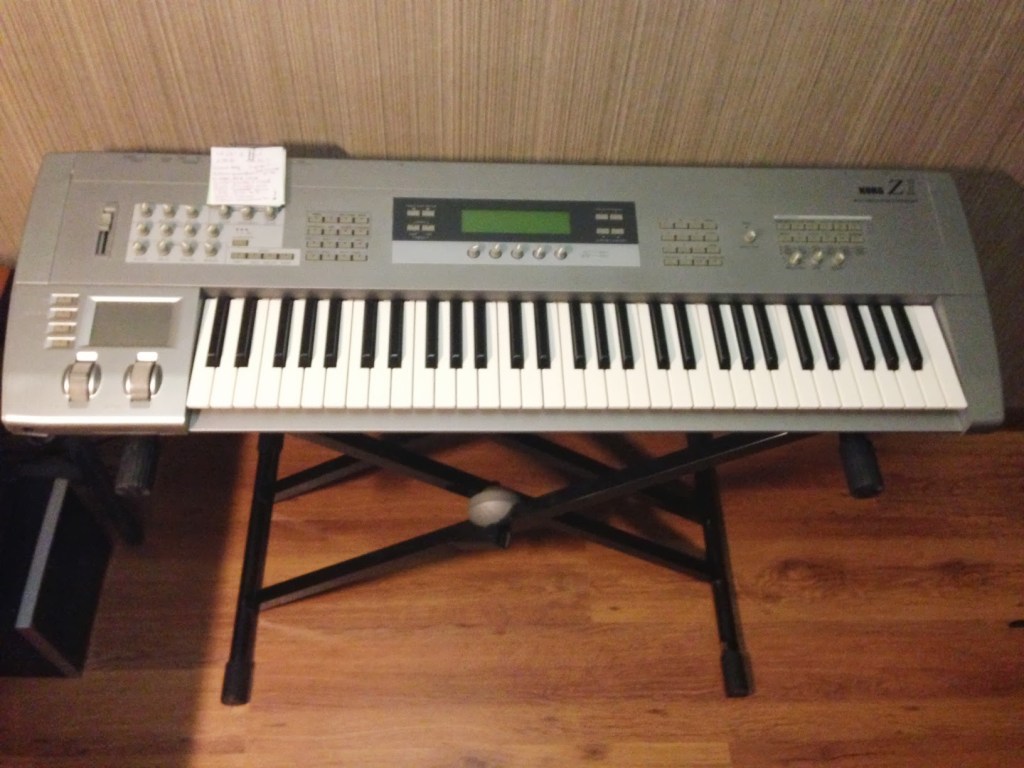
The DX7 also supported MIDI, often paired with sequencers like the Yamaha QX-1. Beyond bell-like sounds, it’s famous for electric piano (FM EP) and bass (FM Bass) patches—search for those terms, and you’ll find tons of resources. 😄

In one sentence: FM synthesizers excel at creating sounds with irregular harmonics.

Modern FM Synths
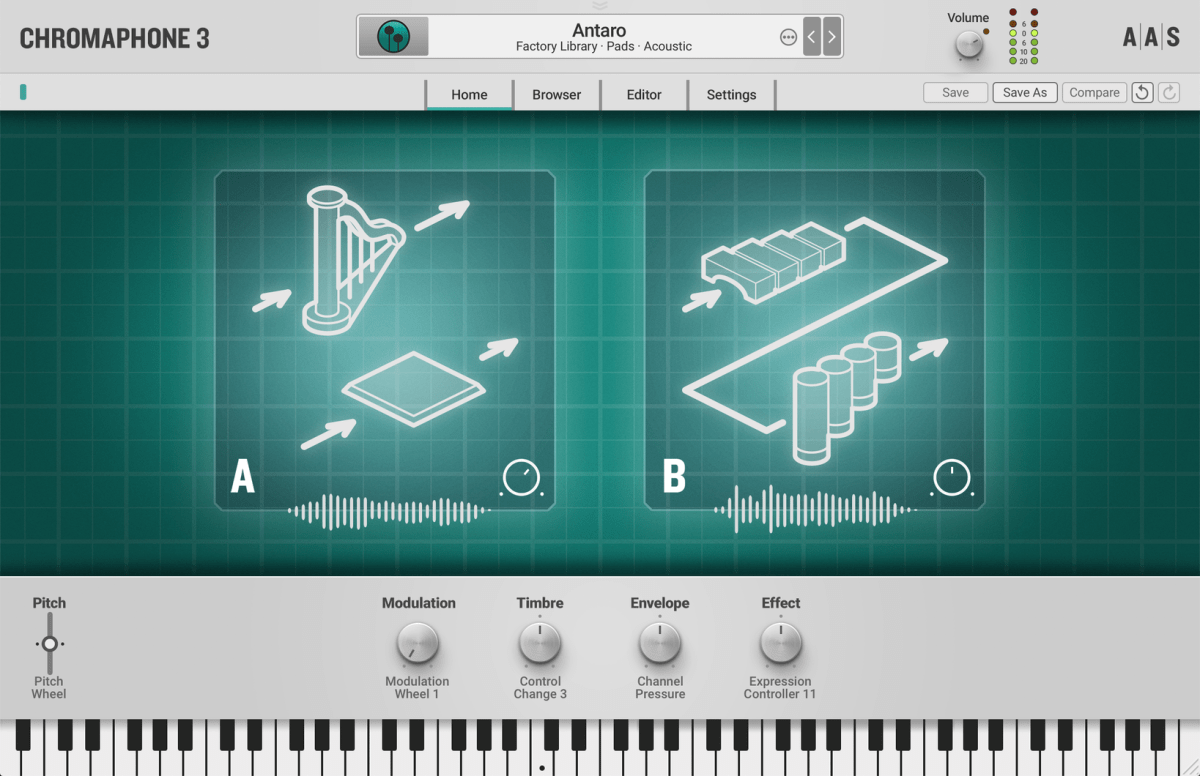
Some great virtual instruments carry the DX7’s FM legacy:

If you buy through these links, I earn a small commission, which helps me keep going—thank you! That said, I recommend waiting for bundle sales to grab these at a better price. I previously covered Arturia’s V Collection X bundle, which is worth checking out:

Don’t just take my word for it—try a free virtual synth, play around, and hear the sounds for yourself!

That’s it for today. See you in the next post! 😊
Life Update (07.12.25)

Hello, I’m Jooyoung Kim, a sound engineer and music producer.

My last life update was all about programming, wasn’t it? This time, it’s about my thesis and research.

First off, my dissertation has been printed and bound! It’s about how to set subwoofer crossover frequencies, which required a ton of measurements—let’s just say, a lot of gritty work.

The dissertation itself wasn’t too tough, but submitting a related paper to an international journal was a real challenge. I got rejected twice, and by the third submission, I had to overhaul it multiple times. While the core methodology stayed the same, the journal paper became more refined with way more measurements. Including the ones that didn’t make the cut, I probably did about 300 measurements for the dissertation and 1,500 for the journal submission. 😅

Recently, I got a “Minor Revision” decision from Acta Acustica, an SCIE-level journal from the European Acoustics Association. After seeing “Reject” so many times, spotting “Minor Revision” almost brought tears to my eyes! 😄 This journal became Diamond Open Access this year, meaning no publication fees for authors and no subscription fees for readers. As someone with no funding and no institutional support for publication costs, getting rejected by major journals like the Audio Engineering Society or the Acoustical Society of America was tough, and I was really stressing about where to submit next. This feels like a huge relief.

Here’s hoping it gets accepted without further revisions! I need to finalize publication by next Thursday to apply for a school scholarship, but timing is always tricky… 😢 If I get the scholarship, I’m eyeing some outboard gear or a stereo mic pair… hehe.

Once the paper is officially published, I’ll dive into the details here.

On another note, I recently participated in a songwriting contest called Soniccon, hosted by Sonicwire, a company under Crypton Future Media (famous for Vocaloid). I submitted a song in Japanese that I wrote and performed myself.

I made it to the final round, ranking in the top 18! 😊 My dream has always been to work across songwriting, sound engineering, practical work, and academia, and it feels like things are finally starting to come together.

But, of course, whenever I say that, something goes wrong… 😅 My second international paper, submitted to IEEE Transactions on Consumer Electronics, got desk-rejected in just four days. The rejection letter said:

“Your manuscript has been denied publication in the Transactions on Consumer Electronics as this paper is identified as more appropriate for publication in other reputable journals.”

Even with a rejection, getting reviewer feedback helps pinpoint what to fix, but a desk rejection like this leaves me a bit lost. The topic leans toward circuits and electronics, but I don’t know any conferences or journals in that field, and I don’t have any electrical engineering friends or professors to ask for advice.

Looking at how music and research are often funded, I guess I’m destined to chase grants. 😄 But honestly, I’ve been funding all this myself—my subwoofer research used my own music gear or borrowed subwoofers from my professor, though the Earthworks M30 measurement mic was a painful purchase… 😢

The second paper cost about 250,000 KRW (~$180 USD) for materials, which is relatively cheap. Add in KCI journal publication fees, conference memberships, CDs, and music purchases, and I’ve probably spent around 800,000 KRW (~$580 USD) out of pocket. If I’d refined it more and aimed for an international journal, I could’ve saved about 600,000 KRW in fees, but I didn’t know the process back then. I’m chalking it up to tuition for learning the ropes.

I’d love to tackle bigger, time-intensive projects like Dolby multichannel, binaural audio, or deep learning, but those require serious funding. Binaural and Dolby Atmos setups need completely different gear, and the costs add up fast. 😅 Even for smaller projects, just covering material costs or extra page fees for open-access journals would be a huge help. Research support for master’s graduates is practically nonexistent, which makes things tough.

That’s the rough update for now!
See you in the next post! 😊

2025 Summer Virtual Instrument & Mixing/Mastering Plugin Sales Roundup (Part 2)

Hello, I’m Jooyoung Kim, a sound engineer and music producer.

Today, I’m following up on my late June post with another roundup of summer plugin sales. Summer and winter are when the big discounts hit, so let’s dive in! 😄

If you make purchases through my Plugin Boutique links, I earn a small commission, which really helps me keep the lights on. Thanks in advance!

Here we go:

1) Cinesamples Musio 1 (~7/15)

The download process is a bit of a hassle, and you can’t freely choose mic positions, which is a downside. But for the price, it’s an absolute steal. If you’re looking to get into orchestration virtual instruments, I highly recommend starting with this one. It goes on 50% off pretty often, so grabbing it during one of these sales is the way to go for the best value.

2) Brainworx & Plugin Alliance (~7/31)

Both Brainworx and Plugin Alliance plugins are on sale across the board. These guys tend to have major discounts in summer and winter, so if you miss this round, keep an eye out for winter sales.

3) Ample Sound (~8/1)

The Ample Guitar series is also discounted. I personally record my own guitars, but I think these are some of the most authentic-sounding guitar virtual instruments out there.

4) Softube (~7/31)

Aside from the Weiss DS1-MK3, which I’m dying to get my hands on, a bunch of other Softube plugins are on sale too.

5) Audified (~7/21)

MixChecker Ultra and Pro, great tools for checking your mixes, are on sale. I’ve written a review about them before, so if you’re interested, check it out for more details.

6) Eventide Immersive (~8/4)

I mentioned Eventide in my last post, but their Immersive series just went on sale recently. I remember these plugins being crazy expensive when they first came out, but the current discounts make them much more reasonable. For anyone working in immersive multichannel formats, these could be game-changers.

That’s the lineup for now!

Most of the sales I mentioned in Part 1 have been extended, by the way. Personally, if you don’t already own BFD, I strongly recommend grabbing BFD 3.5 and its expansion packs while they’re on sale.

That’s it for now. See you in the next post! 😊
Uo, Uk-o, Baek-o | K-Arts Creative – Sound Directing Performance Recap

Hello, I’m Jooyoung Kim, a sound engineer and music producer.

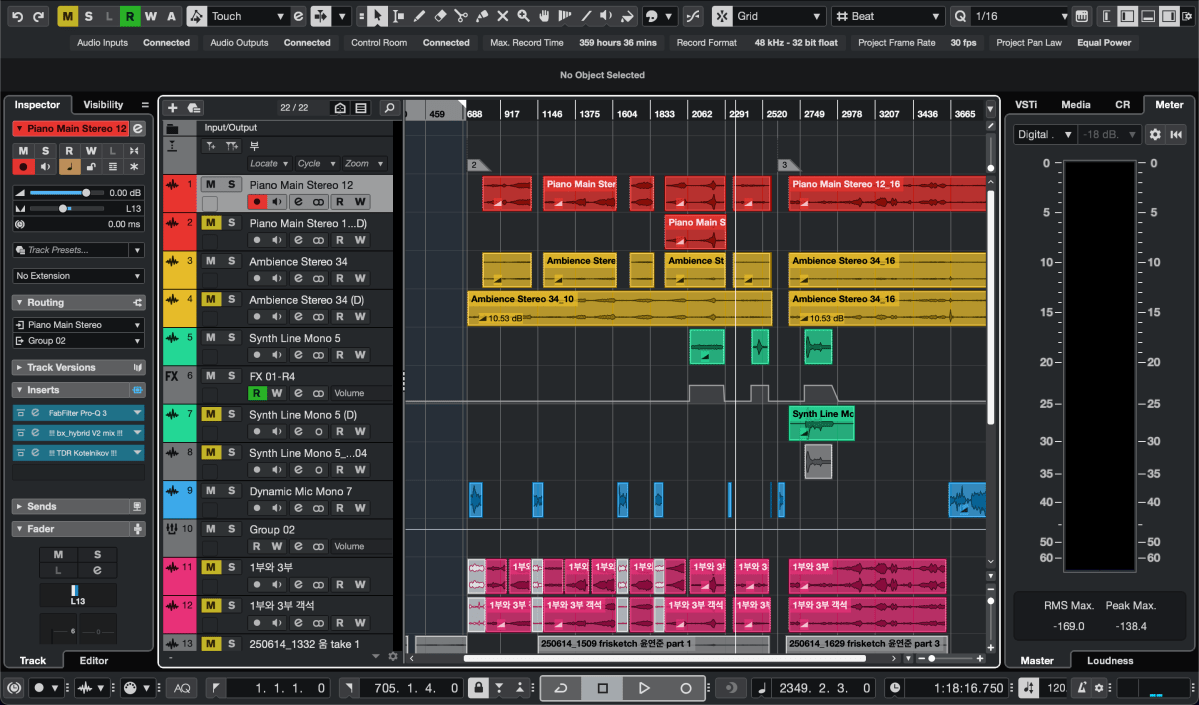
Following my previous role as sound director for pianist Yeonjun Yoon’s performance, I had the opportunity to handle live sound and simultaneous recording at the Kim Heesoo Art Center last Friday.

The venue’s facilities were top-notch, so I only brought two Peluso P87 mics for ambience and my headphones.

The setup included a Yamaha QL5 console and a Tio1608-D stage box. I configured Dante to record directly to my computer from the Tio1608-D, ensuring the stage speakers, controlled by the console, didn’t affect the recorded sound.

Dante was a bit tricky to set up since my only experience was with Focusrite Red series in college… haha.

There was an issue with the main speaker on the right side of the stage—either a power supply or grounding problem causing a ticking noise. We swapped it out with a 12-inch monitor speaker at the bottom and a 10-inch on top for both sides. For a makeshift solution, the sound came out surprisingly well, and I was pretty satisfied.

During the rehearsal for Uo, Uk-o, Baek-o

Miking was planned not just for live sound but also with mixing in mind:

  1. Piano (Pianist Yeonjun Yoon): Standard AB stereo setup.
  2. Drums (Artist Haimi Klemencewicz): Overhead mics in the Recorderman configuration, one on the kick, two on the snare.
  3. Vocals and personal effects mixer (Artist Haimi Klemencewicz): XLR stereo.
  4. Gayageum (Musician Kyungso Park): Mono.
  5. Speaker installation (Artist Jun Kim): The toughest part—three different sounds coming from various spots, each miked in mono.
  6. Ambience: Omnidirectional mics spread widely toward the audience.
  7. MC at the start and end (K-Arts Creative Team Leader Namwoo Bae): Mono.

Mics 5 and 6 were used primarily for recording and barely for the live mix.

During the performance, the gayageum’s dynamic range was quite narrow, so it got buried under the piano and drums when they hit their peaks, no matter how much we boosted it. I adjusted the instrument levels in real-time while also tweaking the monitor mix for the artists. Thankfully, they seemed pretty happy with the result.

After the show, two audience members came up to say they loved the sound, which was really heartwarming. Thank you! 😊

The recorded mix turned out so well that it feels like it could be released as an album. With a bit of personal bias, I sent the team leader not only the version with their commentary for video use but also a separate album-ready version… haha. The finale, just before the end, was especially thrilling. If it gets released as an album or video, I’ll share it here.

Live sound work is tough with all the heavy gear to lug around, but it’s honestly a lot of fun. Studio work keeps me glued to a chair, which isn’t great for my health, but live gigs get me moving, so it almost feels like a workout! 😄

I promised to blog more regularly, but things have gotten a bit hectic again… 😅 I’ll keep at it, even if it’s a bit delayed.

See you in the next post!