Basics of Synthesizers (8) – Phase Distortion Synthesis

Hello! This is Jooyoung Kim, a mixing engineer and music producer. Today, I’ll talk about the phase distortion synthesis method and synthesizers.

This post includes a few affiliate links. If you make a purchase through them, I may receive a small commission, which helps me keep writing…^^

In my last post, “Basics of Synthesizers (4) – Modulation Synthesis and FM,” I mentioned that Yamaha’s DX7 was called an FM synthesizer, but in reality, it uses phase modulation synthesis. Also, I already explained the phase modulation in short. Therefore, I will not discuss phase modulation further.

However, there is one more signal synthesis method, Phase Distortion (PD), invented by Casio, which uses the phase of the signal. Its principle is similar to that of Phase Modulation, which was invented by John Chowning.

The picture illustrates how the PD method works. First, you can see that the basic frequency counter resets to zero after a certain period – (a).

There is also another frequency counter with a slightly higher frequency than (a), which resets to zero when the (a) signal resets to zero – (b).

(b) signal is used the phase value of the sine signal – (c).

The inverted base signal (a), which is used as a windowing function that goes to zero at the end of the period -(d).

The final output signal obtained by multiplying (c) by (d). This multiplication levels out the sudden jump in (c), resulting in a smooth, filtered PD waveform – (e).
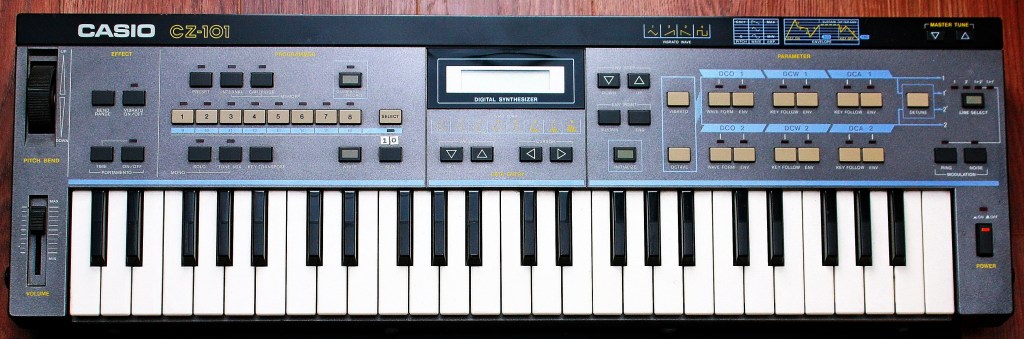
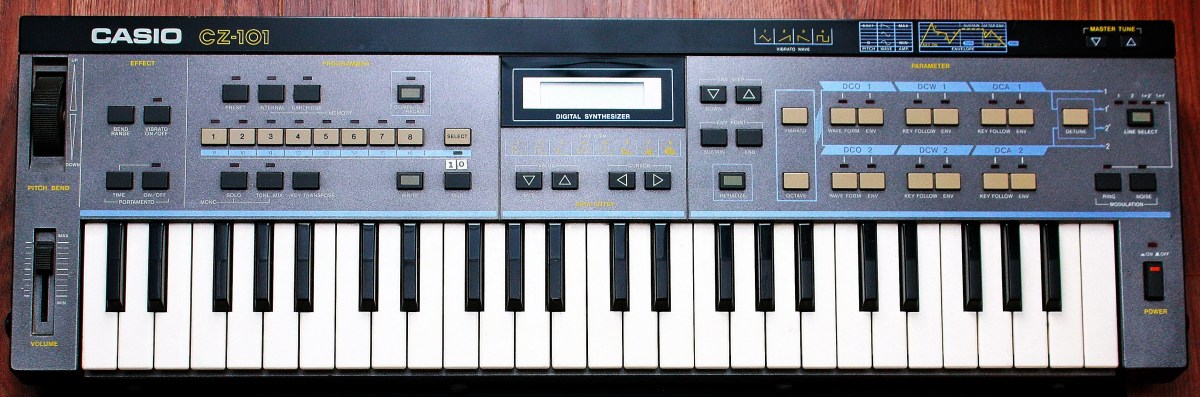
The Casio CZ series was the hardware synthesizer to which the PD method was applied.
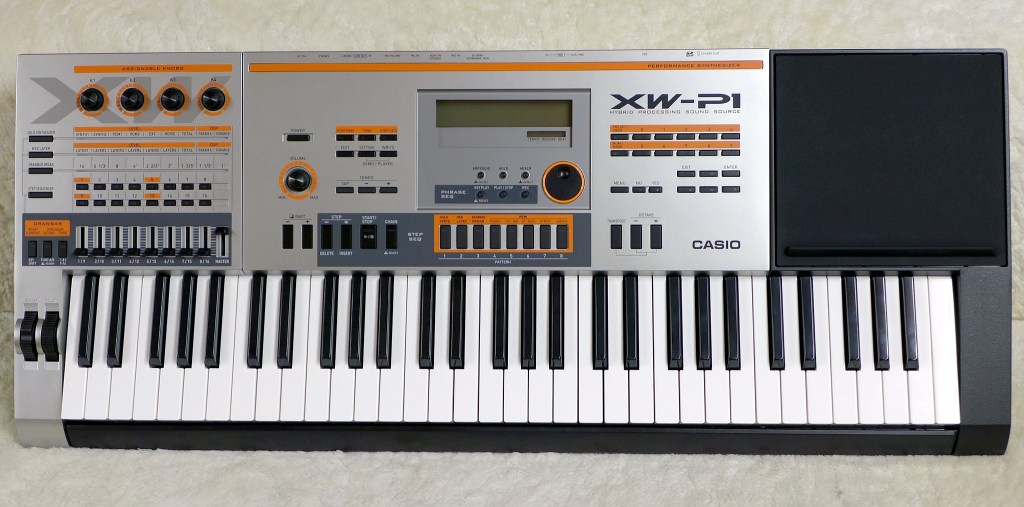
The Casio XW series also featured the PD method in its synthesis engine.
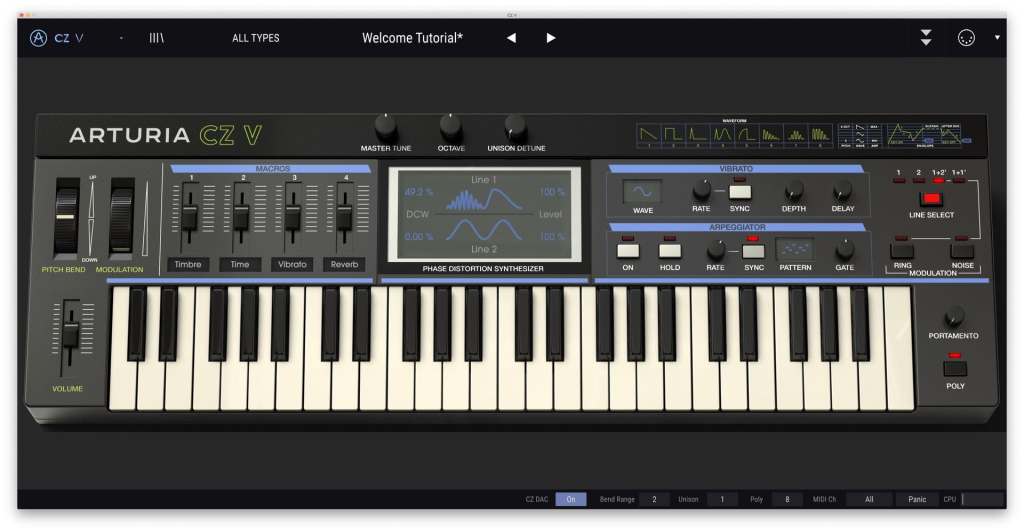
Phase Distortion (PD) method hardware synthesizers are not sold by other companies besides Casio. Therefore, if acquiring the real hardware is too expensive or inconvenient, using software emulations like Arturia’s CZ-V is a handy alternative.

That’s all for today. See you in the next post!

Basics of Mixing – 12.1 How to Solve The Problems of Recording Source

Hello! This is Jooyoung Kim, a mixing engineer and music producer.

Today, I’d like to say about the problem of recording source and how to solve. This article is based on my book “Basics of Mixing” released at South Korea.

Let’s dive in!


1) Noise Floor

If you use analog hardware, electricity causes certain noise across all frequency range. We call this “Noise Floor”.

So if you recording with microphone pre-amplifier or use outboards, you have to recognize and keep in mind it. Although you can’t hear the noise in mixing step, but it could make problem in mastering step .

This matter could be fixed with plug-ins like iZotope’s RX bundles(Spectral De-Noise). But when the source processed, you will hear High Frequency & Low Frequency loss. So I don’t use it often until have no choice.


2) Popping Noise

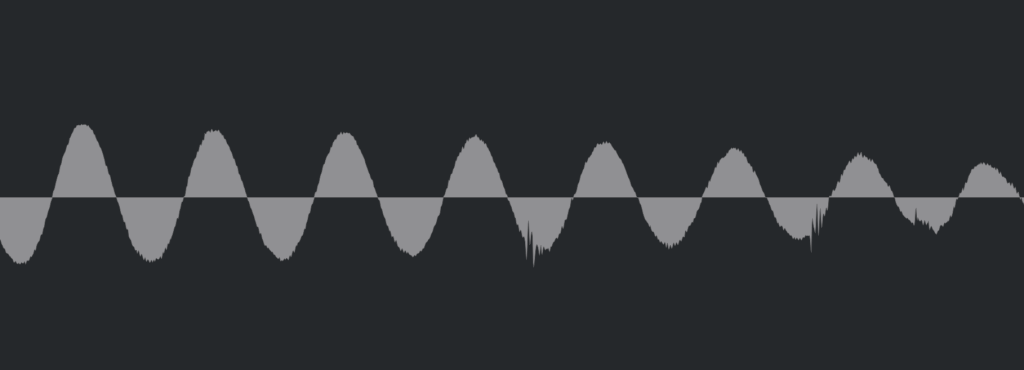
Popping Noise, A.K.A pop noise, is caused by popping sound. If you look closely upper picture, could understand it’s usually belong low frequency. So it could solved with low cut(high pass) filter.

However when you record voice, use pop filter is best method to prevent popping noise.


3) Sibilance

Sibilance is hissing sound when you pronounce like “S”. This high frequency sound can be perceived as louder than other frequencies due to the equal loudness contour.

You able to use De-Esser plug-ins or EQ to solve this problems. Another method involves cutting the sibilant peaks and adjusting the gain of the affected clip.


4) Click Noise

When you check the records, you could find click sounds frequently. In vocal records, lips make those noise. Drawing waves with pencil tools will solve this problem.

There have another way, use De-Click plug-ins. However I don’t like this method. It makes high frequency loss.


5) Clipped Noise, Distortion

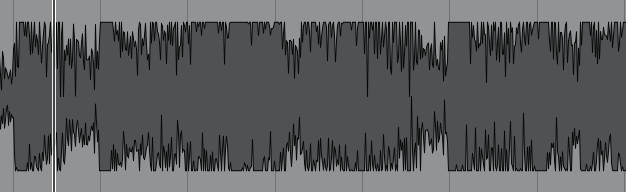
If the recording is distorted like this from the beginning, the best solution is simply to re-record it.

You might want to ask the client to double-check their export/bounce to see if the distortion originated there.

If the recording is distorted and re-recording is impossible, you can try to fix it with plugins like De-Clip, although you’ll have to sacrifice some audio quality.


6) Ambience

In the past, there was no way to fix recorded ambience. However, nowadays, there are many plugins that remove reverb and ambience from companies like Waves, UAD, and Izotope, so it’s not as big of a problem anymore..


7) Ambience

You can consider most other issues beyond these as unresolvable. If noise is caused by electrical issues and is consistently present, you can address it by dealing with the noise floor. However, if it appears intermittently, it’s impossible to fix.

Similarly, if a problem occurs consistently, there’s a good chance it can be fixed. But things like construction noise from nearby or the ticking of a clock are difficult to remove.


In this post, we discussed various problems with recorded audio and how to solve them.

The next chapter was originally going to be about groove and sidechaining. However, This is one of the key topics in my book, so I’ve decided not to cover it on the blog.. I don’t want to give away all the content for free and be unfair to those who purchase the book. I hope you understand.

From the next post onwards, I’ll be talking about outboard gear.

See you in next post! 🙂