Basics of Mixing – 3.1 Console and DAW

Hello! This is Jooyoung Kim, a mixing engineer and music producer.

Today, I will finally talk about the functionalities.

Shall we begin?

In the days when all recording processes were done analog, mixing was performed using analog mixers and tape.

Here is a video I found related to this topic. If you are interested in analog recording, you might find it interesting to watch.

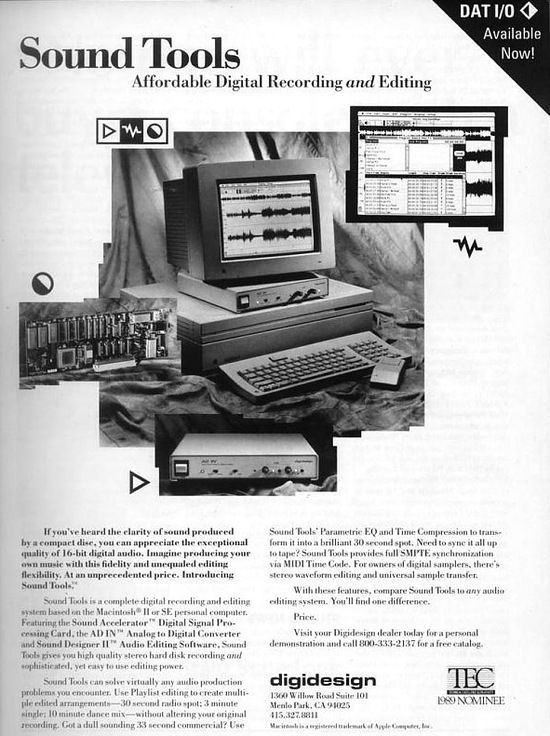
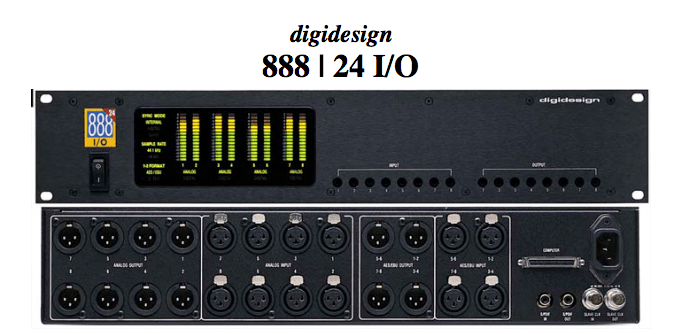
The transition from analog to digital began with the release of Digidesign’s (now AVID) Sound Tools.

Sound Tools included a DAW program called Sound Designer, various chipsets, and devices that acted as audio interfaces, all designed exclusively for Mac.

Later, this program evolved into Pro Tools, a representative DAW.

Such systems, integrated with DAWs, show why Pro Tools has become the industry standard and why Macs are commonly used in studios today.

As we moved from analog to digital, DAWs developed by incorporating analog functionalities into computers. Therefore, understanding the functions of an analog mixer can make it easier to approach mixing with a DAW.

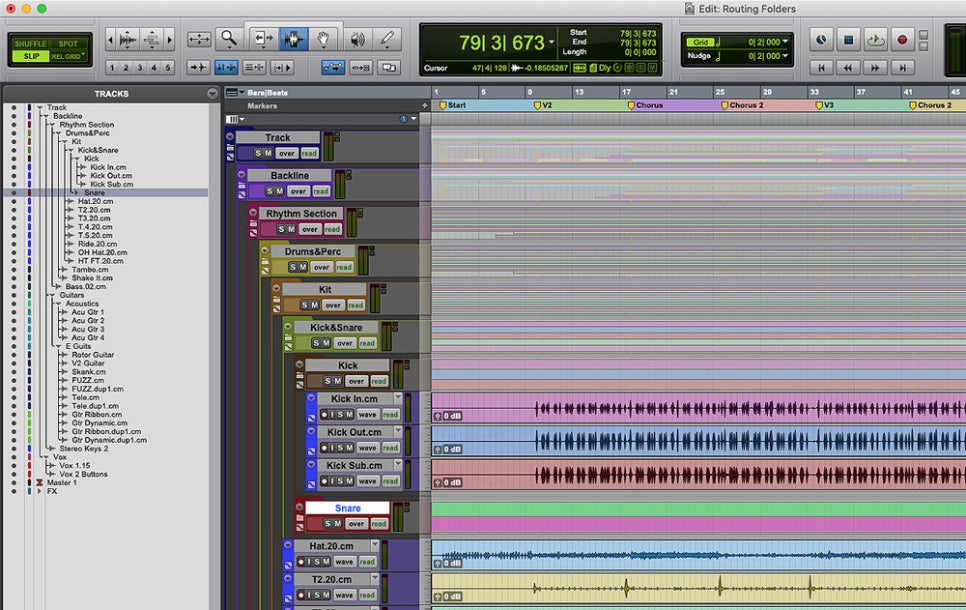
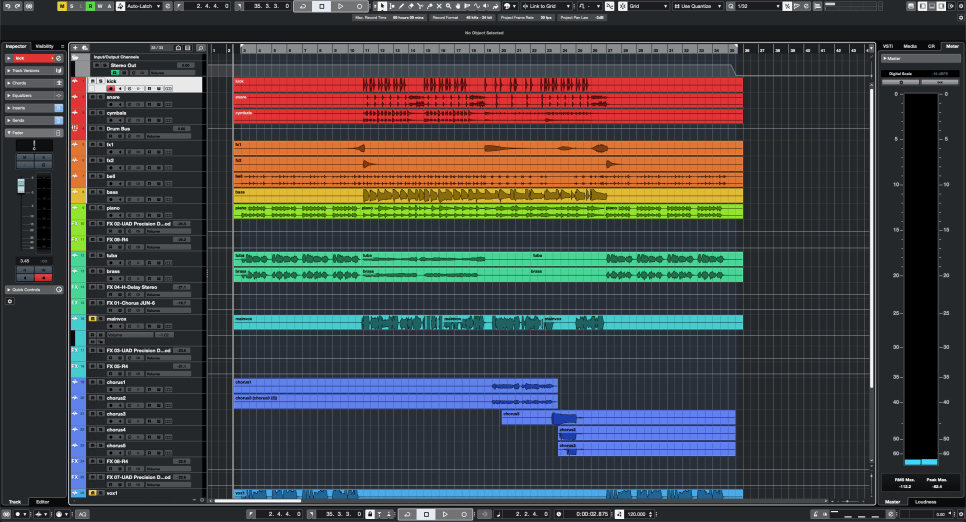
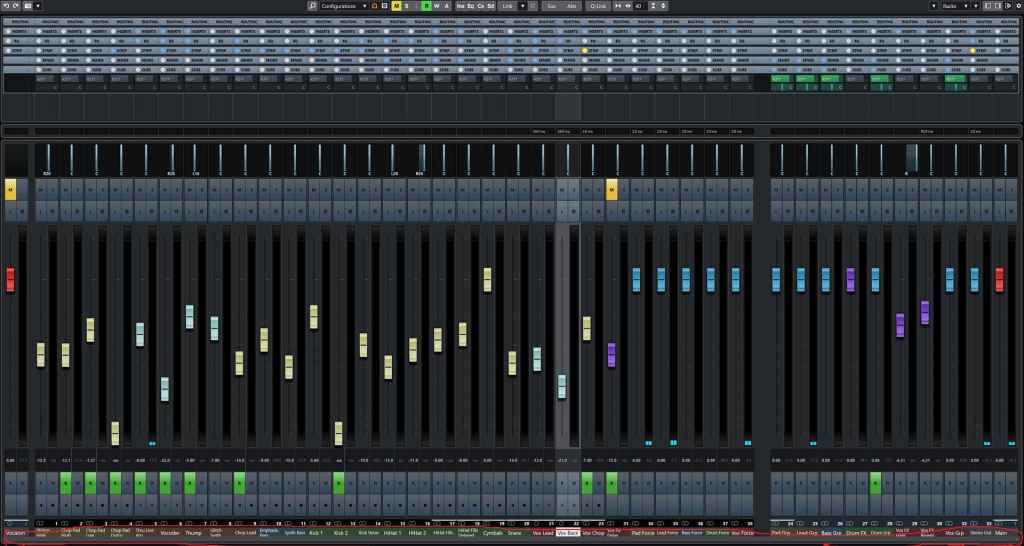
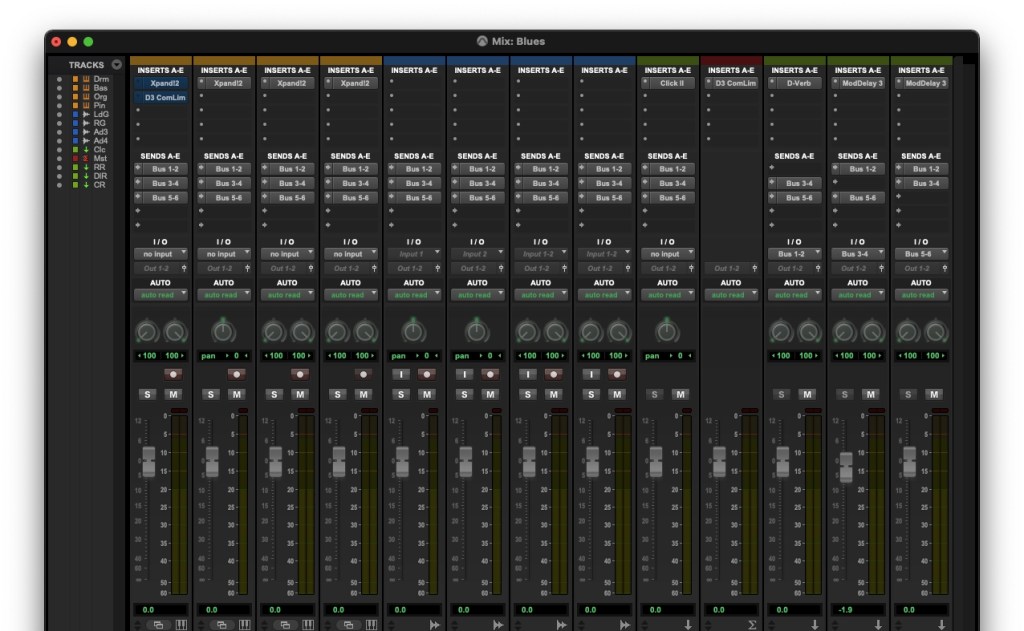
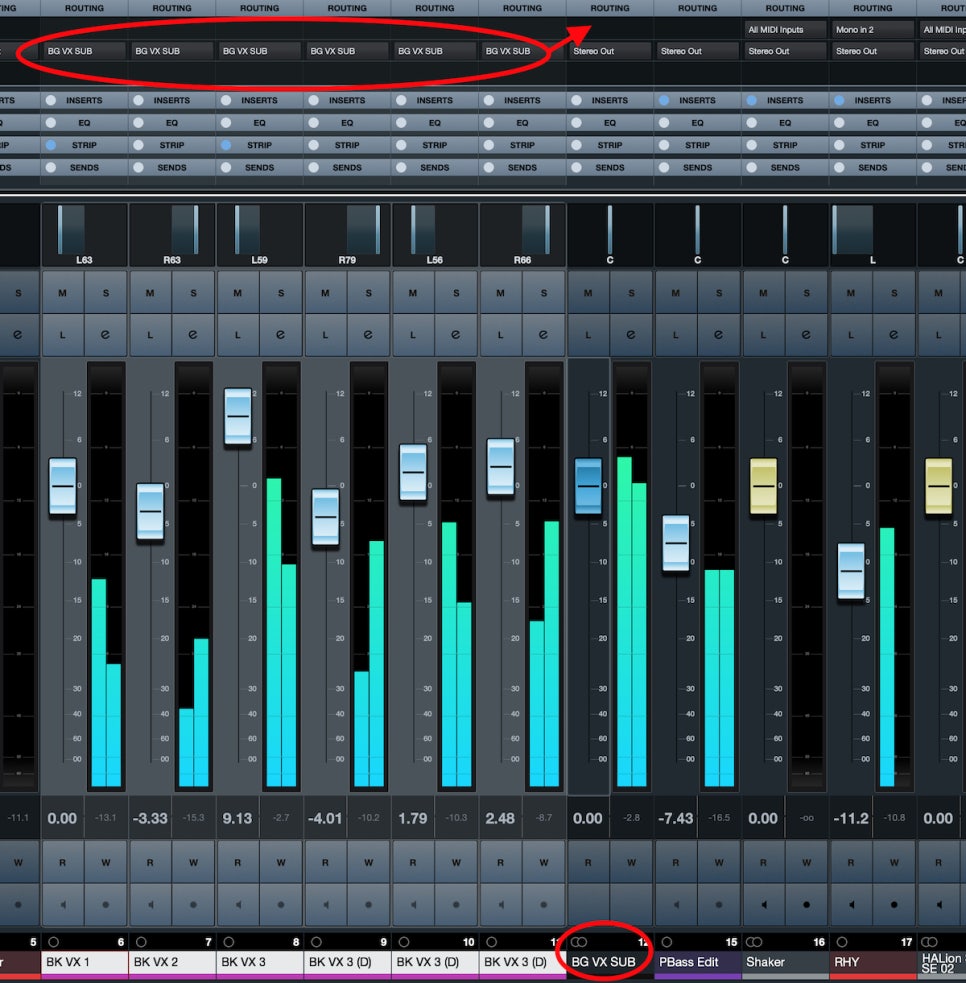
The DAW mixer window that you need to get familiar with if you’re into mixing

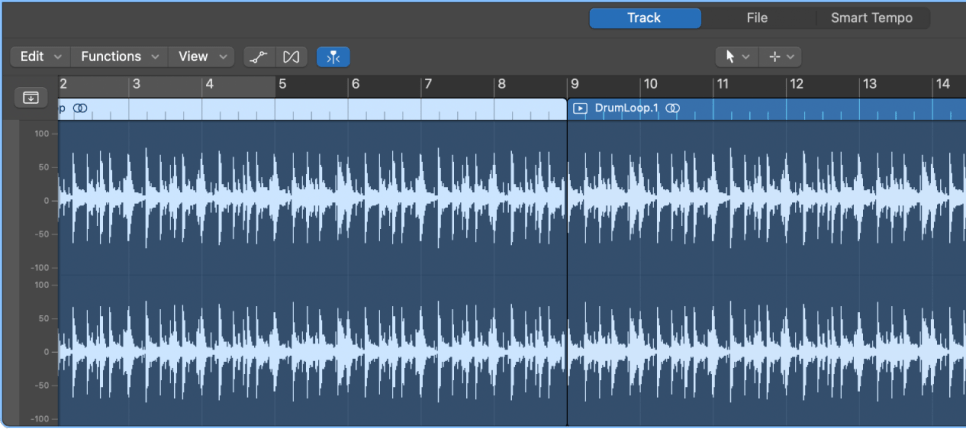
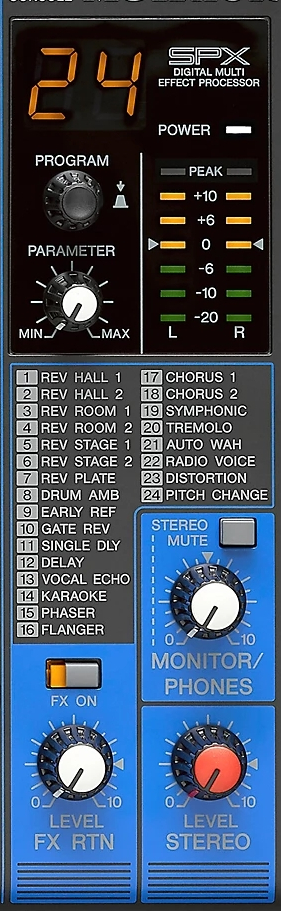
The interface of the mixer window is also designed similarly to an analog mixer. Let’s take a closer look at a mixer.
  • Analog Mixer and Signal Flow

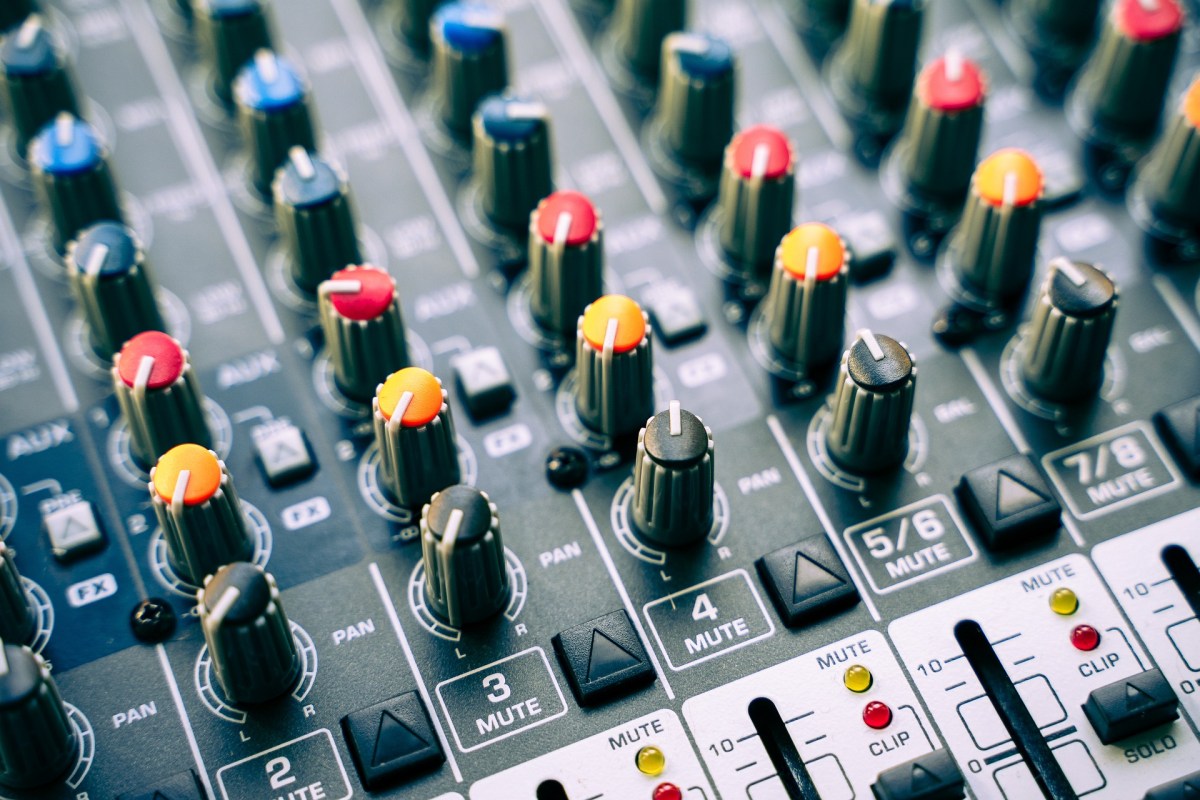
I wanted to bring a larger one, but it was difficult to see clearly.

Let’s start from the left.

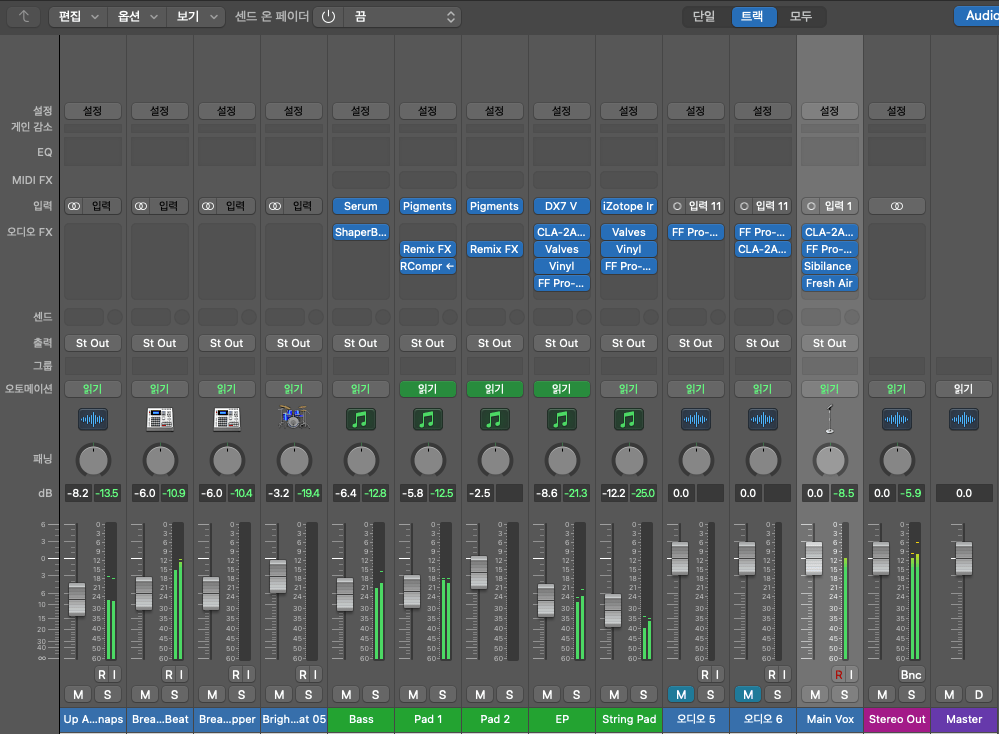
Each channel has a series of stages: Pre section with mic preamp and input gain, Insert section with compressor and EQ, Send/Return section for external effects, and Post section with panning and output gain.

This configuration of a single channel is called a channel strip, and a mixer consists of multiple channel strips. The DAW mixer window is organized in a similar sequence.

The signal usually flows from top to bottom, and this path is called the ‘signal flow.’ Each DAW has a different signal flow, so you need to learn the signal flow of your specific DAW.

I usually prefer Cubase for mixing, but the current project is in Logic, so I brought the Logic mixer window. Here, you can see that each channel strip is quite similar to an analog mixer.

Let’s check the Send section in the DAW mixer window and then return to the analog mixer.

  • Send Section

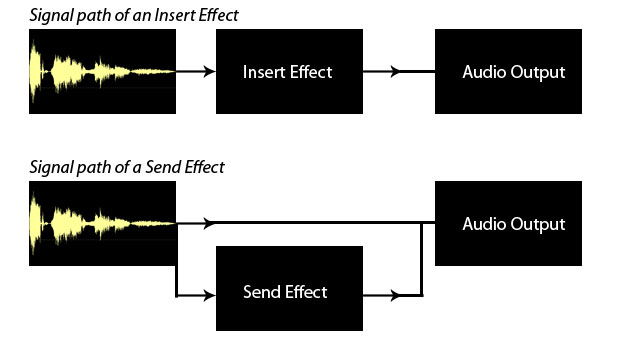
The analog mixer I brought doesn’t specifically say Send but is labeled FX. This Send function allows you to send the signal from each channel strip to a separate Send channel to apply effects independently.

Some might wonder why not just apply effects in the Insert section.

In the past, studio reverb and delay units were large and expensive. Applying such effects to each channel individually was nearly impossible. Additionally, sending the sound separately through the Send section provided the advantage of processing it independently.

This feature remains in modern DAWs.

In mixing, the Send section is primarily used for applying delay, reverb, and sometimes modulation effects like phaser or chorus, as well as saturation effects like distortion.

Next, we need to look at the group/send section and bus.

  • Group and Aux Channels, and Bus

Group/Aux channels are mostly seen in large analog mixers. They are used to bundle similar instrument groups for collective control.

In Cubase, the concept of a bus isn’t used, making it more intuitive. However, in Logic and Pro Tools, the bus concept can be a bit confusing.

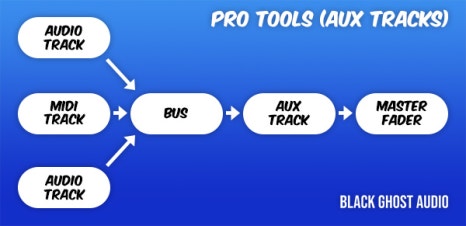
A bus is a signal path that combines audio signals from multiple tracks. This explanation might sound complex, but think of it as an additional step before the Aux track.

In Logic and Pro Tools, the bus function is used to create groups or apply effects like reverb or delay through Send.

  • Master Channel

All tracks ultimately converge at the master channel, which is usually the Stereo Out channel in standard mixing.

It is crucial to ensure that the digital peak does not exceed 0dB in the master channel.

Although the 32-bit float format prevents audio quality destruction even if peaking occurs, it’s good practice to manage digital peaks for industry standard compliance and effective communication.

This should provide a basic understanding of the tracks and their functionalities.

See you in the next post!

Takamine GD30CE NAT Guitar Review

Hello! This is mixing engineer and music producer, Jooyoung Kim~

Finally, I am writing a review for a Takamine guitar!

Previously, I asked the Takamine headquarters about the guitar specifications since they weren’t clearly listed, but I haven’t received a reply yet. So, I’ll post the review first and update it later when I get a response.

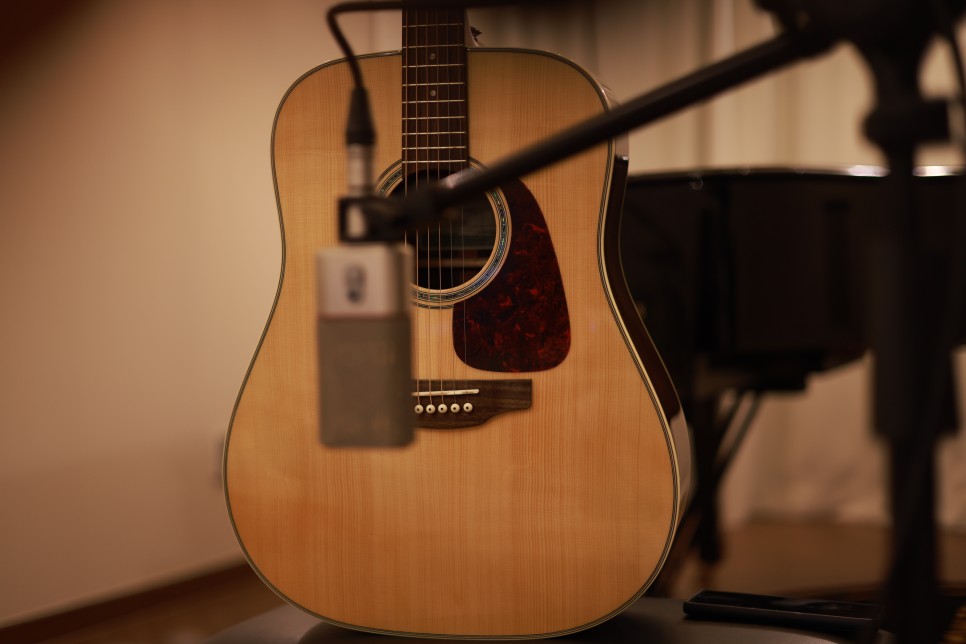
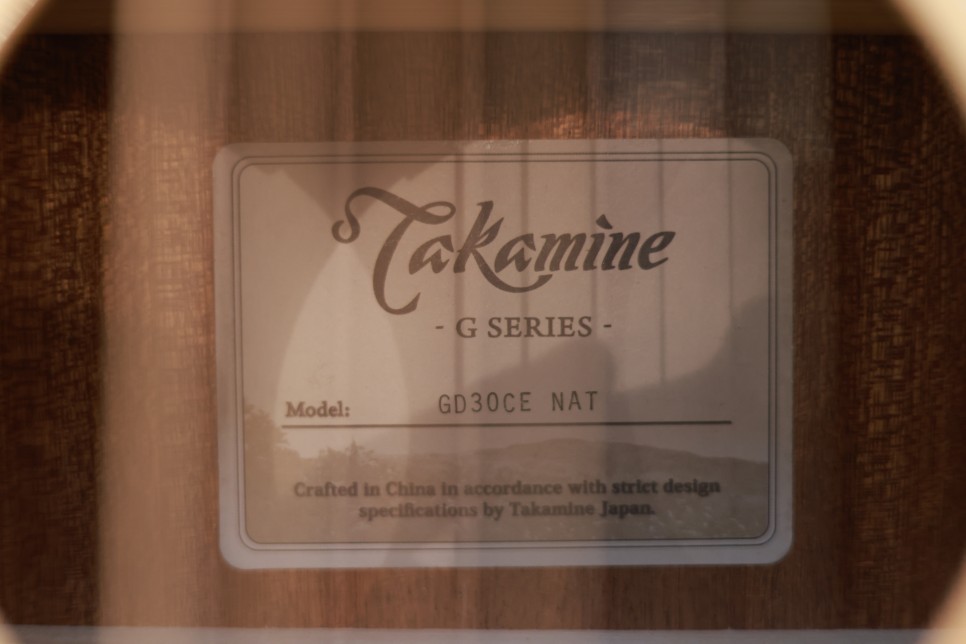
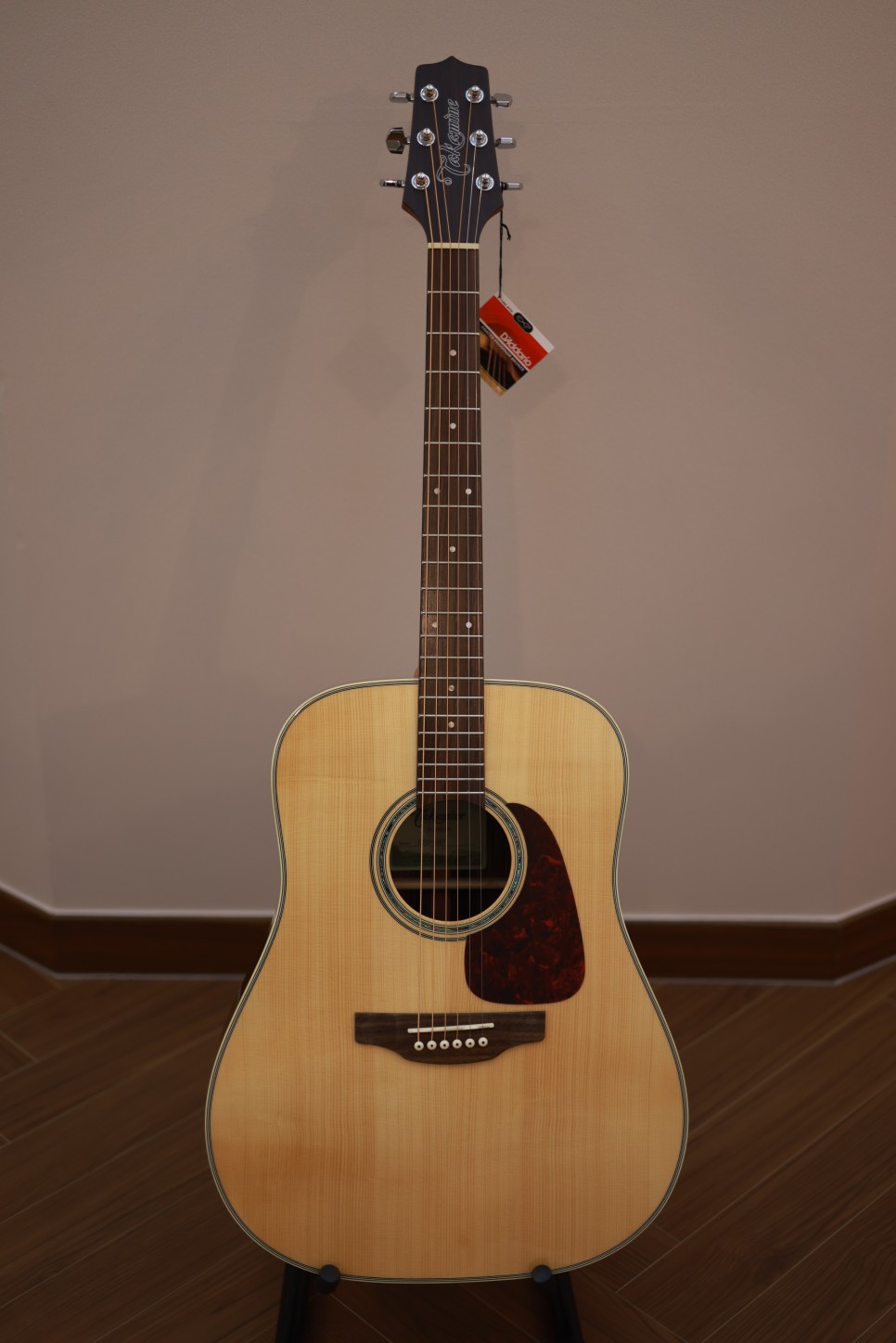
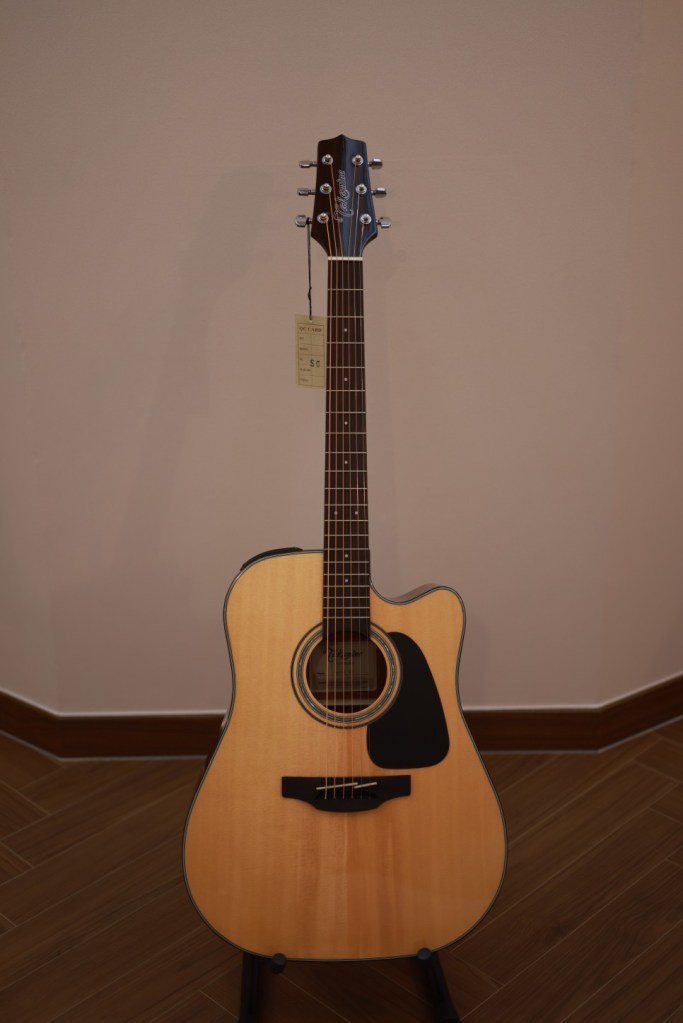
Today, I’ll be reviewing the Takamine GD30CE NAT guitar.

Let’s get started!

  • Appearance

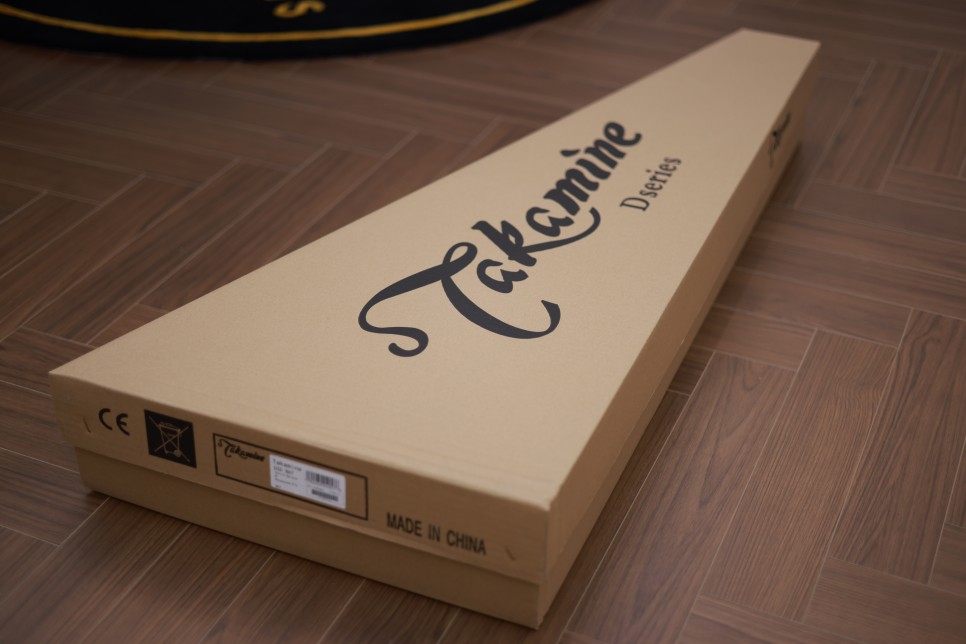
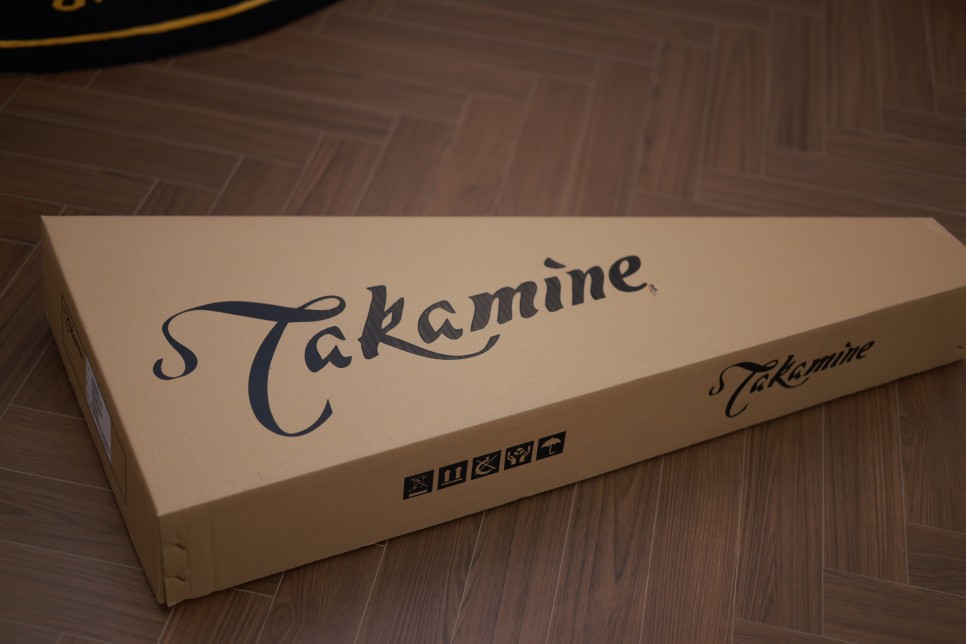
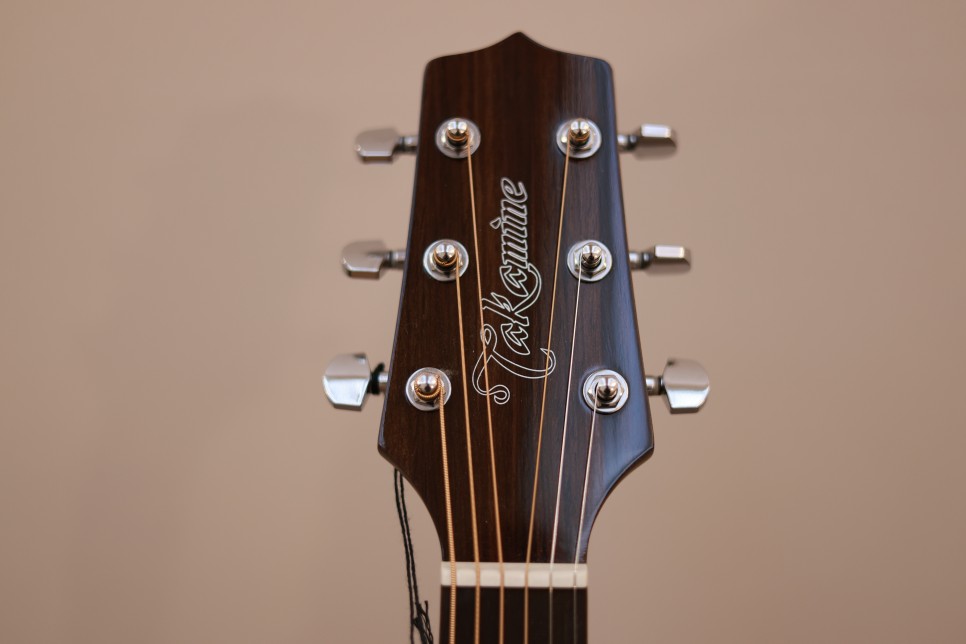
Here is the packaging box, which was smaller than I expected. Inside is the GD30CE NAT guitar reviewing today. The packaging itself is quite standard.

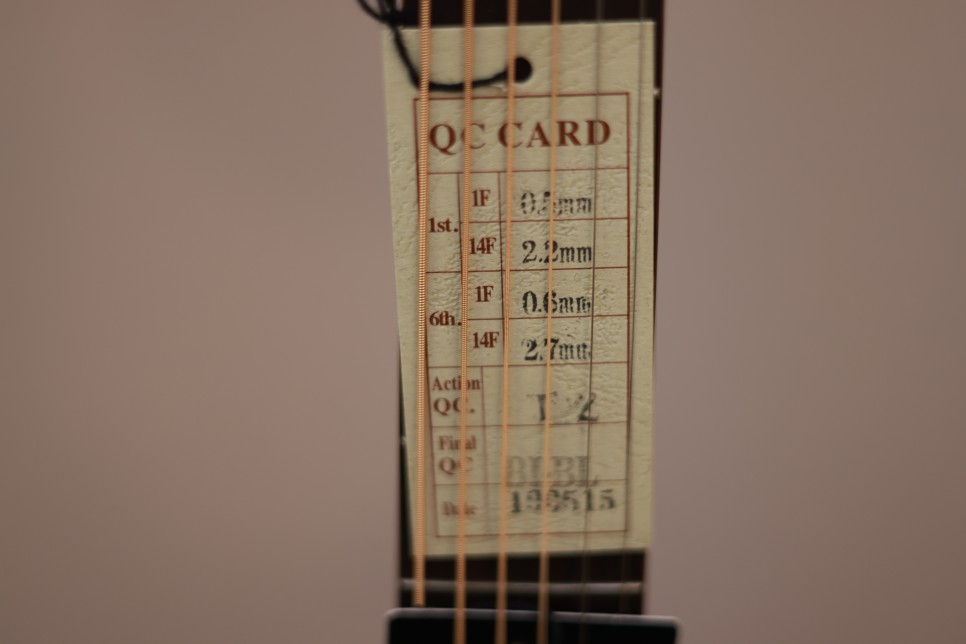
Included are a truss rod adjustment wrench and a QC card indicating it passed inspection in 2019. This makes it a slightly older model. The QC card shows a date from 2019, meaning this guitar is a bit aged.

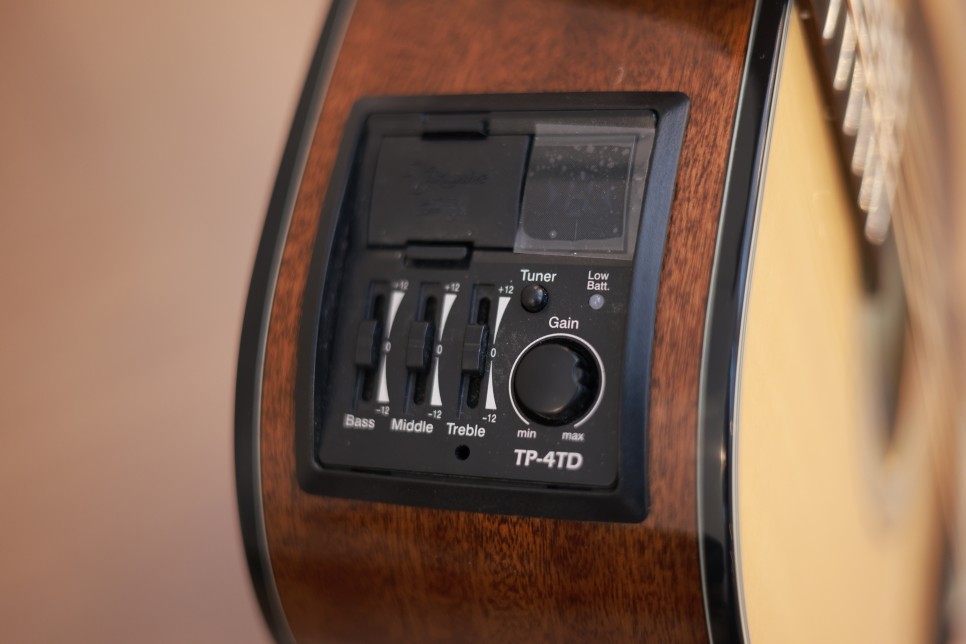
The preamp has a built-in tuner, making it convenient as you don’t need an external tuner. My first guitar had a built-in tuner, and it was incredibly convenient for tuning.

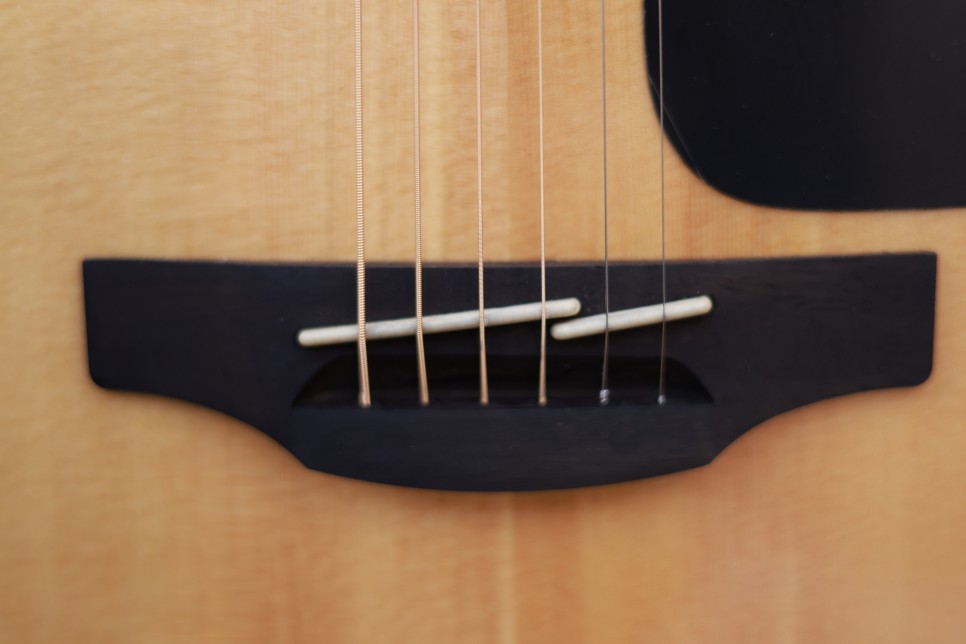
Takamine’s signature split saddle is designed for precise intonation. A notable difference between the older and newer versions of the GD30CE is the bridge. The newer versions use bridge pins to secure the strings, while the older versions allow you to attach the strings directly to the bridge without pins.

Bridge Differences

  • Pinless Bridge:
    1. The vibration is directly transferred to the bridge and guitar, enhancing resonance.
    2. However, if you don’t have a habit of loosening the strings after playing, the bridge can easily lift.
  • Pinned Bridge:
    1. The strings are secured differently.
    2. Just like the pinless bridge, if you don’t loosen the strings after playing, the bridge can lift and the neck can warp.

Make it a habit to loosen your strings after playing or consider tuning half a step down as an alternative.

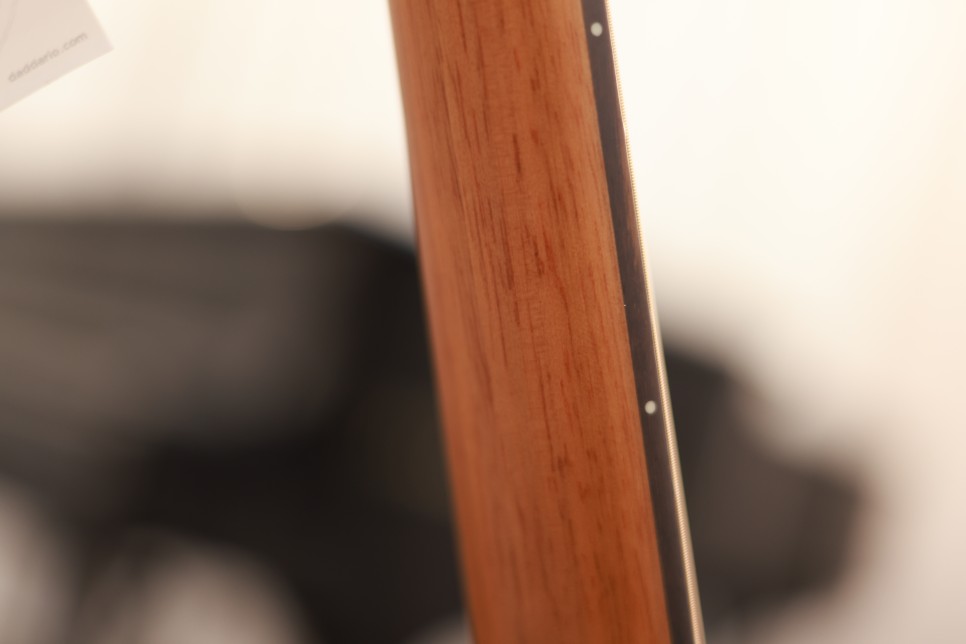
I forgot to take a picture of the neck, but the back of the neck has a matte finish, making it easier to grip the fretboard.

  • Specifications

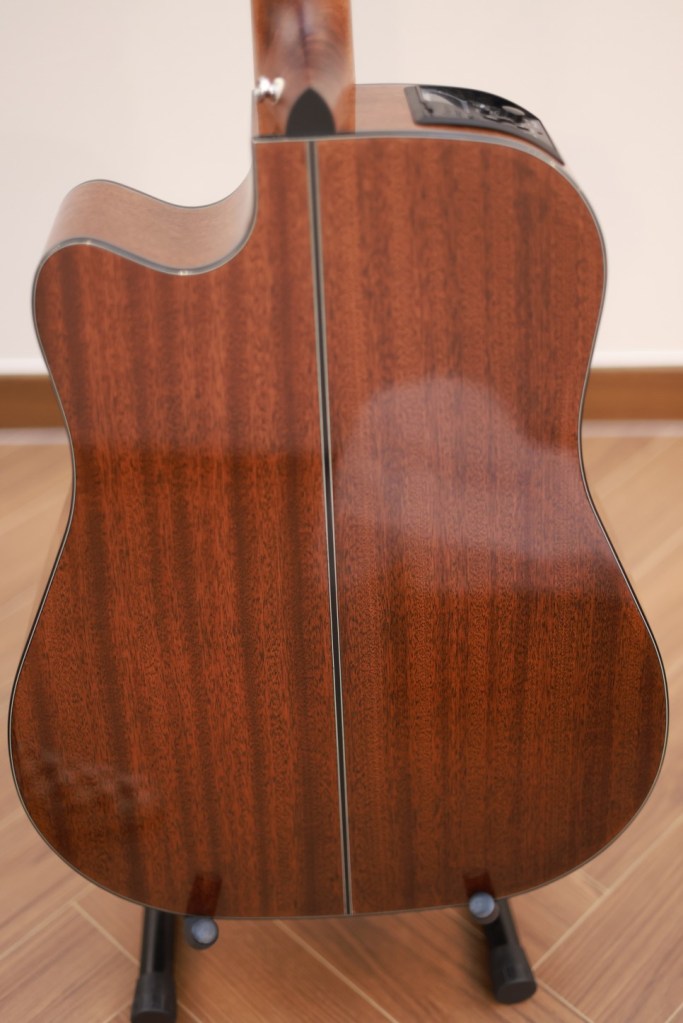
The GD30CE features a dreadnought body with a cutaway and is equipped with the TP-4TD preamp, making it a solid-top guitar. The remaining specifications are:

  1. Solid Spruce Top
  2. Mahogany Back and Sides
  3. Synthetic Bone Nut and Saddle
  4. Nut Width: 42.8mm
  5. Ovangkol Fingerboard

I inquired about the bridge material with the headquarters but haven’t received a reply yet. I will update this information once I get a response.

  • Sound

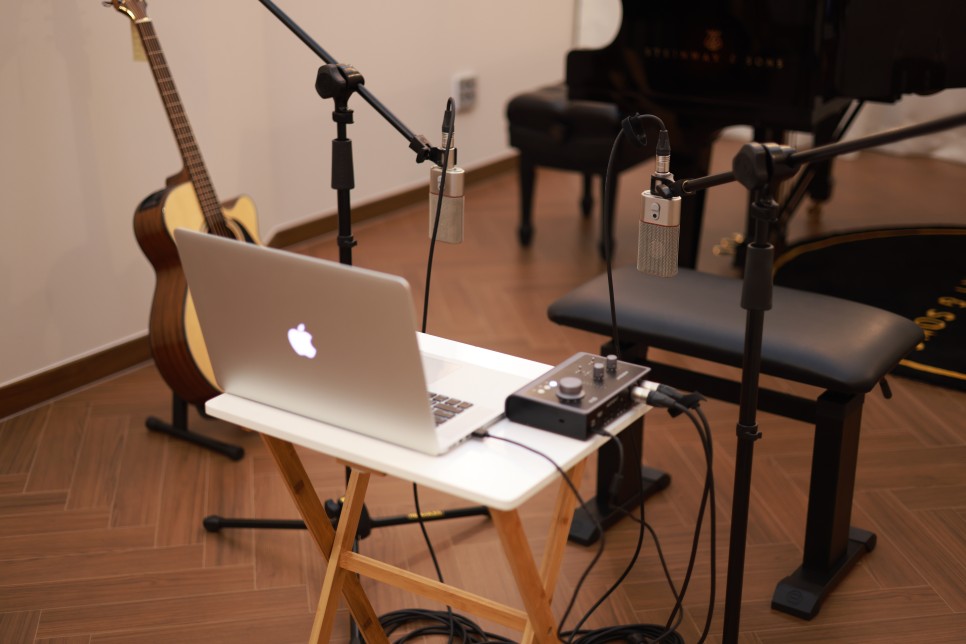
I recorded the sound using the following setup:

  • MacBook Pro 2015
  • Audient ID14 (borrowed from a friend)
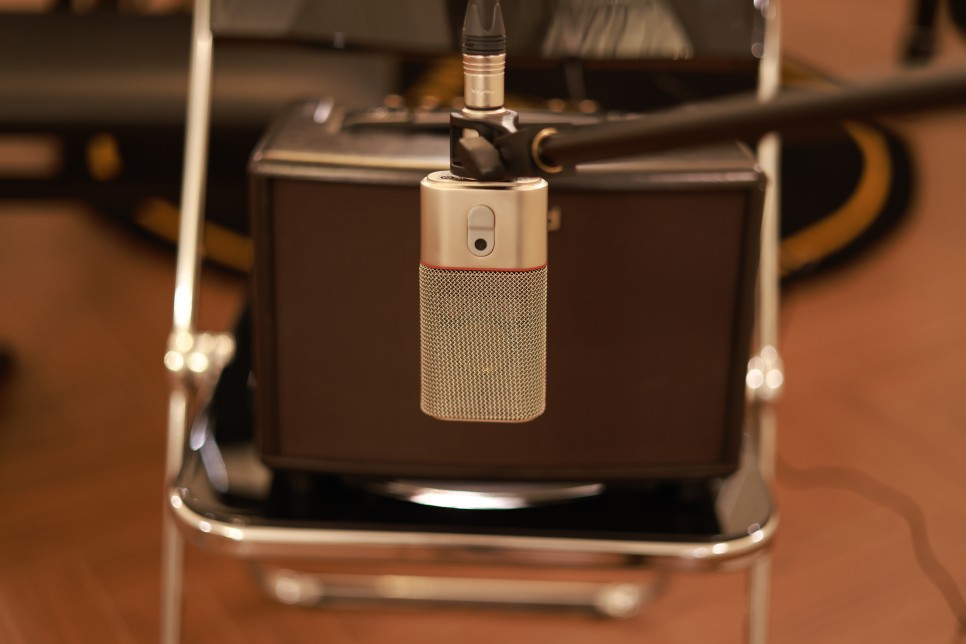
  • OC818 Microphone for stereo recording

No reverb or delay effects were applied. I only adjusted the volume slightly and set the limiter to not exceed 1dB at peak level.

Before listening to the sound, I must admit that I haven’t played the guitar for a long time, so my playing skills are rusty. Please focus on the sound rather than the playing.

Sound Samples

1. Strumming

2. Fingerpicking (Apologies for the noise; please listen at a higher volume)

3. Amp Strumming (Using Roland AC33 amp, recorded with OC818 in mono)

4. Amp Strumming + Preamp EQ Adjustment

  • Personal Overall Impression

The GD30CE NAT has decent finish quality, sound, pickups, and neck feel. It’s a well-rounded guitar with no significant flaws. It would make a great second guitar. (Although if I get another guitar, it would actually be my fourth one…!)

Out of the guitars I recently demoed, this one impressed me the most, which is why I decided to write about it first.

Pros
  • Good finish quality
  • Decent sound
  • Convenient preamp
  • Comfortable neck feel
  • Affordable price: 600$
Cons
  1. Slightly aged model as indicated by the QC date.
  2. Most necks might need adjustment via the truss rod.

Despite these two cons, it’s a great guitar if you can overlook them. It’s a solid choice for those who don’t like Yamaha’s high tones, offering a similar position to the Yamaha LL6 but with a different tonal character.

I hope this review helps, and I look forward to sharing more reviews in the future!

Takamine Guitar Pro Series Lineup Overview

Hello, this is Jooyoung Kim, a mixing engineer and music producer. Following my previous discussion on the G Series, I’m here to provide an overview of Takamine’s Pro Series guitars.

Let’s dive right in!

  • Pro Series
The Pro Series features guitars with wood bindings and snowflake inlays, like the P7 series, which I personally love.

All Pro Series guitars come with built-in preamps and are manufactured in Japan. The preamps in the Pro Series are interchangeable, allowing you to swap them as needed.

Here’s a detailed breakdown of the Pro Series:

One interesting observation is that some high-priced models are top-back solid rather than all-solid. This might be because the Takamine preamps are larger, making it difficult for solid wood sides to support them.

Takamine’s CoolTube preamp (CTP-3) actually contains a tube, making it quite large. Personally, I love the Pro 7 series for its specifications and design, but the price is… quite high.

The Pro Series guitars are best suited for those who lead worship frequently or perform often. However, the G Series offers excellent value for the price.

Although the Pro Series guitars are entirely made in Japan and feature unique pickups, if you don’t need Takamine’s pickups, you might want to look for models without them. There are all-solid models available without pickups, which are much cheaper than the Pro 7 Series.

The roasted tops, which have become a trend in the acoustic guitar market, have brought meaningful changes and continue to be popular.

The Pro Series is denoted as P□△○:

  • □ indicates the Pro Series number.
  • △ indicates the body shape.
  • ○ indicates whether it’s a cutaway (C) or not.
P7DC

For example, P7DC means:

  • 7th in the Pro Series
  • Dreadnought model
  • Cutaway model

P3MC means:

  • 3rd in the Pro Series
  • OM model
  • Cutaway model

The body shapes are:

  • D – Dreadnought
  • J – Jumbo
  • N – NEX (Takamine’s little jumbo body)
  • F – FXC (Takamine’s grand concert body)
  • M – OM
  • NY – New Yorker (Takamine’s parlor body)
  • Final Thoughts on the Pro Series
EF75M-TT

The top-tier products are incredibly beautiful, like the EF75M-TT, which is limited to 100 units worldwide. Other lines such as TT (Thermal Top/Roasted Top), LTD (Limited), and TSP (Thinline) have smaller product ranges and will be discussed in future reviews.

I hope this overview of the G Series and Pro Series has been informative. It took quite some time to compile this information directly from the site, but I hope it helps those looking for information on Takamine guitars.

My next Takamine post will likely be a review. I’ve requested demos of some models with the best specifications for their price, which I’ll be picking up tomorrow. I plan to include sound samples and detailed photos.

See you in the next post!

Basics of Mixing – 2.4 Speaker Placement and Listening Techniques

Hello, This is Jooyoung Kim, a mixing engineer and singer-songwriter.

To mix effectively, you need to listen to sound accurately.

What does it mean to listen to sound accurately? It can be a long discussion, but let’s focus on two main points:

  1. Minimize distortion (from the room, objects, speaker baffle, speaker unit limitations, etc.)
  2. Listen from the correct position.

These two principles form the foundation.

Generally, stereo speakers are arranged in an equilateral triangle. The angle marked as 30 degrees in the diagram above is called the Toe-In Angle. This angle can be adjusted slightly based on personal preference.

Additionally, the tweeter, which reproduces high frequencies, should be positioned close to ear level. This is because high frequencies are more directional and may not be heard well if the tweeter is placed too high or too low. Various stands are used to achieve this positioning.

However, recommended angles and placements can vary by manufacturer, so it’s best to start with the manual and then adjust as needed.

When changing placements, it’s important to measure and identify where the issues are. With some training, you can listen to a track and identify boosted or cut frequencies, giving you an idea of where the problems lie. Measurement, however, makes it easier to pinpoint specific issues you might miss by ear.

One of the simplest and free measurement programs is REW (Room EQ Wizard), which I introduced a long time ago.

You can use an affordable USB microphone like the miniDSP UMIK-1 for easy measurement, or, if budget allows, a measurement microphone like the Earthworks M50.

By measuring, you can understand various factors beyond just frequency response, such as phase, harmonic distortion, and reverberation time. This helps you identify and solve problems in your workspace.

Doing all this ensures you hear the sound as accurately as possible, allowing you to understand what proper sound and mixing should be.

So, you’ve set up your speakers correctly. How should you listen to the sound?

Of course, you listen with your ears, but I’m not just saying that. I’m suggesting you listen to the sound in layers.

In a typical 2-way speaker, the tweeter is on top, and the woofer is on the bottom, so high frequencies come from above and low frequencies from below. Consequently, low-frequency instruments seem to be positioned lower, and high-frequency instruments higher.

If your listening distance and room support it, well-made hi-fi tallboy speakers can make mixing easier.

That was about the vertical plane. Now, let’s talk about the front-to-back dimension.

When someone whispers in your ear versus speaking from afar, there are noticeable differences:

  1. Whispering sounds clearer (more high frequencies, less reverb)
  2. Whispering sounds louder.

These principles determine whether instrument images appear in the front or back. Panning also moves them left and right.

If you’re not familiar with this concept, try closing your eyes and identifying where each instrument is located in a mix.

Since stereo images vary with different speakers, it’s crucial to understand how your speakers reproduce images. Reference tracks are essential for this.

For example, I always listen to Michael Jackson’s albums and the MTV live version of “Hotel California” when I switch speakers. Michael Jackson’s songs are well-mixed for their age, and the live version of “Hotel California” is superbly mixed except for the vocals.

Let’s wrap it up for today. Creating the best acoustic environment in your room is essential for effective mixing.

My environment isn’t perfect either, but I’m continuously improving it..!

See you in the next post!