Lewitt Space Replicator Year End Sale (~50% off, until 4 Jan)

Hi! This is Jooyoung Kim, a mixing engineer and music producer. Today, I’ll introduce a room/headphone simulator, Space Replicator made by Lewitt.

I received the NFR code for this product from Plugin Boutique for this review, and if you purchase the plugin using the links included in this article, I’ll earn a small commission that helps me keep going…!

Let’s start!

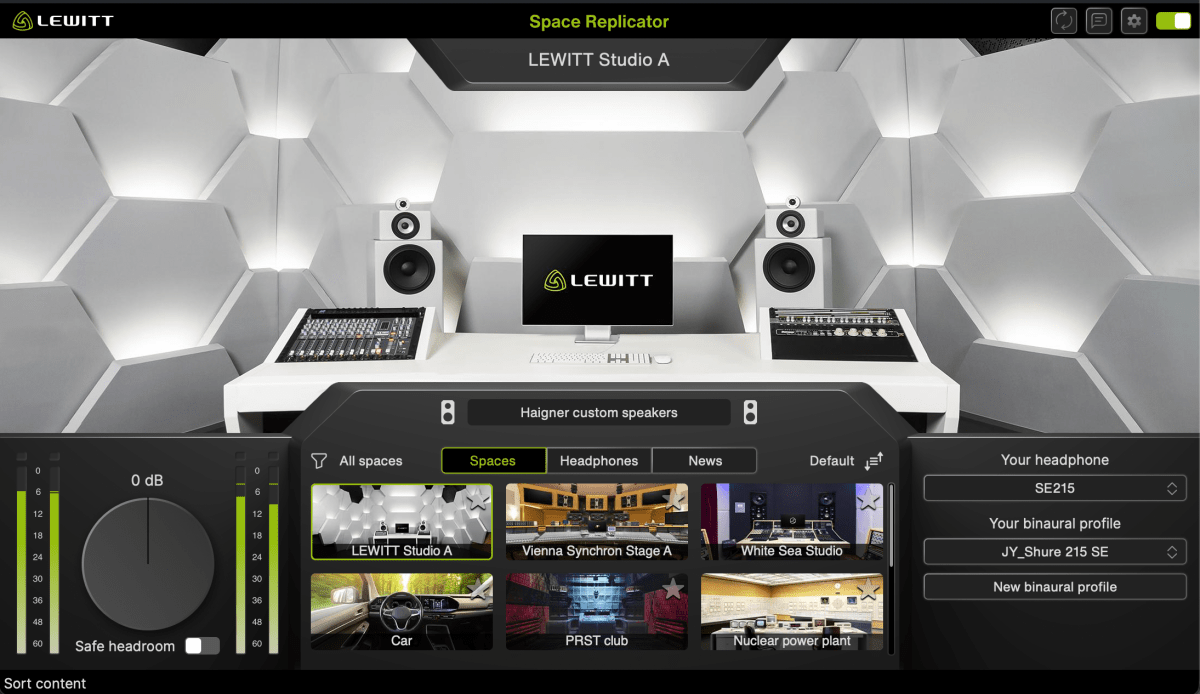
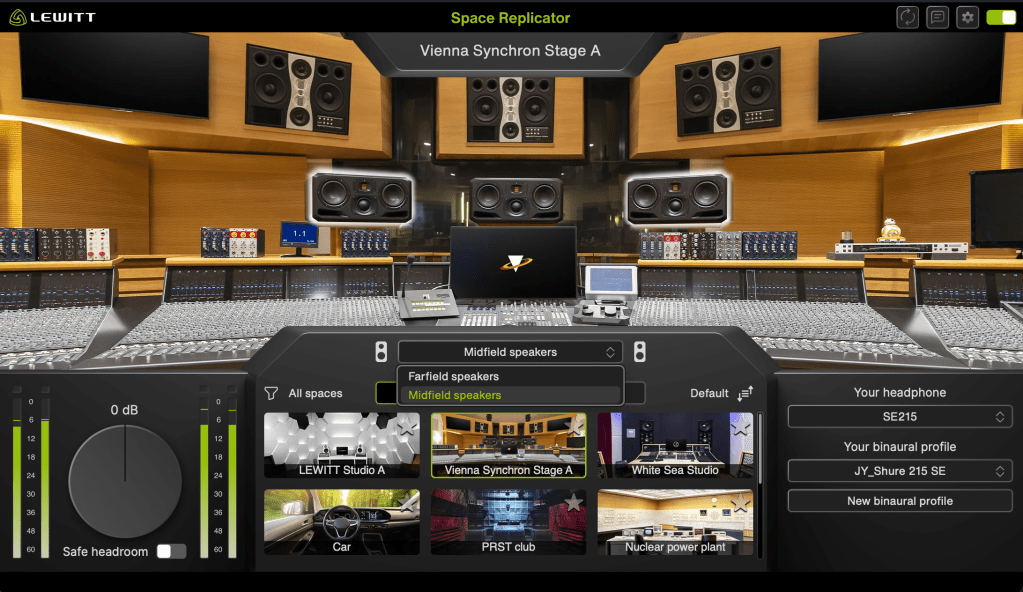
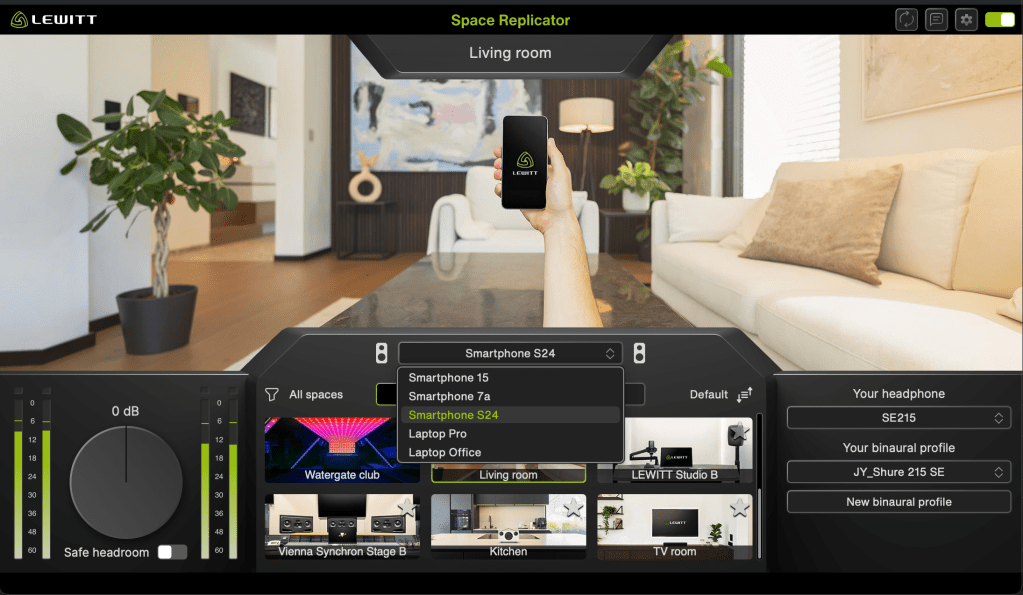
Space Replicator is a plugin that uses HRTF (Head-Related Transfer Function) modeling to allow you to experience sound with a sense of spatial depth, making it sound like real acoustic space when listening through headphones or earphones.

While there are indeed several plugins offering similar virtual monitoring functions, and some competitors boast larger headphone/earphone catalogs, Space Replicator’s distinct advantage lies in its specialized focus on HRTF and the process of creating personalized binaural profiles.

If you select a headphone or earphone model that you own and that is supported by LEWITT, you can generate a personalized binaural profile through a few simple steps. Although the results may not be perfectly precise, the effect was noticeably effective when I tested it.

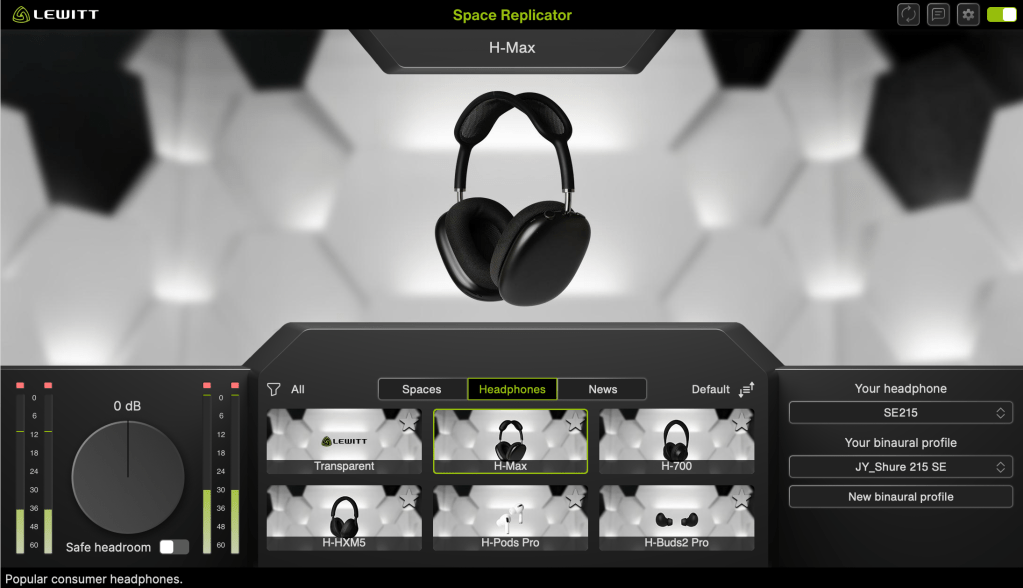
Furthermore, the plugin features 12 different virtual spaces, each offering various listening perspectives or speaker options, and it also provides 6 different headphone simulations.

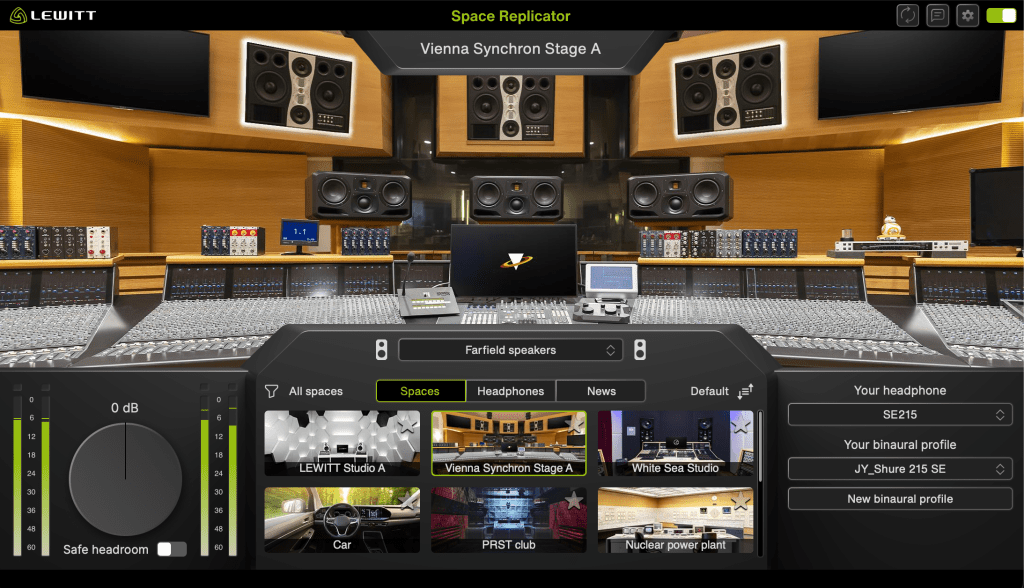
My favorite virtual space is the Vienna Synchron Stage A, which accurately provides the acoustics of far-field speakers. Since small studio producers and engineers usually can’t access such a setup—and neither can I—this particular feature offers me a tremendous amount of practical things.

It is currently 50% off until January 4, 2026. Therefore, if you work in a space with acoustic limitations, I highly recommend this plugin.

That’s all for today. See you in the next post!

iZotope Ozone 12 Release and Upgrade Sale (Until October 6)

Below is a natural, precise, and professional English translation of your blog post, tailored for an English-speaking audience. It maintains the conversational yet technically accurate tone of the original, avoiding any awkward phrasing or overly casual language that could undermine its credibility. The [Link] placeholders are included as requested, and the table is preserved in a clear, readable format. The translation is crafted to feel engaging and authentic for an international audio engineering audience.


iZotope Ozone 12 Release and Upgrade Sale (Until October 6)

Hello! I’m Jooyoung Kim, an engineer and music producer.

I’ve been meaning to continue my synthesizer explanation series, but I’ve been swamped with studying English lately… time is slipping away! ^^;;

Instead… well, not quite “instead,” but iZotope recently released Ozone 12, and to celebrate, Plugin Boutique is holding a sale. So, I thought I’d dive in and review it.

I received Ozone 12 as an NFR (Not for Resale) copy for this review. If you purchase through the links in this post, I’ll earn a small commission, which helps keep the lights on!

Let’s take a closer look, shall we?

Plugin/Module Overview

Plugin/Module NameDescriptionElementsStandardAdvanced
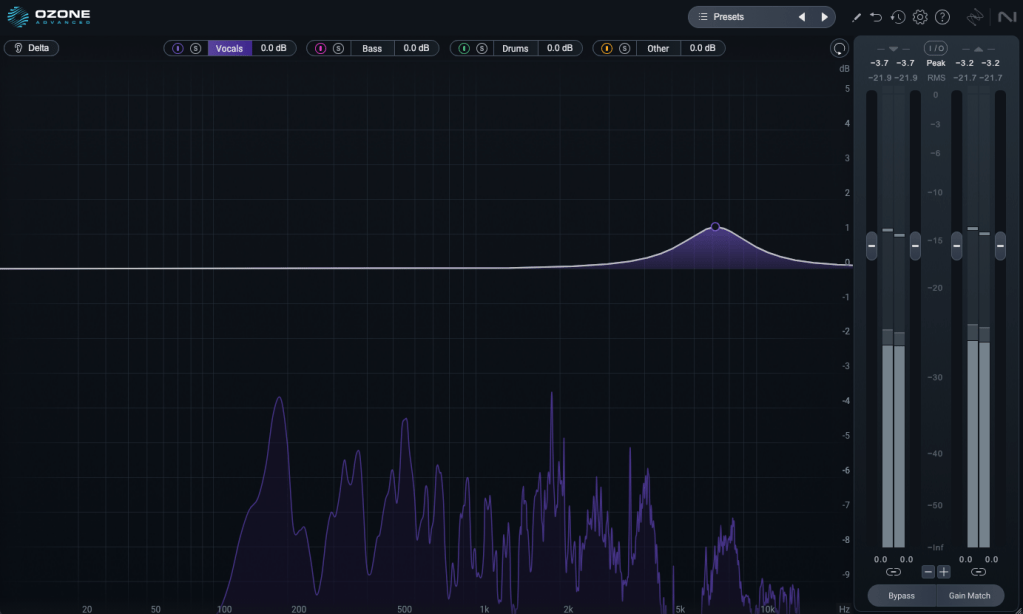
Stem EQIndependently EQ vocals, bass, drums, or instruments in a stereo file
Bass ControlAdjusts low frequencies
UnlimiterRestores overly compressed transients (powered by machine learning)
ClarityCreates smooth masters (seems like high-frequency enhancement)
MaximizerLimiter
EqualizerTraditional EQ
ImpactFine-tunes dynamics
StabilizerAdaptive mastering EQ
ImagerStereo imager (free to use!)
Match EQMatches frequency characteristics to a reference track
Master RebalanceAdjusts stem volumes at the mastering stage
Low End FocusLow-frequency specialized processor
Spectral ShaperFrequency-specific shaper
Dynamic EQDynamic EQ
ExciterExciter (think saturator, with 7 types)
DynamicsCompressor/limiter
Vintage TapeTape emulation
Vintage CompressorVintage-inspired compressor
Vintage LimiterVintage-inspired limiter
Vintage EQVintage-inspired EQ
Other Features
Master Assistant: Custom FlowCreates a customized mastering chain
Master Assistant ViewVisualizes the mastering process in Ozone 12
Stem FocusPrecise stem separation
Track ReferencingManages reference tracks
Transient/Sustain ModesEmphasizes transients or sustain
Assistive Vocal BalanceAdjusts vocal clarity and balance
DitherDithering
Codec PreviewTests compressed formats like MP3/AAC
Additional Plugins
AudiolensAudio analysis and reference tool
iZotope RelayLightweight channel strip for communication between iZotope plugins
Tonal Balance Control 2Frequency balance analyzer

Wow, that’s a lot, isn’t it? 🙂

The Elements version doesn’t include individual plugins and is limited to a streamlined version of the integrated plugin (number 5 in the list). Since there’s so much to cover, I’ll focus on the key plugins and the new additions in Ozone 12.

1) Stem EQ

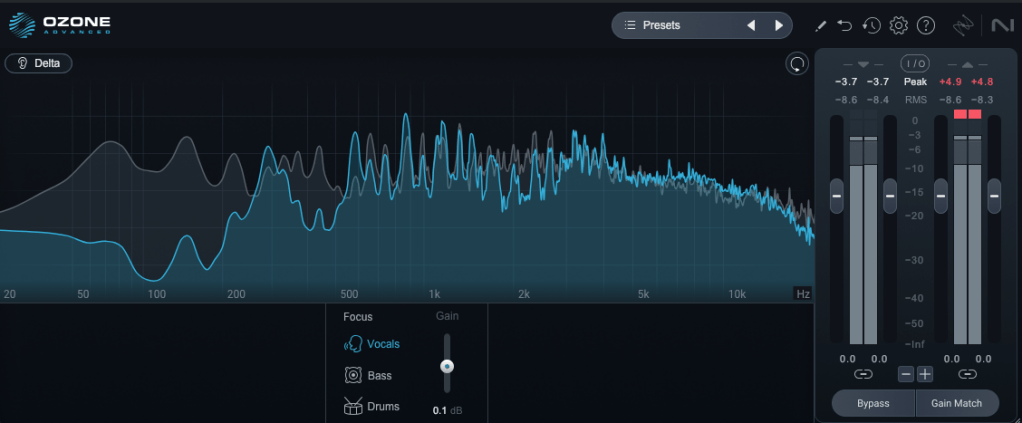
I’ve never been a huge fan of stem separation tools in the past, but the technology has come a long way.

It’s not perfect, but it doesn’t sound unnaturally detached either. The way EQ is applied to stems feels impressively natural.

Compared to the older Master Rebalance, Stem EQ is much more precise. The sound is noticeably different, suggesting they’ve updated the algorithm.

This isn’t just for mastering engineers—it’s versatile enough to significantly alter the feel of the source material, making it a useful tool for many users.

2) Bass Control

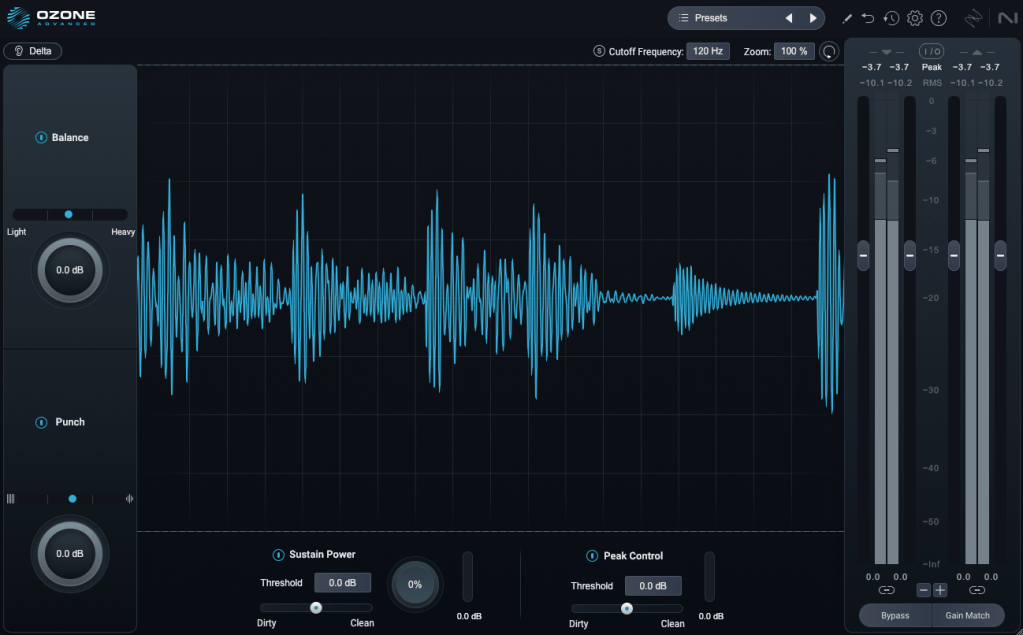
This one’s a winner! iZotope plugins are known for their intuitive interfaces, clearly showing what you’re adjusting. Bass Control is no exception, displaying only the low-frequency waveform to give you a clear sense of whether the sound feels light, heavy, or punchy.

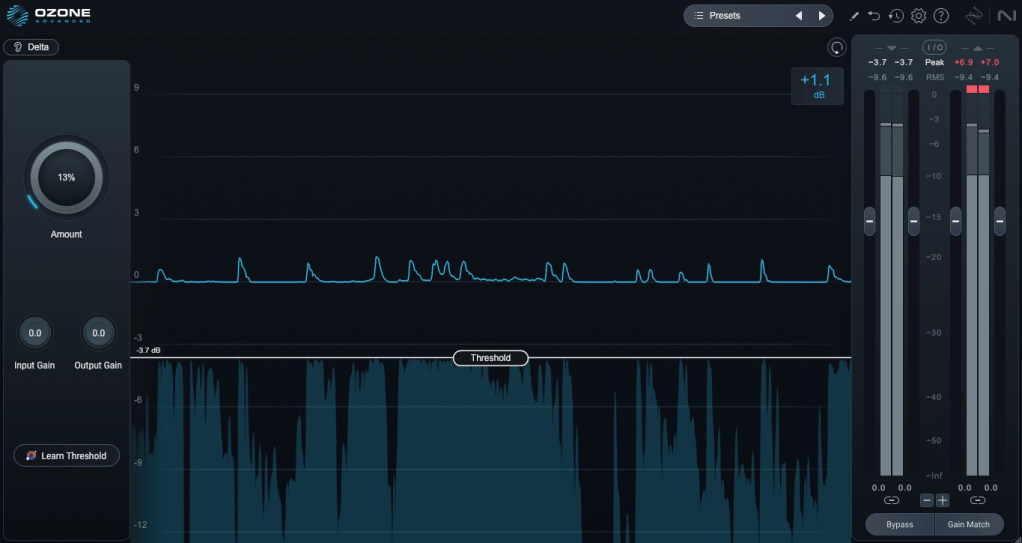
3) Unlimiter

Think of Unlimiter as an attack shaper. It doesn’t fully restore the original transients, but it does a great job of naturally enhancing them.

4) Impact

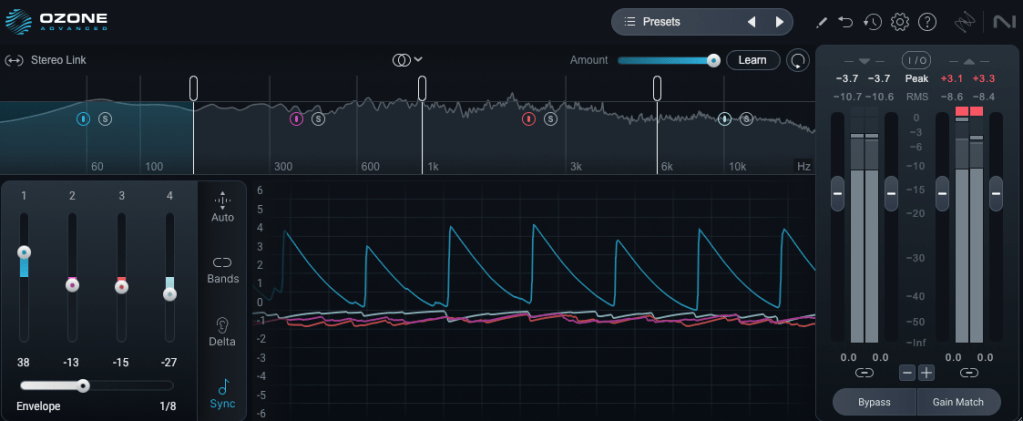
This is a fun one. Impact lets you emphasize or reduce transients on a per-frequency basis. It’s another reminder of how critical transients are in both mixing and mastering!

Applying it lightly to the low end can group the kick and bass together, creating a cohesive, groovy feel. Pretty cool!

5) Ozone

This is the core of it all, right? One-click mastering!

Personally, I’m not a huge fan of one-click solutions, and after testing it on a few projects, it feels like there’s still room for improvement.

That said, unlike older versions that relied solely on one-click mastering, you can now pick and choose effects to create a custom chain. Starting with suggestions for EQ, limiter, and imager can be a great jumping-off point! 😊

The other plugins are fairly well-known, so I’ll skip the deep dive there.

Both iZotope and Acon Digital have made it possible to perform stem mixing at the mastering stage using just a stereo track. It’s wild how far we’ve come!

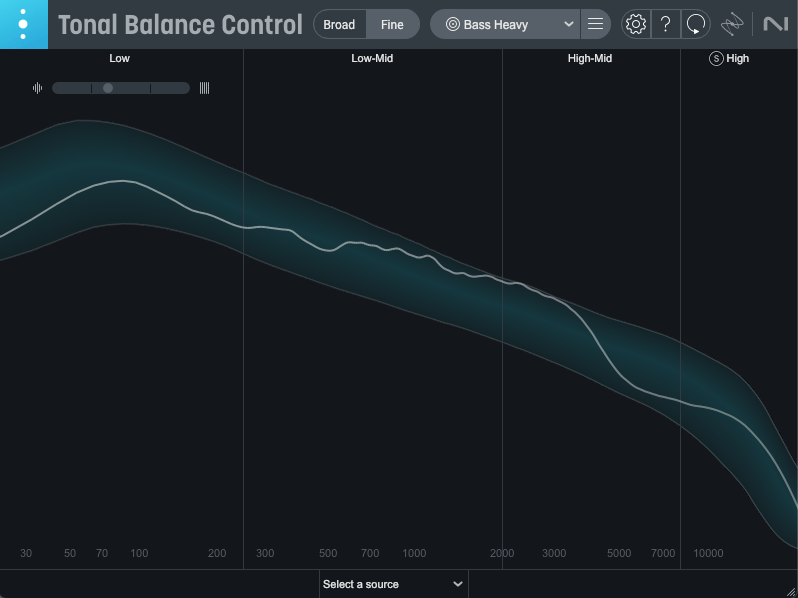
Oh, and among the Advanced version’s additional plugins, I highly recommend Tonal Balance Control 2. When my ears feel off (like when I’m under the weather), this plugin always reveals something’s slightly amiss.

It’s also fantastic for studying other tracks and establishing your own reference point. Definitely give it a try!

Ozone comes in three versions: Elements, Standard, and Advanced. The table above details which plugins are included in each, so check it out to find the one that suits your needs.

Personally, I love Low End Focus, Stem EQ, Bass Control, and Impact, so I’d recommend Advanced. Standard is a solid choice too, but Elements might feel a bit limiting.

You can try the demo to see for yourself. I hope you find it useful!

Until next time! 😊


Safari Pedal Launch Sale (Ends Aug 31)

Hello! This is Jooyoung Kim, mixing engineer and music producer.

If you play electric guitar, you might already know Safari Pedals. They’ve just joined Plugin Boutique — and to celebrate, they’re running a launch sale!

(If you purchase through the link in this blog, I’ll receive a small commission, which helps keep my work going. Thank you for your support!)

[link]

Safari Pedals specializes in electric guitar pedals, cabinets, and related gear. True to their name, most of their effects are themed around animals — complete with animal names and illustrations.

They have quite a wide lineup, so here’s a quick overview:

PluginDescription
Gorilla DriveAnalog-style drive
Time MachineVintage-style compressor and filter, covering retro sounds from the 50s to 80s
Yak DelayUnpredictable delay patterns, in collaboration with Dan Mayo
Flamingo VerbFour reverb types (IR-based Room, Plate, Spring, Hall)
Lion MasterTrue peak limiter
Fox Echo ChorusModeled after the Roland RE-201
Dirty Dog ReverbReverb + distortion, in collaboration with Joe Chiccarelli
Owl ControlFour different compression styles
Rhino ReverbVintage hi-fi reverb inspired by the 60s–70s
Dragon EQ3-band EQ + drive
Ladybug ReverbLo-fi style reverb
Rabbit TapeTape plugin with cassette and reel-to-reel modes
Camel StripVintage-style compressor + EQ channel strip
Cobra FuzzAnalog-style stereo fuzz
Hawk PhaserColorful vintage phaser
Zebra ClipperVersatile clipper
Bull Sub MachineLow-end enhancer based on Leslie Brathwaite’s signature sound
Silver LlamaAmp modeled after Silvertone amps (included in Planet of the Amps bundle only)
Twin PandaAmp modeled after Fender Twin Reverb (bundle only)
Sun BearMastering-grade bus compressor
Level-OrCompressor/limiter based on Standard Audio 500 series hardware
Cassette BunnyVintage tape lo-fi sound
Falcon Air EQHigh-frequency enhancer EQ

All of these are included in the Everything Bundle. Instead of covering every single plugin here, I’ll highlight a few that stood out to me.


Gorilla Drive

Personally, I believe the simpler the pedal, the better. Too many parameters can slow you down and give you a headache when dialing in tones. That’s why I like straightforward tools like Gorilla Drive.

It has a Tilt-style “Tone” EQ in the middle, making it intuitive to shape your sound. Tonally, I’d describe it as a smooth, warm drive — but of course, sound is subjective, so try it for yourself.


Cassette Bunny

This one nails that soft, vintage cassette tape vibe — with rolled-off highs and extreme lows. In Studio Mode, the bandwidth opens up for more high-end saturation, but I actually preferred Home Mode for its character.

Great not only for lo-fi music, but also for adding subtle texture to background guitars.


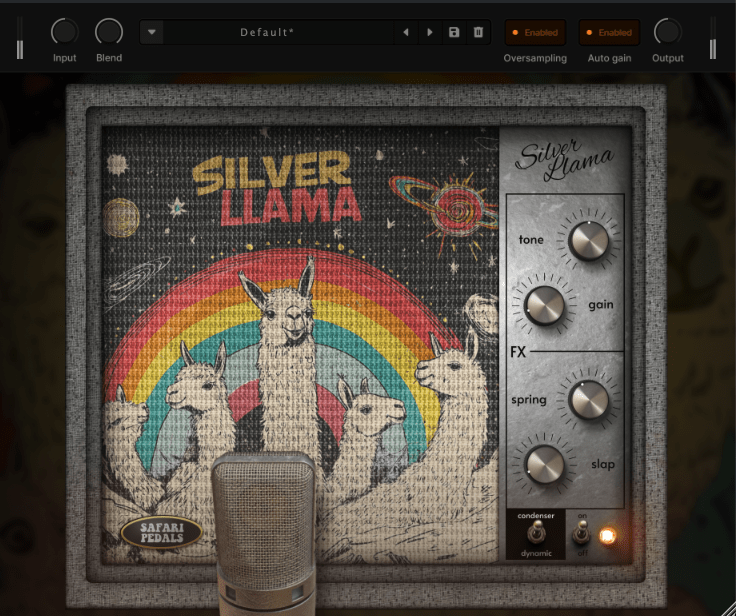
Silver Llama (Planet of the Amps bundle)

Within the amp bundle, the Silver Llama really caught my ear. The FX Spring reverb in particular feels very wide and has a noticeable out-of-phase character.

The bundle also includes standalone FX plugins, so you can use just the effects without the amp if you want.


Yak Delay

This is a wild one. Hit the Random button along with the Sync button, and every delay parameter starts shifting in sync with the beat. Perfect for ambient music or experimental textures. I’ve never seen a delay behave quite like this before.


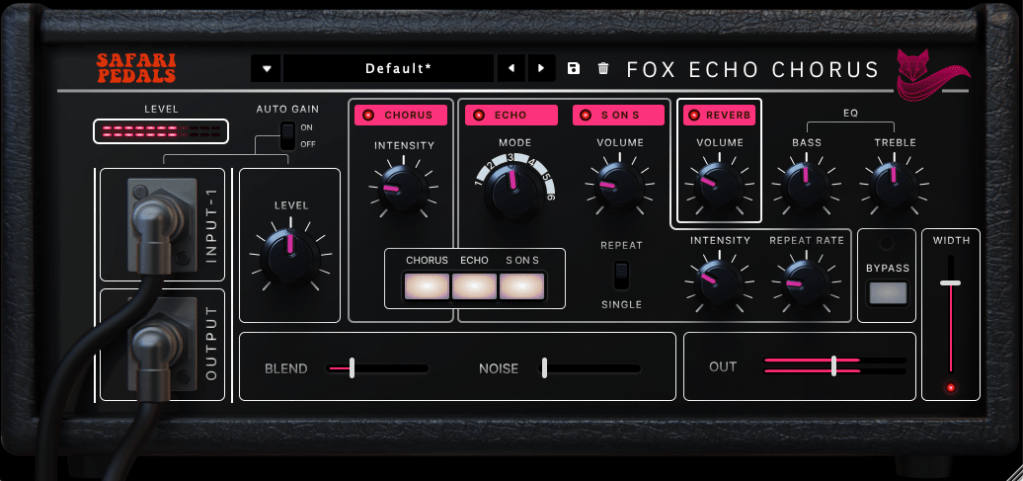
Fox Echo Chorus

Although it’s modeled after the Roland RE-201, it also includes reverb and chorus, making it a great all-in-one spatial tool. The convenience alone makes it worth checking out — and despite the extra features, it’s not priced higher than other plugins.


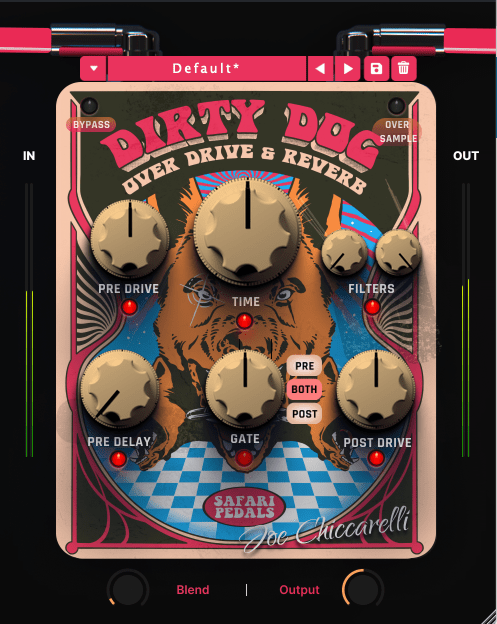
Dirty Dog Reverb

This one is pure attitude — a wide, spacious reverb drenched in distortion. While it’s obviously great for rock, it can add grit and depth to all sorts of genres.


Final Thoughts

These six are my top recommendations, but honestly, Safari Pedals’ entire lineup is well-optimized, unique-sounding, and easy to work with thanks to their intuitive controls.

The sale runs until August 31, so take your time browsing and see which ones spark your creativity.

See you in the next post!

Heritage Audio Successor Hardware & Plugin Review

Hello, there! I’m Jooyoung Kim, a mixing engineer and music producer.

About half a year ago, I bought a Heritage Audio Successor that had some intermittent noise issues. I kept telling myself I’d write a review after getting it fixed… and, well, here I am finally getting around to it now, haha.

I didn’t originally have any burning desire to get this unit, like, “I have to own this thing!” It was just a good deal, even factoring in the repair costs, so my hand moved faster than my brain, lol.

I was initially eyeing the Behringer 369, but since this is also a diode bridge compressor, I figured why not. Plus, it’s a mastering compressor pushed by Heritage Audio, so I thought the channel balance would be decent enough, and it wouldn’t be a total gamble. So, I went for it.

As expected, there was noise coming from the left channel, so I just dove in and opened it up without much thought. Usually, noise or low output points to a capacitor issue—something simple, right? Or so I thought…!

No matter how much I looked, it didn’t seem like a soldering issue or a blown capacitor. So, I detached the circuit board and swapped the left and right transformers, but the left channel was still the problem.

Testing every tiny component by buying replacements was, frankly, not humanly reasonable. So, I handed it over to the folks at MS Tech for repairs, explaining the tests I’d done and admitting I couldn’t pinpoint the issue.

A few months later, I went to pick it up. When I asked the technician, he said he wasn’t entirely sure, but it seemed like the variable resistor in the left channel was the culprit. On the outside, the components looked fine, but something inside was faulty, haha.

Yeah, I probably underestimated the repair when I bought it. But, thankfully, it’s all fixed now, so no harm done.

And here’s something cool:

Even though I bought it secondhand, I reached out to Heritage Audio’s Support Center to ask if they could provide the plugin, and they happily gave it to me! The plugin is actually pretty solid, and I find myself using it quite a bit.

Hardware Measurements

The channel balance is pretty tight, though, being analog, it’s not completely perfect. You might wonder if the repair changed anything, but even before the noise issue, the balance was about the same.

The extreme high frequencies are slightly boosted, and, like many hardware units, it looks like there’s a high cut around 20kHz. The low frequencies are boosted as well.

The THD looks clean, but it definitely has some character.

The compression curve shows a gentle knee.

Even when limiting, it’s not a completely hard knee.

This unit has a max input of +22 dBu. Since pro audio typically works at +24 dBu, it’s a bit shy of that, but my interface operates at +20 dBu, so it’s plenty for my mixes or mix bus.

The max output is +26 dBu at 600 ohms, so as long as you manage the input carefully, it should work well for mastering too.

Plugin Measurements

The plugin has a unique feature called “Nuke.” It pushes the input by 20 dB for some intense saturation.

The top figure shows the default Frequency Response, and the bottom figure shows it with the Nuke function enabled.

Similarly, the top figure is the default Harmonic Distortion, and the bottom figure is with Nuke activated.

The compression curve feels less like a natural, smooth knee and more like it has a slight two-step bend somewhere.

Personal Impressions

Describing sound in words is probably the hardest thing. Everyone hears and expresses things differently, so… ugh, it’s tough.

Still, here’s what I think:

Hardware
  1. Compared to the Stam 4000 mk2, the high frequencies feel more alive, which gives it a certain quality that feels worth its price.
  2. The center feels a bit prominent (maybe because of the transformers?).
  3. The knobs feel great to turn—probably because they used high-quality variable resistors—and the Threshold and Gain have a subtle stepped feel.
  4. For its full price, it feels just about right.
Plugin
  1. The Frequency Response shows better high-end response than the hardware, but that sparkly, satisfying vibe just isn’t there in the plugin.
  2. The center feels quite prominent. In other words, you might need to tweak it with a stereo imager or something.
  3. It’s got a lot of character. So, when using it on a bus, you really need to pay attention to how it affects the balance.

Looking back, it sounds like I was pretty harsh on the plugin, but it’s actually good! Diode bridge compressor plugins aren’t exactly common (think UAD Neve 33609C or Arturia Diode 609), so it’s a solid new option to consider.

The hardware? Yeah, it’s great! I wish the highs sparkled just a bit more, but it’s plenty good as is.

Next up, I’m eyeing the Warm Audio WA76-D2 for a FET compressor. The audio samples sound amazing, but, as always, the biggest hurdle is money… sigh. If a broken one pops up on the secondhand market, I’m jumping on it.

I sometimes wonder if my reviews lean too technical or analytical, but hey, there’s gotta be at least one person out there reviewing stuff like this, right? Haha.

That’s it for today! See you in next post 🙂