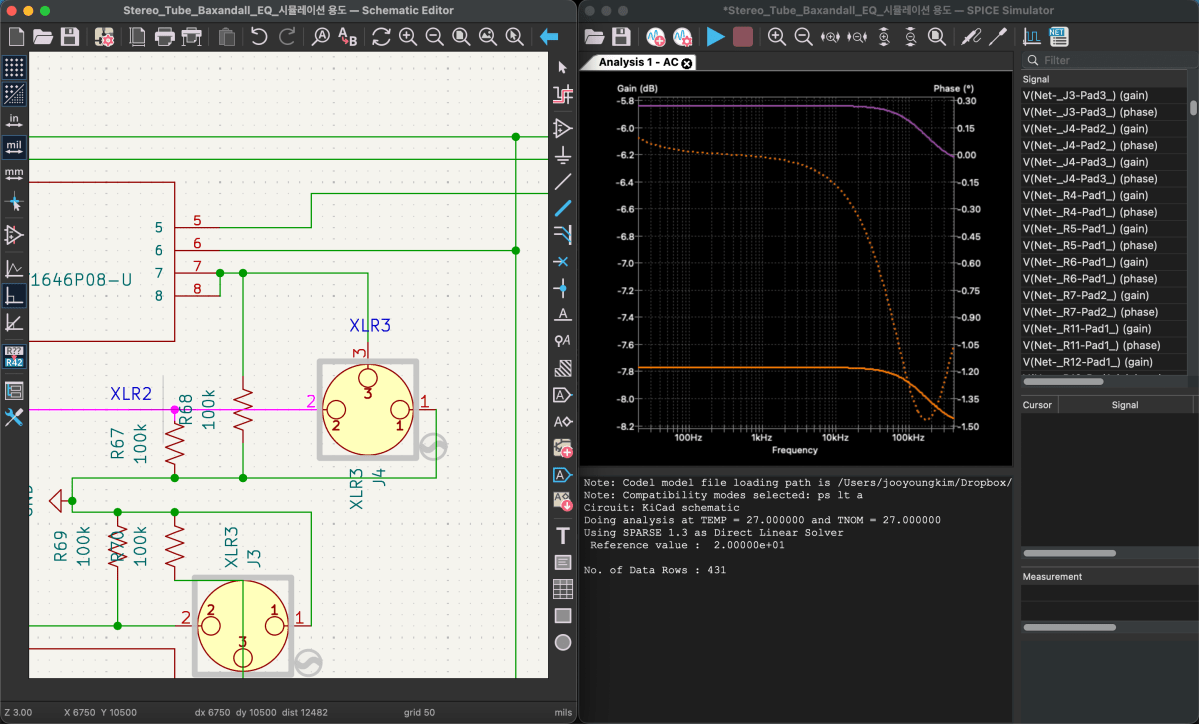
DIY Audio Project #1 | Tube Saturator with Baxandall EQ (Part 2): Simulation

Hello, this is Jooyoung Kim — an audio engineer and music producer.

I ended up taking on way more classes than I expected this semester…
and honestly, just preparing for them is killing me. Haha. Every day feels like it disappears while I’m organizing lecture materials… 😢

And somehow, it’s already been almost two weeks…!

Today, following up on my previous post, I’d like to talk about running simulations.

Alright—let’s get started!


To run simulations in KiCad, you need a library file for each component.

The file extension is .lib.
As an example, here’s roughly what the library file looks like for a potentiometer (variable resistor) I created:

* Logarithmic Potentiometer Subcircuit (A-type taper)
.SUBCKT DUAL_POT_10K_LOG 1 2 3 4 5 6 SET=0.5 VALUE=10k
* Unit A (Log curve: 10% resistance at 50% rotation)
Ra1 1 2 {VALUE*(1-pow(10, -SET))+0.001}
Ra2 2 3 {VALUE*pow(10, -SET)+0.001}
* Unit B
Rb1 4 5 {VALUE*(1-pow(10, -SET))+0.001}
Rb2 5 6 {VALUE*pow(10, -SET)+0.001}
.ENDS

For components that are already built into KiCad, these libraries are applied automatically.
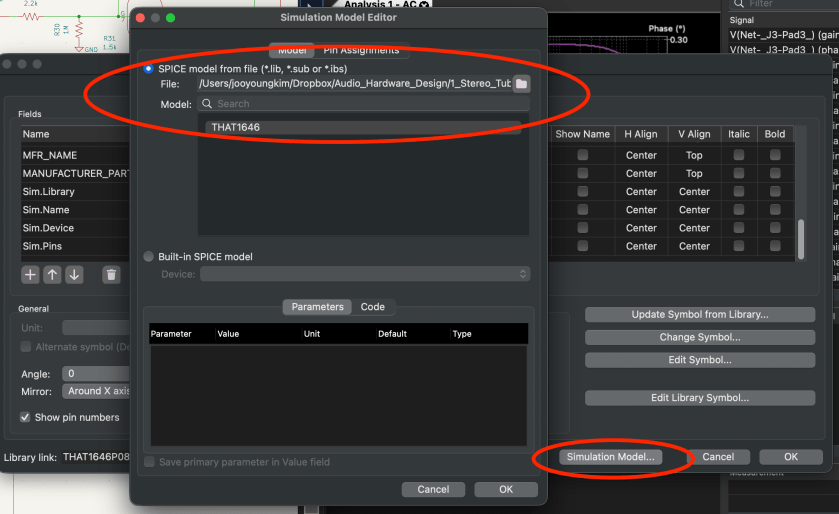
But for components that aren’t, you have to double-click the part, go to the component properties, click Simulation Model, and manually add everything… one by one.

Yeah… that part alone ate up a lot of time. 😅
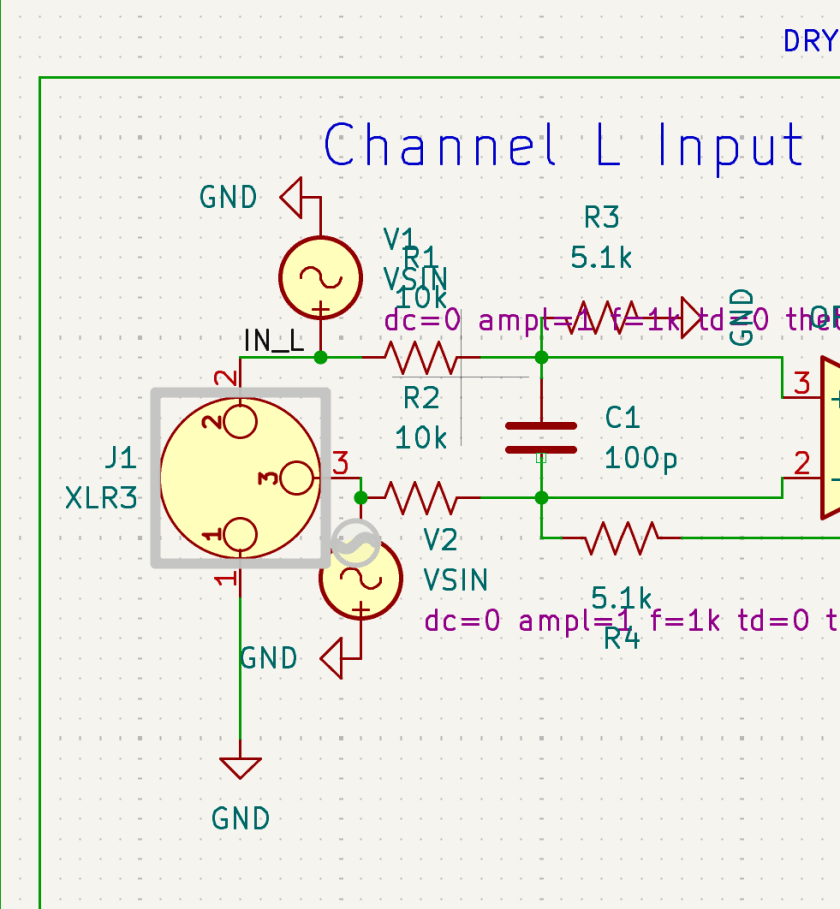
For the audio output stage, you can simply exclude the XLR jack from the simulation. If you connect it to ground through a large resistor, you can still simulate the audio signal at the output.

Simulation isn’t exactly… simple.

You need to supply DC where DC is required, and AC where AC is required. When checking frequency response and phase response, you’ll need to apply an AC sine signal to both the hot and cold sides.

What’s especially annoying is that every single pin must be connected. If even one pin is left floating, KiCad will keep throwing errors.

Personally, once the circuit is mostly finalized, I find it easier to copy it into a separate file and run simulations there.

Yes, you can exclude individual components from simulation, but…
if there’s an oscillator in the schematic, things get messy again when moving on to PCB layout. 😓
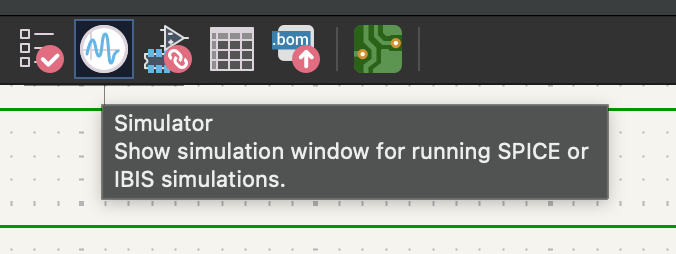
Anyway—once all the libraries are properly set up, you can click the oscillator-looking icon in the top-right corner. That will bring up the simulation window.
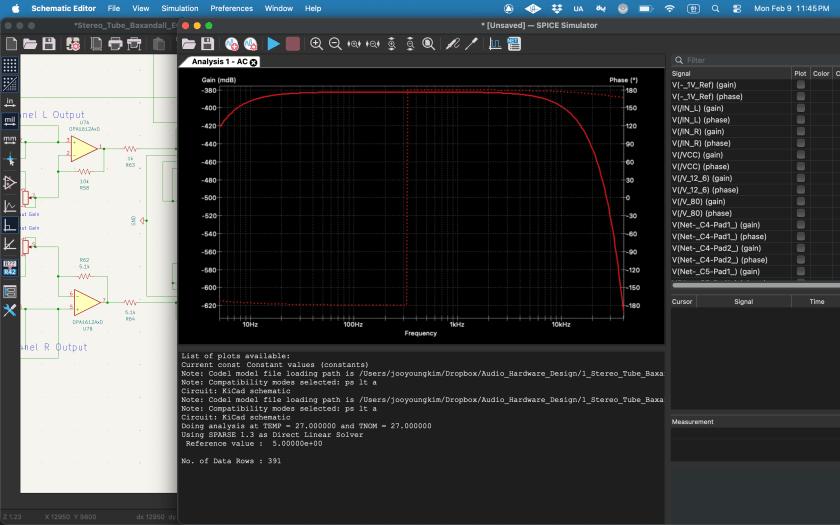
If you click the play button in the top-left, a settings window appears where you choose what and how you want to analyze.
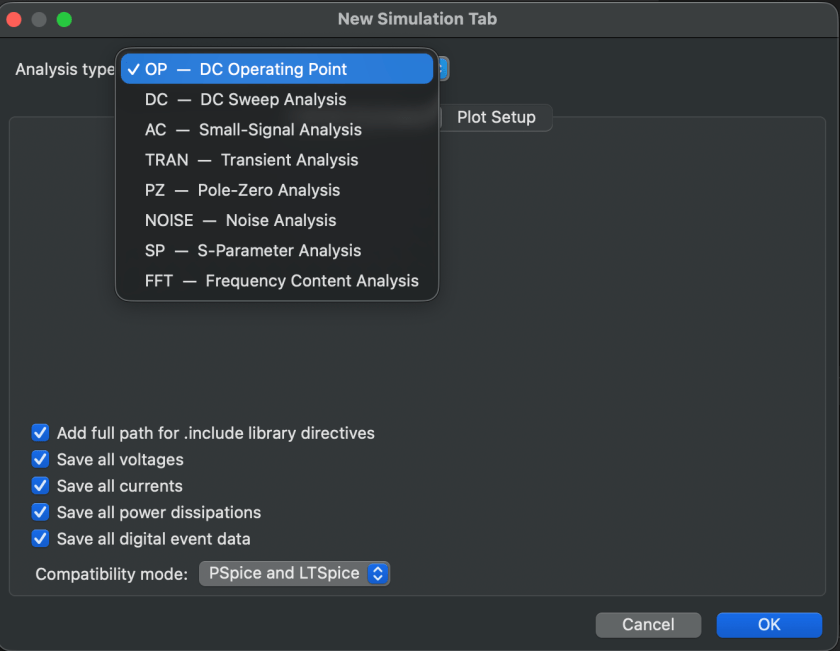
Since we’ve attached an AC 1 V source to observe frequency and phase response,
we’ll select AC analysis. With just these settings, you can already see the response clearly.
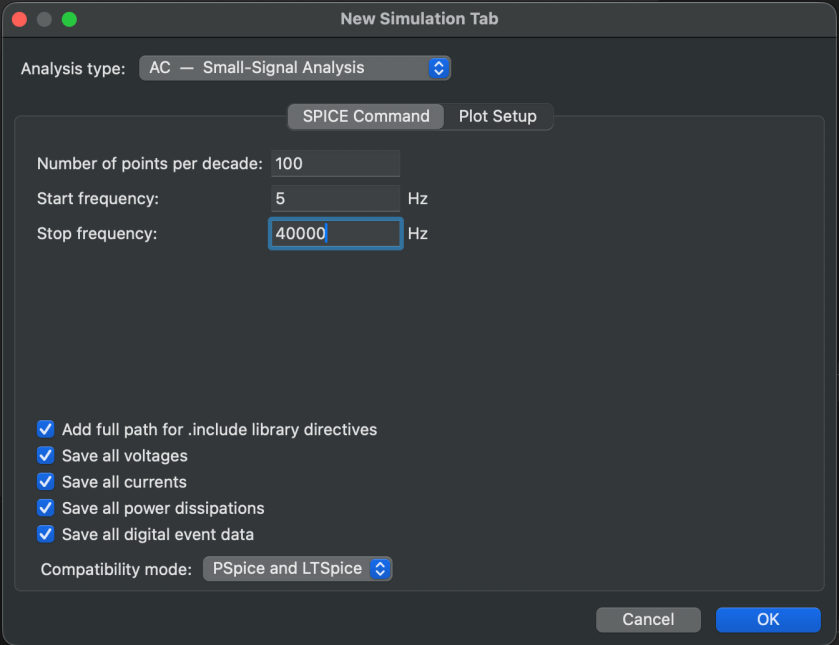
Now, if playback actually works, it feels amazing. But realistically… it probably won’t work on the first try. (It definitely didn’t for me.) If it doesn’t run, something is disconnected, or a library is wrong—and you’re in for a lot of fixing.

One important thing: if you’ve broken out pins separately for XLRs or DC/AC wiring, you must make sure they’re excluded from the simulation.
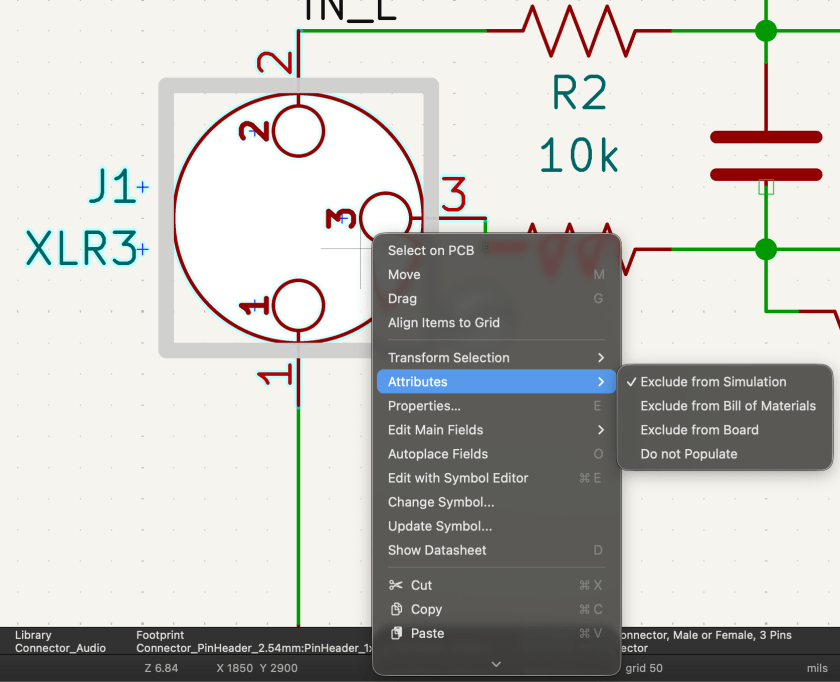
You can do this by right-clicking, then selecting Attribute → Exclude from Simulation. The same Attribute settings can also exclude things from board or component configurations.

Simulation is critically important—and you shouldn’t only check the final stage. Especially for processors with multiple stages, you need to verify that the signal behaves correctly at each step.

If impedance isn’t handled properly, the signal simply won’t flow the way you expect—and that will happen. Also, if you want to view signals in an oscillator-style analyzer, you’ll need to switch from AC analysis to Transient analysis.
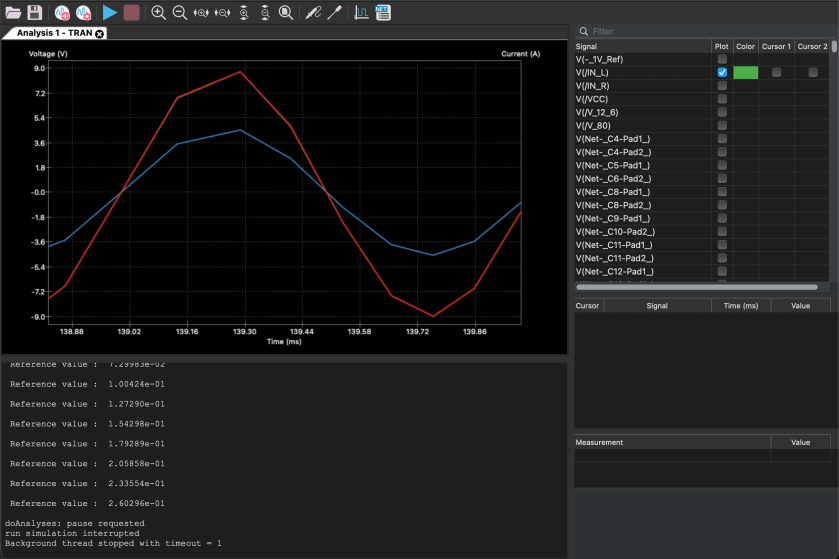
This is also a convenient place to check for phase inversion.

And if you see signals that don’t line up properly here… welcome to modification hell. 😄 While running simulations to write this blog post… I literally just realized a major mistake.

I already ordered the PCB and finished soldering everything… so yeah, I’m screwed. Haha.

Resistor values are easy enough to change, but everything else was fine—until I noticed that bypassing the EQ flips the phase… and I only realized this now. 😭😭

The final THAT chip is a 16-pin device, but I used an 8-pin footprint and bought an adapter socket. Unfortunately, I placed two of them way too close together, so I’ll probably have to desolder and reposition them.

Including the power section, there must be around 180 components total… I’ll likely have to order a separate Ver.2 PCB later and migrate everything over. 😢

Anyway—this is exactly why simulation matters.

One more important thing: in simulations, op-amps are assumed to be ideal. Because of that, in Transient analysis, you won’t see distortion even at maximum dB levels. You need to keep this limitation in mind when interpreting results.

After all that, it’s time to move on to PCB design.
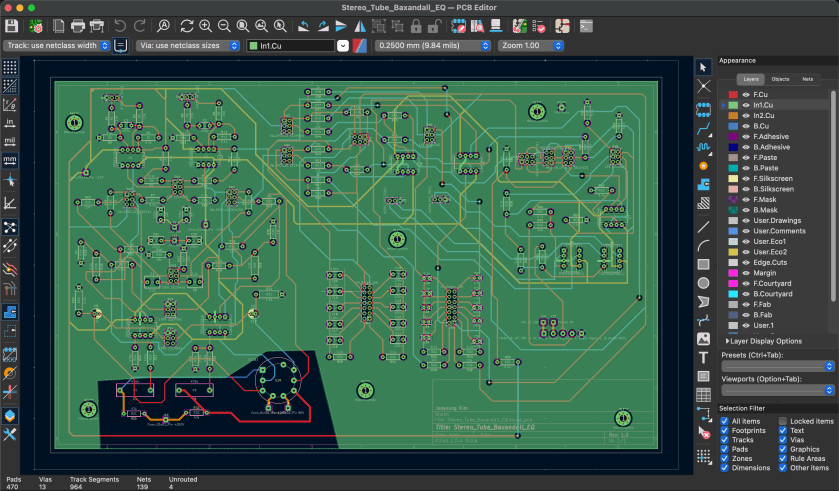
Apparently, this is often called “art” or “artwork.”

And honestly… there’s no grind quite like this kind of grind. If I include PCB layout as well, this post will get way too long, so I’ll wrap things up here for today.

See you again in the next post! 😊
Lewitt LCT 1040 Microphone Review

This post is a translation of a Korean blog post I wrote on February 27, 2022.

Hello, I’m Jooyoung Kim, a mixing engineer and music producer. I recently had the opportunity to review the new Lewitt LCT 1040 microphone, thanks to Sound & Music, Lewitt’s distributor in Korea. They provided me with a demo unit for a week, with no other compensation.

Since I was going to be busy soon, I conducted a quick two-day test as soon as I received the unit and wrote this review. Let’s dive in!

Unboxing and Appearance

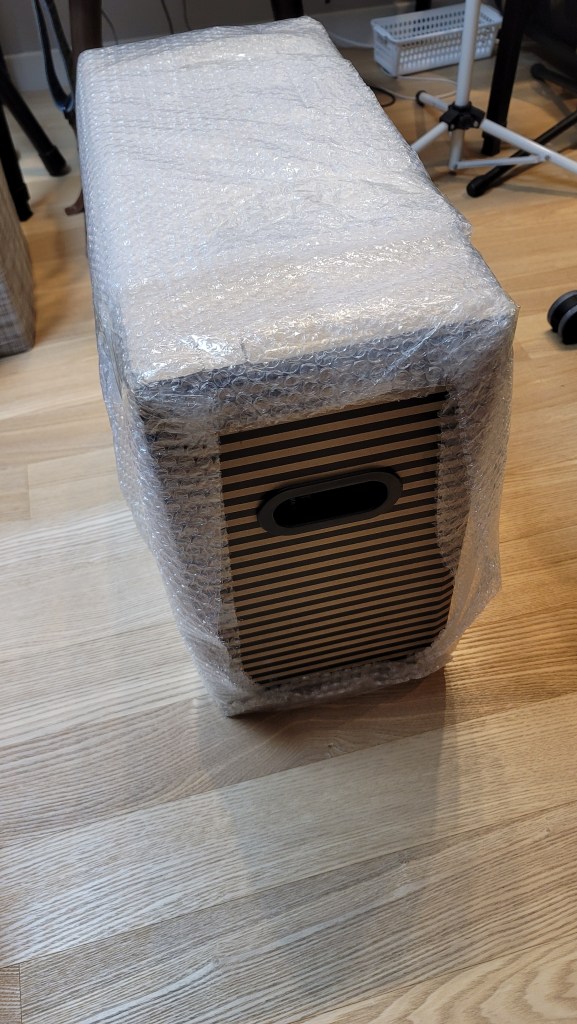
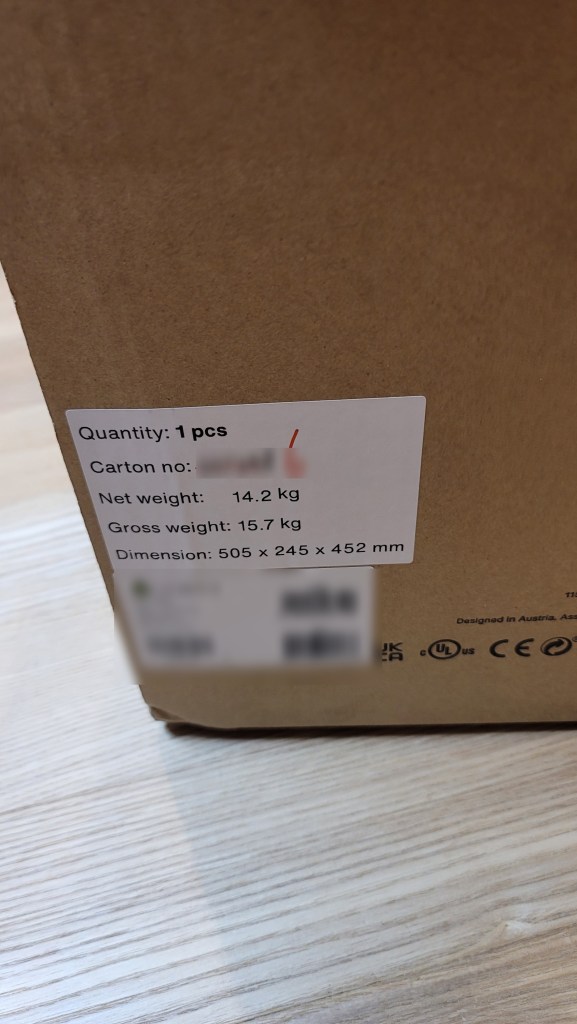
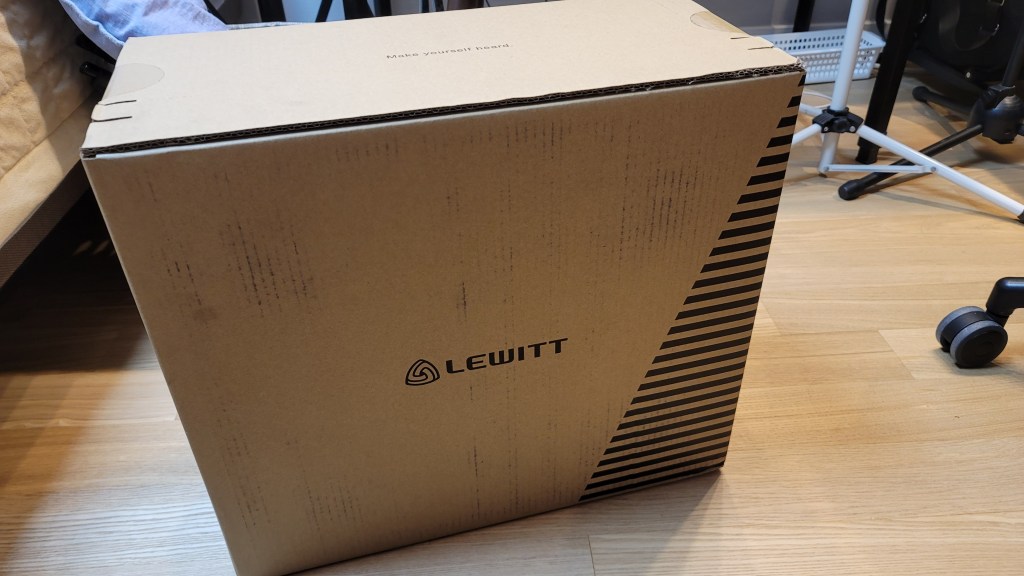
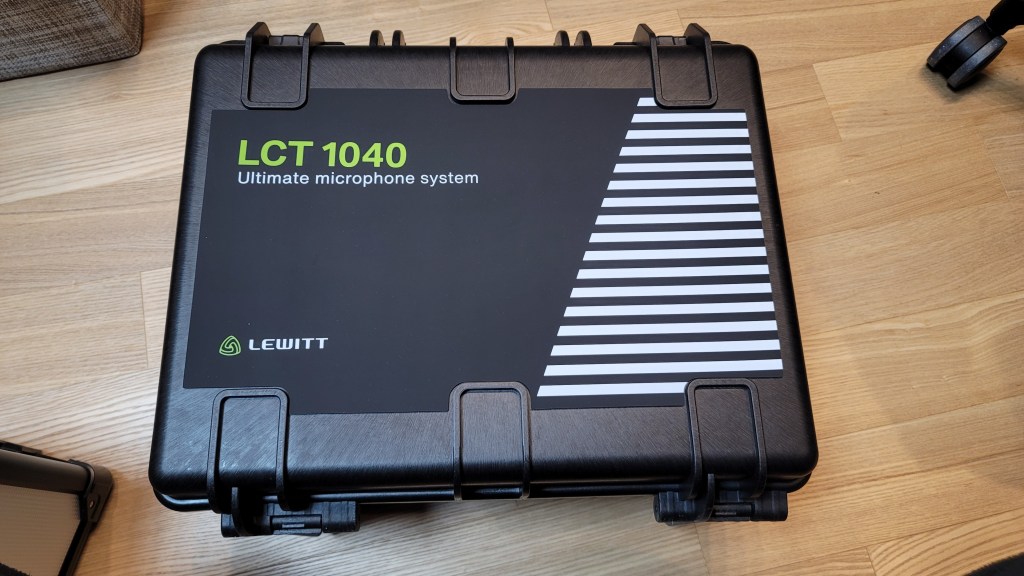
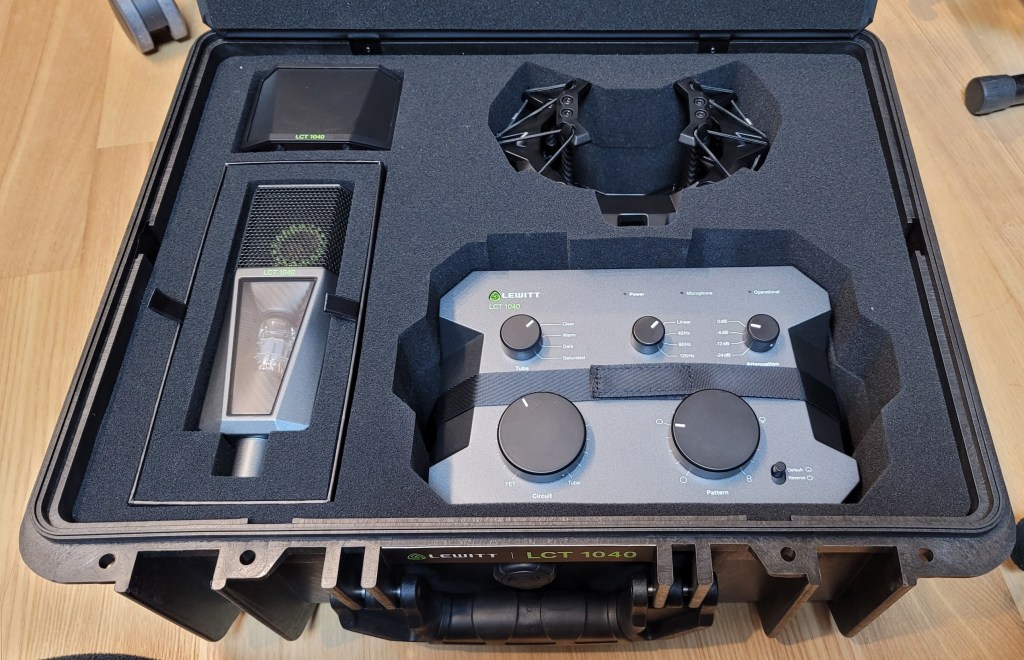
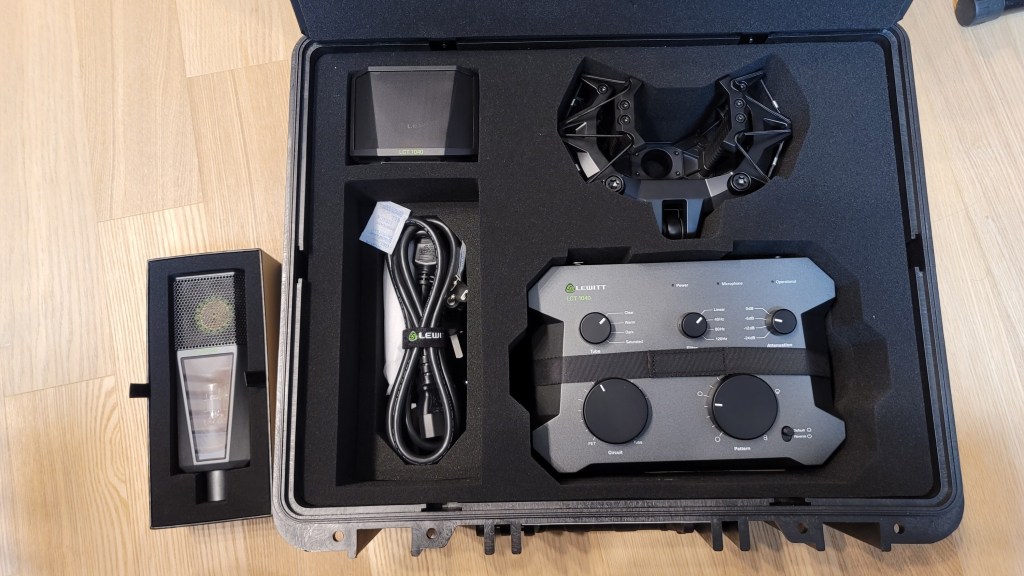
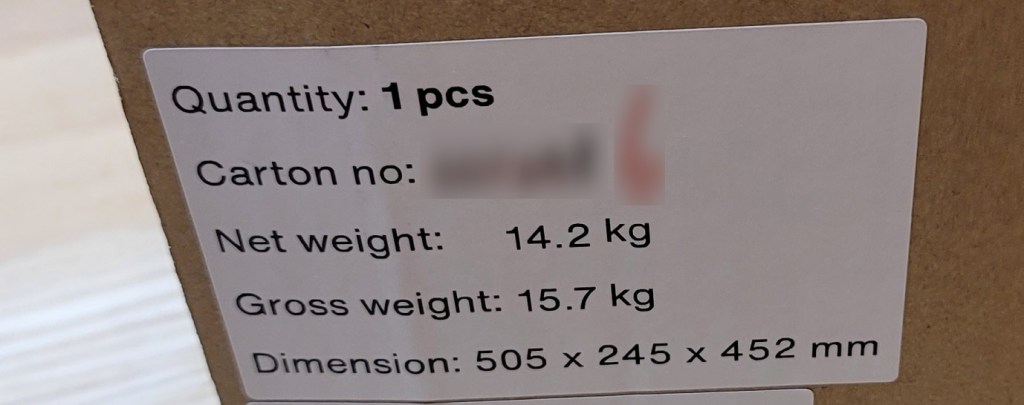
I received a brand-new, unopened demo unit, which was a pleasant surprise. The package was quite heavy. The box design was unique, with tear-off strips to open it.

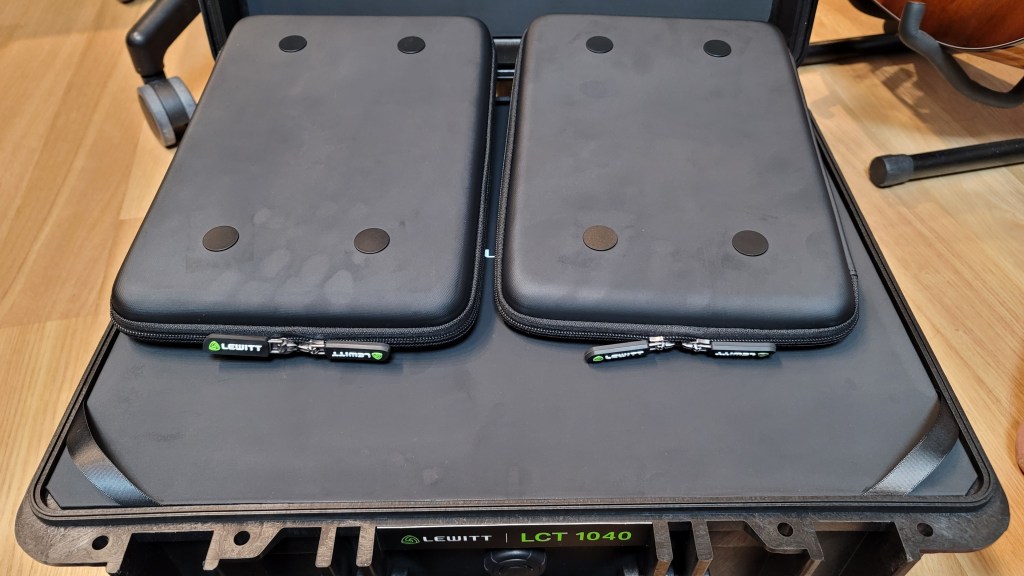
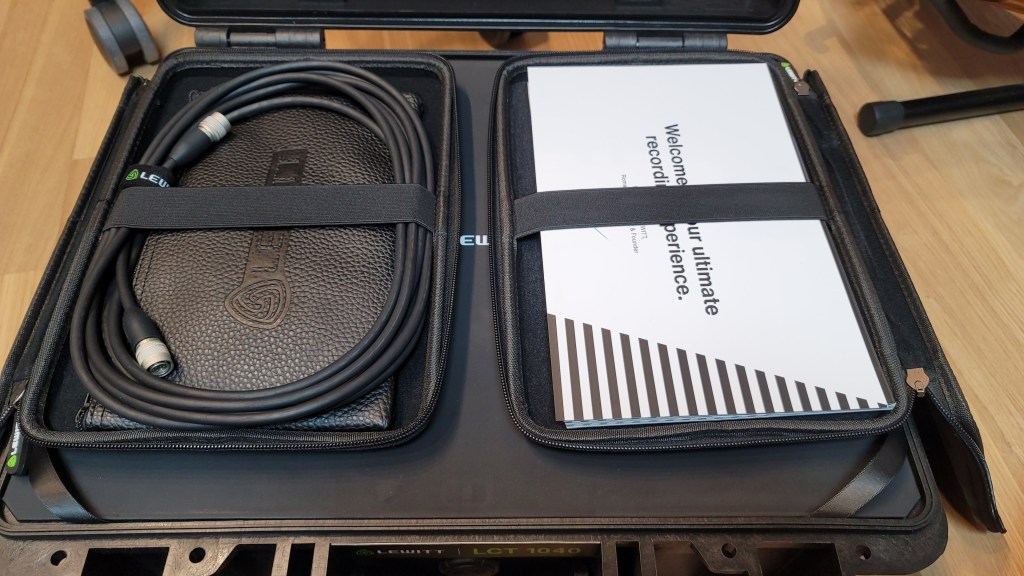
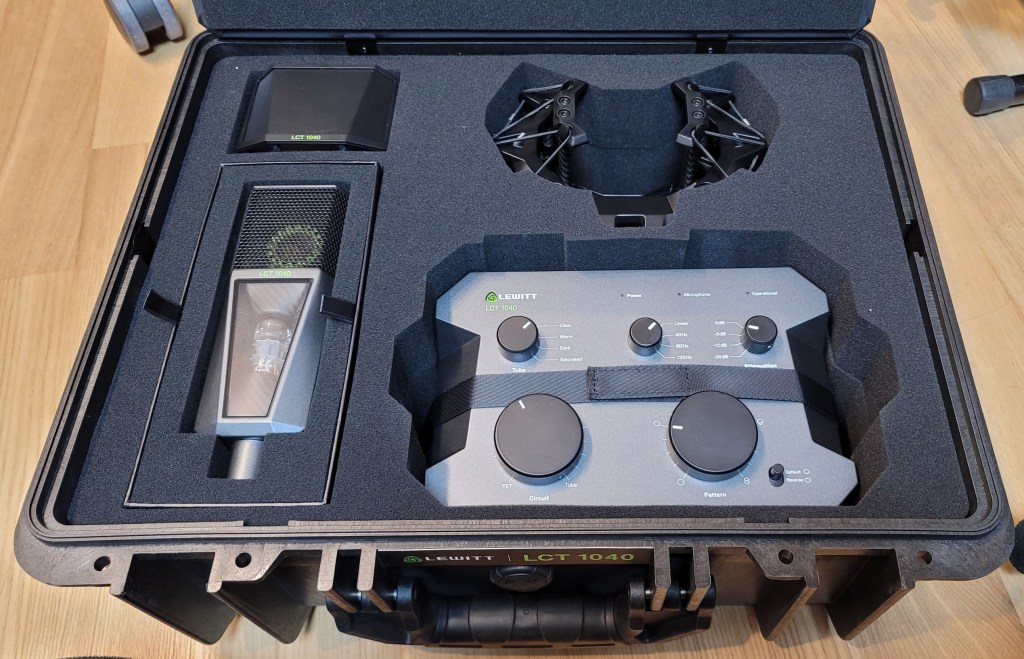
Inside the box, there were two pouches containing cables, manuals, and other documents. Below them were the microphone components.

The photo was taken immediately upon delivery, and you can see some handprints, probably because it was cold.

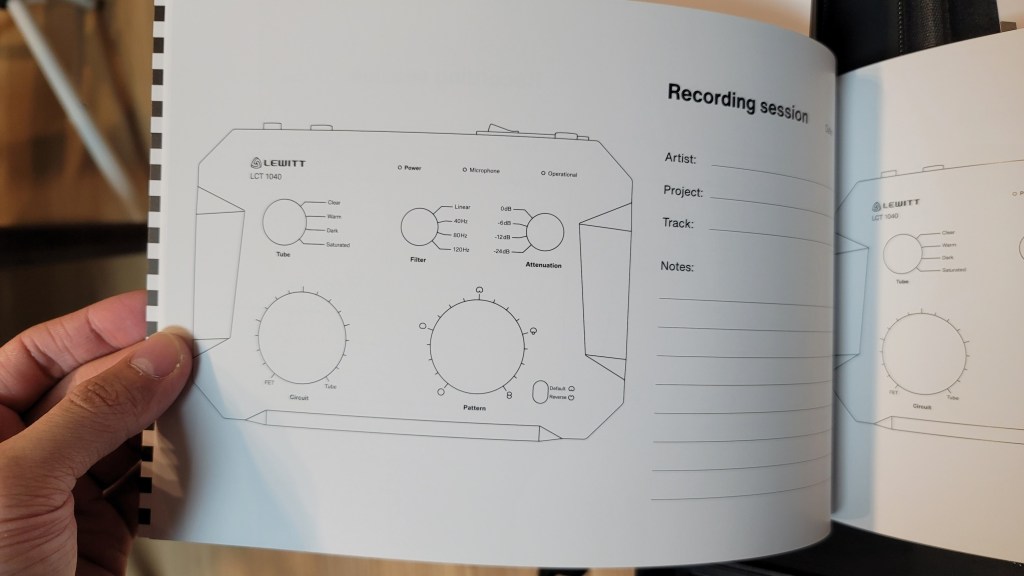
The pouches are attached magnetically and can be easily removed. The contents include manuals, a recall sheet, and a booklet detailing the development process of the LCT 1040.

They included the names of beta testers, and I was pleased to see my name included!

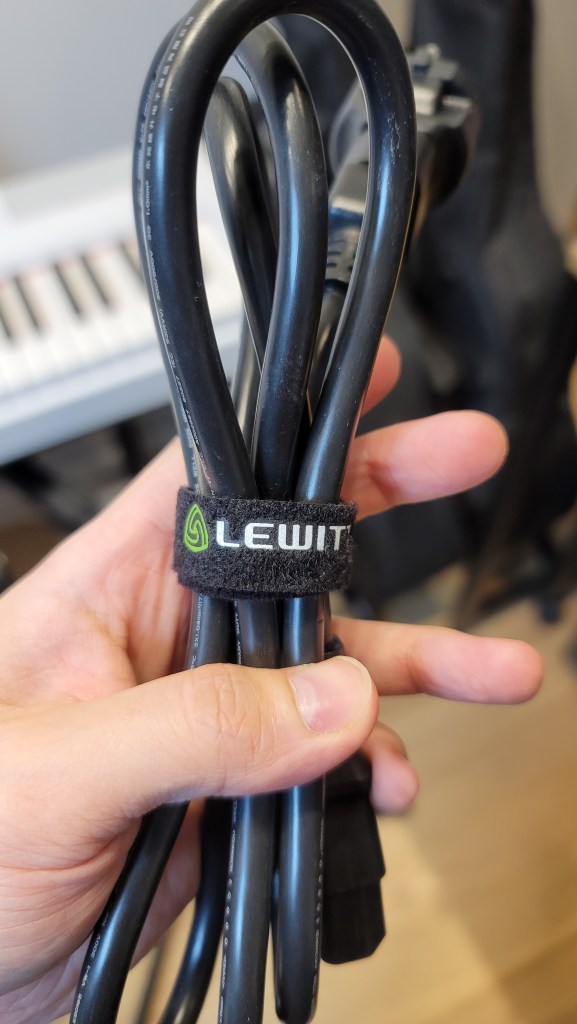
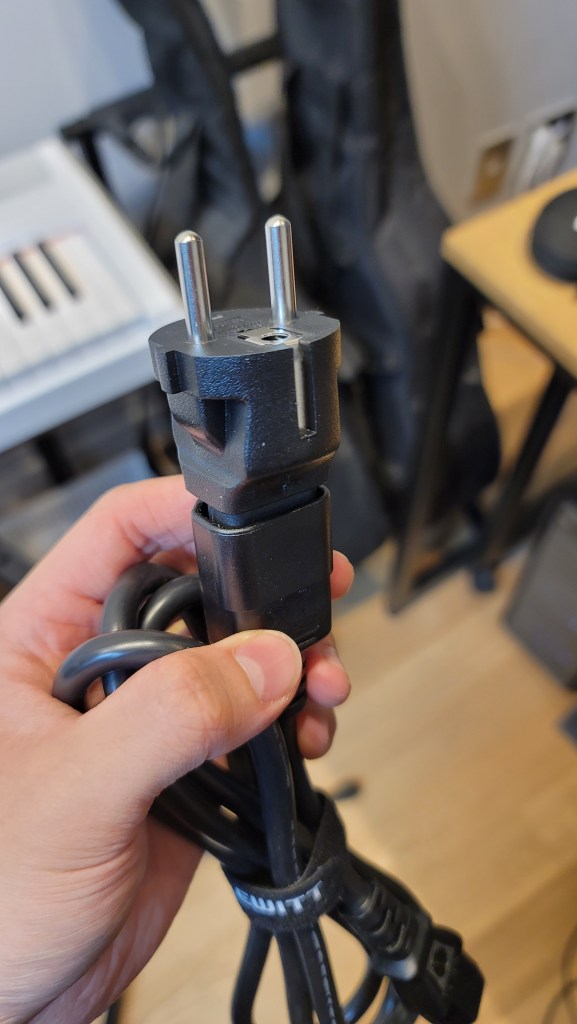
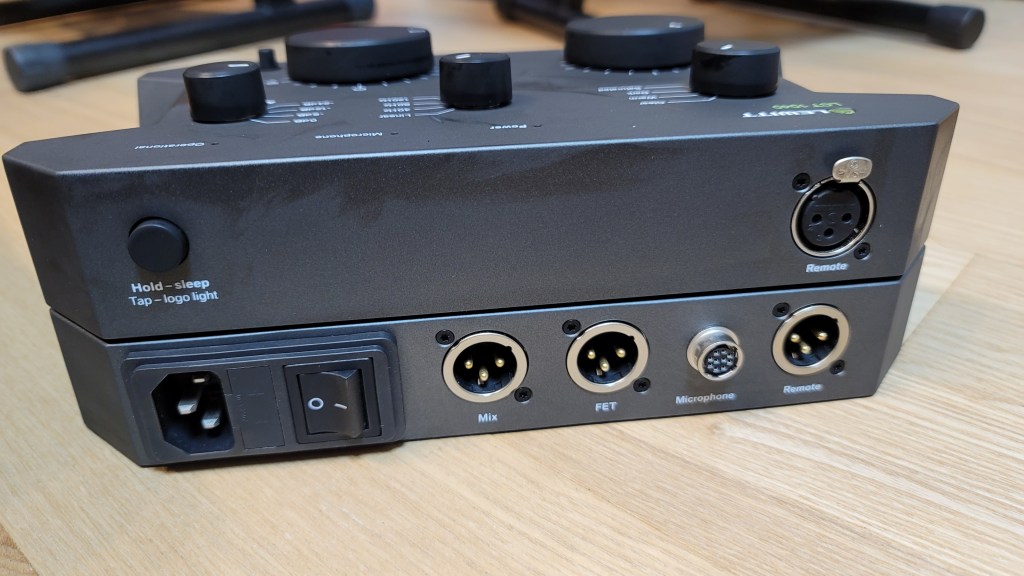
Underneath the microphone, there were power cables and adapters for different types of outlets. I found this modular system quite innovative.

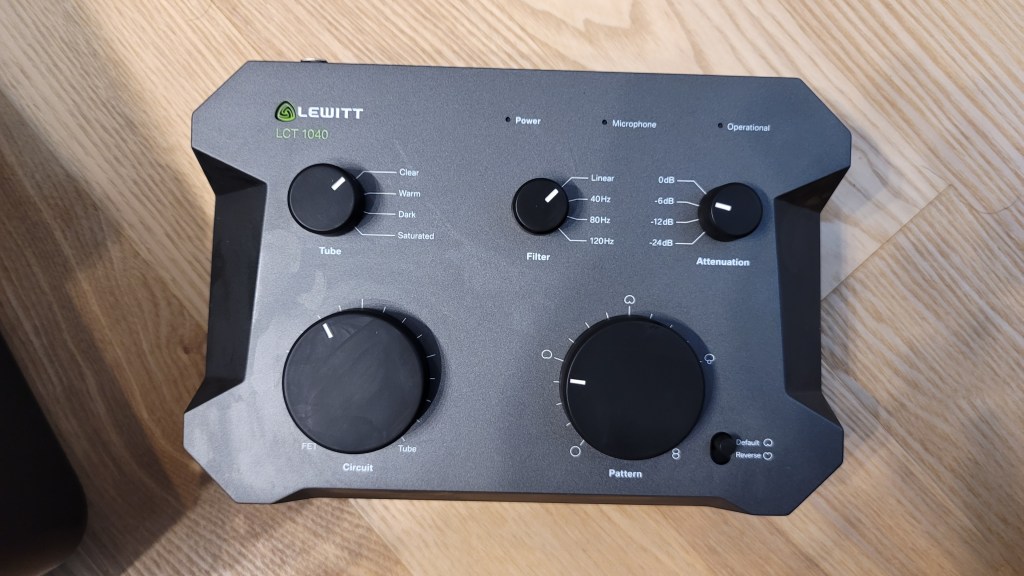
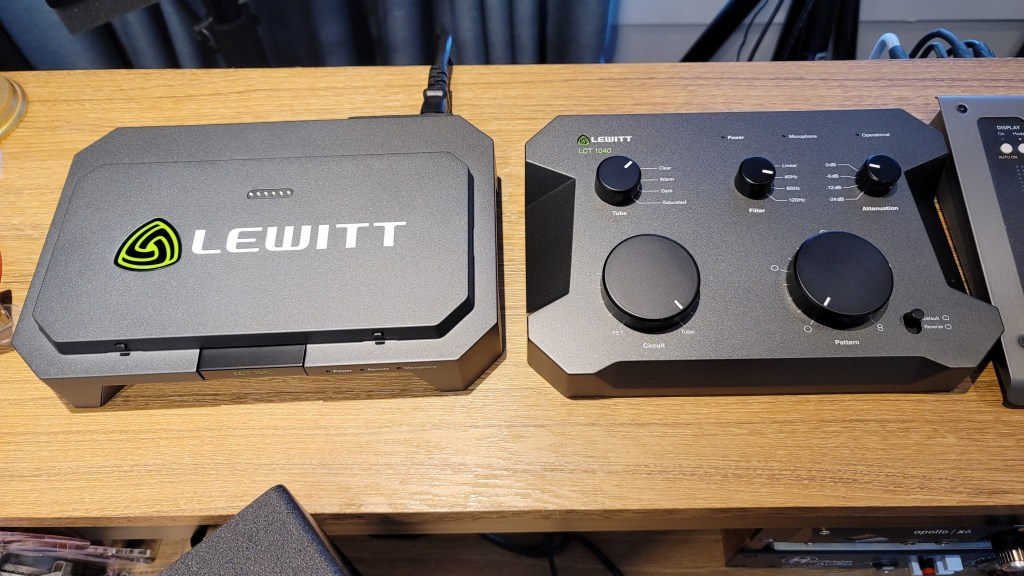
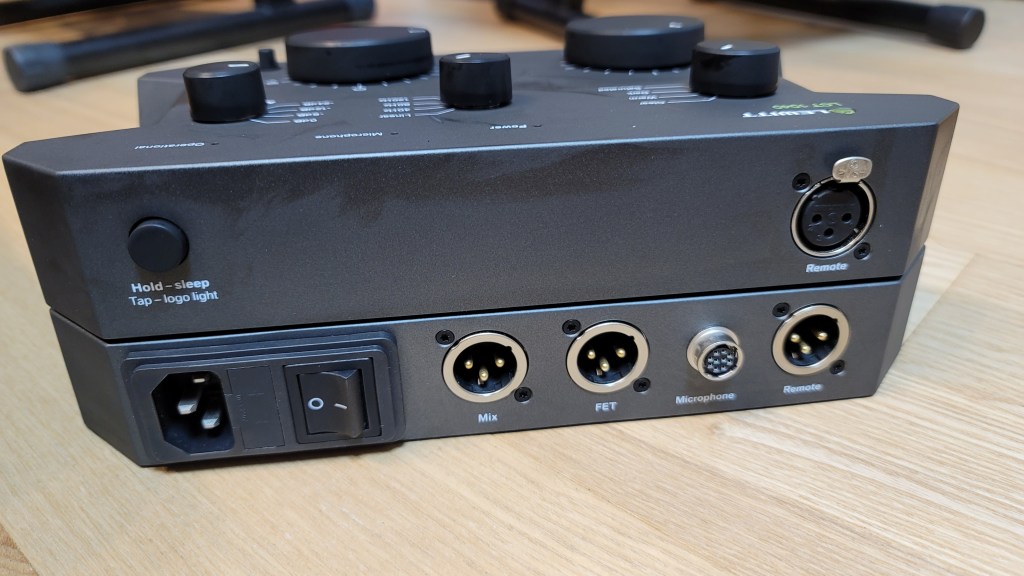
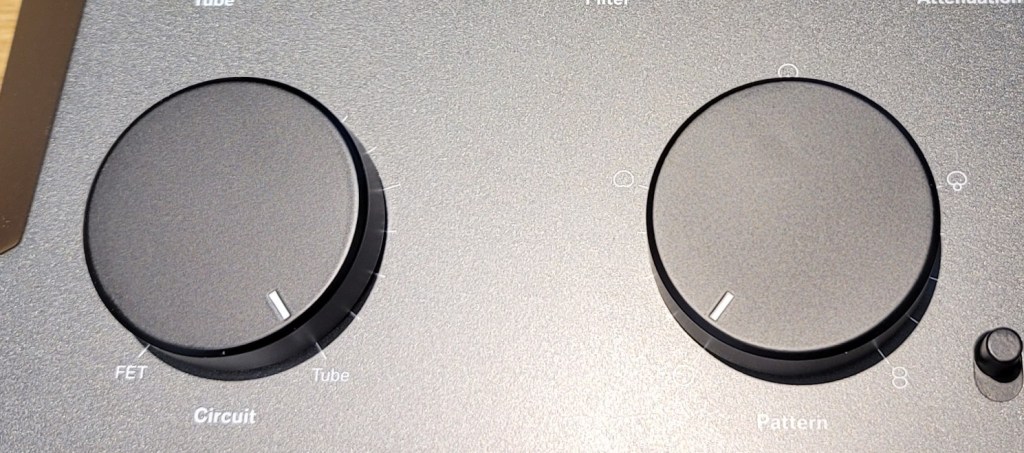
The control unit is entirely metal and feels hefty. The knobs are both linear and stepped, providing a smooth and convenient experience.

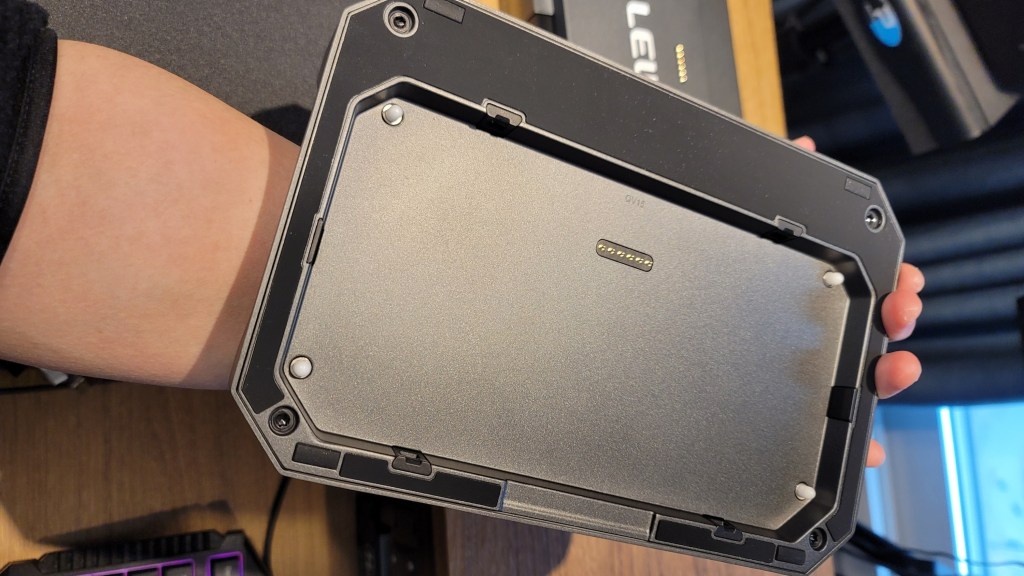
Pressing the “LCT 1040” label in the center allows for the remote to be detached. The remote can then be connected to the microphone using an XLR connector. This is a pretty innovative feature!

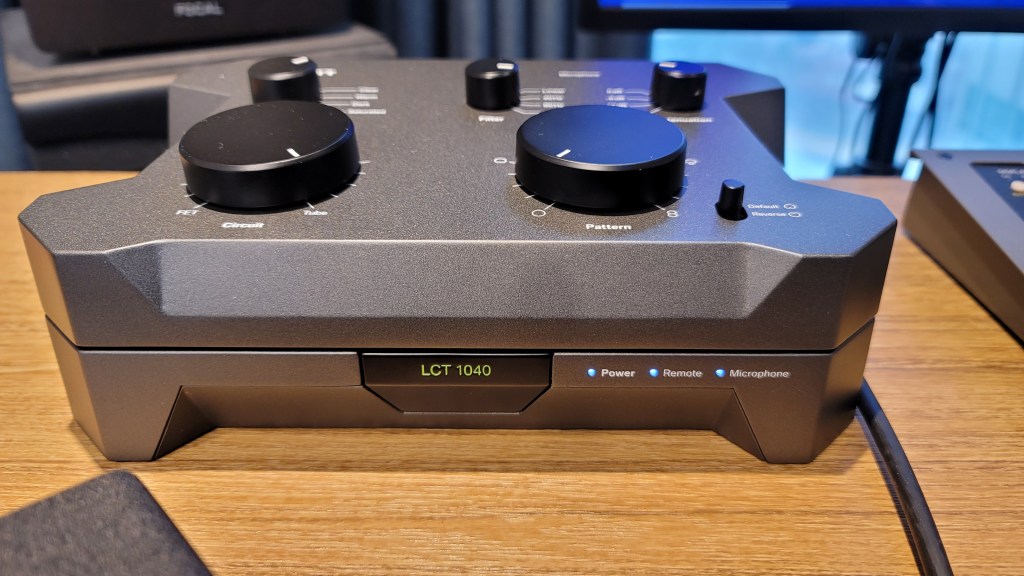
Once everything is connected, the lights turn on as shown in the photo below.

The Operational indicator blinks when adjusting the Attenuation (Pad) and Pattern settings, indicating a brief processing time. However, adjustments to Circuit, Tube, and Filter settings are immediate. There’s also a button for switching the front and back diaphragms.

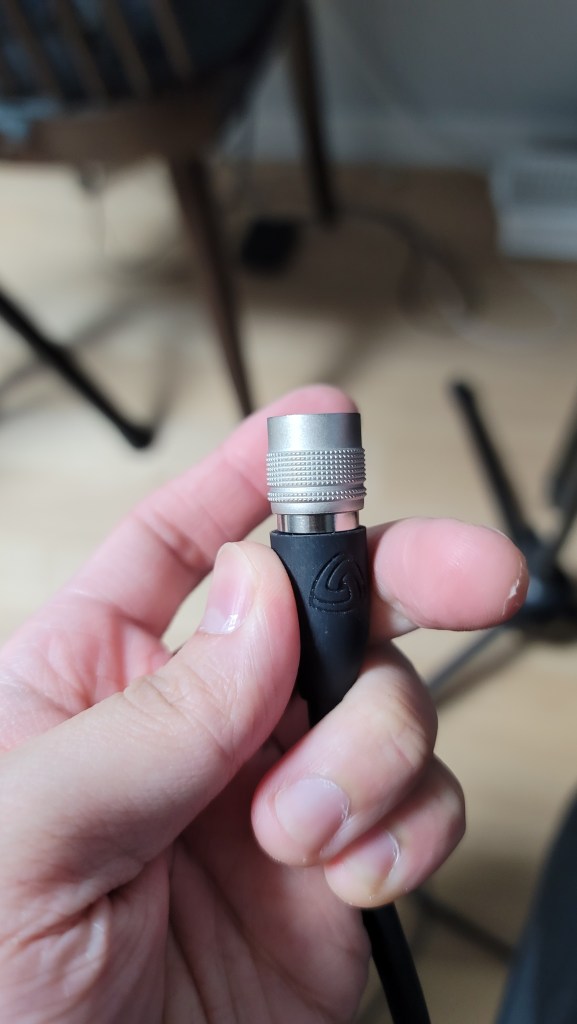
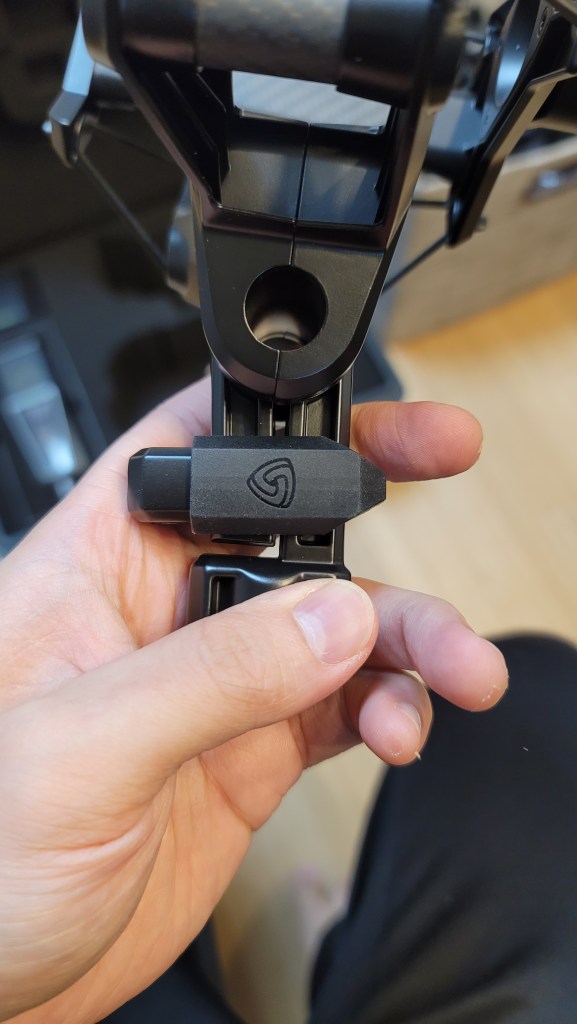
The microphone cable connector clicks securely into place when inserted correctly. The shock mount includes carbon material and features a unique, easy-to-use clamping mechanism.

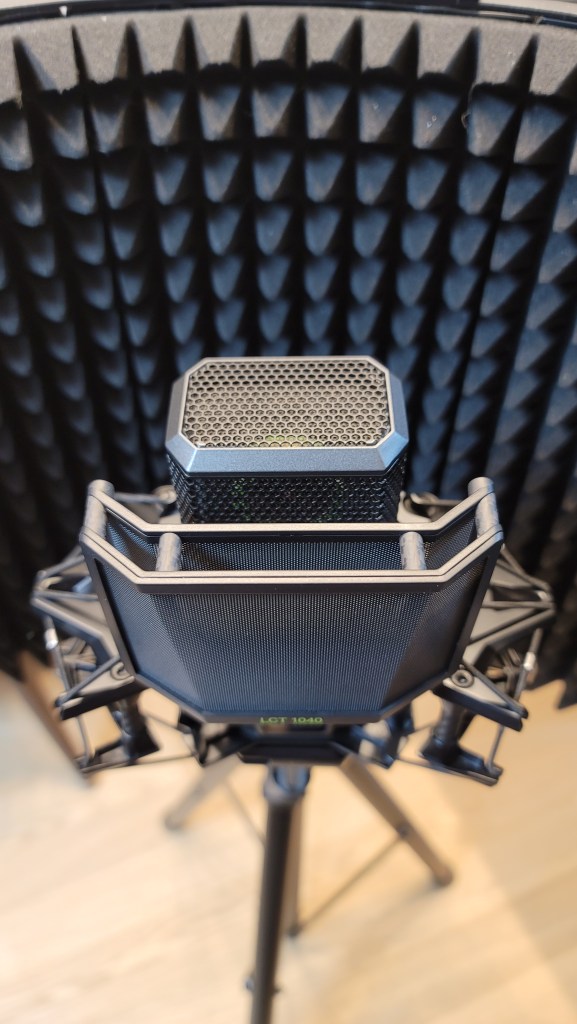
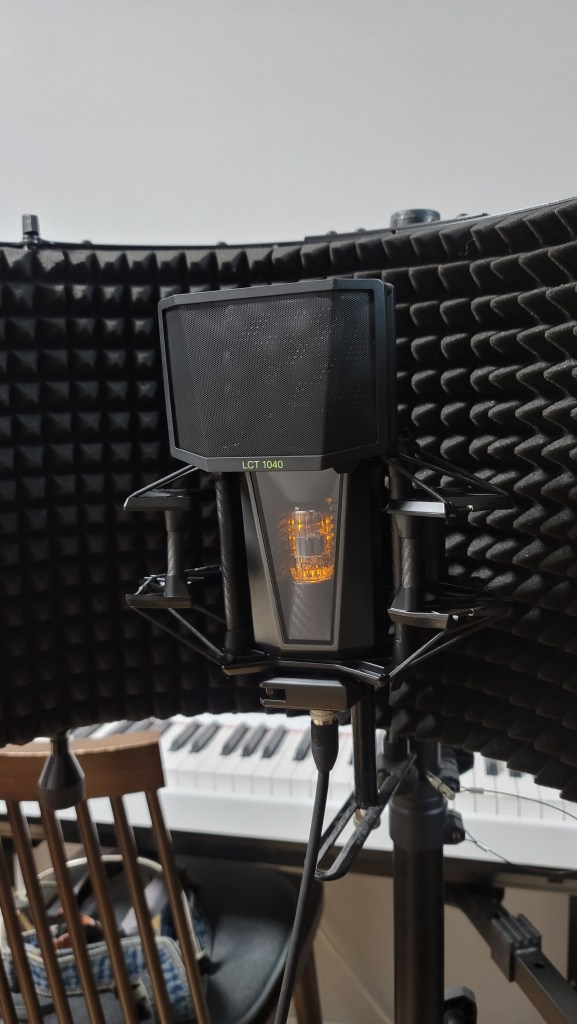
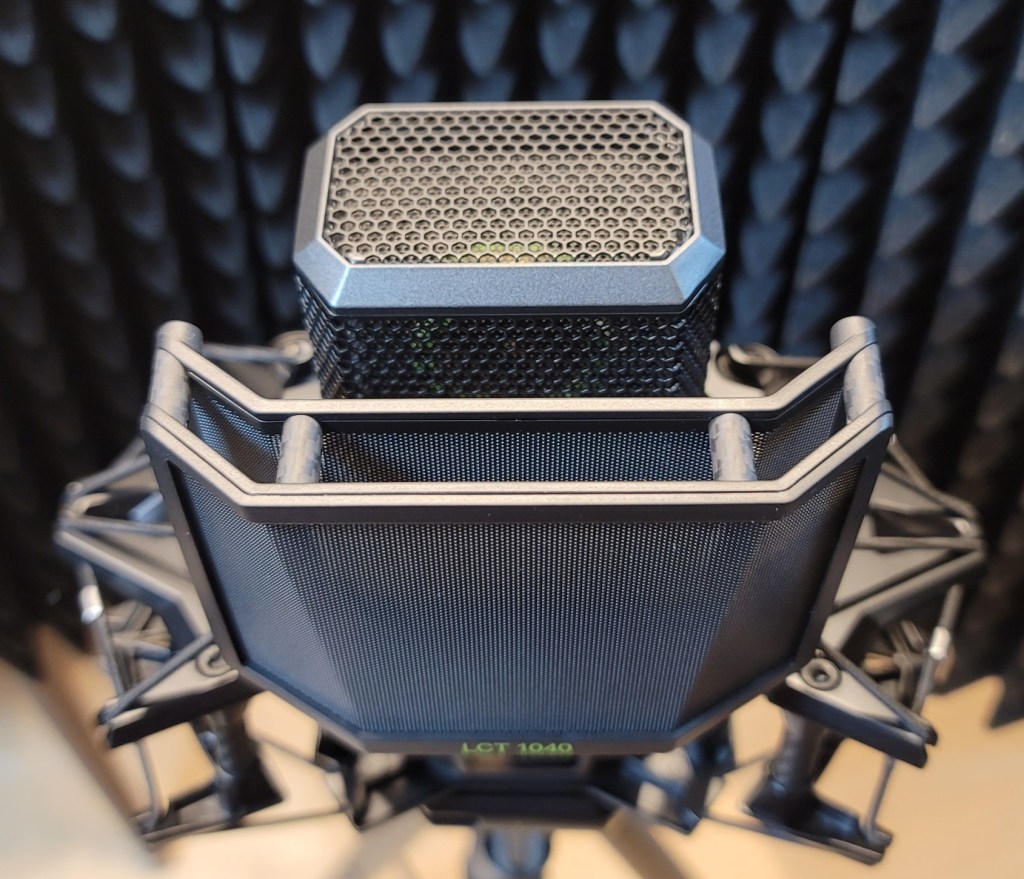
The pop filter and the microphone’s grill both have double layers, which shows attention to detail. The pop filter, also made of carbon material, attaches magnetically, making it easy to use.

The bottom clamp for mounting the microphone is simple and effective.

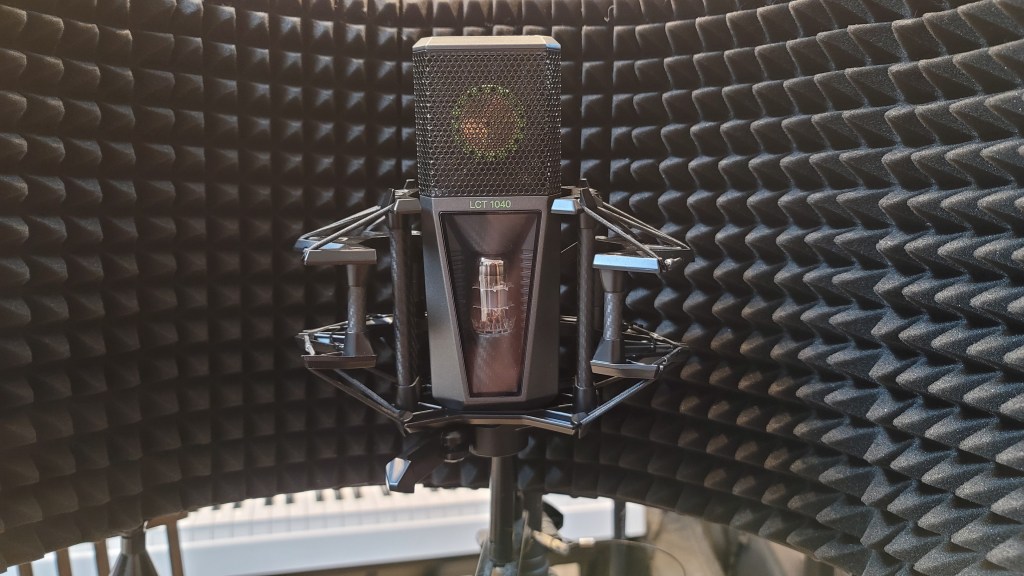
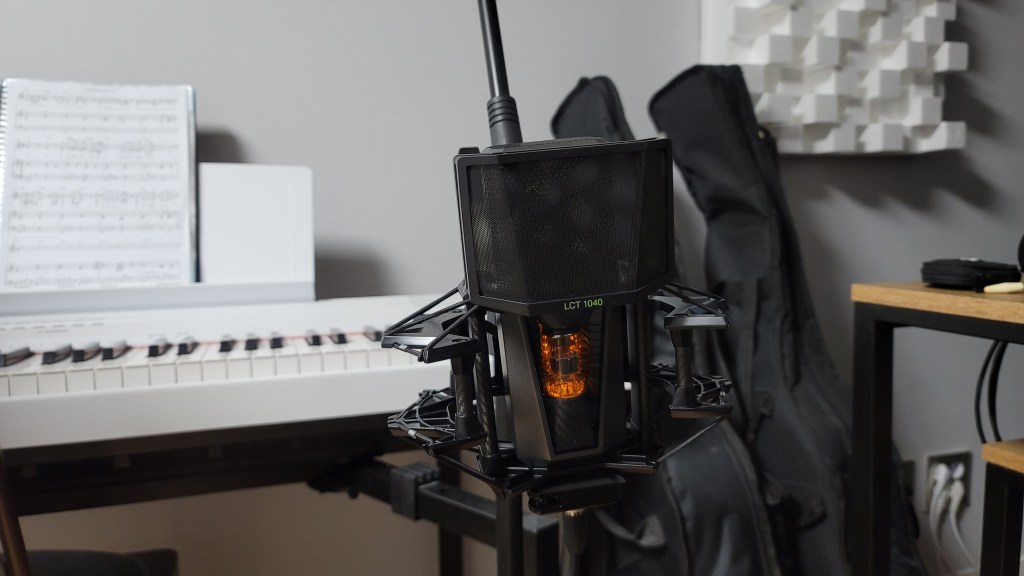
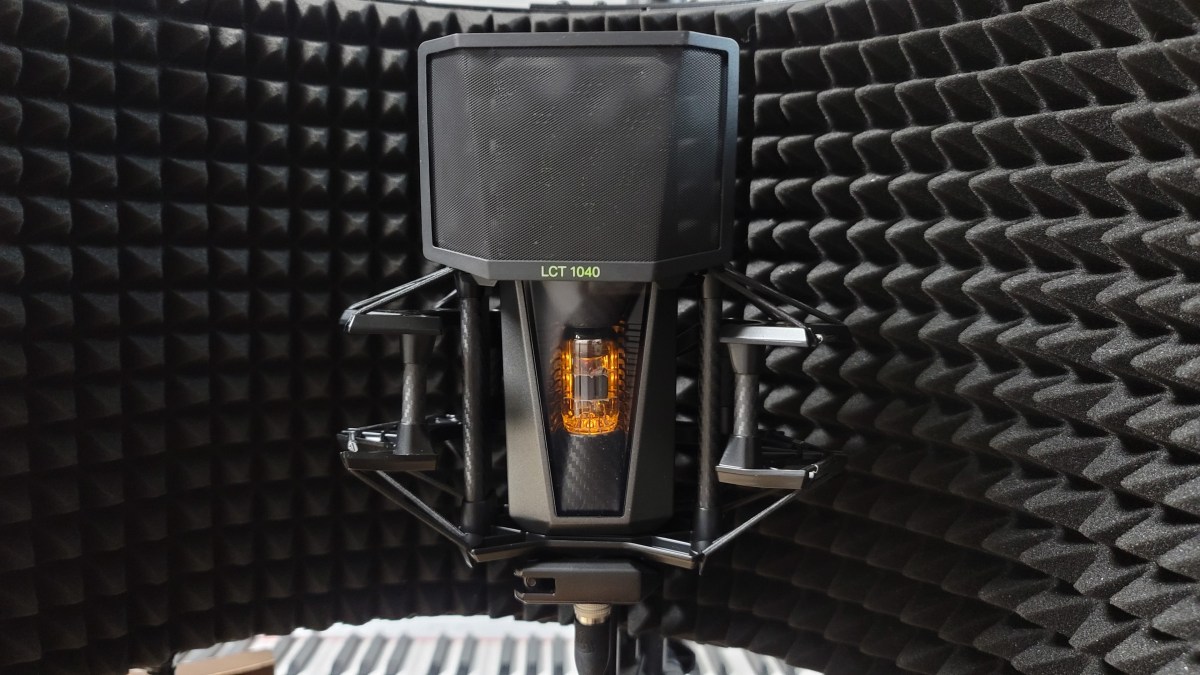
The microphone, when powered, looks like this. I think this gives you a good overview of its appearance. Now, let’s move on to the sound test.

Recording Test

For the test, I recorded both vocals and guitar. For vocals, I used a reflection filter and recorded in Clear, Warm, Dark, and Saturated modes with Omnidirectional, Cardioid, and Figure-8 patterns, using three settings: FET, FET=5:5, and Tube.

(Note: FET 100% sounds consistent across Clear, Warm, Dark, and Saturated, so I grouped them under FET.)

Due to the number of recordings, I might have missed some distorted parts in the song. I hope you’ll understand. My voice was a bit worn out, too… 😢

I used a low cut at 80Hz and lightly reduced 148Hz and 179Hz where noted.

For the guitar, I couldn’t use a reflection filter, so I placed the mic in a standard holder. I recorded only in Cardioid, as Figure-8 and Omnidirectional were not necessary. I used a Guild D-150ce with new D’Addario XS Phosphor Bronze light gauge strings.

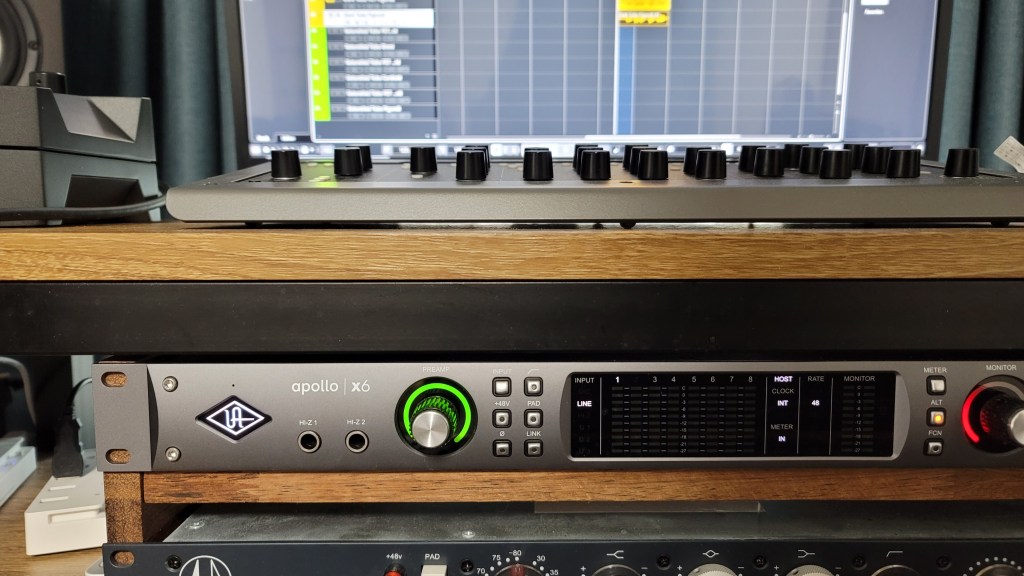
I applied a low cut at 80Hz and reduced the boominess at 138Hz and 179Hz for fingerstyle, while strumming did not require cuts. The recordings were captured directly into an Apollo x6 interface, with gain set around 53-55dB.

Impressions

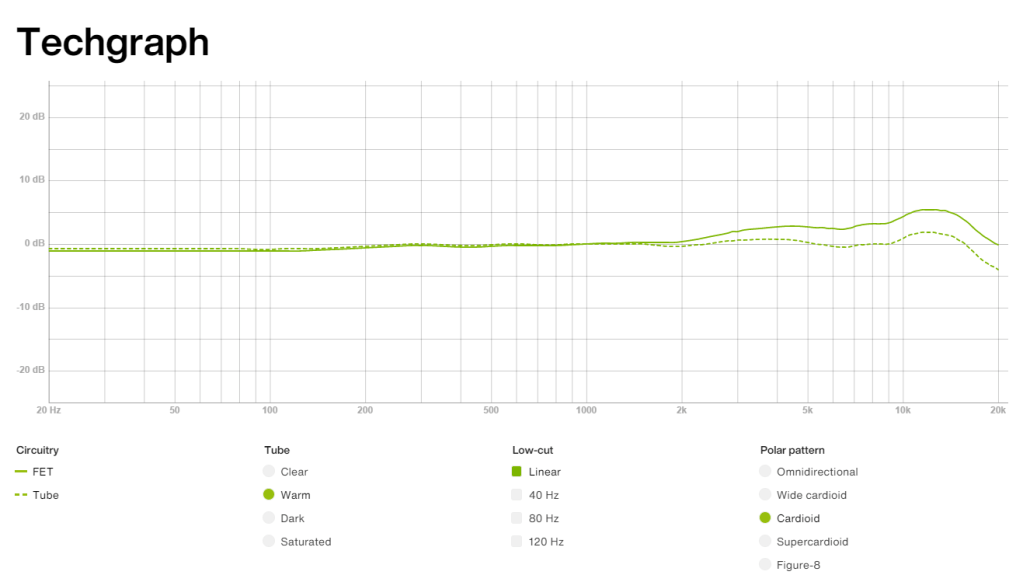
FET, Clear

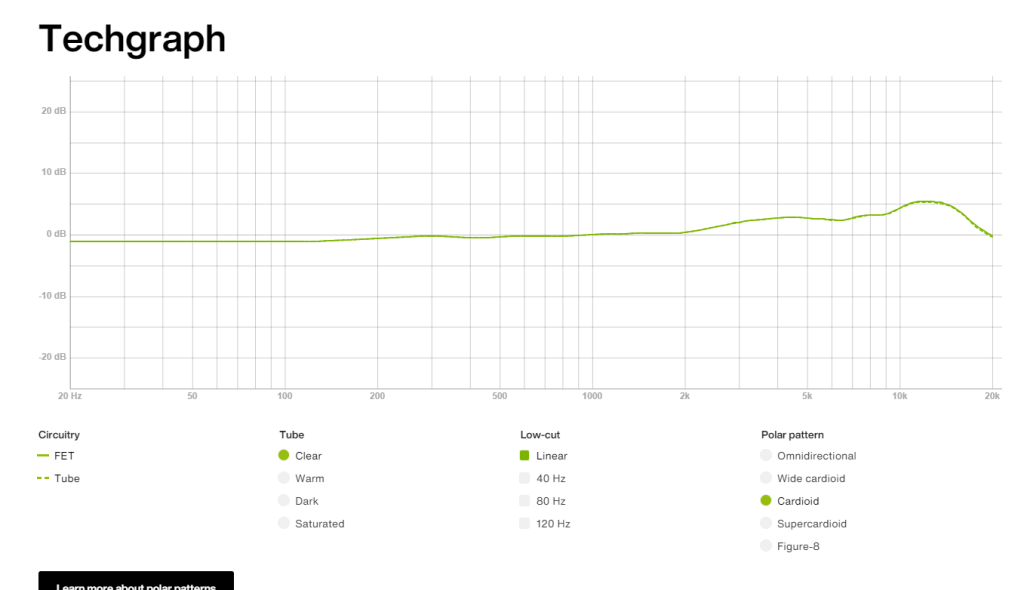
The high frequencies are pleasantly clear. However, the low-mid range feels slightly lacking, making the FET sound somewhat thin and sharp. Still, both the FET and Tube modes produce the expected quality sound.

Warm

The highs are a bit subdued compared to Clear, but they still maintain a presence.

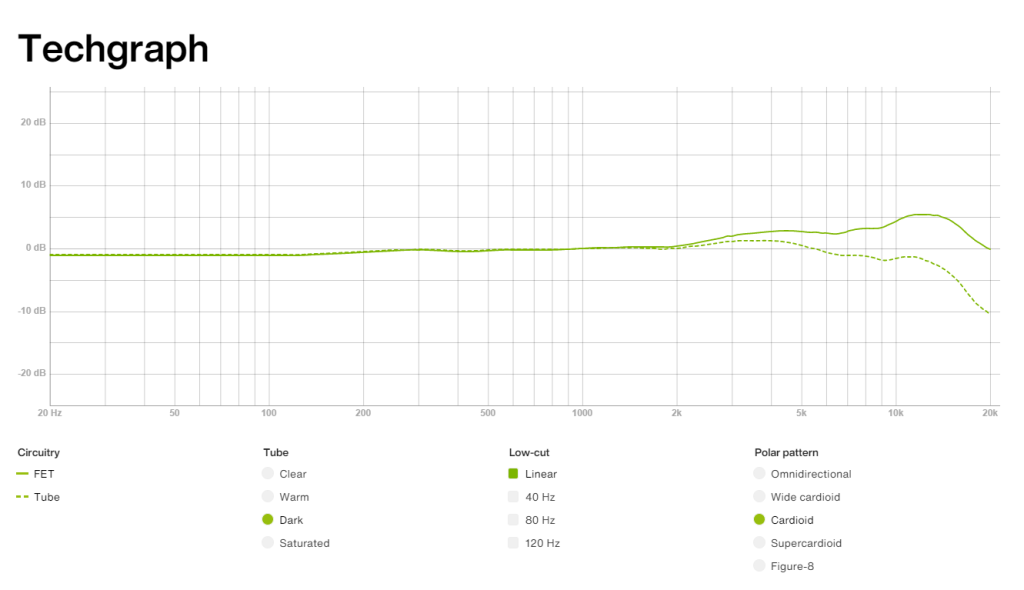
Dark

The highs feel significantly reduced, which might highlight the mids and make the sound somewhat nasal. This could be useful for creating a distant or lo-fi effect.

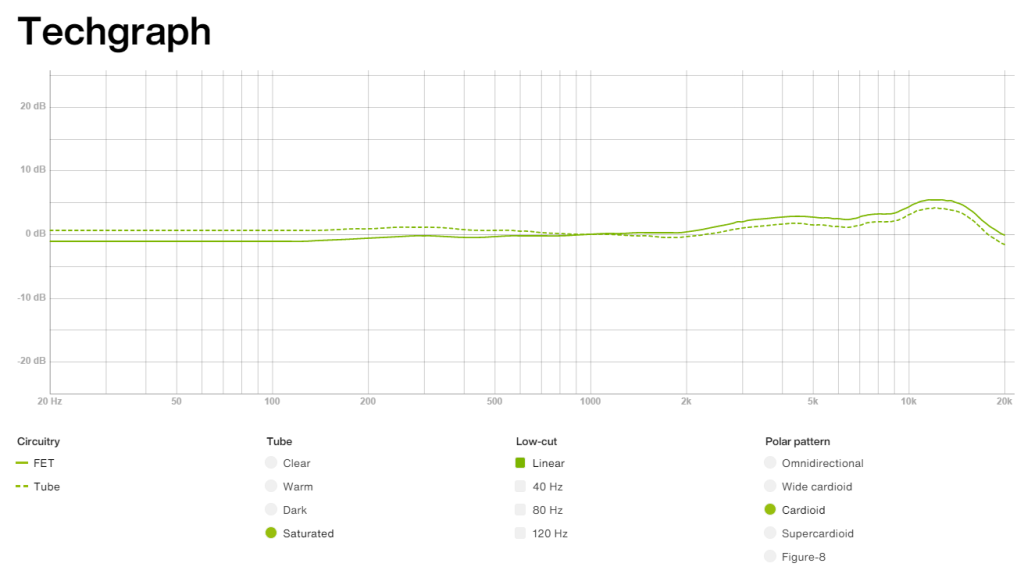
Saturated

This was my favorite among Warm, Dark, and Saturated. It retains high-frequency clarity while boosting the lows, providing a pleasing sound without much EQ.

The frequency response graphs matched my impressions, which was quite satisfying.

Additionally, the Mix and FET can be recorded separately, which could be handy for saving FET as a backup.

Pros

The detachable remote makes it versatile for studios of all sizes. The dual-layered grill and pop filter demonstrate careful design.

The knobs provide a satisfying tactile response, and the build quality is excellent. They even included a recall sheet, which can likely be requested in PDF form.

Cons

The unit is heavy, and there’s no volume control on the remote, which can be slightly inconvenient. However, this is common for tube microphones, so it’s hard to consider it a significant downside.

Conclusion

The sound quality and attention to detail are impressive, and the price seems justified. Although the absolute price is high, considering you effectively get five distinct tones—FET, Clear, Warm, Dark, Saturated—and can blend Tube with FET, it’s a compelling value.

Buying five high-quality microphones for the price of one LCT 1040 would be challenging. Given the rising cost of equipment, with AKG C414s nearing 2 million KRW, and considering the versatility and quality of this mic, I’d choose the LCT 1040 over a Neumann U87ai. It’s also an excellent option for those looking for a secondary mic.

While I haven’t used it long enough to comment on durability or long-term use, Sound & Music offers a 10-year warranty, which is reassuring.

I hope you enjoyed this review. See you in the next post!

I’m always open to reviewing hardware products! If you’d like me to review a product, please feel free to reach out at joe1346@naver.com.