After Modifying My Stam Audio SA-2A

Hello! I’m Jooyoung Kim, mixing engineer & music producer.

Today, I’ll talk about what I did after the article, Record Before Modifying the Stam Audio SA-2A, and how sound changed.


First, let’s review the problems I encountered.

  1. Output gain is similar to input gain, when the GAIN knob is too low.
  2. Compression is started when PEAK REDUCTION knob is too high.
  3. It sounds so dull, like high frequency response is cut off

Otherwise, The Compress and Limit switch was positioned incorrectly. It was simply solved by wrench.


1) Potentiometer Changed..1
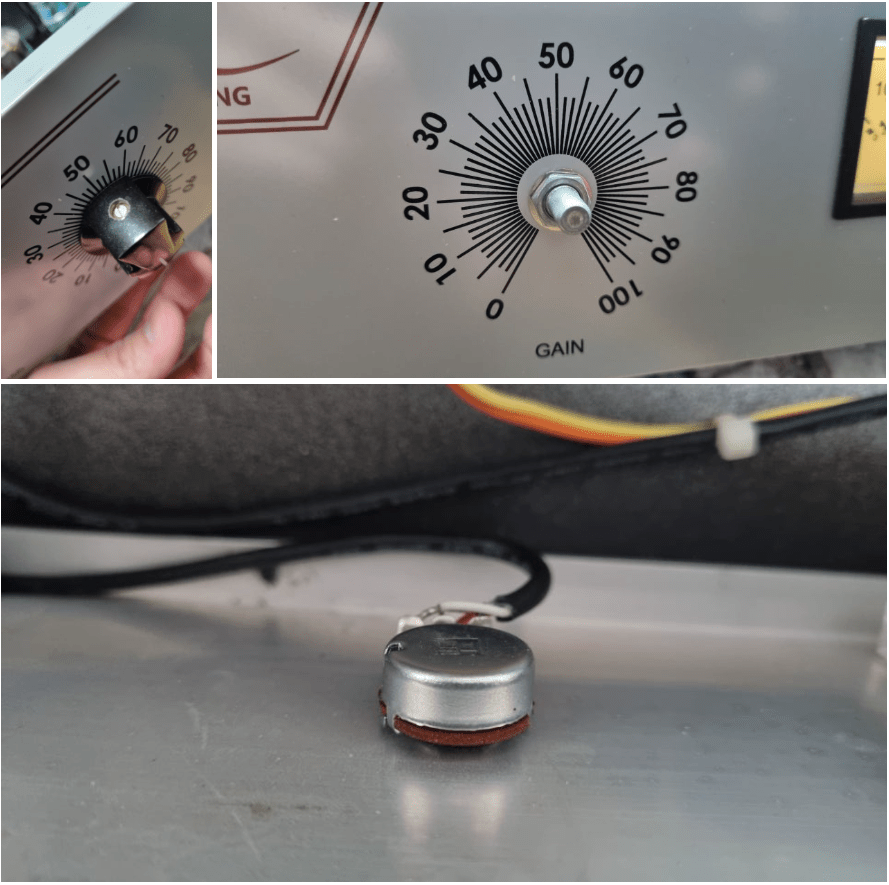
If you take off the cover of SA-2A’s knob, you could see a100k potentiometer at each parts. So, I thought that if I change a100k to a50k for gain knob, amount of change is more lower. Also, change a100k to a250k for peak reduction knob, compression would be change more earlier.

So I changed them first.

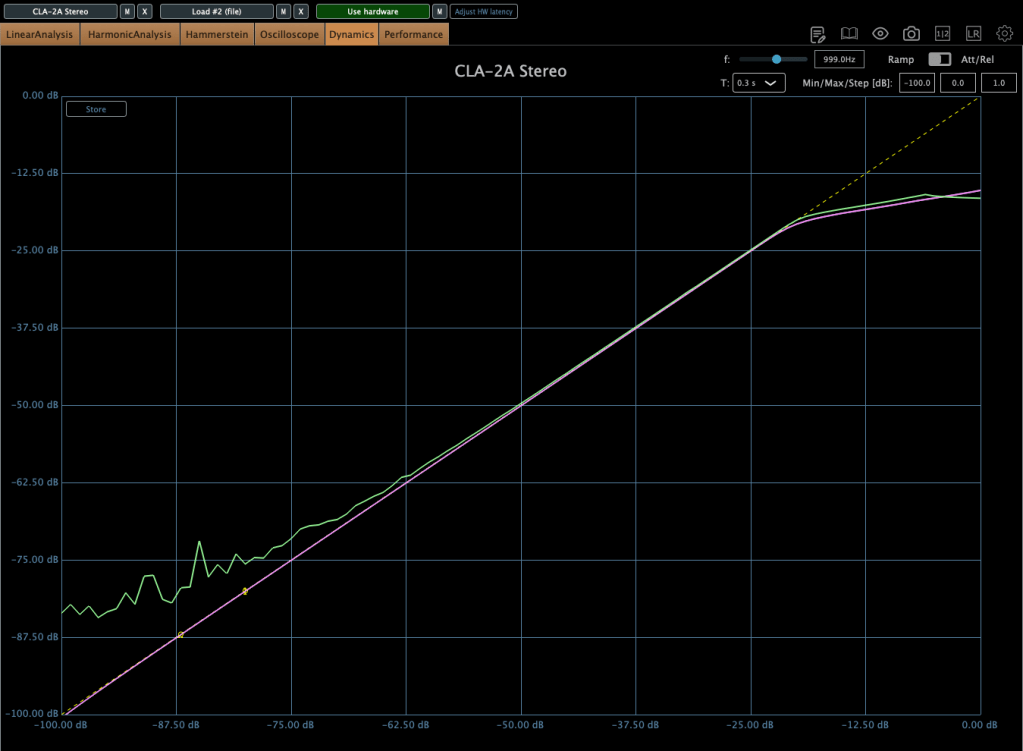
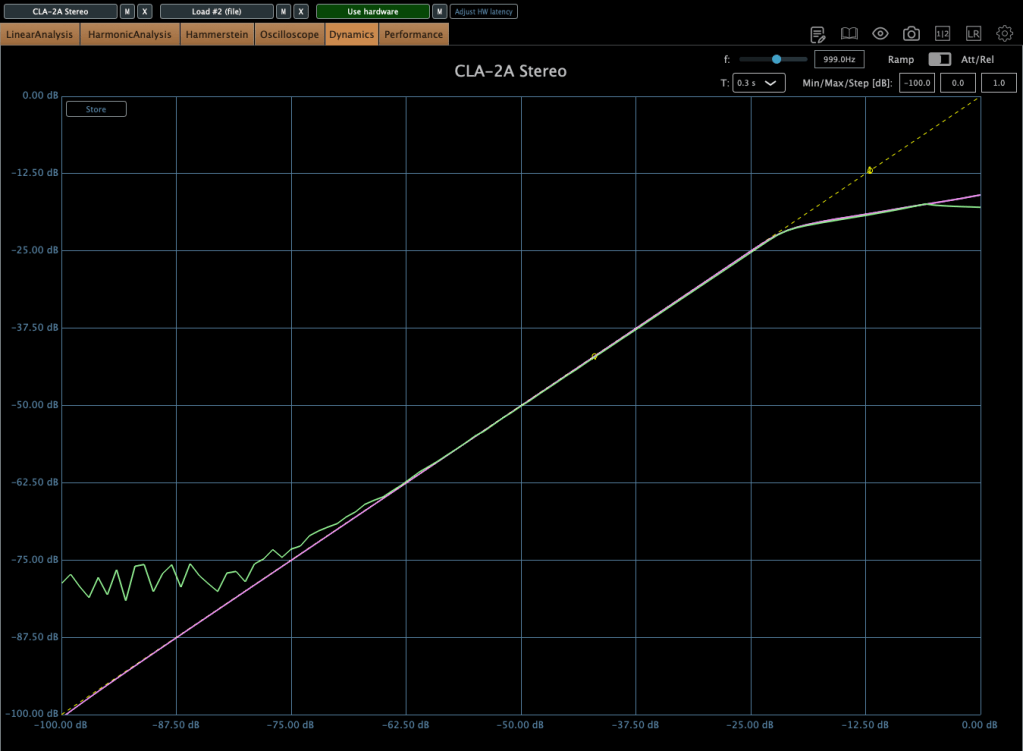
The green line is SA-2A hardware, the pink line is Waves’ CLA-2A.

It doesn’t seem bad at all! Otherwise, output gain is similar to input gain, when the GAIN knob is too low yet, I ordered A25K and A10K potentiometer too.


2) Vacuum Tubes Changed
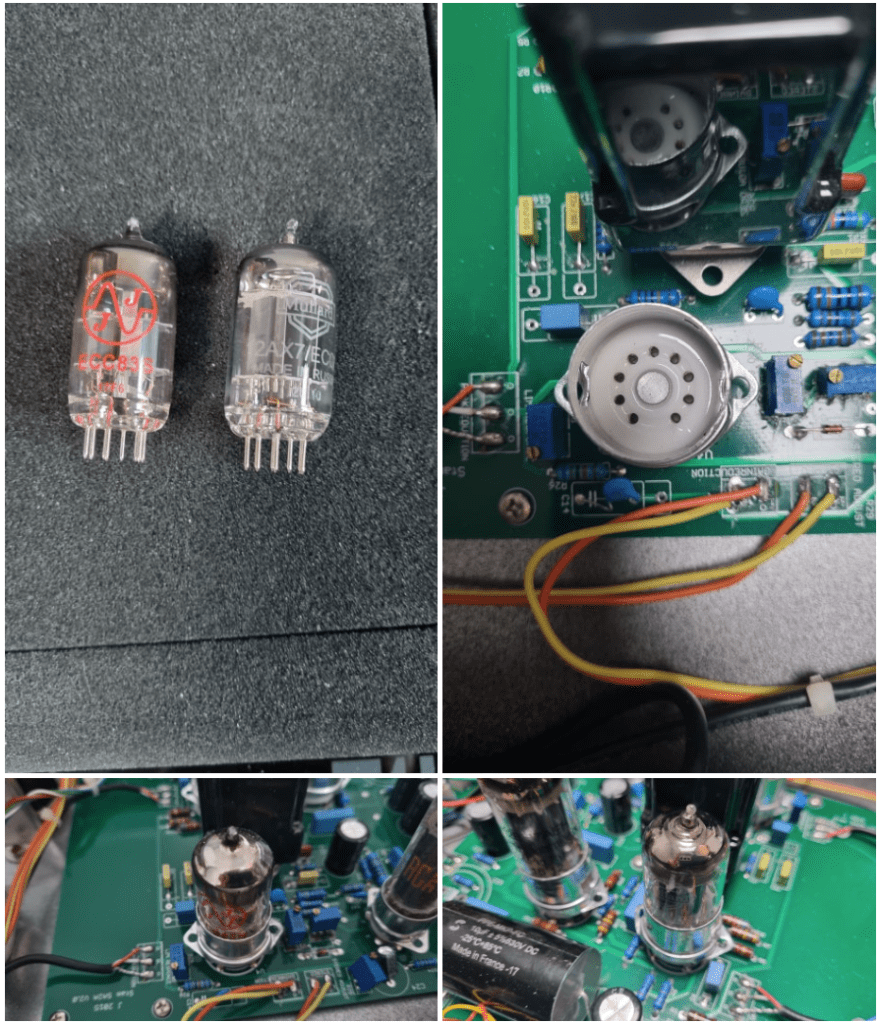
I changed my 12AX7 tubes from jj electronics to mullard.
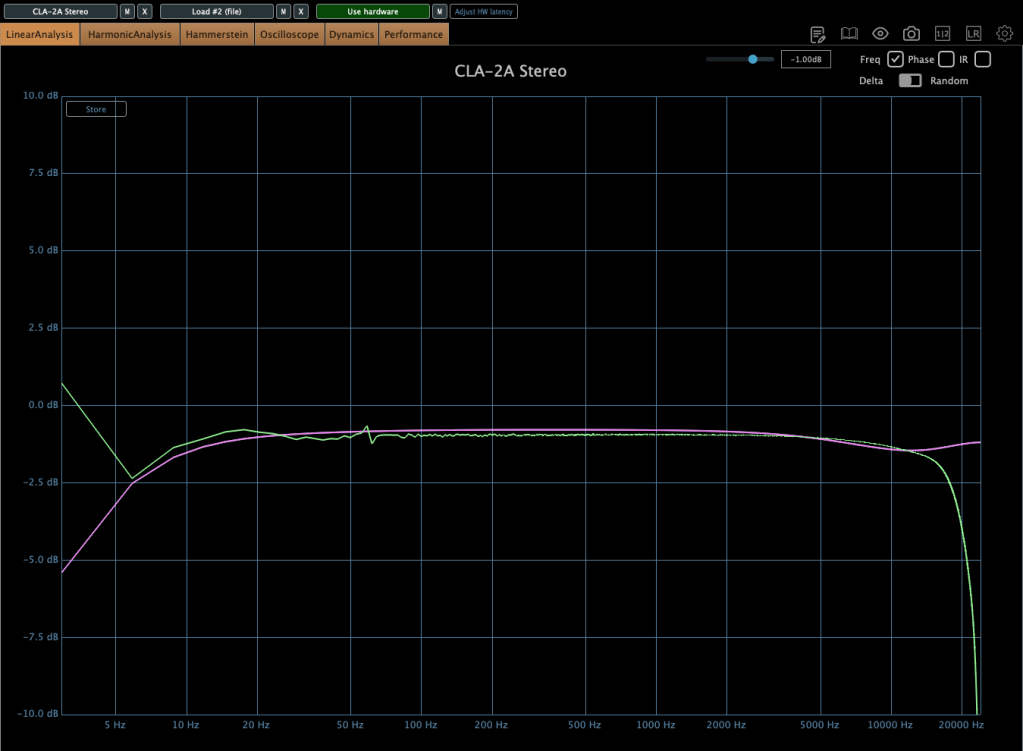
Frequency response and compression curve was not that different compared to jj electronics’. But it sounds much better than before. Harmonic distortion seems to have changed many aspects of the sound.


3) Changed Potentiometer Once Again..2
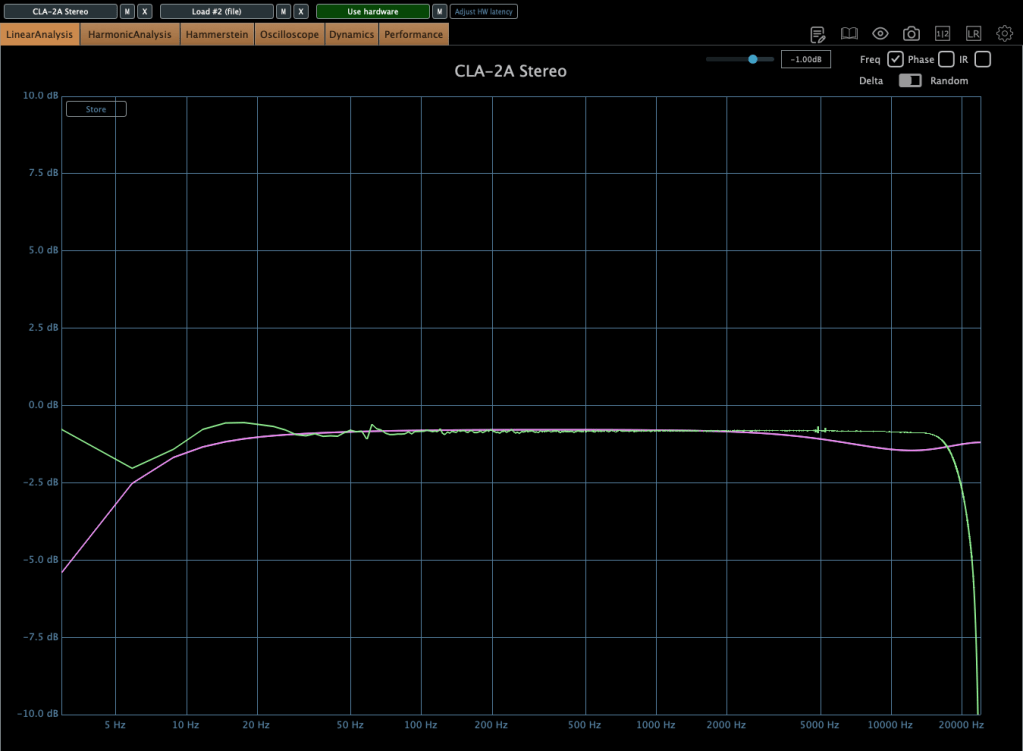
Upper image is a25k, The lower image shows the a10k potentiometer. You could see frequency response improved when the lower value of potentiometer is used! The problem isn’t solved but it sounds really good.
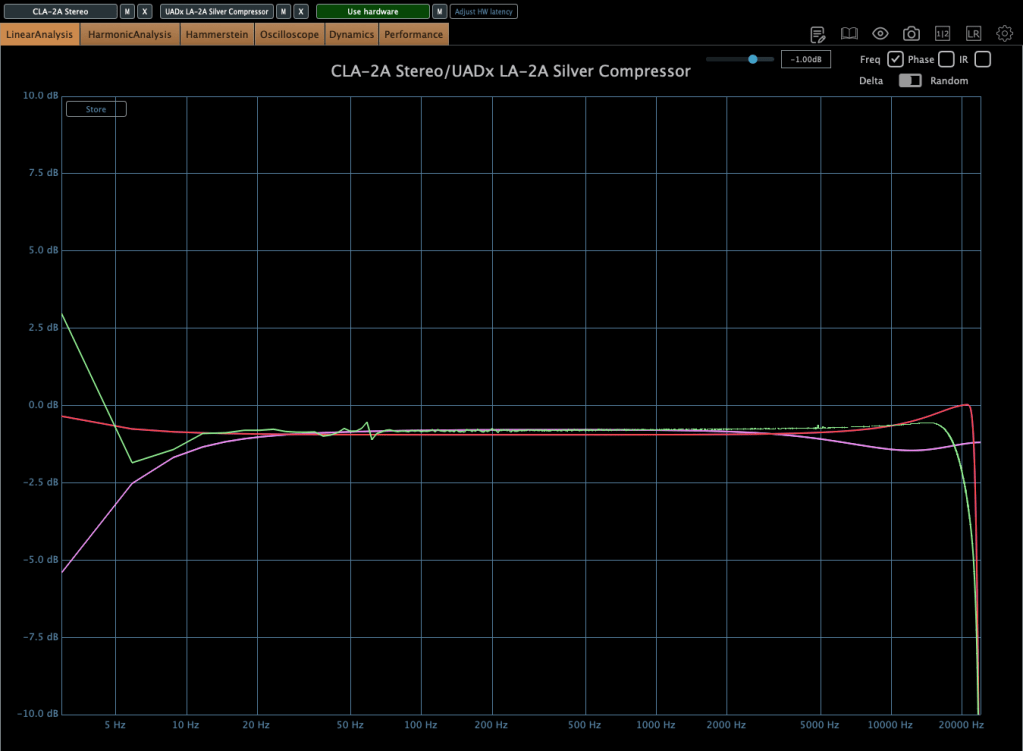
Red curve is UAD LA-2A Silver face, pink curve is WAVES CLA-2A, green curve is SA-2A.

Compared to UAD, it’s nice that it doesn’t add such an overwhelming saturation. And compared to Waves, I like that it doesn’t have that overly compressed feel.

I think it’s worth trying out more simple tools like this in the future. Next time, maybe an EQ or a Comp DIY kit…!

See you in next post! 🙂

Melda Production Analog Empire: Pads & Strings sales(~1/4, $9)

Hello! This is Jooyoung Kim, mixing engineer and music producer.

Today, I’ll introduce Analog Empire: Pads & Strings, virtual instruments by Melda Production.

I received this product as an NFR(Not for Resale) code from plugin boutique. If you purchase this virtual instrument through the link in this blog, I’ll earn a small commission, which helps support my work.

Let’s dive in!


First of all, some of you may be unfamiliar with the company Melda Production.

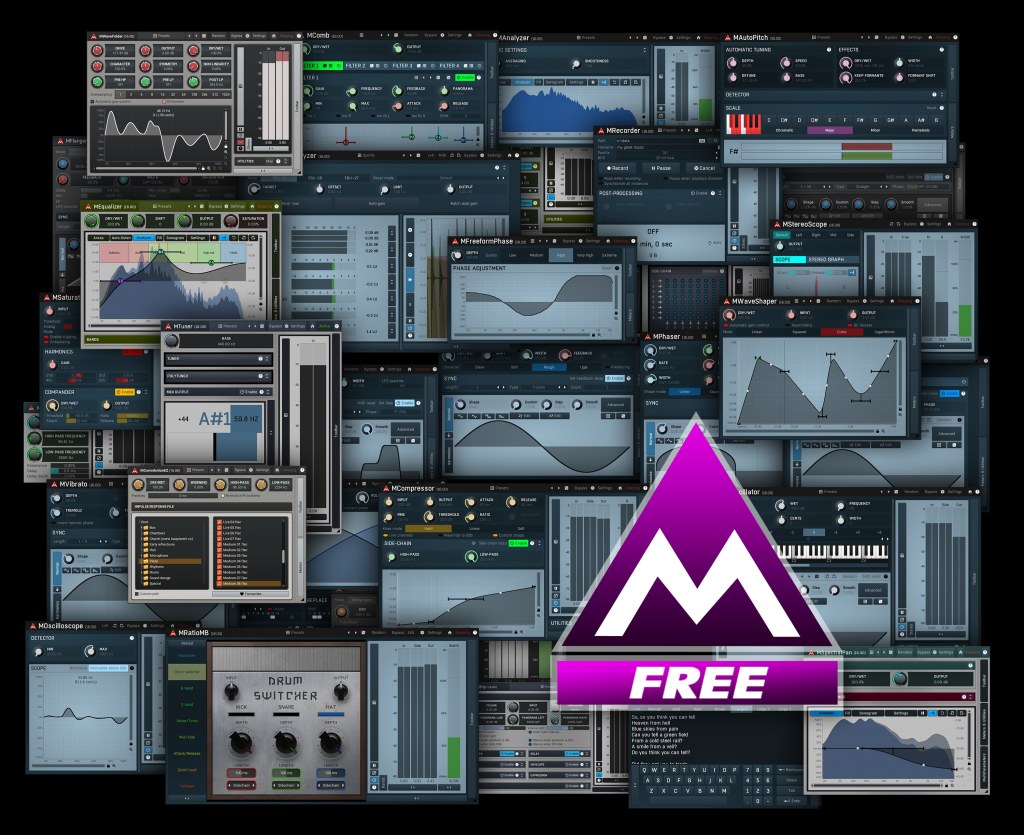
Melda Production creates a wide range of software, from virtual instruments to mixing and mastering plug-ins. You might think of it as similar to IK Multimedia. In particular, their free plug-ins are of such high quality that I always recommend them to my colleagues.

The only downside is the UI, but I believe it will improve over time.

Now, let’s see th Analog Empire.

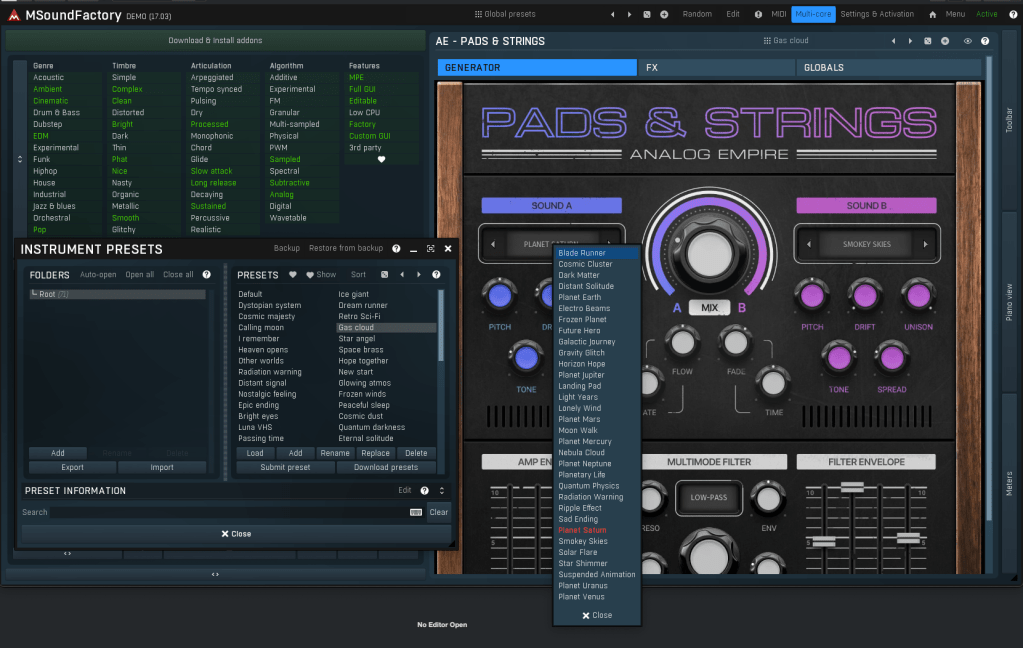
Analog Empire: Pads & Strings runs on MSoundFactory, Melda Production’s virtual instrument engine. So if you want to use it, you have to download MSoundFactory and Analog Empire sound samples.

It’s easy to understand if you think MSoundFactory is Melda Production’s Kontakt.

After listening to the sounds in this video and trying out the presets, I think it works well for cinematic compositions and background music for dramas.

By slightly reducing the effects, it could also work well for pop music.

This product’s concept is simple. Mixing 2 different sounds with functions of sampler.

You can use various effects at FX tab.

Analog Empire is much cheaper than Native Instruments Play Series($49 per each VSTi) or Arturia Augmented Strings($9), with a similar concept.

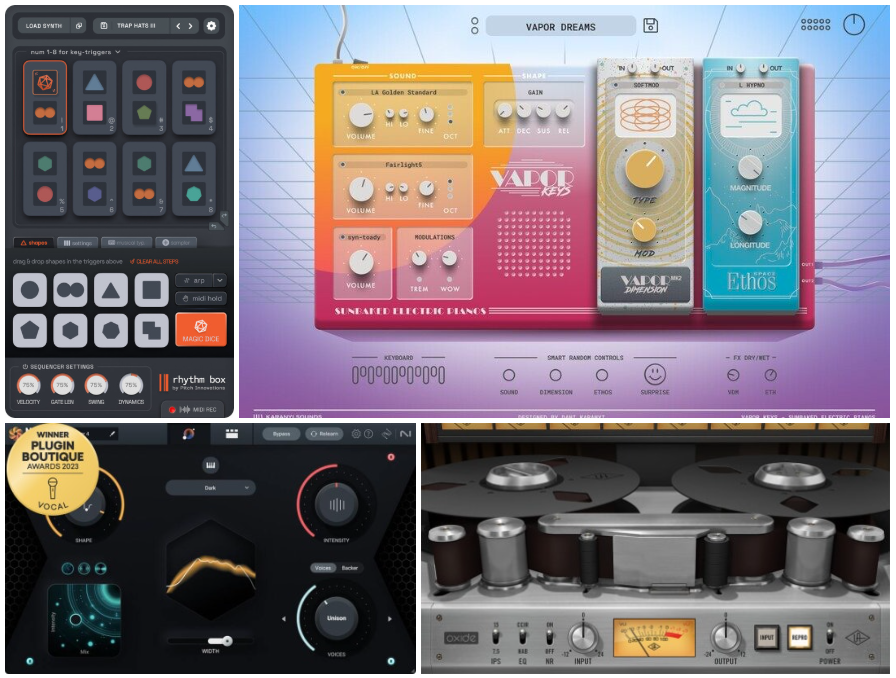
If you purchase plug-ins at plugin Boutique in this month, you can get one of those plugins free(UAD Oxide Tape / Karanyi Sounds Vapor Keys / iZotope Nectar Elements / Pitch Innovations Rhythm Box).

$9 for pads and another free plugin? It’s really great deal.

See you in the next post! 😊

Introducing United Plugins DarkFire Plugin and 78% Discount (Until 1/5)

Hello! I’m Jooyoung Kim, a mixing engineer and music producer.

Today, I’d like to introduce a new product, DarkFire, recently launched by United Plugins, which I’ve been using quite often.

This plugin was provided as an NFR (Not for Resale) license through Plugin Boutique. If you purchase it via the links in this post, I’ll earn a small commission, which helps me greatly. 😊
Let’s dive in, shall we?


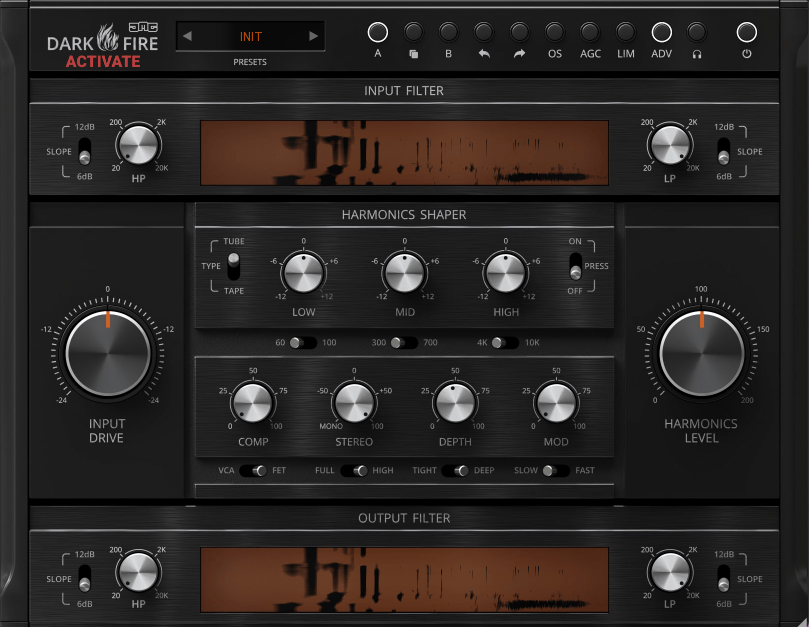
DarkFire is a versatile all-in-one plugin that can essentially be categorized as a saturator.
Plugins with such multifunctionality are usually used on buses or the master channel.

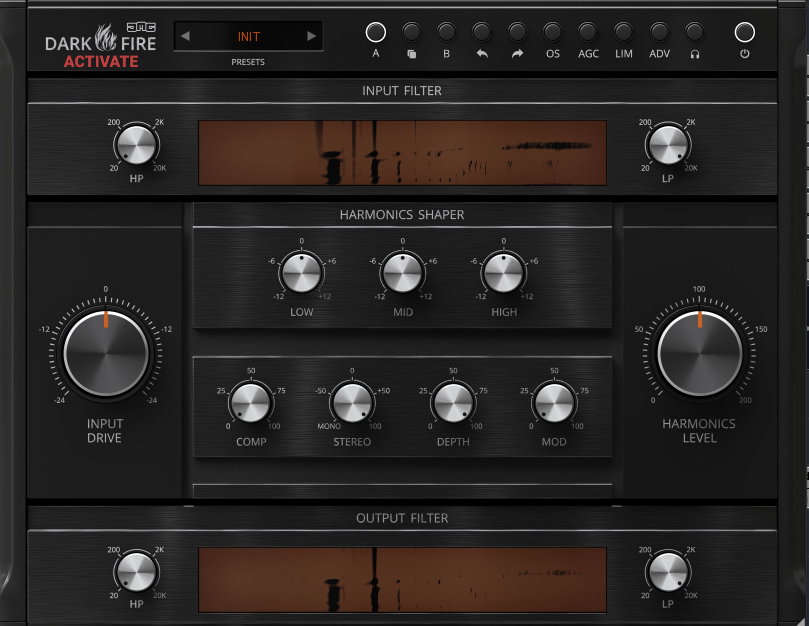
At the top of the interface, you’ll find the OS (Over Sampling) button, which enables up to 8x oversampling.

  • AGC stands for Auto Gain Compensation, automatically matching input and output gain levels.
  • LIM acts as a limiter to ensure the signal doesn’t exceed 0dB.
  • ADV allows deeper parameter adjustments.
  • The headphone button lets you isolate and listen to only the harmonics.

In addition, the HP/LP (High Pass and Low Pass), EQ, and compressor functions operate as you’d expect.

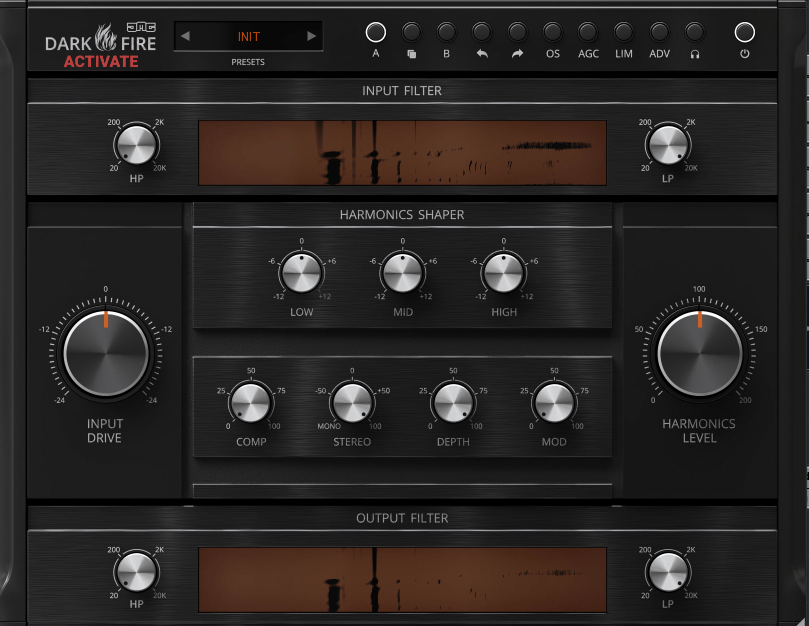
The first image above shows when the Stereo knob is set above 0, and the second shows the Depth knob also turned up.

  • The Stereo knob adjusts stereo imaging by manipulating left-right EQ differences.
  • The Depth knob creates a sense of front-back space using short delays.

Personally, what stands out the most is the Type option that appears to the left of Harmonics Shaper when the ADV button is activated.
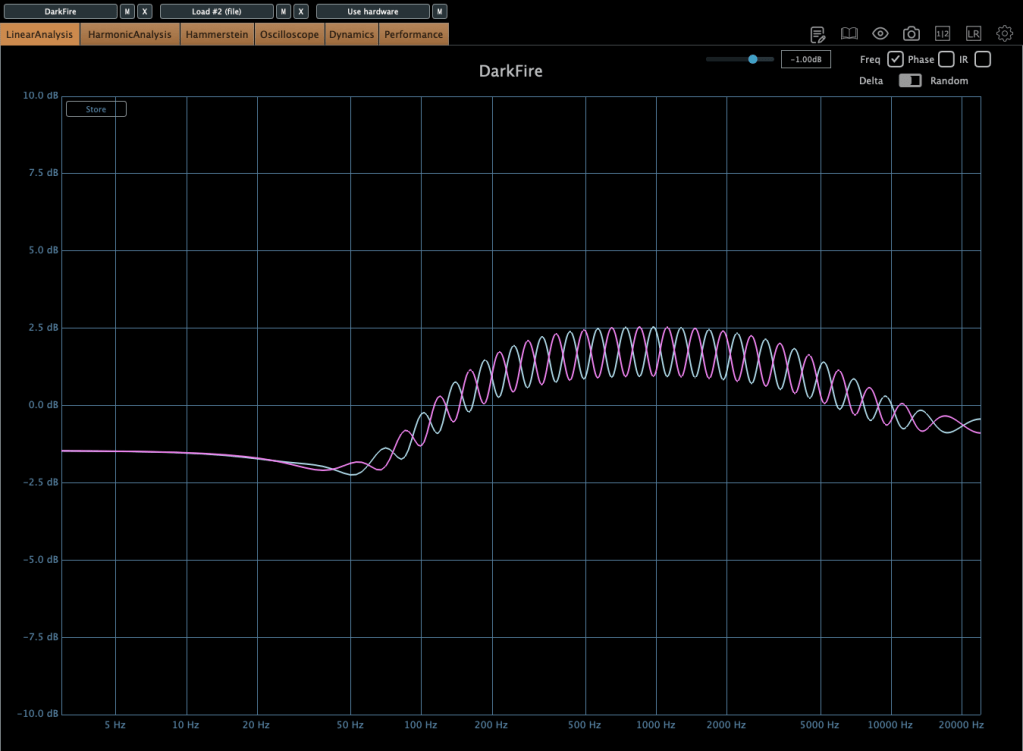
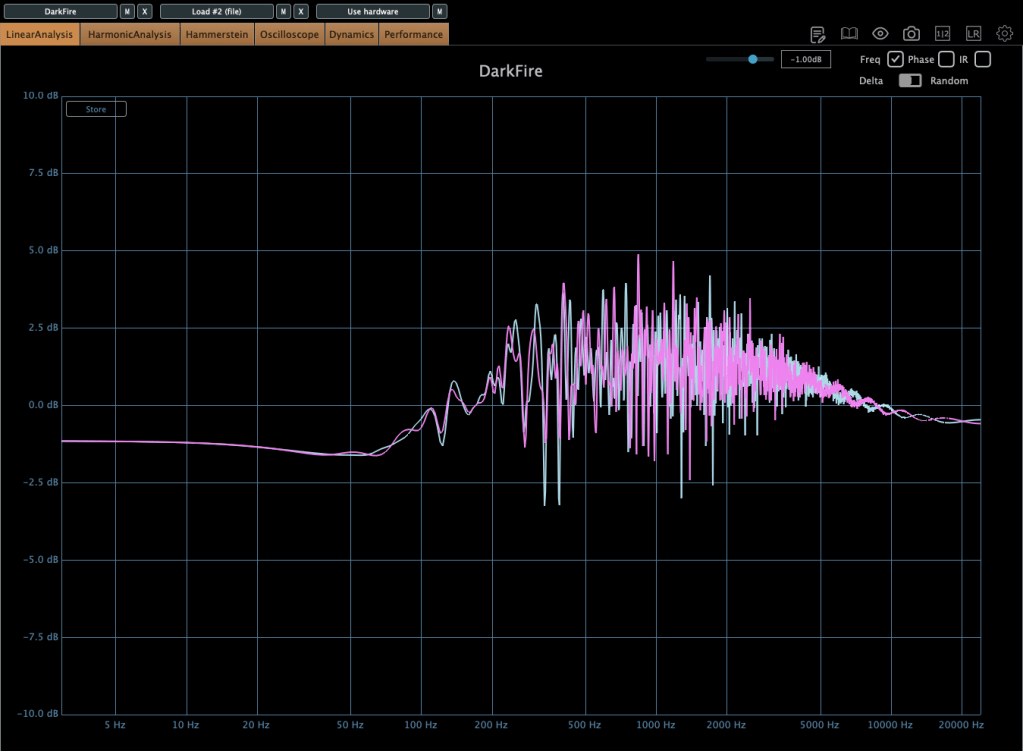
Here, you can select between Tube and Tape saturation types.
The default setting is Tape, but I personally prefer the Tube option.

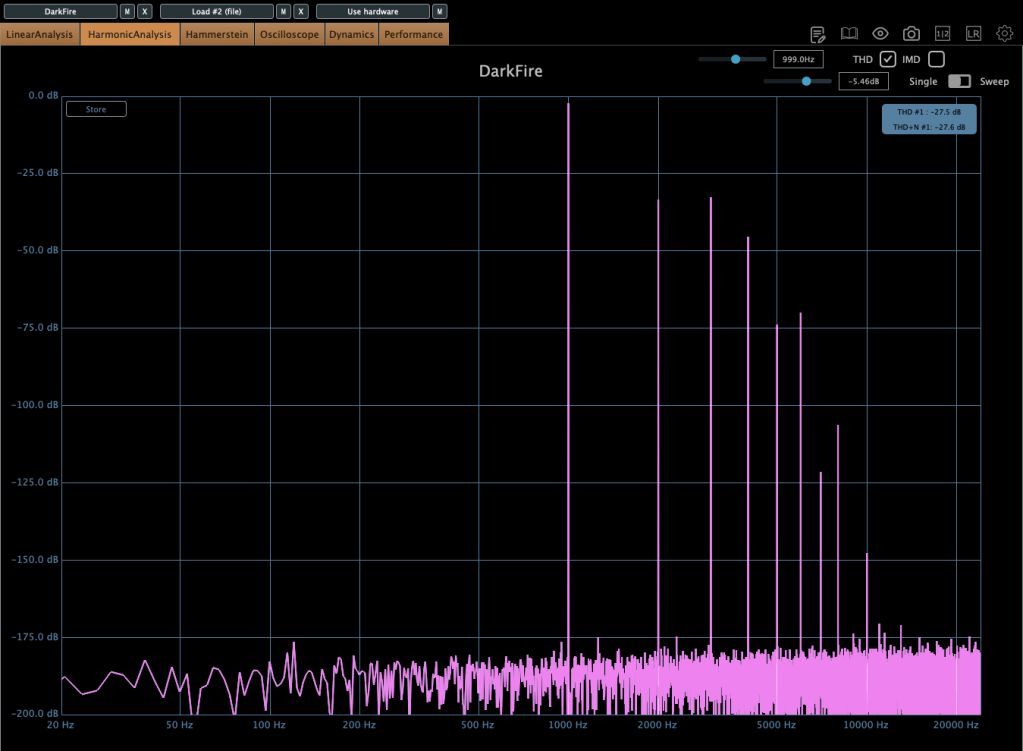
The harmonic patterns differ significantly between the two.
The first image shows the Tube mode, while the second shows the Tape mode, which only generates odd-order harmonics.

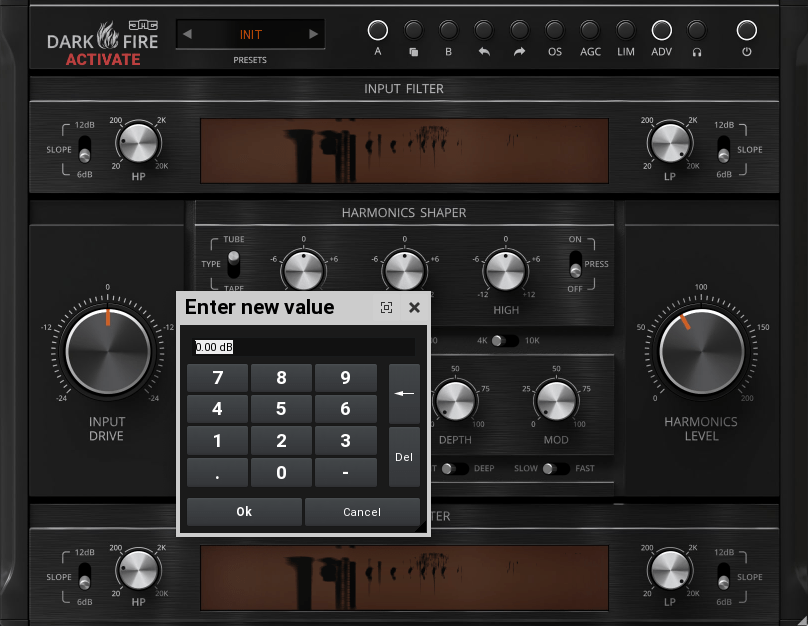
You can also double-click on parameters to adjust them to exact values.
I believe you can never have too many saturator plugins, as each one offers unique characteristics that are hard to replicate!
At its current price of $17.60, this plugin is an affordable option worth testing.

United Plugins also offers many cost-effective and practical plugins. With discounts running until January 5, it’s a great time to explore their offerings.

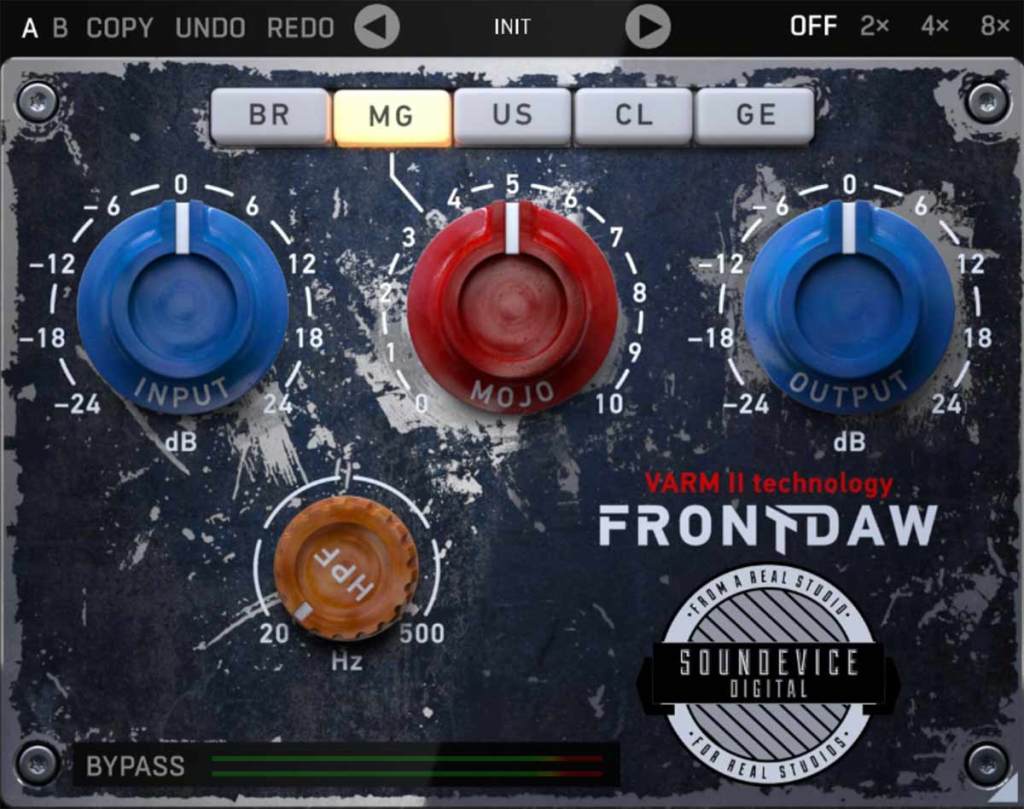
One plugin I highly recommend is FrontDAW, which emulates various console preamps. I’ve been using it regularly since 2019, and it’s been incredibly handy!

Additionally, Plugin Boutique is running a promotion this month where you can get one of the following plugins for free with any purchase:

  • UAD Oxide Tape
  • Karanyi Sounds Vapor Keys
  • iZotope Nectar Elements
  • Pitch Innovations Rhythm Box

Among these, I personally recommend UAD Oxide Tape, as it delivers decent quality for a tape emulation plugin.

That wraps up today’s post. See you in the next one! 😊

Basics of Mixing – 12.1 How to Solve The Problems of Recording Source

Hello! This is Jooyoung Kim, a mixing engineer and music producer.

Today, I’d like to say about the problem of recording source and how to solve. This article is based on my book “Basics of Mixing” released at South Korea.

Let’s dive in!


1) Noise Floor

If you use analog hardware, electricity causes certain noise across all frequency range. We call this “Noise Floor”.

So if you recording with microphone pre-amplifier or use outboards, you have to recognize and keep in mind it. Although you can’t hear the noise in mixing step, but it could make problem in mastering step .

This matter could be fixed with plug-ins like iZotope’s RX bundles(Spectral De-Noise). But when the source processed, you will hear High Frequency & Low Frequency loss. So I don’t use it often until have no choice.


2) Popping Noise

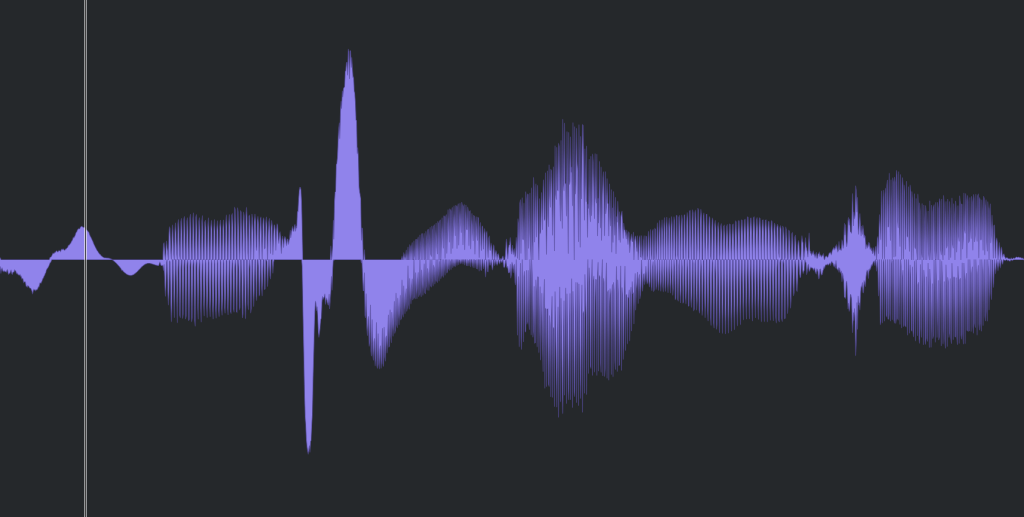
Popping Noise, A.K.A pop noise, is caused by popping sound. If you look closely upper picture, could understand it’s usually belong low frequency. So it could solved with low cut(high pass) filter.

However when you record voice, use pop filter is best method to prevent popping noise.


3) Sibilance

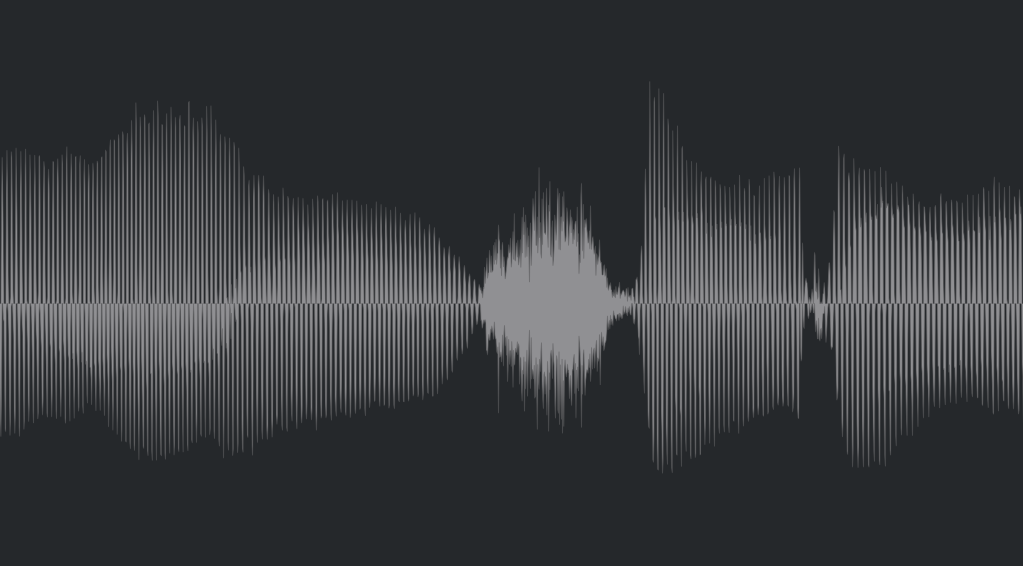
Sibilance is hissing sound when you pronounce like “S”. This high frequency sound can be perceived as louder than other frequencies due to the equal loudness contour.

You able to use De-Esser plug-ins or EQ to solve this problems. Another method involves cutting the sibilant peaks and adjusting the gain of the affected clip.


4) Click Noise

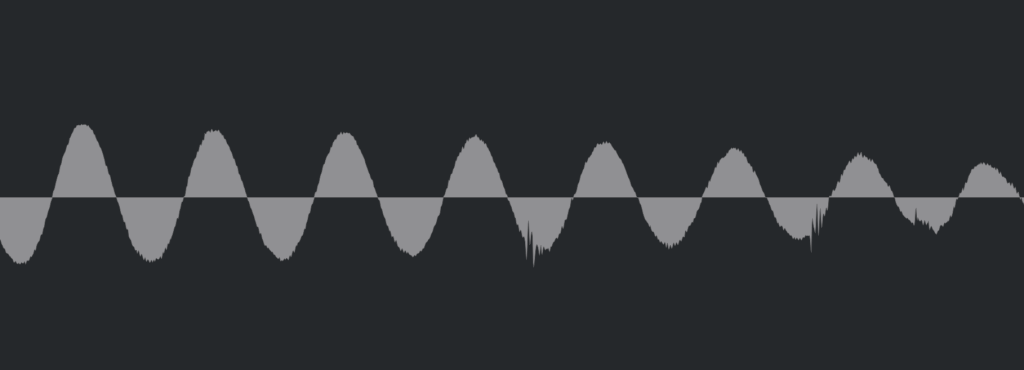
When you check the records, you could find click sounds frequently. In vocal records, lips make those noise. Drawing waves with pencil tools will solve this problem.

There have another way, use De-Click plug-ins. However I don’t like this method. It makes high frequency loss.


5) Clipped Noise, Distortion

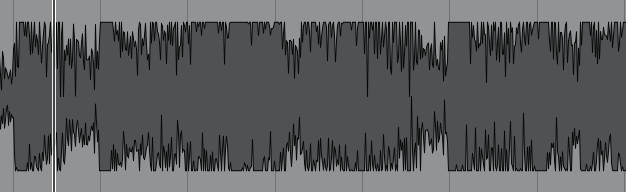
If the recording is distorted like this from the beginning, the best solution is simply to re-record it.

You might want to ask the client to double-check their export/bounce to see if the distortion originated there.

If the recording is distorted and re-recording is impossible, you can try to fix it with plugins like De-Clip, although you’ll have to sacrifice some audio quality.


6) Ambience

In the past, there was no way to fix recorded ambience. However, nowadays, there are many plugins that remove reverb and ambience from companies like Waves, UAD, and Izotope, so it’s not as big of a problem anymore..


7) Ambience

You can consider most other issues beyond these as unresolvable. If noise is caused by electrical issues and is consistently present, you can address it by dealing with the noise floor. However, if it appears intermittently, it’s impossible to fix.

Similarly, if a problem occurs consistently, there’s a good chance it can be fixed. But things like construction noise from nearby or the ticking of a clock are difficult to remove.


In this post, we discussed various problems with recorded audio and how to solve them.

The next chapter was originally going to be about groove and sidechaining. However, This is one of the key topics in my book, so I’ve decided not to cover it on the blog.. I don’t want to give away all the content for free and be unfair to those who purchase the book. I hope you understand.

From the next post onwards, I’ll be talking about outboard gear.

See you in next post! 🙂