Basics of Synthesizers (1) – Types of Synthesizers

Hello! I’m Jooyoung Kim, a mixing engineer and music producer.

Today, I’ll continue from last time and briefly classify synthesizers. Let’s dive in!

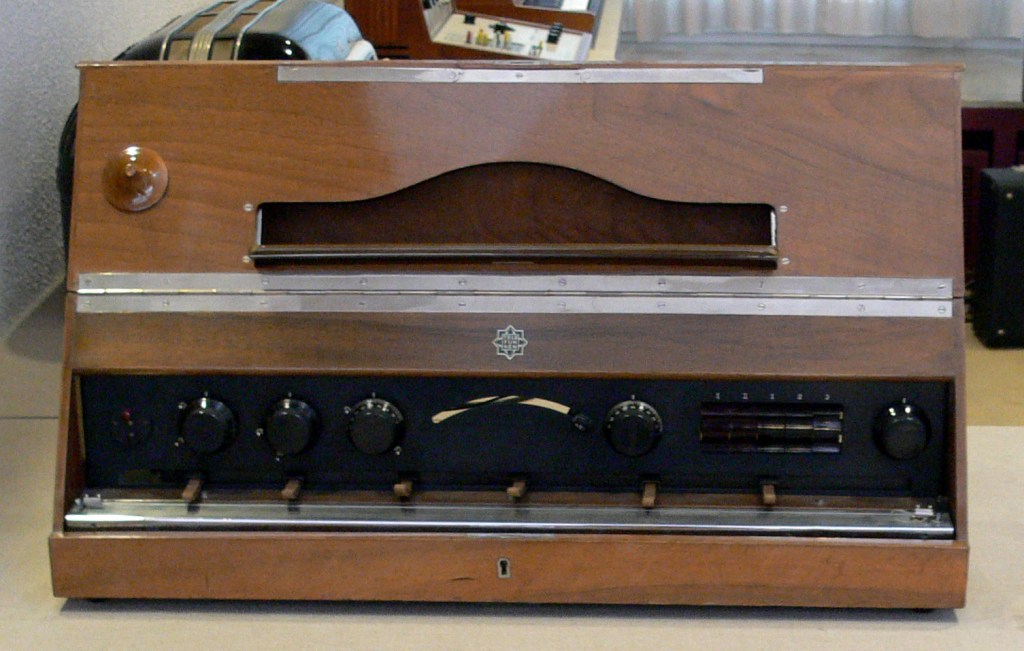
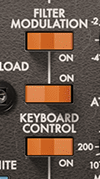
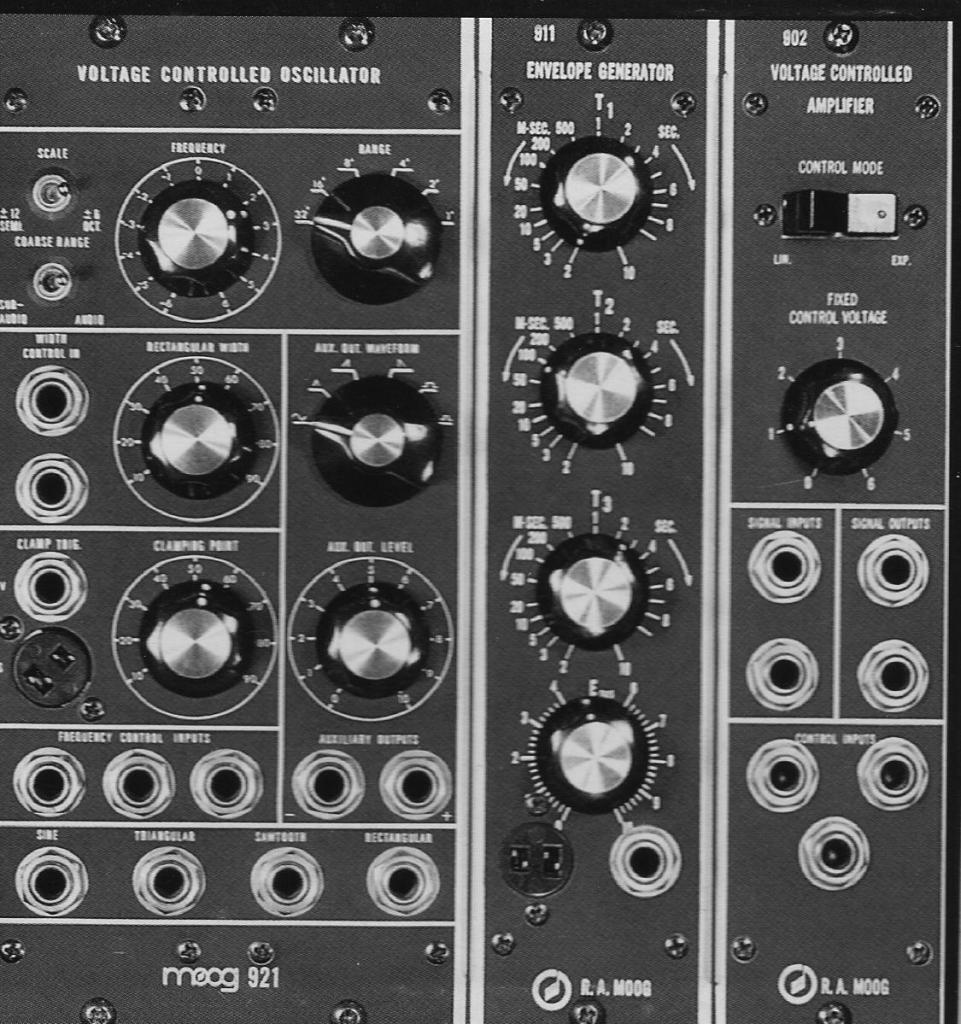
The Money Pit: Modular Synthesizers…

Synthesizers can be categorized based on their synthesis methods. Here’s a breakdown:

No.Synthesis MethodDescription
1Subtractive SynthesisApplies filters to a signal to shape the sound.
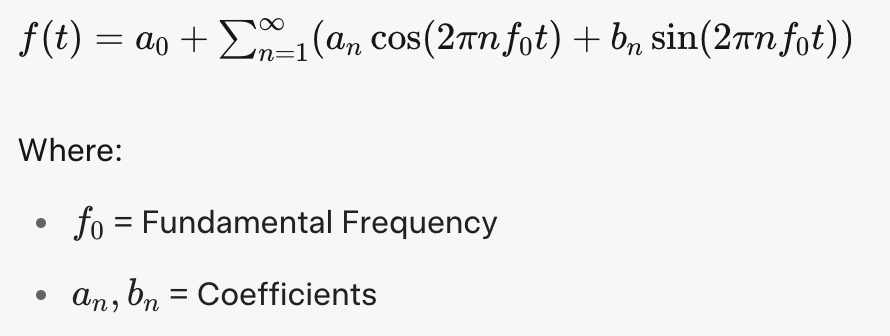
2Additive SynthesisCombines waveforms to create sound.
3Modulation SynthesisModulates one signal using the values of another.
4SamplingModulates pre-recorded sounds (not strictly a synthesizer but often integrated).
5Physical ModelingMathematically models the principles of how real sounds are produced.
6Phase DistortionDistorts the speed of phase changes to synthesize sound.
7Vector SynthesisUses a basic wavetable approach, often with a joystick to shape sounds.
8Spectral ModelingA type of modeling that uses white noise and variable filters to create sound.
9Linear ArithmeticCombines subtractive synthesis with PCM (Pulse Code Modulation) sampling.
10FormantA modeling technique based on the frequency spectrum peaks that occur in human speech, called formants.
11GranularA sampling method that synthesizes sound by manipulating small units called grains.
12WavetableSynthesizes sound using waveform tables.
13AI (Neural / Deep Learning)Trains models to synthesize sounds based on specific parameters.

Quite a list, right?

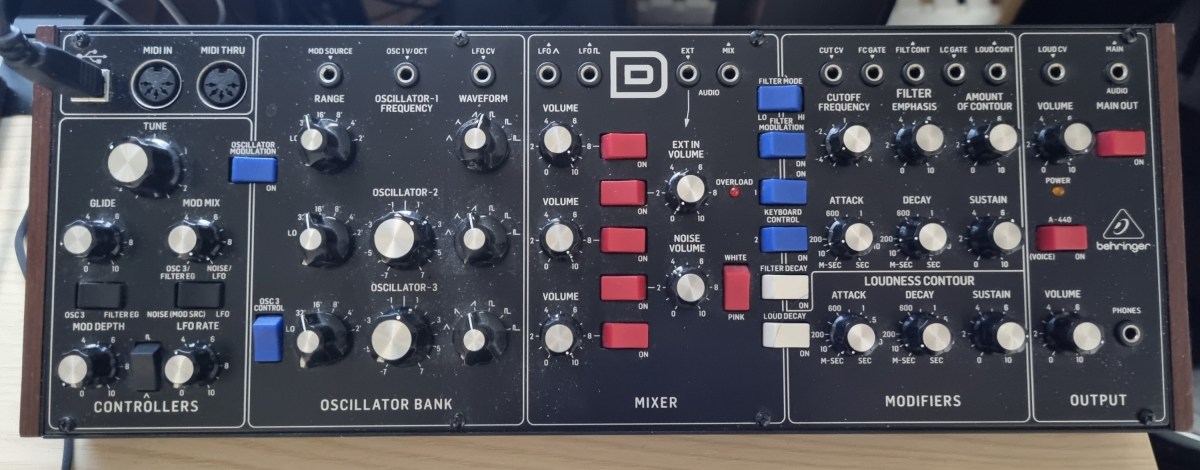
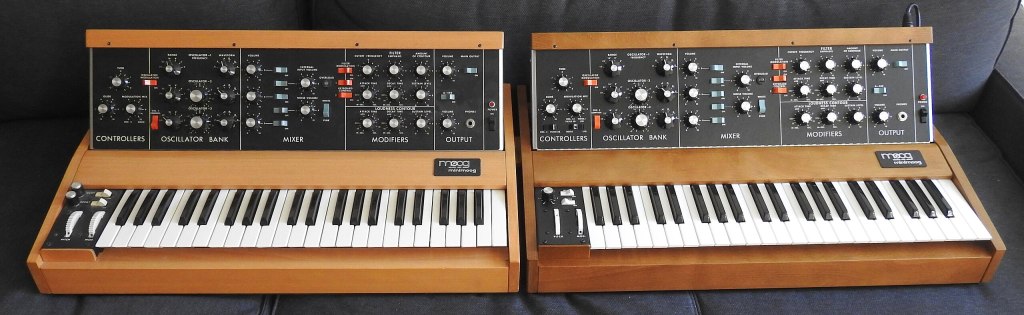
The Father of Moog, Robert Moog

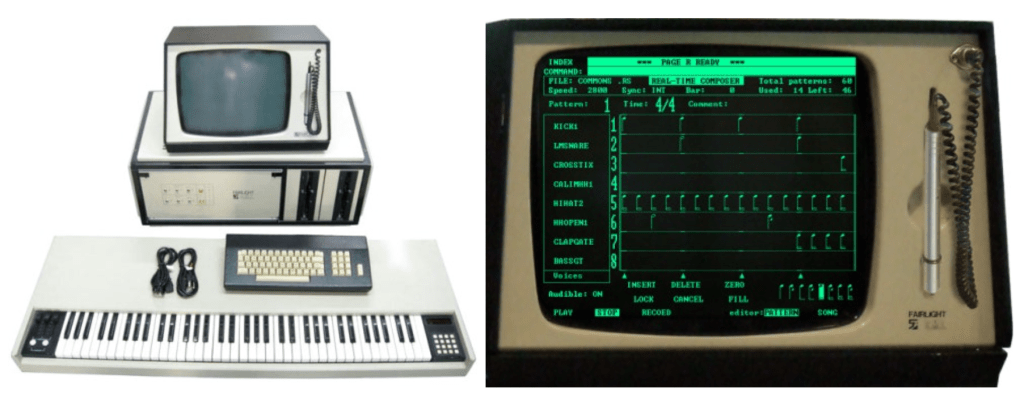
After the first commercially successful analog synthesizer from Moog appeared, many companies saw the potential for a profitable synthesizer industry. At the same time, academia recognized its research value, leading to numerous collaborations. This fueled rapid advancements in synthesizer development.

As a result, most synthesizer instruments we know today were fully developed before the 2000s.

Today, technologies like Physical Modeling and AI synthesis have advanced synthesizer creation, but we don’t always think of these as “synthesizers.” For example, a modeled piano is perceived as a piano, and a modeled woodwind as a woodwind.

Pianoteq is a synthesizer, but it doesn’t feel like one, does it?

I previously introduced a tool that uses AI and sheet music to synthesize strings that sound incredibly realistic. I believe this is the direction future synthesizers will take.

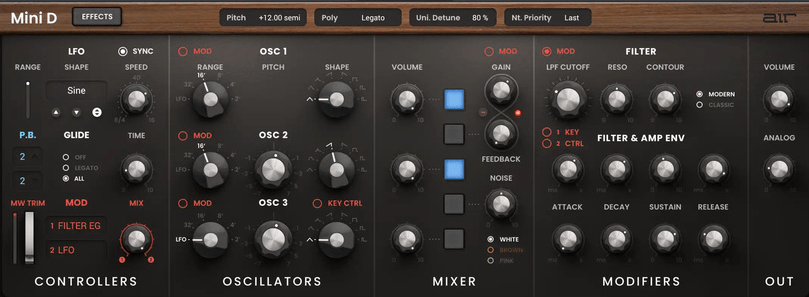
The recently released Serum 2 synthesizer. I think this is about as far as what we consider “synthesizer” instruments will evolve.

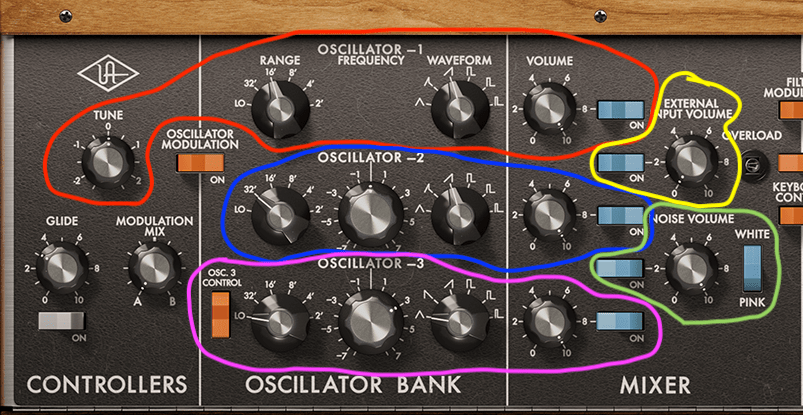
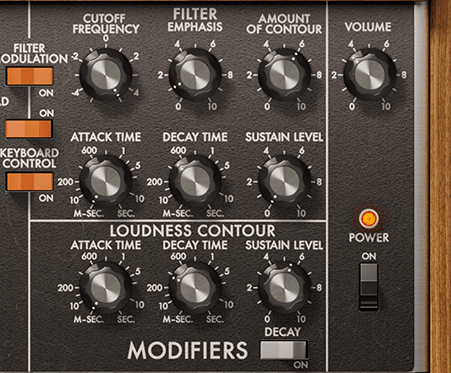
Once you master a few synthesizers, you’ll find that the parameters are largely similar across others. In upcoming posts, I’ll explore representative synthesizers for each synthesis method and how to use them. Reading through these will help you navigate complex synthesizer workflows.

Until next time!

Diving into the Basics of Synthesizers…

Hello! I’m Jooyoung Kim, a mixing engineer and music producer.

It’s been a while since my last post, hasn’t it?

After getting rejected by AES for the second time, I was like, “Alright, let’s fix this research!” So, I scrapped my experiments, started over, re-collected all the data, and reformatted everything for submission elsewhere. Time just flew by in the process… haha.

I’m really hoping this one gets accepted before I graduate. Fingers crossed this time…

Lately, I’ve been working on recreating hardware compressors using deep learning. I trained the model with test signals, but when I fed it guitar sounds, all I got was white noise and sine sweeps… That took about two weeks of work.

So, I’ve spent the past few days coding from scratch, preparing new training data, and running the training process again. Here’s hoping the results turn out well, but man, it’s exhausting…

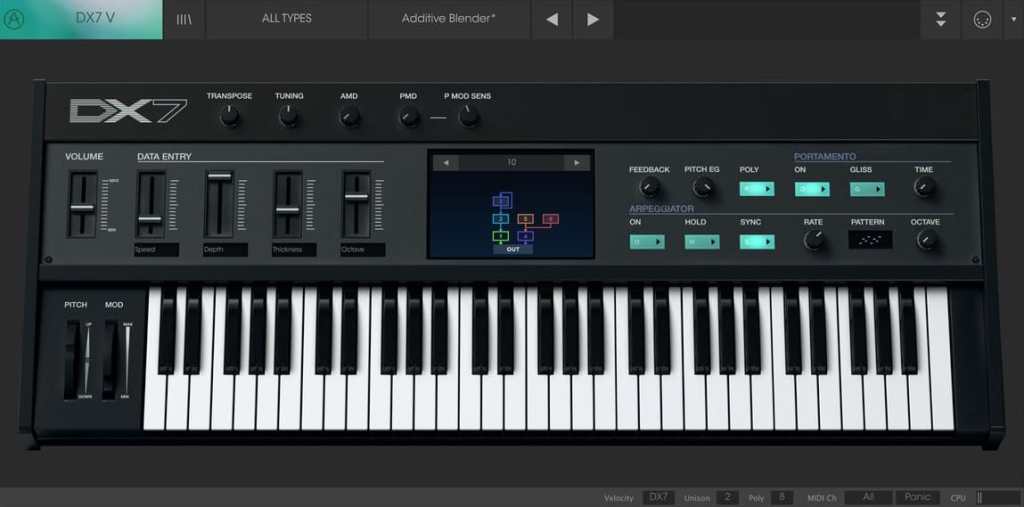
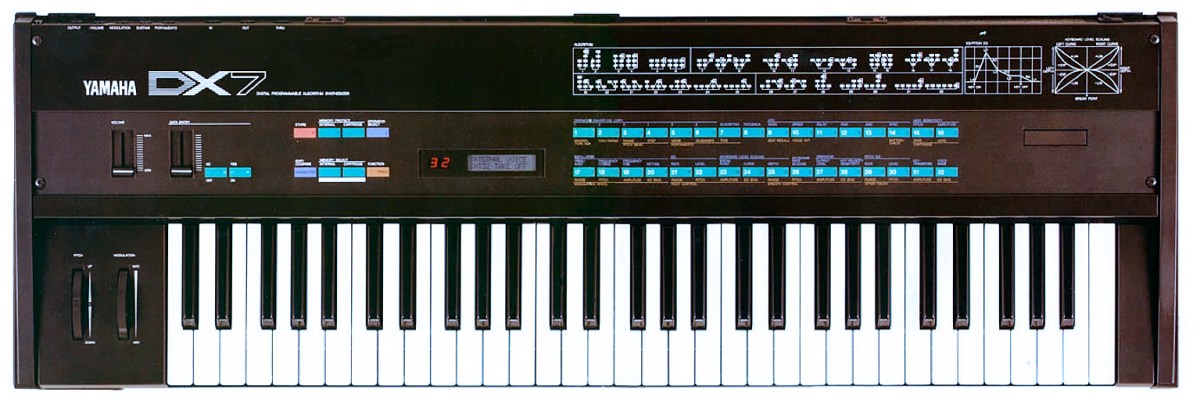
I’d love to own a Yamaha DX7 in real life

On another note, I recently wrapped up a year-long series on the basics of mixing, and I was wondering what to write about next. Then it hit me: why not talk about using synthesizers?

Even though my music style doesn’t heavily rely on synths, understanding how different synthesizers work can definitely broaden the creative spectrum for writing music. From an engineer’s perspective, learning about filter techniques and the unique sound characteristics of various synths can spark a ton of new ideas.

That said, I’m still organizing my research on this topic, and with some recent worries about making ends meet, it’s been tough to write as quickly as I’d like… Still, I’ll do my best to keep the posts consistent.

The content will likely follow a simple structure:
“Sound synthesis methods and their history -> Iconic synthesizers”

That’s the plan. Looking forward to catching you in the next post!

Create Your Own Virtual Instrument with NI’s Kontakt!

Hello everyone! This is Jooyoung Kim, an engineer and music producer.

Today, I’d like to share a simple guide on creating your own virtual instrument using Kontakt 6 (often just referred to as Kontakt).

While Kontakt 7 is the latest version, I haven’t upgraded to the newest Komplete bundle due to the lack of significant new libraries. Therefore, I’m using Komplete with Kontakt 6 for this tutorial. The process should be similar across versions, so I hope this will still be helpful.

Given Kontakt’s extensive features, I will not cover every detail here. For in-depth editing, I recommend checking the manual.

Let’s get started!

First, open Kontakt and double-click the empty space on the right to create a sampler. Click the wrench icon in the upper left corner to open the settings tab, as shown above. There are a lot of settings available!

First, let’s open the Mapping Editor highlighted in the picture.

You’ll see a piano roll screen along with a grid that looks like an Excel spreadsheet. The horizontal axis represents pitch, and the vertical axis represents velocity. Load your desired sample onto this grid.

The grid and the piano roll will be colored like this. Pressing the colored keys on the piano roll will play the original sample, while pressing other keys will change the pitch.

You can adjust the highlighted areas with your mouse.

By properly adjusting the areas, you can set different samples to play depending on the velocity when you press a key, as shown above.

Similarly, you can click and drag the colored areas on the piano roll to adjust the pitch range.

For example, if you open the settings for Alicia’s Keys, a commonly used instrument, and examine the mapping, you’ll see 12 velocity layers for each key. Instruments created with Kontakt often have such detailed velocity mappings. The more sophisticated the instrument, the fuller the mapping editor will be.

After completing the mapping, you can use the Wave Editor to fine-tune the samples to your liking.

You can loop the sample or perform various other edits.

The parameters are similar to those of general samplers, so if you’re familiar with samplers, you should find it easy to use.

If you’re new to samplers, exploring Kontakt can help you understand the structure of virtual instruments created with it, which can be useful when purchasing such instruments.

After some basic editing, the sound of your virtual instrument is complete. Finally, select Instrument Options and add a wallpaper with a TGA or PNG file (the manual suggests a width of 633 pixels).

This gives you a virtual instrument with a polished look. But what if you want adjustable parameters like other Kontakt instruments?

You need to use the Script Editor to add those features.

If you don’t want to dive too deep, you can simply select a factory preset from the side and add the “make_perfview” command between the “on init” and “end on” lines.

This will display the factory preset script in the main window, known as the performance view. To create a more customized performance view, you’ll need to learn scripting from various forums.

https://community.native-instruments.com/categories/scripting-workshop

For those who want to explore further, NI has a community that’s worth checking out.

Other settings like Effects, Envelopes, and Buses are similar to those in other samplers or track settings, so I won’t explain them in detail here.

It may seem challenging at first, but once you understand it, you’ll be able to use other Kontakt-based virtual instruments more flexibly. If you’re into music production, it’s definitely worth studying.

I hope this post is helpful for those dealing with virtual instruments.

See you in the next post!

Orchestration Basics – Percussion (2)

Hello, this is Jooyoung Kim, a mixing engineer and music producer.

Today, I’ll continue from my previous post on the basics of orchestration, focusing on percussion instruments.

Shall we begin?

  • Triangle

The triangle is a metallic, triangular instrument that is suspended by a loop made of gut or nylon string, which is worn on the finger and struck with a metal beater of the same material.

Because it involves metal striking metal, it produces a sharp, clear sound. Despite its small size, it can cut through an entire orchestra due to its metallic timbre.

Playing techniques include single strokes, drags, and triangle rolls, where the beater trills along the edges. A unique feature is that you can mute the triangle by touching the body with your fingers. Like most percussion instruments, the intensity of the stroke determines the volume.

  • Crotales

Also known as antique cymbals, crotales are small cymbals about 4 inches (10 cm) in diameter, each with a specific pitch.

They can produce about two octaves of sound, extending the range by adding additional sets. These instruments are transposing, sounding two octaves higher than written, and are typically tuned to A=442Hz.

Crotales are fixed to stands with nuts, similar to cymbals. The nuts must be adjusted correctly to avoid dampening the sound or losing control of the vibration. Their metallic sound can pierce through an orchestra. Unlike glockenspiels, which are made of steel, crotales are usually made of brass, resulting in a different timbre. They produce a long sustain and are often struck with mallets that have hard heads.

Crotales can also be muted by hand or played with rolls. A unique technique involves using a string bow to scrape the edge, producing a distinctive sound.

  • Castanets

Castanets, also known as clackers or palillos, are instruments that produce sound by clapping two pieces together. Their exact origin is unknown, but they are widely used, especially in Latin music and flamenco dance, where female dancers rhythmically play them in both hands.

Traditionally made of wood, modern versions can be made from fiberglass. Castanets do not have a definite pitch, but the size difference between the pairs (macho for the larger, deeper-sounding one and hembra for the smaller, higher-sounding one) gives a perceived pitch variance.

Castanets are connected by a string loop, worn on the thumb, and struck with the other fingers. While single notes can be played, rolls are often more effective, especially in fast and complex pieces.

  • Mark Tree

Also known as bar chimes, nail tree, or chime tree, this instrument consists of aluminum or brass tubes, either hollow or solid. Instead of striking each bar individually, players typically use their hands or fingers to create a glissando by sweeping across the bars.

Mark Trees are used across various musical genres, including orchestral and popular music, to create a shimmering sound. The instrument’s range isn’t usually notated.

Emil Richards

Invented by Mark Stevens in 1967, the instrument was named by the legendary percussionist Emil Richards, who referred to it as the Mark Tree. The instrument is also known by other names like bar chimes or chime tree due to its chime-like quality.

  • Jingle Bells

The jingle bell, famously known from the Christmas song “Jingle Bells,” is also called sleigh bell because it’s attached to sleighs. It’s a quintessential instrument for holiday music, producing a recognizable jingling sound.

Jingle bells are typically mounted on a stick, played by shaking or striking with another hand. This method ensures precise timing and clean sound release.

  • Bell Tree

The bell tree, also known as tree bells or Chinese bell tree, consists of 14 to 28 bells arranged vertically. Unlike the Mark Tree, it is played by sweeping a beater, usually a triangle beater or a glockenspiel/xylophone mallet, from top to bottom for a glissando, or striking individual bells for single notes.

The bell tree has a long sustain and can pierce through an orchestra, often used for sound effects in film and commercial music. Its relatively short history dates back to its first studio use in the 1990s.

  • Conclusion

This concludes the basics of orchestration for percussion instruments. I hope this information has been helpful!

See you in the next article~:)