Output Thermal Distortion Plugin FX 49% Off (Until 8/16)

Hello everyone, I’m mixing engineer and music producer Jooyoung Kim.

Today, following my previous post on the Portal plugin and its discount, I’m excited to introduce Output’s Thermal plugin.

As mentioned in the previous post, Plugin Boutique has provided the plugin under Not for Resale conditions, allowing me to write this review.

Let’s get started!

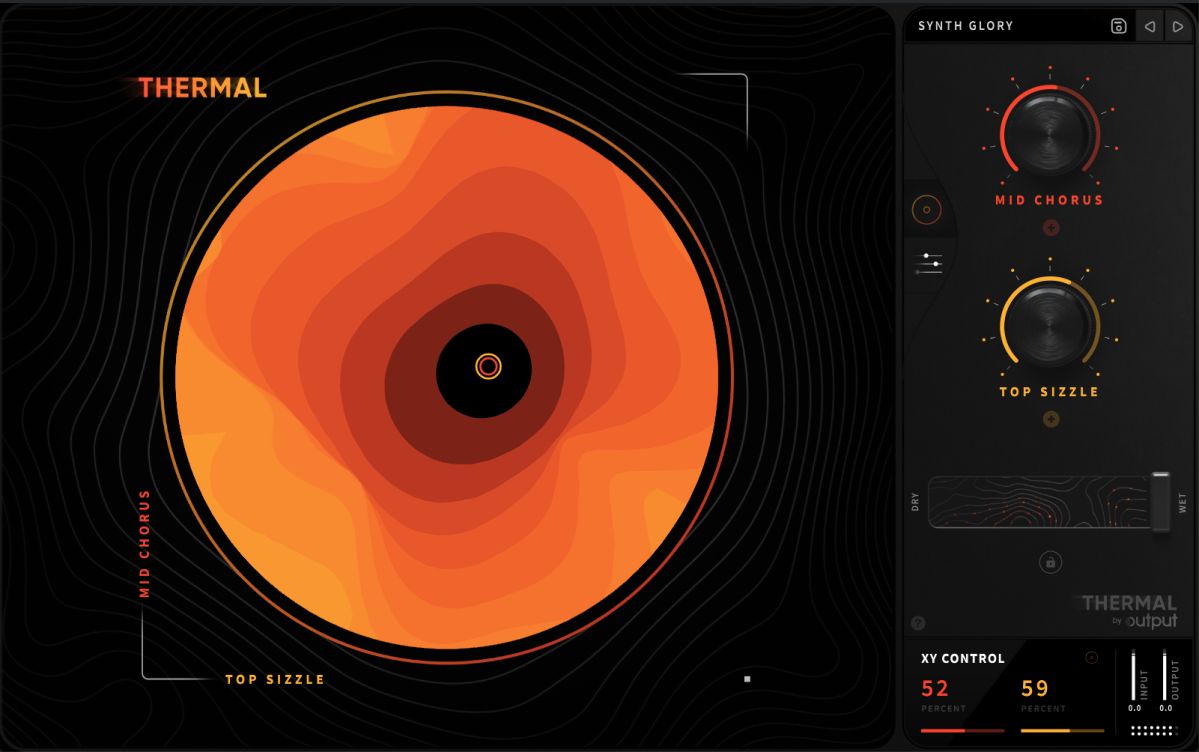
Thermal is one of Output’s flagship effect plugins, specializing in various types of distortion. Its basic UI is similar to that of Portal.
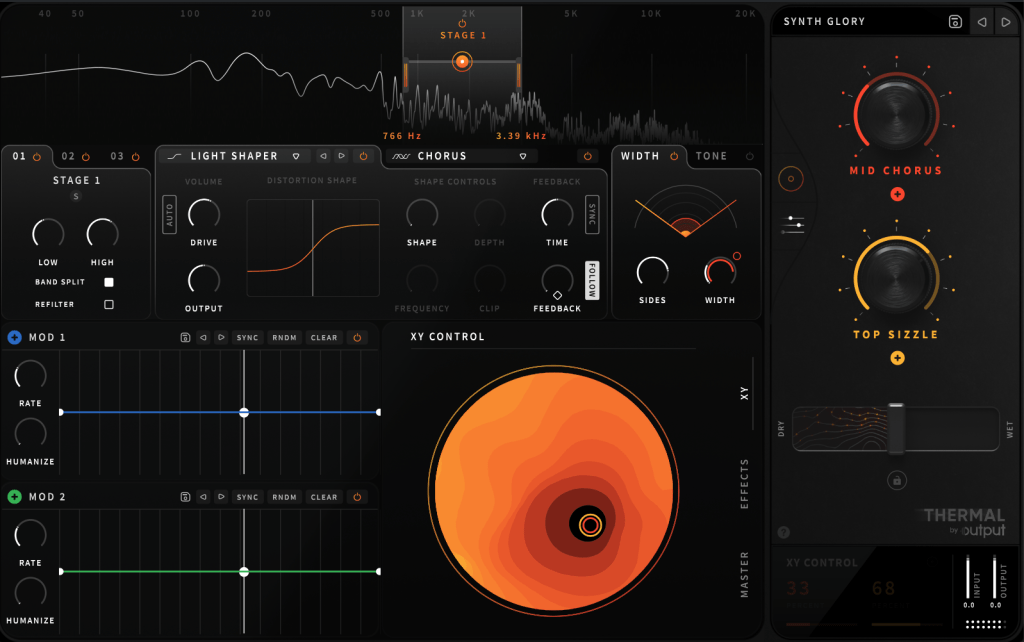
Opening the settings panel, you’ll find two Macros on the right and two LFOs labeled as MOD, allowing modulation of parameters with four values.
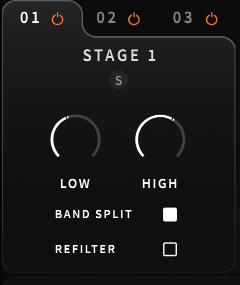
On the left, you can select the area to adjust through Stages, enabling you to control three different frequency ranges separately.

Does this remind you of anything? If you’ve used many plugins, Fabfilter’s Saturn might come to mind.
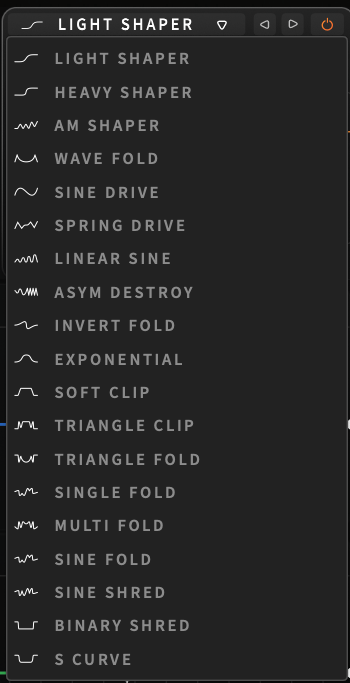
Unlike Saturn, which is for coloring with Tube or Tape settings, Thermal lets you choose from 19 ways to distort the waveform.

You can adjust how it transforms through parameters like Drive, Shape Depth, and Frequency. The Clip function provides a clipping effect, and you can control Feedback Time and amount.
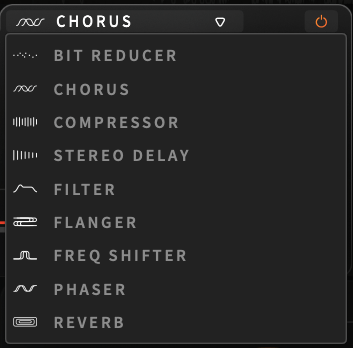
There are nine effects, similar to Portal, applied only to the selected Stage.
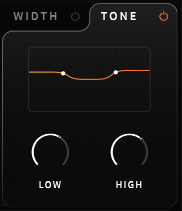
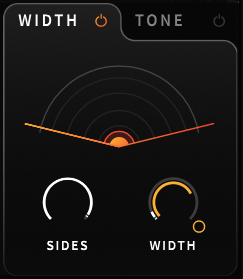
Width and Tone are also applied per Stage.
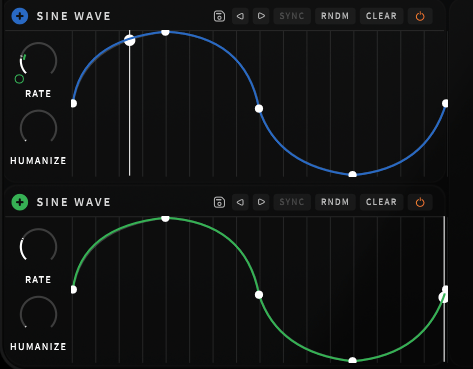
The Modulation section works like a synthesizer’s LFO. Clicking the + button and assigning it to a parameter creates a small circle that you can adjust up and down to control the amount of modulation.
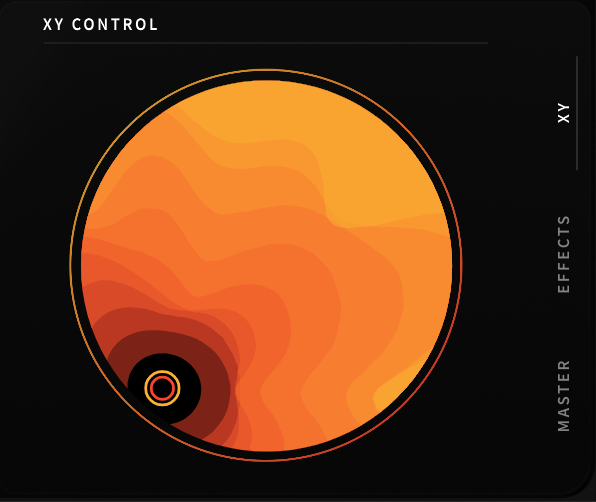
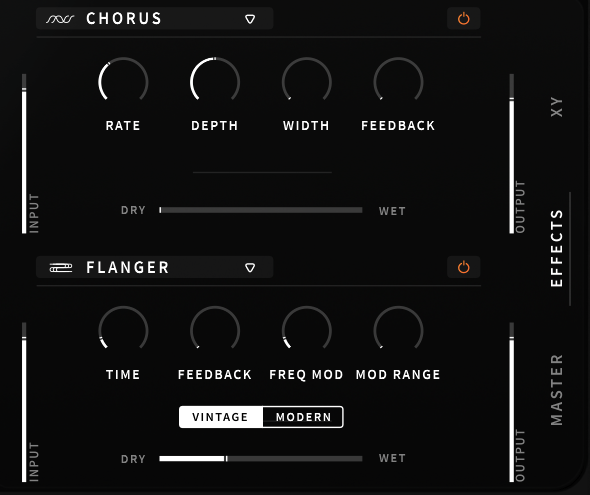
In the lower right section, you can adjust Macros with the mouse, apply the overall effect, or tweak EQ/Compression in the master section.

These parameters can also be modulated using Macros or LFOs.

This kind of plugin is great when you want intense saturation or when basic distortion isn’t enough, and you want to experiment with sound transformation.

Using automation, you can alter the XY Macros with your mouse to break away from monotonous sounds.

It’s challenging to describe these transformations in words, so check out the official Plugin Boutique video above to hear it in action.

I started with just an acoustic guitar, but as I continued making music, I began exploring plugins like this.

Though it might be too bold for mixing external projects, it can be a valuable tool to add edge to your compositions and arrangements.

I believe this is one of the best discounts ever offered. Output plugins are 50% off until August 16th, so it’s worth considering.

Additionally, when you purchase a plugin from Plugin Boutique, you get a free plugin.

This month, you can choose between:

The VCA Compressor, a recreation of the dbx160 by Softube, or
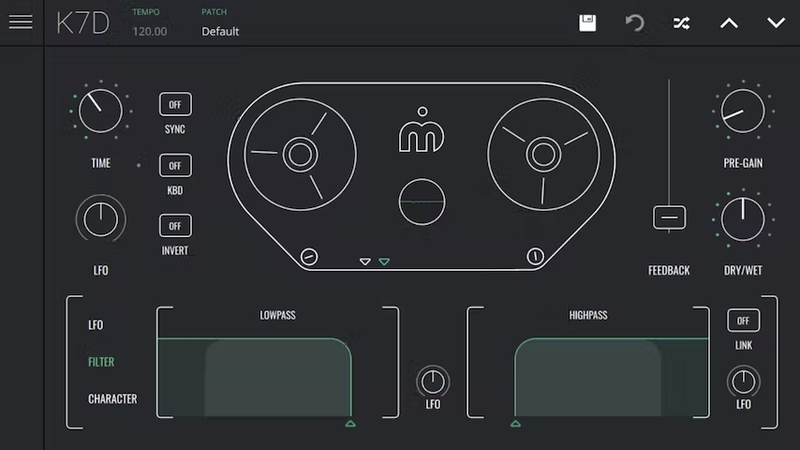
The K7D Delay by Imagine Audio.

If you don’t have a dbx160-style plugin, I recommend the VCA Compressor. For those who need a versatile delay for instruments and mixing, the K7D Delay is a great choice.

See you in the next post~:)
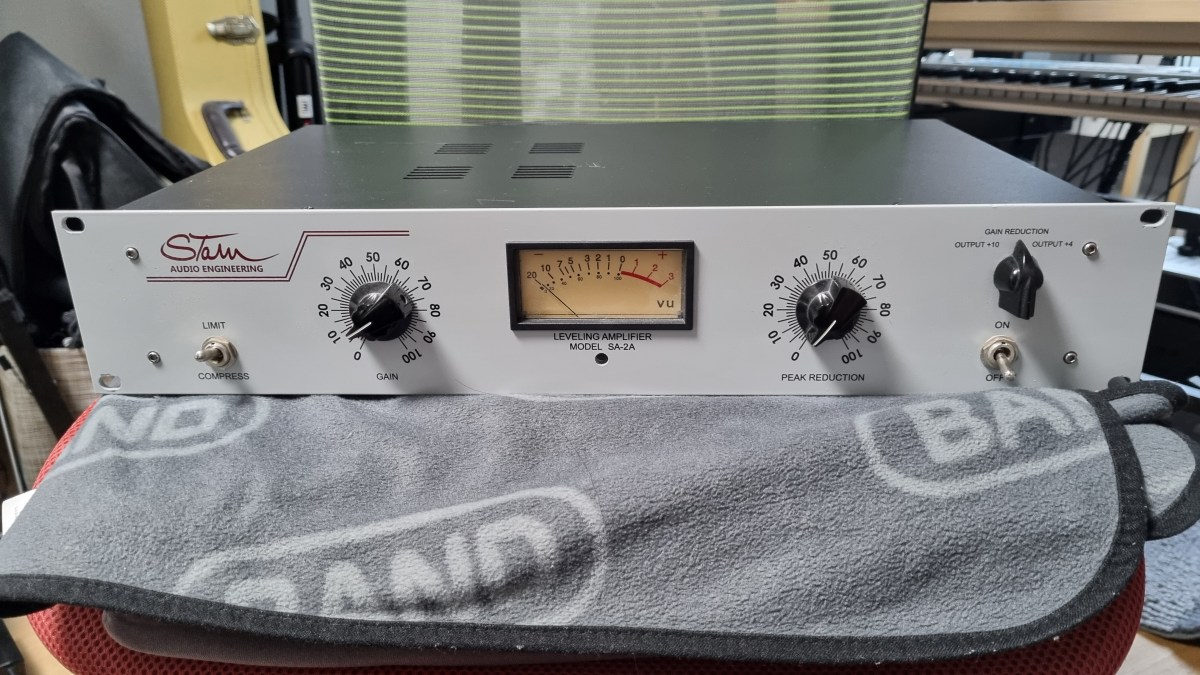
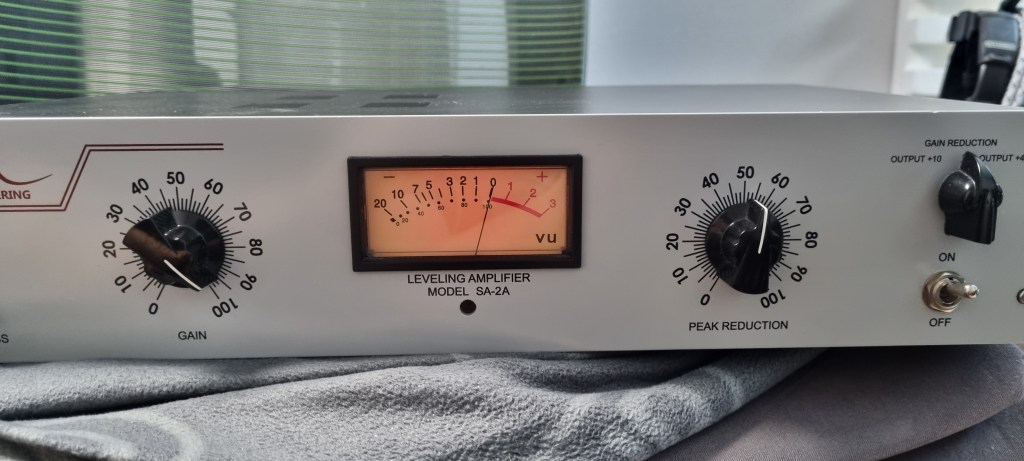
Stam Audio SA-2A Compressor Review

Hello, I’m Jooyoung Kim, a mixing engineer and music producer.

Today, I’m excited to share my review of the SA-2A, something I’ve been eagerly anticipating! Let’s dive right in.

The Struggle with the Gear

If you’ve been following my blog, you might know that this unit had quite a journey before it landed in my studio. Initially, I bought a faulty one with the idea of enhancing my understanding of circuits and practicing some soldering by fixing it myself.

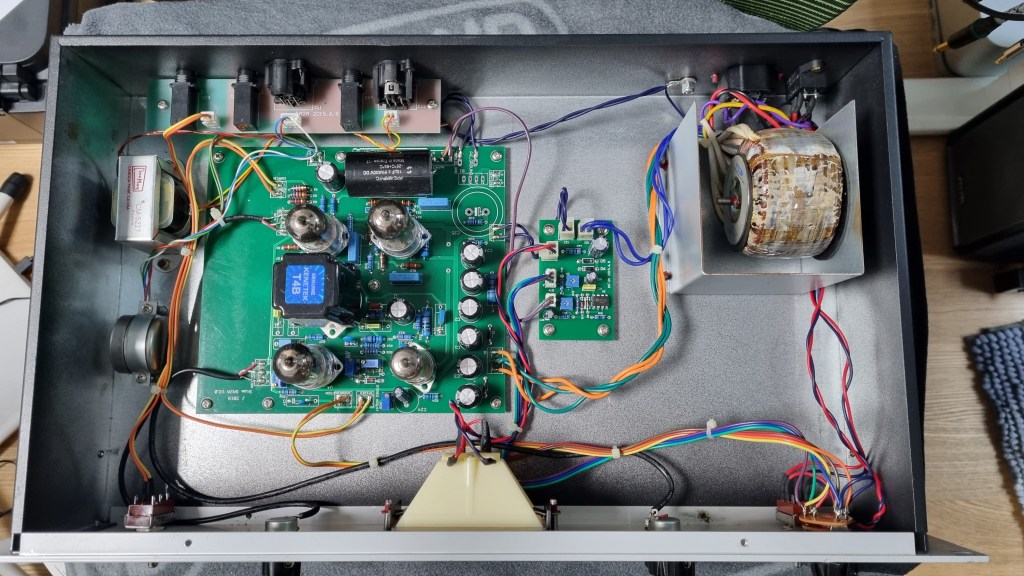
I thought it might just be a simple fuse issue… But after blowing through about five fuses, I took a closer look at the circuit board.

Despite my inspection, I couldn’t find any blown capacitors or burnt resistors. So, I decided to take it to a repair shop after seeking advice.

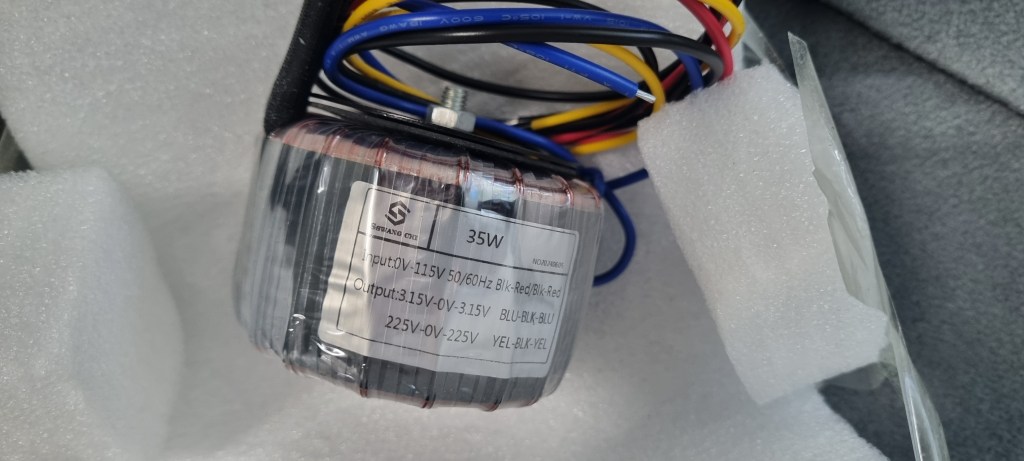
The culprit turned out to be a burnt toroidal transformer, damaged by overcurrent.

The challenge was that this early version of the SA-2A used a Cinemag transformer, and Stam Audio wasn’t sure if they had any spares left.

After two weeks of waiting for a response with no luck, I asked them to send me the specifications so I could have a custom transformer made.

After installing the custom transformer, the unit finally came to life!

I purchased the broken unit in January, and the repair was completed by early July, marking a nearly six-month battle.

Of course, I was a bit busy, which contributed to the delay, but it was quite the saga nonetheless!

Measurements

As regular readers of my blog know, I like to run measurements on gear, whether it’s hardware or plugins. While measurements don’t tell the whole story, they do help in explaining things more clearly.

I find it especially useful to compare my impressions from using the gear with the measured data, which can sometimes reveal if my ears are having an off day.

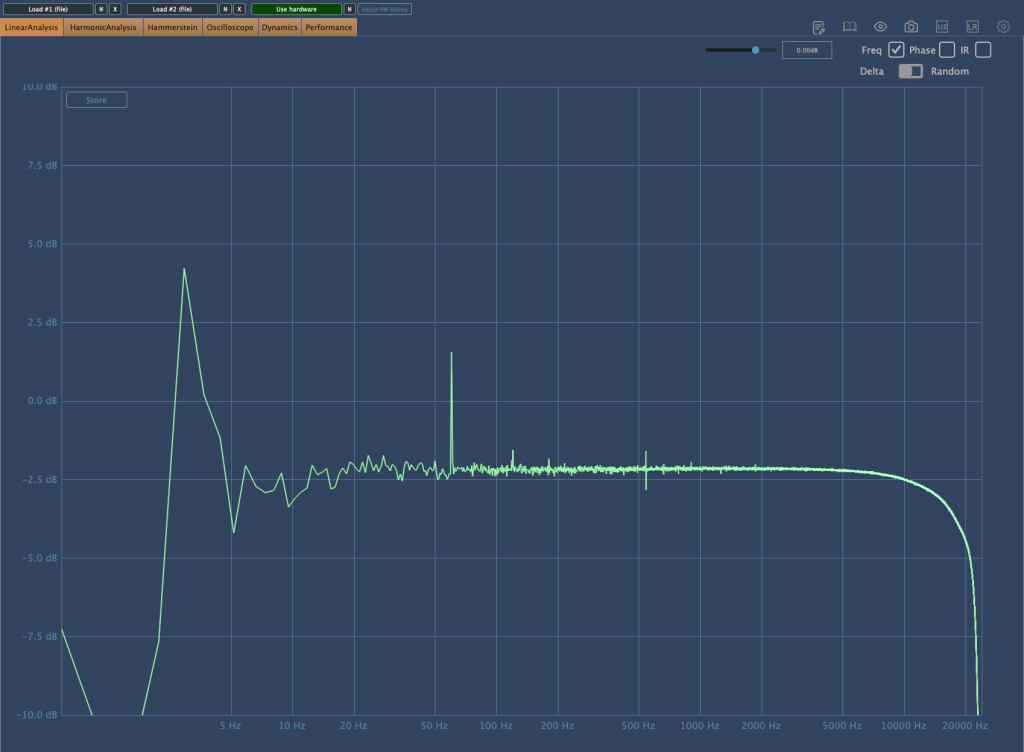
The frequency response graph above shows the response with no compression applied. (Keep in mind the peaks and valleys you see are typical of analog gear.) You can see a noticeable roll-off in the high frequencies.
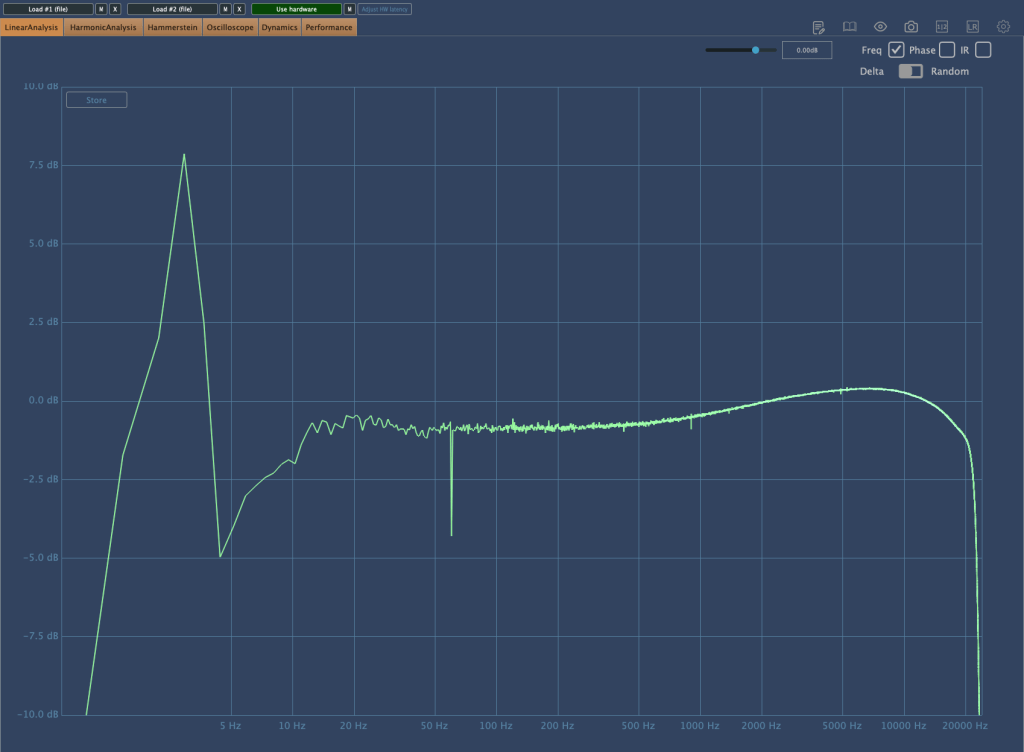
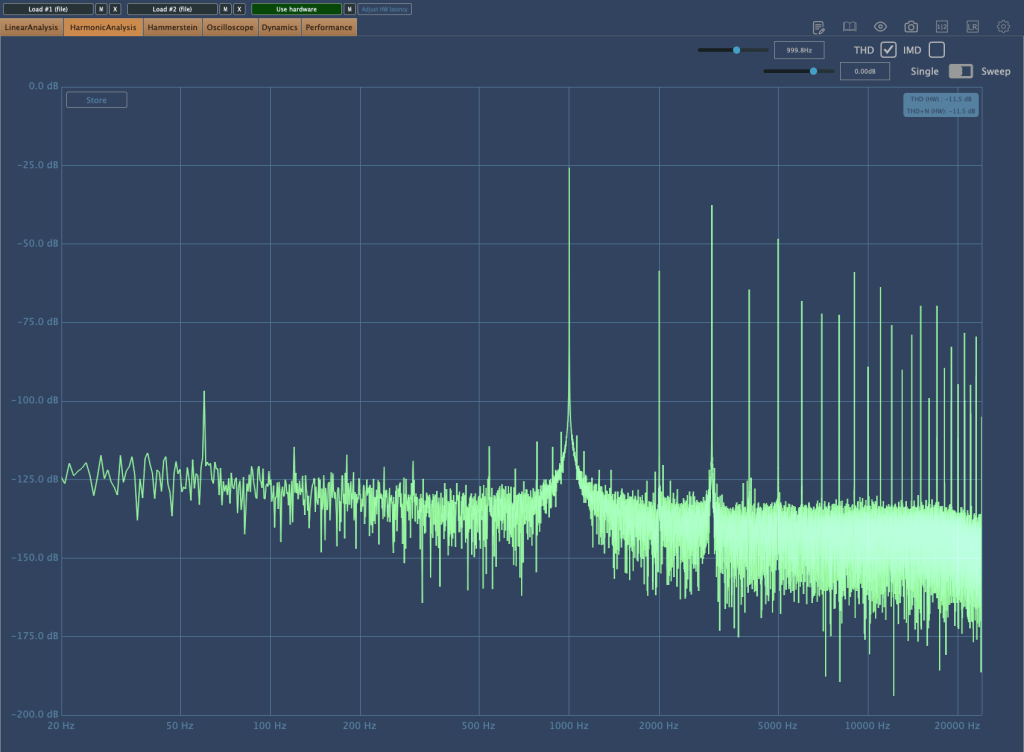
Here’s the frequency response graph with compression applied and gain compensated. There’s a rise in the high frequencies, and the right-hand graph shows noticeable distortion.

As the Peak Reduction increases, harmonic distortion also changes. It seems much more dynamic than using a plugin.

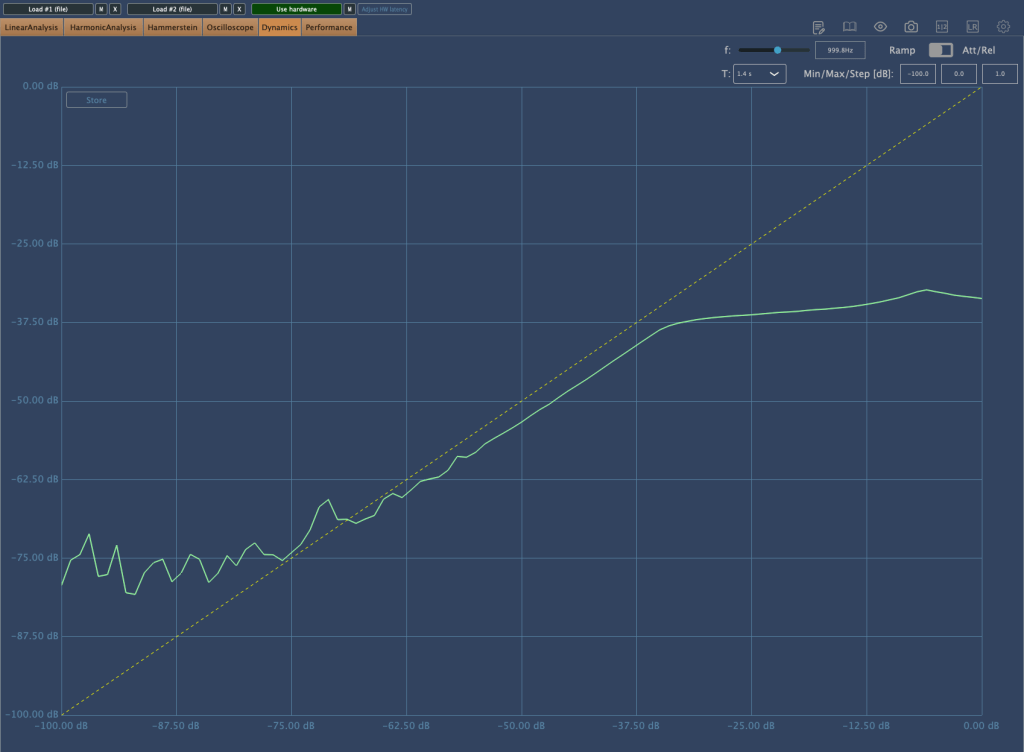
This is the compression curve graph. Strangely, the left side shows the settings for “Comp,” and the right side shows the settings for “Limit.” They seem switched, don’t they? Perhaps it’s just a labeling issue.

Even when using the device, it felt like the settings were somewhat reversed.

Practical Use

I tested the SA-2A on vocals and lead acoustic guitar in a project I’m currently mixing, as well as on some demo vocals for a production I’m working on. Additionally, I conducted a few simple tests.

My observations are as follows:

  1. It’s a saturation machine that adds a hefty amount of color.
  2. It can sound a bit rough, so careful EQing or the use of de-essers/multiband compressors may be necessary to tame it.
  3. As you increase the Peak Reduction, the high frequencies rise, so setting the Input Gain properly beforehand is crucial.
  4. It’s challenging to use on sources that are already colored.
  5. The lack of an Emphasis knob is a drawback.

I wouldn’t say I’m in love with it, but it certainly has its uses.

Since 2017, there’s been an option to use Sowter transformers, and it seems they’ve started custom ordering these transformers from the two companies they work with.

While the raw sound isn’t spectacular, it integrates nicely into a mix. I plan to experiment more with transformer and tube swapping in the coming months.

I hope you enjoyed reading this review. See you in the next post!

I’m always open to reviewing hardware products! If you’d like me to review a product, please feel free to reach out at joe1346@naver.com.

Output Portal Granular FX 50% Off Sale (Until August 16th)

Hello, this is Jooyoung Kim, mixing engineer and music producer.

Today, I’m excited to share that Output is having a summer sale with 50% off on their plugins!

Output is a well-known company that creates fantastic plugins. If you’ve been into music production, you’ve likely heard of them.

Since this sale is a rare opportunity, I requested NFR (Not for Resale) codes for three of Output’s flagship plugins—Portal, Thermal, and Movement—from Plugin Boutique to review them.

Instead of covering them all at once, which might be overwhelming for both you and me, I’ll review them one by one. Let’s start with Portal!

Portal is a plugin that transforms incoming audio into a granular synthesizer-like sound. But first, let’s explore what a granular synthesizer is.

A granular synthesizer chops up a sample into tiny grains ranging from 1 to 100ms to synthesize new sounds. As shown in the image, you can slice and rearrange waveforms to create unique sounds.

This technique is particularly effective for creating atmospheric pads, making it a popular choice in movie soundtracks and instrumental genres.

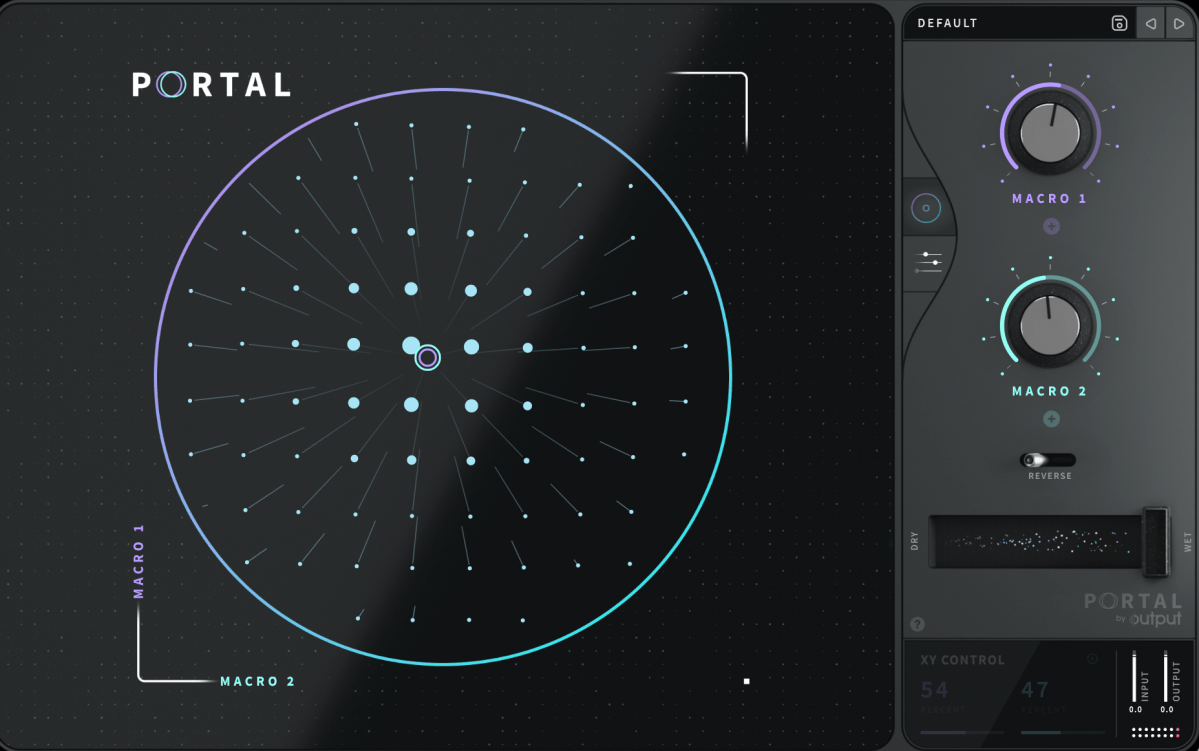
Portal’s user interface is designed to resemble that of a vector synthesizer.

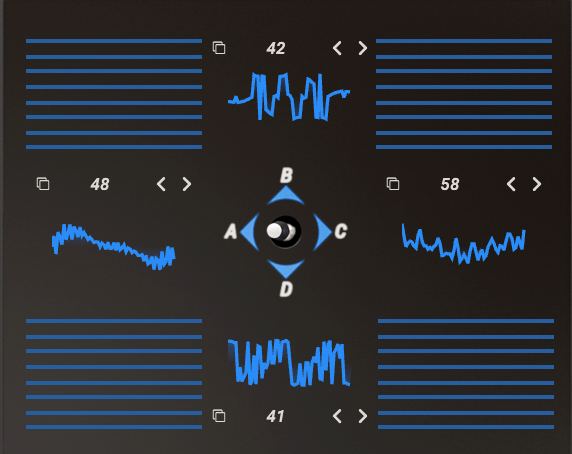
Joystick from a Prophet-VS vector synthesizer plugin

A vector synthesizer can be considered an early form of a wavetable synthesizer. It uses a joystick to blend different waveforms assigned to each direction.

In Output’s Portal, Macro 1 is placed on the vertical axis, while Macro 2 is on the horizontal axis. The values of these macros control various parameters.

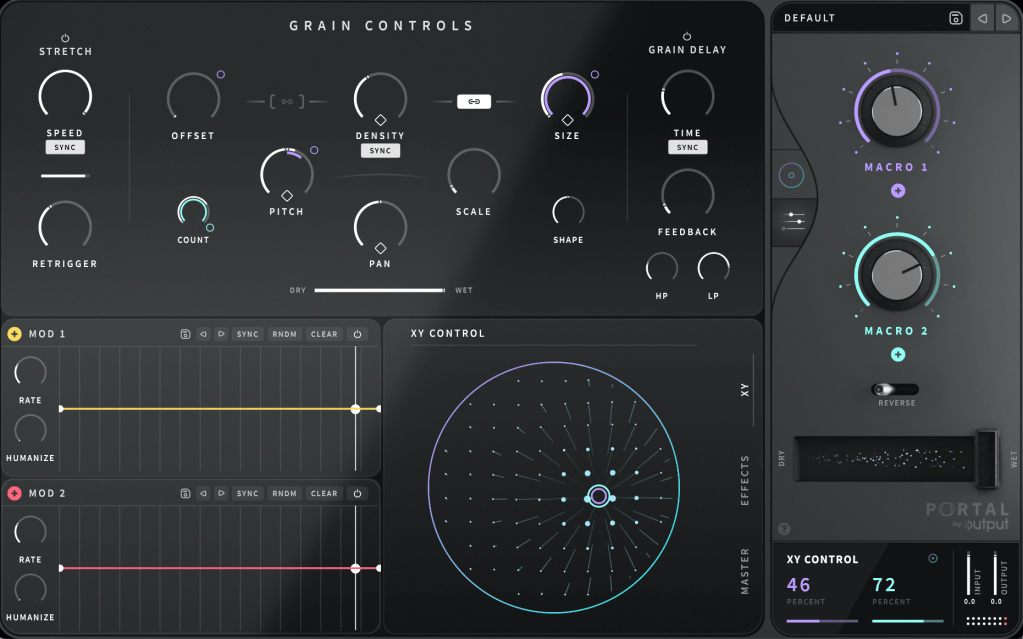
You can connect Macro 1 and Macro 2 to different parameters in the Grain Control section. By double-clicking the macro names, you can even rename them.

To assign a macro, click the ‘+’ sign below the name of each knob (like Macro 1 and Macro 2), then drag it to a parameter. A small circle will appear next to the parameter, indicating the range of control the macro has.

Similarly, you can use the LFO in the bottom left to modulate parameters. Think of it as a traditional synthesizer, which should make it easier to approach.

At the bottom center, you can choose between the XY, Effects, and Master sections to adjust various parameters.

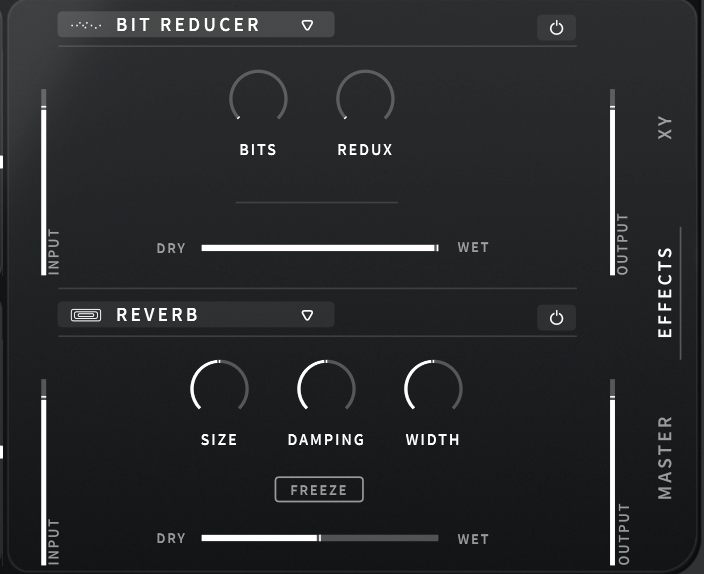
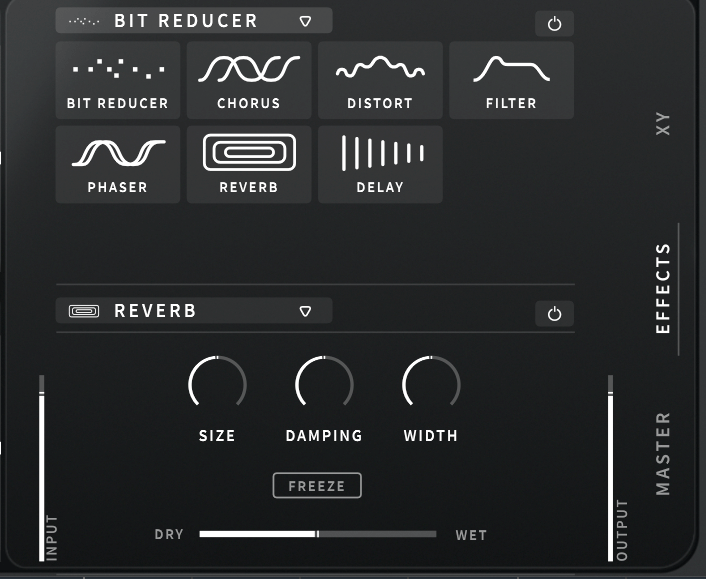
The built-in effects include Bit Reducer, Chorus, Distortion, Filter, Phaser, Reverb, and Delay, making for a total of seven options. All these parameters can be linked to the LFO modulation or macro functions for dynamic control.

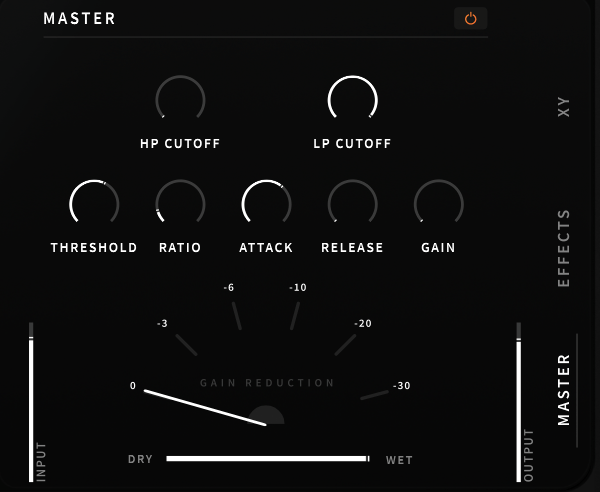
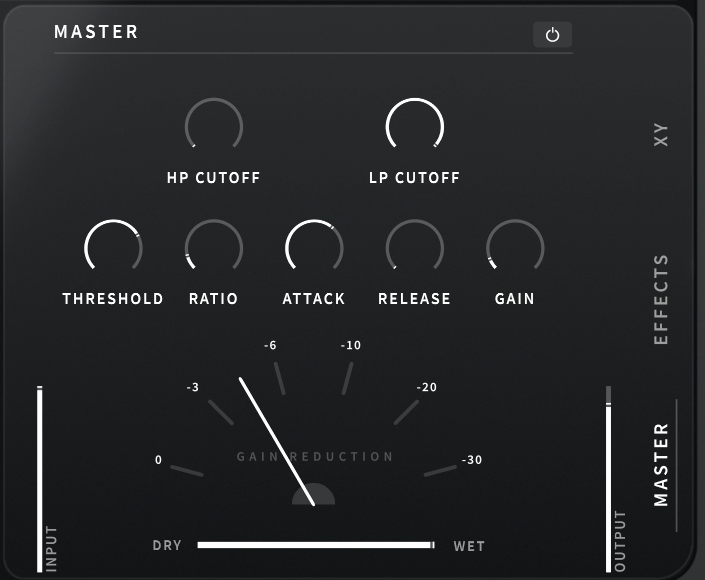
The Master section includes a built-in filter and compressor, which can also be modulated with LFOs and macros.

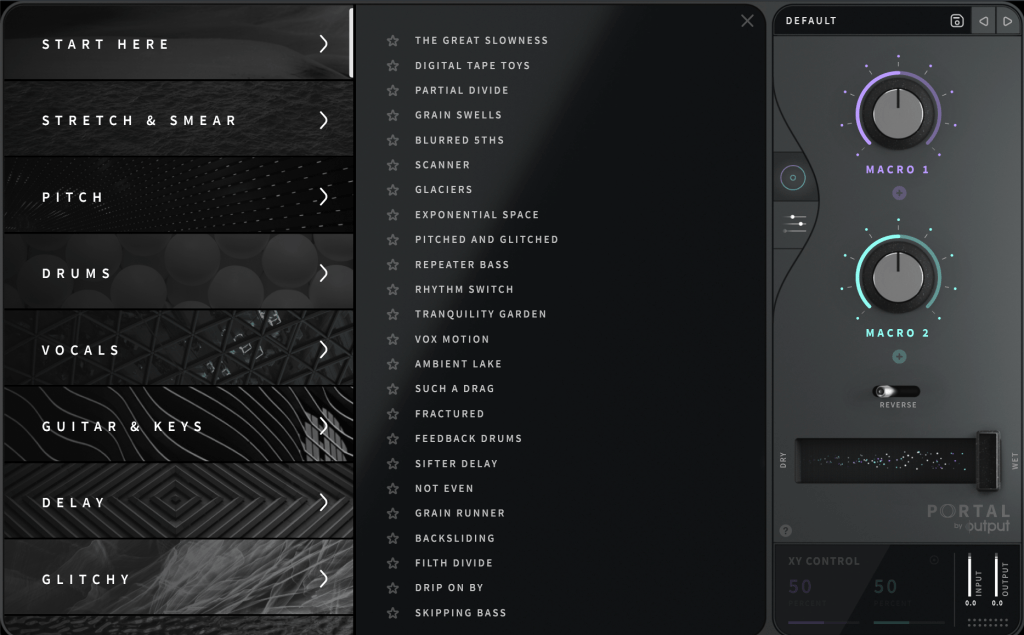
Clicking ‘DEFAULT’ at the top right allows you to access various presets. Beginners might find it helpful to start here.

Portal is particularly appealing due to its ability to produce random, evolving sounds based on XY values. It’s an excellent choice for those who don’t already have a granular FX plugin.

Check out the demo video to hear what it can do.

The 50% off sale runs until August 16th! Here’s the purchase link:

Additionally, if you purchase from Plugin Boutique, you can get a free plugin. This month, you can choose between Softube’s VCA Comp or K7D’s Delay.

Softube previously offered the VCA Comp for free in March. It’s a great dbx160-style compressor, perfect if you don’t already have one.

The K7D Delay is a tape delay that sounds great on electric guitars and works well in mixes.

That wraps up the overview of Portal. In the next post, I’ll review another Output plugin, Thermal. Stay tuned!

Lewitt LCT 1040 Microphone Review

This post is a translation of a Korean blog post I wrote on February 27, 2022.

Hello, I’m Jooyoung Kim, a mixing engineer and music producer. I recently had the opportunity to review the new Lewitt LCT 1040 microphone, thanks to Sound & Music, Lewitt’s distributor in Korea. They provided me with a demo unit for a week, with no other compensation.

Since I was going to be busy soon, I conducted a quick two-day test as soon as I received the unit and wrote this review. Let’s dive in!

Unboxing and Appearance

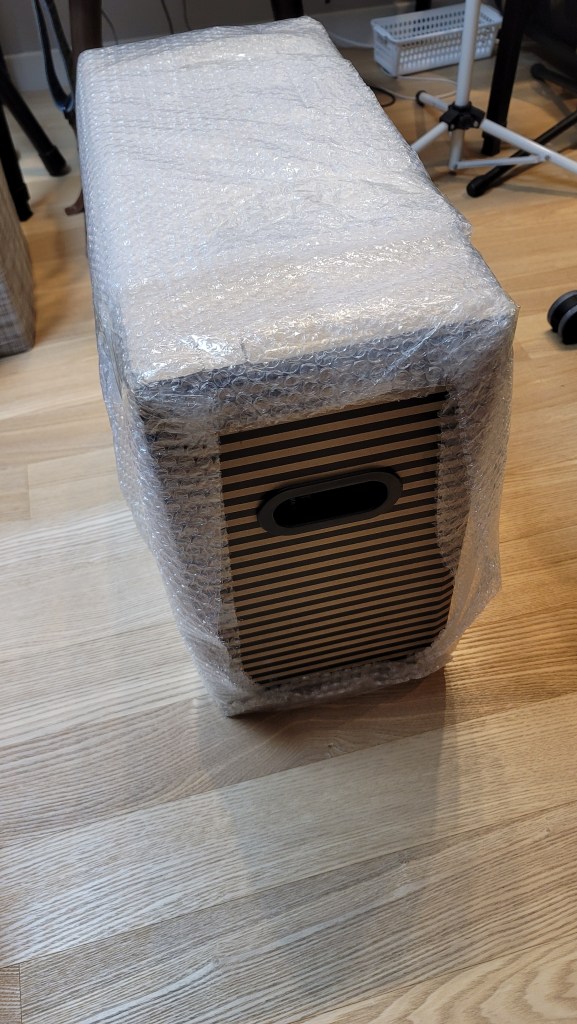
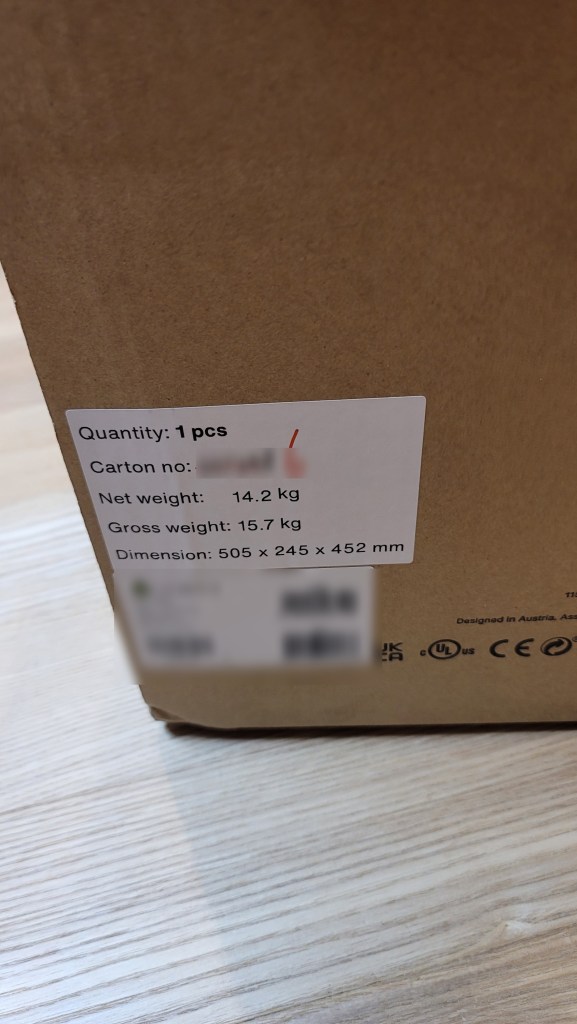
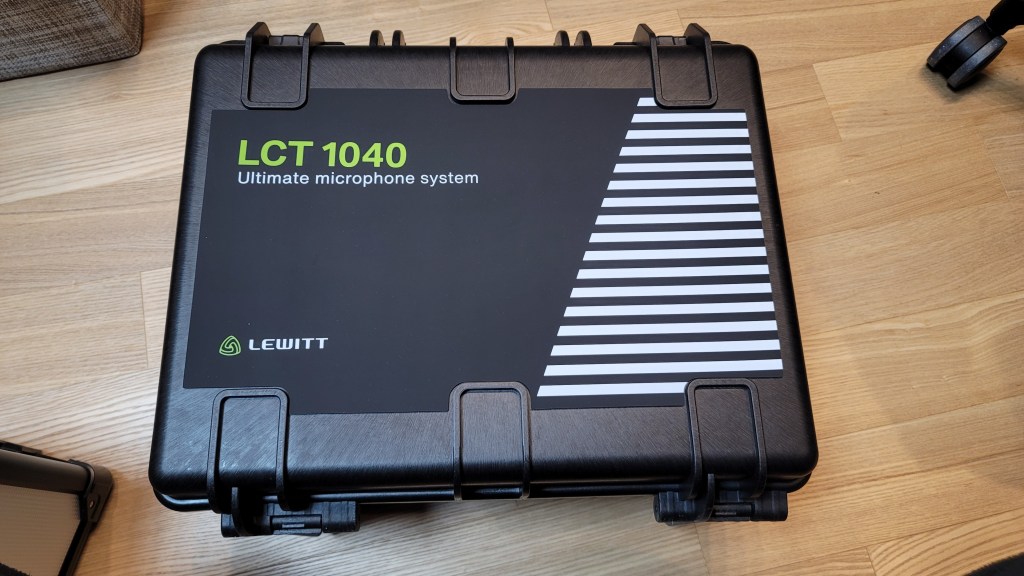
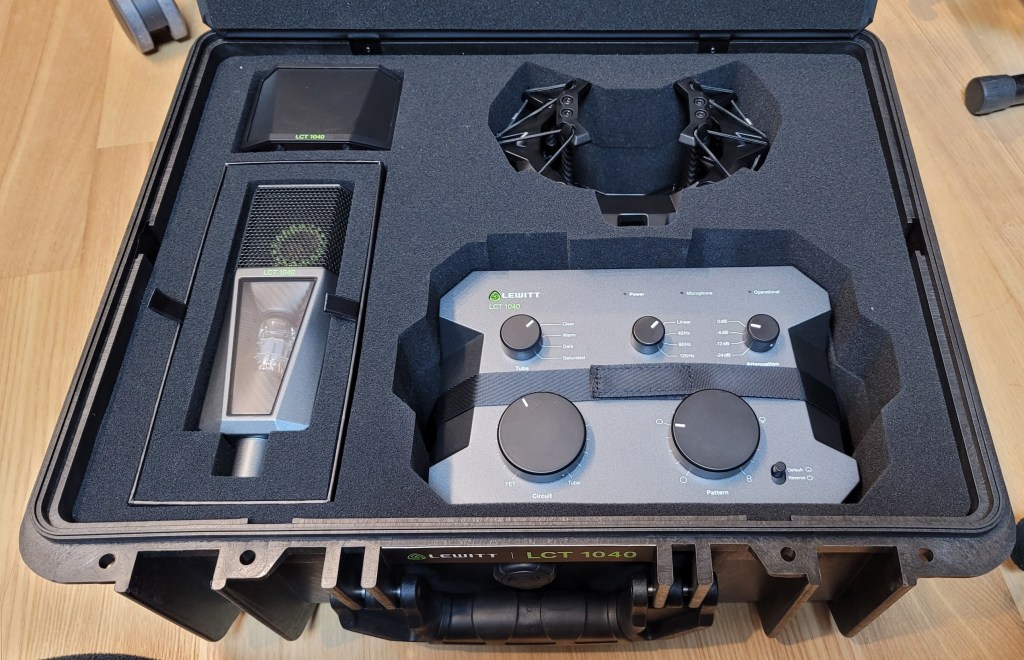
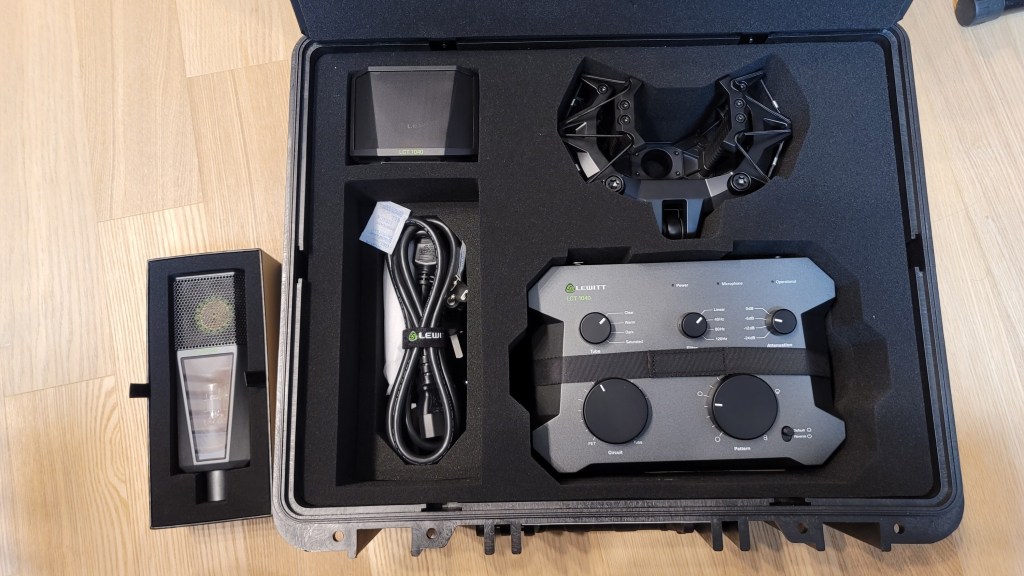
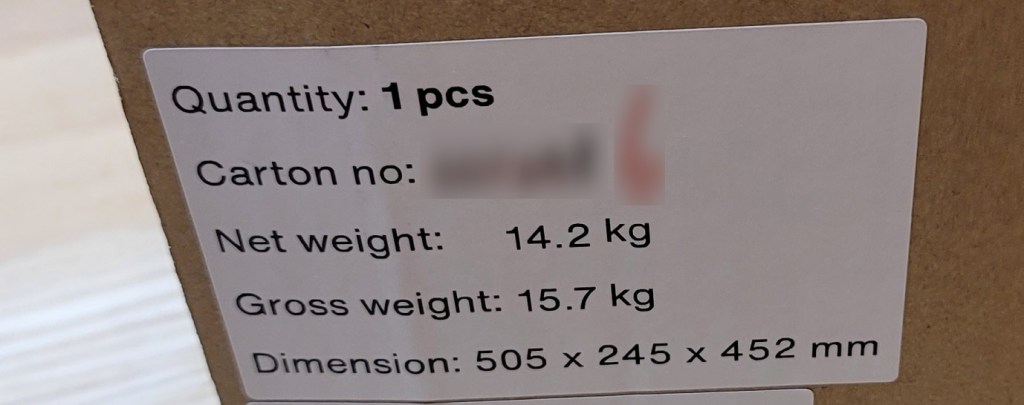
I received a brand-new, unopened demo unit, which was a pleasant surprise. The package was quite heavy. The box design was unique, with tear-off strips to open it.

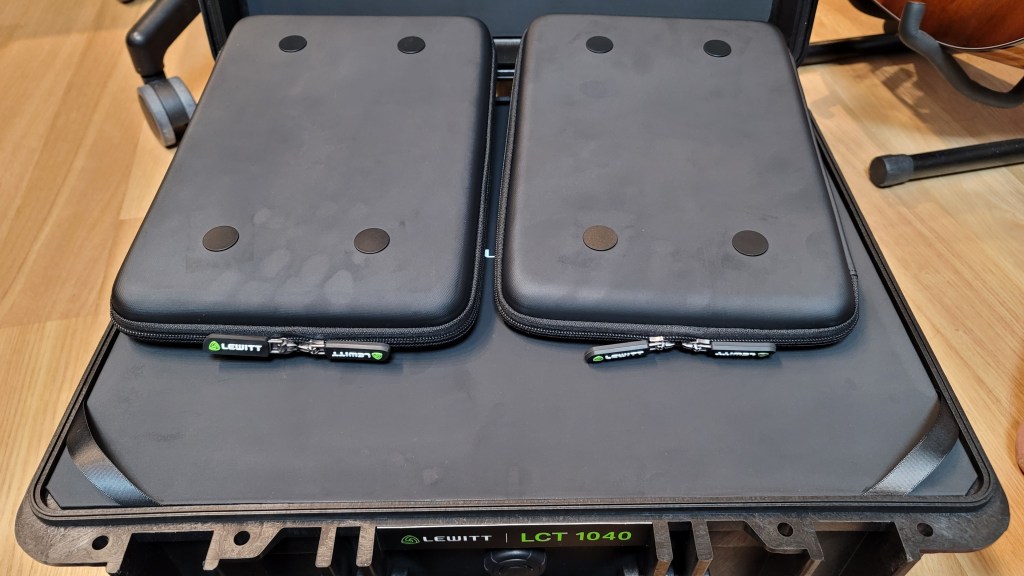
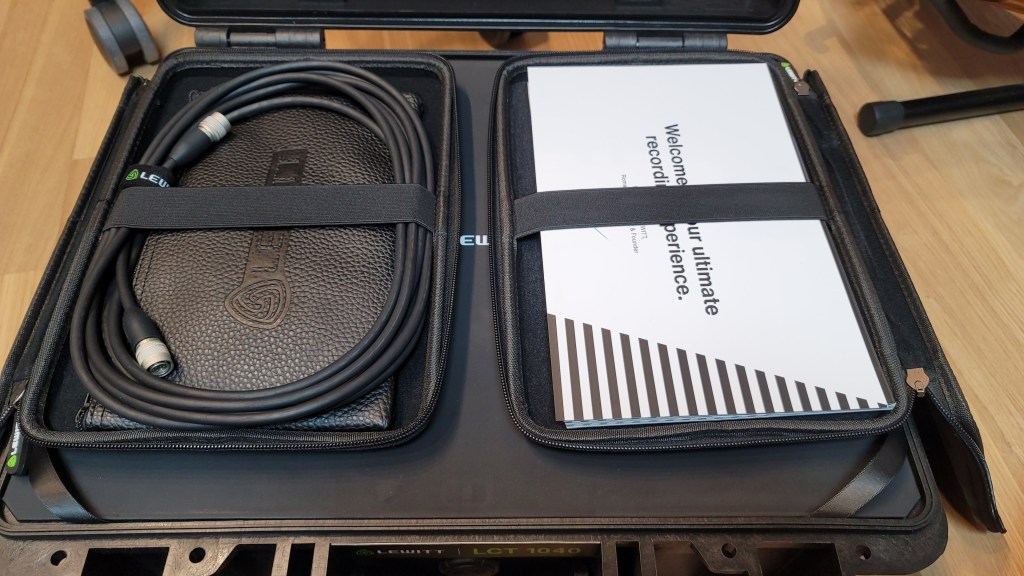
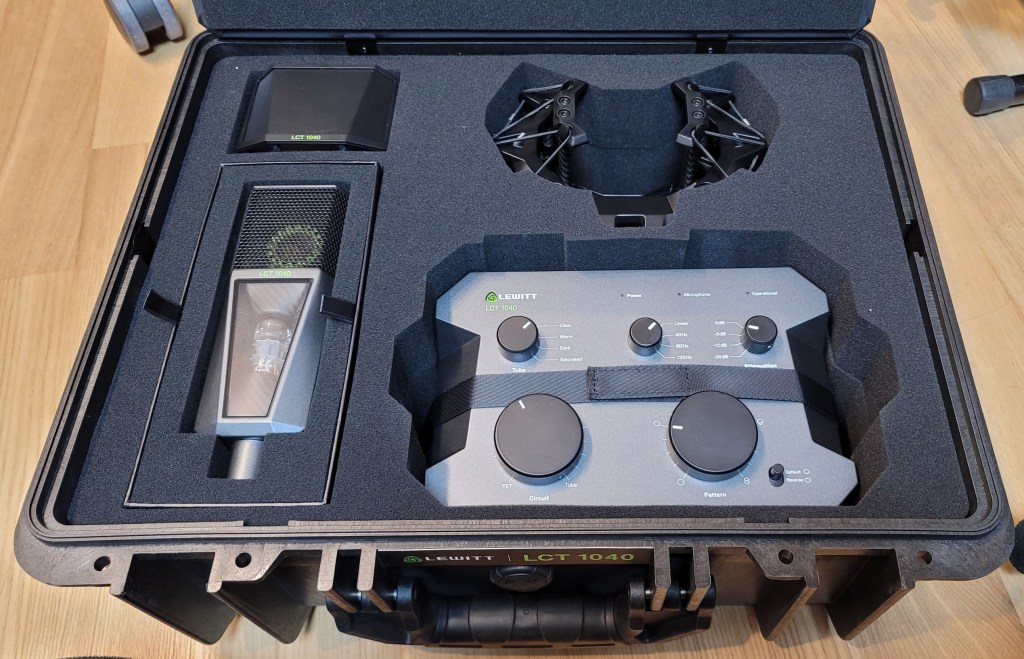
Inside the box, there were two pouches containing cables, manuals, and other documents. Below them were the microphone components.

The photo was taken immediately upon delivery, and you can see some handprints, probably because it was cold.

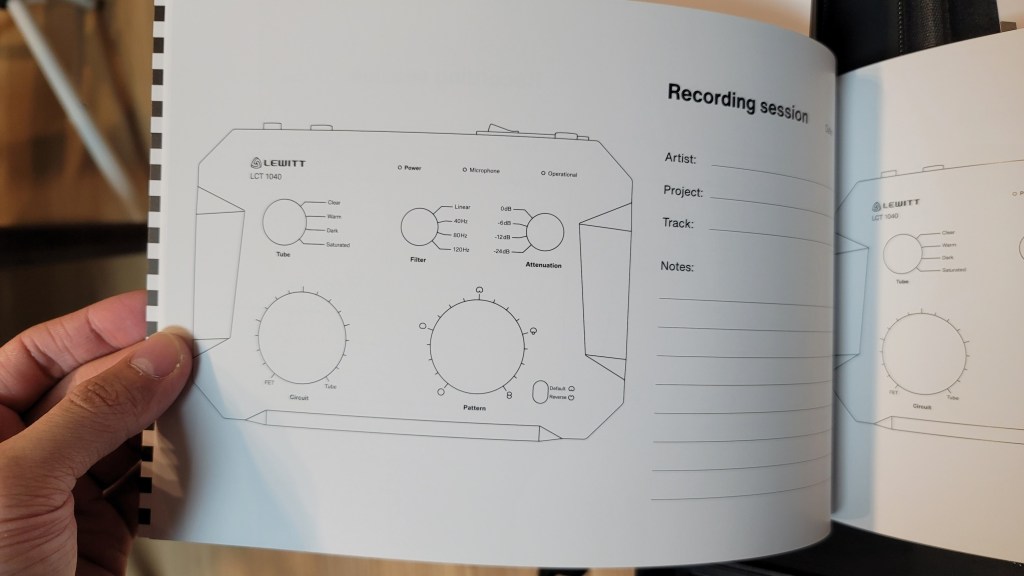
The pouches are attached magnetically and can be easily removed. The contents include manuals, a recall sheet, and a booklet detailing the development process of the LCT 1040.

They included the names of beta testers, and I was pleased to see my name included!

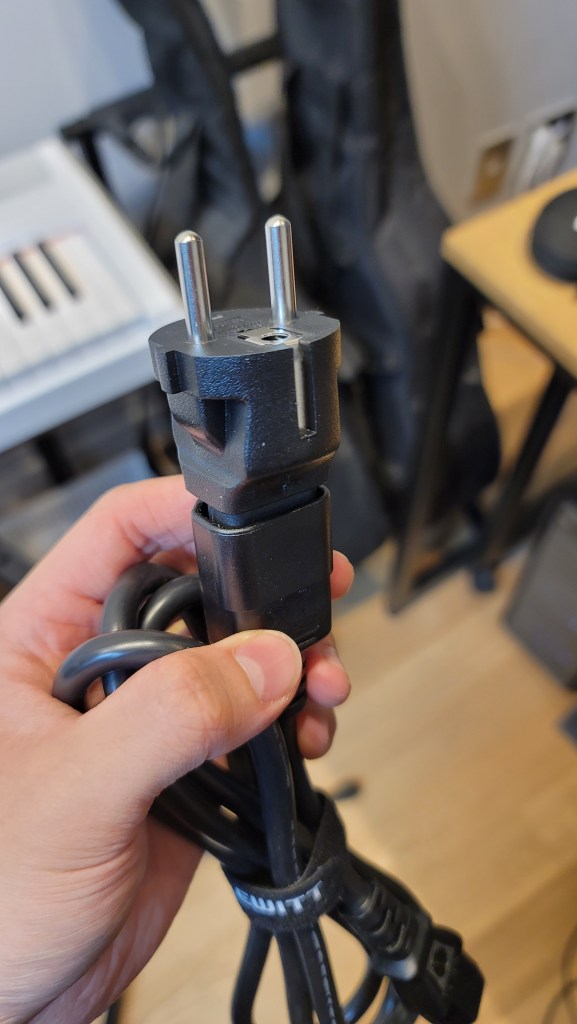
Underneath the microphone, there were power cables and adapters for different types of outlets. I found this modular system quite innovative.

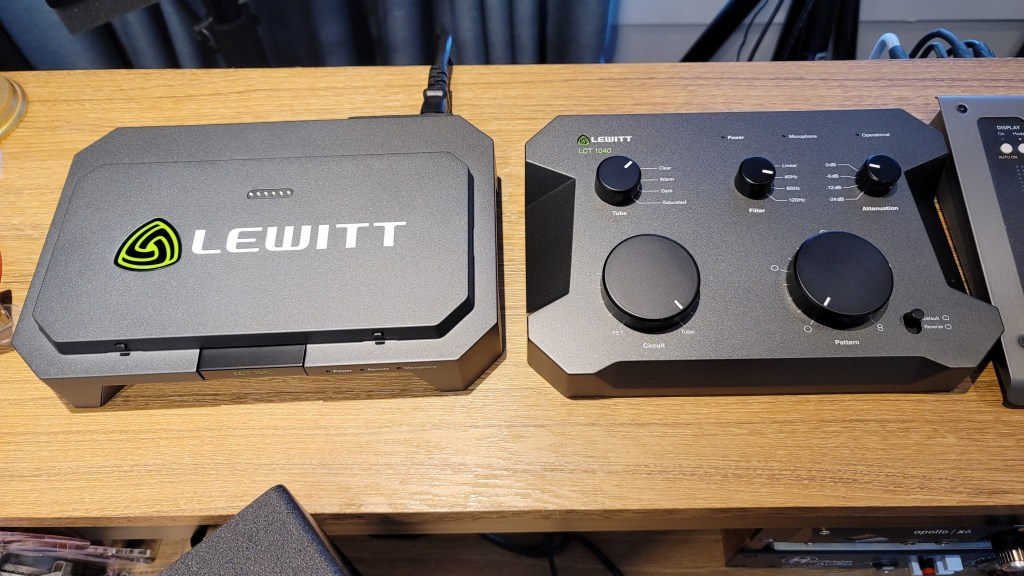
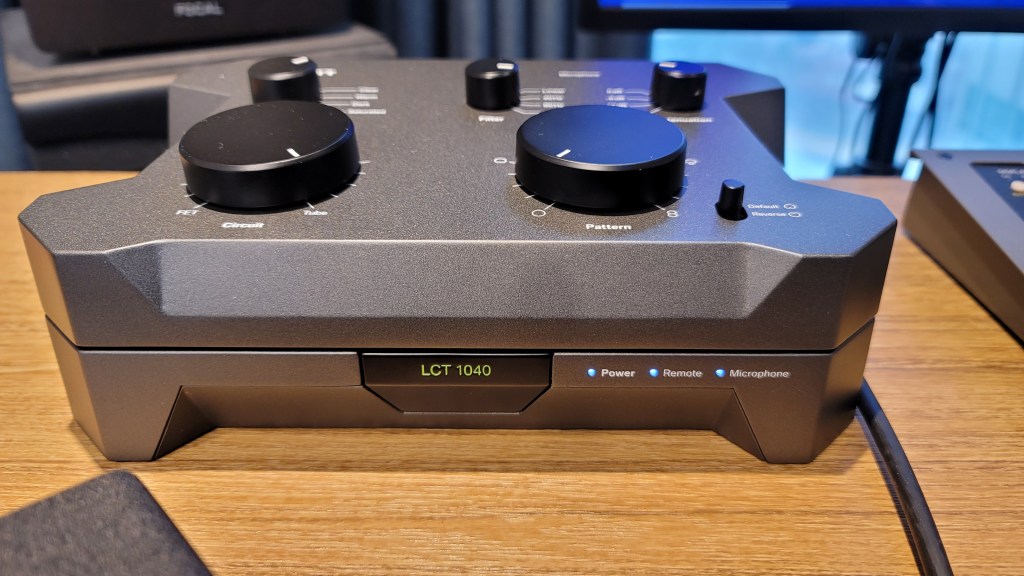
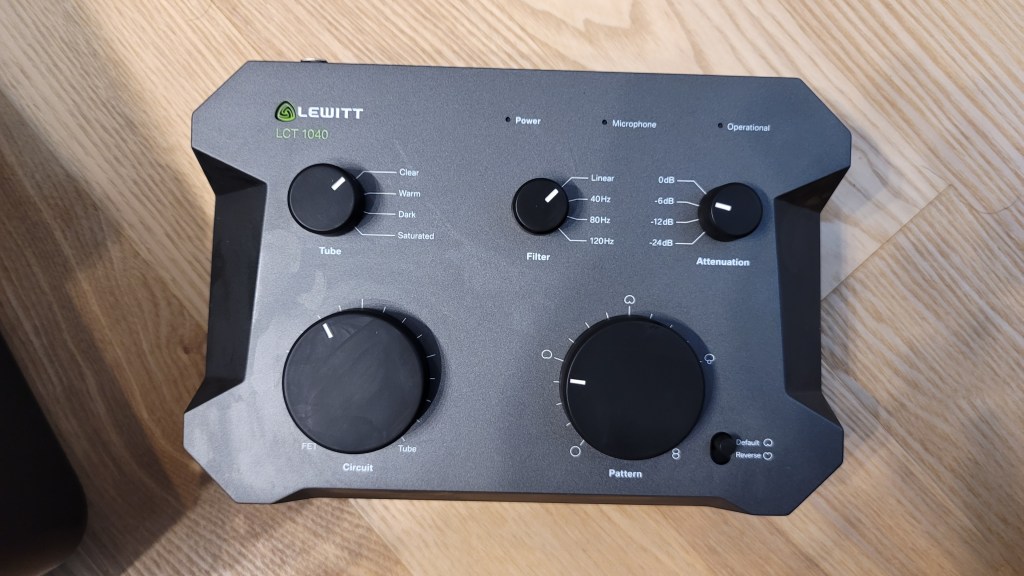
The control unit is entirely metal and feels hefty. The knobs are both linear and stepped, providing a smooth and convenient experience.

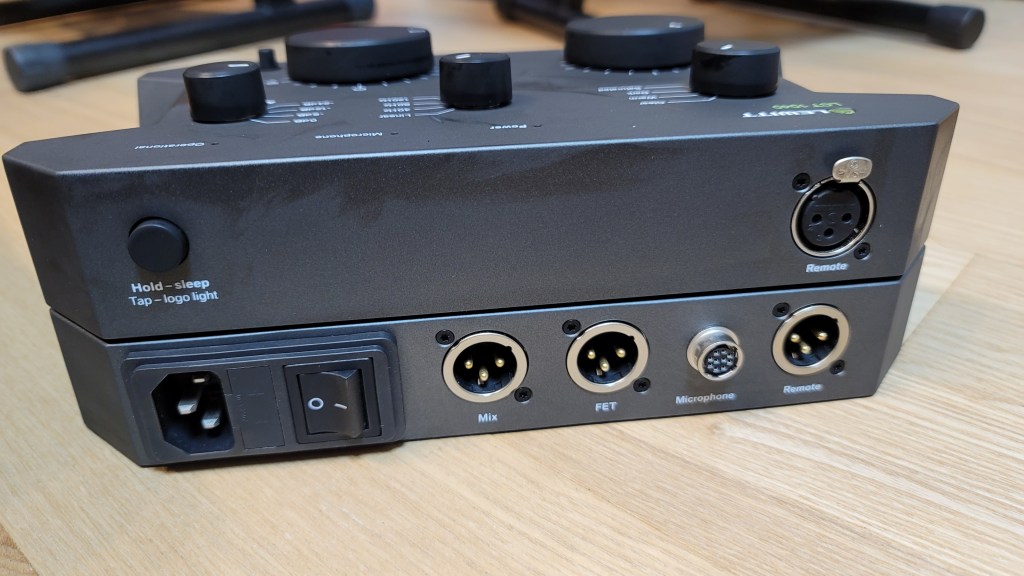
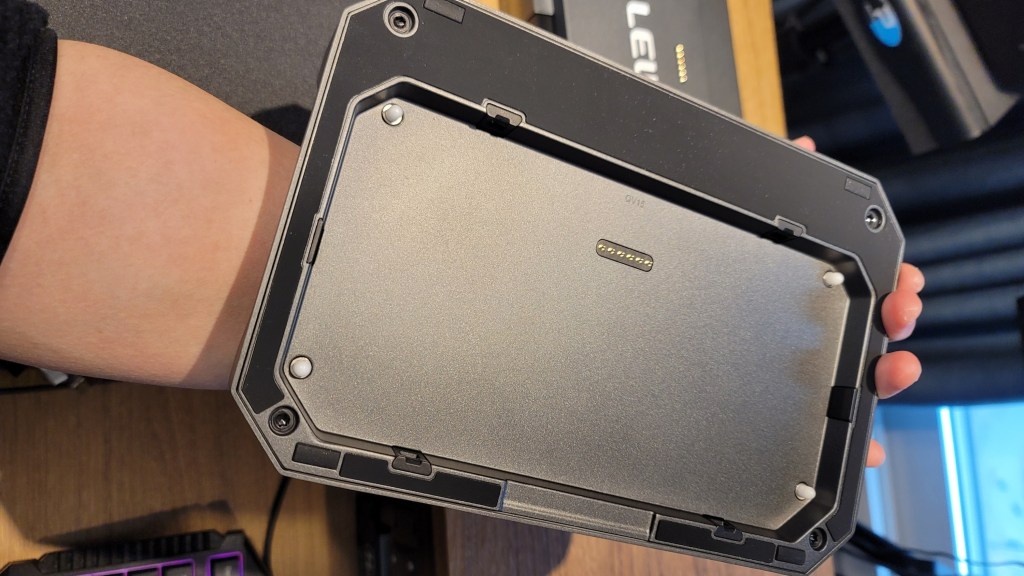
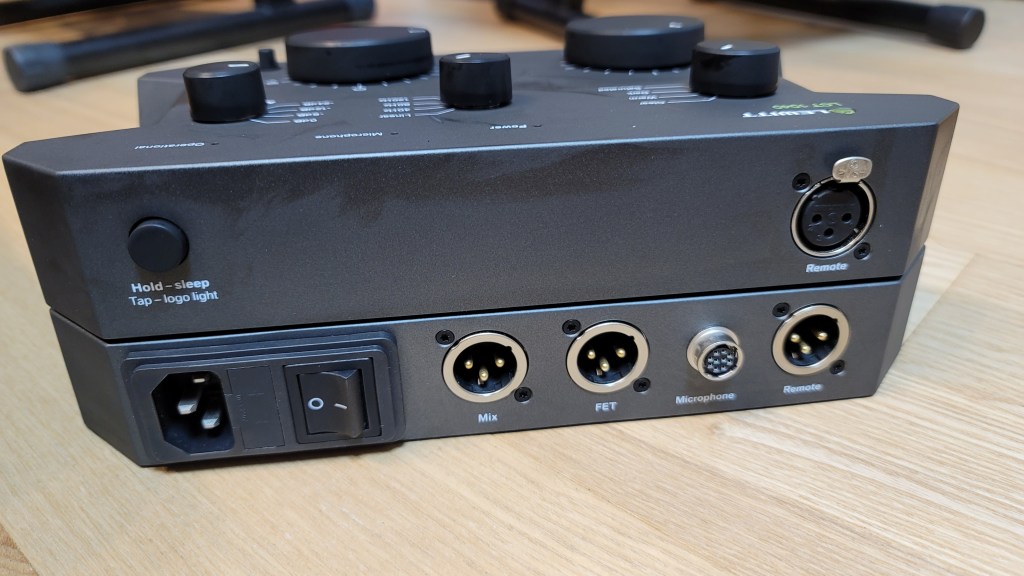
Pressing the “LCT 1040” label in the center allows for the remote to be detached. The remote can then be connected to the microphone using an XLR connector. This is a pretty innovative feature!

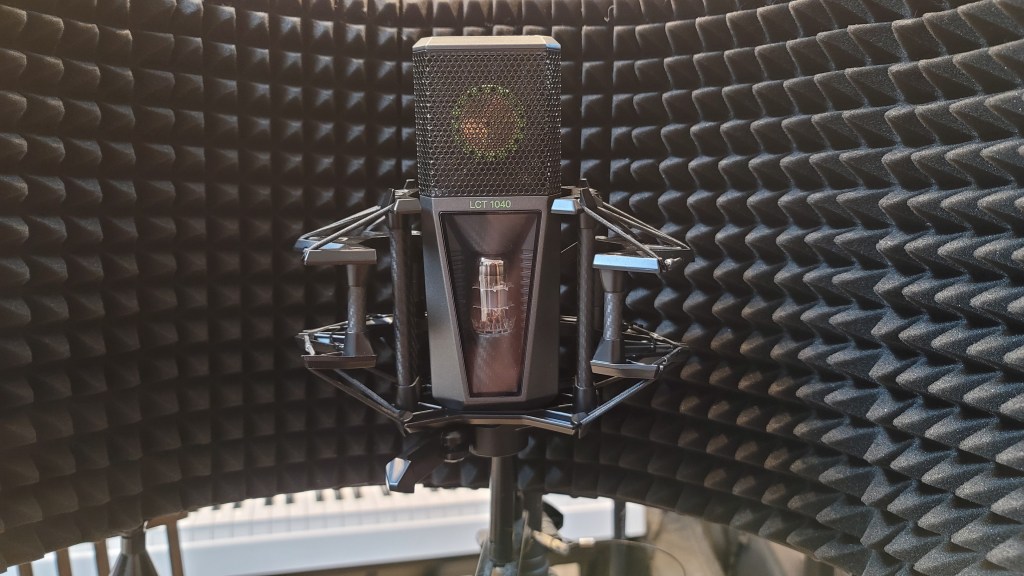
Once everything is connected, the lights turn on as shown in the photo below.

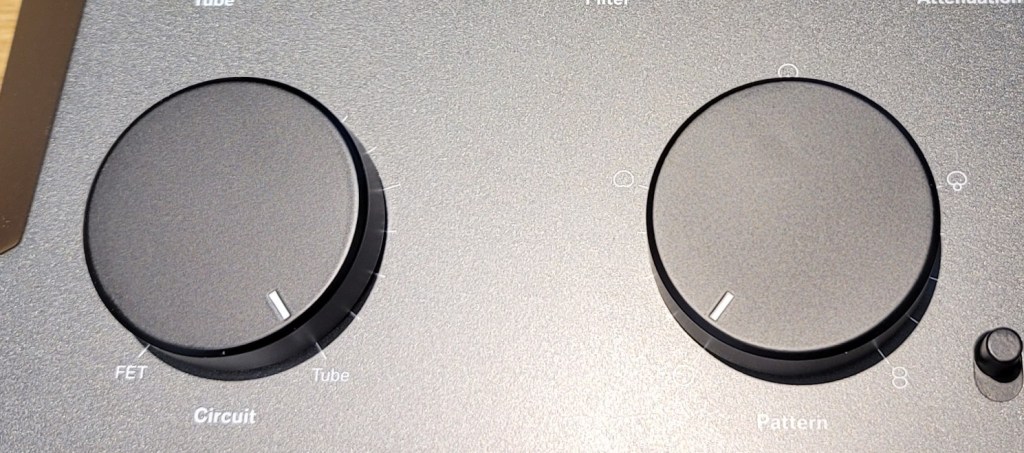
The Operational indicator blinks when adjusting the Attenuation (Pad) and Pattern settings, indicating a brief processing time. However, adjustments to Circuit, Tube, and Filter settings are immediate. There’s also a button for switching the front and back diaphragms.

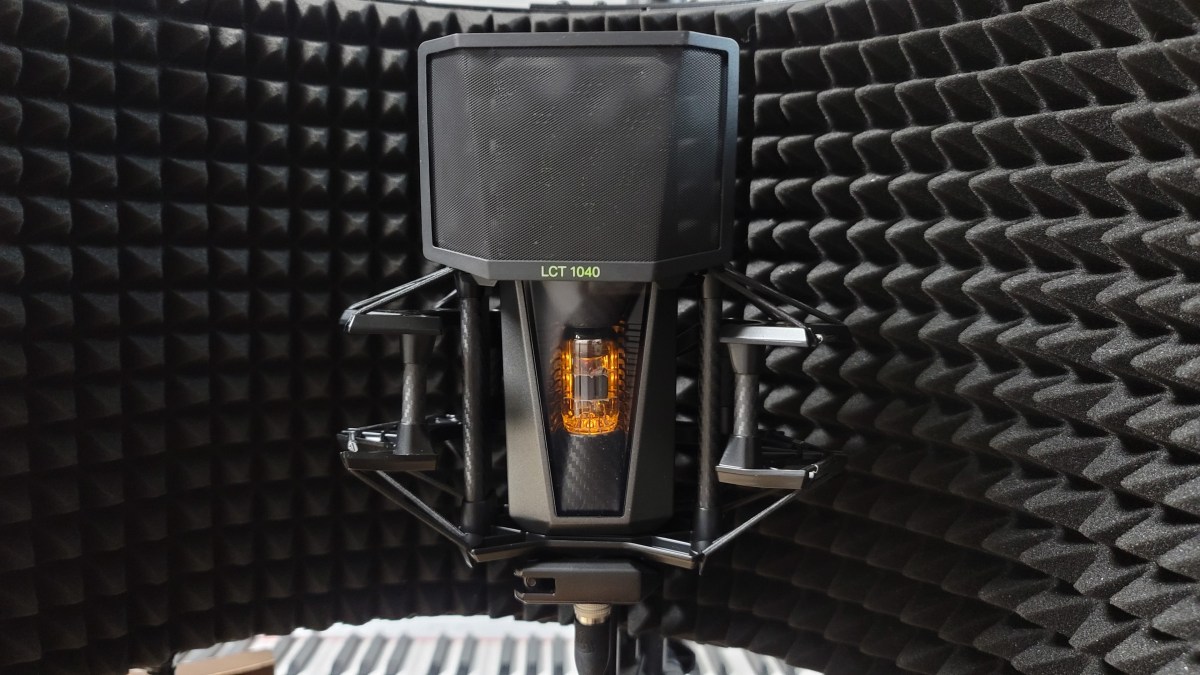
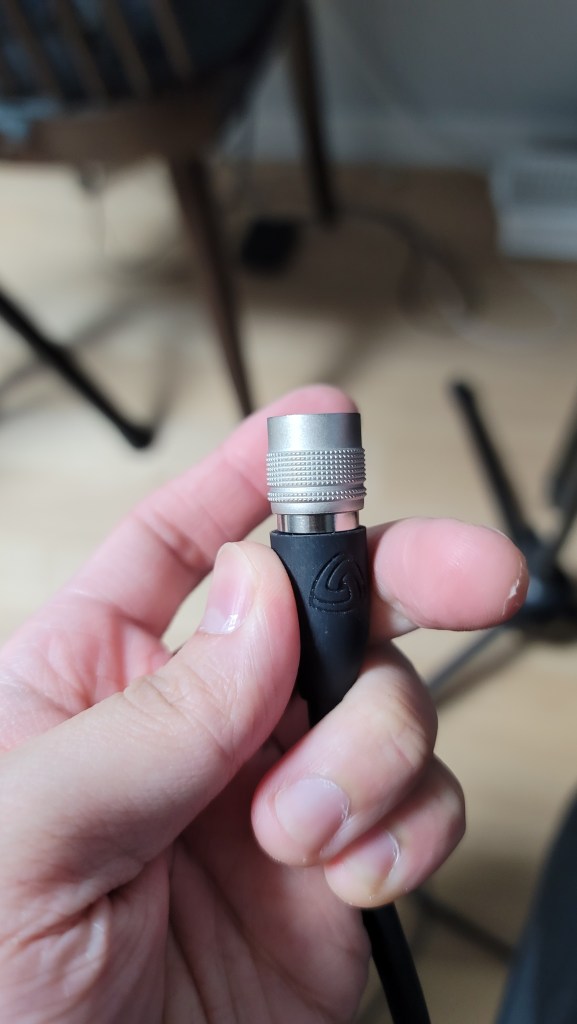
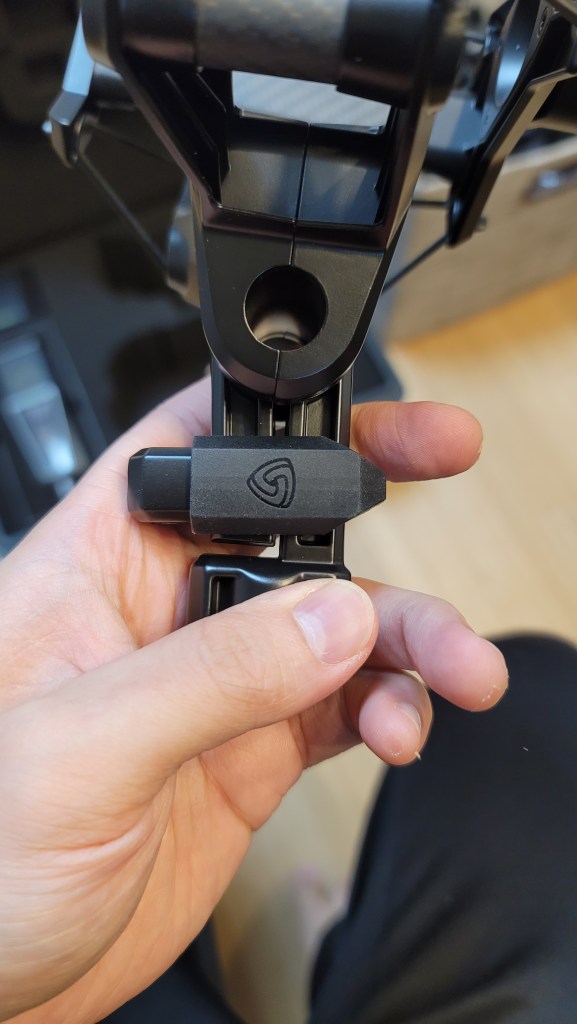
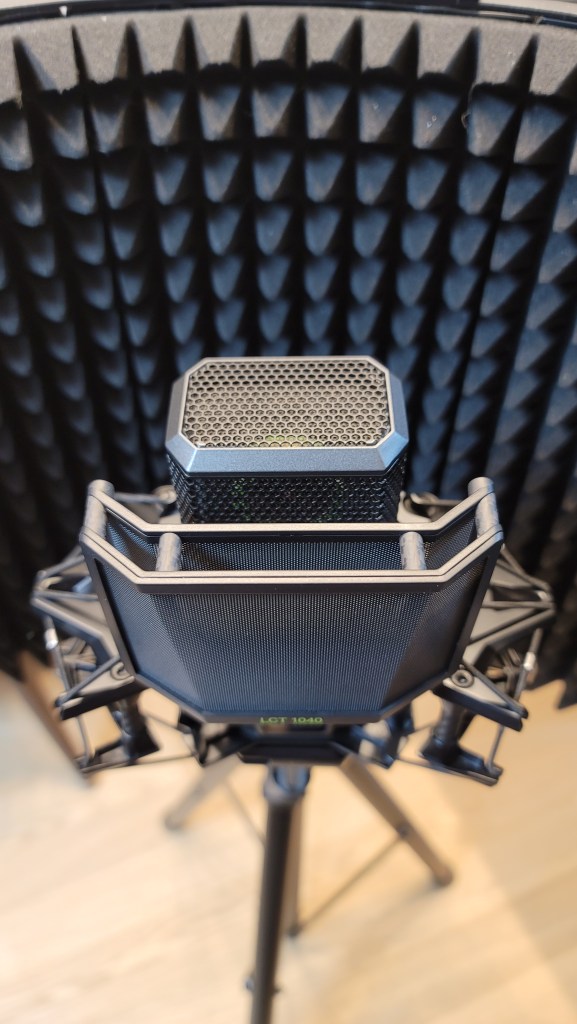
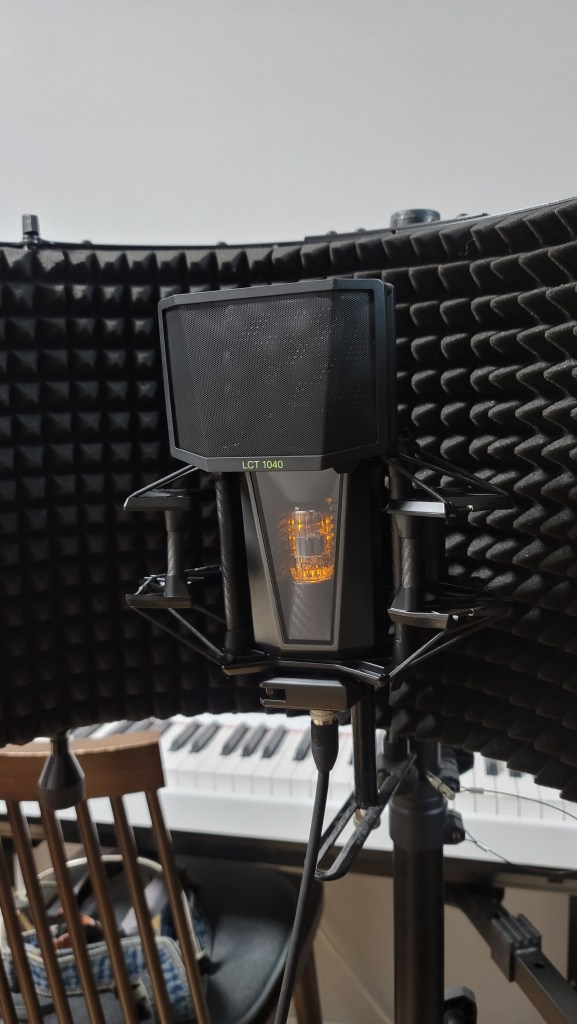
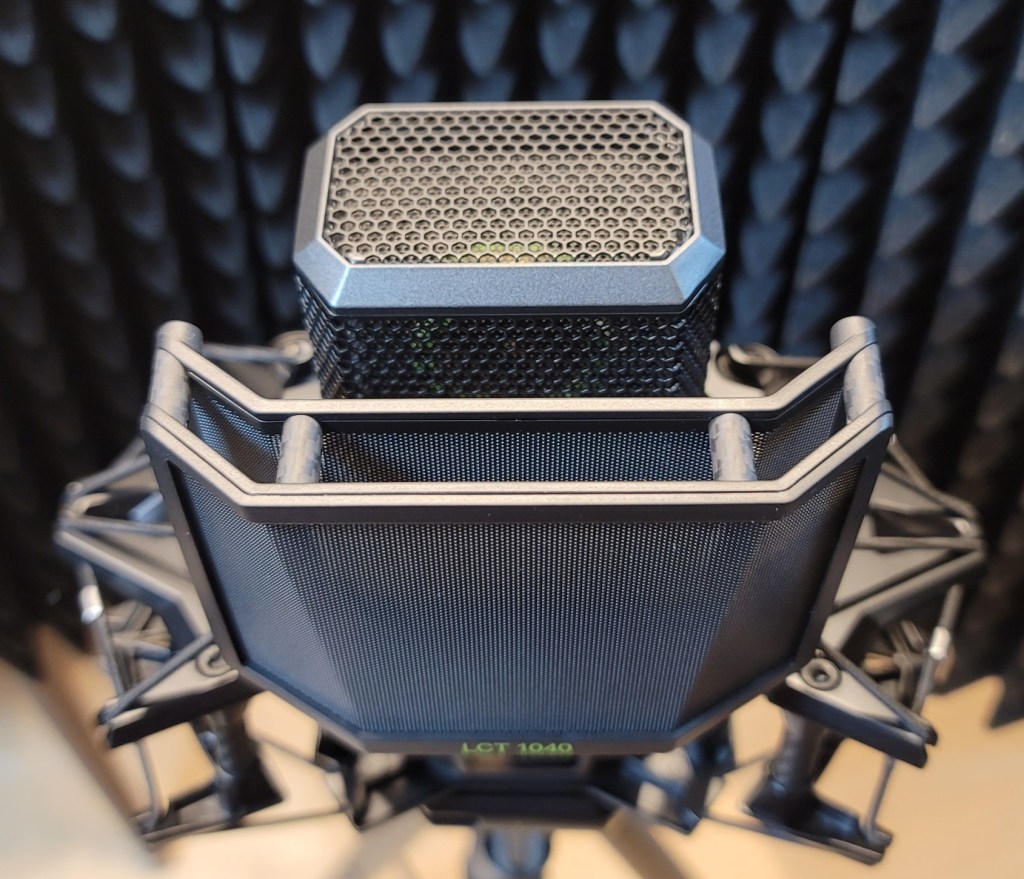
The microphone cable connector clicks securely into place when inserted correctly. The shock mount includes carbon material and features a unique, easy-to-use clamping mechanism.

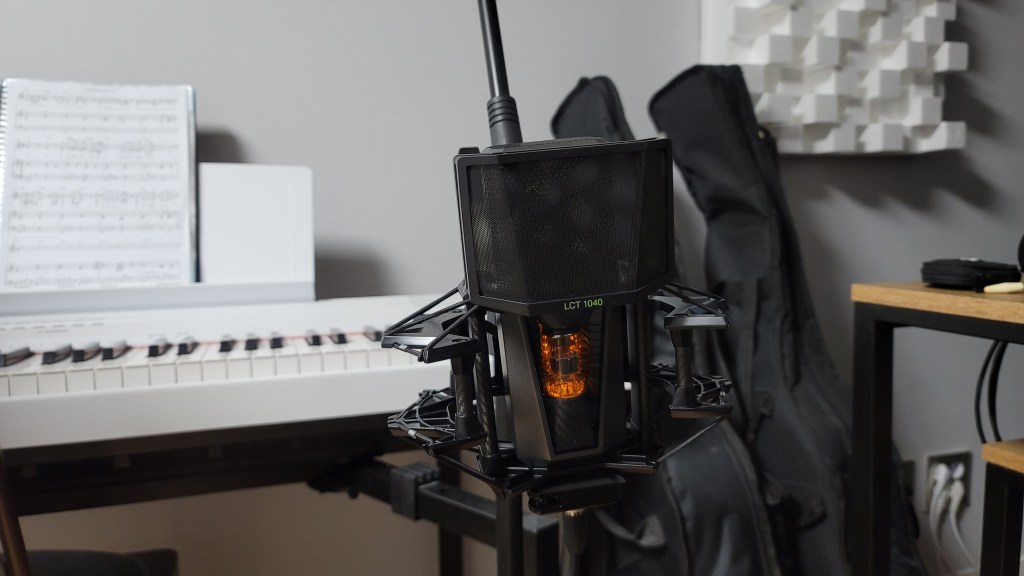
The pop filter and the microphone’s grill both have double layers, which shows attention to detail. The pop filter, also made of carbon material, attaches magnetically, making it easy to use.

The bottom clamp for mounting the microphone is simple and effective.

The microphone, when powered, looks like this. I think this gives you a good overview of its appearance. Now, let’s move on to the sound test.

Recording Test

For the test, I recorded both vocals and guitar. For vocals, I used a reflection filter and recorded in Clear, Warm, Dark, and Saturated modes with Omnidirectional, Cardioid, and Figure-8 patterns, using three settings: FET, FET=5:5, and Tube.

(Note: FET 100% sounds consistent across Clear, Warm, Dark, and Saturated, so I grouped them under FET.)

Due to the number of recordings, I might have missed some distorted parts in the song. I hope you’ll understand. My voice was a bit worn out, too… 😢

I used a low cut at 80Hz and lightly reduced 148Hz and 179Hz where noted.

For the guitar, I couldn’t use a reflection filter, so I placed the mic in a standard holder. I recorded only in Cardioid, as Figure-8 and Omnidirectional were not necessary. I used a Guild D-150ce with new D’Addario XS Phosphor Bronze light gauge strings.

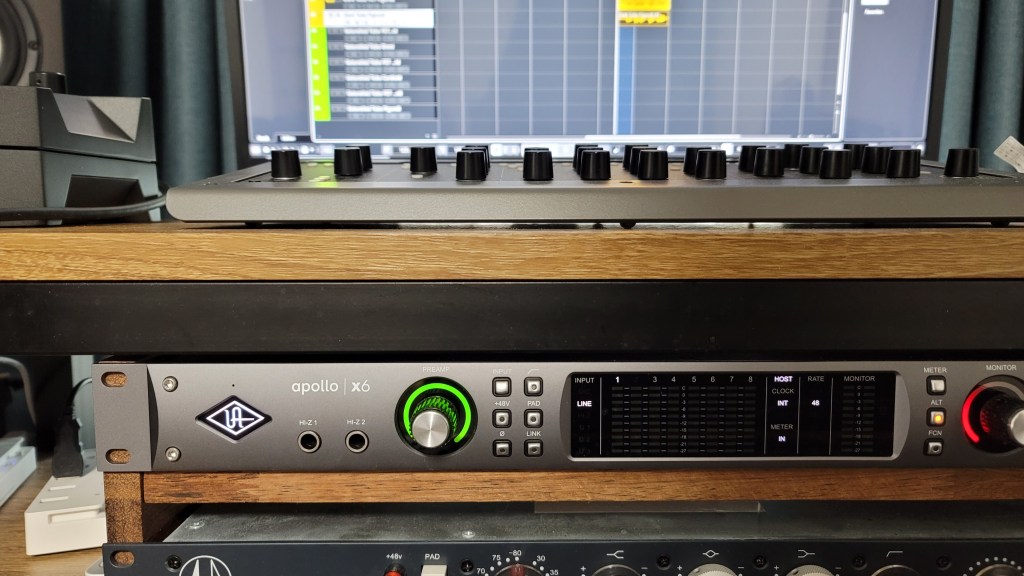
I applied a low cut at 80Hz and reduced the boominess at 138Hz and 179Hz for fingerstyle, while strumming did not require cuts. The recordings were captured directly into an Apollo x6 interface, with gain set around 53-55dB.

Impressions

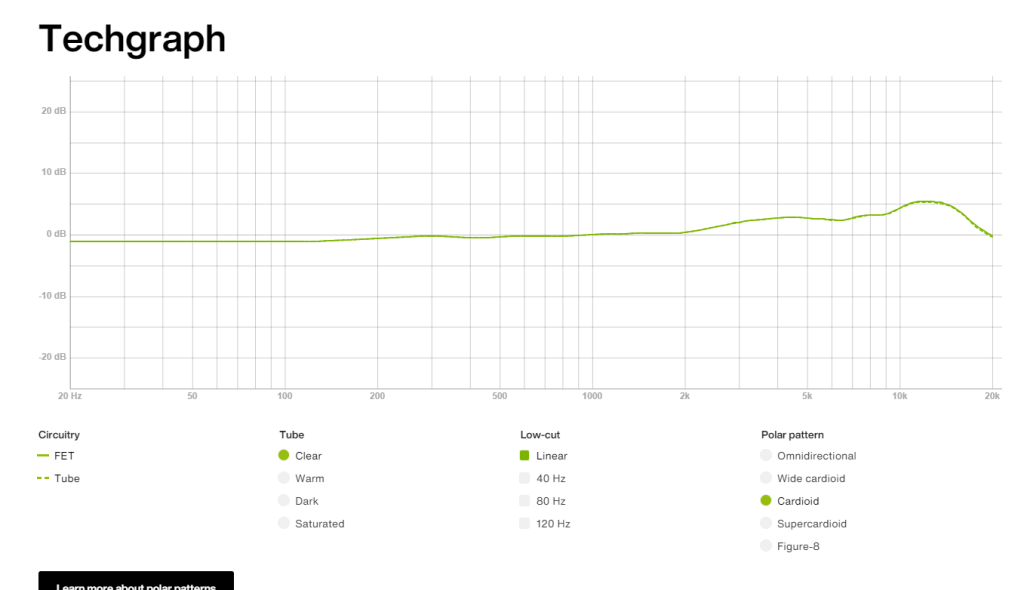
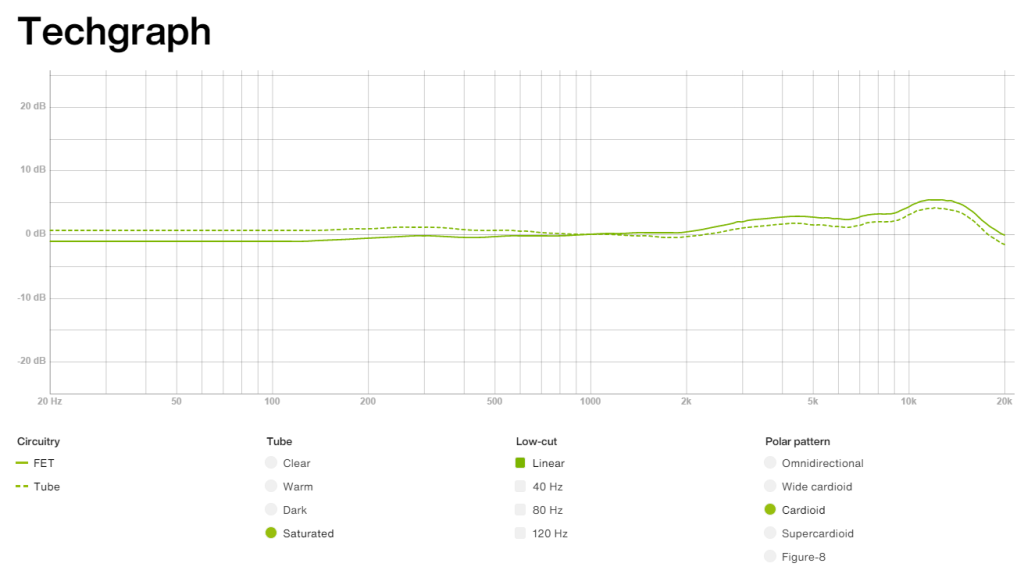
FET, Clear

The high frequencies are pleasantly clear. However, the low-mid range feels slightly lacking, making the FET sound somewhat thin and sharp. Still, both the FET and Tube modes produce the expected quality sound.

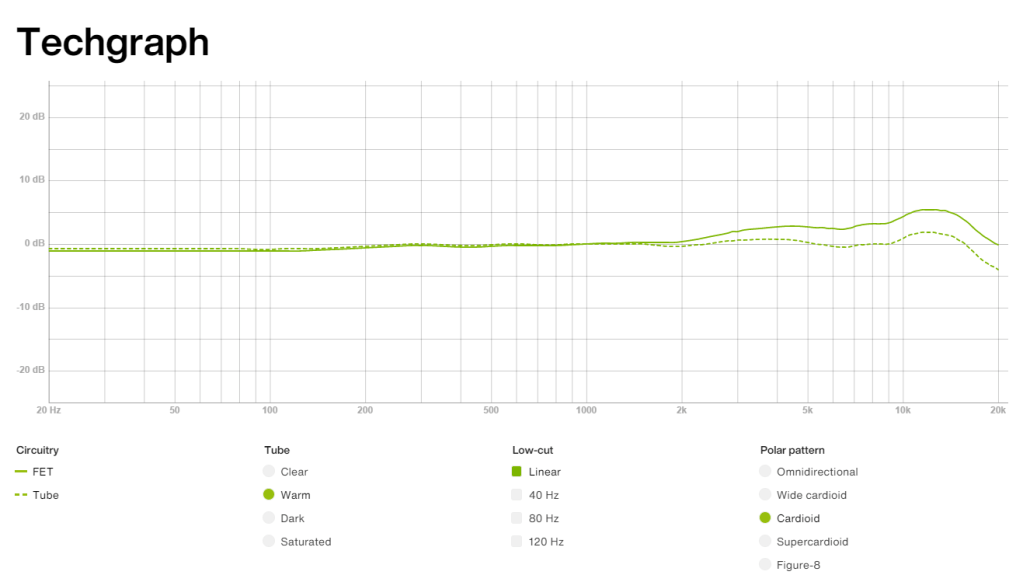
Warm

The highs are a bit subdued compared to Clear, but they still maintain a presence.

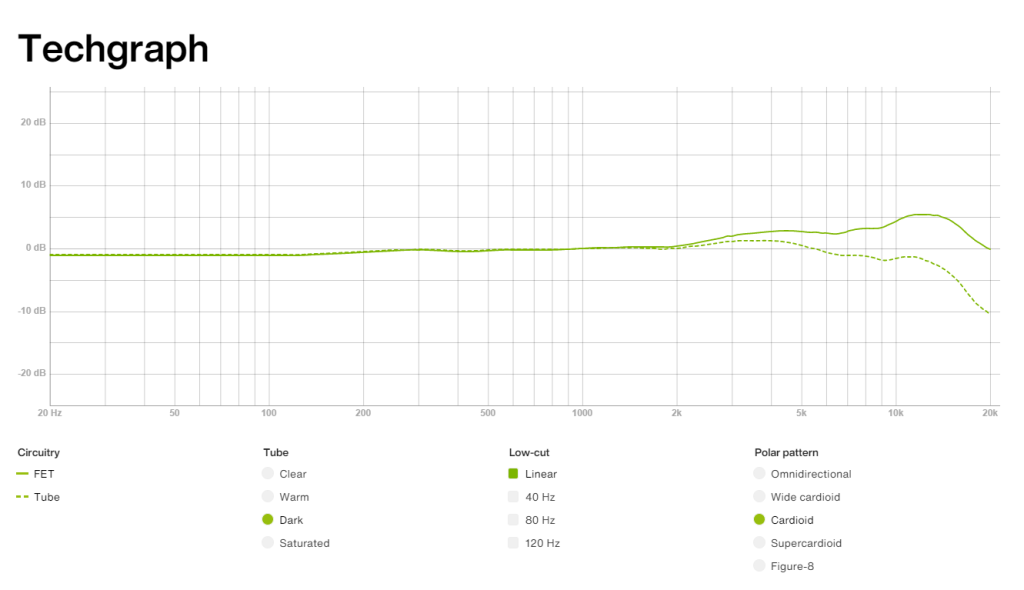
Dark

The highs feel significantly reduced, which might highlight the mids and make the sound somewhat nasal. This could be useful for creating a distant or lo-fi effect.

Saturated

This was my favorite among Warm, Dark, and Saturated. It retains high-frequency clarity while boosting the lows, providing a pleasing sound without much EQ.

The frequency response graphs matched my impressions, which was quite satisfying.

Additionally, the Mix and FET can be recorded separately, which could be handy for saving FET as a backup.

Pros

The detachable remote makes it versatile for studios of all sizes. The dual-layered grill and pop filter demonstrate careful design.

The knobs provide a satisfying tactile response, and the build quality is excellent. They even included a recall sheet, which can likely be requested in PDF form.

Cons

The unit is heavy, and there’s no volume control on the remote, which can be slightly inconvenient. However, this is common for tube microphones, so it’s hard to consider it a significant downside.

Conclusion

The sound quality and attention to detail are impressive, and the price seems justified. Although the absolute price is high, considering you effectively get five distinct tones—FET, Clear, Warm, Dark, Saturated—and can blend Tube with FET, it’s a compelling value.

Buying five high-quality microphones for the price of one LCT 1040 would be challenging. Given the rising cost of equipment, with AKG C414s nearing 2 million KRW, and considering the versatility and quality of this mic, I’d choose the LCT 1040 over a Neumann U87ai. It’s also an excellent option for those looking for a secondary mic.

While I haven’t used it long enough to comment on durability or long-term use, Sound & Music offers a 10-year warranty, which is reassuring.

I hope you enjoyed this review. See you in the next post!

I’m always open to reviewing hardware products! If you’d like me to review a product, please feel free to reach out at joe1346@naver.com.