Basics of Mixing – 7.3 Using Delay

Hello! I’m Jooyoung Kim, a mixing engineer and music producer.

Today, I’m going to talk about how to effectively use delay in your mixes.

Let’s get started!


Delay is often used during the composition stage.

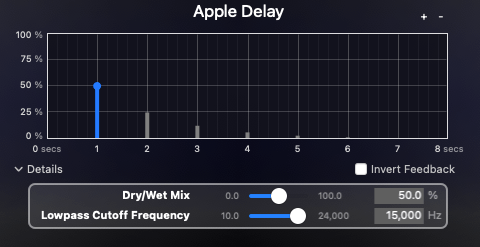
For instance, on instruments like guitars and electric pianos (EP), you can use the Feedback control to create a long-lasting echo, or apply a Ping Pong delay to bounce the effect between the left and right channels. In such cases, delay is usually synced to the BPM of the track.

From an audio perspective, when working with EPs that frequently use Auto Pan, you can send the signal to a delay, then apply the same Auto Pan effect to the delay, making the delay move left and right along with the instrument.

You can also add saturation to the delay to achieve a unique echo effect.

When using delay in sound design, it generally serves two purposes, as discussed in “7.1 What is Delay?”:

  1. To create natural reverberation, often in combination with reverb.
  2. To add an artificial groove to the source.

When using delay, it’s common to filter out the high frequencies to make the effect more natural. Low frequencies are often filtered out as well to prevent interference with the original sound. Keep these concepts in mind as we explore further.

Let’s start with the first use case.
Kaplanis, Neofytos & Bech, Søren & Jensen, Søren & Waterschoot, T.. (2014). Perception of reverberation in small rooms: A literature study. Proceedings of the AES International Conference. 2014.

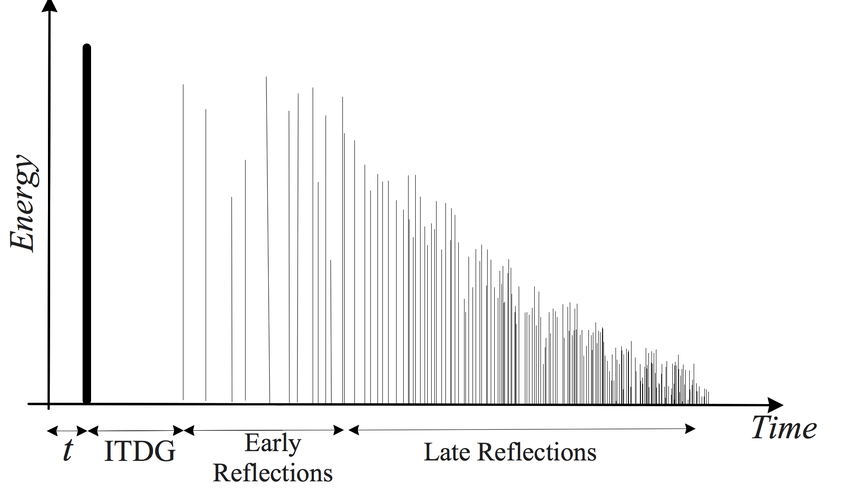
I’ll discuss this more when we cover reverb, but the graph above is a simple representation of how sound behaves in a space, showing how volume changes over time.

The bold line at the beginning represents the direct sound, followed by Early Reflections, which are the first reflections that bounce off the walls, and finally, the Late Reflections, which are the numerous echoes that occur after multiple reflections.

The point at which the sound level drops by 60dB from its initial value is known as RT60 or T60 (Reverberation Time 60). This is the reverberation time you see in reverb plugins.

The purpose of using delay in this context is to enhance the Early Reflections, making them sound more natural. While reverb alone can simulate Early Reflections, combining it with delay can produce an even more natural sound. If you set the Feedback value so that the delay fades out around the same time as the reverb, you can create a more seamless and natural reverberation.

I haven’t included an example because it’s time-consuming to create, but I believe you’ll notice a significant difference when you try it yourself.

Now, let’s move on to the second use case.
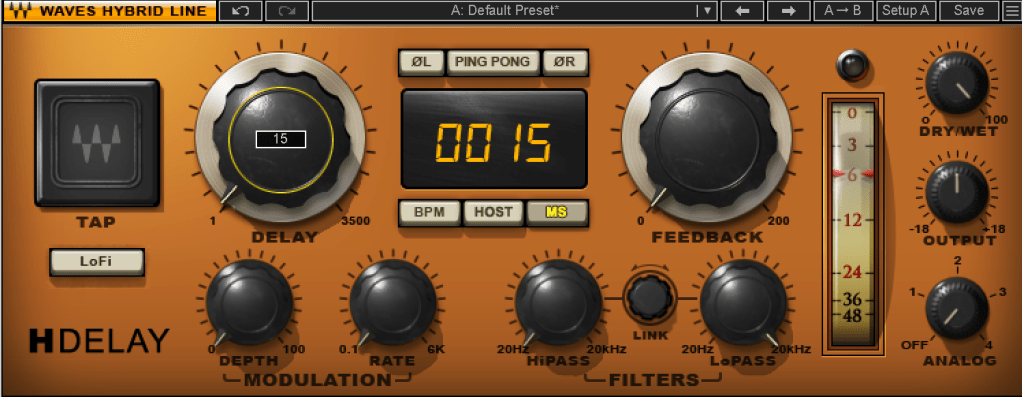
When using delay for groove, the Feedback value is typically set to zero, and the delay time is kept very short, usually between 10 to 50 milliseconds.

Where can you use this type of delay? Essentially, on any source in a track that needs a groove, whether it’s a kick, snare, clap, bass, or even vocals.

Of course, depending on the track, not using delay might sound better. It’s important to listen and decide whether it suits the song.

Initially, these techniques might seem subtle, but such details can significantly impact the quality of your track. That’s why it’s important to experiment and listen closely.

On a side note, I’ve finally finished writing the manuscript for the mixing book I’ve been working on. I was fortunate enough to receive a recommendation from a well-known figure, but the publication is delayed due to copyright issues with the photos.

For example, Antelope responded the day after I reached out, saying, “Feel free to use everything! Have a great day!” in a very casual tone. On the other hand, Universal Audio said their legal team would review my request and get back to me. I first contacted UA on July 31st, and I’m still waiting for their response… Hopefully, they’ll reply soon… 😢

I’ll see you in the next post! 🙂
Basics of Mixing – 7.2 The History of Delay

Hello, I’m mixing engineer and music producer Jooyoung Kim. Last week, I had so much to write about for the blog that I had to skip a week..;;

Today, I’d like to talk about the history of delay. Shall we get started?

Analog Delay

Like most effects, delay began in the analog realm, using tape to repeatedly play back the original sound.

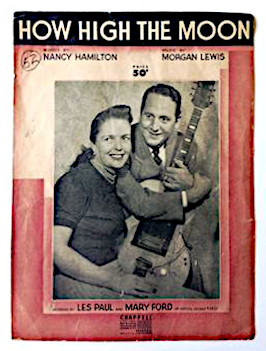
The first person to use delay in music was Les Paul. If you listen to “How High the Moon,” you can hear the early sounds of tape delay.

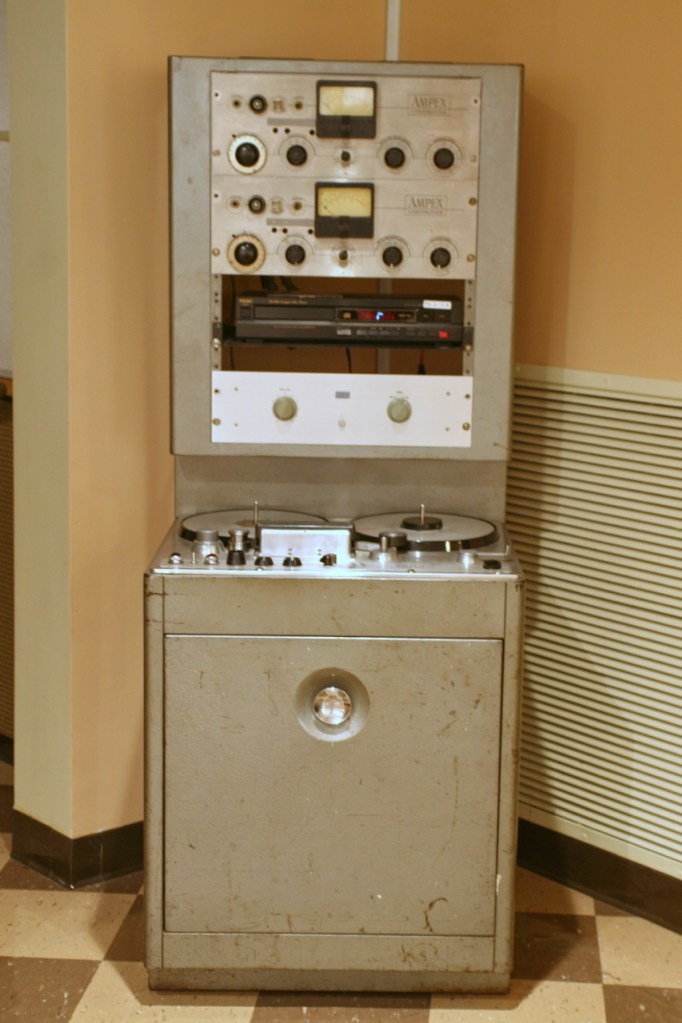
Ampex 300 Model

Another notable figure who used delay was Sam Phillips, the founder of Sun Records. He produced Elvis Presley’s tracks using two Ampex 350 tape recorders to create the delay effect.

(Though it doesn’t actually include tape, Warm Audio recently released a replica of this with the WA-MPX!)

The first commercial product featuring delay was the EchoSonic, a guitar amp with built-in tape delay.

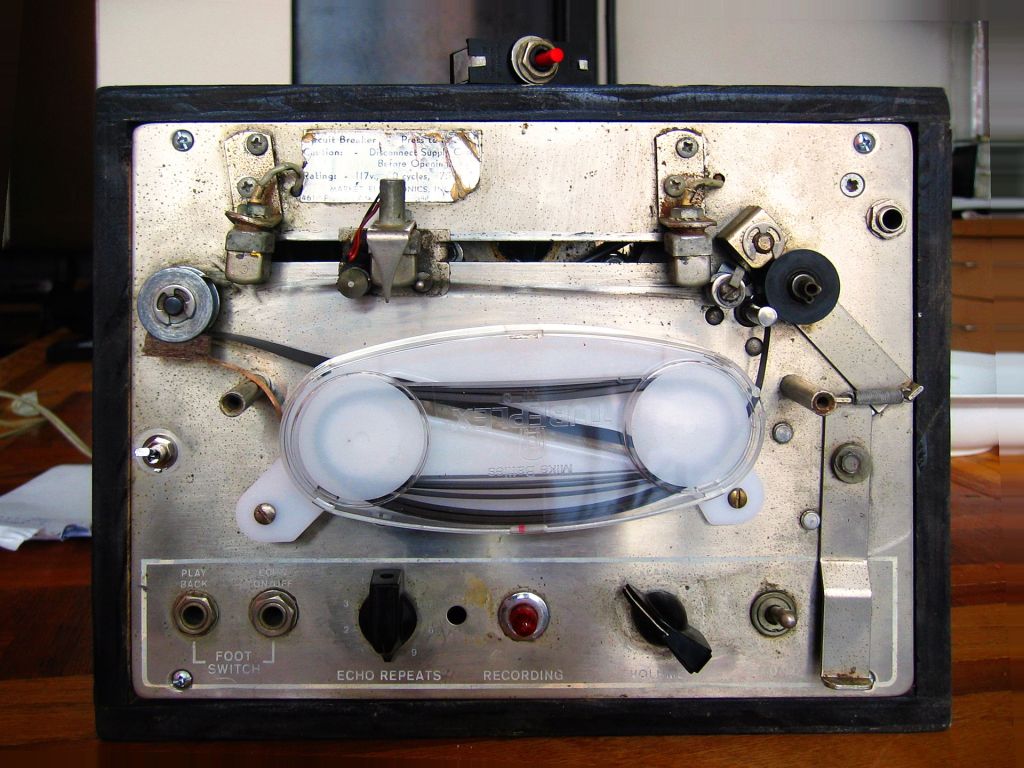
Among commercially famous delays that focused solely on the effect was the Echoplex.

For guitarists, the Roland Space Echo RE-201 is likely the most well-known tape delay. It used multiple playback heads to create a more sophisticated delay effect.

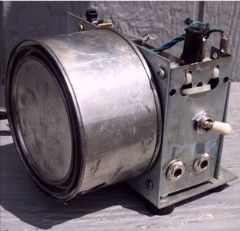
Next came the Oil Can Delay.

Oil Can Delay worked by storing and replaying signals as magnetic patterns on the side of a can through electromagnetic induction. The can was filled with a high-dielectric oil to keep the signal intact for longer periods, hence the name Oil Can Delay.

Following that, the Echorec was introduced, which utilized a Magnetic Drum for delay.

Urei, the precursor to Universal Audio, created the Cooper Time Delay, which used a long tube to produce the delay.

With the advent of Solid State technology, Philips developed the Bucket Brigade Device (BBD), a discrete analog delay device that led to the creation of various delay units.

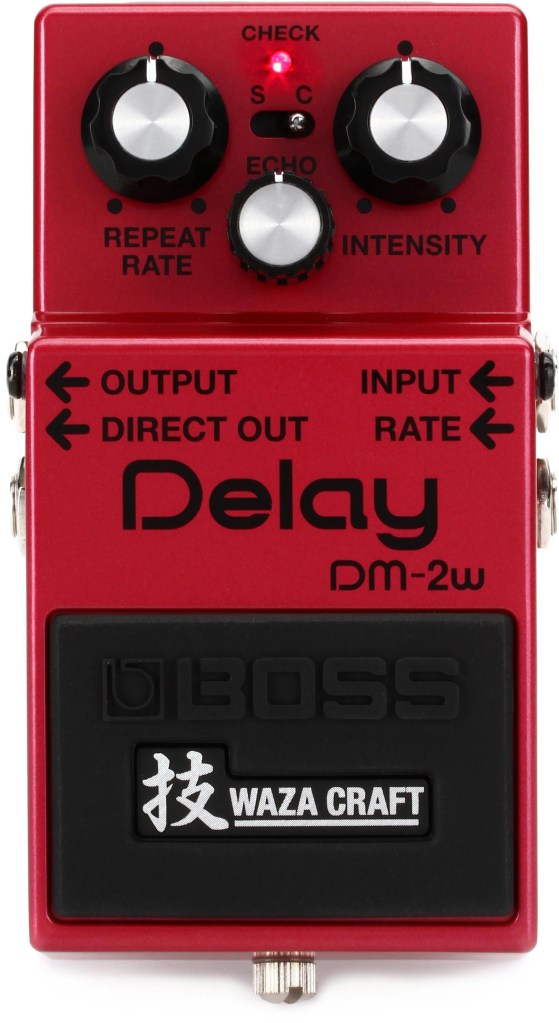
Examples of BBD delays include the Electro-Harmonix Memory Man and the Boss DM-2 Delay.

Digital Delay

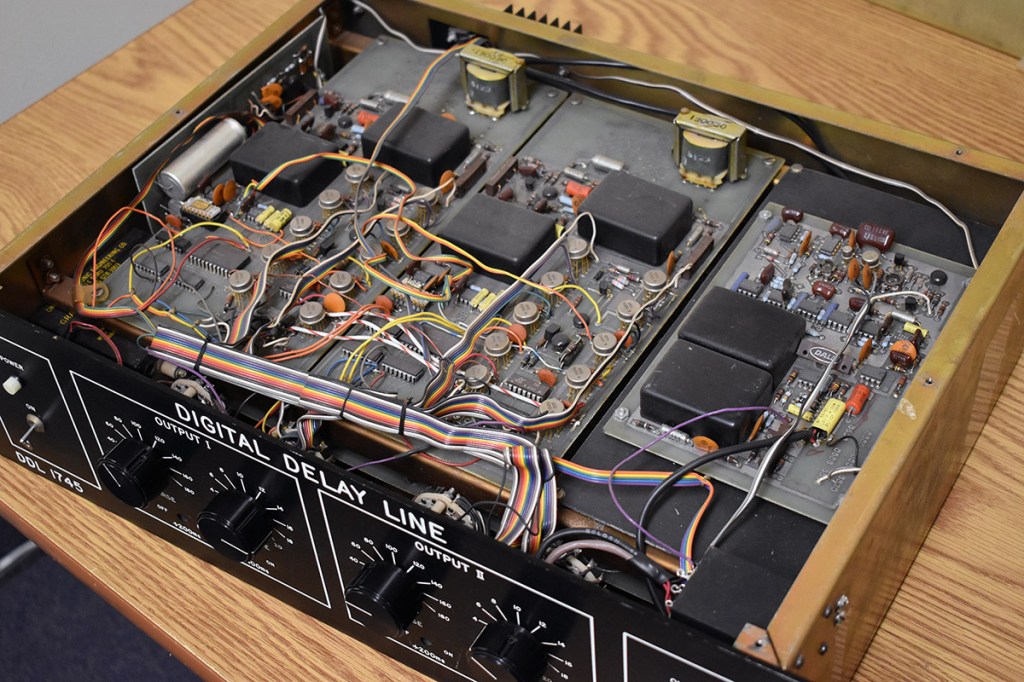
The earliest digital delays were introduced for studio and film effects. The first digital delay was the Eventide DDL 1745, which was released in 1972 for an astounding $3800.. quite pricey!

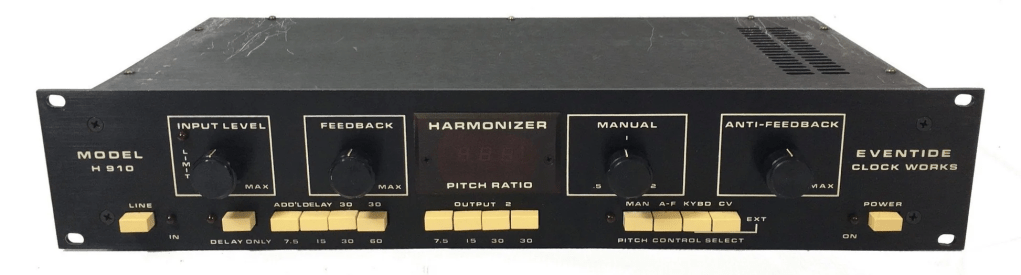
Subsequent models included the Lexicon PCM 41 and Eventide’s Model H910, which came packed with multiple effects.

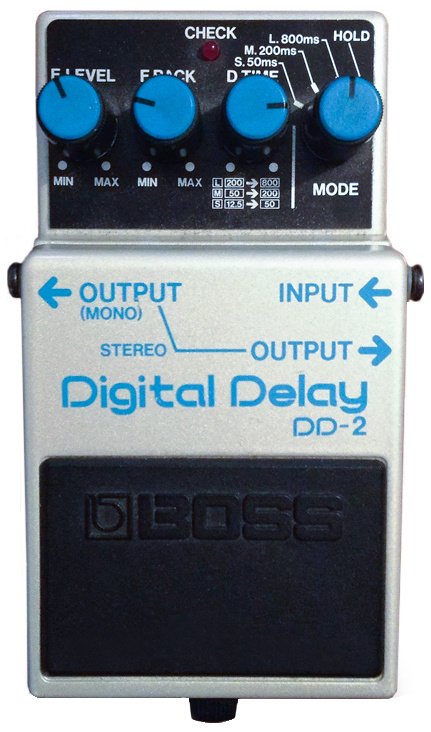
The first digital delay pedal was the Boss DD-2, marking the transition to computer-based delays.

Well, that wasn’t much, was it? History is simple when you look at it this way. The key takeaways are:

  1. Vintage analog delays were saturated based on the medium they used. (Tape, Oil Can, BBD, etc.)
  2. Early digital delays had low sample rates due to computational limitations, resulting in rolled-off high frequencies.

Remembering these two points should suffice. Ultimately, this explains why modern basic plugins don’t capture the vintage delay feel.

I’ll see you in the next post~:)

Basics of Mixing – 7.1 What is Delay?

Hello! This is Jooyoung Kim, an mixing engineer and music producer. Today, I want to delve into the time effect known as delay.

Shall we get started?

So, what exactly is delay?

It’s simple, really. Delay is an effect that repeats the same sound with a time difference.

Why would we use this effect, though? There are several reasons, which can be summarized as follows:

  1. Using only reverb can sometimes create unnatural reverb tails.
  2. The feedback feature allows for the creation of very long reverb tails.
  3. It can add an artificial groove to a source.
  4. Special delay effects can be applied to instruments (especially common with electric guitars, and can also be used with short delays).

Effectively using delay can create a rich and natural reverb. If you’ve only been using reverb to add space to your mix, try incorporating delay as well.

I personally favor UAD’s Precision Delay because it lets you set the delay time in seconds rather than adjusting it via feedback. By setting the delay time similarly to RT60, which I’ll discuss in the reverb section, the sound can fade naturally.

Using a delay plugin to set the pre-delay instead of the reverb plugin’s pre-delay can also be effective. Especially if the reverb plugin doesn’t allow synchronization of the pre-delay time with the BPM, you can achieve a precise pre-delay using a delay plugin that does.

Setting a very short delay with minimal feedback and then filtering out high and low frequencies, while adjusting the volume, can create a subtle groove that wasn’t originally show in the source. This can add a sticky, rhythmic feel to percussion, which is particularly useful in genres like R&B and hip-hop.

Using historical replica delays can also help recreate the vintage sound of old-school or retro music.

There are countless crucial aspects of mixing, but I believe that handling reverb effectively is one of the key factors that define the quality of a sound. However, this is an area that’s hard to explain solely with words. You really have to experiment with various delay and reverb plugins to grasp it fully. It’s a challenging aspect, even for me.

Today, we’ll wrap up with this brief overview of delay. See you in the next post!

Types and connections of patchbays, configuration of the system

This article was written on July 17, 2023. It is different from my current audio system, but I translated it and wrote it because I thought it would be helpful in planning the patch bay. Good luck!

Hello, I’m Jooyoung Kim, an engineer and music producer.

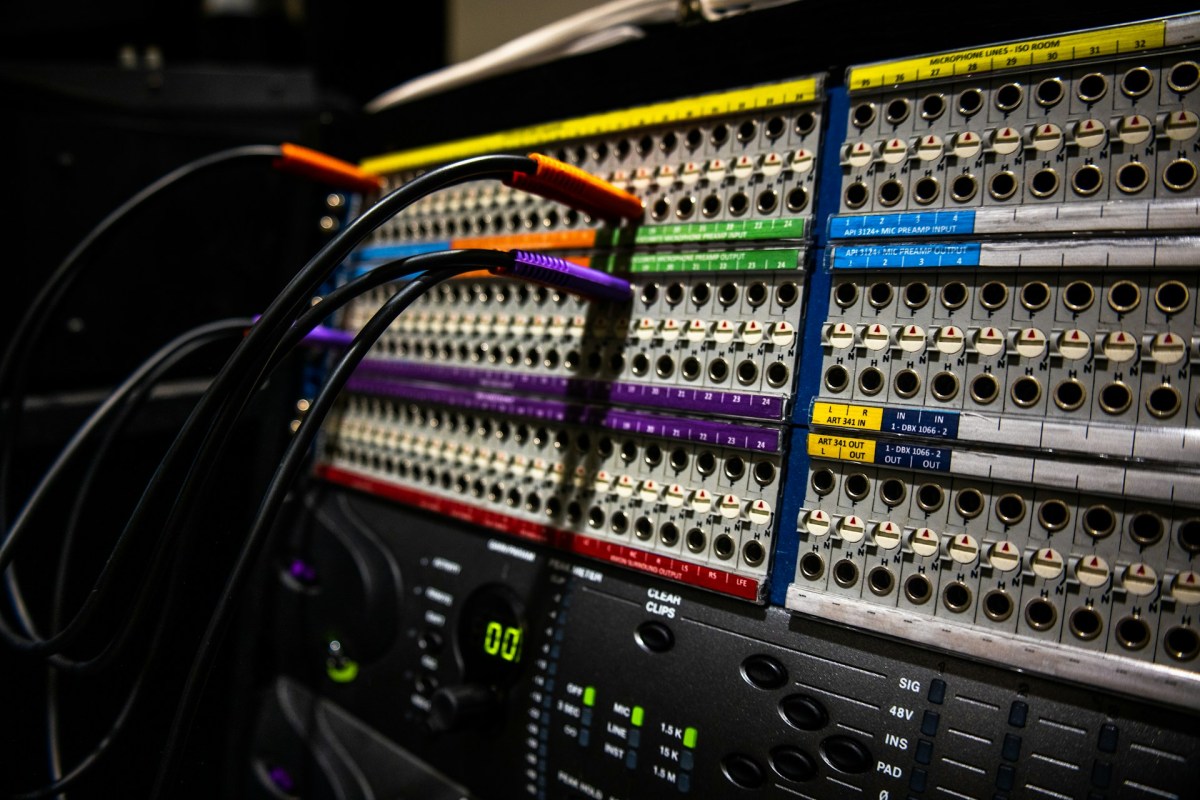
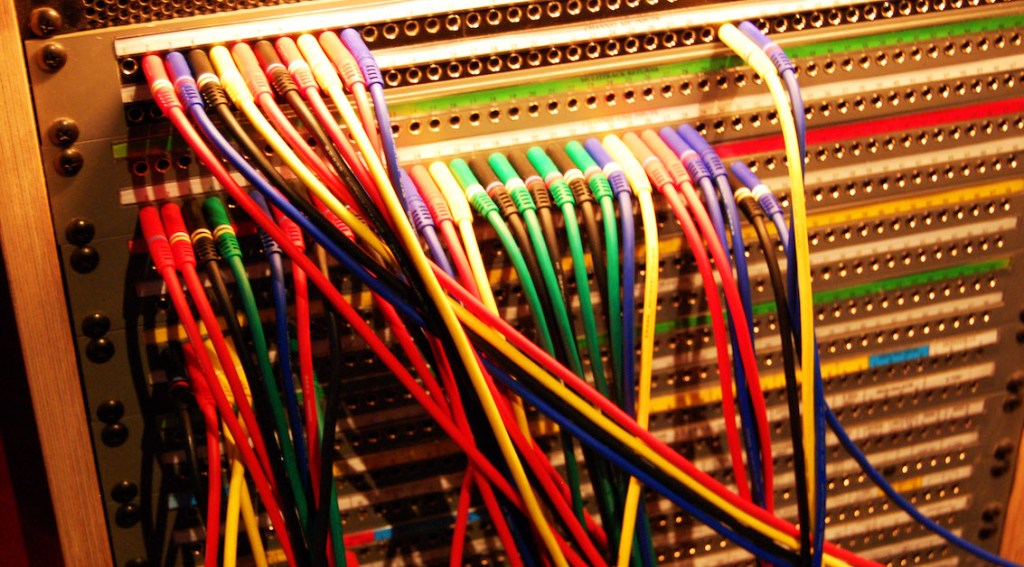
As musicians and engineers accumulate more hardware equipment, they often consider adding a patch bay to their setup. Today, I’d like to discuss patch bays and their usage. Let’s dive in!

Types of Patch Bays

There are various standards for patch bays, primarily categorized based on connector types:

  1. TRS
  2. XLR
  3. Bantam (TT)

You’re likely familiar with TRS and XLR connectors, but Bantam might be new to you. Due to its smaller size, Bantam connectors are commonly used in 1U patch bays, which can accommodate up to 96 holes.

However, TRS patch bays can have up to 48 holes and XLR patch bays can have up to 16 holes.

TRS and Bantam patch bays are further categorized based on internal connection methods:

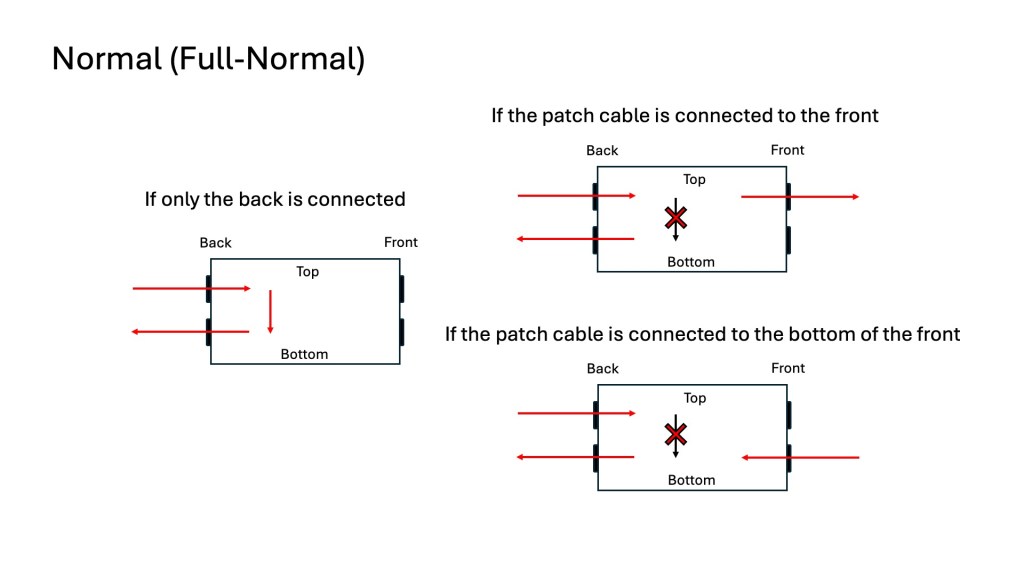
  1. Normal (Full-Normal)
  2. Half-Normal
  3. De-Normal (Non-Normal/Thru)

Once you understand these, it becomes straightforward:

Normal (Full-Normal): The rear signal is connected without plugging in a cable at the front. Plugging in a front cable disconnects the rear connection.

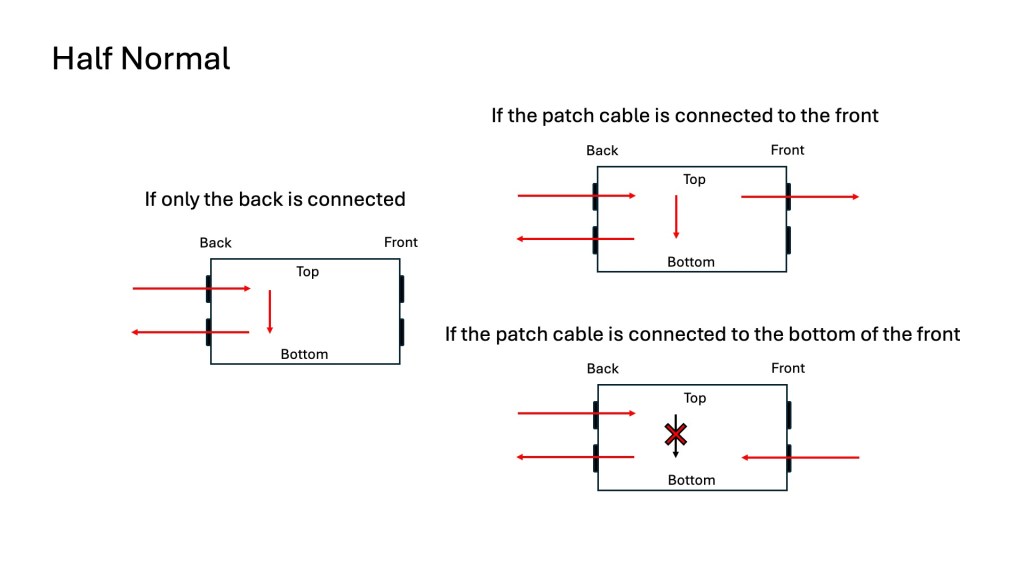
Half-Normal: Like Full-Normal, but plugging in a front cable splits the signal for parallel processing.

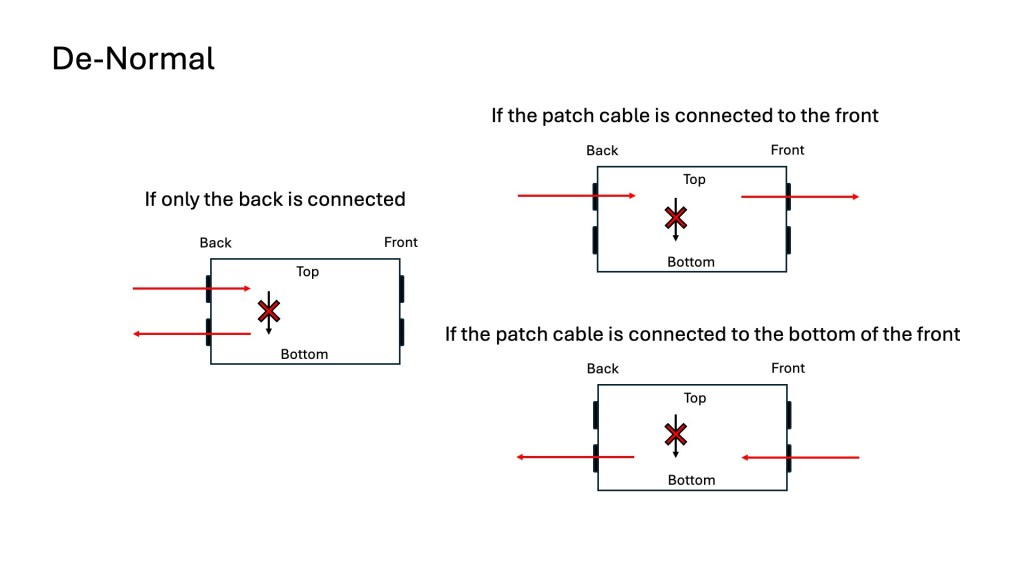
De-Normal (Non-Normal/Thru): I opted for a patch bay that supports all three modes, even though I primarily use Full-Normal.

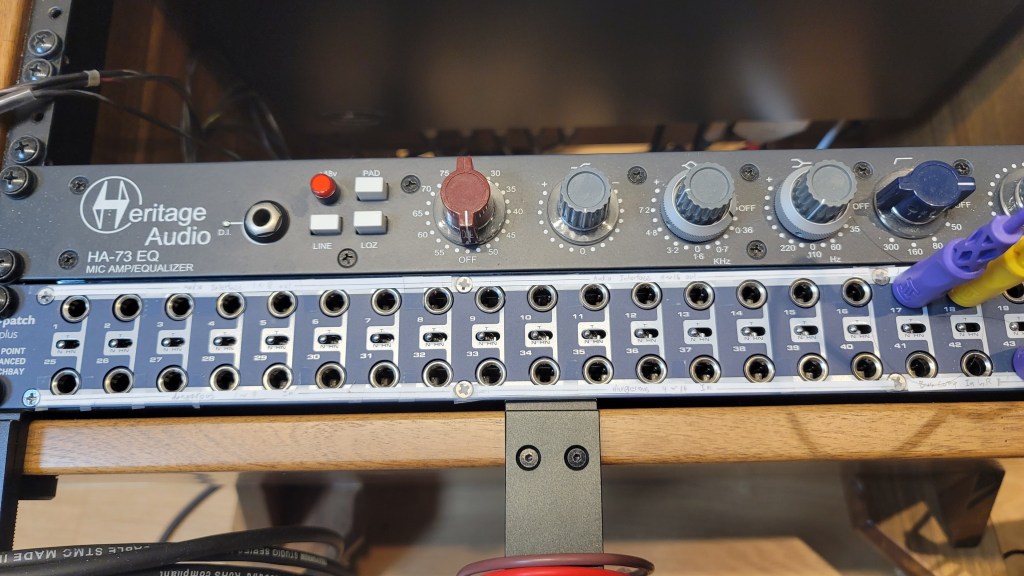
I bought Samson S-Patch: It supports all three modes, but labeling can be tricky due to the narrow spacing.

Configuring Your Patch Bay

Knowing the types of patch bays, the next step is planning your setup. Begin by listing the In/Out of your equipment. Here’s an example with my gear:

EquipmentInOut
Orion Studio Synergy Core12Line Out 16 /
Monitor Out 4
Dangerous 2Bus16Main Out 2 /
Monitor Out 2
Heritage Audio HA73EQ
(Mic Pre)
0 (Mic In not considered)1
OZ design OZ-2200
(Mic Pre)
0 (Mic In not considered)2
Bus CompressorLine In 2 / Side Chain 12

Prioritize your connections:

  • Out on top, In on the bottom for signal flow from top to bottom in Full and Half-Normal patch bays.
  • Begin with the equipment with the most Ins and Outs.

Although there are some limitations, like not fully utilizing some of Antelope’s Ins and the mic preamps’ Line Ins, this setup is efficient without wasting patch bay channels. For mic preamp Line Ins, external cable connections can be made as needed.

And label your patch bay accurately. You can find companies that print labels, but they may charge high shipping fees. Alternatively, you can cut paper strips for labeling.

I purchased an 8-pack TRS patch cable bundle from Hosa, available at an affordable price on Amazon.

With this setup, your patch bay-based system configuration is complete. While my setup focuses on mixing hardware, those using hardware synthesizers can also benefit from a patch bay to enhance their workflow and creativity.

I hope this information is helpful to all music enthusiasts. See you in the next post!