Black Friday Sale Summary: 2025 Virtual Instruments & Mixing Plugins

Hi! This is Jooyoung Kim, a mixing engineer and music producer. Black Friday is right around the corner, so, as I did last year, I’ll summarize all the plugin sales that I want to recommend for composing, mixing, and mastering music.

This post is not sponsored by any of the plugin companies listed. However, I have an affiliate partnership with Plugin Boutique, so, I’ll provide their purchase links alongside my explanations for any plugins they offer. Furthermore, purchasing through the provided link earns me a small commission that helps support this content..^^ (It’s really hard to make a living these days…haha..)

Then… Let’s start!


1) WAVES

I always recommend plugins made by waves to people around me. While their update plan policy is incredibly frustrating, it certainly doesn’t detract from the quality of their plugins. Additionally, they usually offer significant discounts during the Black Friday season.

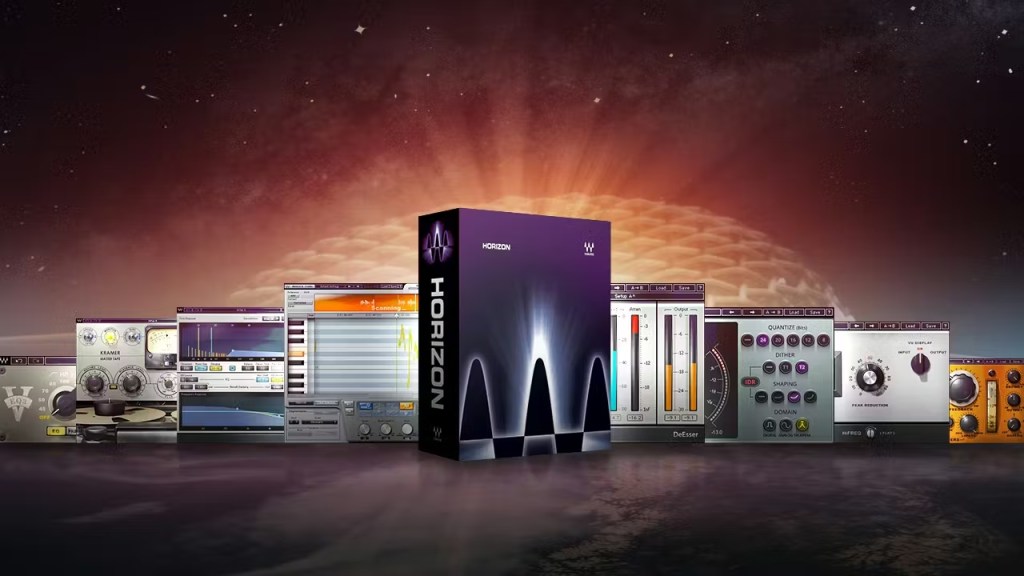
I highly recommend the Horizon Bundle. This bundle features 93 plugins, all of which are highly versatile. The price is only $219(Tax Included), leaving no reason not to recommend it.

Specifically, the CLA series, the Renaissance Compressor, and the H-Delay are my favorites.

2) UAD (Universal Audio Digital)

Universal Audio has lots of useful plugins too. The LA-2A series, the 1176 series and the chamber reverbs are definitely my go-to plugins from UAD.

I own quite a few UAD plugins, and they were really expensive before Universal Audio launched the native versions. Additionally, the 10-plugin bundle was also very pricey, if I recall correctly. However, for this Black Friday sale, you can get 10 plugins for only $108.90 (Tax Included). I must admit, I find that a little unfair….^^. It’s a really great deal, so I highly recommend grabbing this opportunity.

If you haven’t had any experience with UAD plugins, I will select my top 10 recommended plugins for you.

  1. Teletronix LA-2A Leveler Collection
  2. 1176 Classic Limiter Collection
  3. API 2500 Bus Compressor
  4. Teletronix LA-3A Classic Audio Leveler
  5. EMT 250 Classic Electronic Reverb
  6. Fairchild Tube Limiter Collection
  7. Pultec Passive EQ Collection
  8. UAD Sound City Studios
  9. Hitsville Reverb Chambers
  10. Lexicon 224 Digital Reverb

3) IK Multimedia

Unfortunately, IK Multimedia already concluded its “Group Buy” event last month, so it is unlikely there will be any additional sales during Black Friday. However, I have written about IK Multimedia’s virtual instruments and mixing plugins previously, so, if you have an interest in this company, please read this article.

4) Arturia

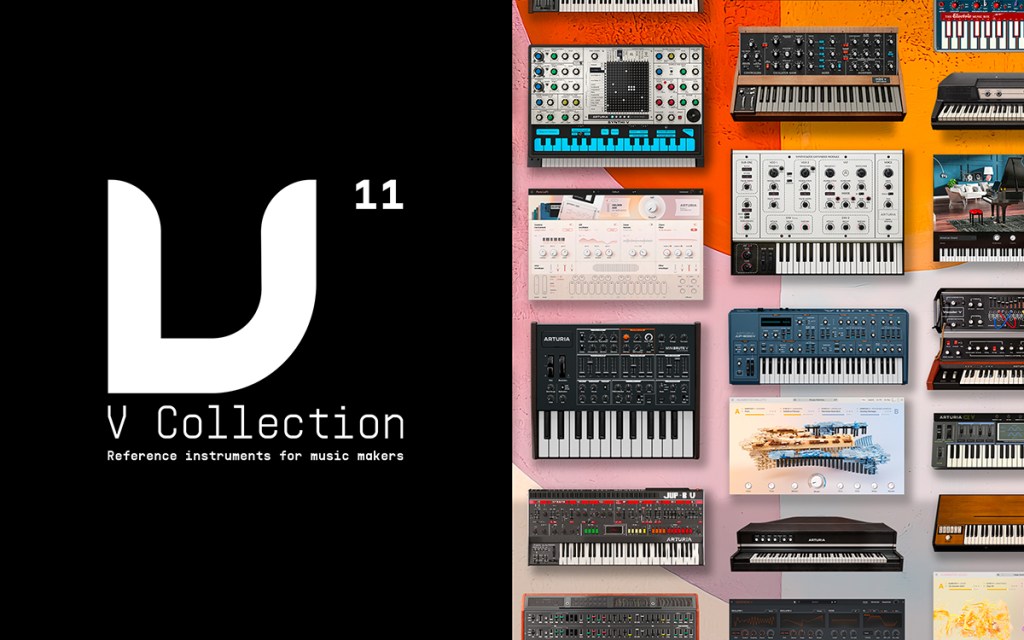
Arturia offers a wide range of virtual instruments and mixing plugins. They boast significantly high quality, tthe only drawback is their high CPU usage. However, as CPU processing speeds have grown rapidly, I believe this is no longer a critical issue.

The price of the V collection 11 is $383.90 (Tax Included), and the FX Collection 5 is $273.90 (Tax Included).

I have written reviews before, if you have an interest, please read these articles.

5) Brainworx

Brainworx was founded by Dirk Ulrich, the same individual who established Plugin Alliance. They offer superb mixing plugins with remarkably good quality. They are also remarkably affordable, so you should definitely consider purchasing their plugins if you have a limited budget.

Specifically, I recommend the digital EQ, the bx_digital V3, from Brainworx. At just $11 (including tax), it is incredibly useful for identifying the frequencies where resonances occur.

6) Celemony -Melodyne

I currently use three main pitch correction plugins: Auto-Tune, Melodyne, and Revoice Pro. However, I find Melodyne to be the most intuitive plugin. I use it on almost every project.

The Studio version is now $301.40 (Tax Included).

7) Native Instruments

Native Instruments sells a lot of virtual instruments. Their Komplete bundle is their most famous, and it features a 50% upgrade discount during Black Friday.

8) Cableguys

I think you need Cableguys’ plugins if you want to create a modern-sounding track. Recently, many producers and composers are making the source audio groovy, and these grooves are created through artificial manipulation.

Cableguys’ plugins are made for these purposes.

I recommend Shaper Box 3 (at $97.90 including tax). Also if your budget is larger, the Cableguys bundle (at $163.90 including tax) is a great choice.

9) Eventide

Eventide’s reverb plugins are truly irreplaceable. The Blackhole reverb and the ShimmerVerb reverb are strongly recommended.

10) BFD Drums

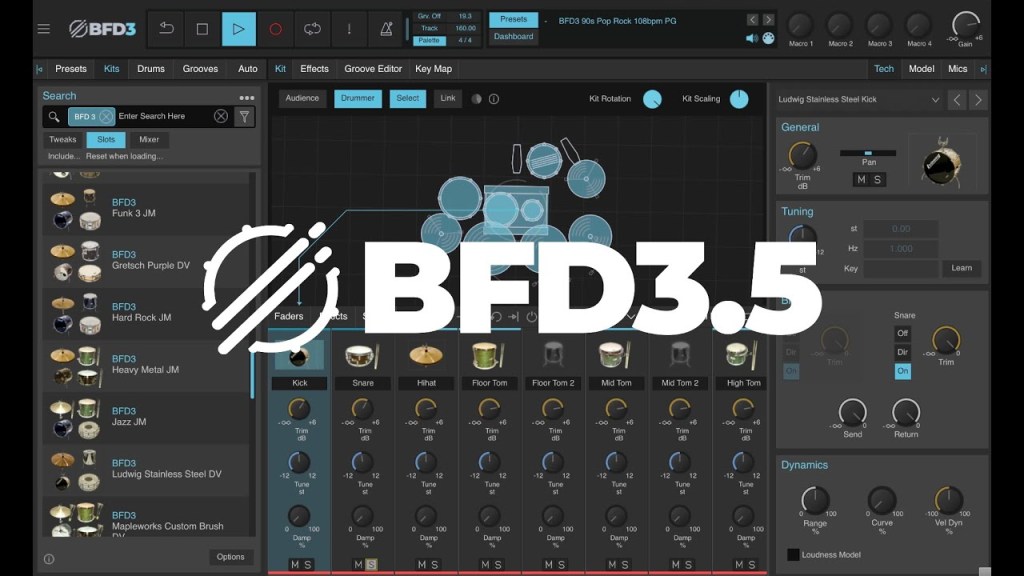
I love the BFD drum plugin. My main drum VST is BFD, and their sounds are exceptional. While it has a steep learning curve, once you understand its complexities, it will provide truly realistic drum sounds.

The drum sounds on this song were created using BFD drums.

The basic components are quite good, but I highly recommend buying the London Sessions expansion pack.

BFD 3.5 is currently only $42.90 (tax included), and the expansion pack is only $20.90 (tax included). I strongly recommend these two products.

11) iZotope

iZotope offers famous plugins like the RX and Ozone series. They also have excellent reverb plugins. Currently, they are offering a 40% discount on their bundle upgrades.

12) Plugin Alliance

Since a certain point, Plugin Alliance began including tax when they sell their products to international customers on their website. Therefore, there is no compelling reason to buy their plugins directly from their website. You can earn points and free plugins when you purchase plugins through Plugin Boutique. Thus, I highly recommend purchasing them there instead.

My favorites include the Maag EQ4, the SPL series, and the Bettermaker C502V plugins.


I believe that covers all the main recommendations. There are still a few plugins I would like to recommend, but they are either not currently on sale or have fully transitioned to subscription models (like Musio 1).

Honestly, these days, I feel that plugins are not the most crucial factor in music production. The ideas and concepts are the most important aspects. Sound design and engineering are just the finishing touches to the music.

So, if you want to make meaningful music, I would advise against spending a lot of money on plugins you might use in the future. Just buy what you need now.

Then.. have a nice Black Friday season!

I Earned the Stage Sound Engineer Level 3 Certification

Hello, this is Jooyoung Kim—sound engineer and music producer.

In Korea, there is a government-issued certification called Stage Sound Engineer (Level 3, 3 is the first (or beginner) level, followed by 2 and 1.).
It doesn’t have a direct equivalent in the US, UK, or Canada, but you can think of it as something like a formal audio engineering license, proving both practical and theoretical knowledge in live sound.

As I’ve been working in the audio field, I realized that while practical skills are essential, having an official certification also helps when listing credentials on a résumé. For a long time, I wasn’t sure if it was worth pursuing—but I figured if I didn’t get it this year, it would only become harder later. So, I decided to take the exam.


Studying for the Written Exam

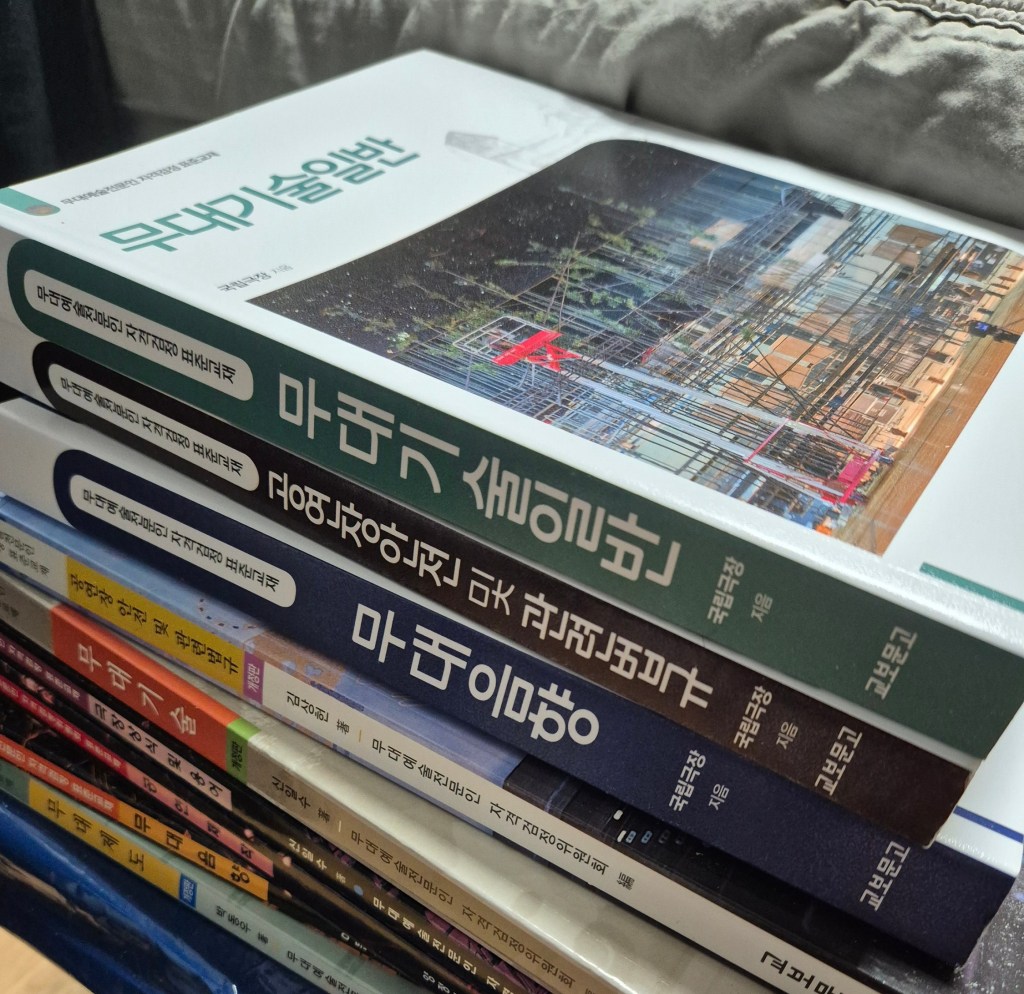
I had already bought some textbooks back when I ambitiously wanted to “master all of audio engineering.”
Unfortunately, the exam content had been updated recently, which meant my older materials were out of date.

At first, I tried to get by without buying the new edition, but after checking last year’s exam questions, I realized too many things had changed. So, I finally bought the updated books just two days before the exam and studied them intensely.

In total, I prepared for about ten days—definitely a crash course. The audio-related parts were manageable thanks to my background, but the legal regulations and stage-specific terminology were quite difficult. Memorization has never been my strong suit (even in English vocabulary study these days, I struggle a lot!).

I didn’t go through the entire book cover to cover, but I solved past exams one set per day and focused on reviewing the parts I got wrong. It was a very “efficient cramming” strategy.


The Practical Exam

Since much of the practical portion overlapped with my usual work, I didn’t need to prepare too heavily.

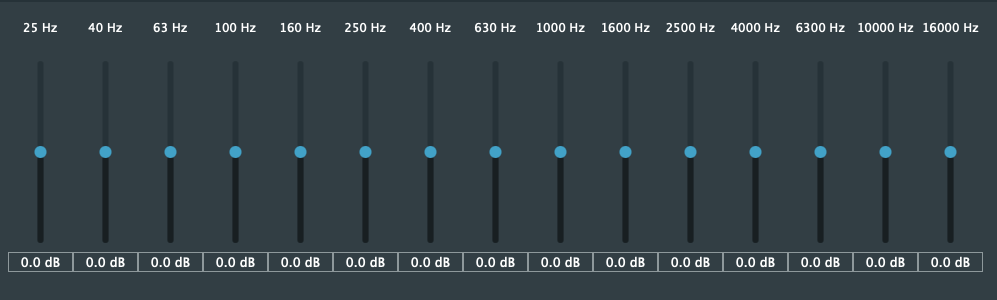
The main part was a listening test: adjusting pink noise with a 15-band graphic EQ to balance different frequency ranges, and identifying test tones across the EQ bands.

Because I couldn’t find a simple 15-band graphic EQ plugin anywhere, I actually built one myself as a VST3 and AU plugin. If anyone needs it, I uploaded it here:

🔗 GitHub – JYKlabs/15-Band-Graphic-EQ

Mac users can simply extract the files and place them in /Library/Audio/Plug-Ins/VST3 and /Library/Audio/Plug-Ins/Components.

Windows users can place the VST3 file in their VST3 plugin directory. (Since I only built it on Mac, I haven’t tested it on Windows yet.)

The plugin is extremely minimal—no extra features, just a straightforward EQ.

During the actual exam, there were 10 listening questions in total. The first five (identifying effects) were fairly easy, but the last five (detecting EQ adjustments applied to music or noise) were much harder. Since the exam environment was different from my usual studio setup, I struggled a bit.

Also, I tend to think of EQ in terms of musical intervals, but the test was structured entirely in octave relationships, which threw me off at first.

Still, since passing only required 6 correct answers out of 10, I managed to make it through. Thankfully, my hearing was in decent condition that day (sometimes ear fatigue can really mess me up).


Final Thoughts

Unlike in South Korea, many Western countries don’t offer official government-issued certifications specifically for live or stage sound engineering. Instead, recognition and credibility often come from trusted industry certifications, educational credentials, or portfolio evidence.

For example, the Certified Audio Engineer (CEA) credential from the Society of Broadcast Engineers (SBE) is well-regarded and requires both experience and passing a technical exam. For those focused on live sound, programs like Berklee’s Live Events Sound Engineering Professional Certificate offer structured, practical training.

Even if you already have solid skills, it can sometimes be difficult to secure projects or convince clients without something official to show. That’s where certifications and structured programs help: they provide a clear, external validation of your abilities and open doors that pure experience alone may not.

At the end of the day, audio work is unpredictable: sometimes you’re mixing in a studio, other times you’re troubleshooting live sound under pressure. The more prepared you are, the easier it is to adapt.

Thanks for reading, and I’ll see you in the next post!

Pulsar Audio Vocal Studio Launch

Hey there! I’m Jooyoung Kim, a mixing engineer, and music producer.

It’s been a whirlwind week with listening experiments, live performance recordings, and mixing, so I haven’t had much time to focus on the blog… haha. I worked on a pretty unconventional setup for a recent gig—more on that in the next post!

Today, I’m excited to introduce Pulsar Audio’s Vocal Studio, a new plugin designed specifically for vocals, brought to you thanks to Plugin Boutique.

If you purchase through the link on my blog, I’ll earn a small commission, which really helps me keep things going… thank you! 😊

Ready to check it out? Let’s dive in!

What’s Pulsar Vocal Studio?

Think of this as an all-in-one vocal effect and channel strip. It’s packed with everything you need: compression, EQ, gain, saturator, gate, de-esser, delay, reverb—you name it, it’s here.

Top Section

Let’s break down the controls in the Top Section of the Pulsar Vocal Studio interface:

  1. Sensitivity: Automatically adjusts volume to maintain consistent levels, working independently of the compressor.
  2. Drive: A saturator offering three distinct flavors—Solid State (inspired by Neve-style circuits), Tube (emulating a pentode preamp), and Germanium (mimicking a germanium transistor preamp).
  3. De-ess: Reduces sibilance by attenuating frequencies around 4kHz and above.
  4. Gate: Exactly what it sounds like—a gate! 😄
  5. Compress: Offers three compression modes—Natural (FET-based, smooth and transparent), Modern (faster attack/release with added saturation), and Gritty (the fastest and most aggressive for a bold effect).
  6. Volume: Adjusts the final output level of the plugin.

Mid-Section

On the left, you’ve got controls for how much EQ to apply. On the right, the Focus section offers three dynamic EQ presets: Air, Edge, and Presence.

Bottom Section

Down below, the Special FX section lets you add creative effects.

  • Delay: Includes standard delay, ping-pong, slap delay, and more.
  • Reverb: Offers a wide range of types—hall, plate, spring, room, chamber, ambience, you name it.

All delay and reverb parameters are fully tweakable, of course.

Impressions

This plugin is a bit heavy on CPU due to its many effects, but if you think of it as a one-stop shop for an entire vocal track, it’s well worth it. Personally, I think the reverbs are so clean and polished that I’d love to see them sold separately at a lower price. They’re some of the best digital reverbs I’ve come across!

Bonus Deal!

This month, if you buy any plugin from Plugin Boutique, you’ll get Wave Alchemy’s Pulse—a faithful recreation of the Lexicon PCM-60 reverb—for free. Don’t miss out!

If you’re in the market for a vocal channel strip, Pulsar Vocal Studio is definitely worth checking out.

Catch you in the next post! 😊
Basics of Mixing – 14.3 Oversampling and Upsampling

Hi! This is Jooyoung Kim, a mixing engineer and music producer.

During my undergraduate studies in physics, I often used my extra credits to take music courses. Looking back, I regret not taking any Python classes—especially now that I’m studying plugin development, data processing, and methodology. Without AI tools, I wouldn’t have been able to start coding at all.

Currently, I’m in the final semester of my master’s program in the Department of New Media Music. I’m not too worried about my thesis, so this semester, I’m focusing on a personal project: developing a saturation plugin in my own way. I know it will be challenging, but I also aim to write a paper introducing a new methodology for building audio plugins.

Now, let’s talk about oversampling and upsampling. This article is based on my book, ‘Basics of Mixing‘, released in South Korea.

What are oversampling and upsampling?

Many audio plugins offer oversampling, but what exactly is it, and how does it work?

  • Oversampling: Increasing the existing sample rate by an integer multiple (e.g., ×2, ×4, ×8, etc.).
  • Upsampling: Increasing the existing sample rate, but not necessarily by an integer multiple.

In oversampling, the process inserts zeros into the empty values and interpolates them using a low-pass FIR (Finite Impulse Response) filter..

It’s me! The right one is the photo on the left doubled horizontally.

Think of it like stretching an image by an integer factor: the blank spaces are filled in through interpolation. After processing the audio, the plugin then downsamples the result back to the original rate.

On the other hand, upsampling converts the sample rate to another rate through interpolation. This is a different process from oversampling.

Why do we use oversampling and upsampling?

Oversampling helps reduce aliasing and creates a more natural-sounding result, while upsampling is primarily used for changing the sample rate.

However, does an oversampling function always make a plugin sound better? That’s a different discussion.

For example, the SSL Bus Compressor 2 plugin provides an oversampling option. Below, you can see the frequency response of the plugin:

The left graph shows the response without oversampling. The right graph shows the response with 2× oversampling.

Both graphs exhibit harmonic distortion at the same positions. While other measurements appear similar, even small differences between the two can result in noticeable changes in sound. In my experience, non-oversampled processing often sounds better.

That was a brief explanation of oversampling and upsampling! See you in the next post!