Hello, I’m Jooyoung Kim — an audio engineer and music producer.
Lately, I’ve been so tied up with outside commitments that I feel like I’ve neglected my own music projects. After visiting the exhibition by artists Chungha Ester Lim and Inguen Nam last time, I found myself reflecting quite a bit. Today, I went back again to see the works and reset my mindset.
I’m juggling a lot of different things, so time is always tight—but even if I have to carve it out little by little, I need to make it happen. The same goes for this blog.
Anyway, today’s post continues from the previous one and focuses on the PCB fabrication process.
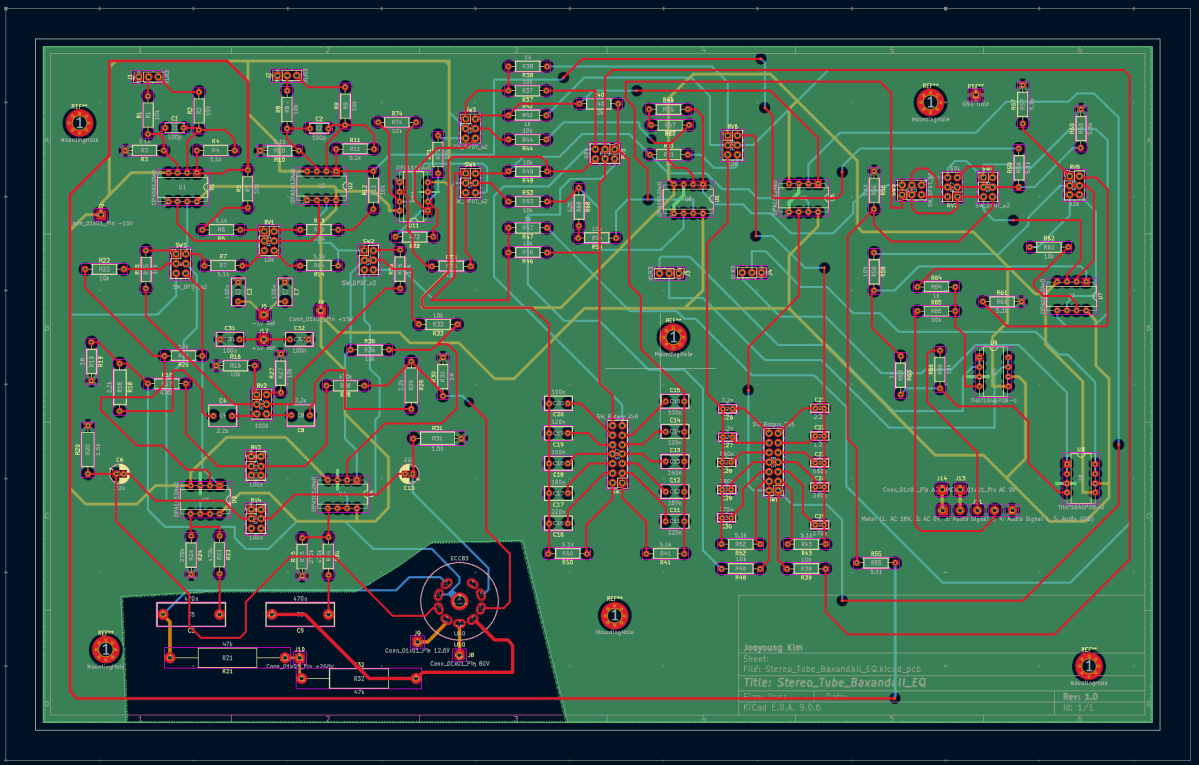
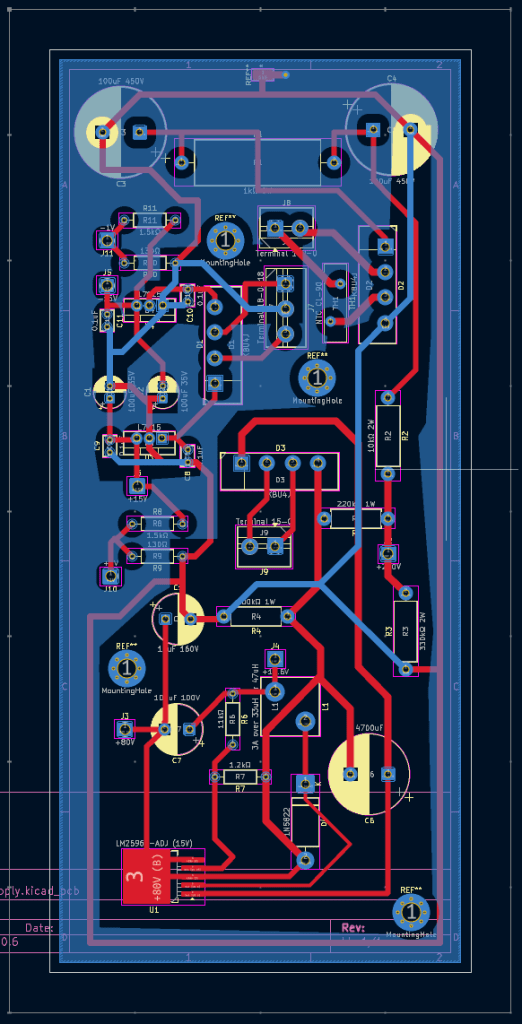
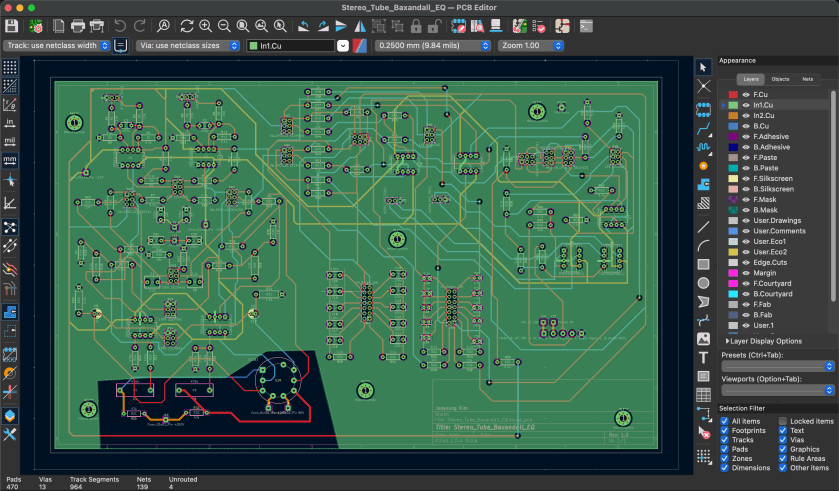
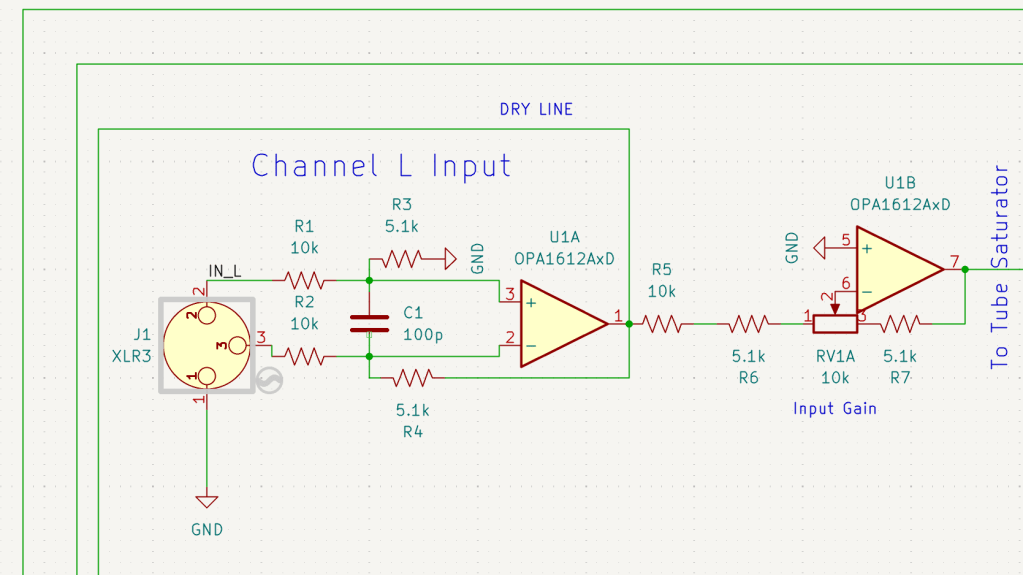
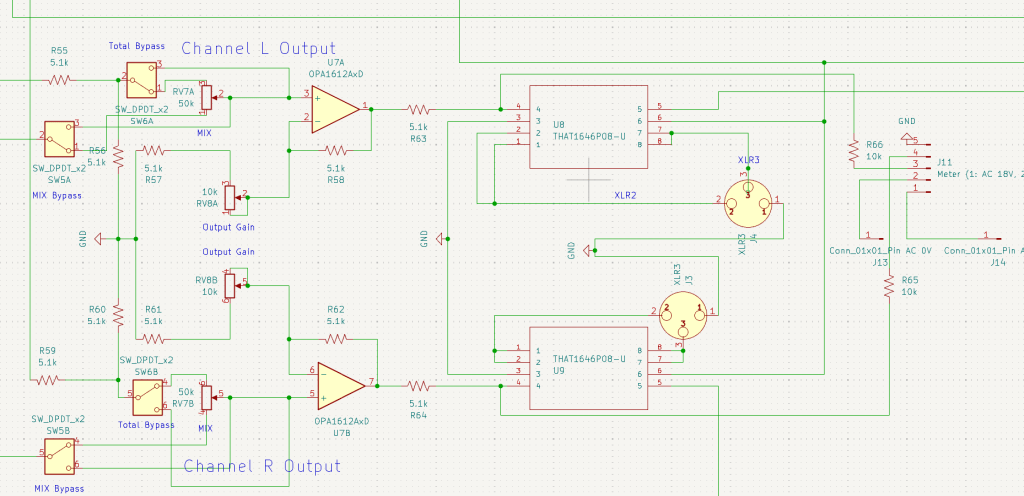
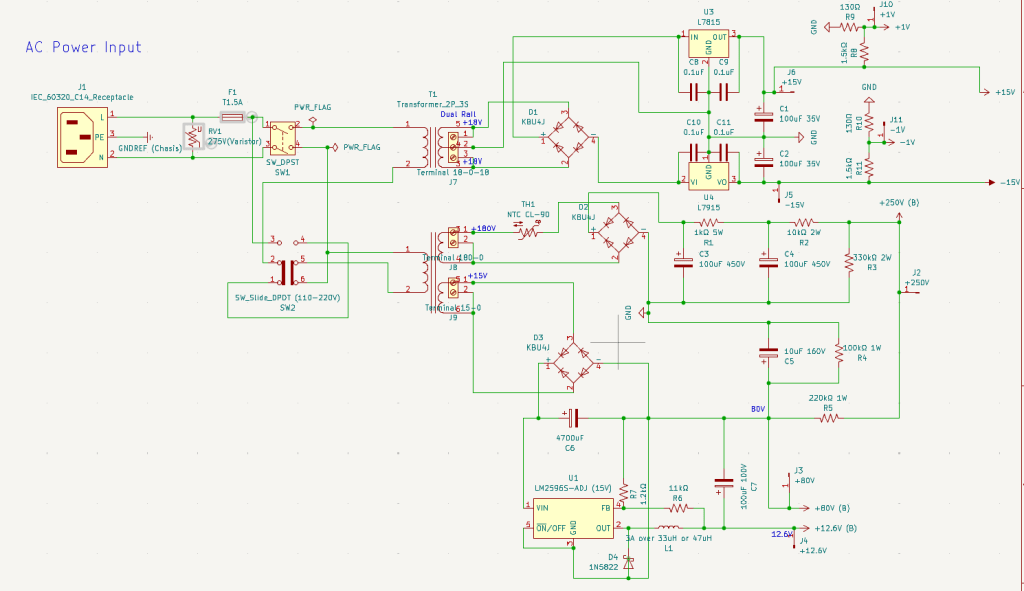
Once the schematic design is complete, the next step is translating it into a PCB layout. At its most basic, a PCB consists of two layers: the first layer carries the signal traces, and the second layer serves as ground. However, in audio equipment with a high component count, two layers may not be sufficient. In my case, I had to distribute multiple DC voltage rails throughout the circuit, and several chips had many pins that required careful routing. As a result, I designed the main board as a four-layer PCB, while the power supply board remained a two-layer design.
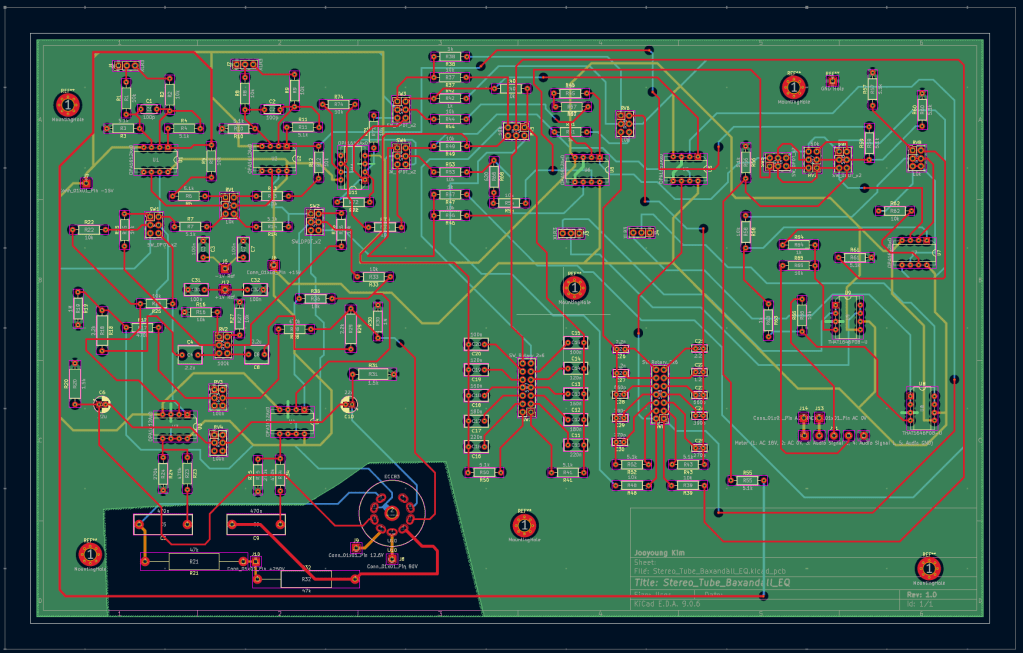
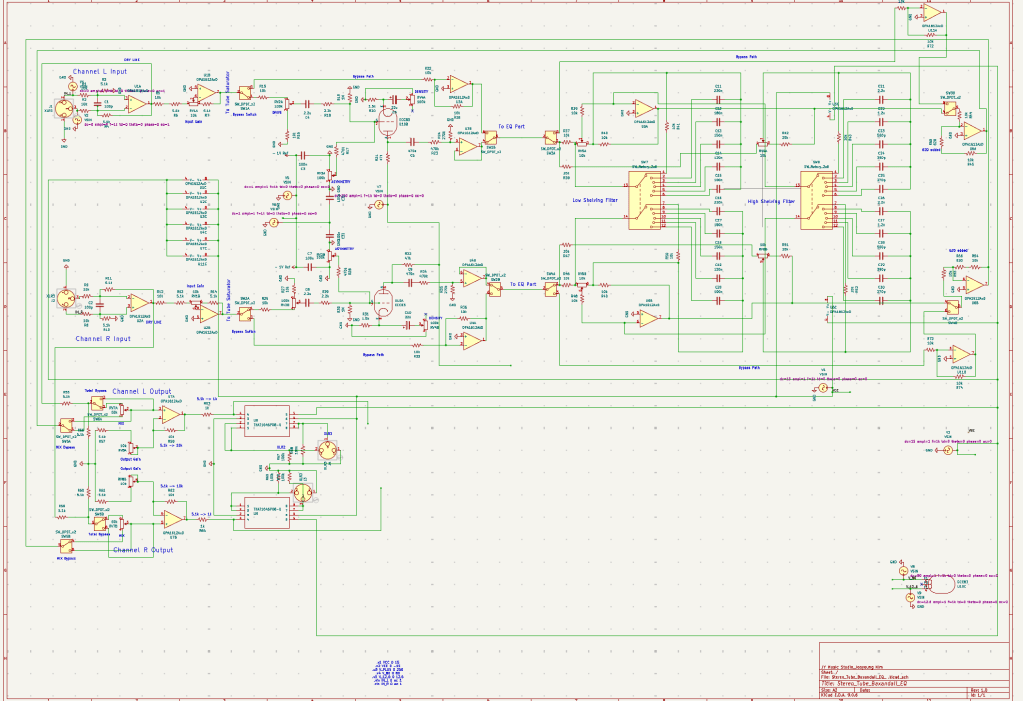
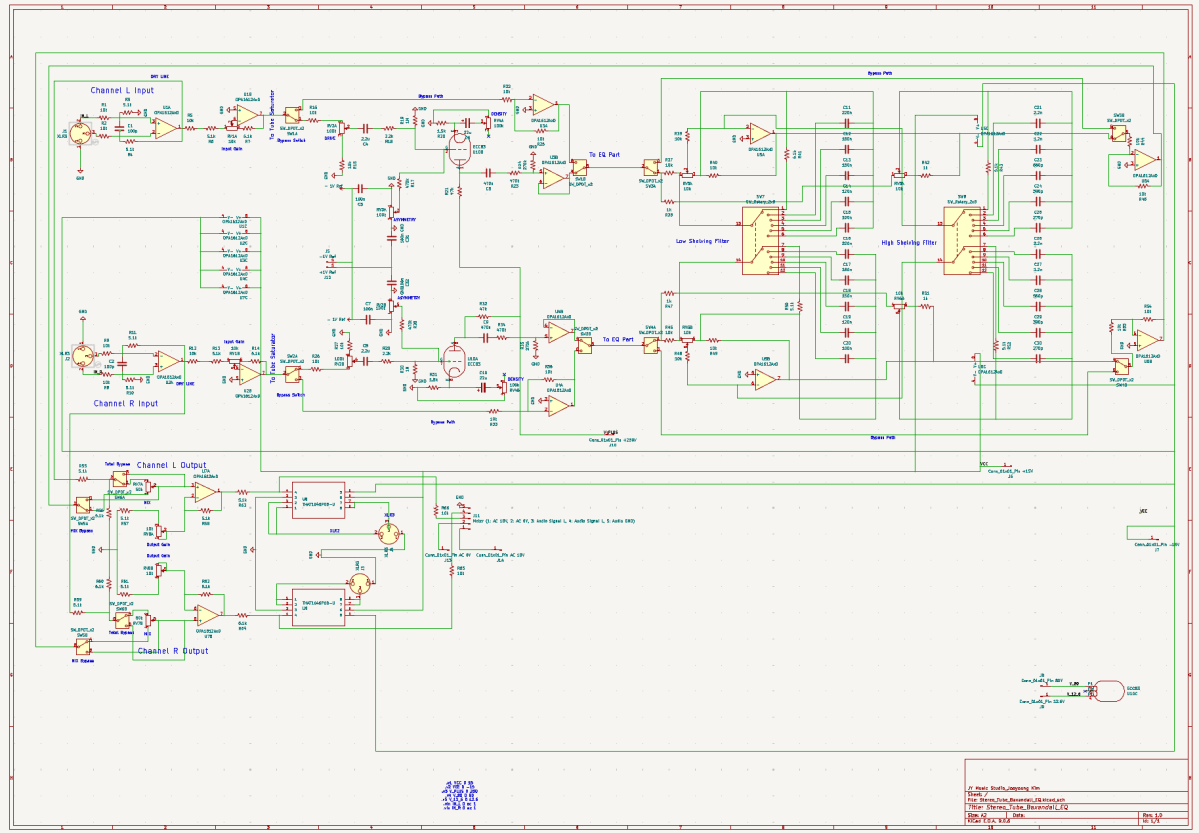
The issue—if I didn’t mention this in the previous post—is that even if everything looks perfect in the schematic, it doesn’t automatically translate cleanly onto the PCB.
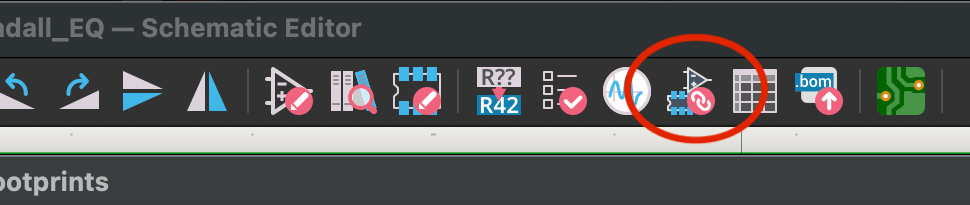
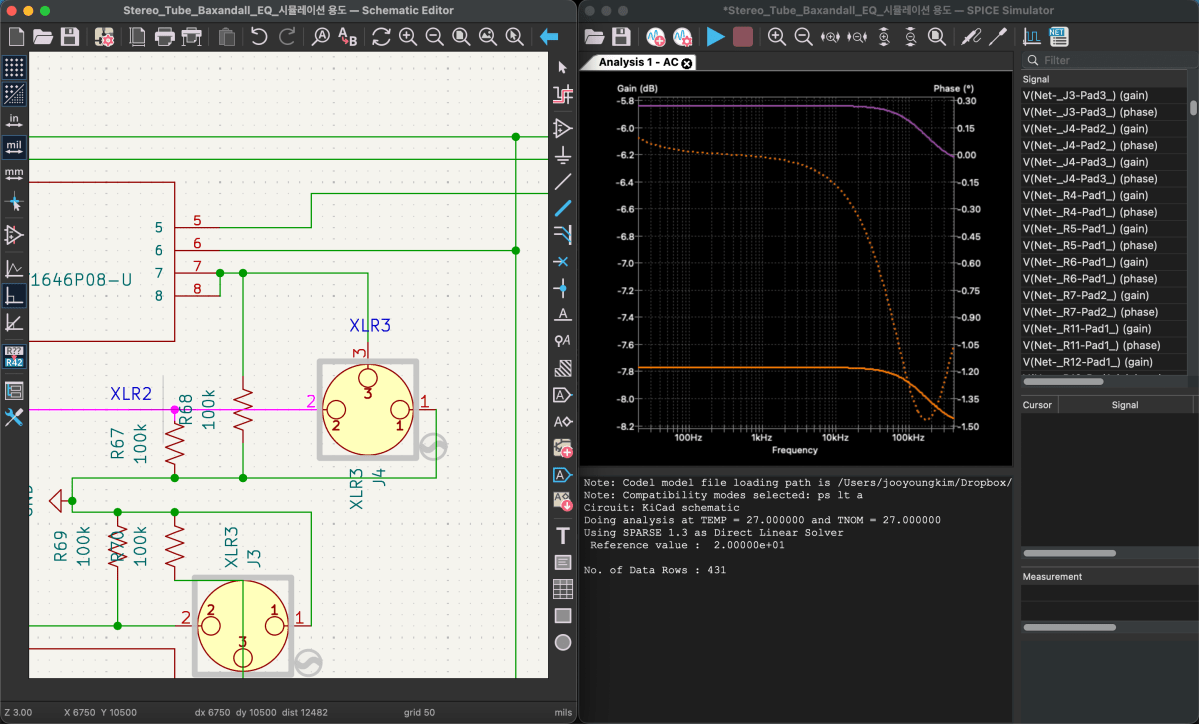
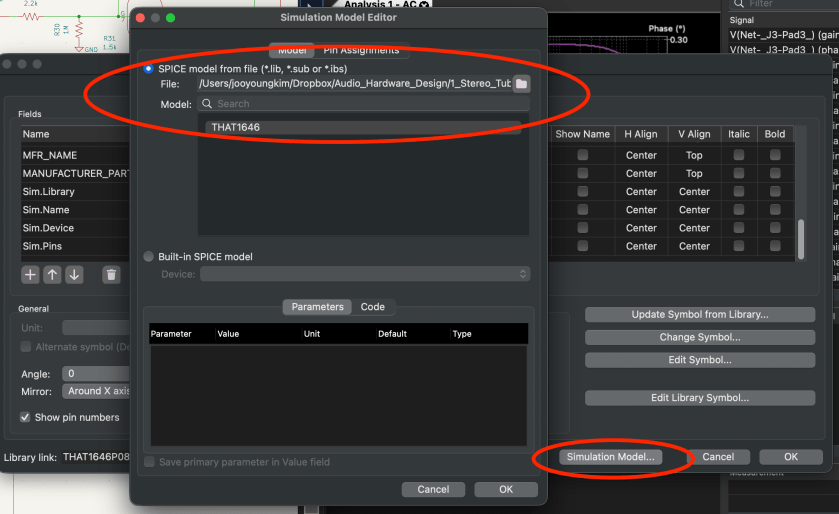
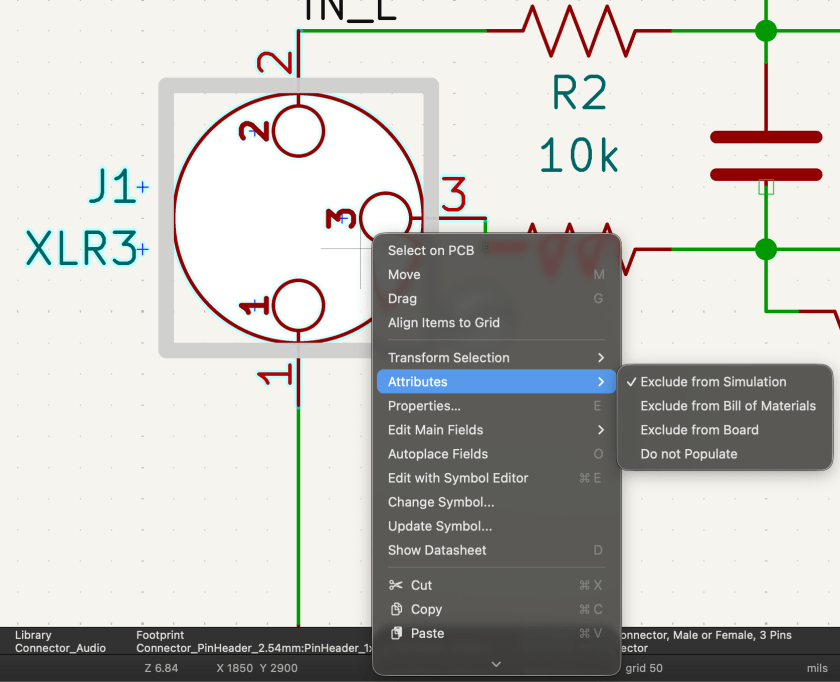
If you look at the top-right area of the schematic, you’ll see link indicators for the op-amps and IC chips. Clicking one of those opens a window where you have to manually assign the correct physical package for each component. This is called a footprint.
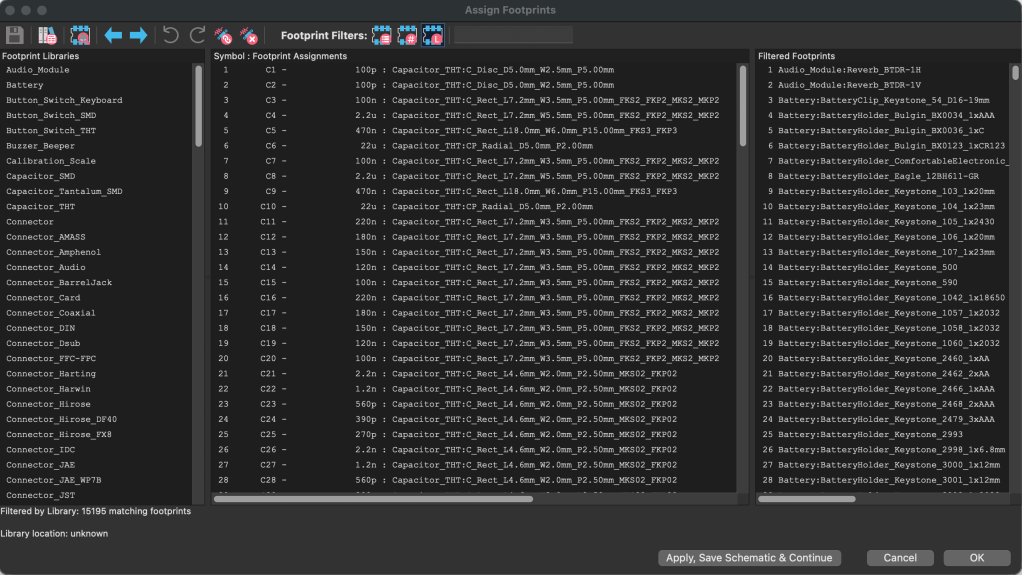
To assign the correct footprint, you need to carefully cross-check each part against its datasheet and match the exact specifications. Honestly, that process nearly drove me crazy. After soldering everything together, I discovered about three problematic spots. I managed to fix them with some creative rework, but since I also had to revise the EQ bypass section anyway, I ended up redesigning the PCB and placing a new order. The thought of desoldering everything and starting over again is… thrilling, to say the least.
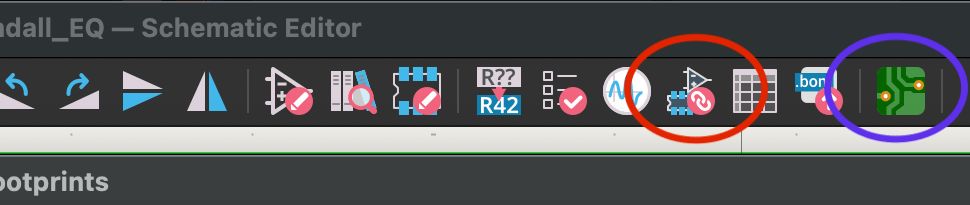
And even after that, you’re still not done. Once everything is set up, clicking the PCB editor icon opens the layout window.

From there, you import all the assigned footprints. When they first load, they appear scattered randomly across the board.
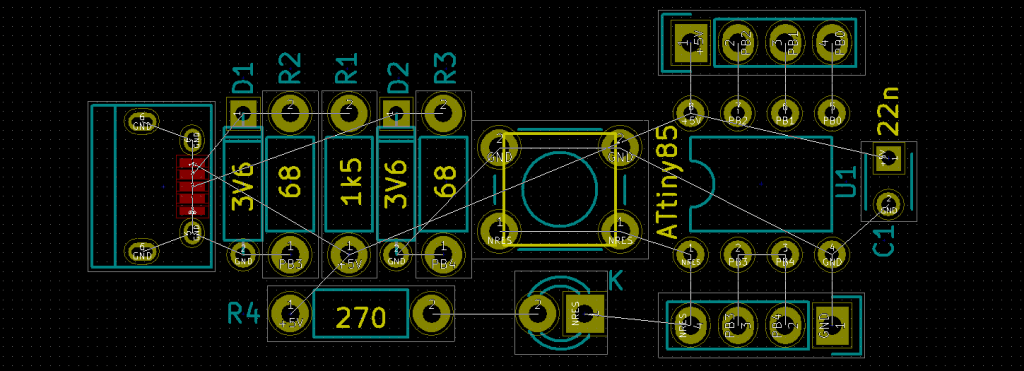
I had around 150 components on the main board alone, so seeing them all clumped together at once was a bit overwhelming.
From that point on, it’s a lot of manual routing. For the ground plane, there’s no need to manually connect traces—filling the ground layer with copper automatically connects everything. For the power supply board, however, I kept it to two layers to reduce costs, so I cleared certain copper areas and routed the power traces manually. In the main board, I also removed copper around the high-voltage tube section to help minimize potential noise issues.

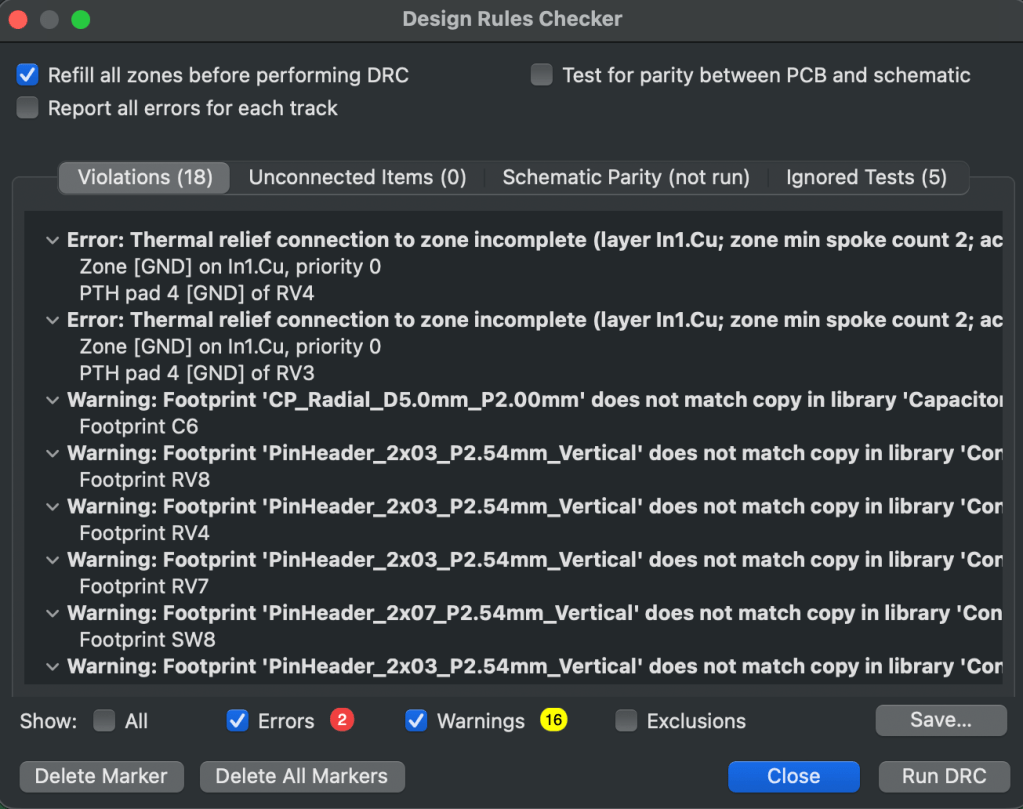
Once the layout is complete, you run a final design rule check. You’ll see a list of errors and warnings. If certain warnings are triggered by intentional design decisions, you can ignore them—but everything else should be reviewed carefully. In my case, I found a few unconnected traces that I had missed.
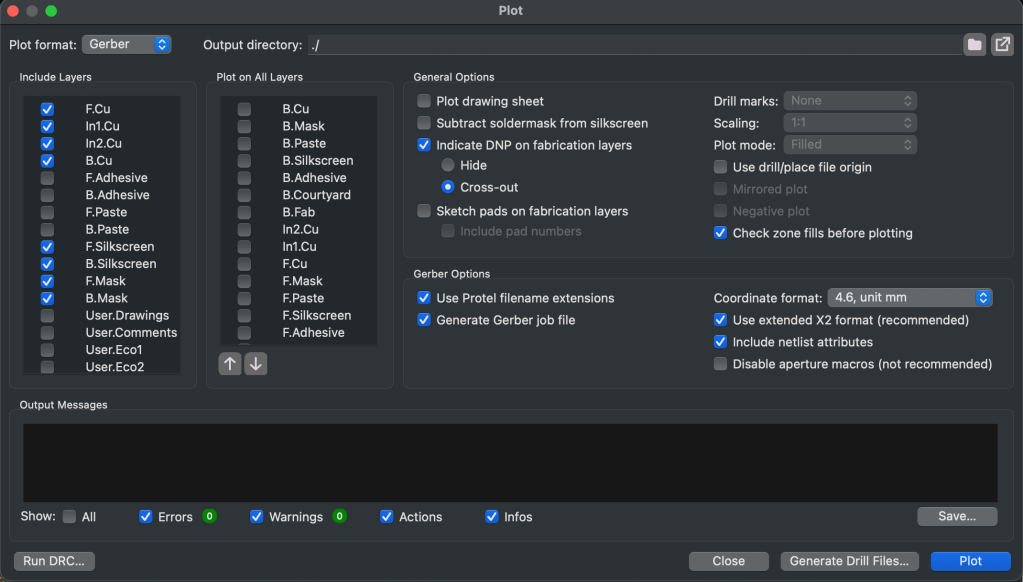
After that, you define the board outline using the Edge.Cuts layer. Then you go to File → Plot, select all the required layers, and generate the fabrication files. Since the plotted files don’t include drill data, you also need to export a separate drill file.
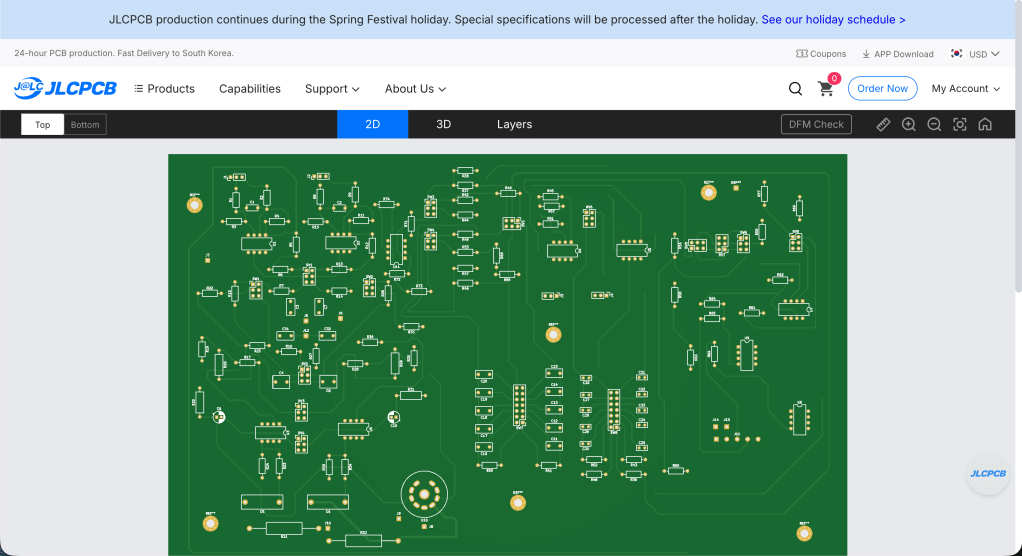
I ordered my PCBs from JLCPCB. After compressing all the generated files into a single ZIP archive and uploading it, you can preview the board before placing the order. There’s also a DFM (Design for Manufacturability) check that identifies potential production issues or design mistakes. It seems the manufacturer performs an additional review after you place the order as well.
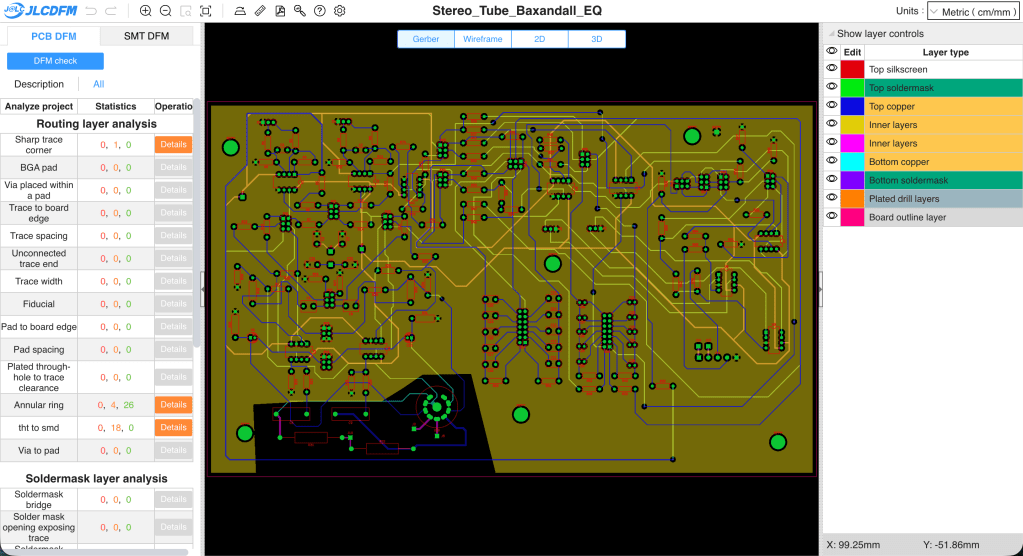
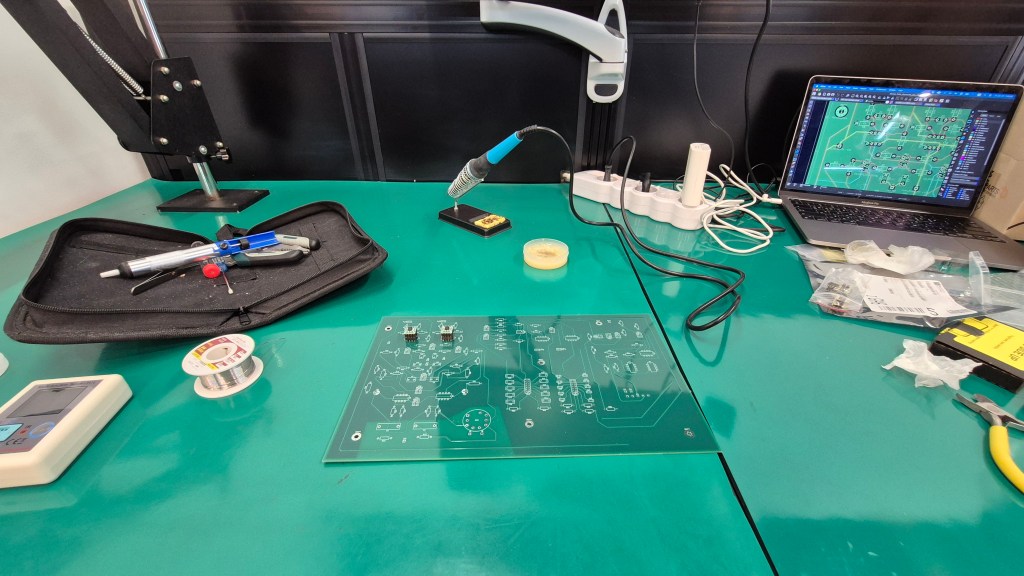
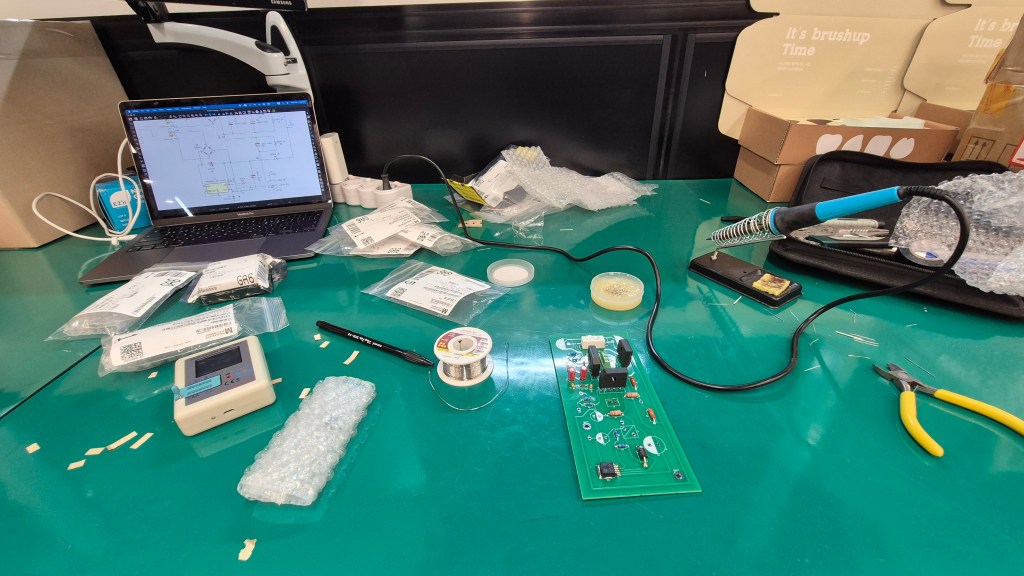
Once the boards arrive, all that’s left is soldering. For distributing multiple voltage rails, I had a custom toroidal transformer made. Since the design includes vacuum tubes, higher voltages are required—far beyond what a simple adapter can provide. Toroidal transformers also tend to be more resistant to ground-related noise.
In the next post, I’ll talk about the case fabrication and the final assembly process. I’ve already sent out the enclosure drawings, and since the PCB has been revised, the final installment may take a bit longer to publish. In the meantime, I’ll think about what topic to cover next.
See you in the next post!




 Jooyoung's Music Blog