Hi! This is Jooyoung Kim, a mixing engineer and music producer. Today, I’ll introduce a room/headphone simulator, Space Replicator made by Lewitt.
I received the NFR code for this product from Plugin Boutique for this review, and if you purchase the plugin using the links included in this article, I’ll earn a small commission that helps me keep going…!
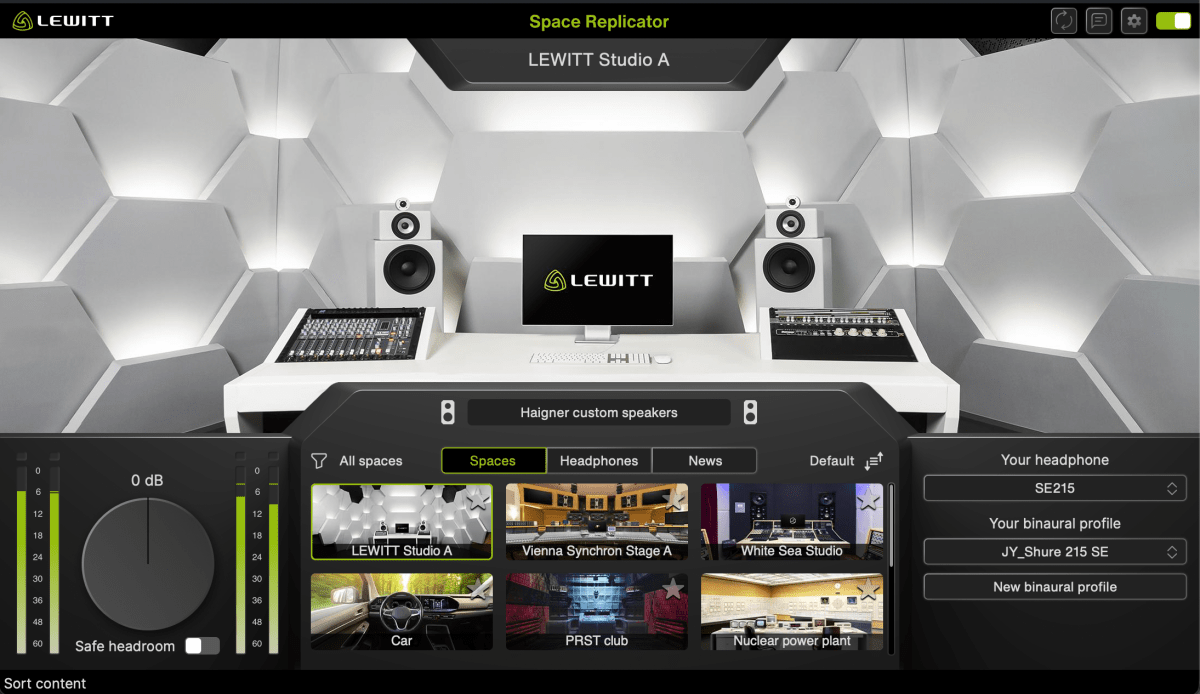
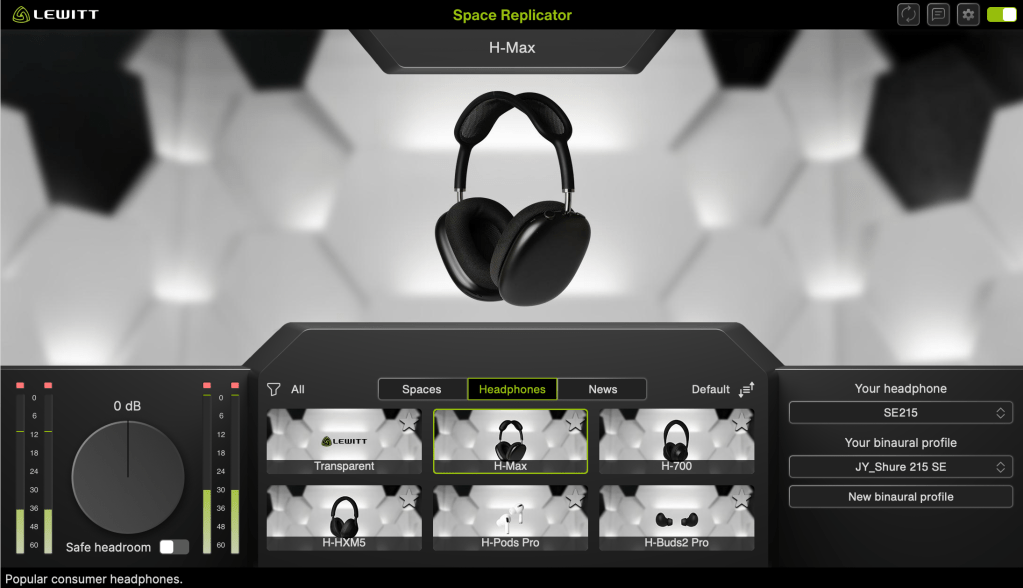
Space Replicator is a plugin that uses HRTF (Head-Related Transfer Function) modeling to allow you to experience sound with a sense of spatial depth, making it sound like real acoustic space when listening through headphones or earphones.
While there are indeed several plugins offering similar virtual monitoring functions, and some competitors boast larger headphone/earphone catalogs, Space Replicator’s distinct advantage lies in its specialized focus on HRTF and the process of creating personalized binaural profiles.
If you select a headphone or earphone model that you own and that is supported by LEWITT, you can generate a personalized binaural profile through a few simple steps. Although the results may not be perfectly precise, the effect was noticeably effective when I tested it.
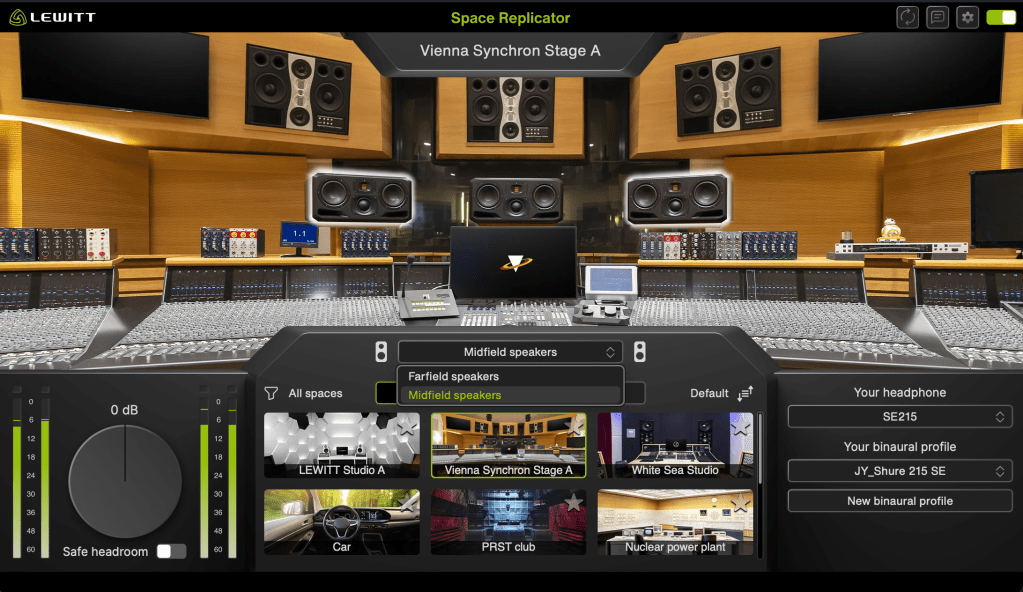
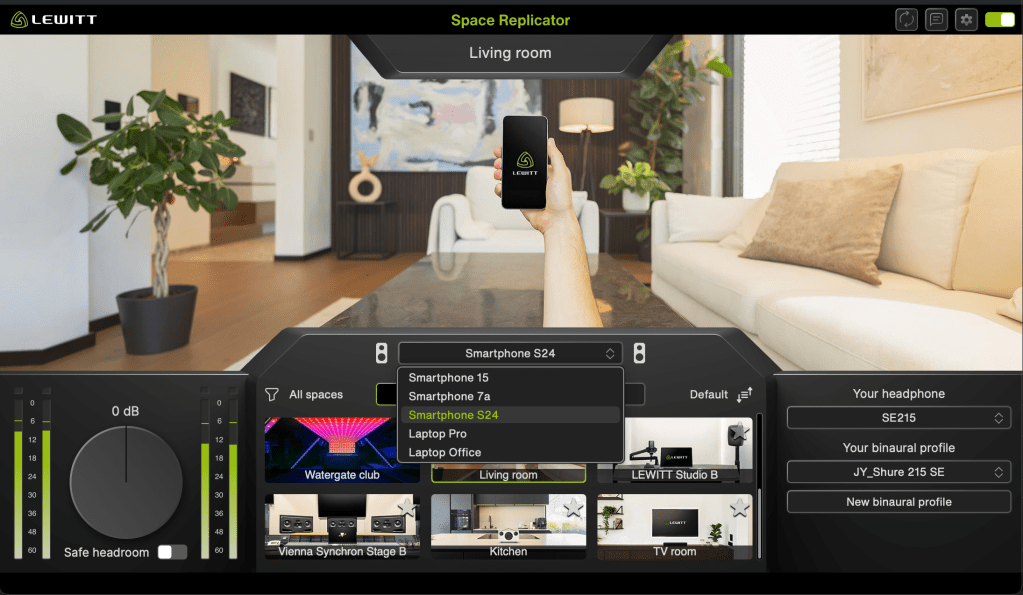
Furthermore, the plugin features 12 different virtual spaces, each offering various listening perspectives or speaker options, and it also provides 6 different headphone simulations.
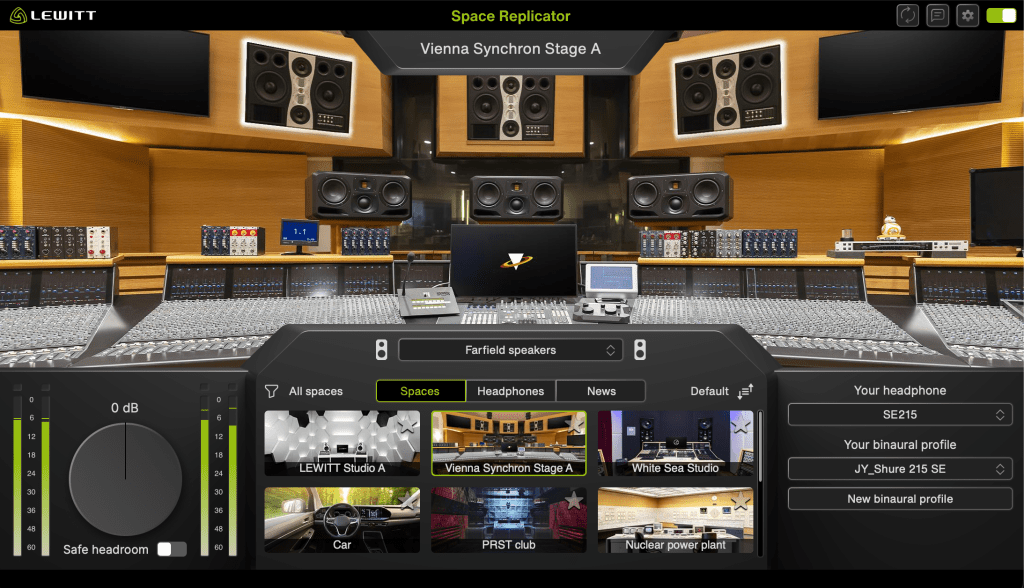
My favorite virtual space is the Vienna Synchron Stage A, which accurately provides the acoustics of far-field speakers. Since small studio producers and engineers usually can’t access such a setup—and neither can I—this particular feature offers me a tremendous amount of practical things.
It is currently 50% off until January 4, 2026. Therefore, if you work in a space with acoustic limitations, I highly recommend this plugin.
Hello! This is Jooyoung Kim, a mixing engineer and music producer.
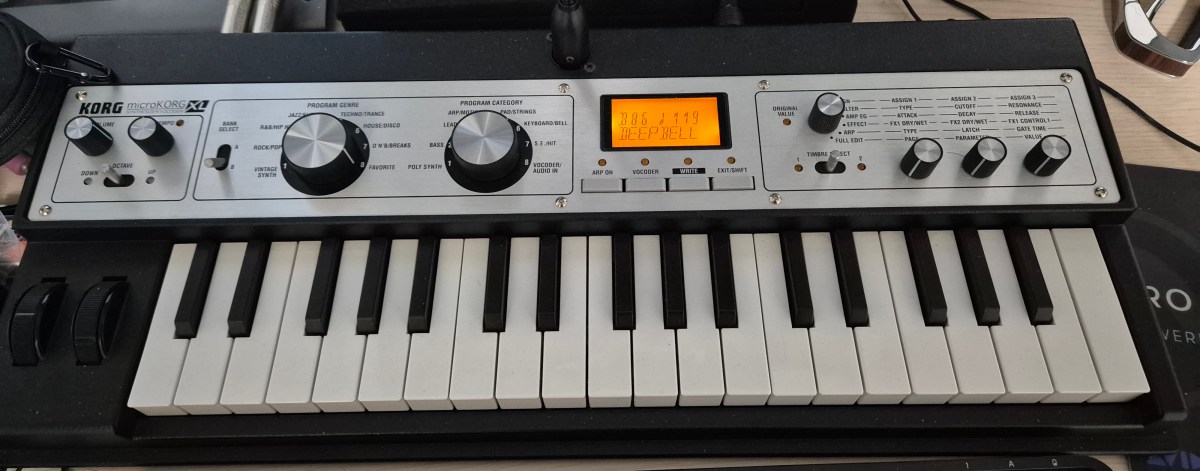
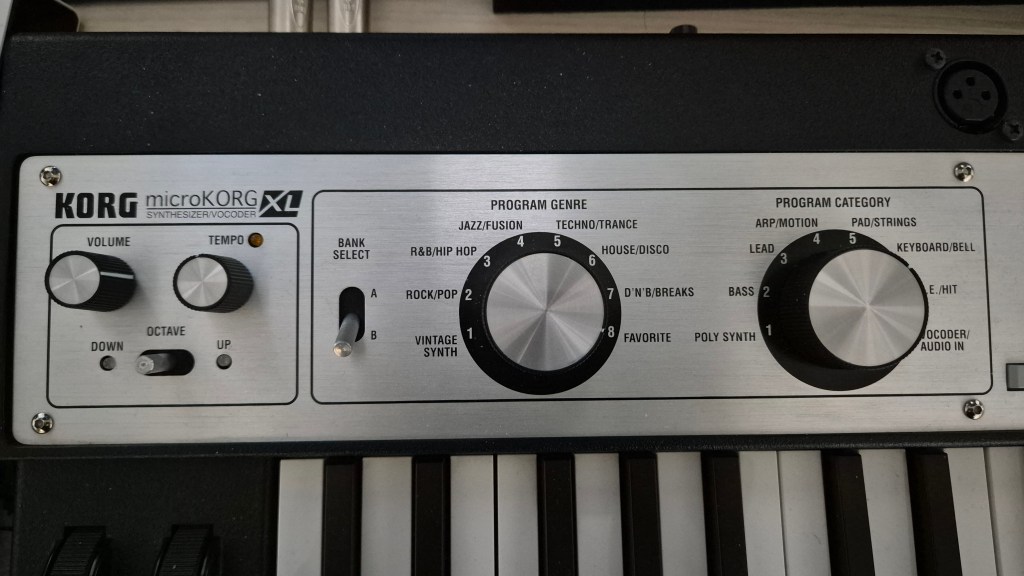
Recently, I bought a small portable synthesizer: the microKORG XL. KORG currently sells the microKORG XL+, but this discontinued version has a very reasonable price on the used market (just about $140 in Korea!), and its sounds are still perfectly usable.
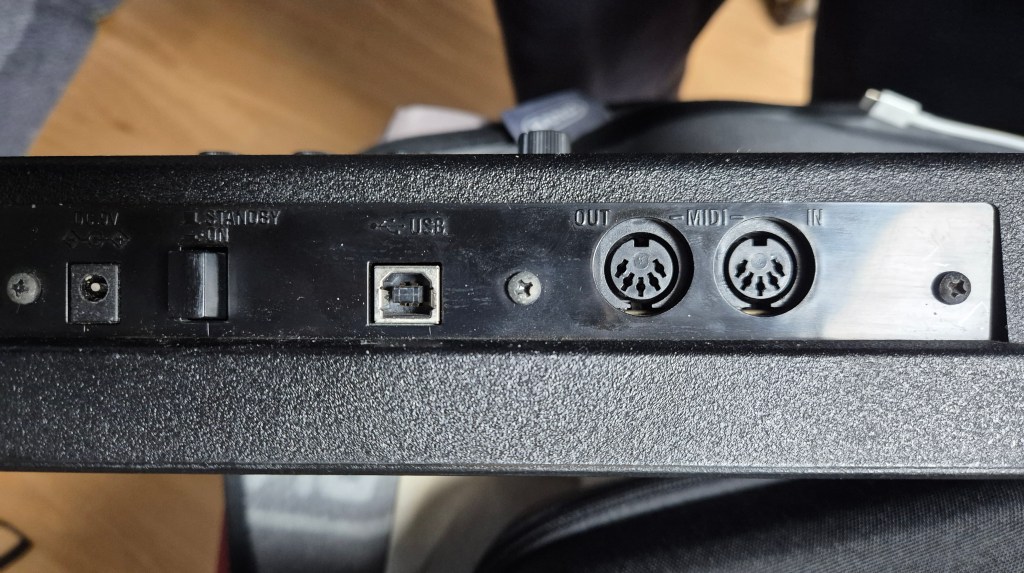
The keys are made of cheap plastic. However, I can connect an external controller via a MIDI cable or transmit MIDI data via a USB cable.
It also has an external audio input, such as a microphone or line input, which can be used for the vocoder function.
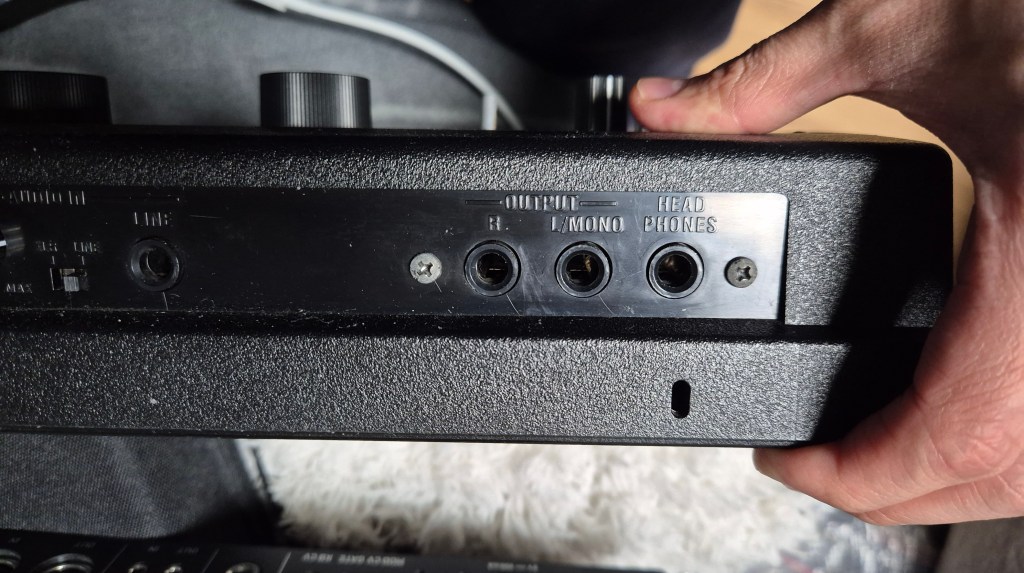
There are two kinds of outputs, unbalanced L/R and headphones, which are very convenient to use.
The synth has 8 categories/genres and 2 selectable banks. Therefore, a total of 8 X 8 X 2 = 128 preset programs are available.
But I’m really disappointed by the microKORG XL editor software provided by KORG. It’s no longer usable, and I cannot even install the program on my Mac system.
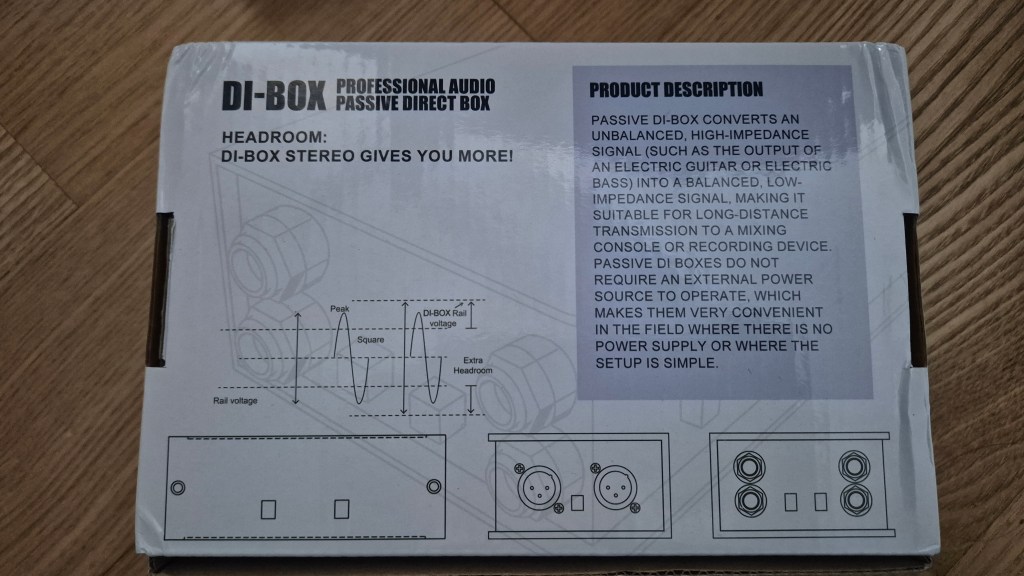
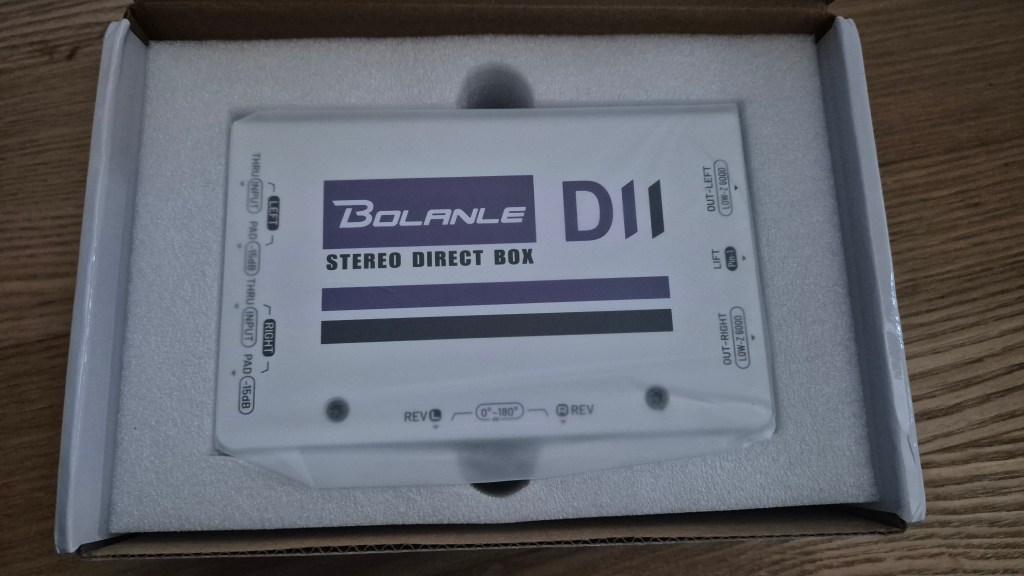
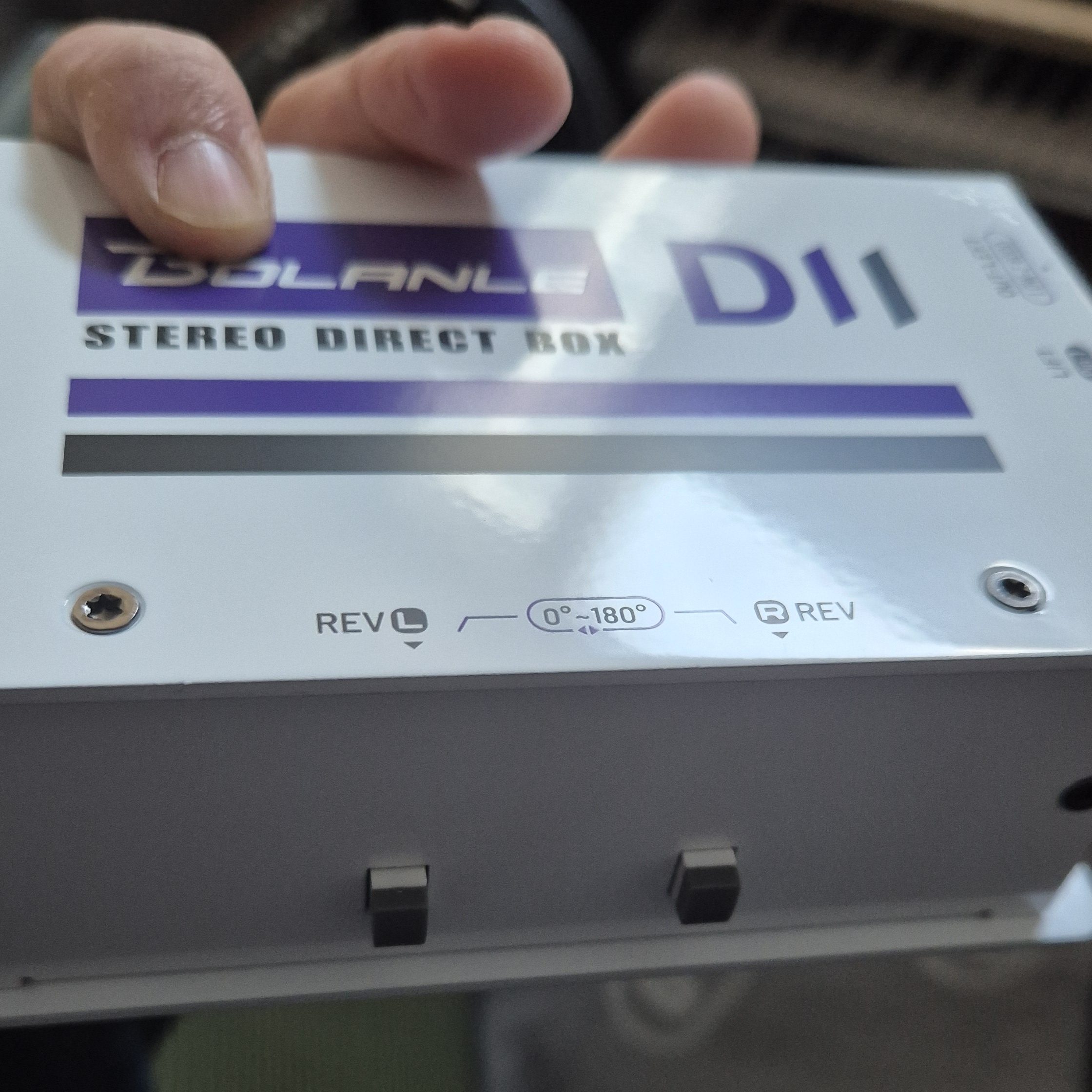
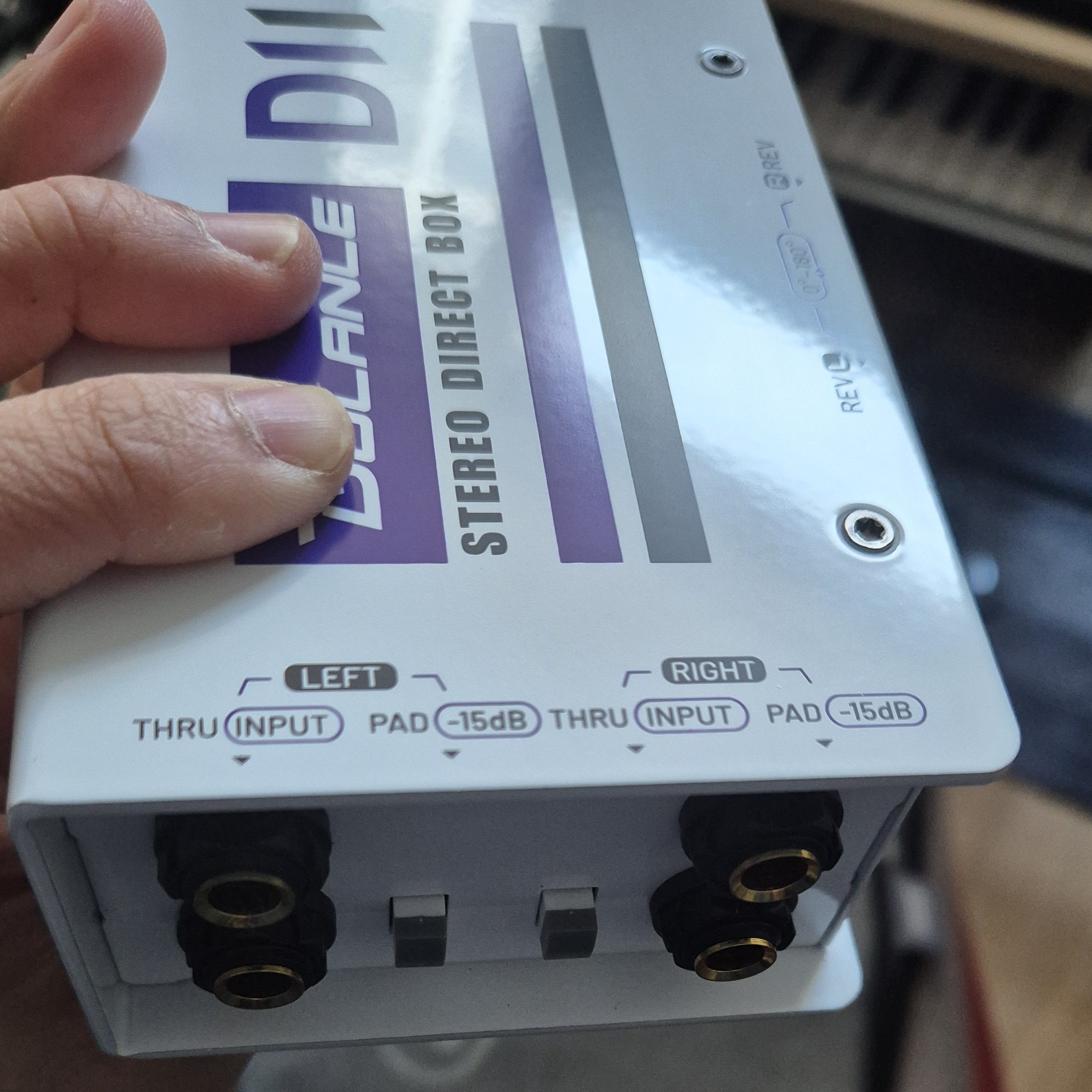
Also, I have microphone preamps but no DI box. So, I decided to purchase a stereo DI box. However, you might realize I’m not an affluent musician if you’ve been following my posts. After some web searching, I found a cheap DI box made by Bolanle (just $33!) being sold on Aliexpress.
I really didn’t have high expectations for this gear because of its price, but surprisingly, the build quality is great!
I can’t say I love all of the sound presets on the microKORG XL. However, I am particularly fond of one lead sound preset and one keyboard sound preset. The vocoder function is quite valuable as well.
Now I am eager to get a full analog multi-voice synthesizer. Music making always drains my wallet!
Hello! This is Jooyoung Kim, a mixing engineer and music producer. Today, I’ll talk about the phase distortion synthesis method and synthesizers.
This post includes a few affiliate links. If you make a purchase through them, I may receive a small commission, which helps me keep writing…^^
In my last post, “Basics of Synthesizers (4) – Modulation Synthesis and FM,” I mentioned that Yamaha’s DX7 was called an FM synthesizer, but in reality, it uses phase modulation synthesis. Also, I already explained the phase modulation in short. Therefore, I will not discuss phase modulation further.
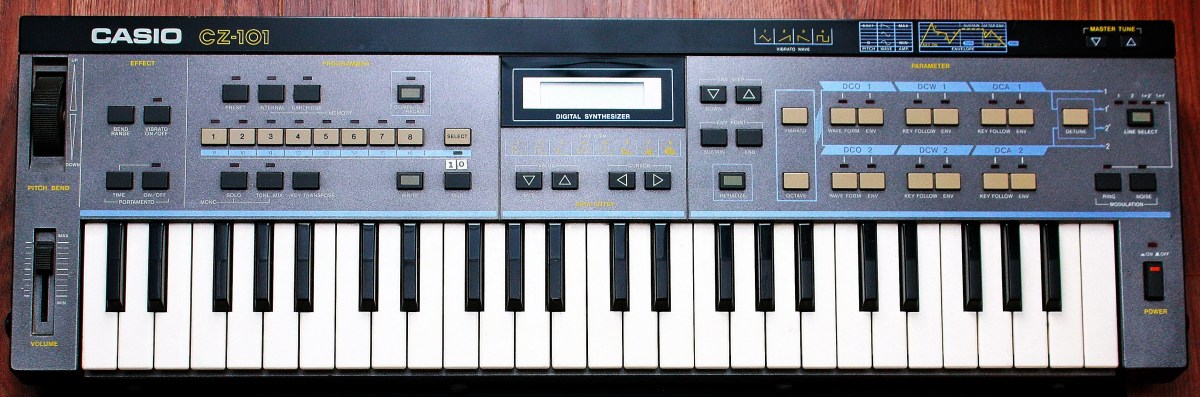
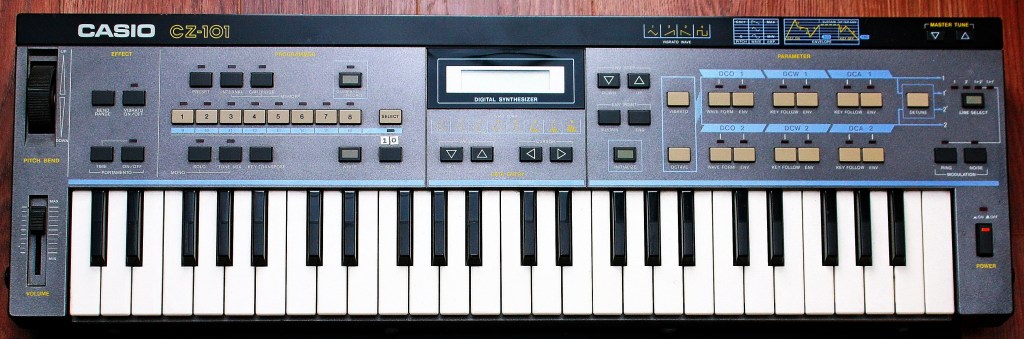
However, there is one more signal synthesis method, Phase Distortion (PD), invented by Casio, which uses the phase of the signal. Its principle is similar to that of Phase Modulation, which was invented by John Chowning.
The picture illustrates how the PD method works. First, you can see that the basic frequency counter resets to zero after a certain period – (a).
There is also another frequency counter with a slightly higher frequency than (a), which resets to zero when the (a) signal resets to zero – (b).
(b) signal is used the phase value of the sine signal – (c).
The inverted base signal (a), which is used as a windowing function that goes to zero at the end of the period -(d).
The final output signal obtained by multiplying (c) by (d). This multiplication levels out the sudden jump in (c), resulting in a smooth, filtered PD waveform – (e).
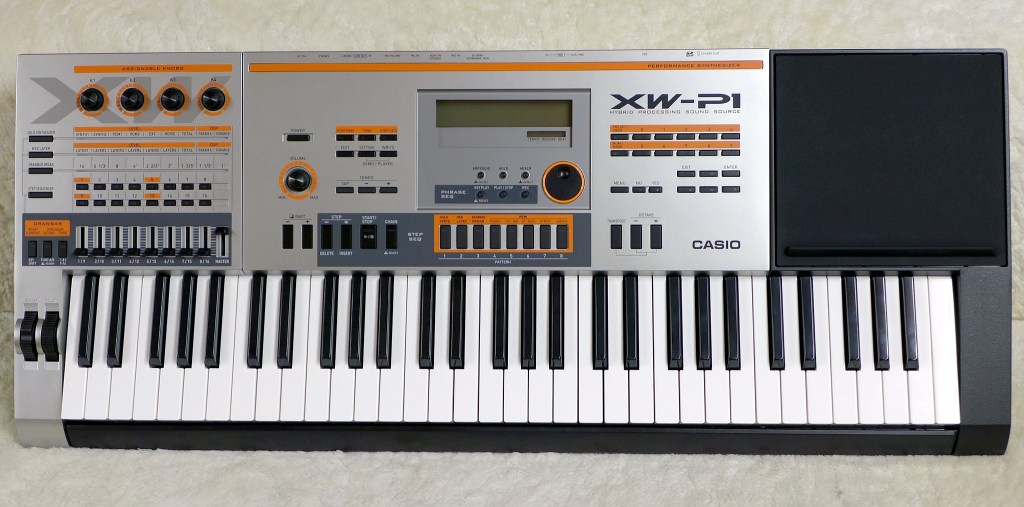
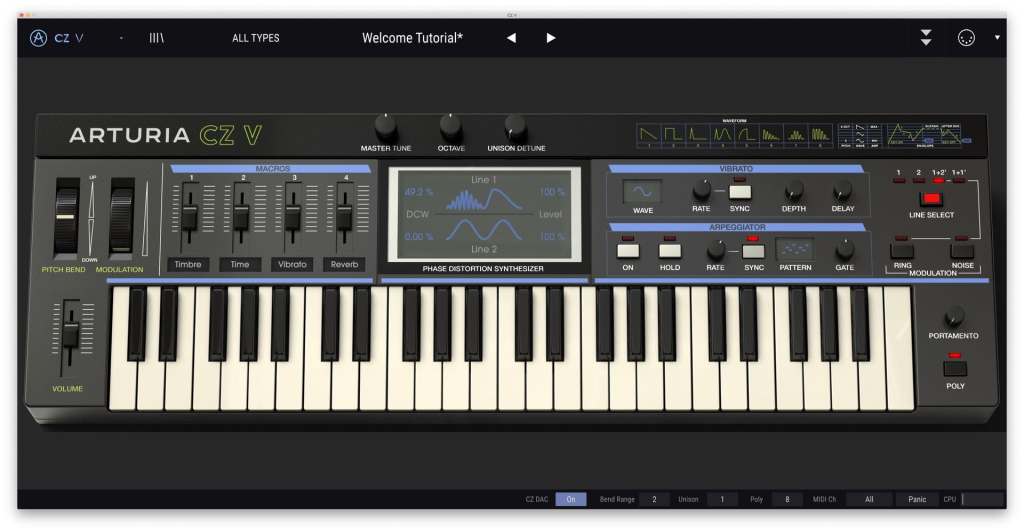
Phase Distortion (PD) method hardware synthesizers are not sold by other companies besides Casio. Therefore, if acquiring the real hardware is too expensive or inconvenient, using software emulations like Arturia’s CZ-V is a handy alternative.
Hi! This is Jooyoung Kim, a mixing engineer and music producer. Black Friday is right around the corner, so, as I did last year, I’ll summarize all the plugin sales that I want to recommend for composing, mixing, and mastering music.
This post is not sponsored by any of the plugin companies listed. However, I have an affiliate partnership with Plugin Boutique, so, I’ll provide their purchase links alongside my explanations for any plugins they offer. Furthermore, purchasing through the provided link earns me a small commission that helps support this content..^^ (It’s really hard to make a living these days…haha..)
Then… Let’s start!
1) WAVES
I always recommend plugins made by waves to people around me. While their update plan policy is incredibly frustrating, it certainly doesn’t detract from the quality of their plugins. Additionally, they usually offer significant discounts during the Black Friday season.
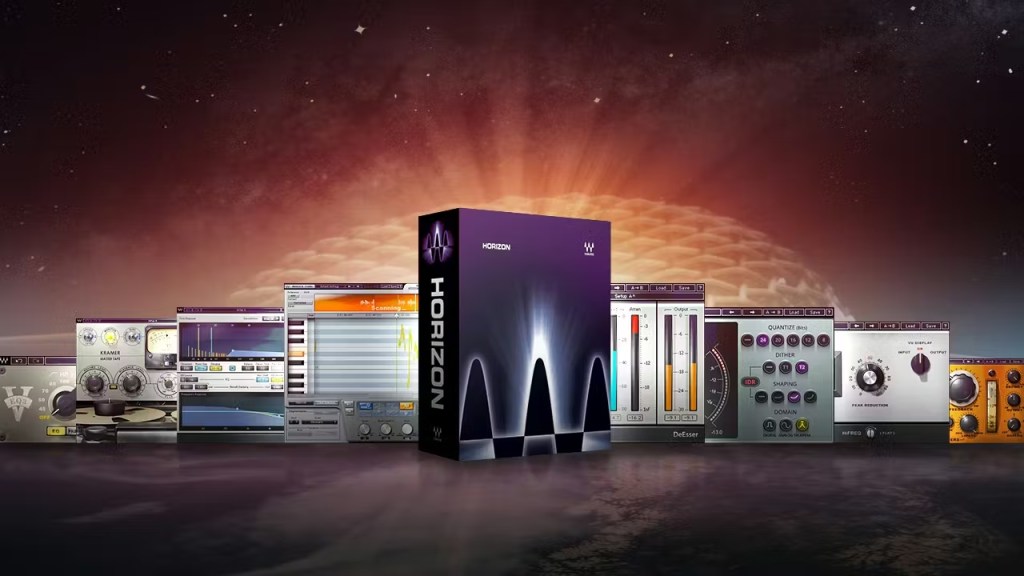
I highly recommend the Horizon Bundle. This bundle features 93 plugins, all of which are highly versatile. The price is only $219(Tax Included), leaving no reason not to recommend it.
Specifically, the CLA series, the Renaissance Compressor, and the H-Delay are my favorites.
2) UAD (Universal Audio Digital)
Universal Audio has lots of useful plugins too. The LA-2A series, the 1176 series and the chamber reverbs are definitely my go-to plugins from UAD.
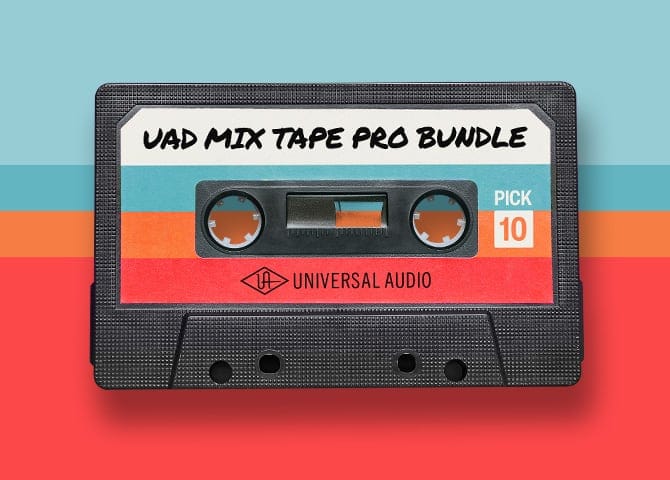
I own quite a few UAD plugins, and they were really expensive before Universal Audio launched the native versions. Additionally, the 10-plugin bundle was also very pricey, if I recall correctly. However, for this Black Friday sale, you can get 10 plugins for only $108.90 (Tax Included). I must admit, I find that a little unfair….^^. It’s a really great deal, so I highly recommend grabbing this opportunity.
If you haven’t had any experience with UAD plugins, I will select my top 10 recommended plugins for you.
Teletronix LA-2A Leveler Collection
1176 Classic Limiter Collection
API 2500 Bus Compressor
Teletronix LA-3A Classic Audio Leveler
EMT 250 Classic Electronic Reverb
Fairchild Tube Limiter Collection
Pultec Passive EQ Collection
UAD Sound City Studios
Hitsville Reverb Chambers
Lexicon 224 Digital Reverb
3) IK Multimedia
Unfortunately, IK Multimedia already concluded its “Group Buy” event last month, so it is unlikely there will be any additional sales during Black Friday. However, I have written about IK Multimedia’s virtual instruments and mixing plugins previously, so, if you have an interest in this company, please read this article.
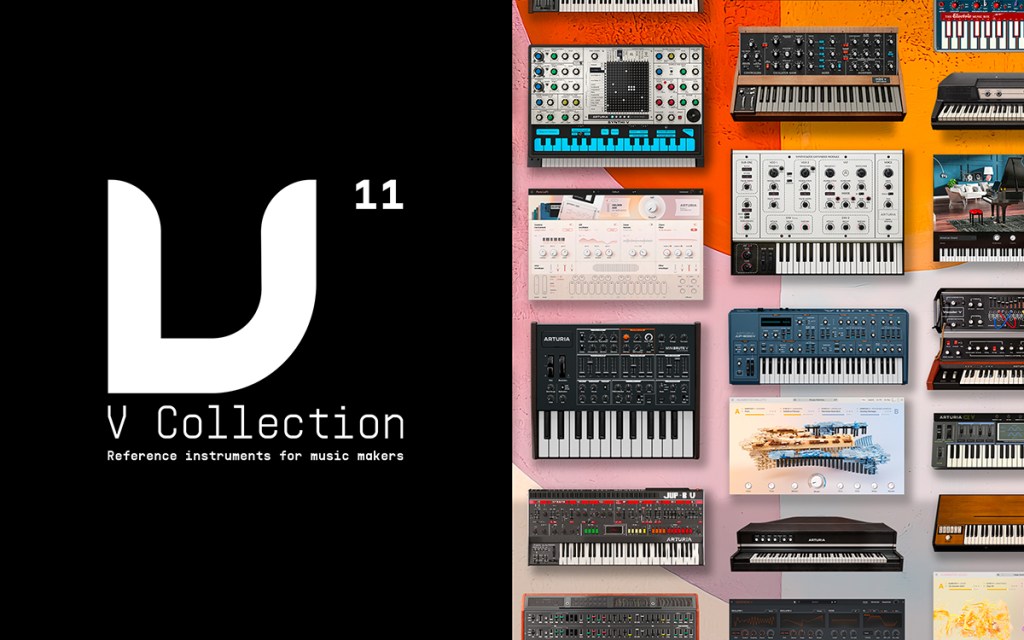
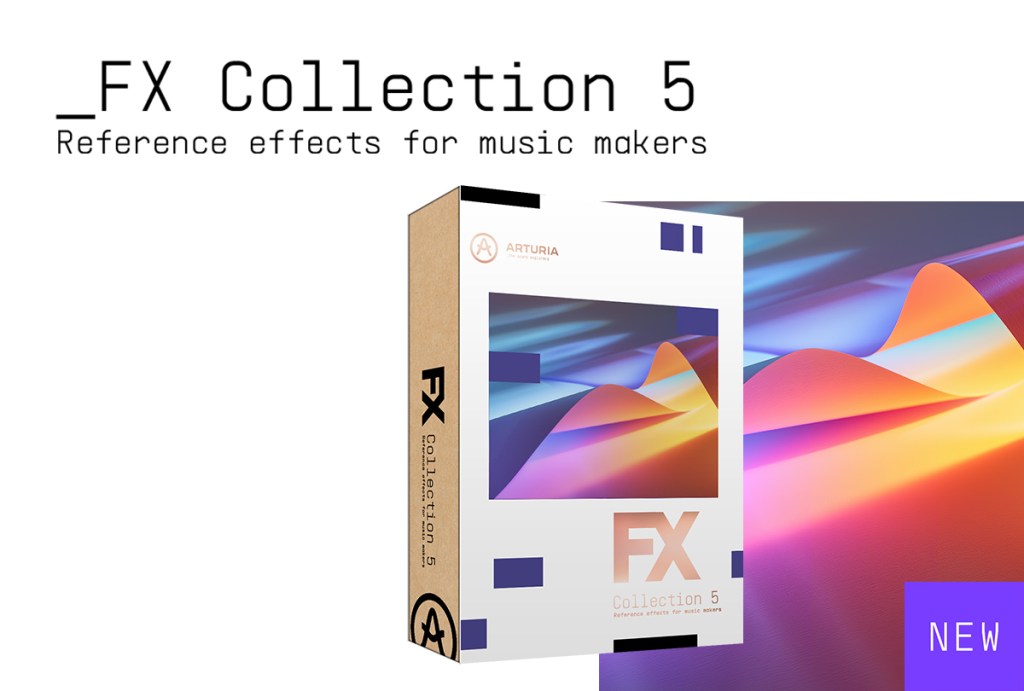
Arturia offers a wide range of virtual instruments and mixing plugins. They boast significantly high quality, tthe only drawback is their high CPU usage. However, as CPU processing speeds have grown rapidly, I believe this is no longer a critical issue.
Brainworx was founded by Dirk Ulrich, the same individual who established Plugin Alliance. They offer superb mixing plugins with remarkably good quality. They are also remarkably affordable, so you should definitely consider purchasing their plugins if you have a limited budget.
Specifically, I recommend the digital EQ, the bx_digital V3, from Brainworx. At just $11 (including tax), it is incredibly useful for identifying the frequencies where resonances occur.
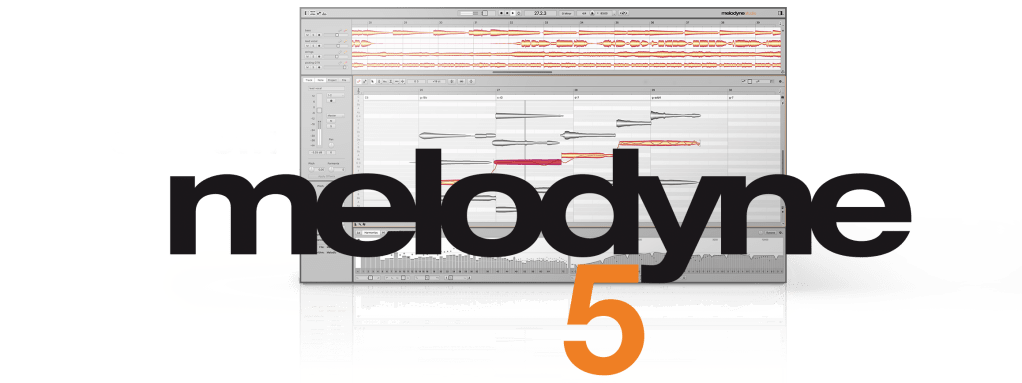
I currently use three main pitch correction plugins: Auto-Tune, Melodyne, and Revoice Pro. However, I find Melodyne to be the most intuitive plugin. I use it on almost every project.
The Studio version is now $301.40 (Tax Included).
7) Native Instruments
Native Instruments sells a lot of virtual instruments. Their Komplete bundle is their most famous, and it features a 50% upgrade discount during Black Friday.
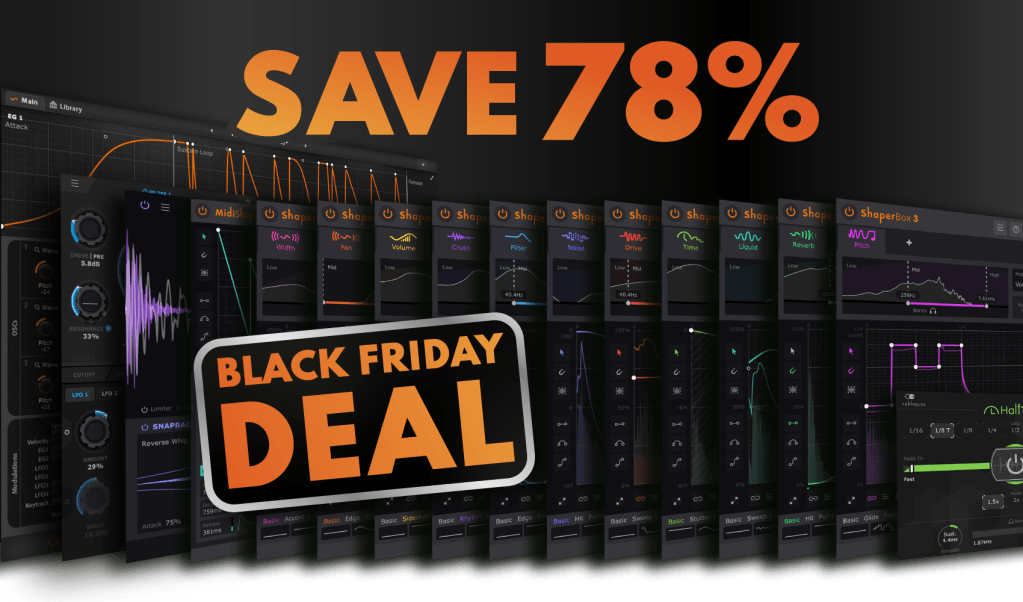
I think you need Cableguys’ plugins if you want to create a modern-sounding track. Recently, many producers and composers are making the source audio groovy, and these grooves are created through artificial manipulation.
Cableguys’ plugins are made for these purposes.
I recommend Shaper Box 3 (at $97.90 including tax). Also if your budget is larger, the Cableguys bundle (at $163.90 including tax) is a great choice.
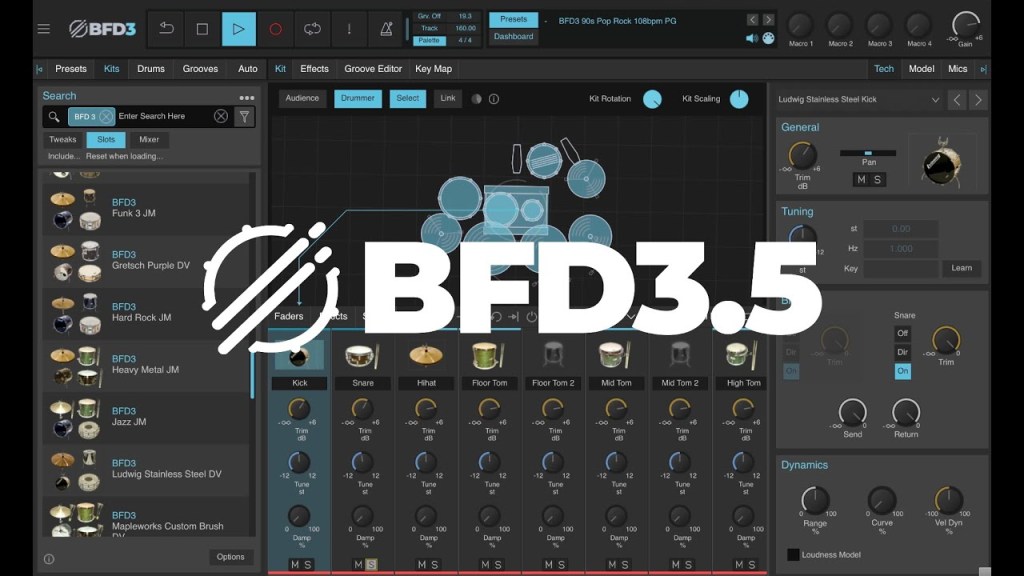
I love the BFD drum plugin. My main drum VST is BFD, and their sounds are exceptional. While it has a steep learning curve, once you understand its complexities, it will provide truly realistic drum sounds.
The drum sounds on this song were created using BFD drums.
iZotope offers famous plugins like the RX and Ozone series. They also have excellent reverb plugins. Currently, they are offering a 40% discount on their bundle upgrades.
Since a certain point, Plugin Alliance began including tax when they sell their products to international customers on their website. Therefore, there is no compelling reason to buy their plugins directly from their website. You can earn points and free plugins when you purchase plugins through Plugin Boutique. Thus, I highly recommend purchasing them there instead.
My favorites include the Maag EQ4, the SPL series, and the Bettermaker C502V plugins.
I believe that covers all the main recommendations. There are still a few plugins I would like to recommend, but they are either not currently on sale or have fully transitioned to subscription models (like Musio 1).
Honestly, these days, I feel that plugins are not the most crucial factor in music production. The ideas and concepts are the most important aspects. Sound design and engineering are just the finishing touches to the music.
So, if you want to make meaningful music, I would advise against spending a lot of money on plugins you might use in the future. Just buy what you need now.


















 Jooyoung's Music Blog


.jpg)